Short guides with a screenshot for every click.
From a link to pins on Pinterest in about 10 minutes.

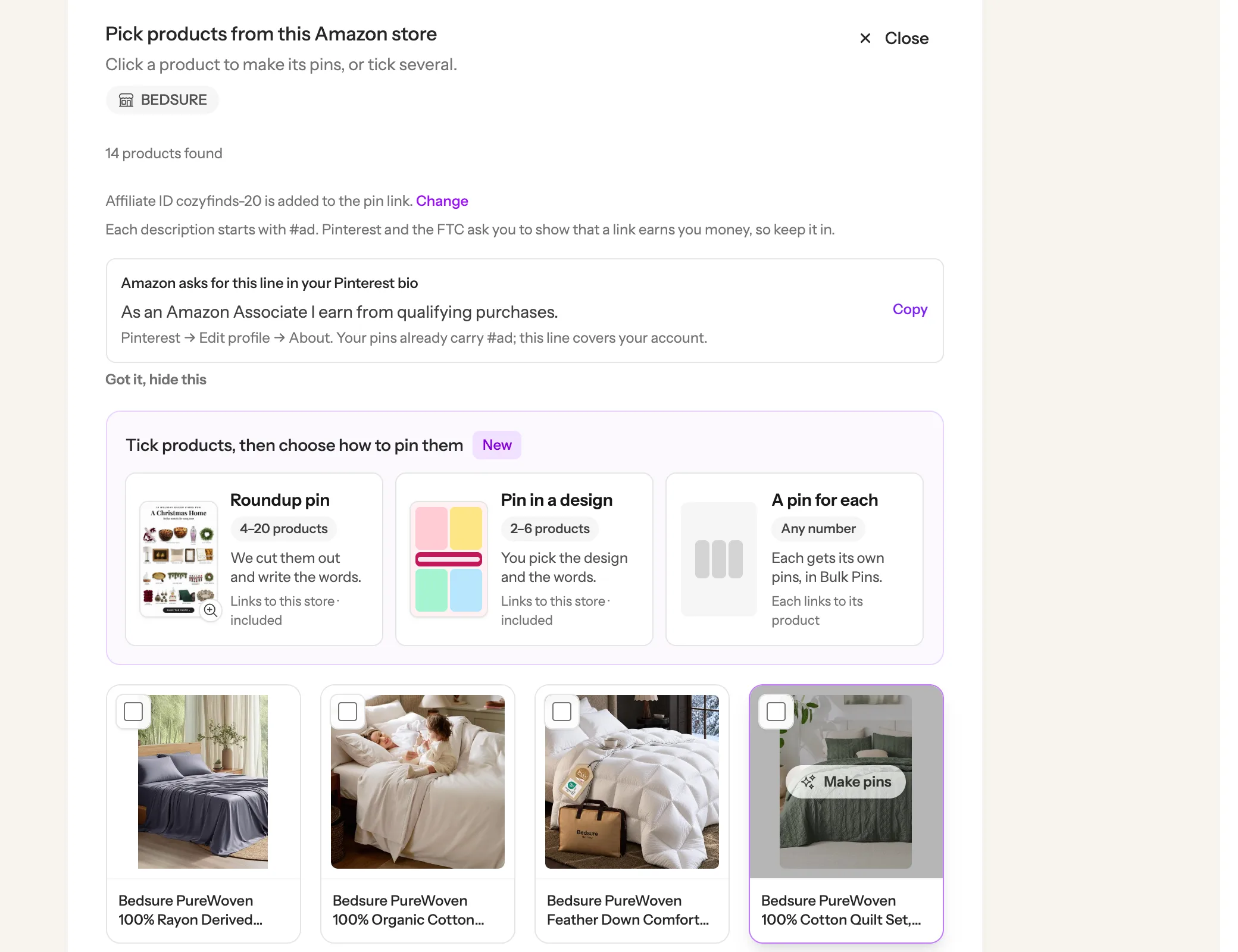
The rules, then pins from your posts, products and stores.
for “”
Many posts or products in one go, or pins for every new post.

No guide for “” yet.
Try another word, or ask us with the chat button at the bottom right.
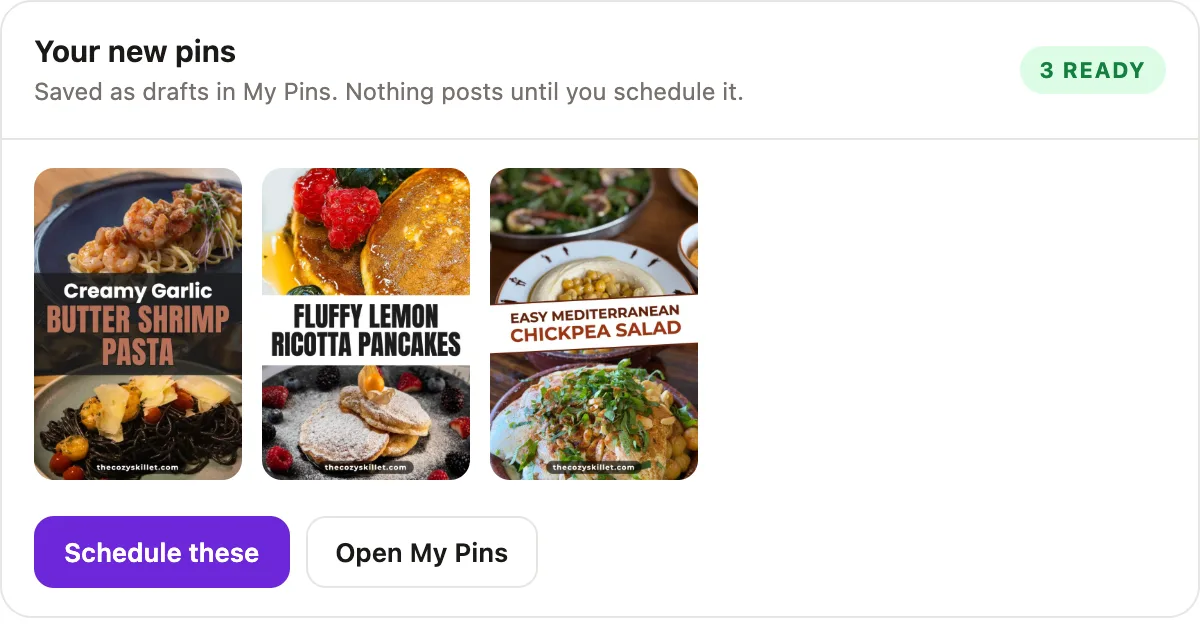
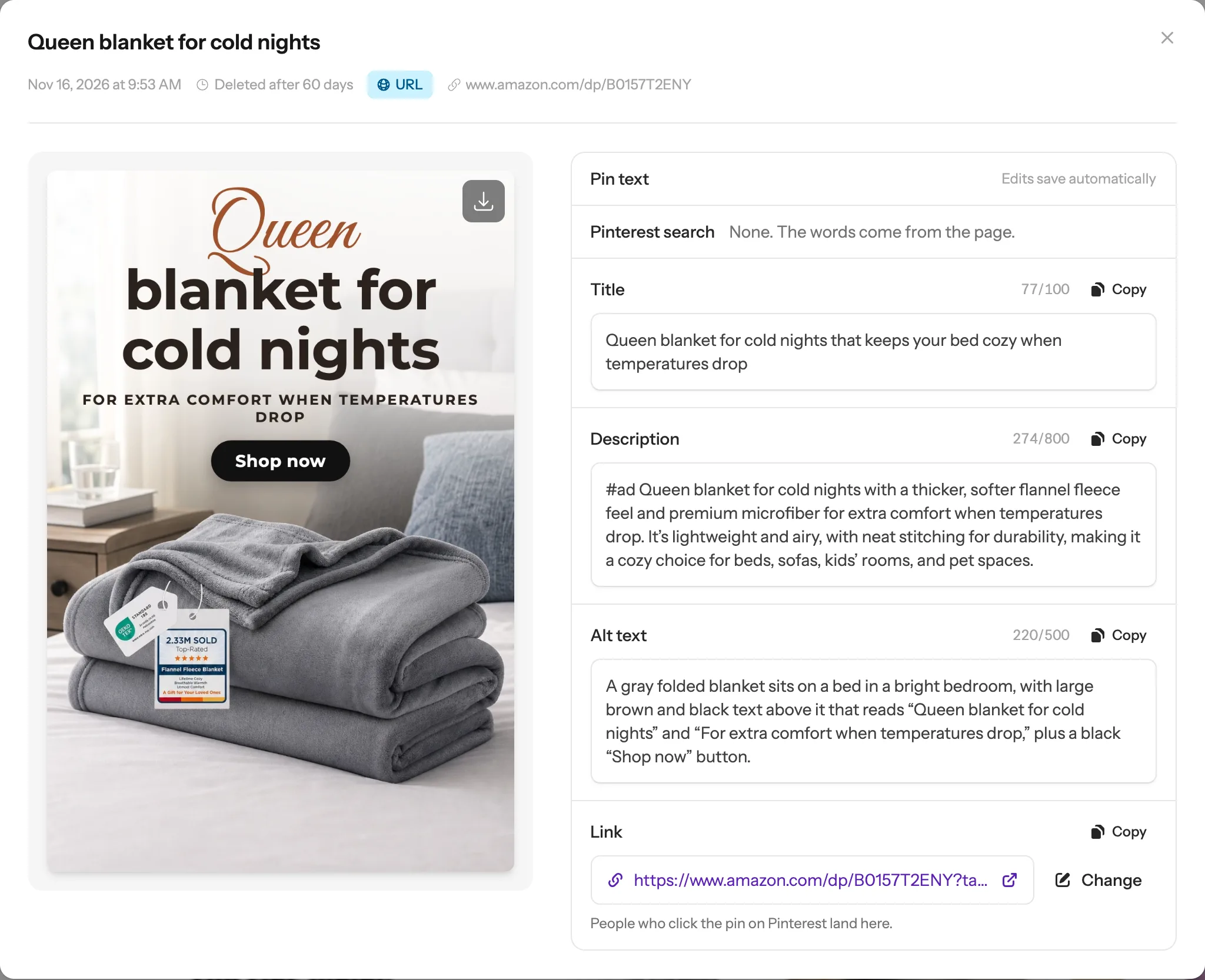
Made to Spark is a Pinterest pin maker and scheduler. You paste a link to a blog post, recipe or product page, and it makes finished Pinterest pins with the title, description and alt text written for you. Then you schedule them to Pinterest or download them.
Blog posts, recipe pages and product pages, including Amazon, Etsy, Shopify, Gumroad and Payhip. Short links such as amzn.to work too. On the Pro and Growth plans you can also turn many posts or products into pins in one go.
About a minute. After you click Make, the pins are drawn while you watch, and you can leave the page while they finish. Going from a pasted link to finished pins takes about 3 minutes the first time.
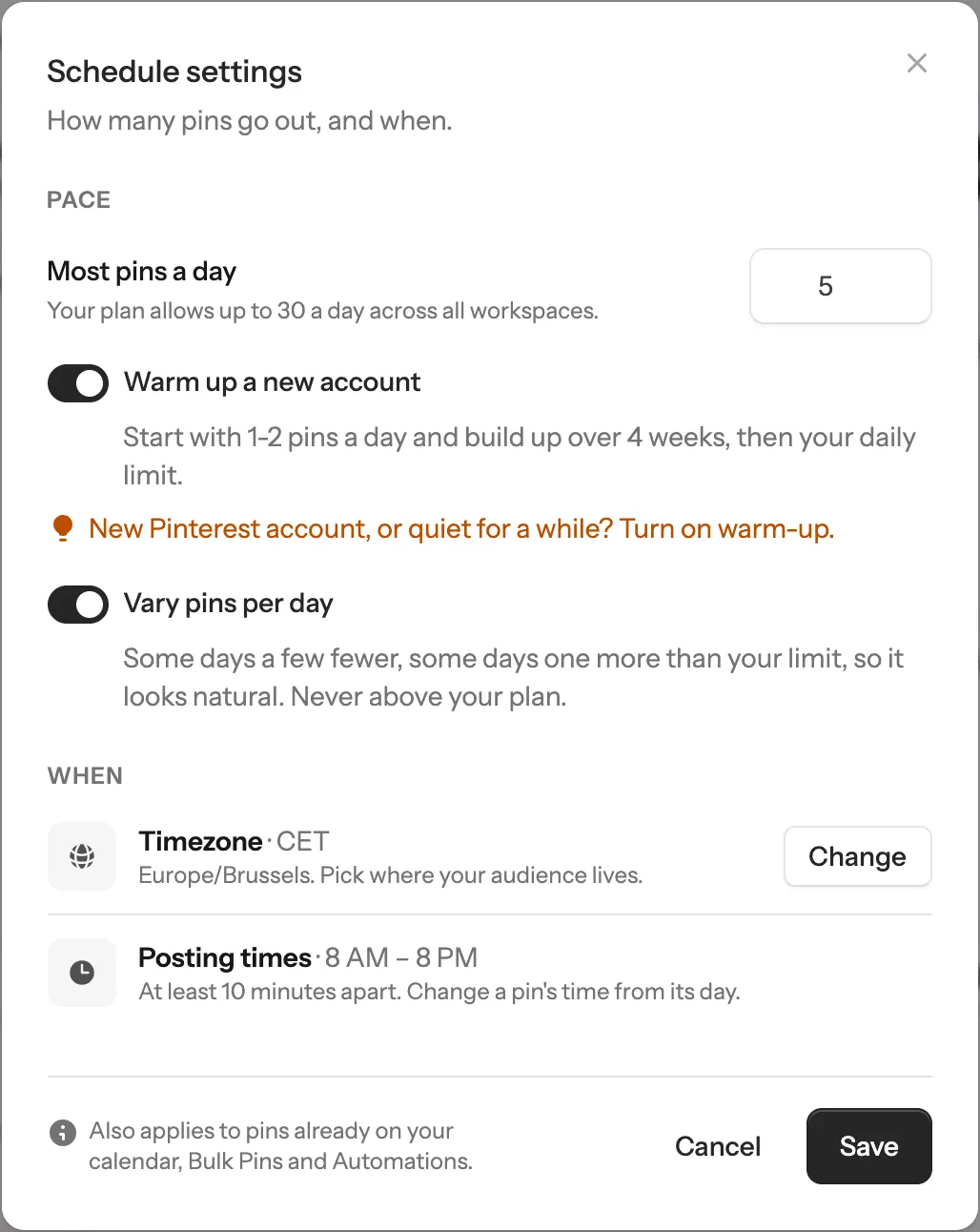
Yes. Connect your Pinterest account once (Made to Spark uses the official Pinterest API), pick a board and schedule the pins. They go out spread over the next days. During the 7-day trial you can line pins up further ahead: the ones dated after your trial wait, marked Waiting for a plan, and go out once you pick one. You can also download the pictures and upload them yourself.
An AI pin uses 1 credit, with its title, description and alt text included. Template pins, made from the photos already on your page, are included in every plan, up to your plan’s monthly amount. Some are included in the 7-day trial too, and you get more once you connect Pinterest. Scheduling never uses credits, and fixing a word with Edit headline does not either.
Reply to any email from us, or use the chat button at the bottom right of any page.
Can't find what you need? Just reply to any email from us, or use the chat button at the bottom right.