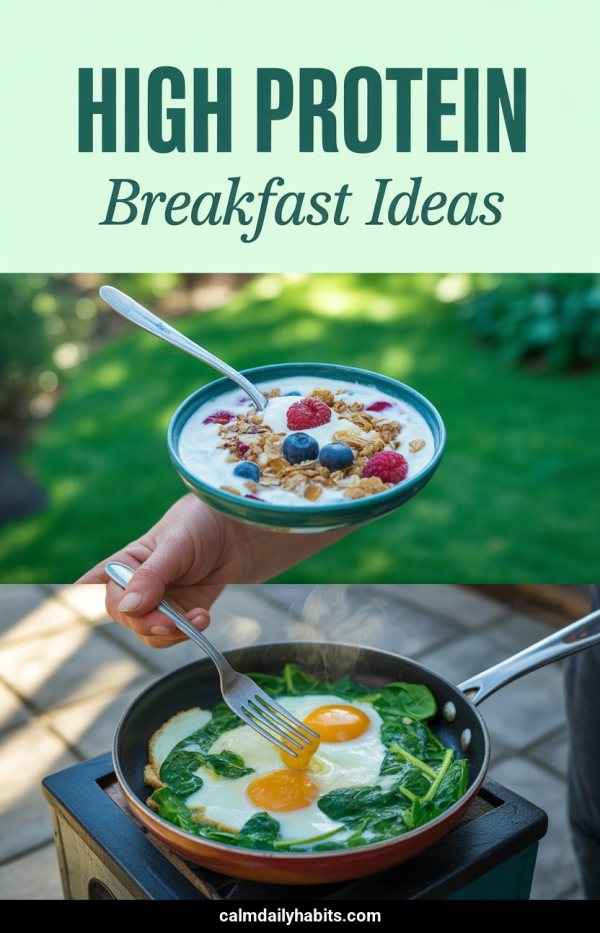
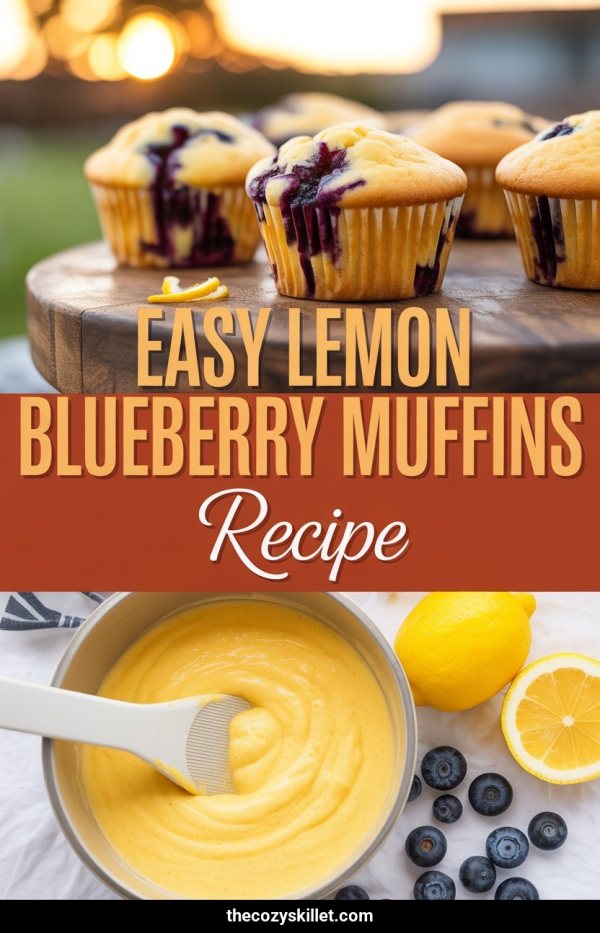
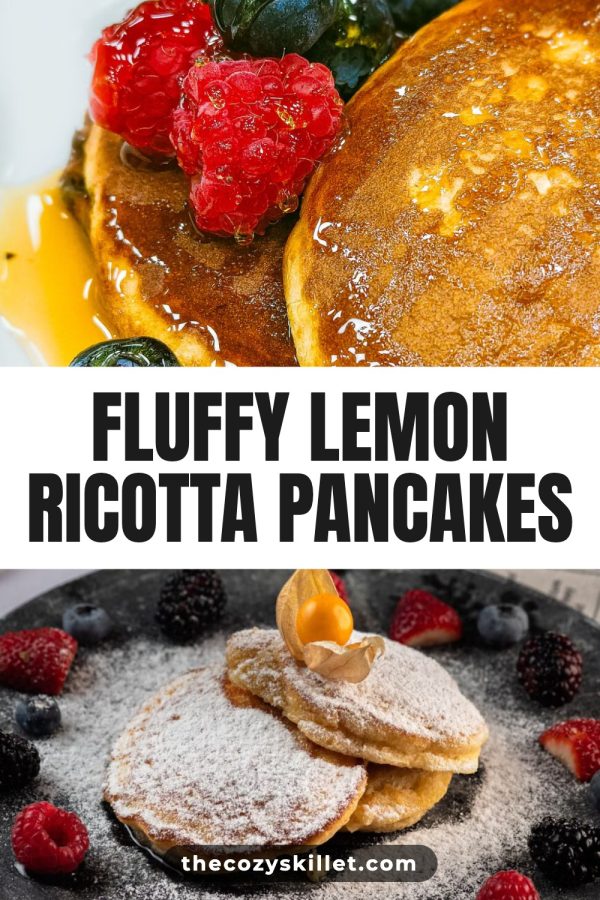
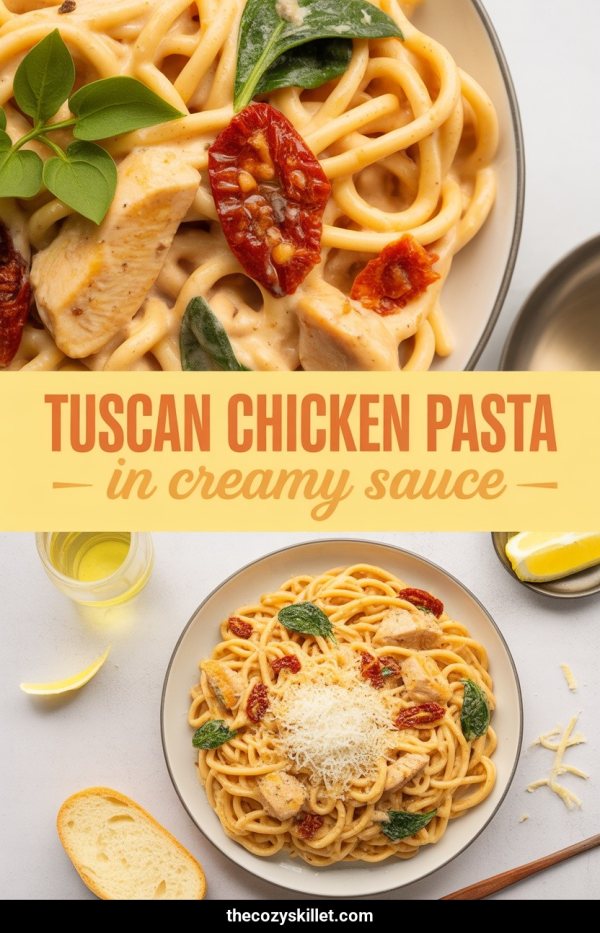
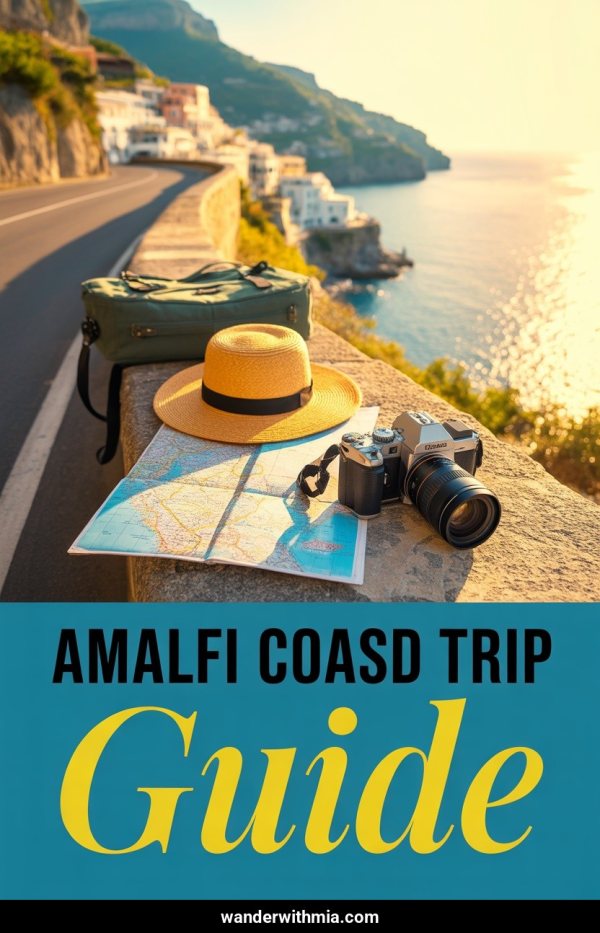
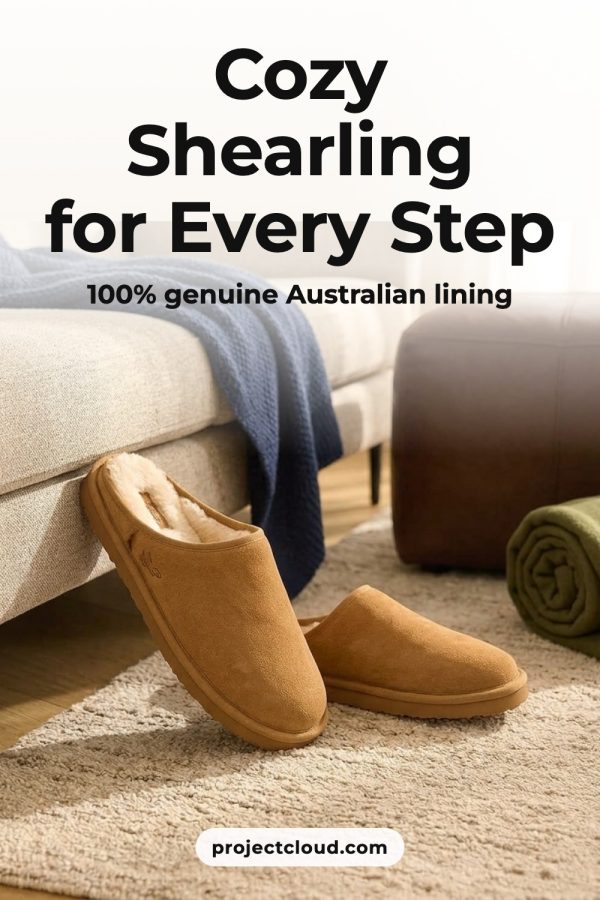
Pinterest pin maker: turn any link or keyword into ready-to-post pins
Paste a blog post or product link, or type a keyword. Made to Spark makes several branded pins at once, writes the title, description and alt text for each, and schedules them to your boards.
Paste any blog post or product page URL to extract images.
What does the Made to Spark Pinterest pin generator do?
It turns a blog post link, a product link or a keyword into several branded Pinterest pins at once, each with its title, description and alt text written. Use your page's own photos in designer templates or get new AI images, then publish the pins or schedule them to your boards.
Start from
A blog post URL, a product URL or a keyword
Pin size
1000×1500 px, the 2:3 vertical ratio Pinterest recommends
Credits
Template pins are included in subscription plans. An AI pin uses 1 credit, copy included
Publishing
Publish now or schedule to your boards through the official Pinterest API
Start from what you already have
Four ways in, and each one ends with finished pins that link where you want.
A blog post
Uses the post's photos and content, and links the pins back to the post.
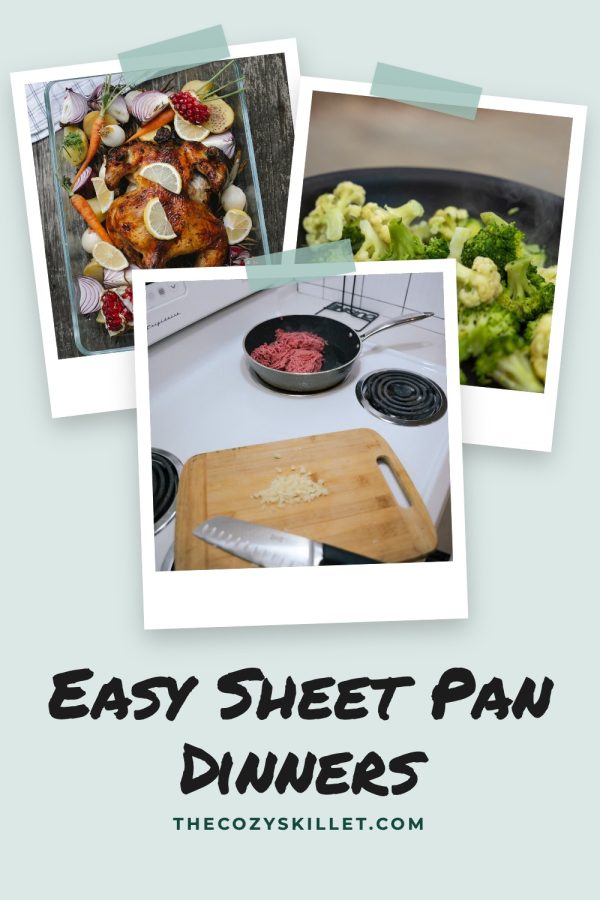
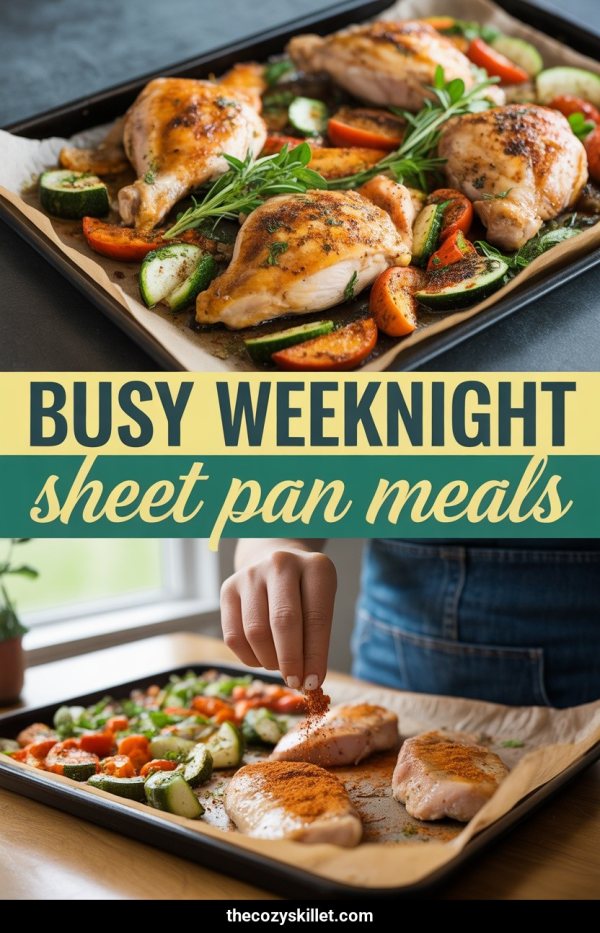
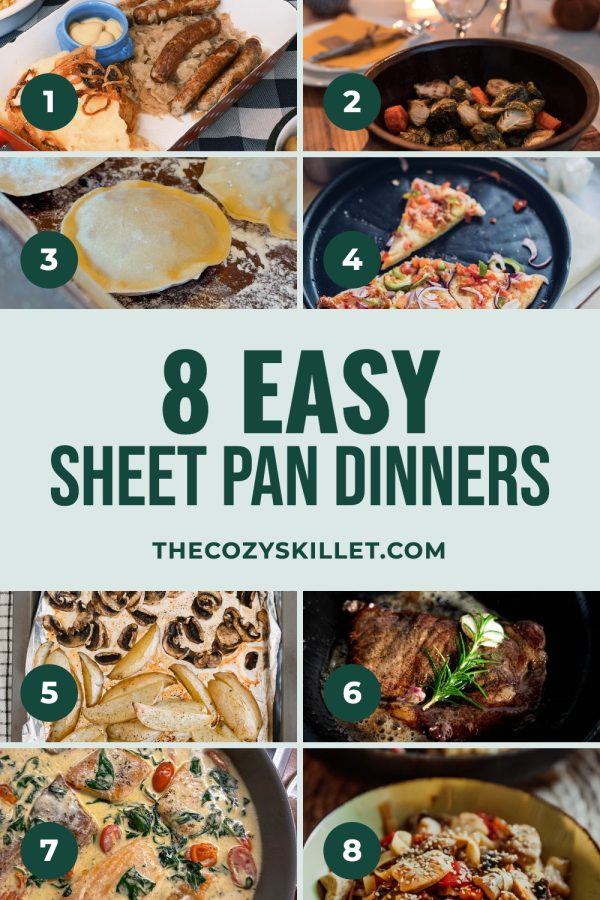
thecozyskillet.com/sheet-pan-dinners
A product page
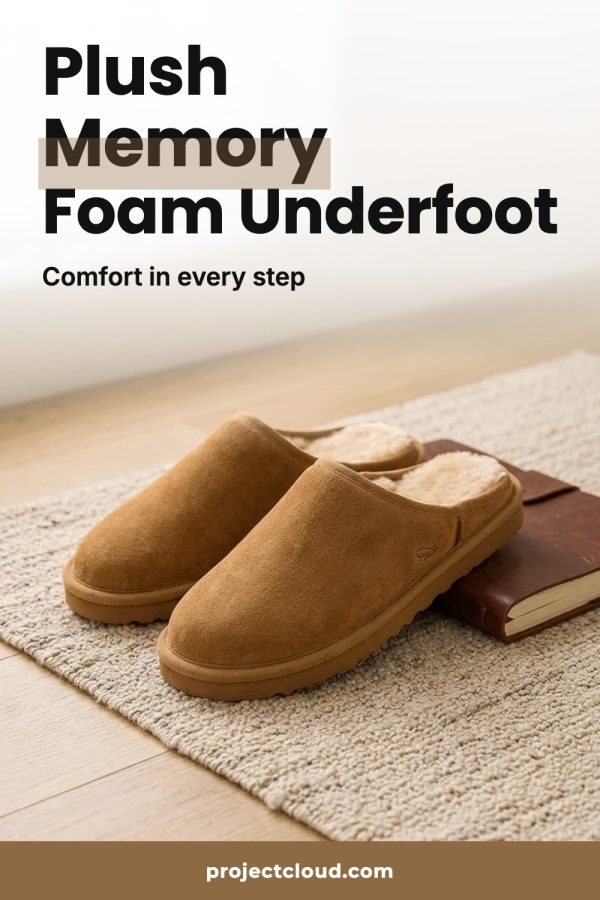
Works with Shopify, Etsy and other store pages. Pins link straight to the product.
yourstore.com/products/memory-foam-slippers
A keyword
No page yet? Type a topic and get AI pins you can point at any link.
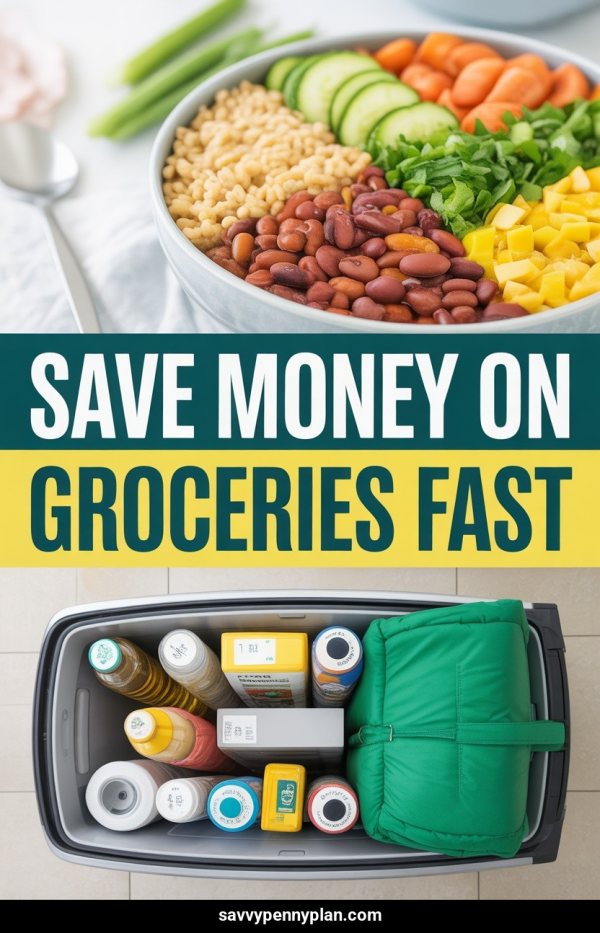
save money on groceries
A page with few photos
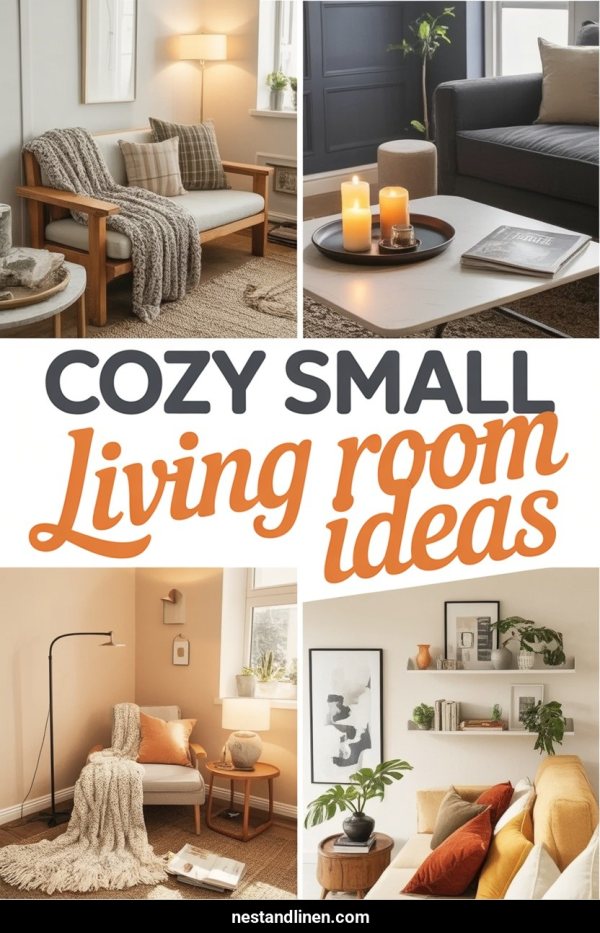
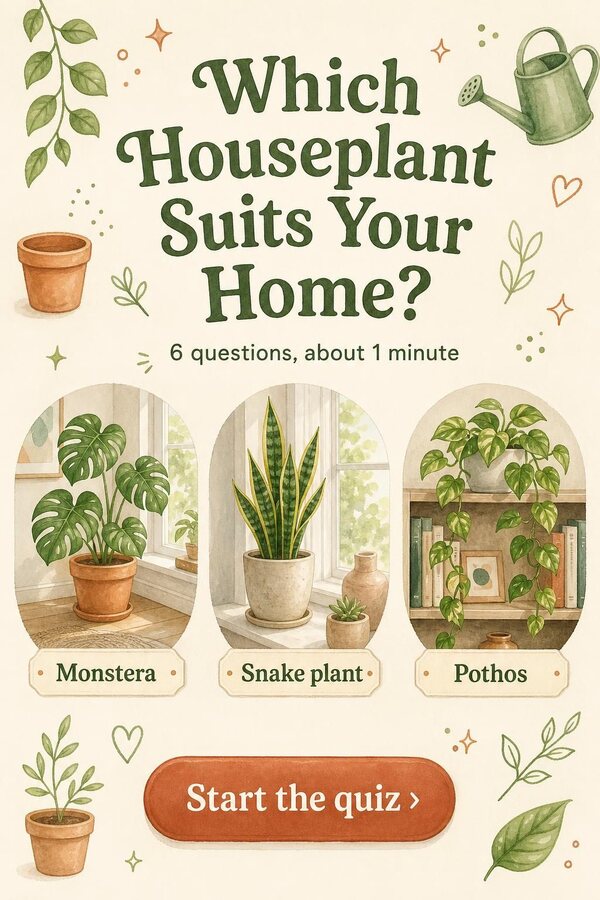
Quizzes, comparison pages, short landing pages and travel searches get a designed pin: a picture made for the topic, with every word lettered in and checked. 6 looks, 1 credit.
leafyhome.com/which-houseplant-quiz
Every pin comes with its copy
You don't need a separate tab to write pin text. Each pin arrives ready to post.
A title and description written from your page or keyword.
Alt text that describes the image.
Your brand colors and website on the design.
Title
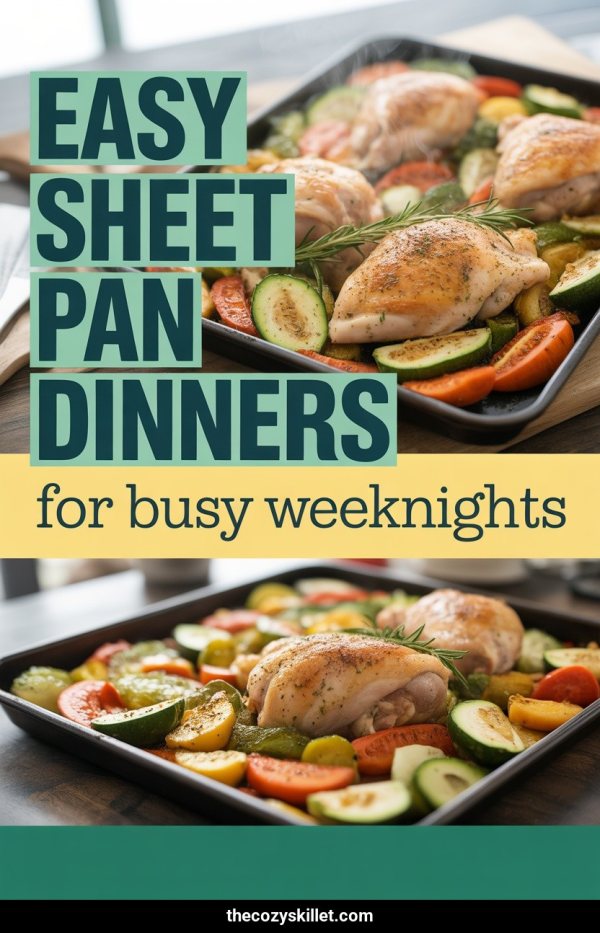
Busy Weeknight Sheet Pan Meals
Description
One pan and very little cleanup. These sheet pan dinners pair chicken with roasted vegetables for easy weeknight meals.
Alt text
Roasted chicken thighs with zucchini and peppers on a sheet pan
Link
thecozyskillet.com/sheet-pan-dinners
Board
Easy Weeknight Dinners
Design your own pins, no Canva needed
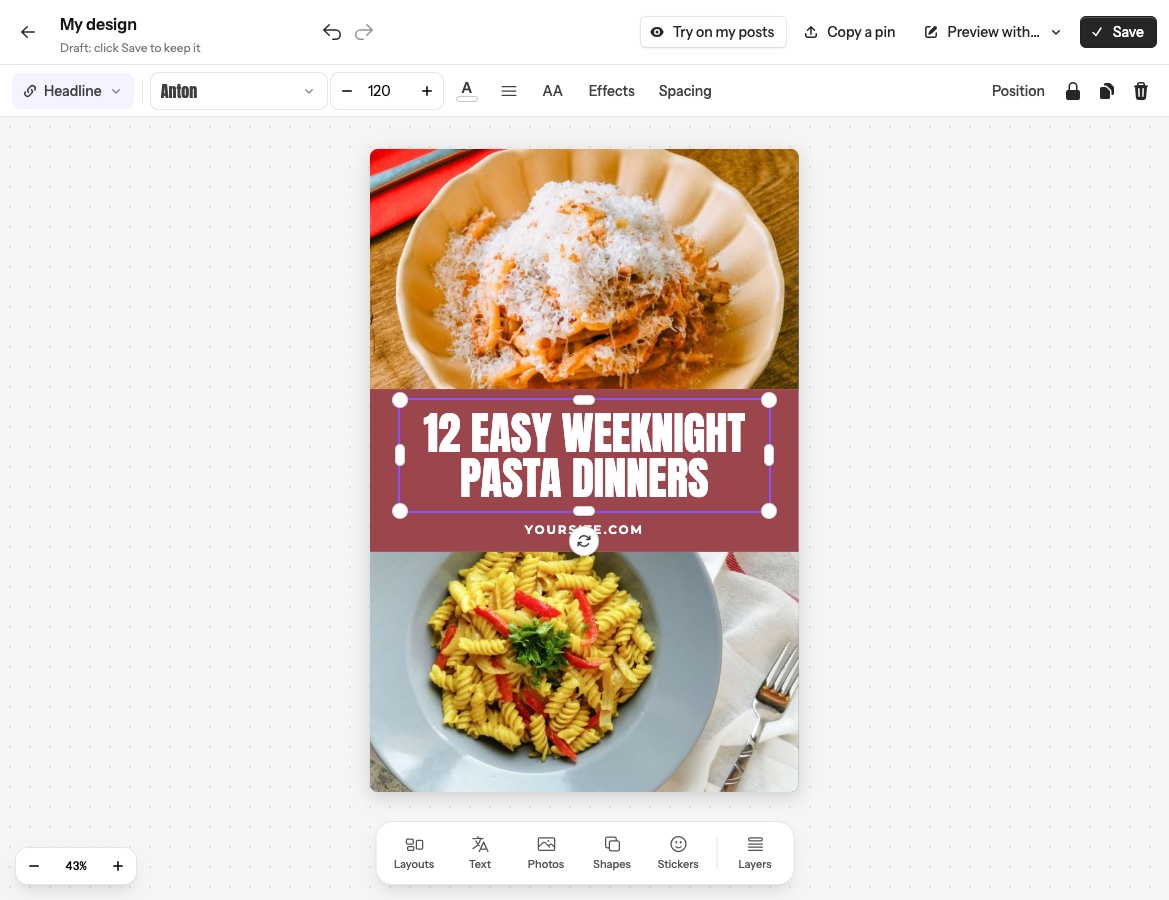
Like Canva, but made for Pinterest: drag photos, text, shapes and stickers onto the pin and save it as your own design. New pins can then use it, filled with each post's photos and title, so you design once and reuse it.
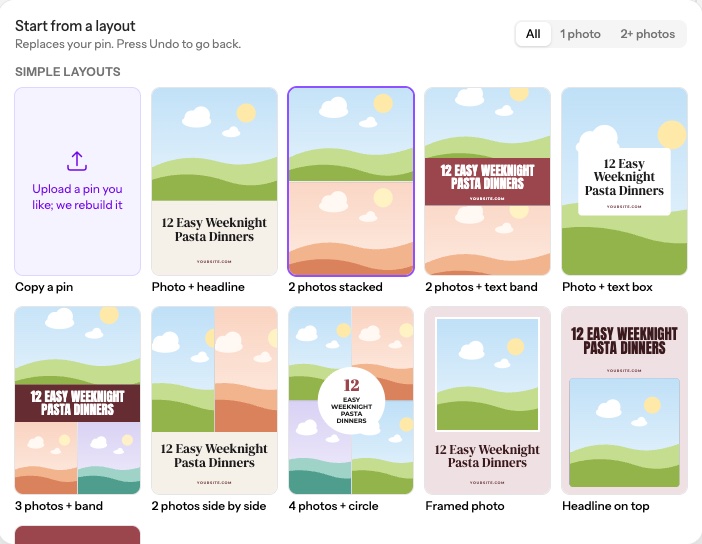
Start from a blank pin, a simple layout or any of our 87 designs
Text boxes shrink to fit each headline, so long titles never spill out
33 fonts, curved text, stickers and your own logo
Copy a pin you like: upload it and we rebuild it as a design you can edit (3 credits)
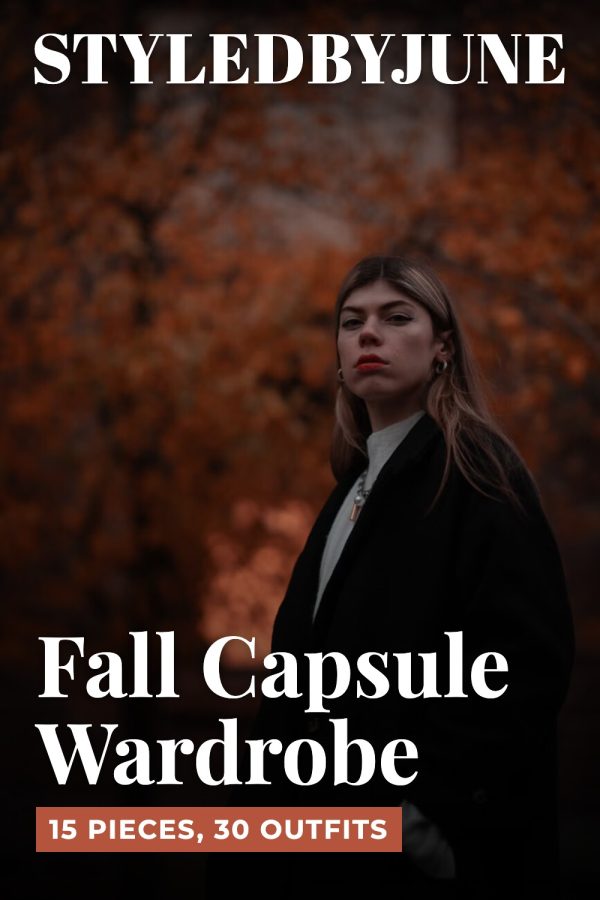
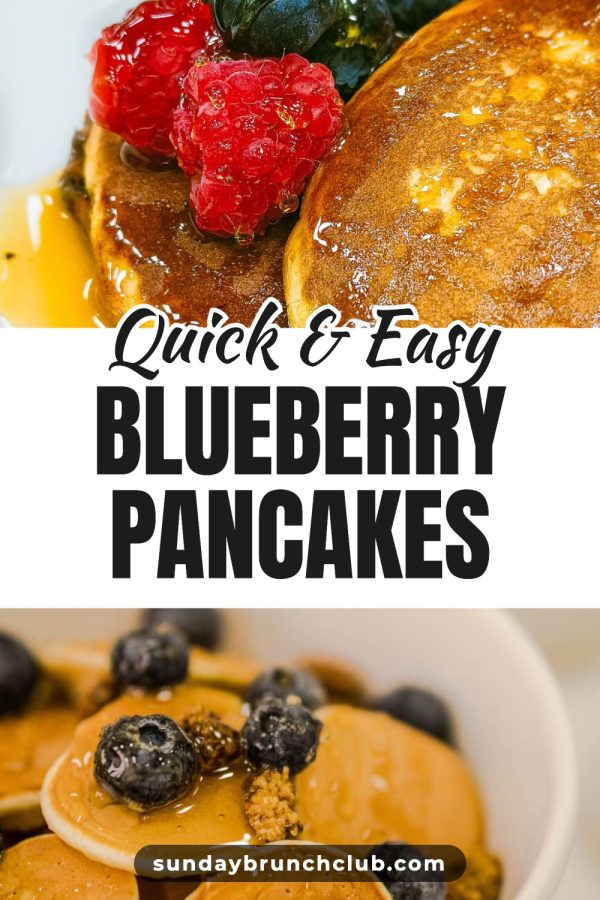
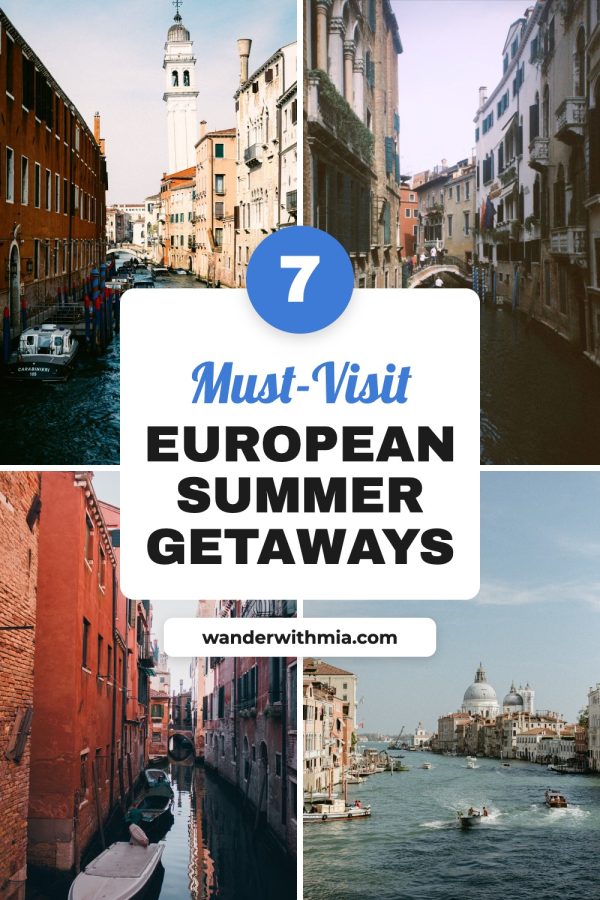
Template pins use your own photos. AI pins create new images for your content. AI design pins draw the whole pin, words and all, for pages with few photos.
Add a blog post, a product page or a topic. Choose how many pins you want.
2
Pick your favorites
Get template and AI pins with the copy written. Edit the text or try another design.
3
Publish or schedule
Choose a board and a time. The pin goes out on its own, no exporting or uploading.
Keep pins going out every week
Schedule pins to your boards up to 45 days ahead on paid plans. Have a whole site to pin? Bulk Pins makes pins for many pages and spreads them across the month.
"I had tried a ton of tools to create pins but none match the quality of pins made by Made to Spark. One very impressive thing when using this tool is how quick Paul helps when I need help with an extra feature or get stuck using the tools. His support when using this tool is second to none."
Daisy KFashion blogger
Questions about the pin generator
How does the AI Pinterest pin generator work?
Paste a link to a blog post or product page, or type a keyword. Made to Spark makes several pins at once, each with a title, description and alt text, using your brand colors and website. Edit anything you like, then publish or schedule the pins to your boards.
Can I make pins from a keyword or a URL?
Both. A link uses the page's photos and content and sets the page as the pin's destination. A keyword creates AI pins for a topic, even before you've written the post. Paste an Etsy shop link to pick listings from the shop.
What is the difference between template pins and AI pins?
Template pins place your page's photos in Canva-style layouts and don't use AI credits. AI pins create brand-new images, which helps when a page doesn't have strong photos.
Can I schedule pins directly to Pinterest?
Yes. Connect your Pinterest account, choose a board and a time, and the pin publishes on its own. Paid plans can schedule up to 45 days ahead. To pin many pages at once, use Bulk Pins.
How much does it cost?
Plans include monthly AI credits, template pins and the Pin Scheduler. You can also buy credit packs without a subscription. Current prices are on the pricing page.
How is this different from Canva?
Canva is a general design tool: you pick a template, add photos and write the text yourself, then write the pin description somewhere else. Made to Spark starts from your page or keyword and gives you finished pins with the copy written, ready to schedule.
Which niches does it work for?
Any niche where people look for ideas on Pinterest, like food, home decor, travel, fashion, beauty, fitness, parenting, personal finance, crafts and online stores. Our Pinterest guides show example pins for each.
Can I use it for affiliate posts?
Yes. Paste your roundup or review post, or type a keyword like "best travel gadgets". The pins link to your post, so readers land on your content first.
How do I make a Pinterest pin without Canva?
Paste a blog post or product link, or type a keyword. Made to Spark picks the photos, puts them in a design with your title, brand colors and website, and writes the description and alt text, so there is nothing to lay out by hand.
What size should a Pinterest pin be?
1000×1500 pixels, the 2:3 vertical ratio Pinterest recommends. Every pin made here uses that size, so nothing is cropped in the feed.
Can I design my own pin layout?
Yes. The pin creator lets you place photos, text, shapes and stickers yourself and save the result as your own design. New pins can then use it, filled with each post's photos and title. Your account can keep up to 60 designs, and you can use them in all your workspaces.
Make your next pins in one go
Paste a link or type a keyword and get branded pins with the copy written, ready to publish or schedule.