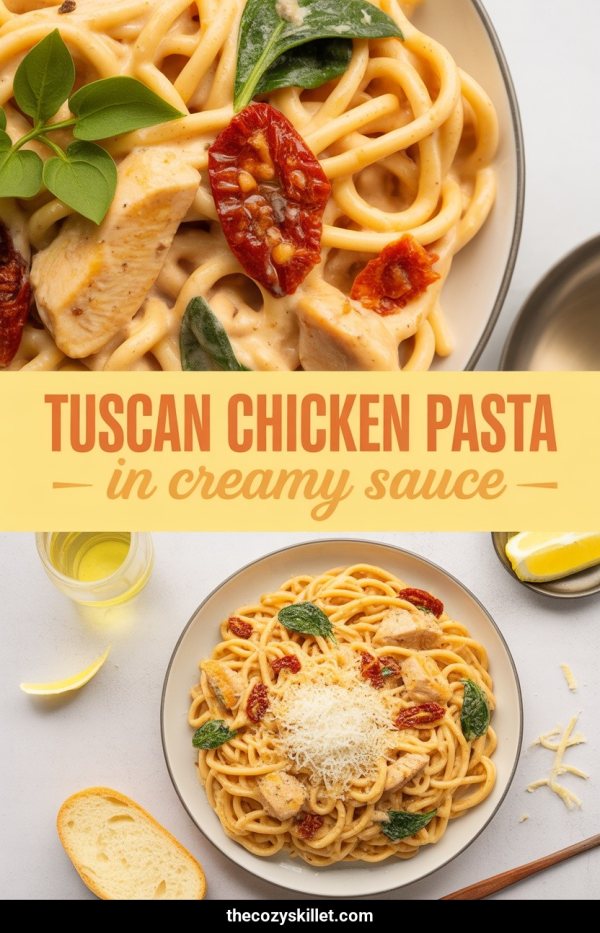
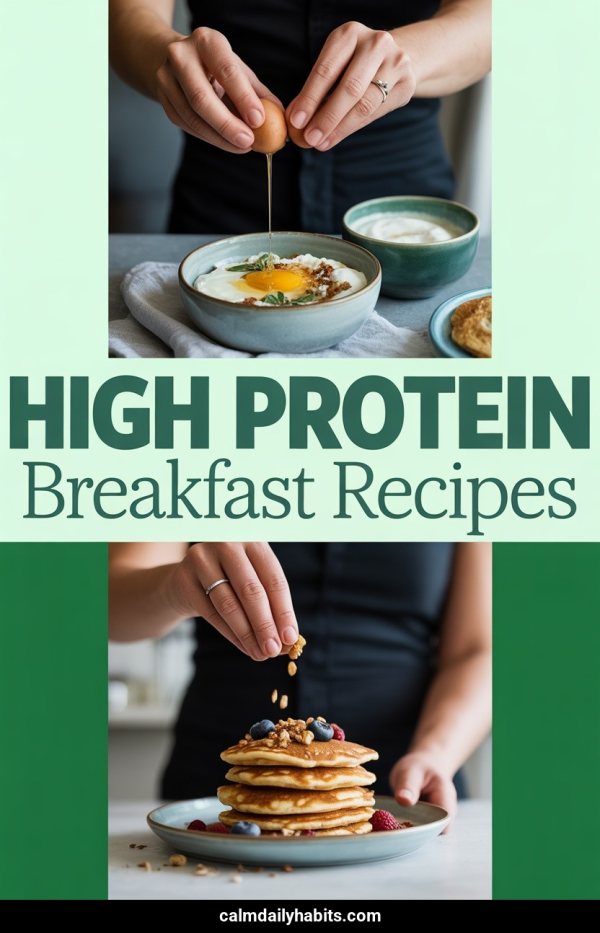
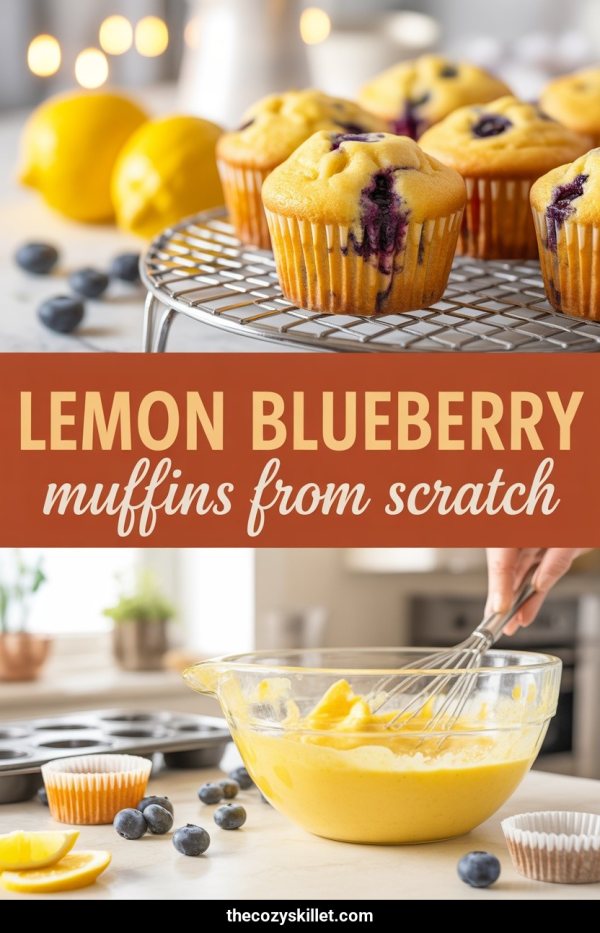
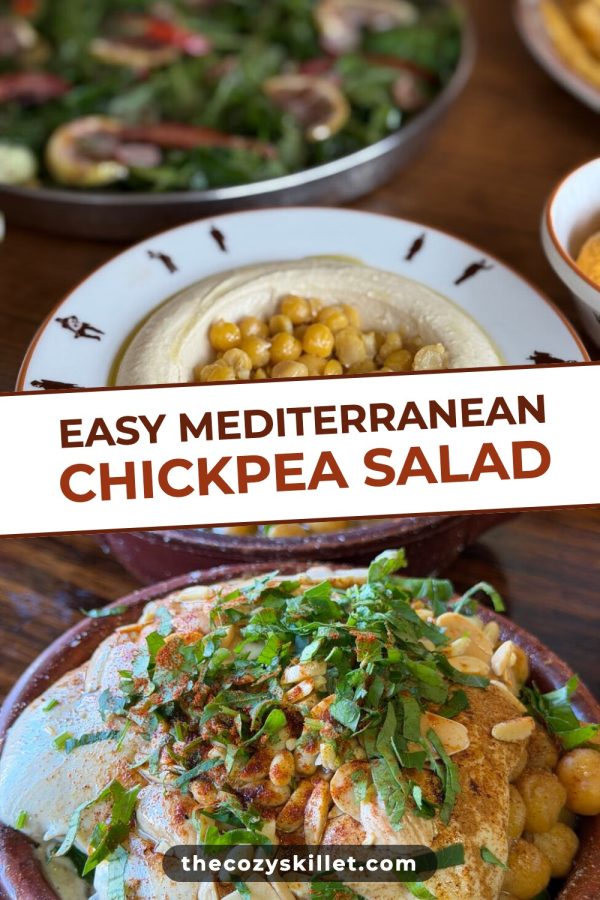
Clicky

AI-Powered Bulk Pin Creation

Stop Making Pinterest Pins One at a Time

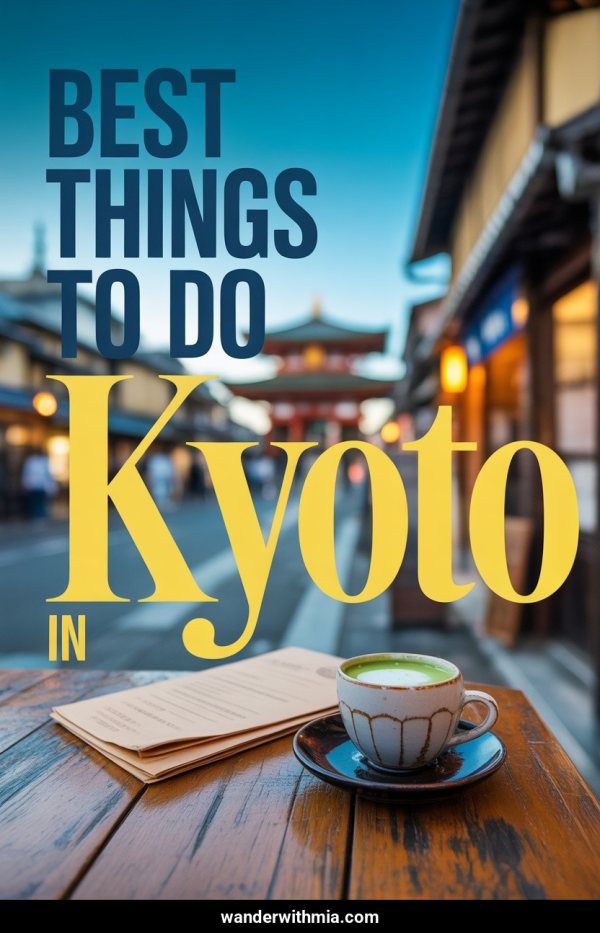
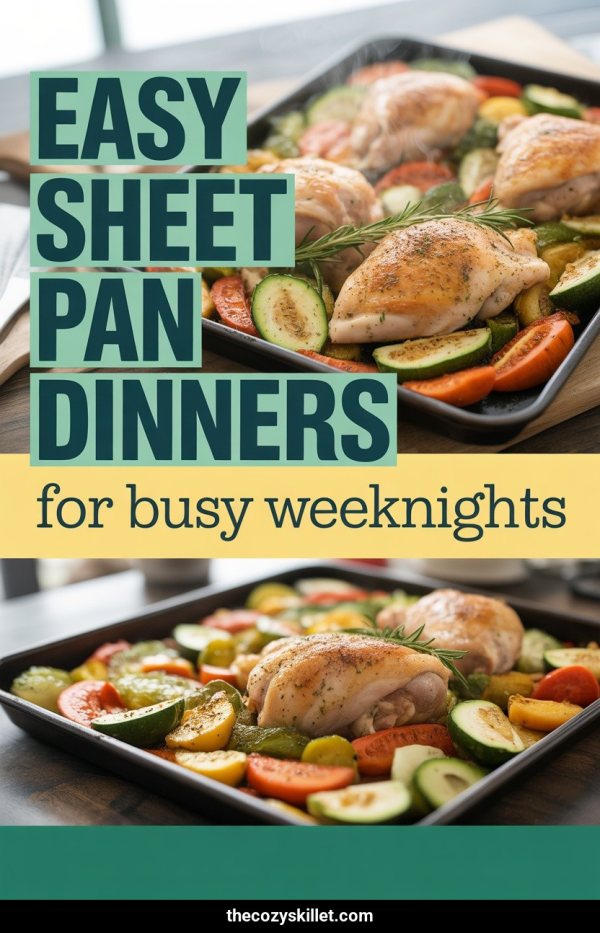
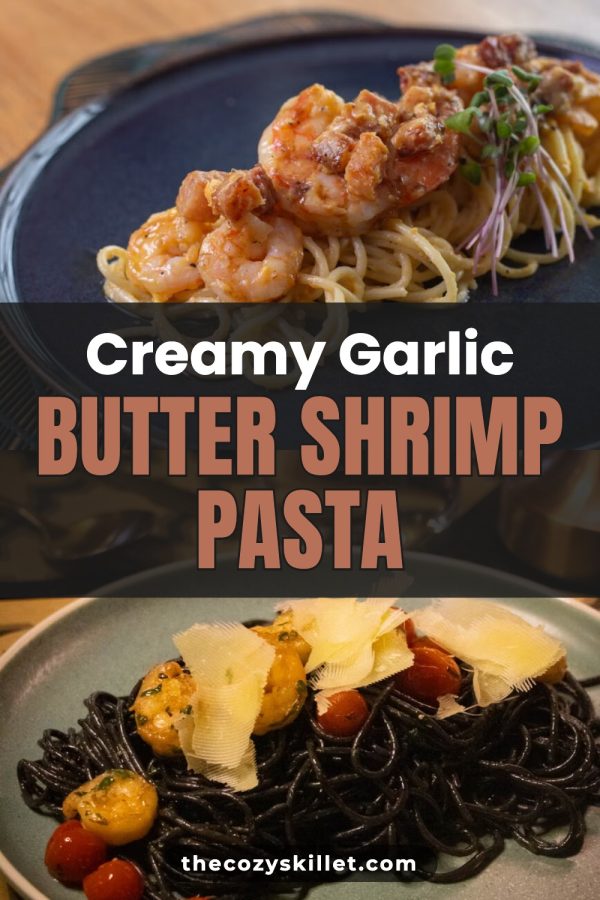
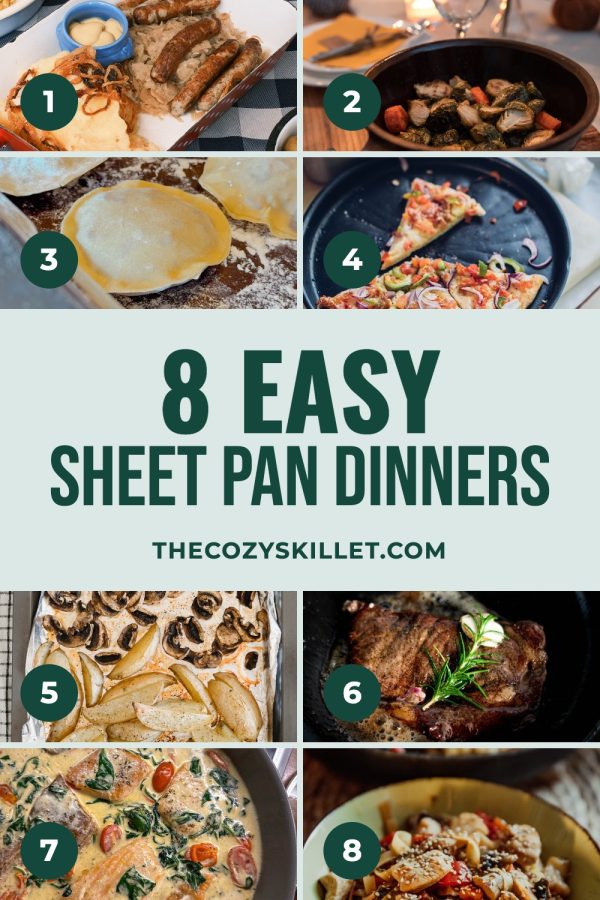
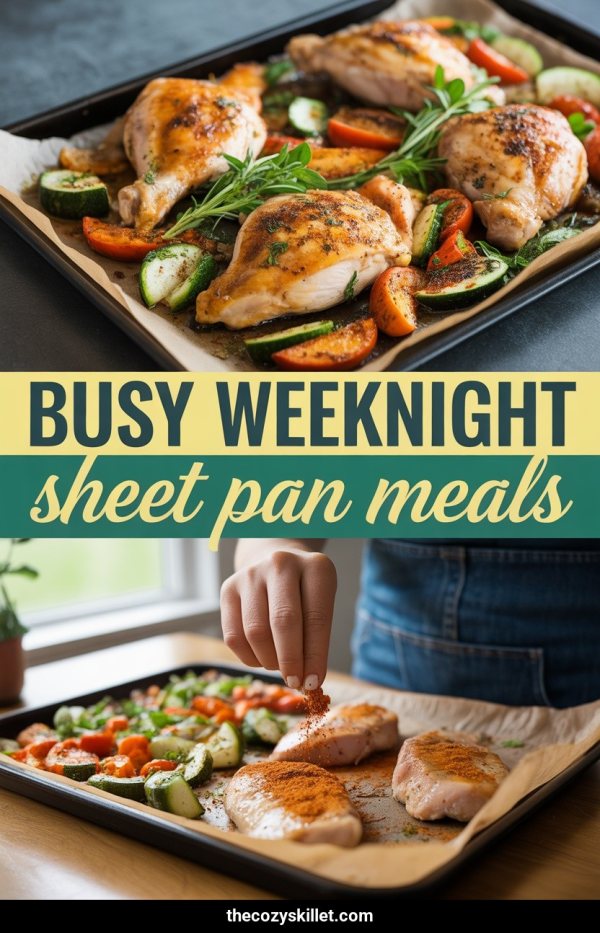
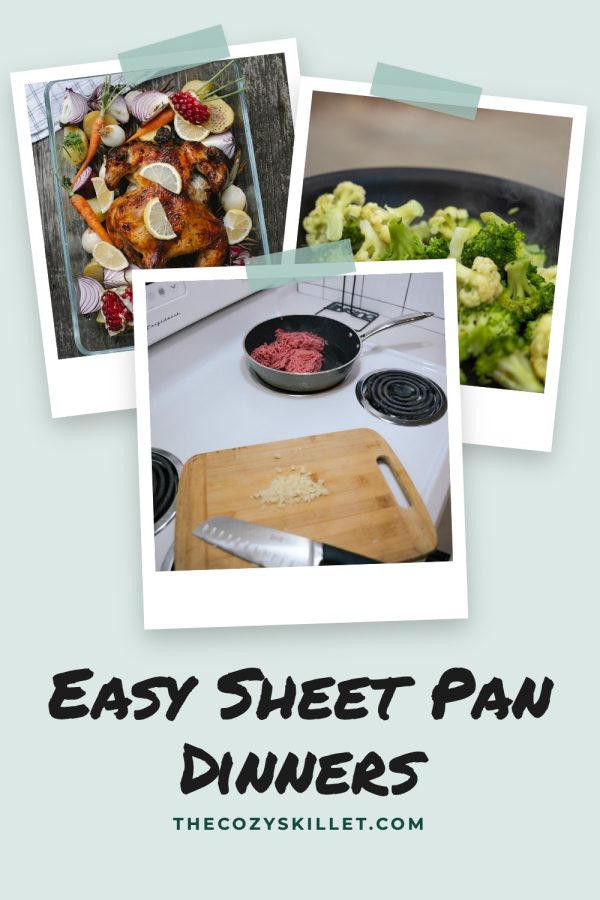
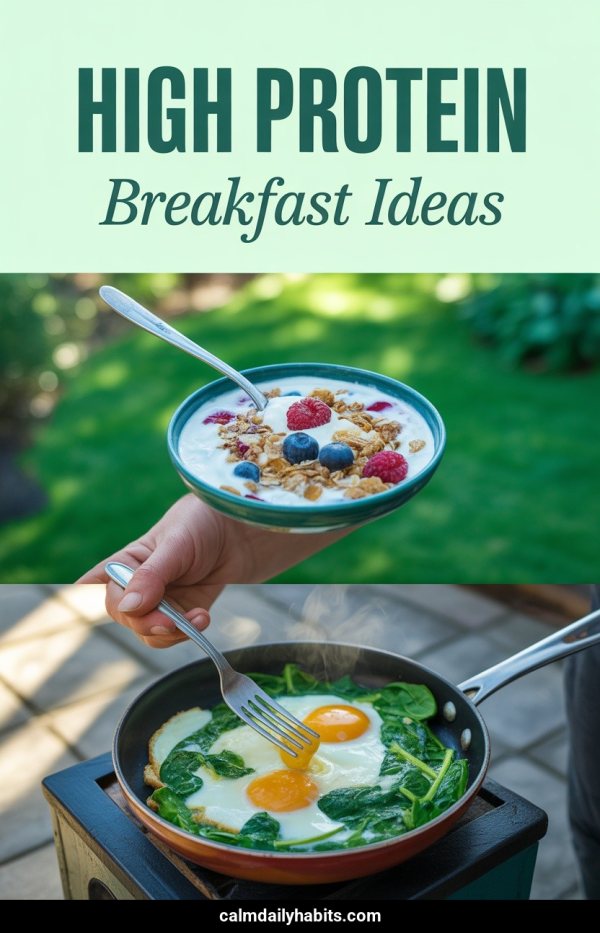
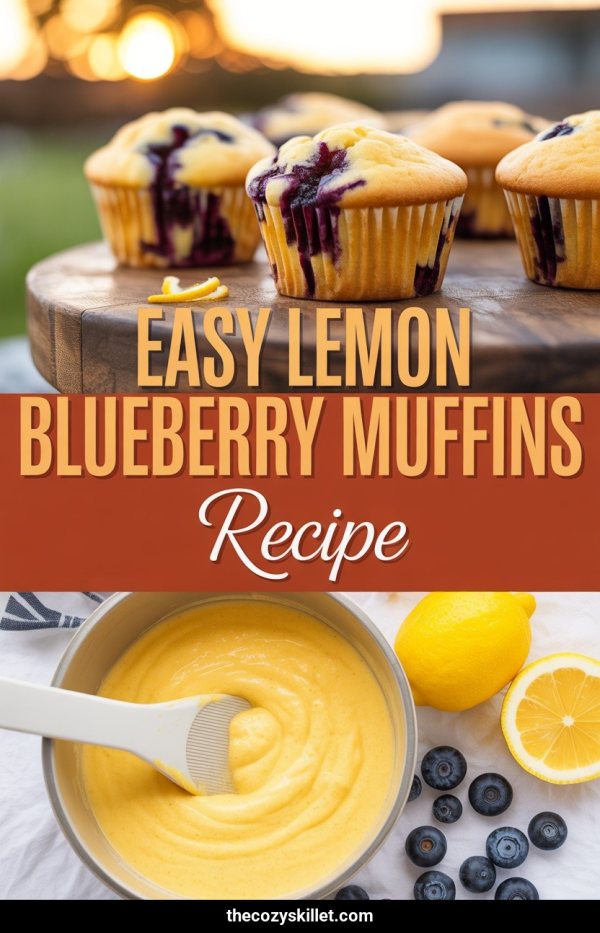
Paste a blog post URL or describe your topic. Made to Spark reads your content, generates original AI images, and creates 10+ unique pins — each with a different design, layout, and visual. In minutes, not hours.

Try It Free — No Credit Card

Free credits on signup. No design skills needed.

The Pinterest Volume Problem

Pinterest rewards consistency. The algorithm favors accounts that publish fresh pins regularly — not one pin per blog post, but 5–15 unique pins per piece of content. That's the difference between accounts that get thousands of monthly visitors and those stuck at zero.

The old way

  • Open Canva, pick a template, customize text
  • Search stock photos that kind of match your topic
  • Duplicate, change the headline, repeat 10 times
  • End up with 10 pins that all look the same
  • 30–45 minutes per blog post. Every. Single. Time.

With Made to Spark

  • Paste your blog post URL
  • AI reads your content and extracts key points
  • Generates original images that match your topic
  • Creates 10+ pins with different designs and layouts
  • Done in 2–3 minutes. Schedule them and move on.

How Bulk Pin Creation Works

1

Paste a URL or topic

Drop in a blog post link and Made to Spark reads your content. Or just describe a topic — "10 meal prep ideas for busy moms."

2

AI generates everything

Original images, headlines, descriptions — all generated to match your content. No stock photos, no templates.

3

Review & customize

Edit any pin. Swap images, change text, adjust your branding. Or keep them as-is — they're ready to go.

4

Schedule to Pinterest

Publish directly to your Pinterest boards or schedule pins to go out over days and weeks. Built-in scheduler included.

One blog post = 10+ unique pins

Stop spending 30 minutes per pin in Canva. Made to Spark generates an entire batch of pins from a single URL — each with unique AI-generated images and layouts.

Start Creating Pins in Bulk

Built for Creators Who Don't Have Images

Bloggers

You write 2,000-word articles but have zero photos to turn into pins. Made to Spark generates original visuals from your content — infographic-style pins that stand out in the feed.

Course Creators

Selling digital products? You need Pinterest traffic but have nothing to photograph. AI generates visuals that match your teaching topics — from productivity to meal planning to business strategy.

Affiliate Marketers

Promoting other people's products means you don't have product photos. Create pins for roundup posts and review articles without relying on merchant images.

Newsletter Writers

Growing a newsletter with Pinterest is one of the fastest organic strategies. Create pins that drive subscribers — without opening a design tool.

Coaches & Consultants

You sell expertise, not physical products. Turn your blog content into professional pins that position you as an authority and drive traffic to your booking page.

Niche Site Owners

Running a content site in a competitive niche? Pinterest can send thousands of monthly visitors. Bulk pin creation means you can cover your entire content library without hiring a designer.

Bulk Pins: Made to Spark vs. Canva

Made to Spark Canva
Pins per article 10–15 unique 1 template, duplicated
Images AI-generated originals Stock photos
Time per batch 2–3 minutes 30–45 minutes
Design diversity Every pin looks different Same template, swapped text
Content-aware Reads your article Manual copy-paste
Pinterest scheduler Built in Separate tool needed

The Math Behind Bulk Pinning

Pinterest's algorithm rewards fresh content. More unique pins per article means more chances to appear in search and the home feed. Here's what bulk pinning looks like over a month:

1 pin / post

10 blog posts = 10 pins/month

Minimal Pinterest visibility

5 pins / post

10 blog posts = 50 pins/month

Starting to gain traction

10+ pins / post

10 blog posts = 100+ pins/month

Consistent growth territory

With Made to Spark, creating 100+ unique pins per month takes less time than making 10 in Canva.

Ready to create pins in bulk?

Sign up free, paste your first blog post URL, and watch Made to Spark generate 10+ unique pins in minutes. No credit card. No design skills. No Canva.

Create Your First Pin Batch Free

Frequently Asked Questions

Made to Spark generates 10–15 unique pins per article or topic. Each pin has a different layout, image, and text overlay — not just color variations of the same template.

No. Made to Spark uses AI to generate original images that match your content. This is ideal for bloggers, course creators, and digital product sellers who write about topics but don't have product photography.

Canva bulk create swaps text in the same template — you get 50 pins that look identical except for the headline. Made to Spark generates unique designs with unique AI images for each pin. Every pin looks different, which is what Pinterest's algorithm rewards.

Yes. Made to Spark includes a built-in Pinterest scheduler. Generate your pins, then schedule them to post automatically across your boards over days or weeks. No need for a separate scheduling tool.

Blog posts, listicles, how-to guides, and affiliate roundups work best. Paste a URL and Made to Spark extracts the key points, generates images, and creates pins automatically. You can also start from a topic or keyword if you don't have a published article yet.

You get free credits when you sign up — enough to generate a full set of pins for several articles. No credit card required. Paid plans start at $19/month for creators who publish regularly.

All pins are exported at 1000×1500 px (2:3 ratio), which is the size Pinterest recommends for maximum visibility in the feed.