Clicky

2 to 8 photos per pin

Pinterest Collage Templates

16 Pinterest collage templates with two to eight photos: before and after, three-photo stacks, 2×2 grids and numbered roundups. Paste a URL and your photos are picked, cropped and placed with your title, colors and website.

No credit card required to create your account.

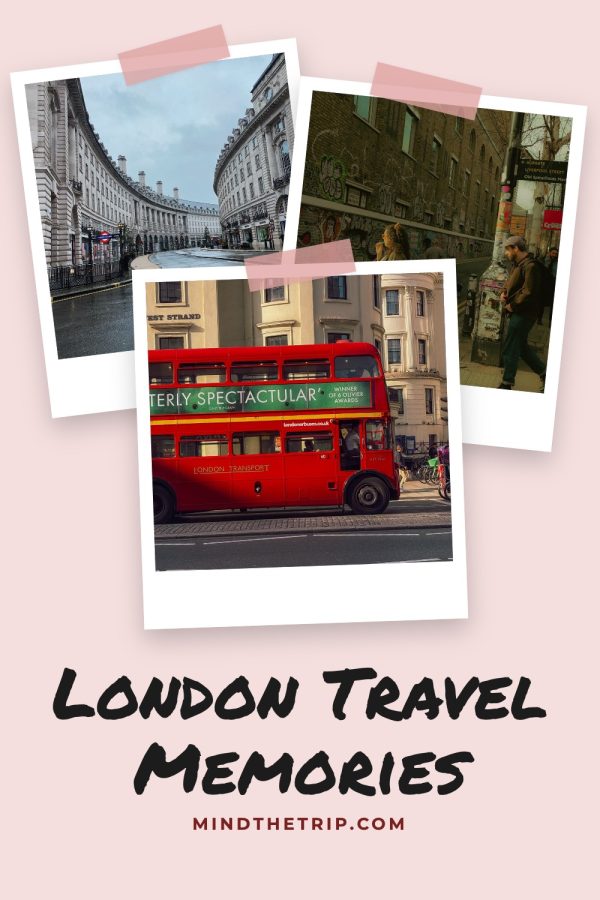
Strip Sandwich Pinterest Collage Templates example: a travel pin titled "Iceland Ring Road Itinerary" Numbered Photo Grid Pinterest Collage Templates example: a recipe roundup pin titled "8 No-Bake Summer Desserts" Polaroid Scrapbook Pinterest Collage Templates example: a travel pin titled "London Travel Memories"

16 collage templates · 2–8 photos · 1000×1500

Two-photo collage templates

Before and after, top and bottom, or two angles with the title between them.

Use these designs

Three-photo collage templates

One big photo with two smaller ones, or a stack of instant photos.

Use these designs

Grid collage templates with 4 to 8 photos

2×2 grids and numbered roundups that show everything in the post.

Use these designs

Skip cropping photos into grids

Paste a URL and get this collage with your own photos, title and colors in about a minute.

Create your account

No credit card required to create your account.

Not enough photos for a collage? Try AI pins

AI pins create a new styled image with the headline built in, so a post with one photo still gets a scroll-stopping pin.

See AI product scenes

When a collage pin beats a single photo

Collages show more of what is inside the post. Use them where variety is the reason to click.

1. Roundups and lists

"8 no-bake desserts" is more convincing when you can see eight desserts. Numbered grids label each photo when the count matches.

2. Before and after

Makeovers, organisation and DIY projects sell on the change. A two-photo split makes it obvious at a glance.

3. Travel guides and itineraries

Three or four places in one pin tells pinners the post covers the whole trip, not one photo spot.

4. Products from several angles

Show the front, a detail and the product in use so shoppers get the full picture before they tap.

How to make a collage pin

1

Paste a URL or upload photos

We pull every usable photo from the page. Pick the ones you want in the collage.

2

Pick a collage layout

Choose how many photos to show. Each one is cropped to its slot automatically.

3

Publish or schedule

Get a finished pin with a keyword-rich title and description, ready to schedule to Pinterest.

More Pinterest template collections

Pinterest collage templates FAQ

How many photos should a Pinterest collage have?

Two to four photos keep each image large enough to read on a phone. Use eight only for roundups, where showing every item is the point.

Do I need to crop my photos first?

No. Each photo is cropped to fit its slot automatically, whether it is tall, square or wide.

What if my post has fewer photos than the collage needs?

Pick a layout with fewer photo slots, upload extra photos, or make an AI pin instead.

What size is a Pinterest collage pin?

Every template outputs a vertical 1000×1500 pin, the 2:3 size Pinterest recommends.

Do collage pins use credits?

No. Template pins, collages included, use your own photos, so they are included in your plan and don't use AI credits.

Collage pins in a minute, not an hour

Pick a collage layout and let Made to Spark place your photos for you.

Sign up and start pinning

No credit card required to create your account. See pricing

Brand names on the sample pins are fictional.

16 collage templates, photos placed for you Get started