Drop your photos to make pins
Up to 4 photos, JPG, PNG or WebP
Free Pinterest Pin Generator
Paste a link.
Get your pins
in seconds.
We read your page, pick its best photos and draw them into 70 pin designs. You choose the one you like, tweak the headline and download.
- No sign-up
- 1000 × 1500 JPG
- No watermark
With an account
- Pins for your whole site at once
- New posts turn into pins
- You approve every pin

 By Paul, founder of Made to Spark · Last updated October 2026
One source, four pin angles
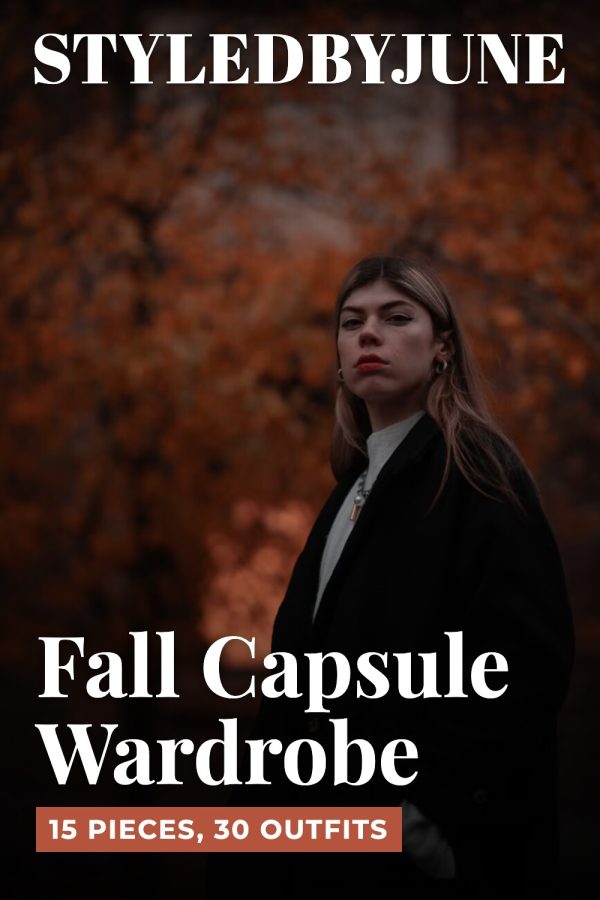
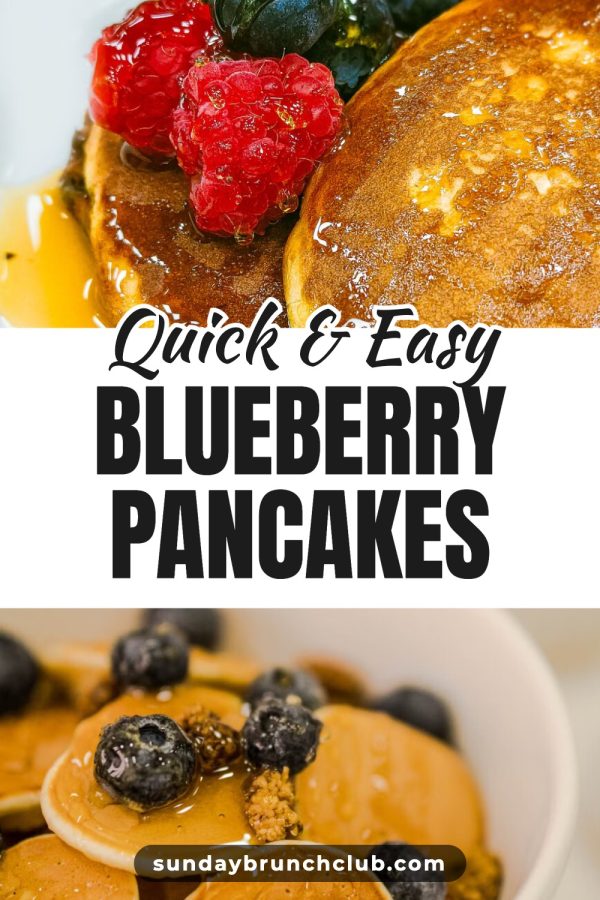
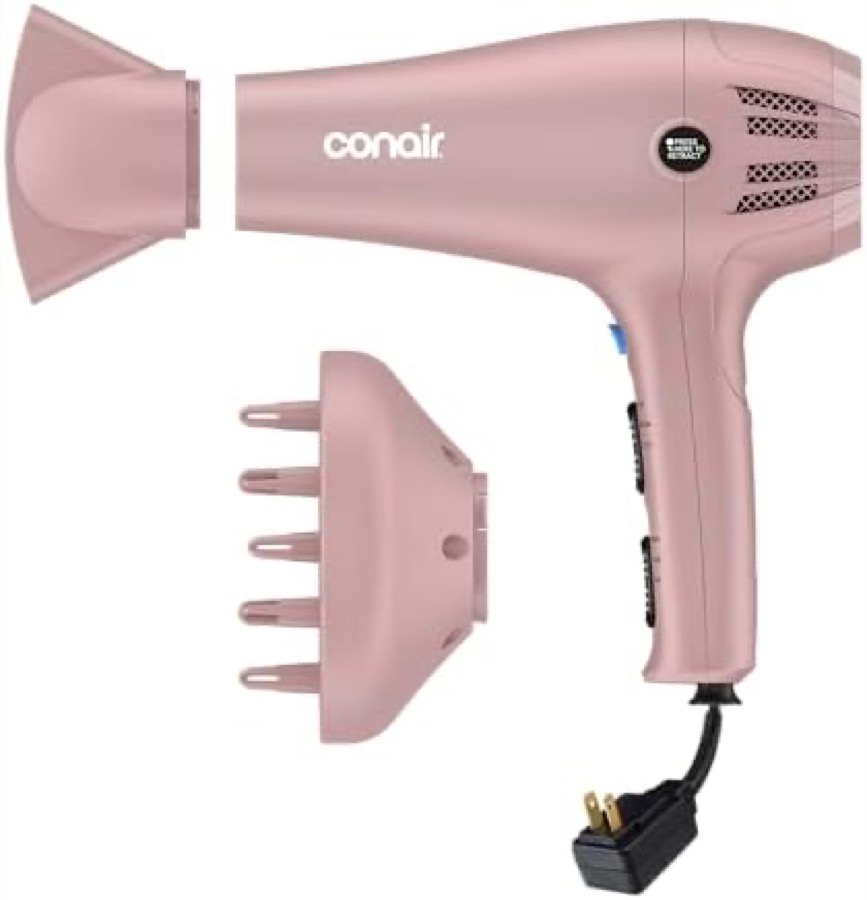
This is what the tool actually outputs — from a product photo, or from a link with no photo at all.
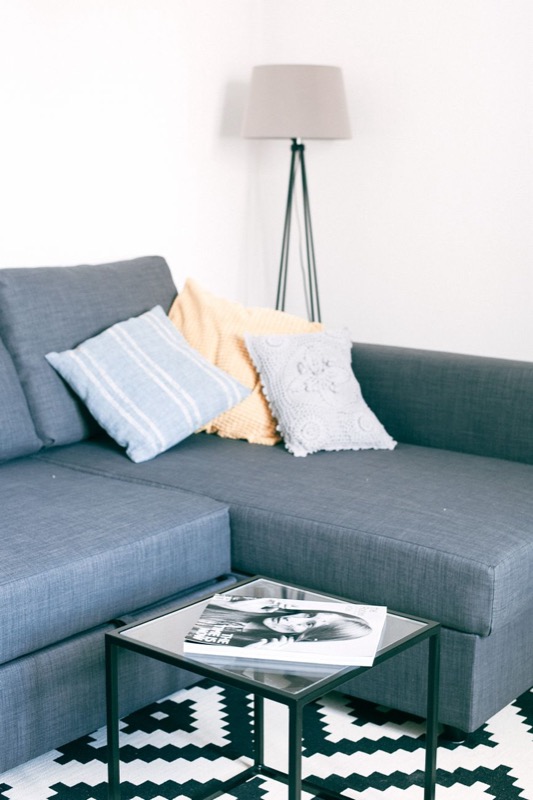
Cozy Small Living Room Ideas
How it works
Paste a link or drop photos
A blog post, a product page or up to 4 photos of your own.
We design the pins
We read the page, pick its best photos and draw every design with them.
Pick one and fine-tune
Swap the headline, layout, main photo or colour. Every change shows at once.
Download
A 1000×1500 JPG with no watermark, or save it straight to Pinterest.
Got a whole catalog to pin?
This tool is for one pin. Made to Spark turns a product list or blog into a month of pins and publishes them to Pinterest on a schedule.
Pin my whole catalogBuilt for what you sell
Pick the closest match to see real pins. Template pins use the designs in this tool; AI pins are built from a link or a description.
Paste a post URL and the photos come straight out of the article, or upload your own.
-
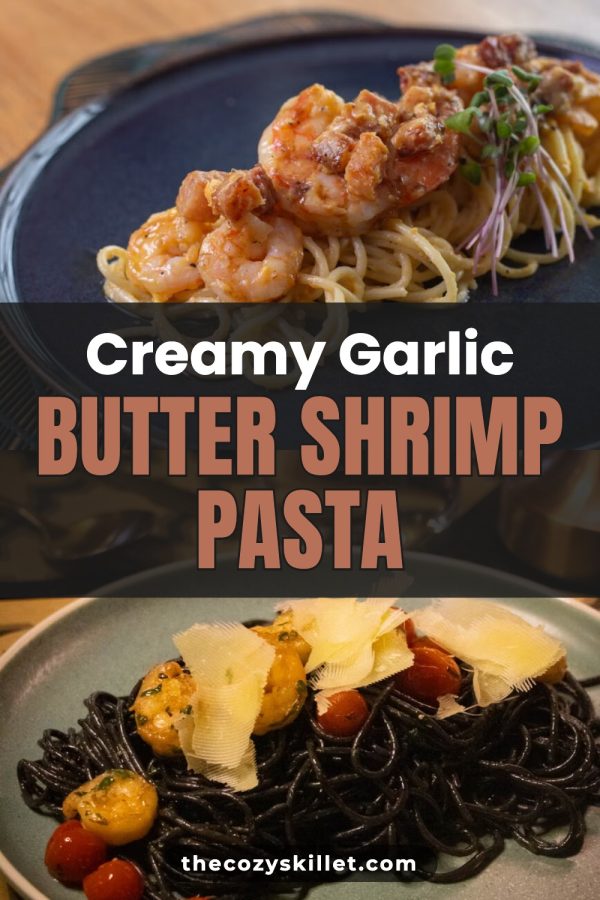 Template · Creamy Garlic Butter Shrimp Pasta
-
 Template · Hidden Beaches in Portugal
-
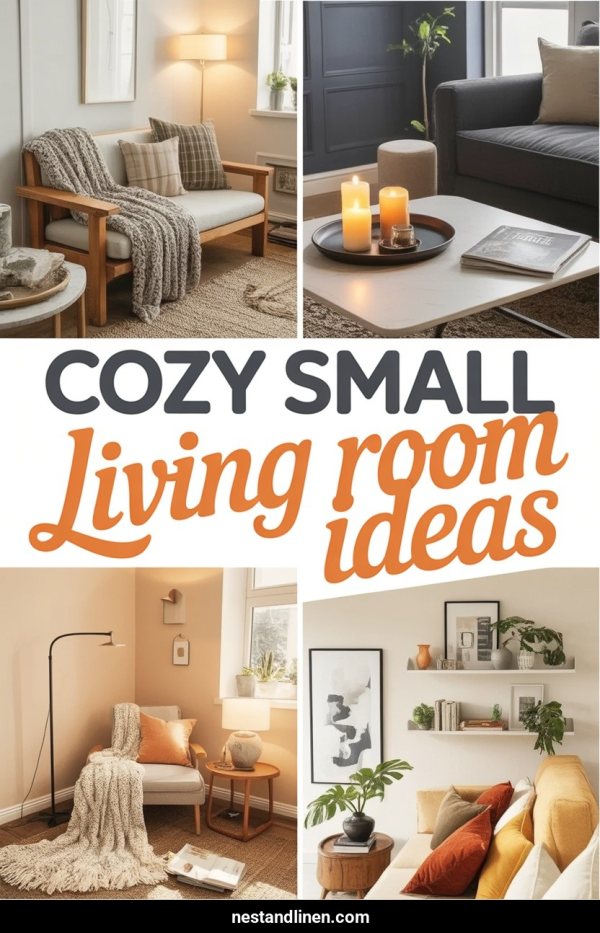 AI · Cozy Small Living Room Ideas
-
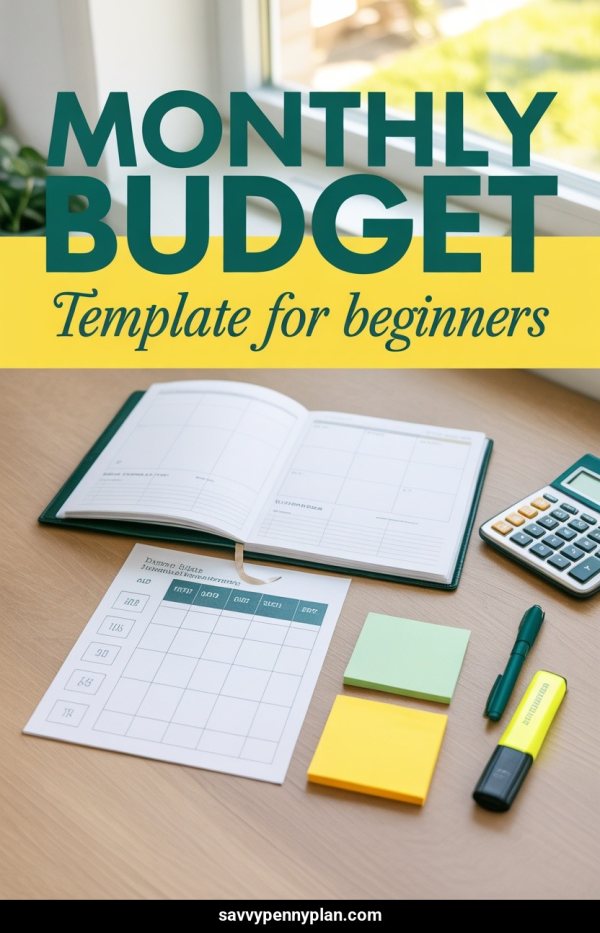 AI · Monthly Budget Template For Beginners
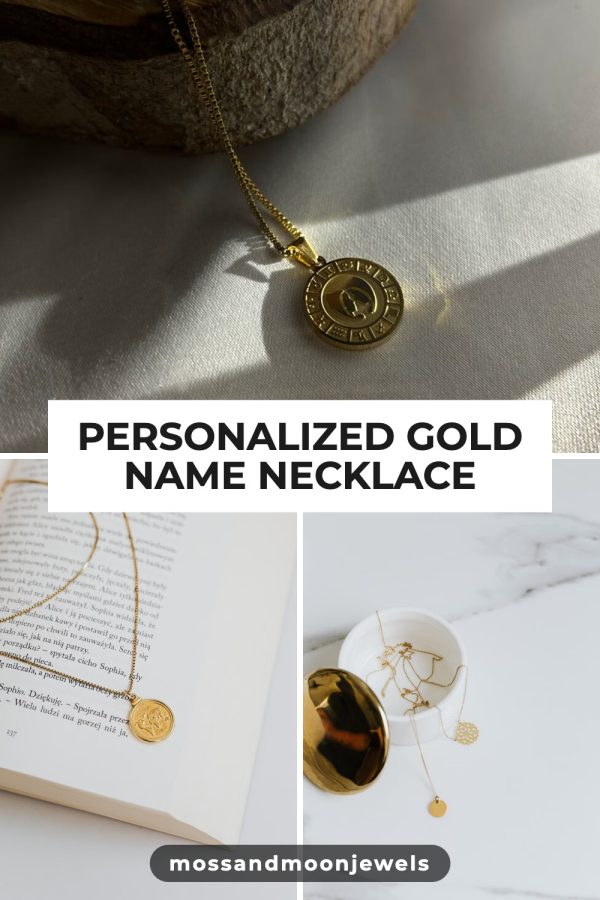
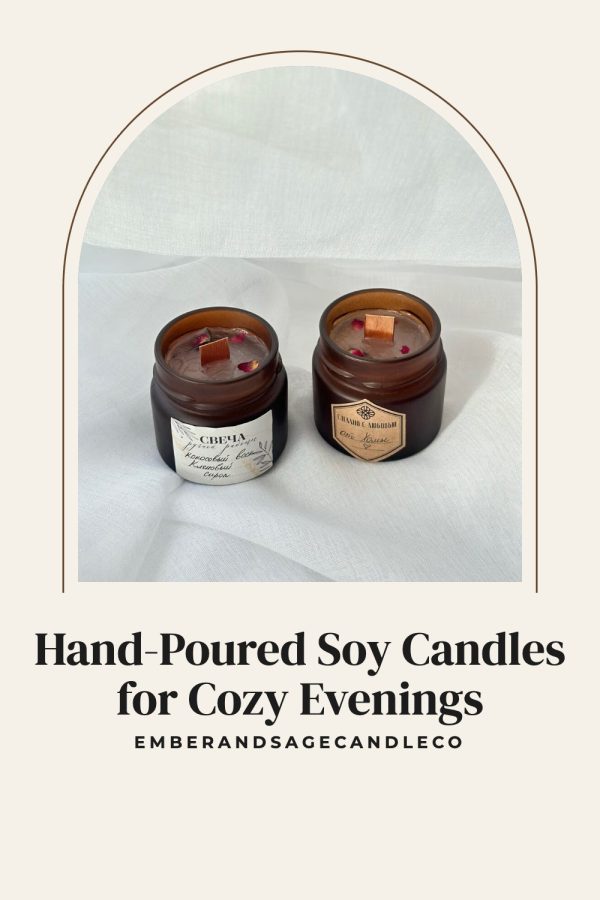
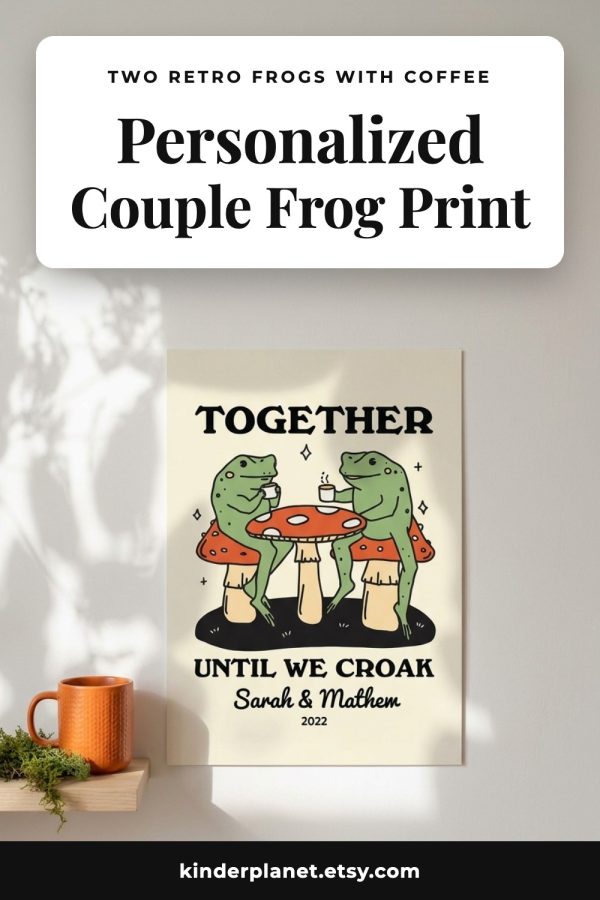
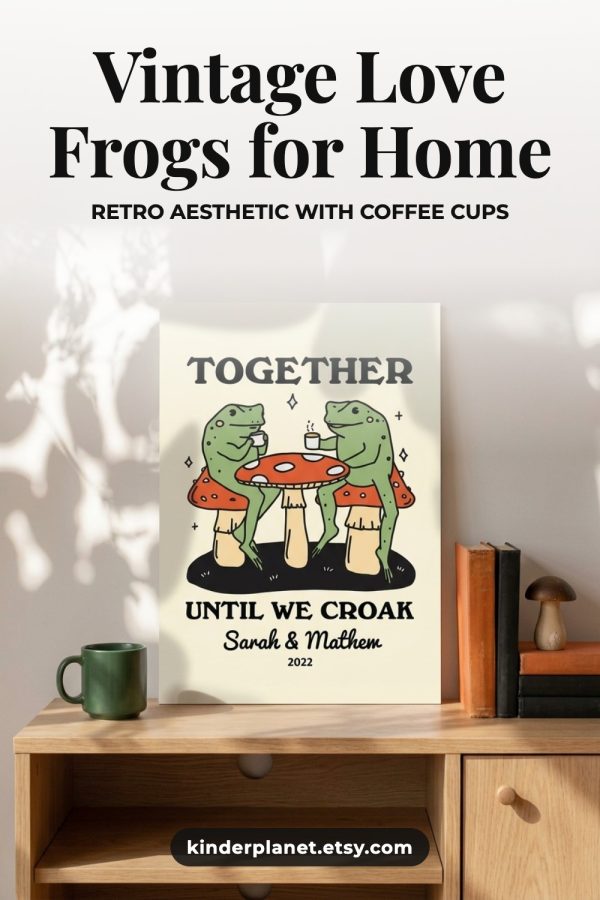


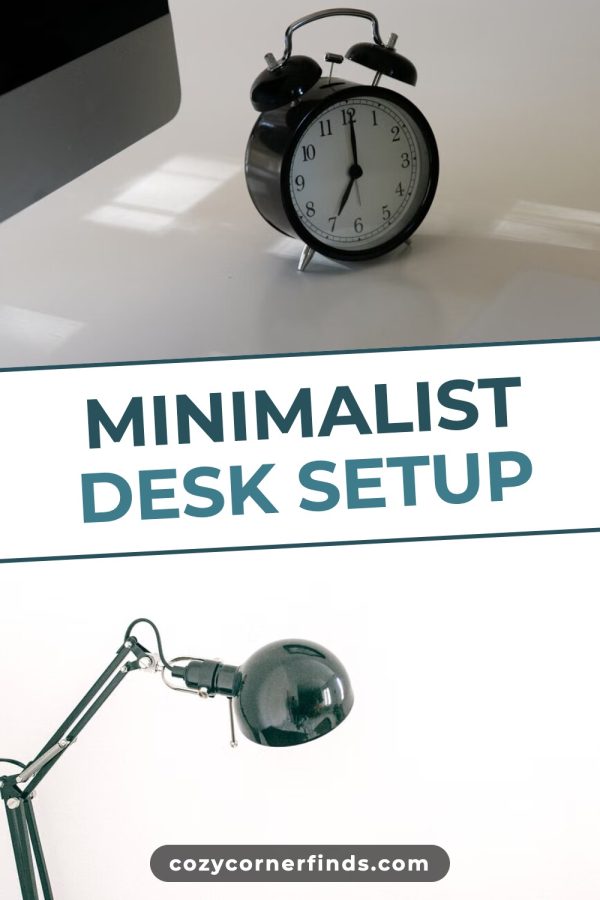
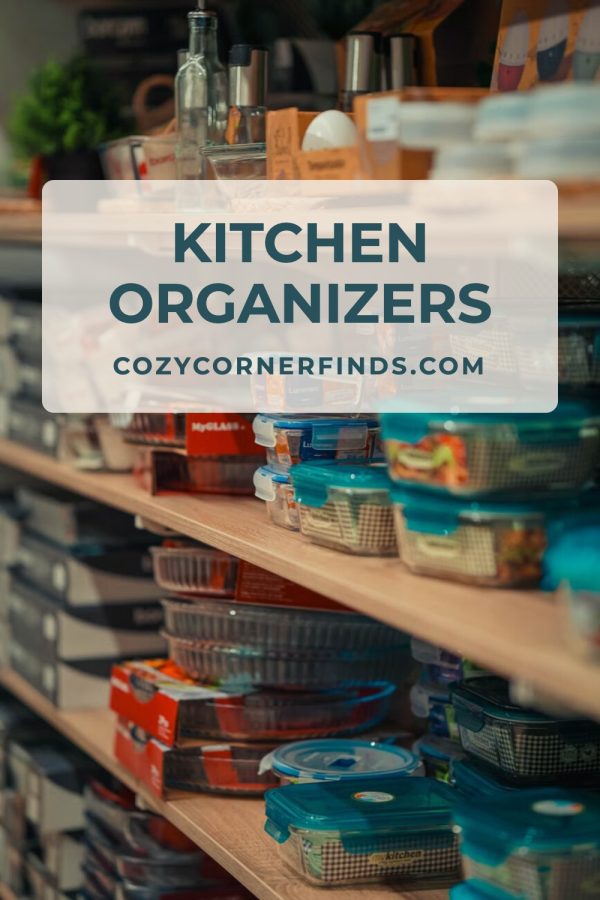

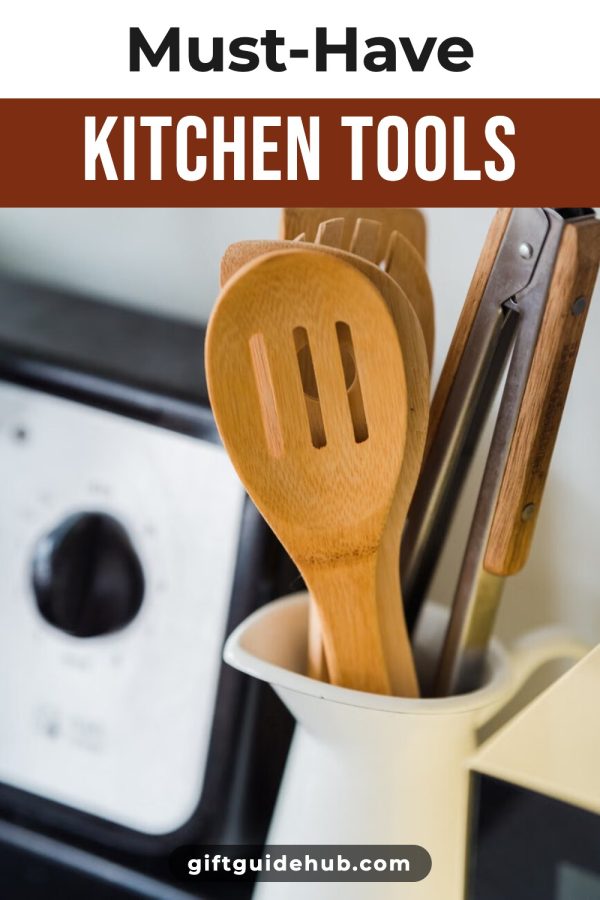

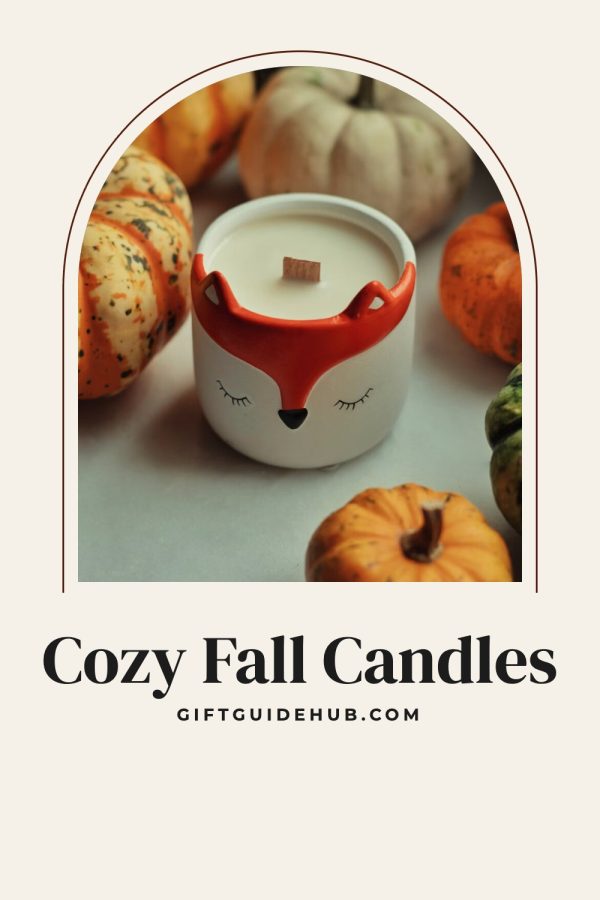
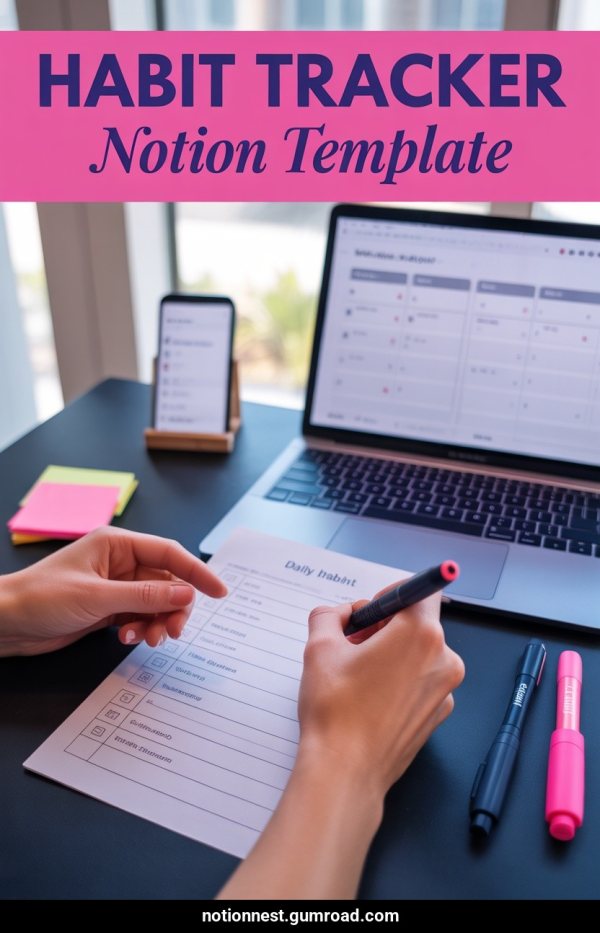
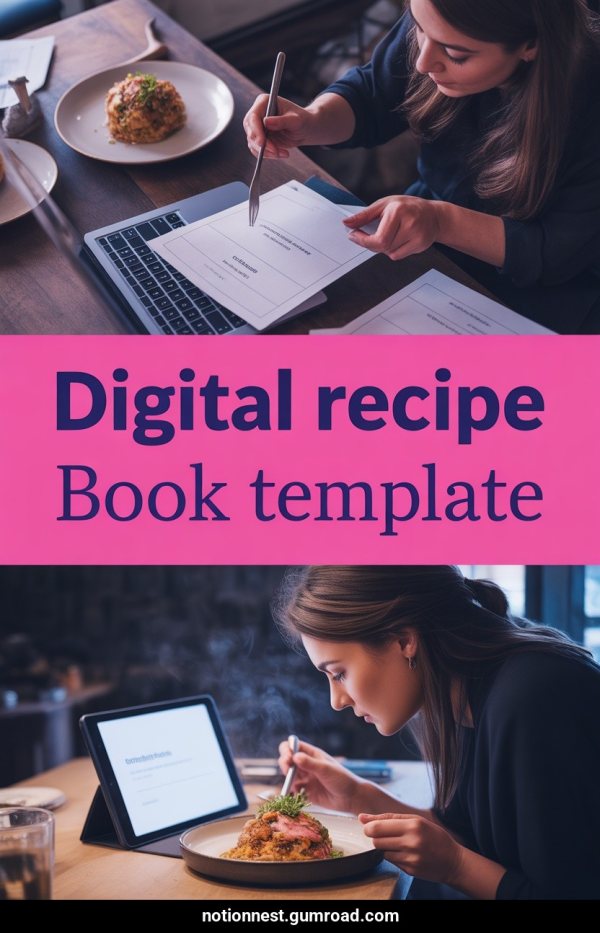
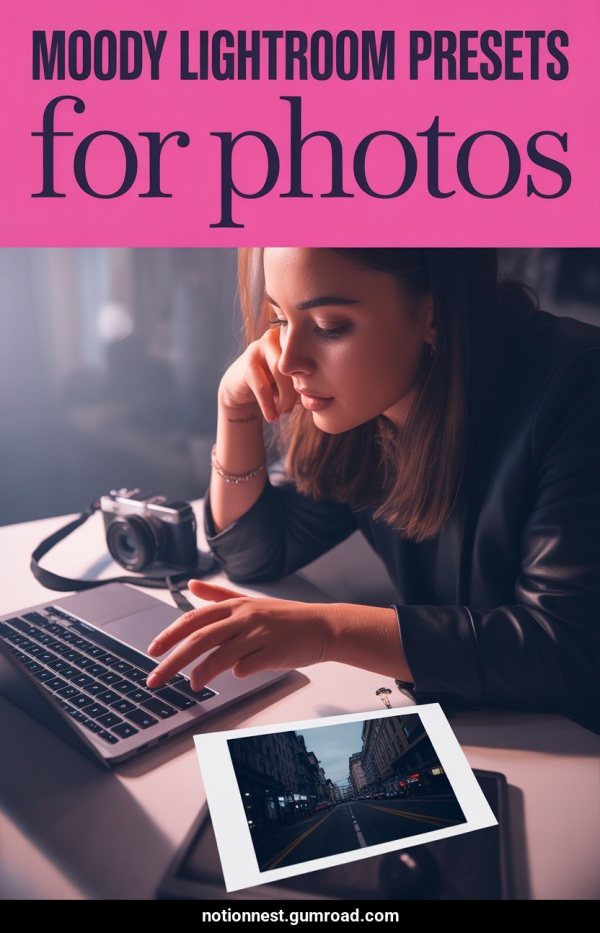
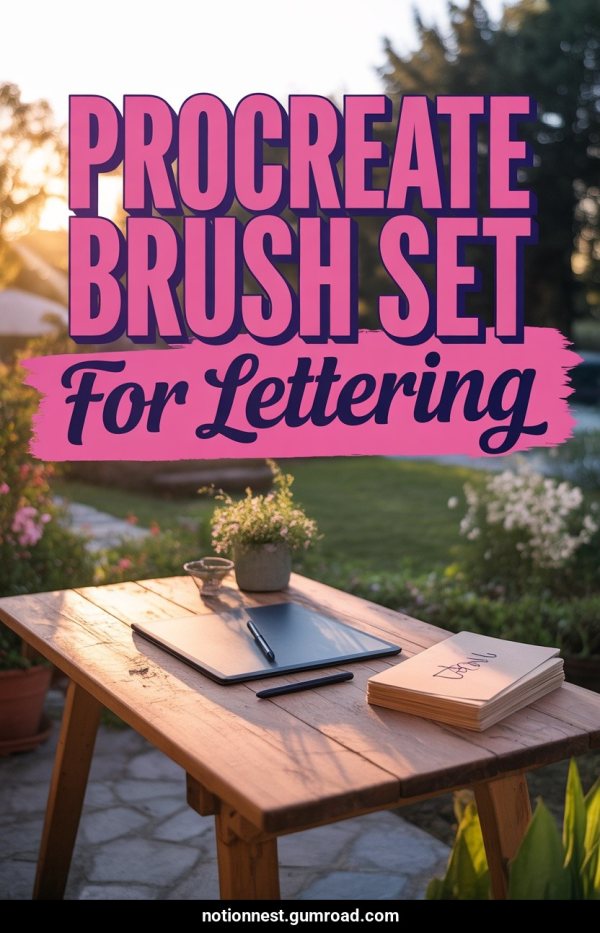
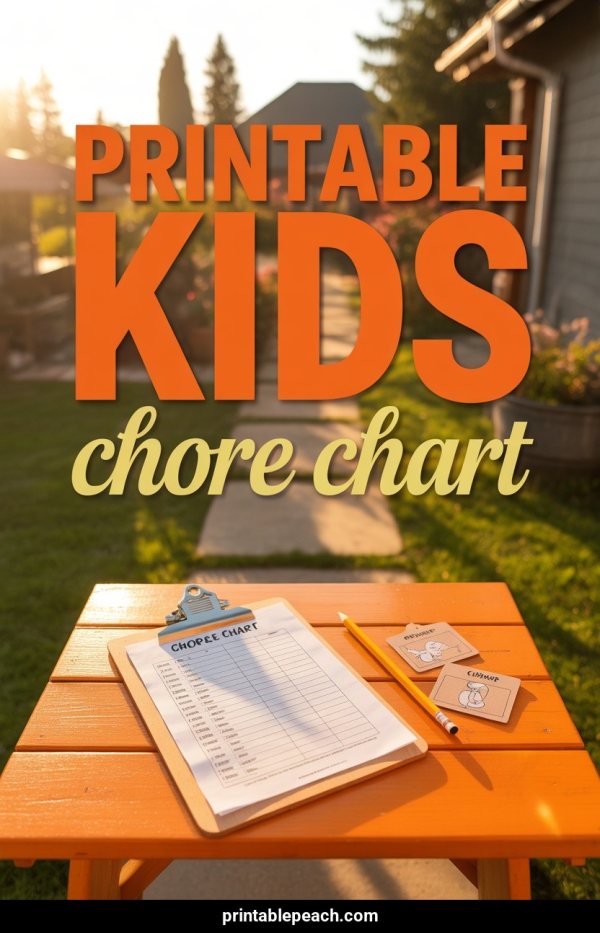
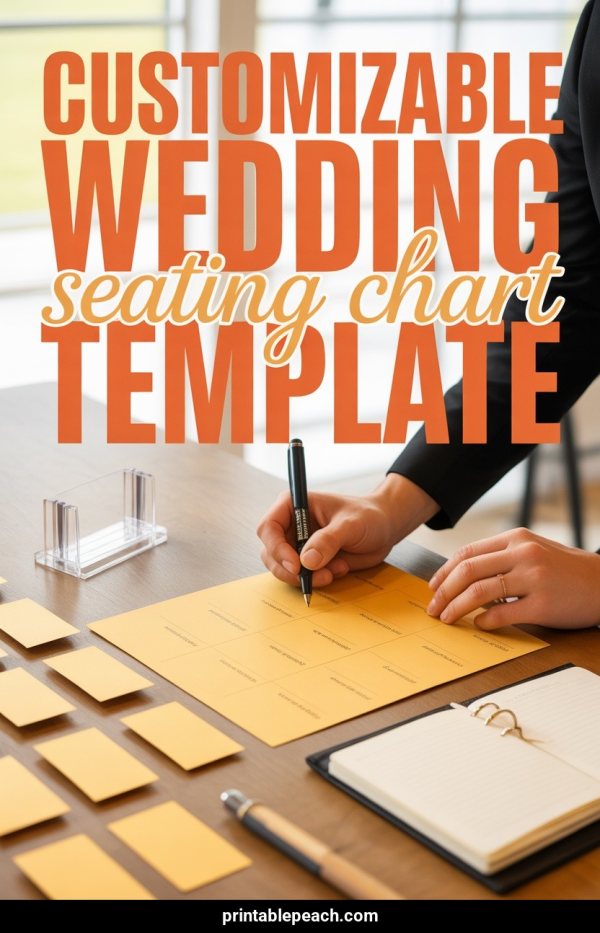
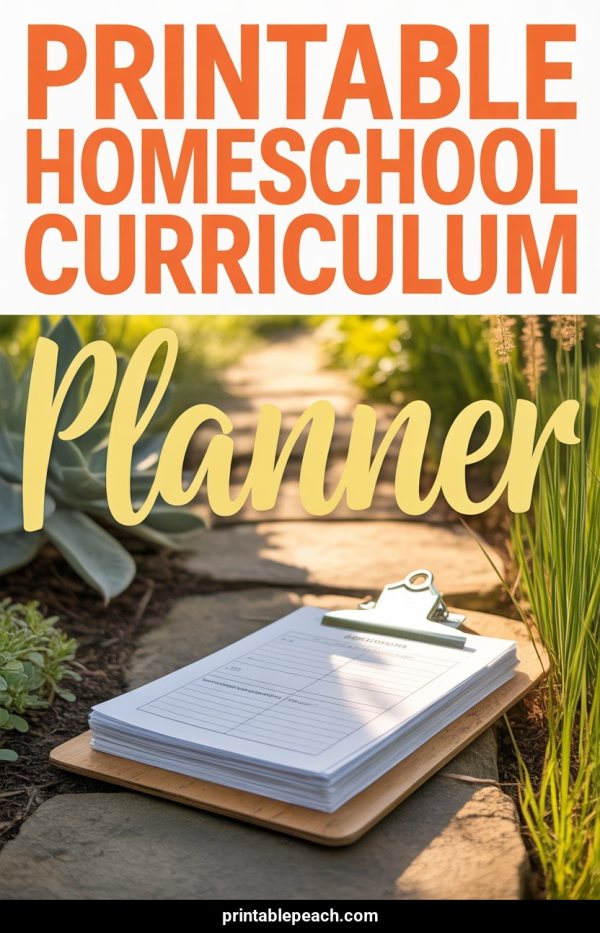
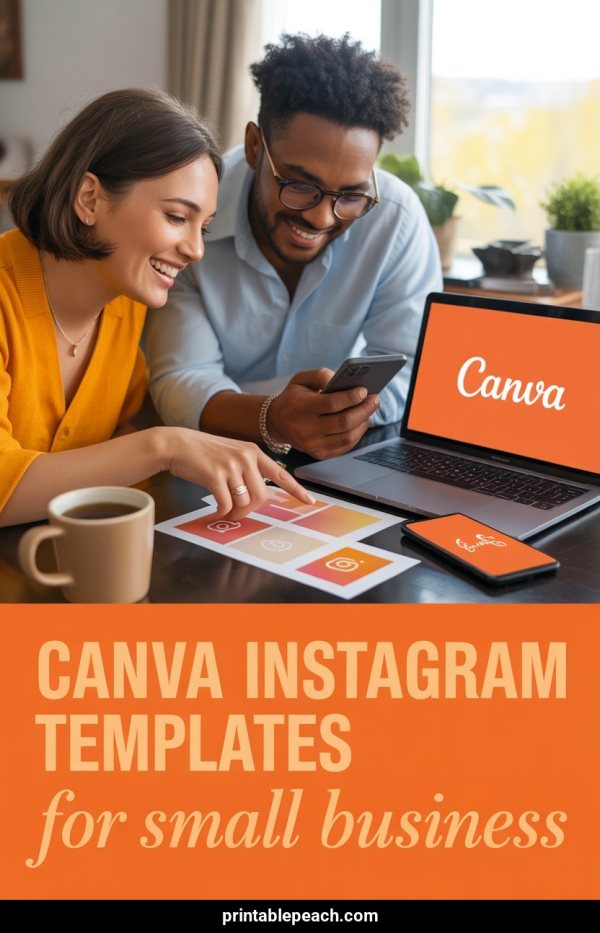
Why this instead of Canva
Photos, a URL, or no photo
Upload product shots, extract from a page, or describe a digital product and let AI design it.
Sized for Pinterest
Every pin is 1000×1500 px — the size that fills the feed.
Free, no account
1 AI pin and 2 template pins a week. More on a plan.
Not stored
Generated pins are deleted after download. Uploaded images are cleaned up automatically.
Want to see the designs first? Browse the free Pinterest templates you can use with this generator.
FAQ
Is it really free?
Yes. No signup. You get 1 AI pin and 2 template pins every week. A plan unlocks more.
Can I upload my own images?
Yes. Drag and drop up to 4 images (JPG, PNG, or WebP, max 3 MB each), or click to browse.
Can I create pins for printables and digital products?
Yes. Click “Making a printable?” under the upload box and describe it. AI generates the pin — no mockups needed.
What URLs work?
Any public product page, blog post, or article. Images come from the main content, not sidebars or ads.
Can I use this for Etsy, Amazon, or Gumroad products?
Yes. Upload product photos or describe a digital product, add a title with your shop name, download a pin that links to the listing.
Are my images stored?
No. The generated pin is deleted after download. Uploaded images are cleaned up automatically.
What layouts are available?
Canva-style designs that place your photo and headline for you, plus simpler grid, banner and side-by-side layouts for 1, 2, 4 or 6 images. All 1000×1500 px, with optional headline, subtitle, and domain banner.
How do you make a Pinterest pin without Canva?
Upload a product photo, paste a URL or describe a printable. Pick a template, add your headline, and download a finished 1000×1500 pin. A single pin needs no Canva file and no account. Create an account to make several designs at once, get the pin copy written, and publish or schedule.
- Start from
- A product photo, a page URL or a short description
- Pin size
- 1000×1500 px, the 2:3 vertical ratio Pinterest recommends
- Account
- Not needed for a single pin
Related tools
More ways to get pins in front of shoppers