Clicky

Free Tool — No Signup Required

Your Etsy Listings Deserve Pinterest Traffic

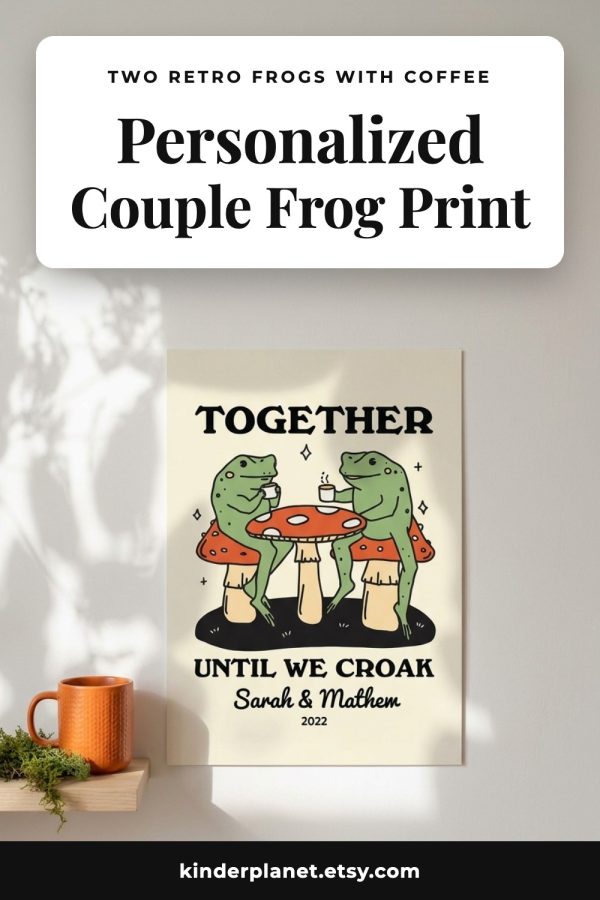
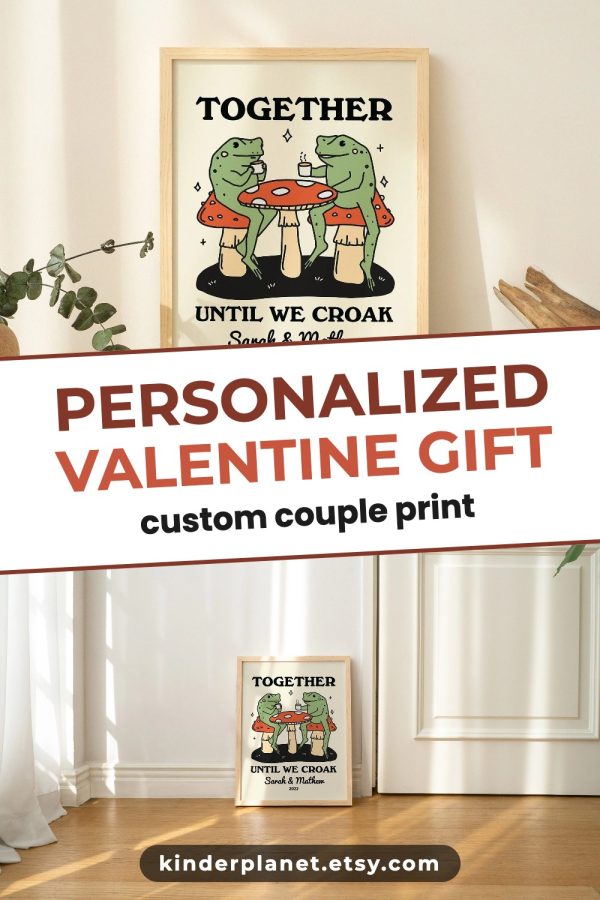
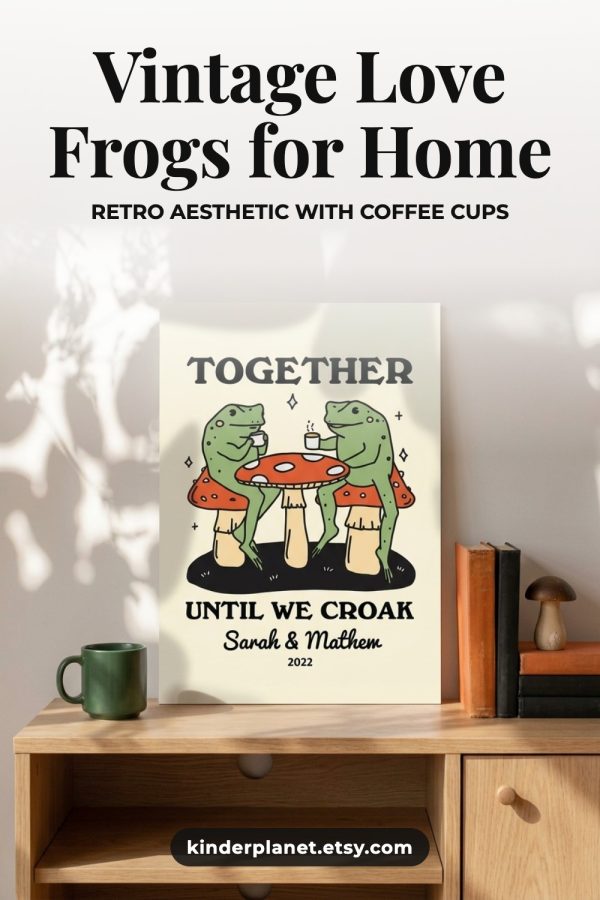
You spent hours perfecting your product photos. Don't let them sit in Etsy search alone. Turn them into Pinterest pins in 60 seconds — and reach 450 million shoppers who are ready to buy.

Create Your First Pin Free

No account needed. No design skills. Just your product photos.

How It Works

1

Upload your product photos

Drag and drop up to 4 images from your Etsy listing. JPG, PNG, or WebP.

2

Add your shop name

Text overlay + domain banner so every pin drives traffic back to your store.

3

Pick a layout

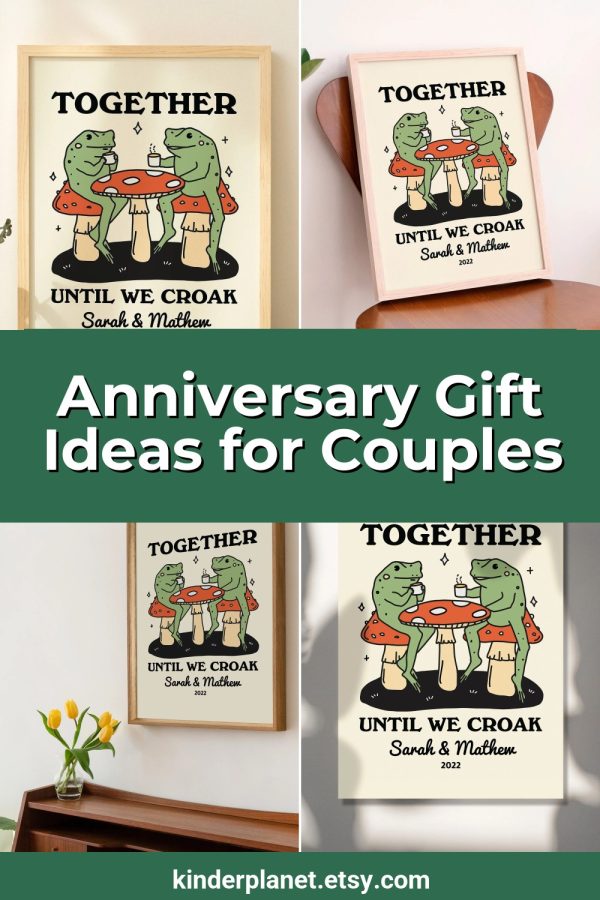
Choose from 10+ Pinterest-optimized templates. Grid, banner, side-by-side — all 1000×1500 px.

4

Download and pin

Your pin is ready. Upload it to Pinterest with a link to your Etsy listing. Done.

Ready to turn your Etsy photos into Pinterest traffic?

Made to Spark's free pin generator creates professional pins from your product images — no Canva, no templates, no wasted hours. Start in seconds.

Create Etsy Pins Free

Why Etsy Sellers Love This Tool

Skip the Canva Grind

No more wrestling with templates. Upload your photos, pick a layout, download a pin. Under 60 seconds, every time.

Built for Product Photos

Not generic social media templates. Layouts designed specifically for showcasing physical products, printables, and digital downloads.

Your Brand on Every Pin

Add your shop name, custom colors, and your Etsy URL. Every pin becomes a branded billboard that drives traffic home.

Pinterest-Perfect Dimensions

Every pin exports at 1000×1500 px — Pinterest's recommended size for maximum distribution in the feed.

Printables & Digital Products Too

Selling planners, wall art, or SVG files? Describe your product and let AI design the pin. No mockups needed.

100% Free, Zero Friction

No account required. No watermarks. Create up to 3 pins per day as a guest, more when you sign up.

5 Pinterest Strategies Every Etsy Seller Should Know

1. Pin every listing, not just your bestsellers

Long-tail products often get discovered on Pinterest before Etsy search. Give every listing a chance to find its audience.

2. Use keywords in your pin title, not hashtags

Pinterest is a search engine. Write pin titles the way shoppers search: “minimalist gold earrings for wedding” not “#jewelry #earrings”.

3. Create multiple pins per product

One listing, 3–5 pin designs. Different angles, different text overlays. Each pin is a new chance to get discovered.

4. Link directly to the Etsy listing

Don't send traffic to your shop homepage. Link each pin to the specific product so shoppers land one click from checkout.

5. Pin consistently, not in bursts

5 pins a day beats 50 pins on Monday. Pinterest rewards fresh, steady content over sporadic uploads.

Frequently Asked Questions

Can I use my Etsy product photos?

Yes. Upload up to 4 images per pin (JPG, PNG, or WebP, max 3 MB each). Use the same photos from your Etsy listing — no need to create anything new.

Do I need a Pinterest business account?

We recommend it (it's free) because you get analytics and rich pins. But you can create pins with our tool and upload them to any Pinterest account.

Will this work for digital products and printables?

Absolutely. Choose “Digital Products” in the tool, describe your printable or planner, and AI generates the entire pin design — no mockups needed.

Can I add my Etsy shop URL to the pin?

Yes. Every layout supports a domain banner. Add your shop name and URL so shoppers know exactly where to buy.

How many pins can I create for free?

Guests get 3 pins per day. Sign up for a free account to get 5. Subscribers get 10 per day.

What's the best Pinterest pin size for Etsy products?

1000×1500 px (2:3 ratio). That's exactly what our tool outputs. This size gets the most reach in the Pinterest feed.

Related Free Tools

More Pinterest tools to grow your Etsy shop