Example: pins made with Made to Spark from a link or topic.

Made to Spark turns Amazon product links into Pinterest pins and schedules them to your boards. Paste your Amazon product link or upload product media you own. Get AI pins and template pins with titles, descriptions and alt text, check every detail, then publish or schedule from the full workflow.
No credit card required to create your account. Plans start at $12 a month.

By Paul, founder of Made to Spark · Last updated Sep 16, 2026
Paste your Amazon product link or upload product media you own. Made to Spark makes AI pins and template pins, writes the title, description and alt text for each one, and lets you check every detail before you publish the pins to Pinterest or schedule them to your boards.
Real pins made with Made to Spark. Tap any pin to see it up close.
Paste a product link and get new styled scenes built around your product, with a headline on the pin.
Cozy Sherpa Fleece Jacket
Cozy Shearling for Every Step
Clean Look, Everyday Snapback
Comfortable Armrests, Sturdy Frame
Your product photos, title and store link in ready-made layouts. Template pins don't use AI credits.
Made with this brand's color (#3E7C8C). Your pins use your own.
Best Gifts for Coffee Lovers
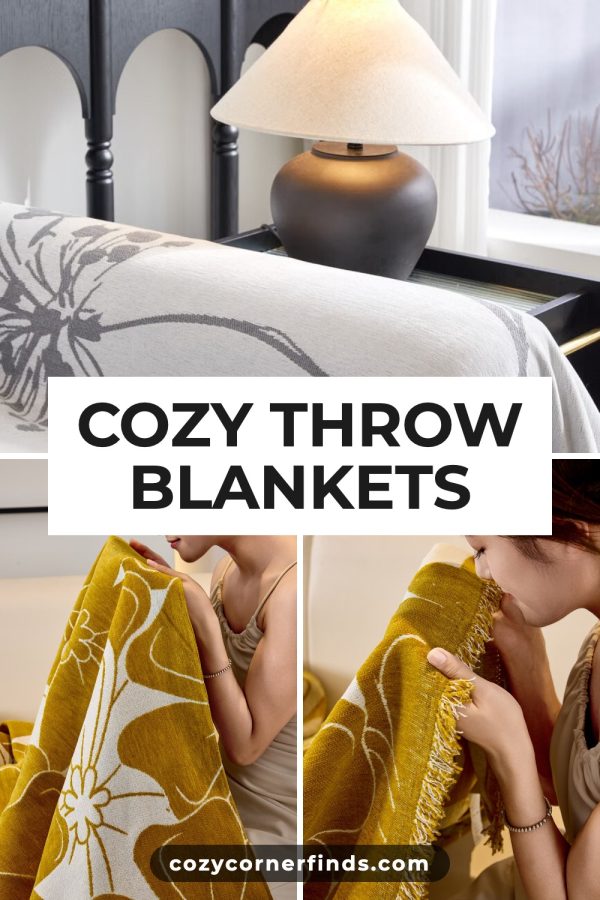
Cozy Throw Blankets
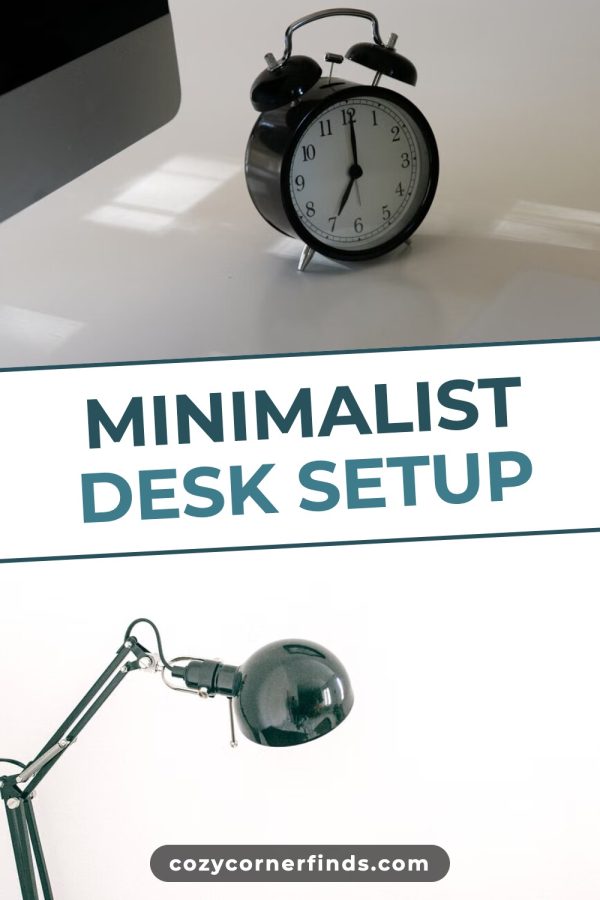
Minimalist Desk Setup
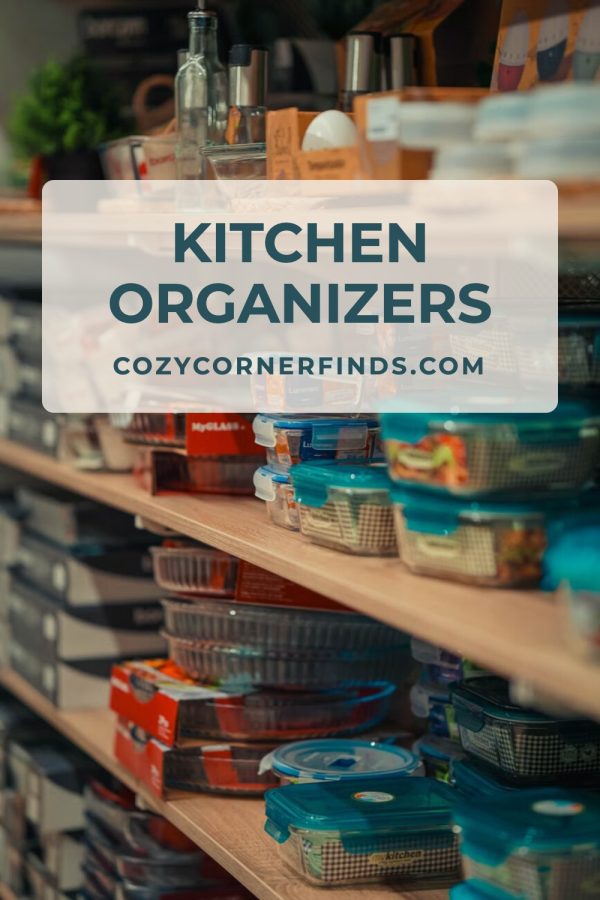
Kitchen Organizers
Paste a product link or upload your photos, pick a style, and get finished pins with the copy written, ready to publish or schedule.
Create your accountNo credit card required to create your account.
“None match the quality of pins made by Made to Spark.”
— Daisy K, Fashion Blogger
Paste your Amazon product URL or upload product media you own or are licensed to reuse.
AI pins build a new scene around your product. Template pins place your photos in ready-made layouts.
Check the crop, claims, spelling, title, description, alt text and link before anything goes live.
Send approved pins to your Pinterest boards now or schedule them for later.
Show the product in context, explain the use case, and give Pinterest users enough to decide whether to visit the listing.
Adapt product photos, packaging shots and lifestyle media your business owns or has licensed into a vertical pin format.
Keep the design, title, description, alt text and destination aligned instead of filling in each field in a separate tool.
Add your brand name, product title and storefront URL, even when the product sells on a marketplace.
Make pins for different benefits, uses or audiences when the product supports them.
Use the bulk pin generator when you have many products to pin.
Use accurate product details and link to the relevant listing. Avoid claims, prices or variants that the destination page does not support.
People search differently on Pinterest. Think “cozy fall bedroom ideas” rather than “queen duvet cover gray”: inspiration, not specs.
Build and review seasonal product pins early enough for your own campaign, inventory and shipping schedule.
When you have the rights to suitable lifestyle media, show the product in context so the use case is clear.
Use the most relevant destination for the pin and check the URL, availability, variant and claims before publishing.
Visual products often give you more ways to show a use case. Treat these as creative directions to test, not performance predictions.
| Amazon category | Story format | Creative direction |
|---|---|---|
| Home & Kitchen | In-context | Room inspiration pins with the product in context ("cozy living room ideas") |
| Beauty & Personal Care | Routine | Accurate routine steps, ingredient callouts, product-in-use images |
| Clothing & Fashion | Styling | Outfit inspiration, seasonal lookbooks, style guides |
| Baby & Kids | Planning | Registry ideas, nursery inspiration, age-appropriate product guides |
| Arts, Crafts & Sewing | Tutorial | Project tutorials using your supplies, finished craft showcases |
| Pet Supplies | In-use | Pet photos using the product, care routines, feature explanations |
| Electronics | Use case | Gift guides, desk setups, and demonstrations of specific features |
| Industrial & Scientific | Technical | Clear diagrams, application examples, and verifiable specifications |
Pinterest can be one channel for presenting your products outside Amazon, but results vary. Keep each pin accurate, send people to the matching listing, and measure clicks and conversions against your own goals without assuming an Amazon ranking effect.
Use product media that you own or are licensed to reuse. Amazon sellers can upload their own listing photos, packaging shots, or authorized lifestyle images. Do not copy media owned by another seller, brand, photographer, or marketplace contributor.
Yes. In your account, paste your product URL and review the extracted product details and media before generation. Only use content you own or have permission to reuse.
Yes. Use the relevant Amazon product or storefront URL as the destination, confirm it matches the pin, and follow current Amazon and Pinterest policies.
The single-pin tool makes one pin without an account. Create an account for URL-based generation, AI-written titles, descriptions and alt text, bulk creation, and Pinterest publishing or scheduling.
Product pin designs use a 2:3 vertical format at 1000 × 1500 pixels. Review the final crop, text placement, destination URL, and metadata before publishing.
Plans start at $12 a month, or about $9 a month billed yearly. Every plan includes pin creation, pin copy and Pinterest scheduling. Larger plans add more AI credits, more pins per day and bulk pin creation.
Promoting Amazon products as an affiliate instead of selling your own? See Pinterest for Amazon Affiliates →
Turn your product links and photos into on-brand Pinterest pins, then publish or schedule them from one place.
Create product pinsNo credit card required to create your account. See pricing
Paste an Amazon or affiliate link and get a pin plus the exact tagged link to put on it.
Open toolDraft clear Pinterest titles from your product and topic.
Open toolResize images to standard Pinterest dimensions.
Open toolAlso selling on other platforms?