By Paul, founder of Made to Spark · Updated Jul 8, 2026
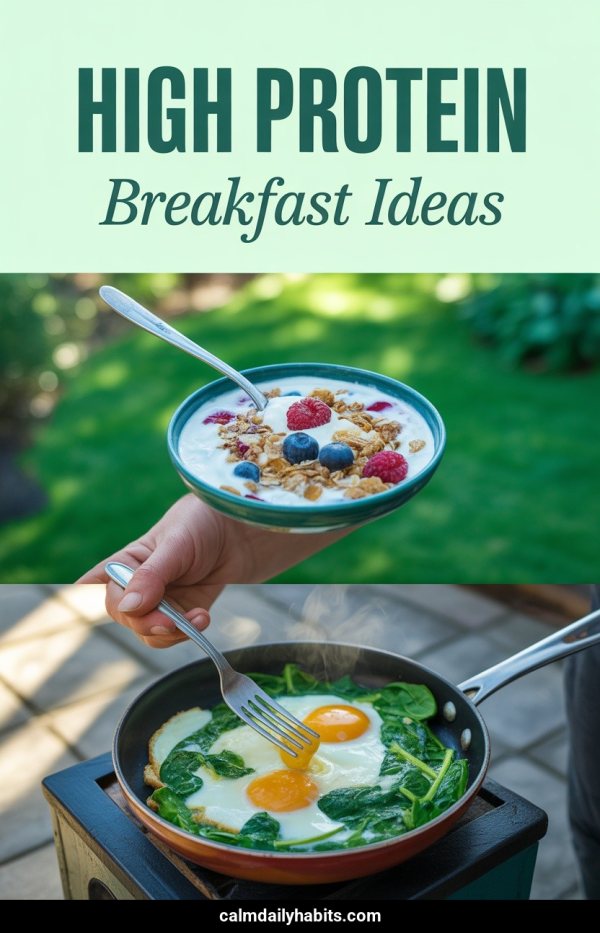
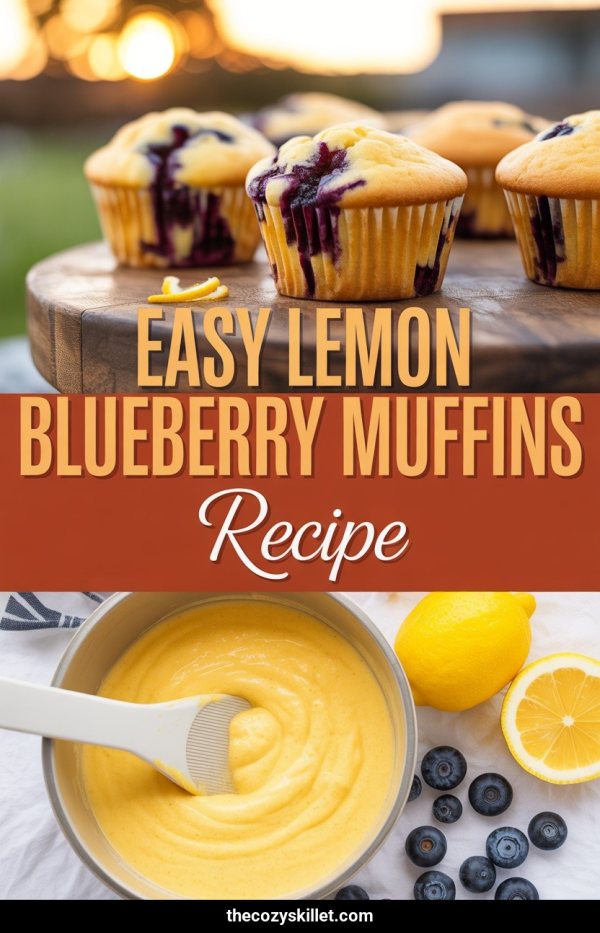
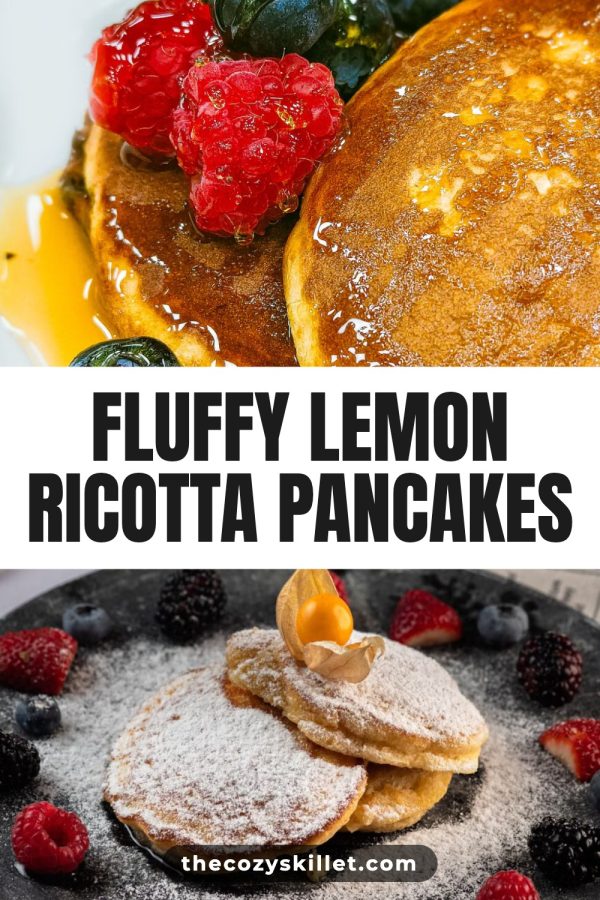
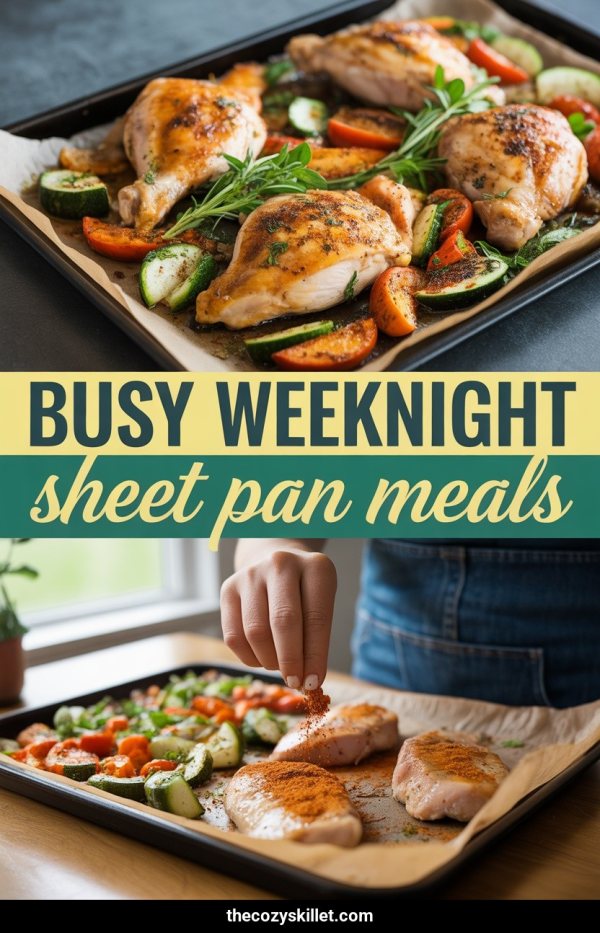
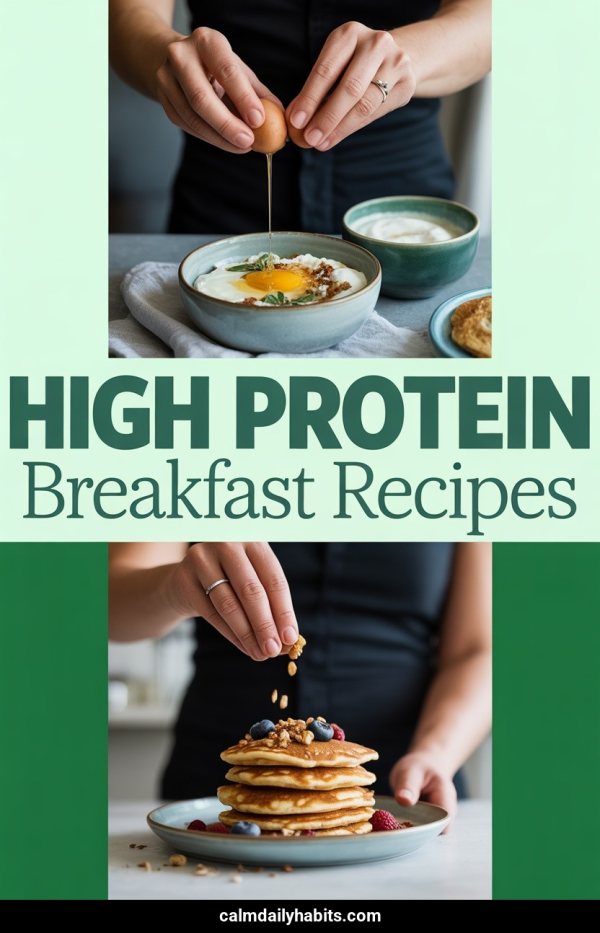
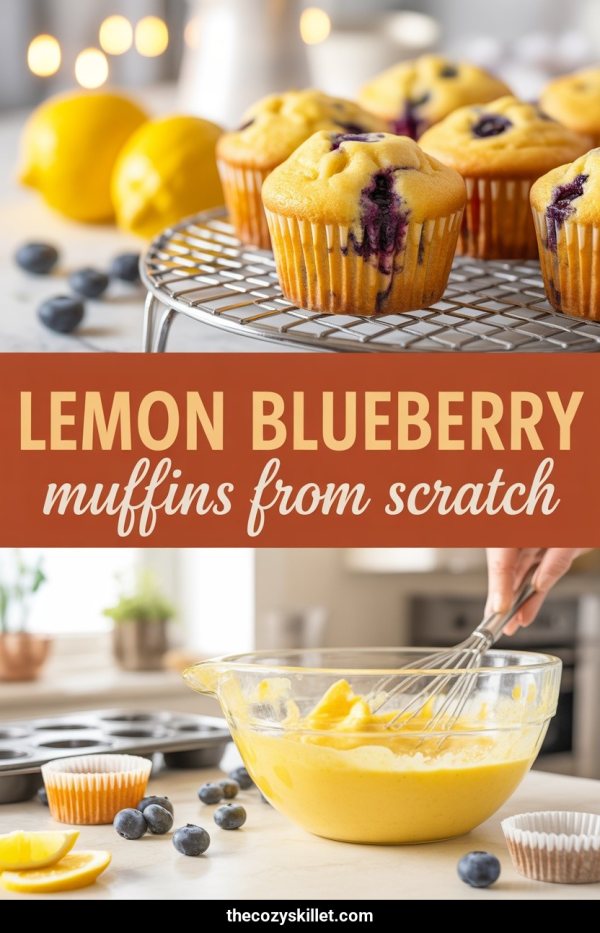
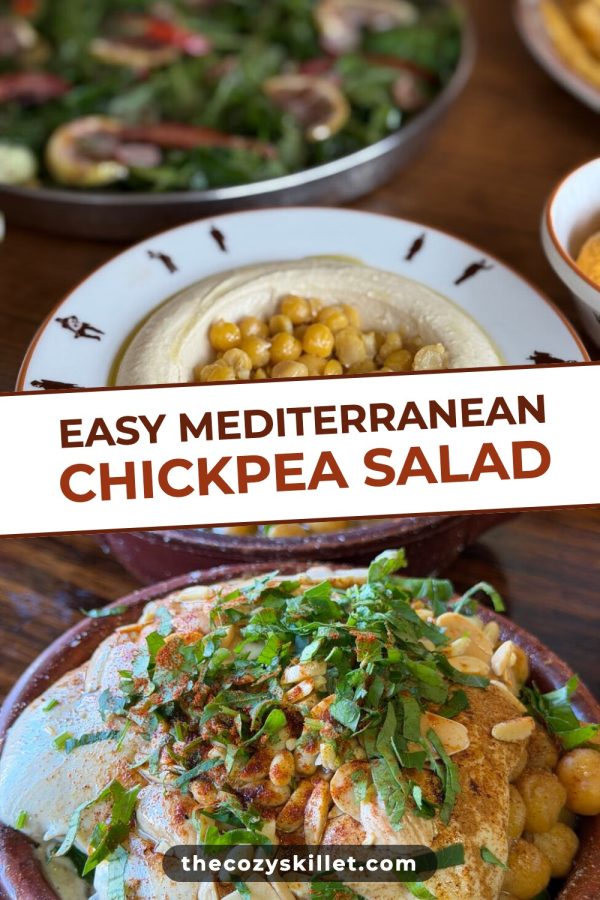
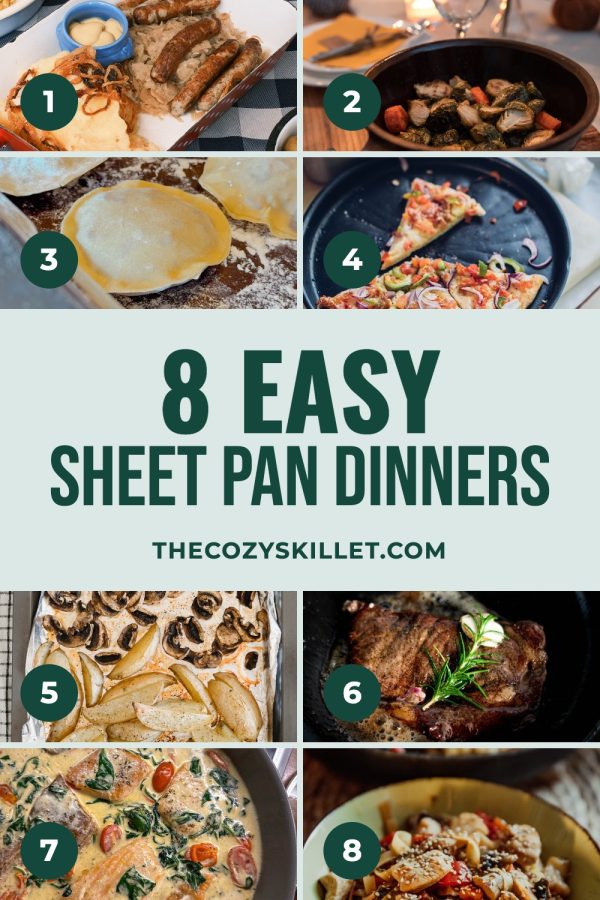
Both tools create and schedule Pinterest pins. Made to Spark wins when you want pins from your URL, photos, or stock — up to five designs per page, brand colors, and on a plan WordPress/sitemap bulk. See our samples.
Starter credits on signup. No credit card required.
Scheduling is parity. The difference is the pin: ContentGoblin leans AI-generated. Made to Spark builds pins from your pages — URL extract, uploads, or stock — with brand colors, up to five designs per URL, and plan-level WordPress/sitemap bulk.
Same job on scheduling. Different source material for the pins themselves.
| Strategic Choice | ContentGoblin |
Made to Spark
From Your Pages
|
|---|---|---|
|
Pin source material
What the design is built from
|
Mostly AI-generated images |
Page URL, uploads, stock, or AI
|
|
Designs per URL
Variations in one run
|
AI pin batches |
Up to 5 branded designs per URL
|
|
Brand colors & tone
On-brand layouts and copy
|
Generic auto titles |
Brand colors applied · edit before publish
|
|
WordPress / sitemap bulk
Existing posts → pins
|
Not the focus |
On a plan — up to 500 URLs per run
|
|
Destination pages
What each pin promotes
|
You attach destinations |
Pins built from the page they link to
|
|
Pinterest scheduling
Queue to boards
|
Yes
|
Yes (plan daily limits)
|
URL or photos → up to five branded designs → publish or schedule. Same Pinterest queue, better source material.
Bulk-build pins from your existing blog posts and products on a plan. Use product photos, uploads, stock, or AI visuals — not only AI-generated images.
Set brand colors and tone so pin copy and layouts stay on-brand. Review titles and descriptions before you publish or schedule.
Edit copy, then publish now or schedule to boards. On a plan, bulk-turn WordPress/sitemap URLs into pins. Template URL pins included on plans; AI pins use credits.
Starter credits on signup. No credit card required.
Both schedule. Pick based on where the pin visuals come from.
ContentGoblin focuses on generating and scheduling AI pins. Made to Spark also creates pins and schedules to Pinterest, and adds URL-based pin designs (up to five per URL), bulk pins from WordPress or a sitemap on a plan, brand colors and tone, and AI, stock, or uploaded images. Template URL pins are included on plans; AI pins use credits.
Yes. On a plan, connect WordPress or paste a sitemap and bulk-turn posts into branded pins that link back to them.
You can use AI-generated visuals, Unsplash/Pexels stock, images from a URL, or your own uploads.
Yes. On a plan, connect WordPress and turn existing posts into branded pins in bulk. Any other blog works through its sitemap.
Yes. Every new account gets starter credits to test pin generation, AI images, and scheduling before committing to a paid plan. No credit card required.
Brand colors, URL-based pin designs, and AI, stock, or uploaded images. Starter credits on signup, no credit card required.