Clicky

The Expert Choice
|
Paul Preibisch By Paul, founder of LowFruits & Made to Spark

The PinGenerator Alternative With Pins That Actually Look Good

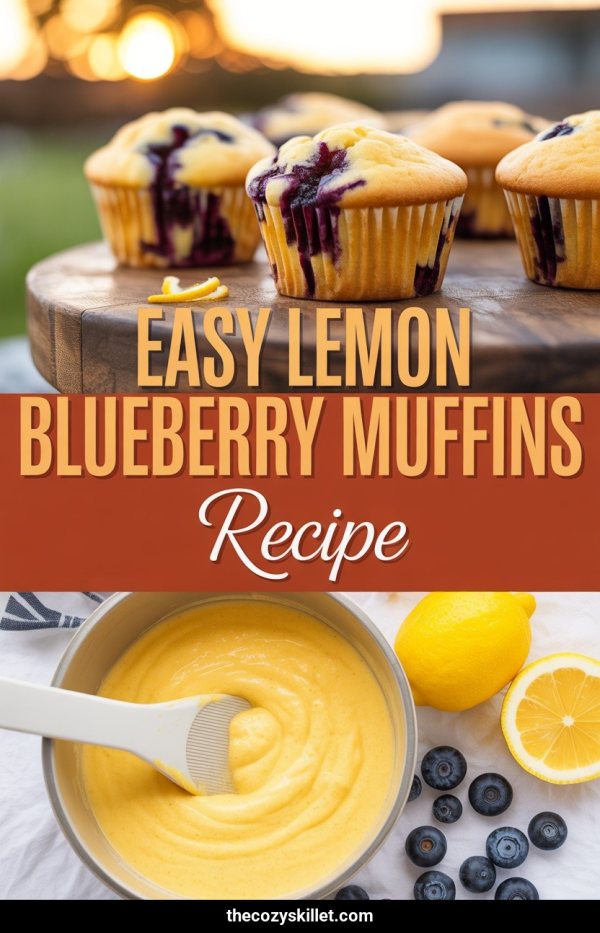
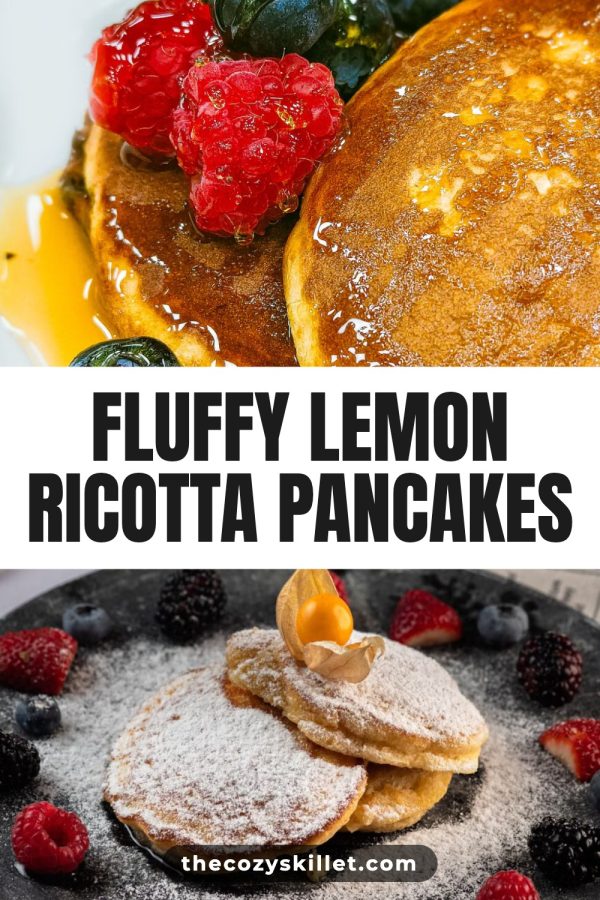
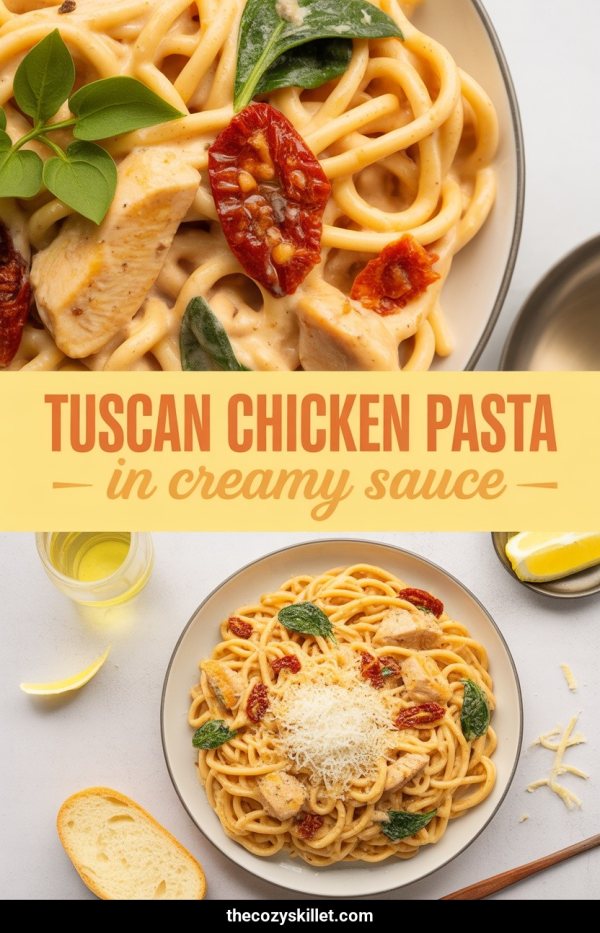
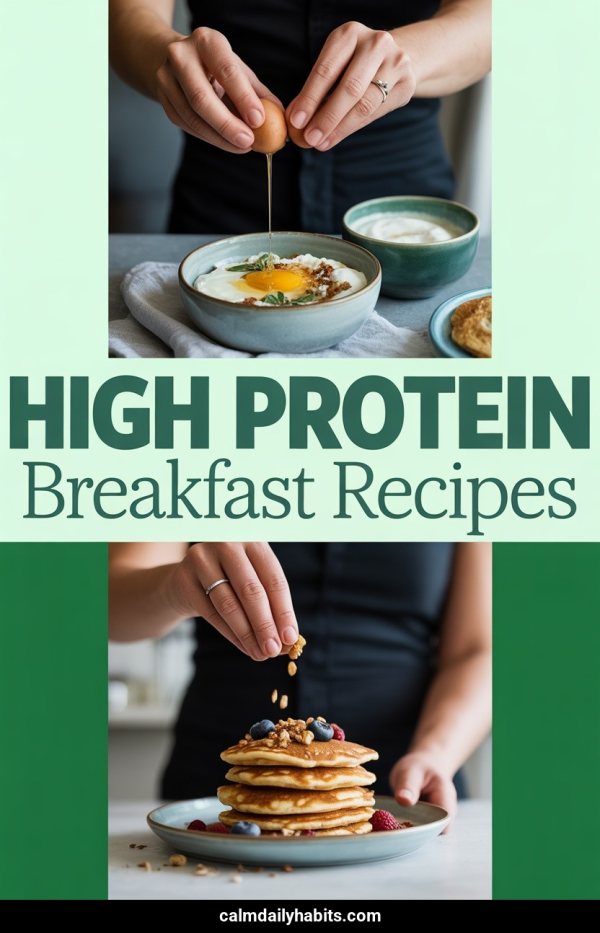
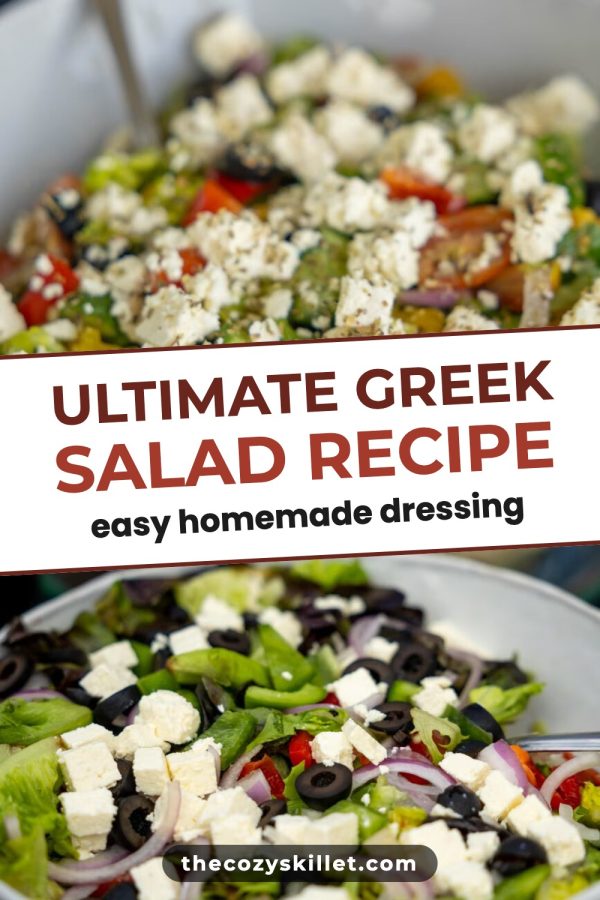
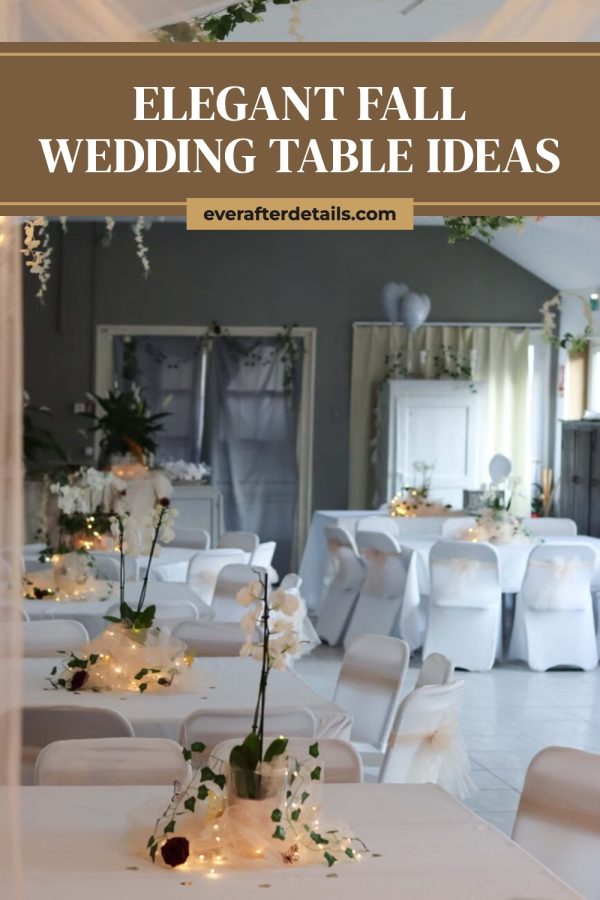
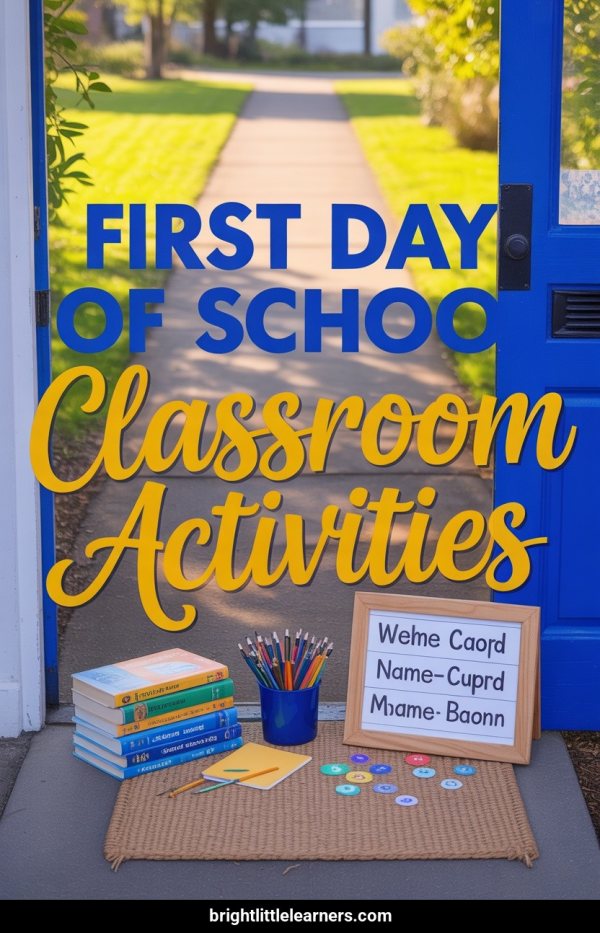
PinGenerator pins all look the same — same templates, same stock photos, same generic feel. Made to Spark creates unique pins with AI-generated images tailored to your content. Every pin looks different and scroll-stopping. Plus built-in Pinterest scheduling — no separate tool needed.

Create Your First AI Pin Free

Free AI credits on signup. No credit card required.

TL;DR

PinGenerator uses templates and stock photos — your pins end up looking like everyone else's. Made to Spark generates original AI images matched to your content, creates multiple unique pin designs, and schedules them directly to Pinterest. Better designs, more variety, built-in scheduling — all in one tool.

5,500+ pins created by creators worldwide
Rosa Murcia
“Made to Spark has become a key tool in my workflow. It turns what is usually a time-consuming, fragmented process into a smooth and efficient system.” — Rosa Murcia, Pinterest Marketing Expert

Why Creators Switch From PinGenerator

Template-based pins all look the same. Pinterest's algorithm rewards unique, high-quality visuals — not recycled designs.

Strategic Focus PinGenerator Made to Spark
AI-Powered
Pin Design Quality
How your pins actually look
Template-based, generic
AI-generated, unique every time
Images
Where the visuals come from
Stock photos & templates
Original AI images or your own
Design Variety
Per topic or URL
Same template, swapped text
10+ unique designs per topic
Pinterest Scheduling
Post directly to boards
Not included
Built-in scheduler
Cost Control
For power users
Fixed pricing
BYOK — bring your own API keys

Template pins blend in. AI-generated pins stand out.

Pinterest rewards unique visuals with more distribution. Made to Spark creates original images and designs for every pin — so your content actually gets seen.

1

Describe Your Topic

Paste a URL, upload your own photos, or just type a topic. Made to Spark understands what visuals to create — no template picking needed.

2

Get Unique Pin Designs

AI generates original images matched to your content — not stock photos everyone else uses. Each pin gets a different layout, different visual, different text. 10+ unique pins per topic.

3

Schedule to Pinterest

Schedule pins directly to your Pinterest boards from inside Made to Spark. No separate scheduling tool needed. Your pins go out on autopilot while you focus on creating.

Why Creators Choose Made to Spark Over PinGenerator

Pins That Don't Look Like Templates

PinGenerator pins all share the same template DNA. Made to Spark generates original AI images and unique layouts for every pin — your content stands out instead of blending in.

No Images? No Problem.

Don't have product photos or stock images? AI generates original visuals from any topic. Perfect for bloggers, course creators, and affiliate marketers who need pins but don't have their own photos.

Built-in Pinterest Scheduling

Create pins and schedule them to your Pinterest boards from the same tool. No need to pay for a separate scheduler like Tailwind on top of your pin generator.

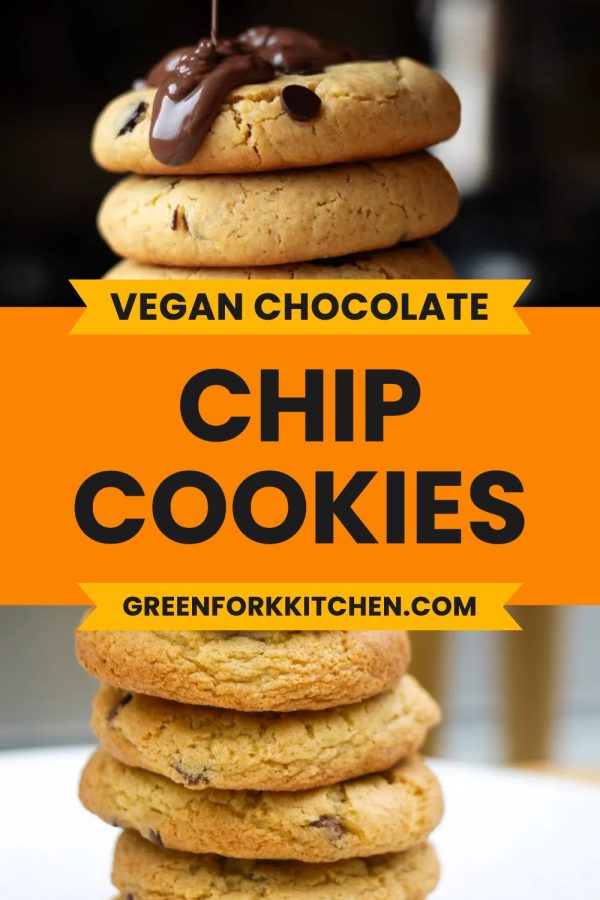
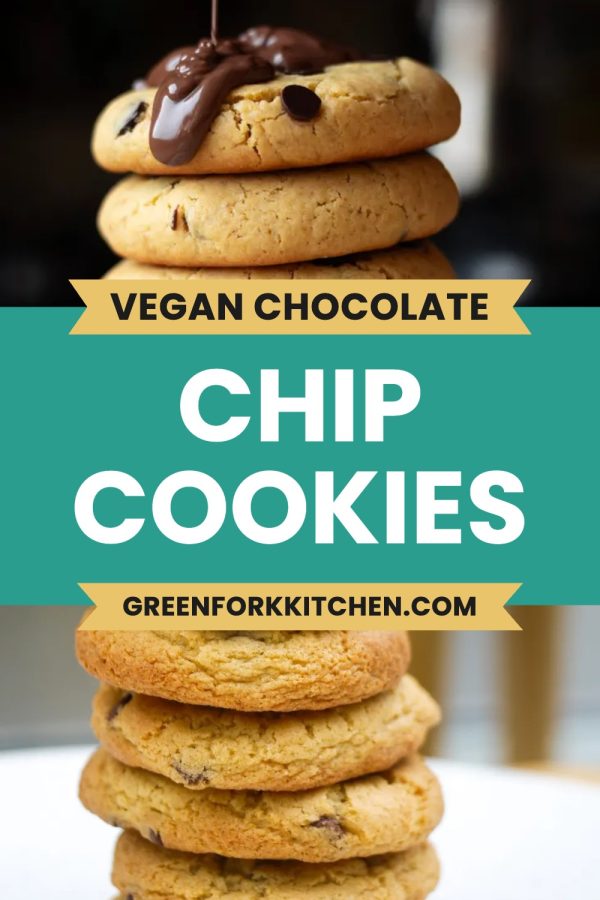
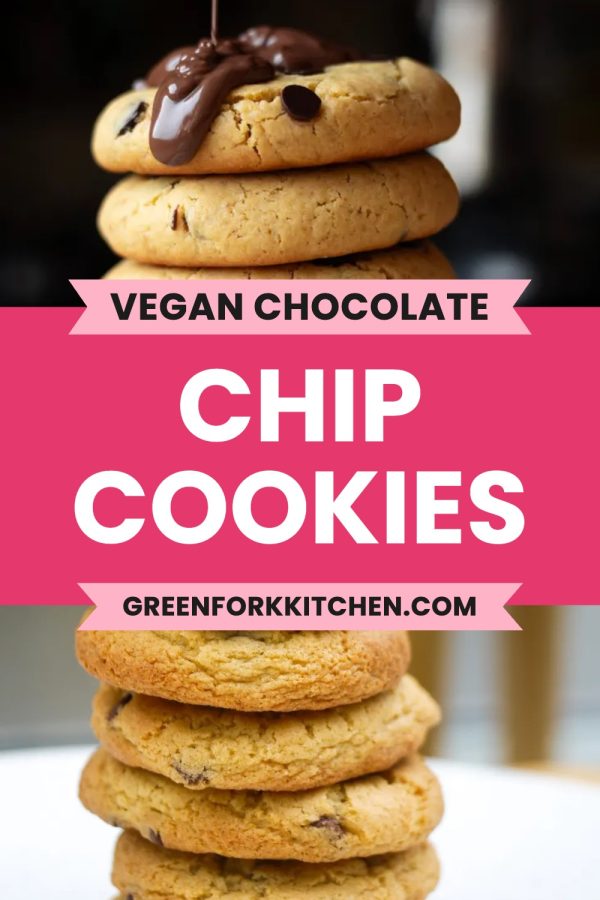
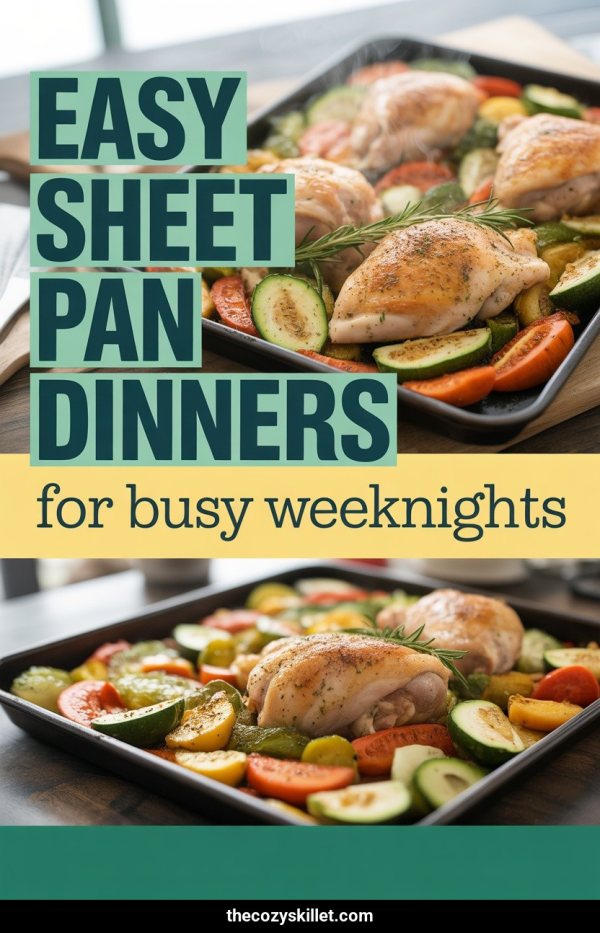
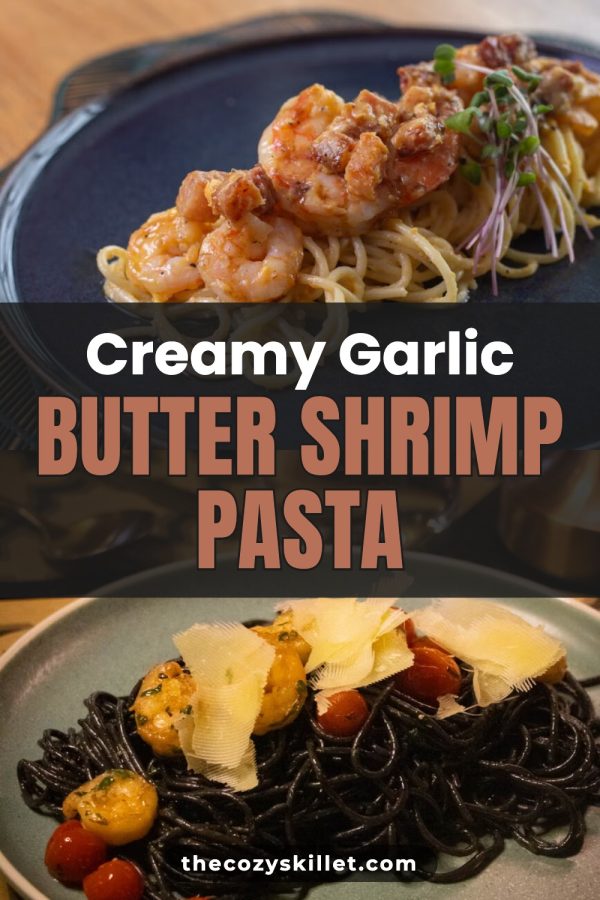
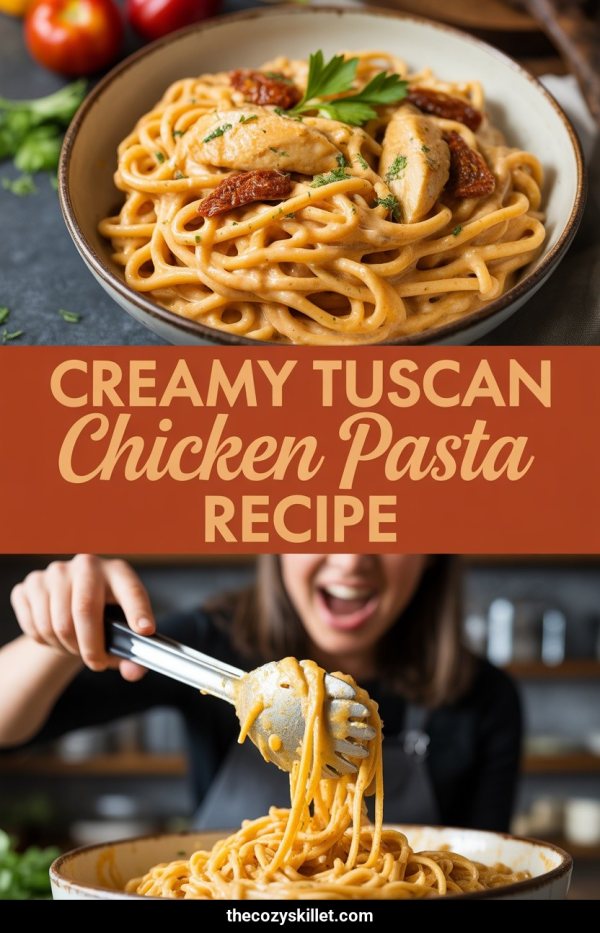
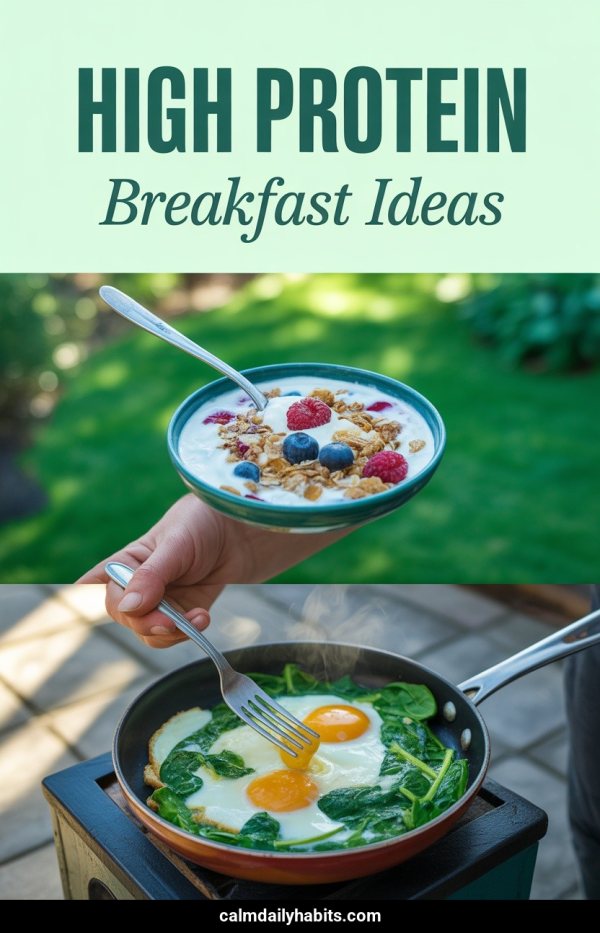
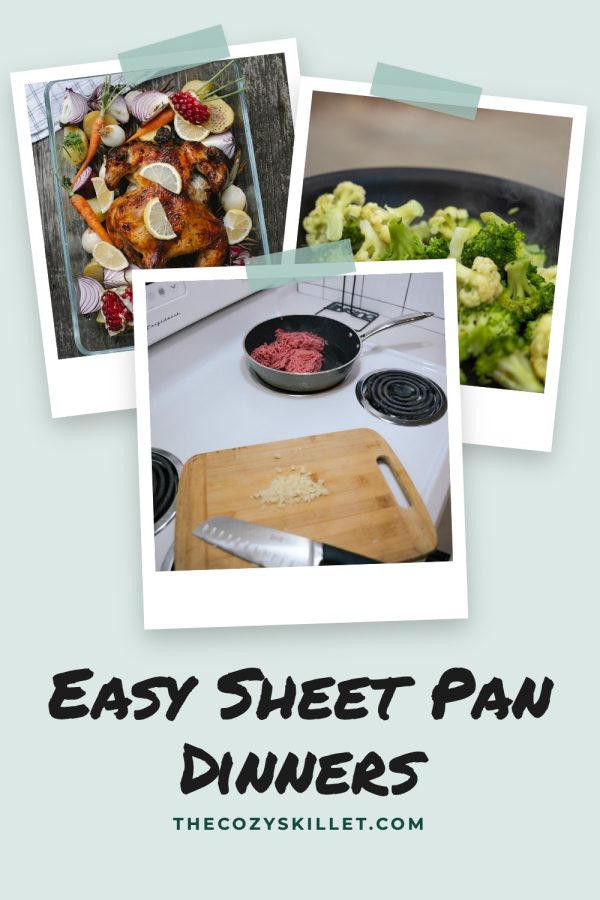
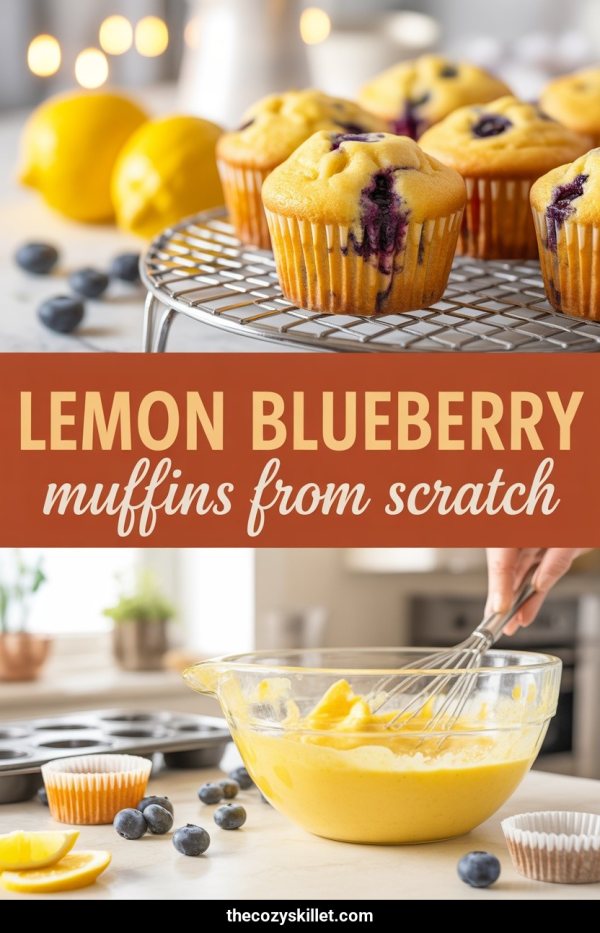
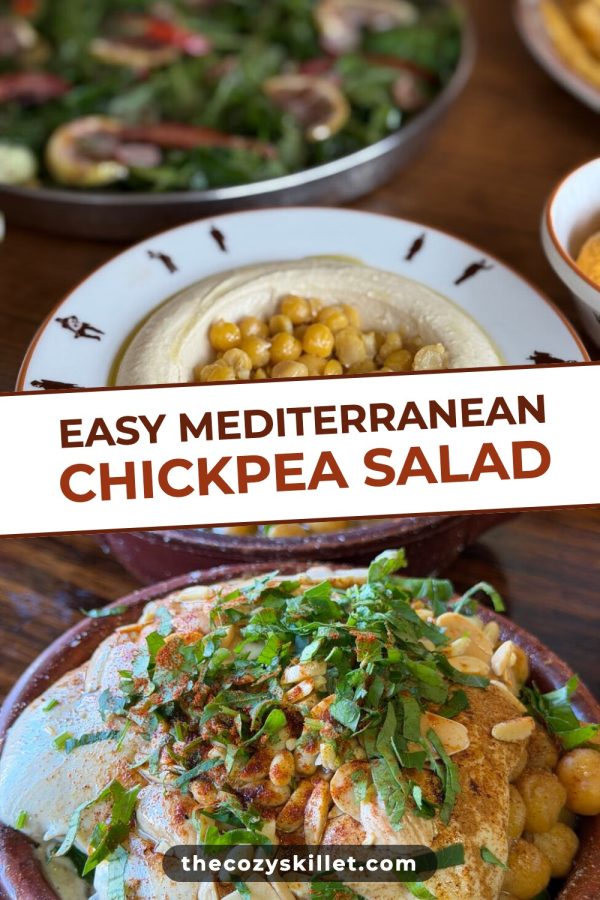
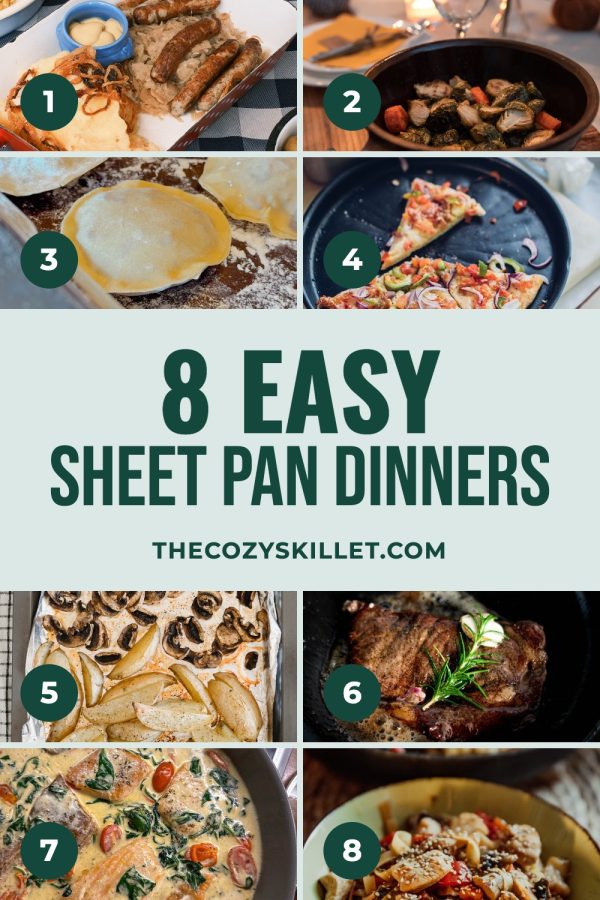
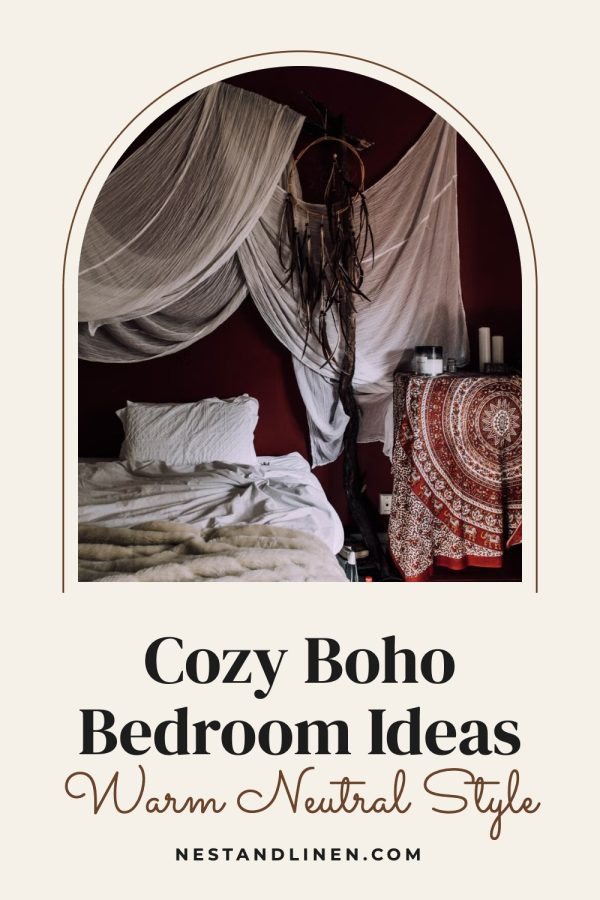
Made to Spark AI pin generator creating unique Pinterest pins as a PinGenerator alternative
AI Pin Generation Engine

Honest Take: When to Use Which

Different tools for different stages. Here's who each is best for.

P PinGenerator works if...

  • You're fine with template-based designs
  • You have your own images and just need to add text overlays
  • You don't need Pinterest scheduling

Made to Spark is better when...

  • You want pins that look professional — not template-generic
  • You don't have product photos and need AI to generate visuals
  • You want to create 10+ unique pins per topic in minutes, not hours
  • You want built-in Pinterest scheduling — no separate tool

Frequently Asked Questions

What makes Made to Spark better than PinGenerator?

PinGenerator uses templates and stock photos — every pin looks the same. Made to Spark generates original AI images matched to your content, creates 10+ unique pin designs per topic, and includes built-in Pinterest scheduling. Better visuals, more variety, fewer tools.

Can I create multiple pins at once?

Yes. Made to Spark generates 10+ unique pin designs per topic — different layouts, different images, different text overlays. Each pin looks distinct, giving you more chances to get discovered in Pinterest search.

Can I use my own API keys to save money?

Yes. Made to Spark supports BYOK (Bring Your Own Key) for OpenAI, Claude, and image generation APIs. Bring your own keys and pay only the raw API costs — significantly cheaper at scale than bundled pricing.

What image sources are available for pins?

Three options: AI-generated images unique to your topic, premium stock photos from Unsplash and Freepik, or upload your own. PinGenerator only supports templates with stock photos. Try our free pin generator to see the difference.

Does Made to Spark include Pinterest scheduling?

Yes. Create pins and schedule them directly to your Pinterest boards from inside Made to Spark. No need for a separate scheduling tool like Tailwind on top of your pin generator.

Can I try Made to Spark for free?

Yes. Every new account gets free credits to test pin creation, AI image generation, and Pinterest scheduling before choosing a paid plan. No credit card required.

Your Pins Deserve Better Than Templates

Create unique AI-generated pins and schedule them to Pinterest — all in about 2 minutes. Free AI credits on signup, no credit card required.