Clicky

For Etsy sellers

Etsy Pinterest Templates

21 designer-style pin templates for jewelry, home decor, printables, clothing and gifts, plus AI scenes for your products. Paste an Etsy listing URL, pick a design, and your listing photos, title and link drop straight in. No Canva files to edit, pin after pin.

No credit card required to create your account.

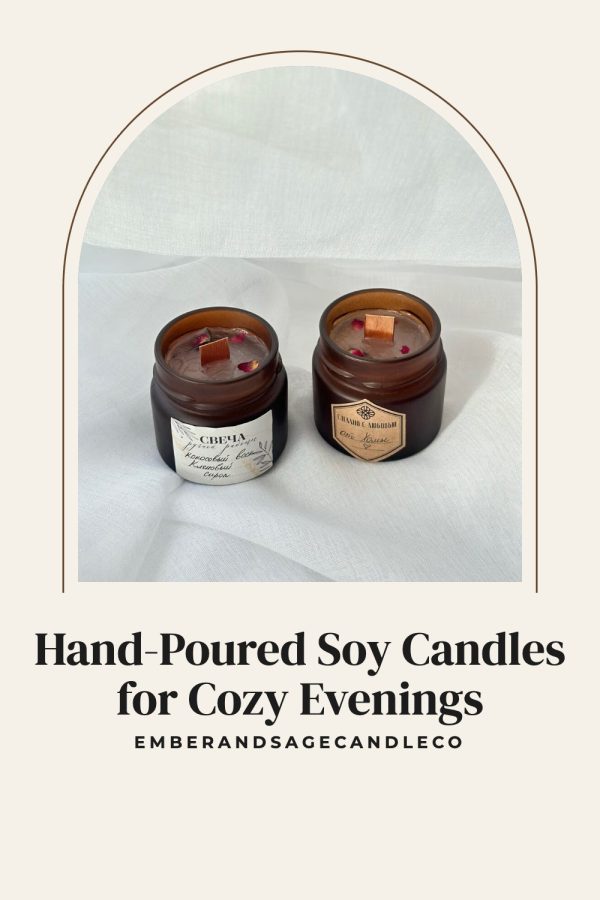
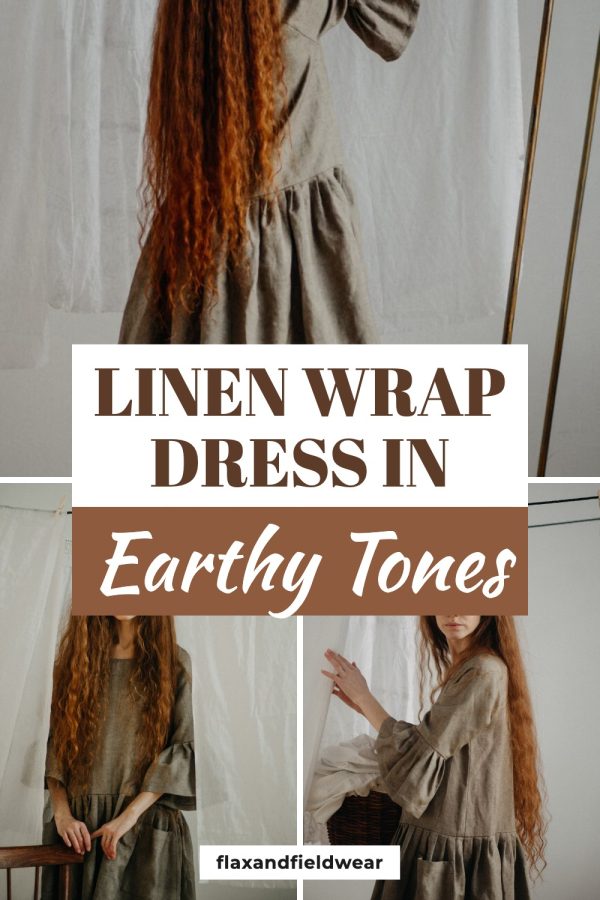
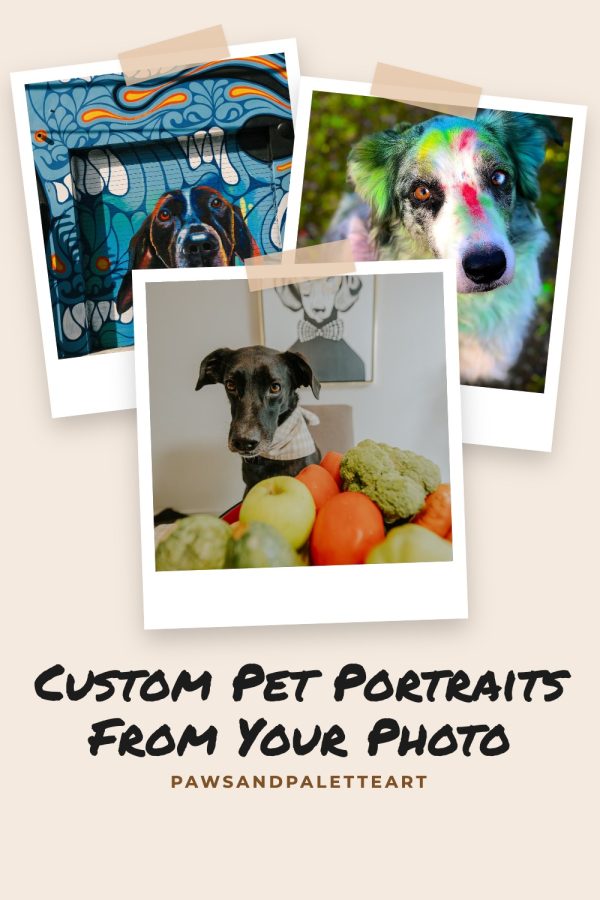
Arch Frame Etsy Pinterest Templates example: a home decor pin titled "Hand-Poured Soy Candles for Cozy Evenings" Strip Sandwich Etsy Pinterest Templates example: a clothing pin titled "Linen Wrap Dress in Earthy Tones" Polaroid Scrapbook Etsy Pinterest Templates example: a custom art pin titled "Custom Pet Portraits From Your Photo"

21 templates · 1000×1500 · linked to your listing

Jewelry pin templates

Keep small, shiny pieces big and sharp: one hero photo with a short title, or a few angles side by side.

Use these designs

Home decor pin templates

Candles, wall art and handmade decor look best with calm layouts that leave room for the styled photo.

Use these designs

Clothing and accessories pin templates

Show the fit and the details at once with layouts that keep the product photo large.

Use these designs

Printables and paper goods pin templates

Planners, invitations and sticker sheets sell on the details, so these templates show several at once.

Use these designs

Gift and personalized item pin templates

Gift shoppers search Pinterest months ahead. Collage and scrapbook layouts show the whole range in one pin.

Use these designs

Like a template? Put your listing in it.

Paste an Etsy listing URL and get this design with your own photos, title and shop link in about a minute.

Create your account

No credit card required to create your account.

Or let AI style your product in a scene

No lifestyle photos? AI pins place your listing in a styled room, desk or gift setting, so one product photo turns into many fresh pins. These were all made from a single Etsy listing.

See AI product scenes

See your own listing as a pin

Paste any Etsy listing URL to preview how its photos and title look on a Pinterest pin. No account needed for the preview.

Use the link to one product, not a shop or search page.

10 listings a day.

Why most Pinterest templates for Etsy don't sell

Pinterest is a visual search engine where people plan purchases. A product pin has one job: make the item easy to see and easy to tap. These are the four mistakes we see most.

1. Too much going on

Canva packs are often designed for bloggers, with long headlines and several text boxes. On a product pin that clutter covers the thing you are selling. These templates keep your listing photo large and the title short.

2. The same pin as a thousand other shops

Popular template packs sell to thousands of sellers, so the same layout, fonts and colors fill the feed. Here every pin is built from your own listing photos and your brand colors, so it looks like your shop.

3. One pin per product

Pinterest favors fresh pins. Editing a Canva file for every listing means most sellers stop at one. Making several designs for each listing takes one click here.

4. A layout that doesn't fit the product

A roundup collage suits a sticker range but not a single necklace. The gallery above is sorted by product type so you can start with layouts that suit what you sell.

Canva template packs vs templates that fill themselves

A template pack gives you the design. You still do the work for every listing.

Task Canva template pack Made to Spark templates
Adding your product photos Upload and crop by hand, pin by pin Pulled from your Etsy listing
Title and description Typed into each design Written for Pinterest search from your listing
Link to the listing Added when you upload to Pinterest Attached to every pin
Several designs per listing Duplicate and edit again Pick more templates, done
Your shop's colors Change each element Set once, used everywhere
Posting to Pinterest Export, upload, repeat Publish or schedule from the app

More detail in Made to Spark vs Canva for Pinterest.

How to make Etsy pins with these templates

1

Paste an Etsy listing URL

We pull the listing photos and title. Paste your shop URL instead to pick from all your products.

2

Pick one or more templates

Your shop colors and name are applied automatically. Make several designs for the same listing.

3

Publish or schedule

Each pin links to its listing and comes with a keyword-rich description, ready to schedule to Pinterest.

More Pinterest template collections

New to Pinterest for your shop? Read Pinterest for Etsy sellers or find tags with the Etsy tag generator.

Etsy Pinterest templates FAQ

What are Etsy Pinterest templates?

They are pin layouts made for product photos: an arrangement of one or more listing photos, a short title, your shop name and your brand colors. Instead of designing each pin from scratch, you drop your Etsy listing into a template and get a finished pin that links back to the listing.

How do I use these templates with my Etsy listings?

Create an account, paste an Etsy listing URL and pick a template. Made to Spark pulls the photos and title from the listing, applies your colors and shop name, and gives you a 1000×1500 pin you can download, publish or schedule to Pinterest with the listing link attached.

What size should a Pinterest pin for Etsy be?

1000×1500 pixels, a 2:3 ratio. It is the size Pinterest recommends, and taller pins can be cropped in the feed. Every template on this page outputs that size, even when your Etsy photos are square or landscape.

Can a pin link straight to my Etsy listing?

Yes. Each pin links to the listing it was made from, so a pinner who taps it lands on the product page, ready to buy.

Do these templates work for digital products and printables?

Yes. Planners, wall art, invitations and other digital downloads work well, especially in collage templates that show several pages or mockups in one pin.

How many pins should I make for each listing?

Start with two or three designs per listing and add new ones over time. Pinterest favors fresh pins, and different layouts reach different searches. Rotating templates is faster than repinning the same image.

Do template pins use credits?

No. Template pins use the photos already on your listing, so they are included in your plan and don't use AI credits. Only AI pins, which create a new image, use a credit.

Is Made to Spark affiliated with Etsy?

No. Made to Spark is an independent Pinterest marketing tool. Etsy is a trademark of Etsy, Inc. The shop names on the sample pins are made up for illustration.

Stop editing pin templates by hand

Pick your favorite designs and let Made to Spark fill them from your Etsy listings.

Sign up and start pinning

No credit card required to create your account. See pricing

Made to Spark is not affiliated with Etsy, Inc. Shop names on the sample pins are fictional.

21 Etsy pin templates, filled from your listing Get started