How to Sell Canva Templates on Pinterest
 Paul
Paul
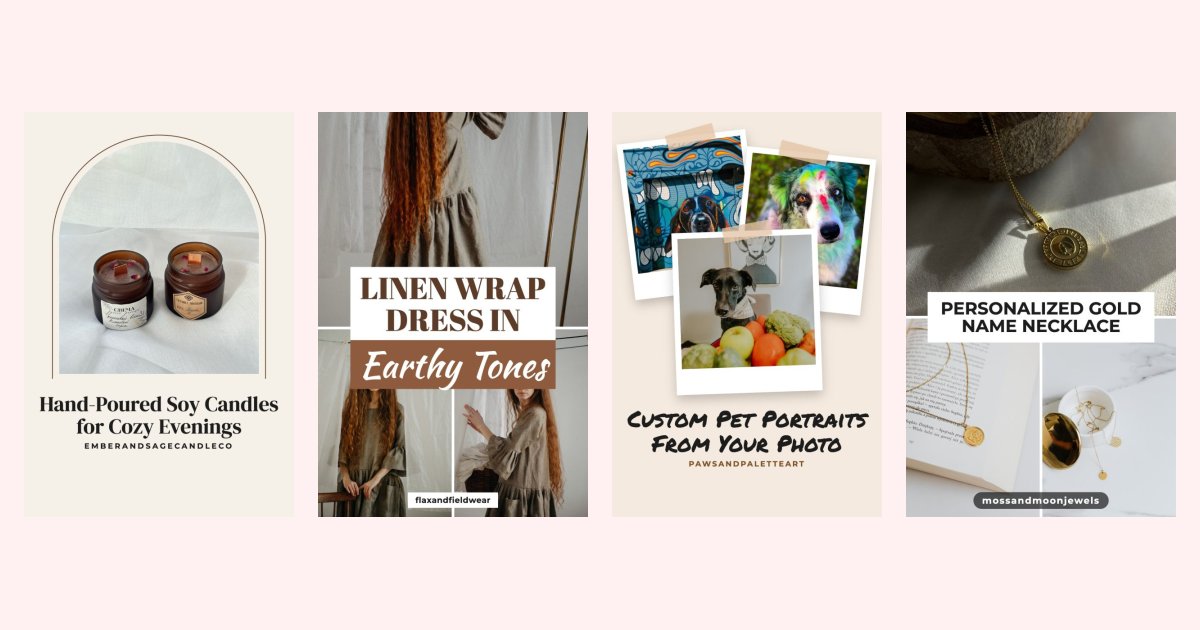
Canva templates are one of the most popular digital products on Etsy, Gumroad and Payhip. The problem is getting buyers to find them. Pinterest is a natural fit: people use it to plan projects, look for planners, social media kits and wedding stationery, and click through to buy.
Here is how to use Pinterest to sell Canva templates, from setting up your shop to the pins that bring in buyers.
Can you sell templates on Pinterest?
Not directly. Pinterest isn't a checkout. You sell the templates on a store, such as Etsy, Gumroad, Payhip, Shopify or your own site, and use Pinterest to send people to the listing. Every pin links to a product page, so Pinterest works like a search engine that points buyers at your shop for months after you publish.
Before you list Canva templates anywhere, read Canva's current license terms for selling templates. The usual approach is to deliver a template link that opens a copy in the buyer's own Canva account, rather than exported files, and to make sure your design isn't mainly Canva's own stock elements.
Step 1: Set up listings that convert Pinterest traffic
Pinterest visitors arrive on your product page cold, so the listing must answer their questions fast:
- A title that says exactly what it is: "Editable Wedding Welcome Sign Template for Canva".
- Mockups that show the finished result, not a blank template.
- A clear list of what's included and what the buyer needs (a Canva account).
- A preview or short video of editing the template.
Selling on Etsy? Our guide to Pinterest for Etsy sellers covers shop setup in more detail. For Gumroad or Payhip, see Pinterest for Gumroad and Pinterest for Payhip.
Step 2: Find what template buyers search for
Template searches on Pinterest are specific: "instagram post templates for coaches", "printable meal planner", "wedding seating chart template". Use the words buyers use in your pin titles, descriptions and board names.
Our Pinterest keyword tool shows real Pinterest search suggestions, so you can see which variations people type before you write a single pin.
Step 3: Make pins that sell the result
A template pin should show what the buyer gets, not a mockup of a mockup. The designs that work best for templates:
- A multi-photo collage showing several pages or sizes in the pack. See the Pinterest collage templates.
- A before and after of an empty template next to a filled-in version.
- A single large mockup with a short title saying what it is and who it's for.
- A layout in the same style as what you sell. If your templates are minimal and neutral, your pin should be too: plenty of space, one or two fonts, muted colors. A loud pin selling calm templates sets the wrong expectation. Browse the aesthetic Pinterest templates.
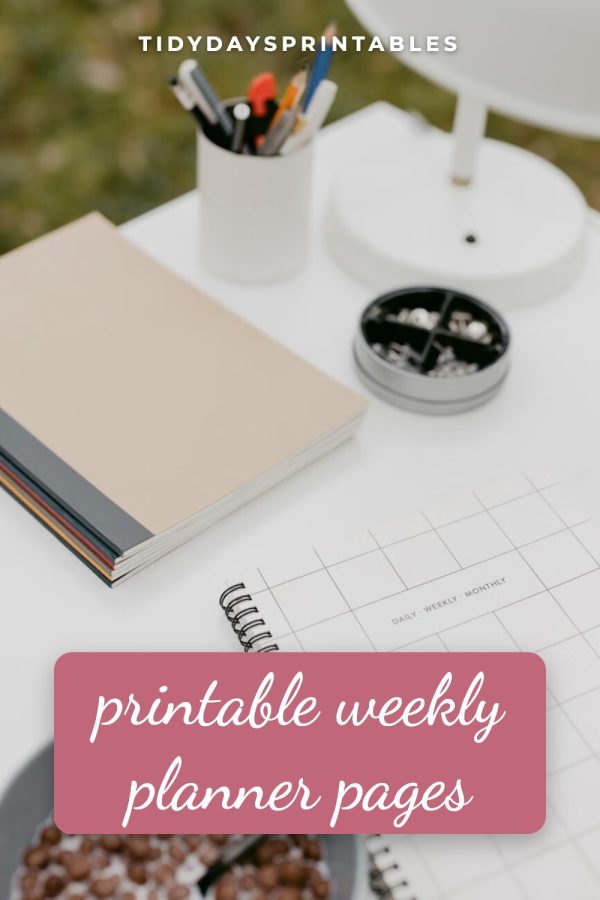
Put the benefit in the title: "Editable in Canva", "Done in 10 Minutes", "30 Customizable Pages".
Our Etsy Pinterest templates are built for exactly this: paste a listing URL and the pin is filled with your mockups, title and shop link.
Step 4: Make several pins for every listing
One pin per product leaves most of the traffic on the table. Pinterest favors fresh pins, and each new design can reach a different search. Aim for three to five pins per template listing, made from different mockups and layouts, published over a few weeks.
Step 5: Organise boards around buyer searches
Create boards named after what buyers look for, not after your shop: "Wedding Signs Templates", "Instagram Templates for Small Business", "Printable Planners". Pin your own products there alongside helpful content in the same topic.
Step 6: Pin ahead of the season
Pinterest users plan early. Pin wedding templates in winter for spring weddings, back-to-school planners in early summer and holiday templates from September. Starting 60 to 90 days before the season gives pins time to be picked up.
Step 7: Keep it consistent
Template shops grow on Pinterest through steady publishing: a few new pins a day over months. Batch your pins once a week and schedule them with a Pinterest scheduler so your account stays active while you design new templates.
Summary
- Sell on Etsy, Gumroad, Payhip or your own site, and use Pinterest to drive buyers there.
- Check Canva's license terms and deliver template links.
- Write titles and descriptions with the exact words buyers search for.
- Show the finished result in collage, before and after, or single mockup pins.
- Make several pins per listing, pin ahead of the season and publish consistently.