Your Pinterest pins can now make themselves
New
Picture this: you open Pinterest next month and there are fresh pins for your posts that you never had to make. That's Auto Pin.
Pinterest loves fresh pins, but making them every week is a chore, so most accounts go quiet. Auto Pin keeps yours going.
What you get
- Every new post gets pins on its own. Auto Pin checks your site every day. Publish a post, and its pins are made for you.
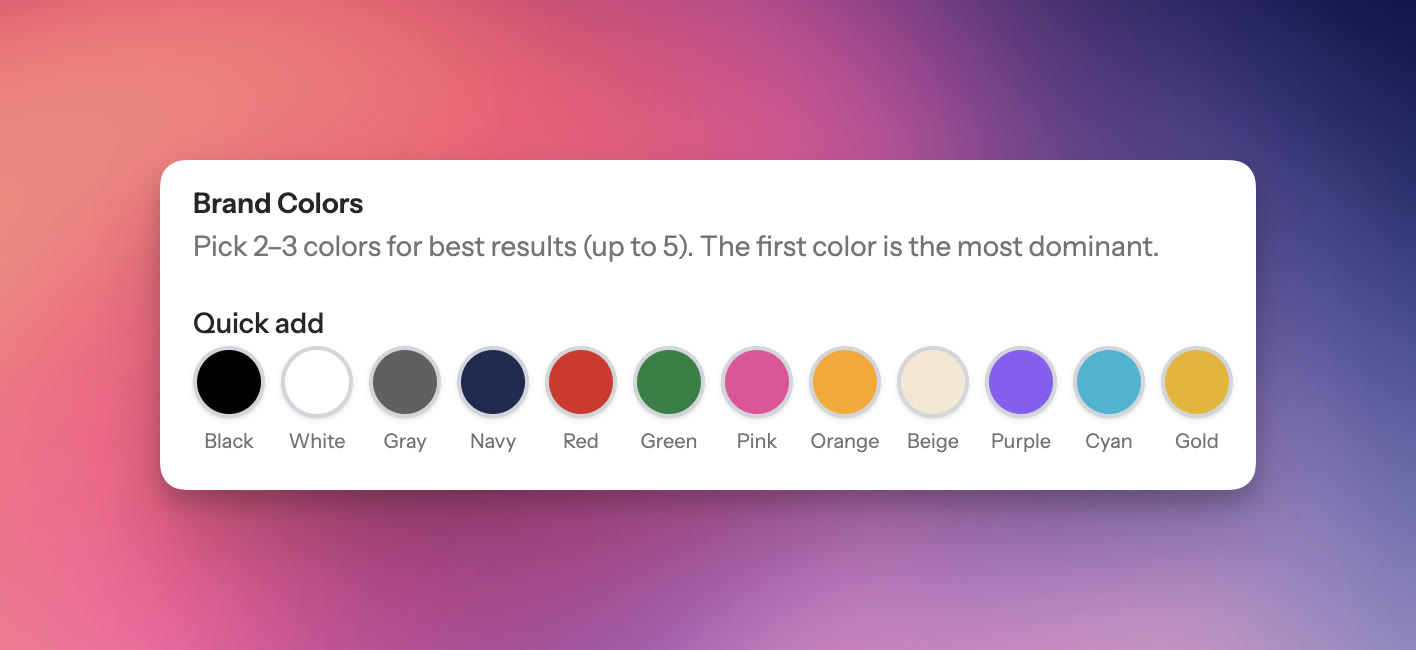
- Your best posts keep getting fresh pins. Even a post from two years ago keeps getting new pins, as often as you choose, each with a new headline and design, in your brand colours.
- Your boards keep getting new pins. The pins go out to your Pinterest boards on a schedule.
Set it up once
- Connect your Pinterest account and your blog, Shopify store or Etsy shop. No site? Paste your links instead.
- Pick the posts that matter most.
- Choose how the pins go out: check the first few and let Auto Pin schedule the rest, or check every pin yourself.
If you check them, pick a review day, every week or every 4 weeks. That morning we email you how many pins are ready, and one visit covers you until the next one.
Auto Pin is part of the Solo and Growth plans.
 Paul
Paul