Paste a blog post, product or Etsy listing URL and pick a template. We add your photos, title, brand colors and website. No dragging text boxes, no exporting.
Pick a template and paste a blog post or product URL. Made to Spark fills the design with the page's photos and title, your brand colors and your website, and writes the pin's description and alt text. There is no Canva file to edit, so you can make several designs for the same page.
Pin size
1000×1500 px, the 2:3 vertical ratio Pinterest recommends
Credits
Template pins are included in subscription plans. An AI pin uses 1 credit, copy included
Pin copy
A title, description and alt text for every pin, ready to edit
Publishing
Publish now or schedule to your boards through the official Pinterest API
Designer-style Pinterest templates
Canva-style collages with stacked headlines, script accents and colour strips, the look top bloggers design by hand.
A big photo over two smaller ones, with the title stacked between colour strips.
Script + Caps + Strip
3 photos
A handwritten kicker, bold caps and a colour strip on a white box over a three-photo collage.
Condensed Box + URL Bar
4 photos
A 2×2 photo grid, tall condensed caps in a white box and your website in a bar at the bottom.
Strip Over Box
3 photos
A script tab sitting on a white box of bold condensed caps, over a three-photo collage.
Before / After
2 photos
Two photos labelled Before and After, with the title on a colour band between them. Made for makeovers.
Arch Frame
1 photo
One photo in a soft arch on cream, an elegant serif title, a script tagline and your website.
Polaroid Scrapbook
3 photos
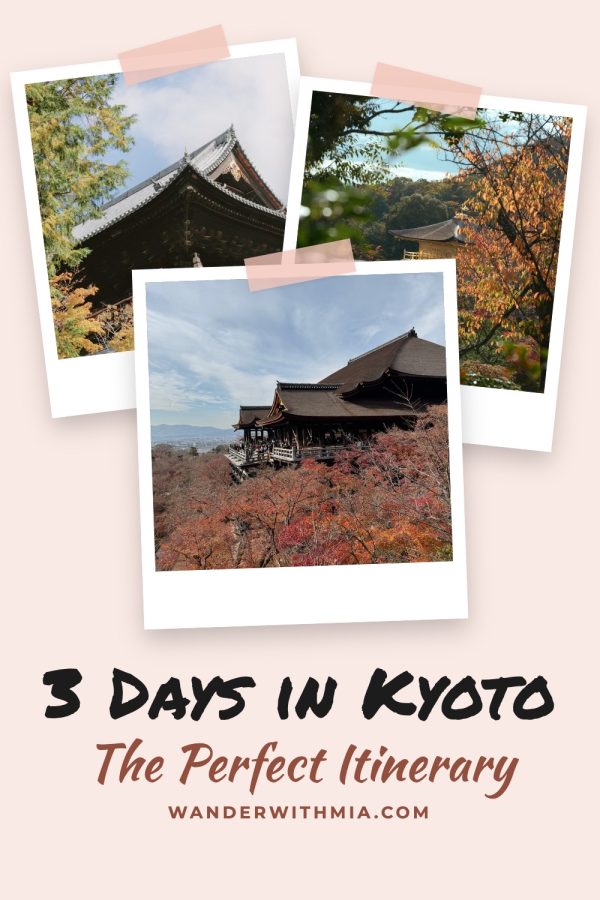
Up to three tilted instant photos taped to the page, a marker-pen title and a script tagline.
Clothesline
3 photos
Up to three instant photos hung on a string with wooden pegs, a hand-lettered title and a script tagline. Made for crafts, kids, home and recipes.
Journal Spread
3 photos
An open notebook with your photos taped in and two handwritten notes with arrows pointing at them. Made for handmade products and how-tos.
Photos in an Envelope
3 photos
Your photos fanned out of a brown paper envelope with a little stamp, the title handwritten on the front. Made for gifts, stationery and printables.
Snow Globe
1 photo
Your photo inside a glass snow globe with falling snow and a wooden base, on a deep pine page with golden lights. Part of the Christmas set.
Christmas Tree
1 photo
Your photo cut into a Christmas tree with a pine-needle edge, glowing fairy lights, baubles and a gold star. Part of the Christmas set.
Snow Drift
1 photo
One big photo with a snowbank drifting over its edge, falling flakes and holly, your title on the snow. Part of the Christmas set.
Pine Garland
1 photo
One big photo under a pine garland with glowing lights, baubles and a red bow. Part of the Christmas set.
Wrapped Gift
4 photos
Four big photos wrapped like a present by a red satin ribbon with a bow in the middle. Part of the Christmas set.
Ornaments
3 photos
Up to three photos inside gold-capped Christmas baubles hanging on gold threads, with a serif title and a script tagline. Part of the Christmas set.
Fairy Lights
3 photos
Instant photos pegged to glowing strings of fairy lights on a deep night page. Part of the Christmas set.
Gift Tag
1 photo
One big photo with a brown paper gift tag on twine, a holly sprig and your title written on the tag. Part of the Christmas set.
Christmas Card
1 photo
Your photo framed in a white card with a Santa hat on its corner and holly, on a snowy Christmas-red page. Part of the Christmas set.
Plaid Band
3 photos
Three photos split by a red buffalo-check band with a cream title label and holly. Part of the Christmas set.
Magazine Cover
1 photo
One full-bleed photo with your brand as a big masthead and the title as cover lines.
Rounded Card + Band
1 photo
One photo, your domain up top and a rounded card with a script title band.
Script Hero Box
4 photos
A 2×2 photo grid with a cream band and a big brush-script title.
Numbered Photo Grid
8 photos
Eight numbered photos around a light band with a bold list title. Made for roundups.
Big Number Header
1 photo
One photo with a white header: a giant number beside the title and your website in a tab.
Minimal Centered Title
1 photo
One calm photo, a soft panel with bold caps, a serif tagline and your website.
Framed Card + Pill
4 photos
A 2×2 grid behind an outlined card with a big number, the title and a website pill.
Number Badge Card
4 photos
A 2×2 grid with the number in a circle over a white card and a script accent word.
Torn Paper Badge
1 photo
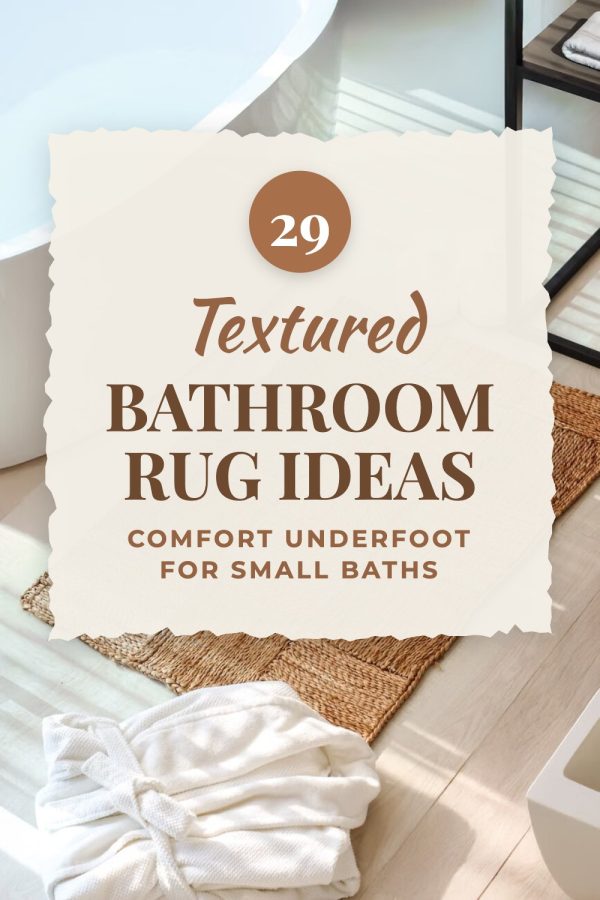
One photo under a torn cream paper patch with a number circle, a script word and big serif caps.
Tilted Band
2 photos
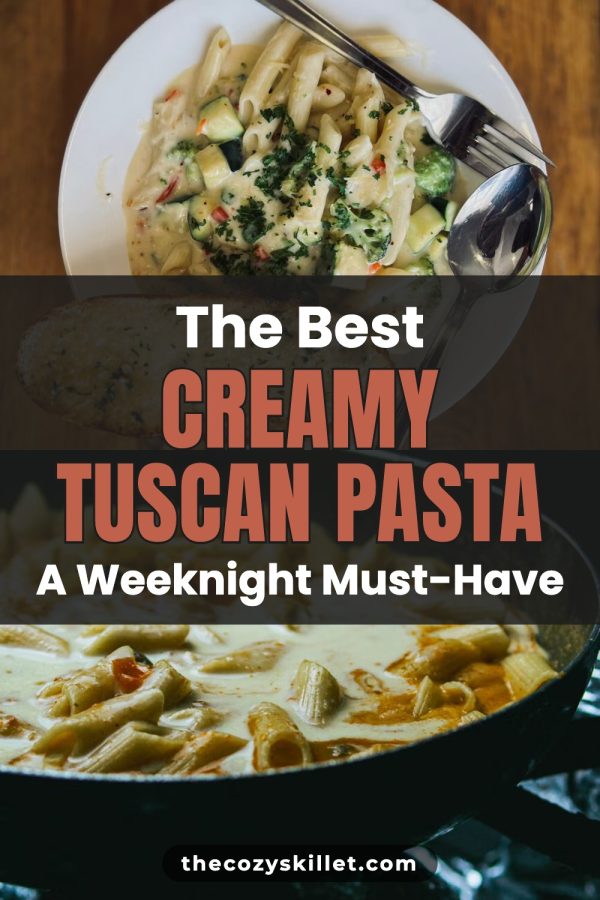
Two big photos split by a tilted white band with a two-tone title. Great for recipes.
Dark Band + Outlined Caps
2 photos
Your photo above and below a dark band with bold outlined caps between a kicker and tagline.
Sticker Script Band
2 photos
A white band of huge black caps with a sticker-style script word hanging over its edge.
Top Strip Header
1 photo
One photo topped by two full-width strips: the title on white, then bold caps on colour.
Bold Header Band
1 photo
A solid colour header across the top: small caps over one huge word, a bullet line of highlights and your website.
Bold Middle Band
2 photos
Your photo above and below a solid colour band with small caps, one huge word and a bullet line of highlights.
Side Tab Title
1 photo
One full photo with a solid colour tab reaching in from the right edge: a bold title, spaced-out caps below and your website.
Ruled Script Band
2 photos
Two photos split by a clean white band: script title, big caps and your website between rules.
Ruled Top Band + Tab
1 photo
A colour band near the top with gold rules, serif caps and your website on a hanging tab.
Banded Title Card
1 photo
One photo under a cream card whose title sits on a wide colour band, with a script tagline.
Square Panel + Script
1 photo
A soft square panel over one photo: light caps, heavy caps and a script line, with your website below.
Dome Bottom
1 photo
One photo with a rounded colour dome rising from the bottom, a spaced serif count word and your website.
Dome + Outlined Caps
1 photo
One photo with a low colour dome at the bottom, huge chunky outlined caps and your website. A favourite for recipes.
Outlined Box + CTA
1 photo
One photo, an outlined box with bold colour caps and a call-to-action pill, over a colour URL bar.
Framed Photo + Wave
1 photo
The photo framed on a cream page with a colour block waving up from the bottom and your @handle.
Framed Title Card
2 photos
Two photos split by a framed white card: your website on a black tab, a gold rule and big serif caps. A classic food blog look.
Framed Script Card
1 photo
One photo with a framed white card low on the pin: your website on a tab, a handwritten lead-in and tall serif caps.
Mood Board
5 photos
Up to five photos cut into an arch, a circle and soft squares on a cream page, with your colour swatches and an elegant serif title.
Checklist Card
1 photo
One rounded photo and a white card with a bold title and up to three ticked highlights from your post.
Big Photo + Thumbnails
4 photos
Your title on top, one big photo and a row of small ones under it, like a shop gallery. Great for products and roundups.
Film Strip
3 photos
Up to three photos down a dark film strip with sprocket holes, your title in a tall serif column beside it. Made for travel and step-by-step posts.
Photo Inside the Letters
1 photo
Your subject in giant letters filled with your photo, with the photo itself below. Best with a short subject like "Cinnamon Rolls" or "Lisbon".
Gallery Wall
5 photos
Up to five photos in dark and wood picture frames with white mats, hung on a soft colour wall, with your title on a small art label. Made for home decor.
Arched Windows
3 photos
Three tall arched photos side by side like a row of windows on a warm cream page, with a serif title and a script tagline.
Highlighted Title Stack
1 photo
One photo with your title stacked in the middle: a big number, small caps, the subject on colour highlighter blocks and a script line.
Photo Frame Card
10 photos
Up to ten small photos framing the pin, with a tall white card in the middle for a number, a script word and serif caps. Made for roundups.
Number Badge Band
4 photos
A 2×2 photo grid split by a white band, the number in a circle on its edge, spaced caps and a big script title.
Big Number Script Band
4 photos
A 2×2 photo grid split by a white band: a big number, heavy caps, a gold script ending, a short caps line and your website on a white label.
Count + Caps + Script Band
4 photos
A 2×2 photo grid split by a pale band: the count in a warm shade, heavy black caps, a flowing script ending and your website on a black label.
Dotted Script Band
2 photos
Two stacked photos and a pale band between dotted lines: a thin lowercase script opening over bold serif caps.
Clean Caps Band
2 photos
Two stacked photos and a plain white band: the whole title in heavy black caps with your website under it.
Scalloped Band
2 photos
Two stacked photos and a brand-colour band with scalloped edges: white caps, the subject on a white strip and your website below.
Tilted Block
1 photo
One photo and a tilted brand-colour block low on the pin: your website on a tab, a handwritten opening and tall white caps.
Sticker Two-Tone
2 photos
Two stacked photos with chunky two-colour words outlined in white like stickers, and your website on a small pill.
Beige Band Trio
3 photos
A big photo over two small ones, split by a soft beige band: light opening words, heavy black caps and your website.
Number Badge Bold
1 photo
One big photo with a white band low on the pin: your number in a large circle on its edge, heavy black caps and an italic subtitle. Made for list posts.
Playful Pop Card
2 photos
Two photos and a tilted white card with a thick colour border: a bright pill, chunky rounded caps and a friendly tagline. Made for kids and family posts.
Calm Bottom Panel
1 photo
One photo over a soft pale panel: a quiet serif title, a short rule and an italic tagline. Made for wellness and slow-living posts.
Ribbon Band
2 photos
Two photos split by a solid colour band with huge white caps, a notched ribbon on its top edge and another hanging off the bottom.
Lined Caps Band
2 photos
Two photos split by a white band of chunky colour caps, the top and bottom lines framed by double rules running to the edges.
Vintage Tag Card
1 photo
One photo with a cream card of vintage western caps, a dark caption bar and the number on a tilted colour tag.
Crossed Strips
2 photos
Two photos with the title on two overlapping strips tilted opposite ways: a big colour block and a lighter strip.
Stacked Strips
2 photos
Two photos with three strips piled across the seam: your opening word in a rounded colour strip, condensed caps on cream and the subject huge on colour. A favourite for recipes.
Outlined Stack
2 photos
A tall photo over a short one with a script opening word and chunky two-colour caps, all outlined in white, over a hand-written band in your deep colour.
Cream Header Script
1 photo
A warm cream header over one big photo: a flowing script word, the subject in huge heavy caps and a bold ending, all in your colour.
Painted Colour Band
2 photos
Two photos and a wide brush-painted band in a deep shade of your colour: a bright script word, the subject in a fat white serif and the ending on a painted strip.
Ruled Cream Band
2 photos
Two photos and a cream band between deep rules: huge heavy caps with an elegant italic ending, the website on a cream tab.
Painted Corner Panel
3 photos
A big photo over two small ones with a cream brush-painted panel in the corner: chunky caps and a script ending on a painted sage stroke.
Painted Cream Band
2 photos
Two photos and a cream brush-painted band edged in your colour: tall condensed caps, a painted swash and a big brush-script ending.
Colour Block Shop
2 photos
Flat blocks of your brand colour and warm sand with two photos laid on top and a bold left-aligned title. Made for shops and product posts.
Soft Blob Collage
3 photos
Up to three photos scattered over soft colour blobs on a warm white page, with an elegant serif title and a script line. Made for fashion, beauty and lifestyle.
Offset Block Frame
1 photo
One photo with a soft colour block offset behind it and your title in an outlined white box across the top.
Wave Top
1 photo
One photo with a wave of your brand colour pouring down from the top, a big white serif title and a script tagline. Calm and fresh.
Postcard Frame
1 photo
One photo matted on a warm paper page inside a thin border, like a postcard, with a quiet serif title. Made for travel and home.
Torn Title Trio
3 photos
A big photo over two small ones with a long torn-paper title across the seam: a script word and huge condensed caps.
Big Number Grid
6 photos
A giant number and bold title on cream over six photos in a grid. Made for big roundups.
Two-Tone Card
4 photos
A 2×2 photo grid with a rounded cream card in the middle: big caps in two colours, a script line with a soft swash and your website on a pill below.
Elegant Side Column
3 photos
A warm paper column with a fine serif number, a calligraphy word and the title in spaced serif caps, beside two photos and a third that curves in below. Made for beauty, fashion, weddings and home.
Pinterest is a visual search engine, so the best template is the one that makes your pin readable in a busy feed and matches what the pinner searched for.
Roundups and guides: use a collage
"Things to do in…", "25 best…" and recipe roundups perform best with a 3–6 photo collage that shows the variety inside the post.
Products: let one photo shine
For Etsy and Shopify listings, a single-photo template keeps the product large and the title short. Selling on Etsy? See Etsy Pinterest templates sorted by product type.
Keep the title big and short
Most pins are seen on phones. A banner or white box behind the title keeps it readable over any photo.
Rotate templates for fresh pins
Pinterest favors fresh pins. Create several designs for the same post with the bulk pin generator instead of repinning one image.
Pinterest templates are ready-made pin layouts: a set arrangement of photos, title text, colours and your website. You swap in your own photos and headline instead of designing each pin from a blank canvas. Every template on this page outputs a vertical 1000×1500 pin, the 2:3 size Pinterest recommends.
How do I use these Pinterest templates?
Create an account, paste a blog post, product or listing URL (or upload photos), then pick a template. Made to Spark pulls the photos from your page, writes the title, applies your brand colours and domain, and gives you a finished pin you can download, publish or schedule to Pinterest.
Do template pins use credits?
No. Template pins use the photos you already have, so they are included in your plan and don't use AI credits. Only AI pins, which generate a brand-new image, use a credit.
Can I use my own brand colours and fonts?
Yes. Set your brand colours and domain once and every template uses them. The samples on this page show the same templates in different colours so you can see how they adapt.
Are these templates better than Canva templates for Pinterest?
They are faster for Pinterest. A Canva template still means placing photos, editing text and exporting every pin by hand. Here the template is filled from your URL automatically, and you can create pins for hundreds of posts or products at once with the bulk generator.
How many photos do I need?
Single-photo templates need one image. Collage templates use two to six. If a page has fewer photos than a collage needs, pick a template with fewer photo slots.
Stop designing pins one by one
Pick your favorite Pinterest templates and let Made to Spark fill them from your posts and products.