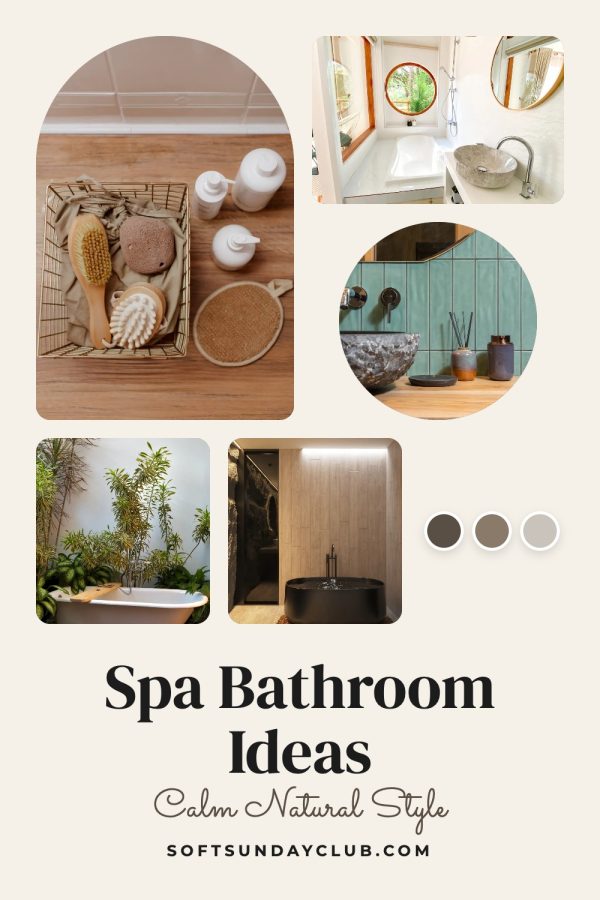
22 Canva-style Pinterest templates: script accents, bold caps, photo collages and colour bands. Instead of editing a Canva file for every pin, paste a blog post or product URL and the design fills itself with your photos, title, brand colors and website.
No credit card required to create your account.
22 Canva-style designs · 1000×1500 · your brand colors
Numbered lists, travel guides and makeovers with bold titles that read at a glance.
Food photos stay big and appetising, with the dish name on a clean band or script accent.
Hero shots and multi-angle collages for store products and affiliate picks.
Softer layouts with script accents for routines, self-care, weddings and seasonal ideas.
Paste a blog post or product URL and get this design with your own photos, title and colors in about a minute.
Create your accountNo credit card required to create your account.
Short on photos? AI pins create a new styled image for your post or product and set the headline on it. Each of these was made from a single link.
Canva is a great design tool. The slow part is repeating the same edits for every single pin.
Duplicate the design, swap each photo, retype the title, fix the line breaks, then export. Multiply by every post or product you want on Pinterest.
A template built around a square photo breaks when yours is tall or wide. Here each photo is cropped to its slot automatically.
Changing colors element by element is easy to get wrong. Set your colors and website once and every template uses them.
Best-selling Canva packs fill the feed with the same layouts. Filling a design from your own photos and palette keeps your pins recognisable.
Same style of design. Very different amount of work per pin.
| Task | Canva template | Made to Spark templates |
|---|---|---|
| Photos | Upload, drag in and crop | Pulled from your URL and cropped to fit |
| Title | Typed and resized by hand | Written for Pinterest search and fitted to the design |
| Brand colors and website | Changed per element | Set once, used on every template |
| Pin description and alt text | Written separately | Included with every pin |
| Pins for 50 posts | 50 rounds of editing | One bulk run |
| Posting to Pinterest | Export, upload, repeat | Publish or schedule from the app |
More detail in Made to Spark vs Canva for Pinterest.
A blog post, product page or Etsy listing. We pull the photos and title from the page.
Choose any template above. Your brand colors and website are applied automatically.
Get a finished pin with a keyword-rich title and description, ready to schedule to Pinterest.
No. They are Canva-style designs built into Made to Spark, so you don't open or edit a Canva file. You paste a URL or upload photos and get the finished pin. Made to Spark is not affiliated with Canva.
Yes. If you already designed pins in Canva, upload the finished images to the Pinterest scheduler and add the title, description and link there.
Every template outputs a vertical 1000×1500 pin, the 2:3 size Pinterest recommends.
Each design has its own font pairing, and your brand colors and website are applied to every template. Set them once in your brand settings.
No. Template pins use your own photos, so they are included in your plan and don't use AI credits. Only AI pins, which create a new image, use a credit.
Yes. The bulk pin generator takes a list of URLs or your sitemap and rotates through the templates you pick, so each post gets its own designs.
Pick your favorite Canva-style designs and let Made to Spark fill them from your posts and products.
Sign up and start pinningNo credit card required to create your account. See pricing
Made to Spark is not affiliated with Canva. Brand names on the sample pins are fictional.