Each guide covers useful pin formats, search language, board ideas, and examples for one niche — food, travel, home decor, fashion, weddings, and 12 more. Made to Spark can use a URL, keyword, prompt, or your own images to create designs and publishing metadata.
By Paul, founder of Made to Spark · Updated Sep 11, 2026
The free tool creates one pin from your images. An account unlocks the full create, review, publish, and schedule workflow.
Pick your niche for a complete, tailored strategy — tips, board ideas, pin title examples, and a free tool.
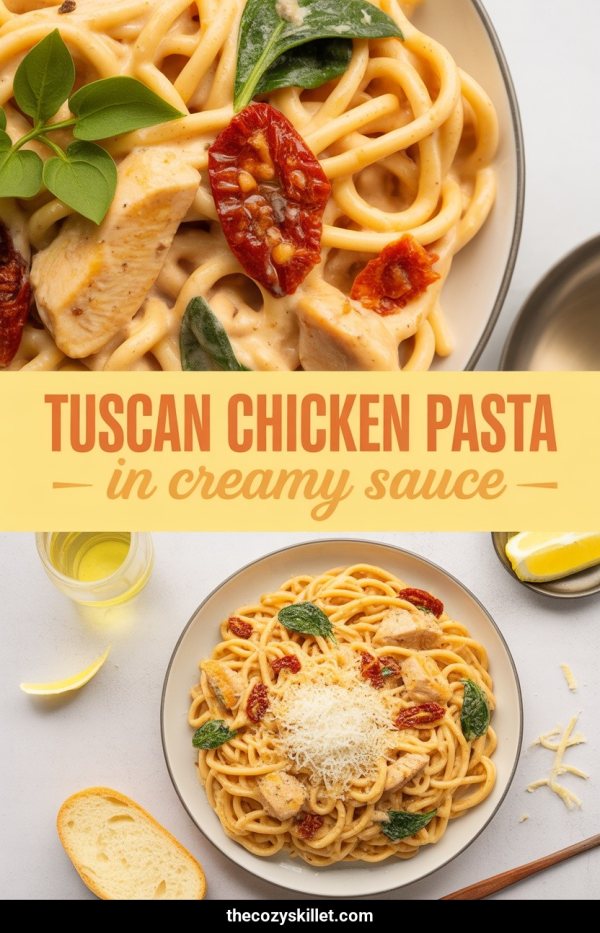
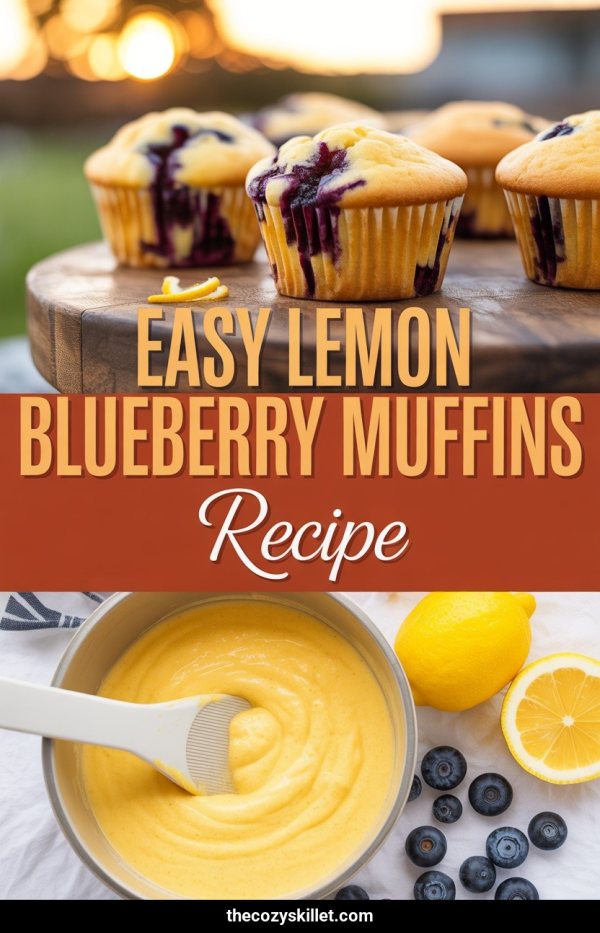
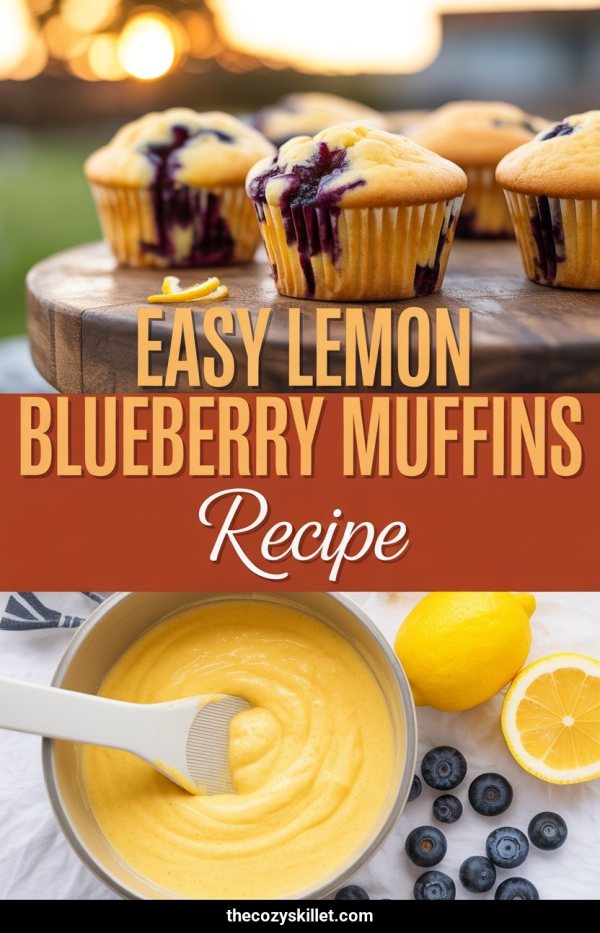
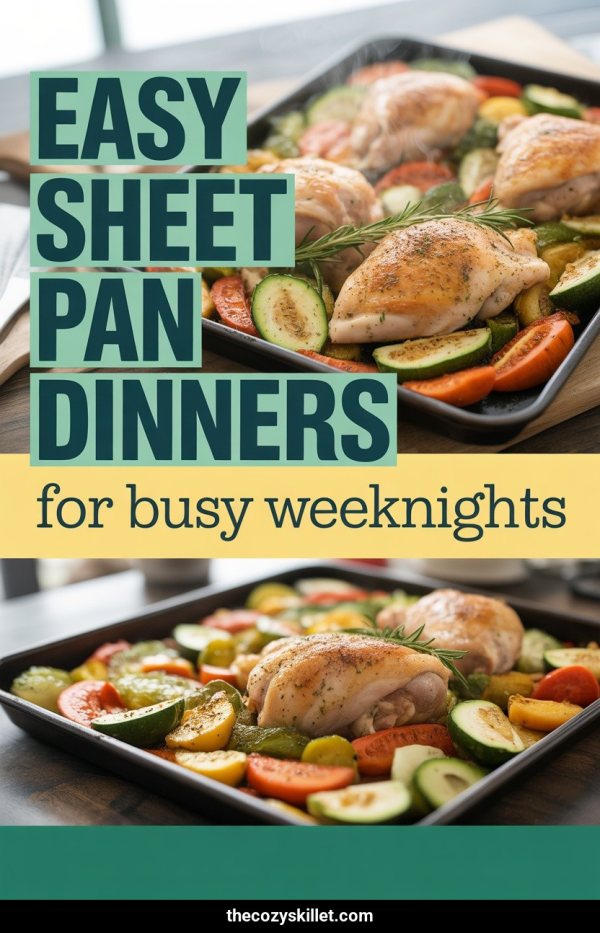
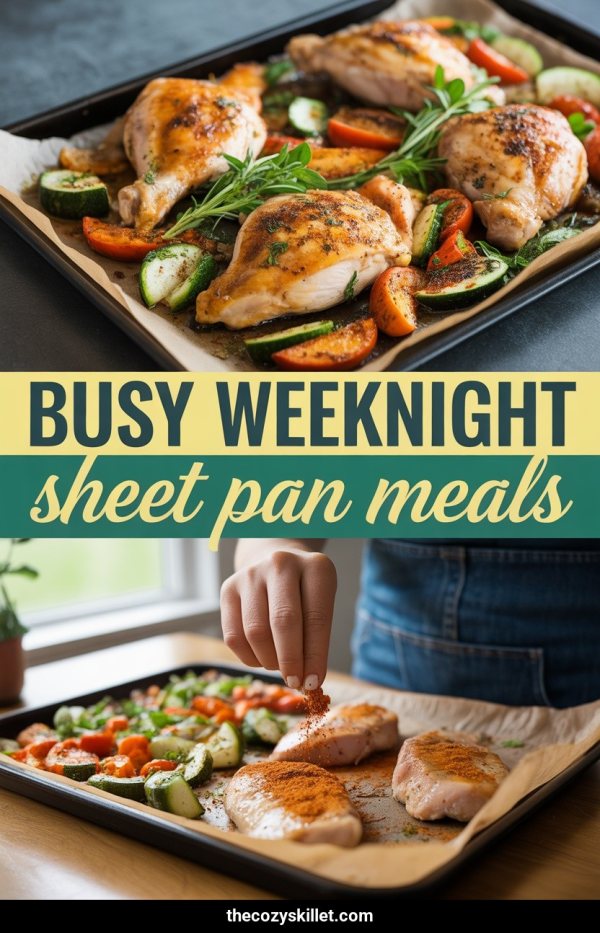
Create Pinterest pins for recipes from a URL, keyword, prompt, or food photos, w...
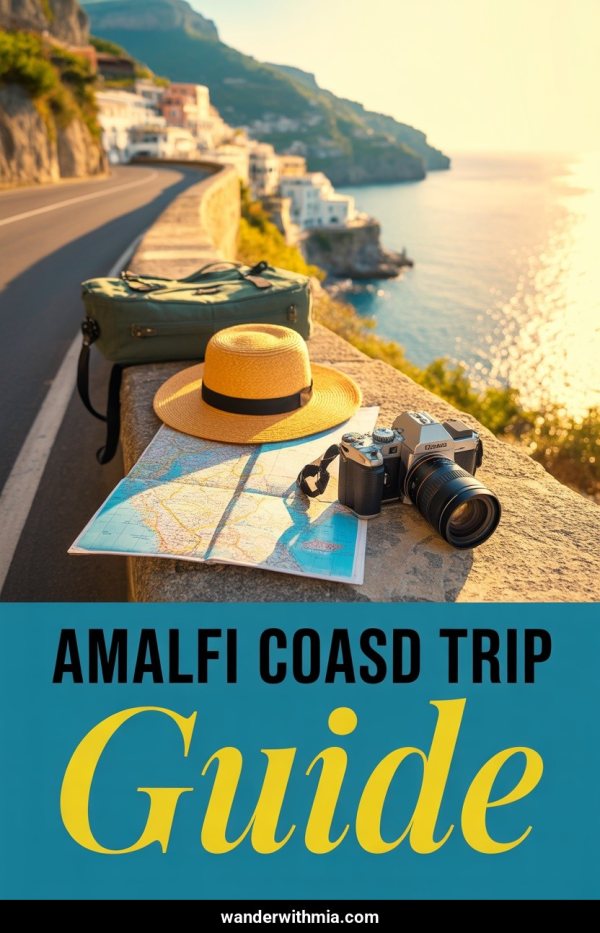
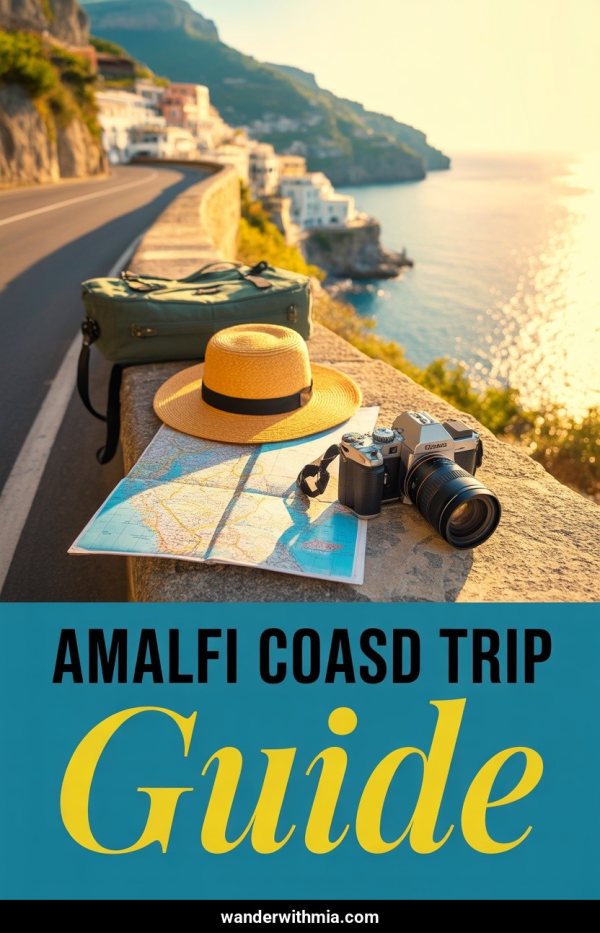
Create Pinterest pins for travel guides from a URL, keyword, prompt, or destinat...
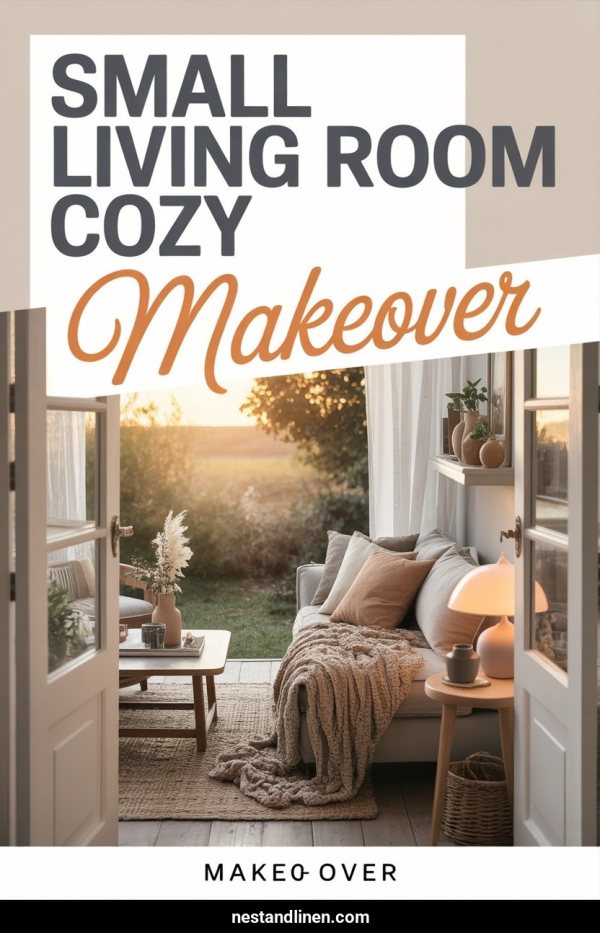
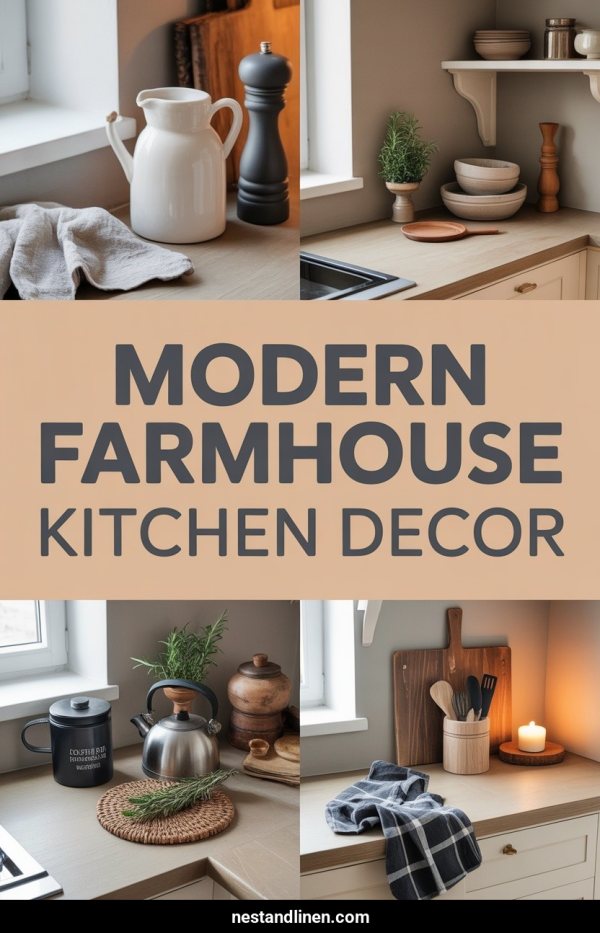
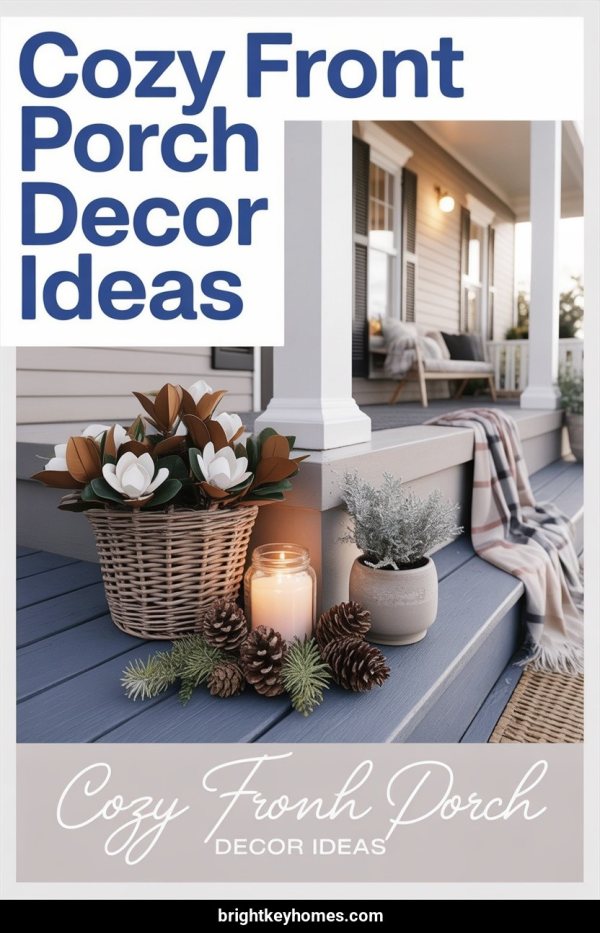
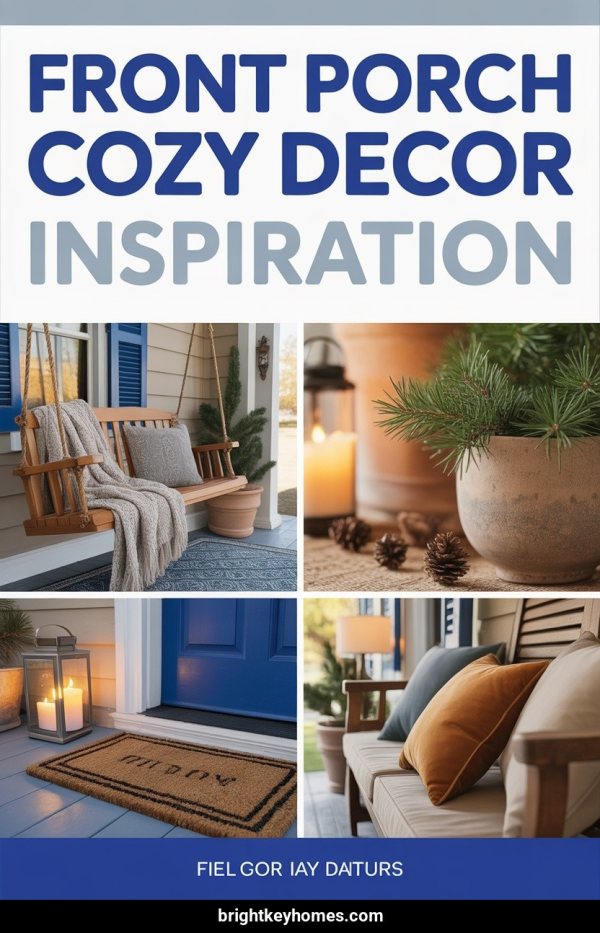
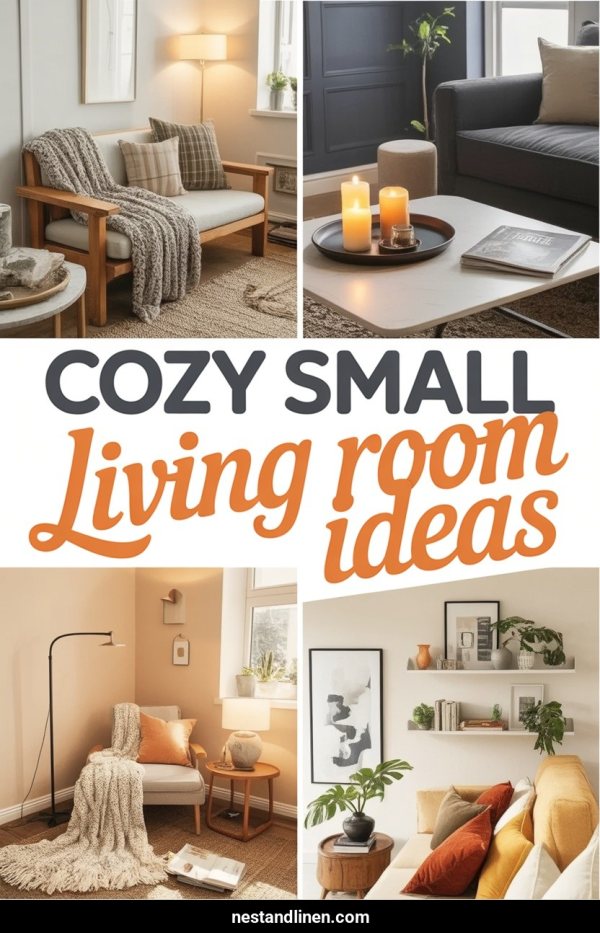
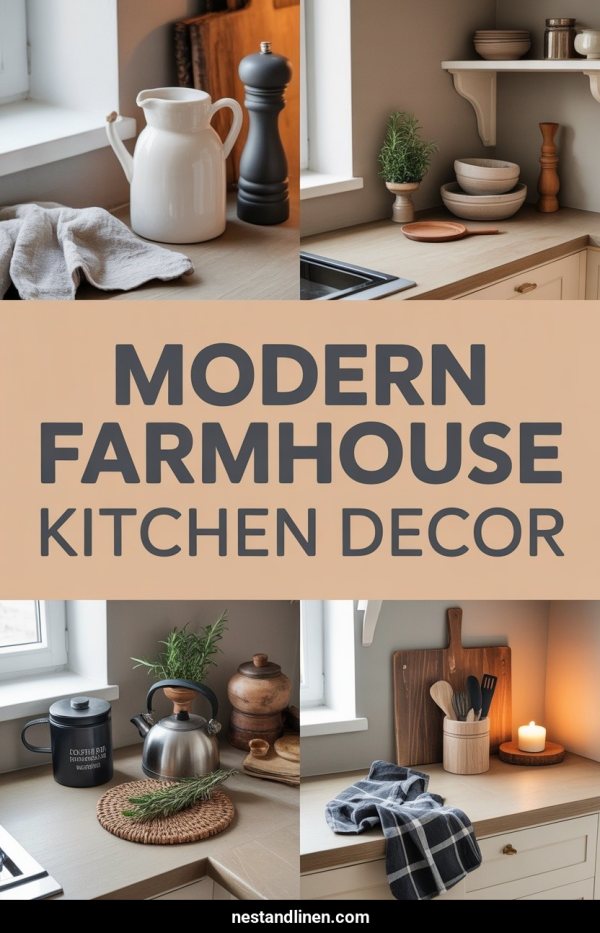
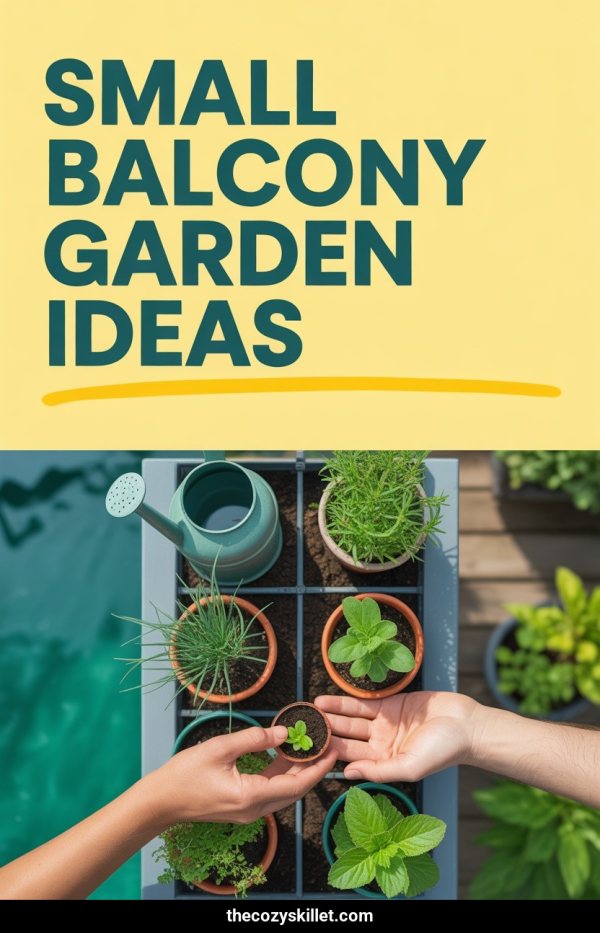
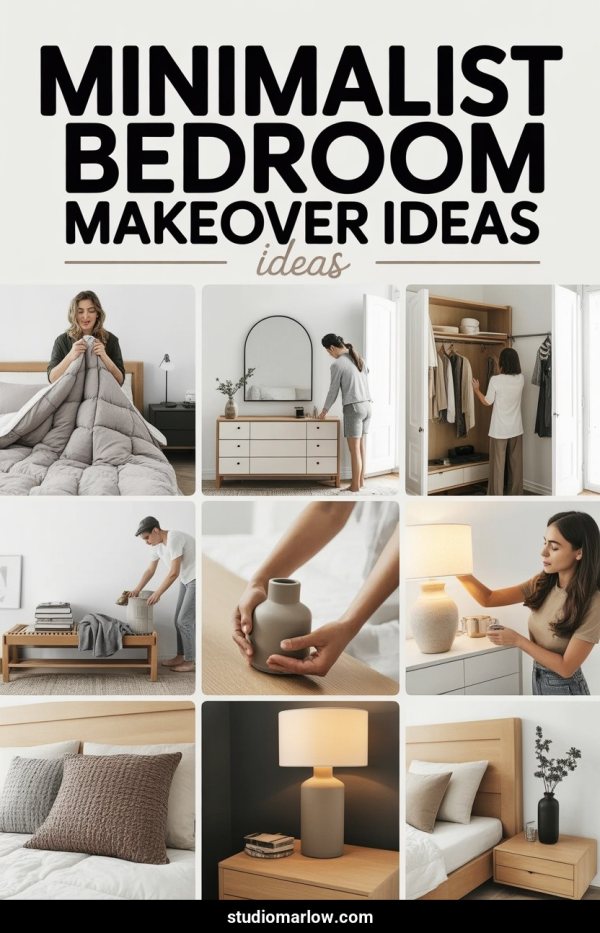
Create home decor Pinterest pins from a page URL, keyword, prompt, or room photo...
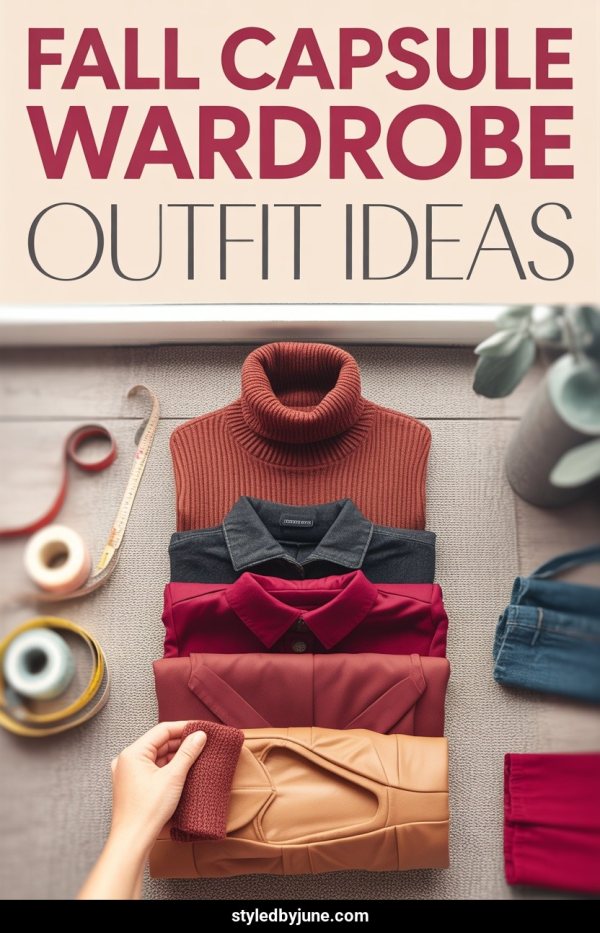
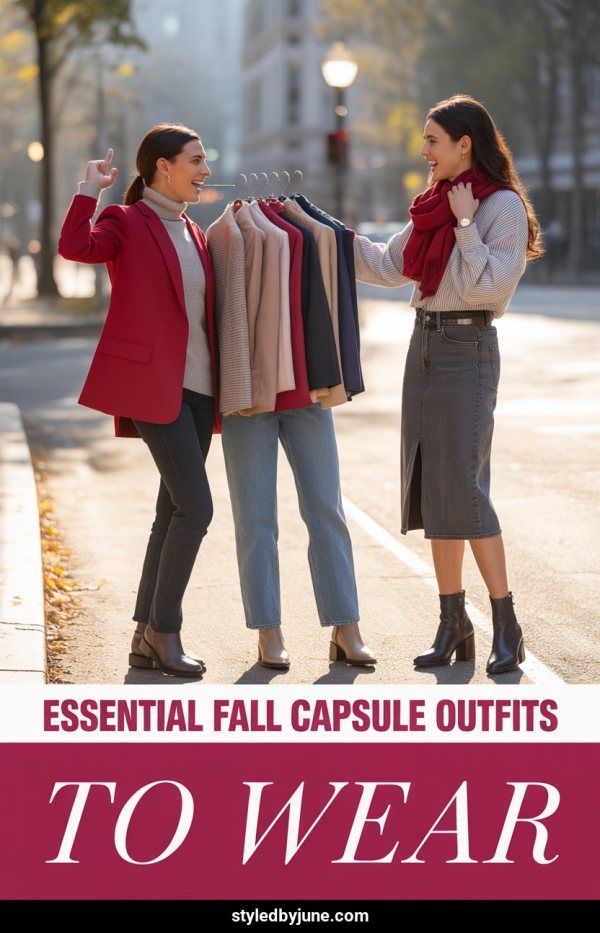
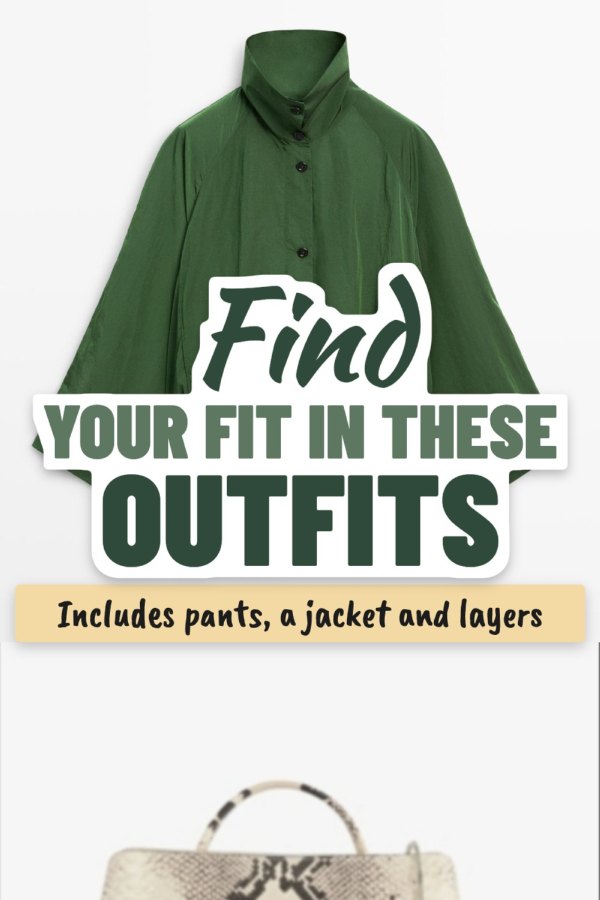
Create fashion Pinterest pins from a URL, keyword, prompt, or outfit photos, the...
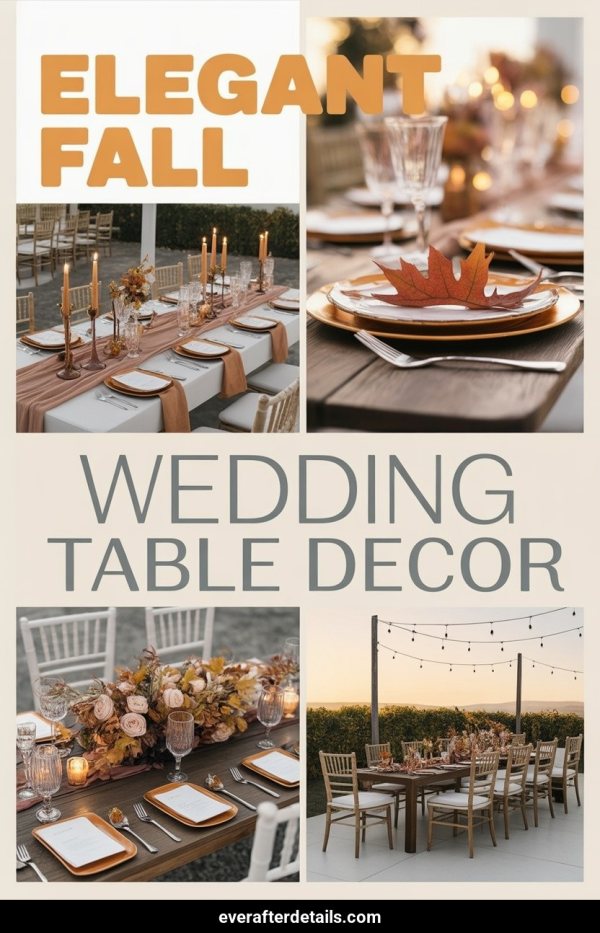
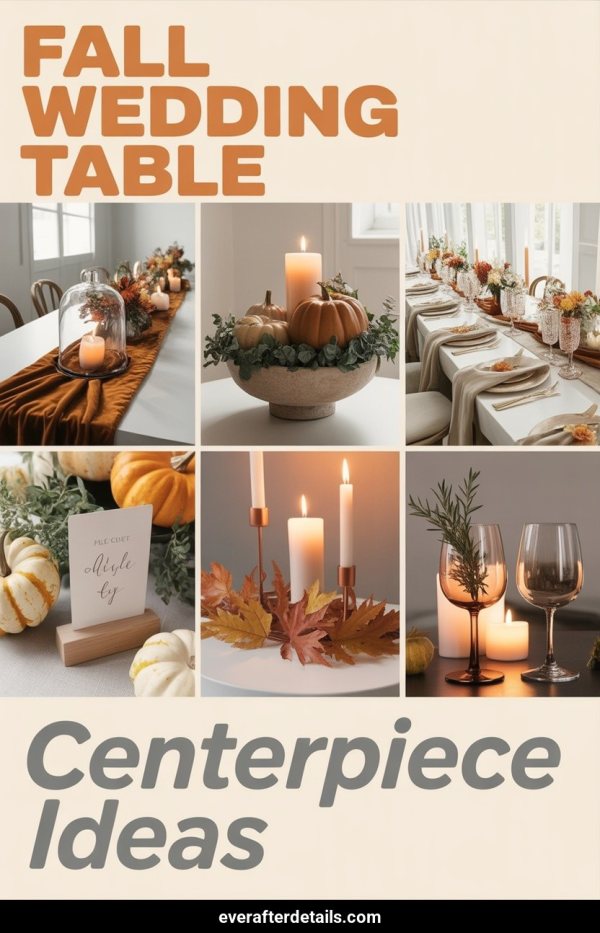
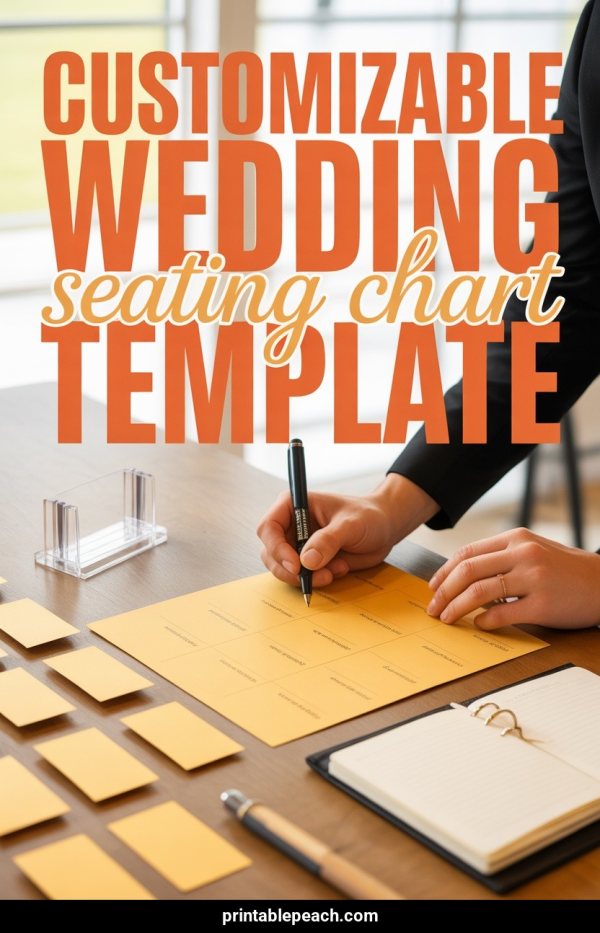
Create wedding Pinterest pins from a portfolio URL, keyword, prompt, or event ph...
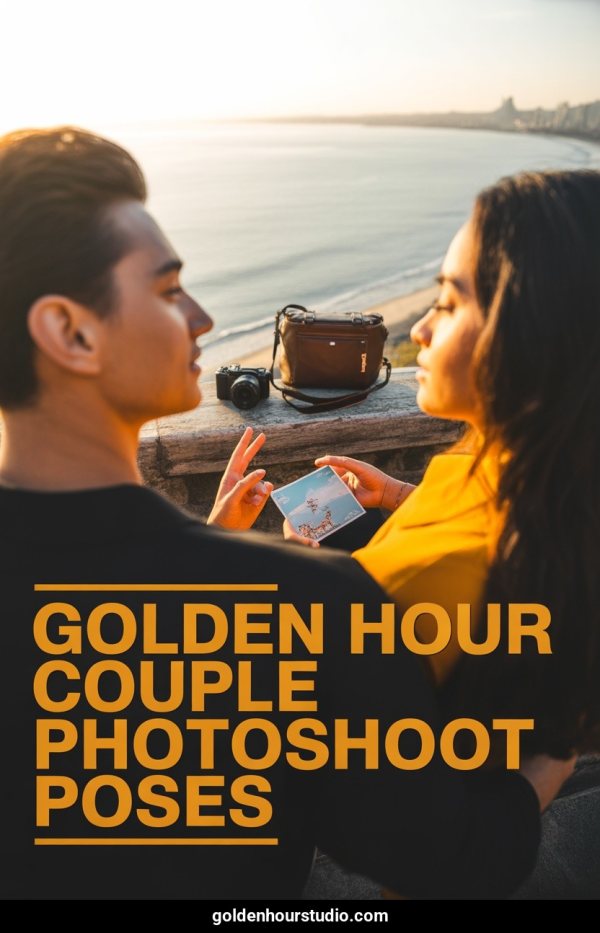
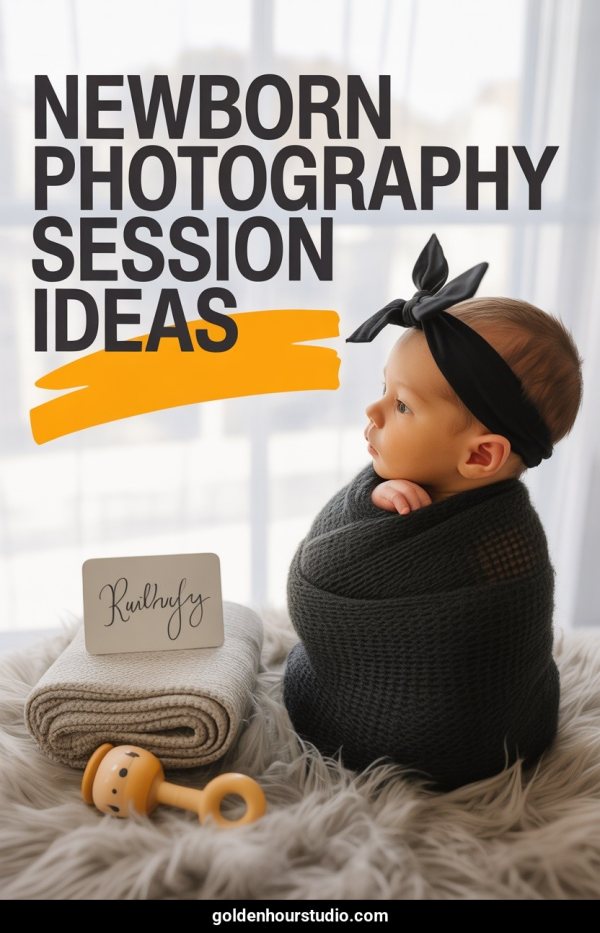
Create photography Pinterest pins from a portfolio URL, keyword, prompt, or your...
Create real estate Pinterest pins from a listing URL, keyword, prompt, or proper...
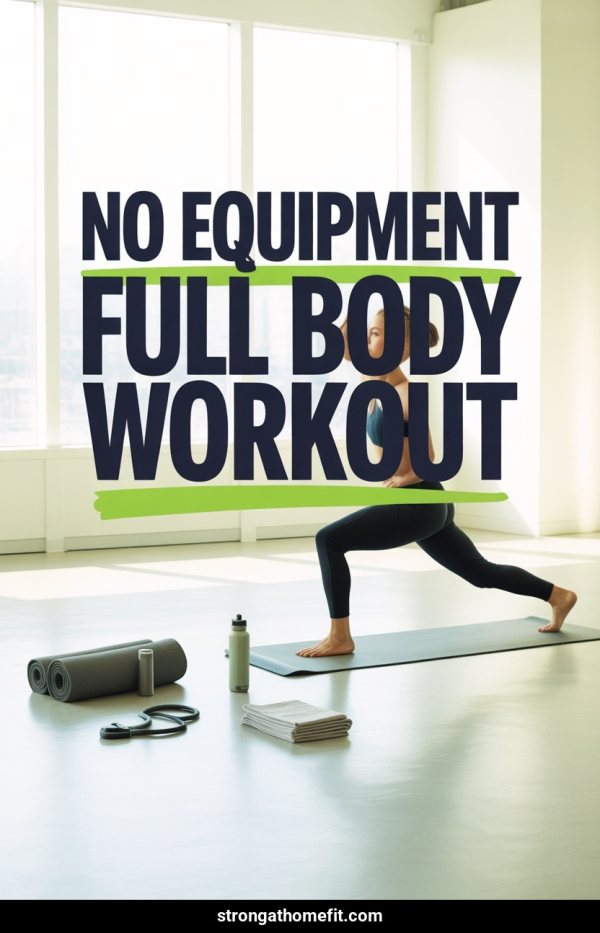
Create fitness Pinterest pins from a page URL, keyword, prompt, or workout image...
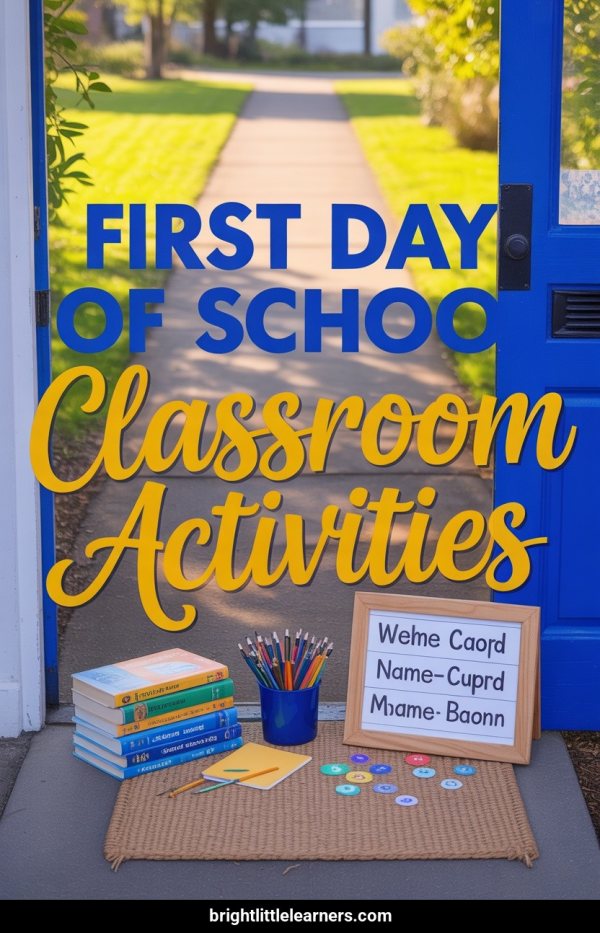
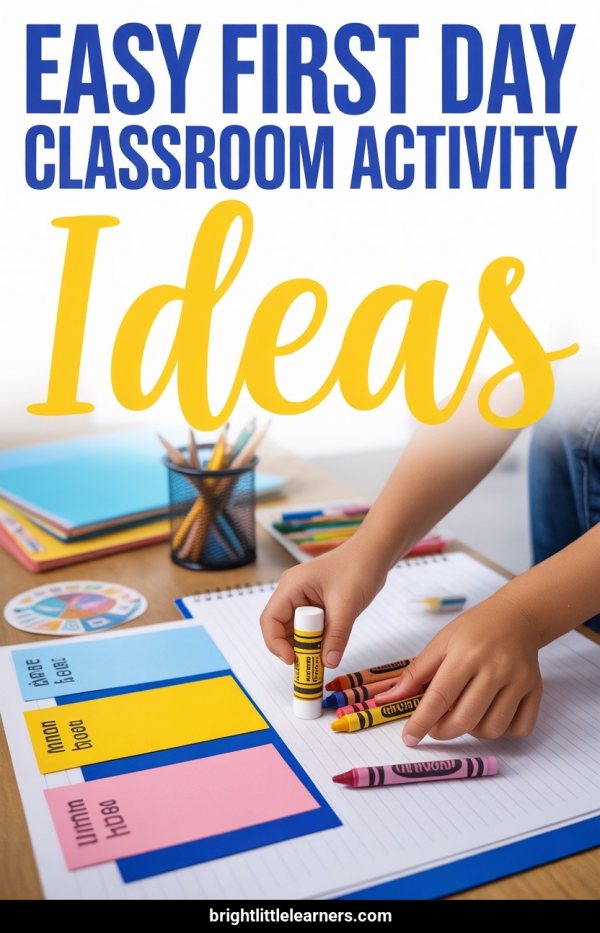
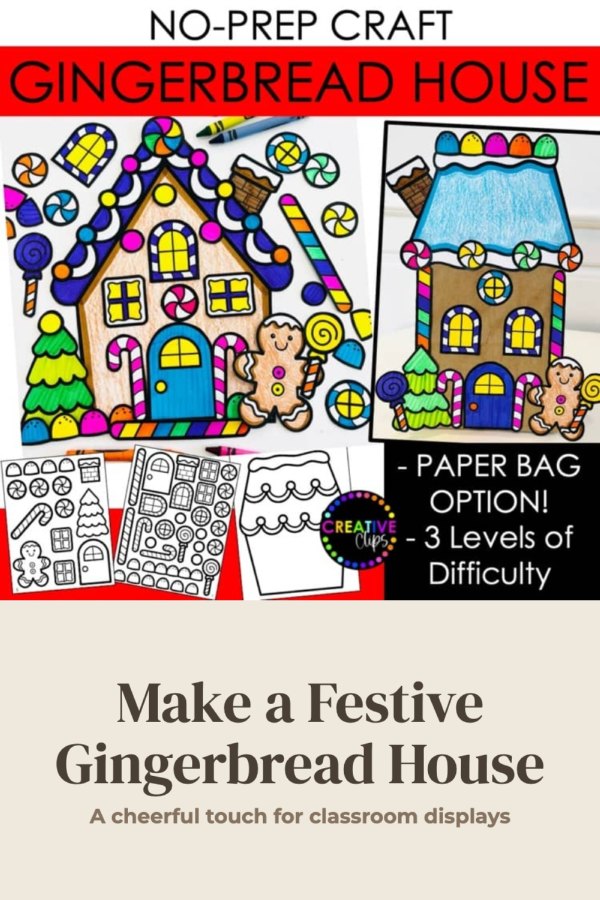
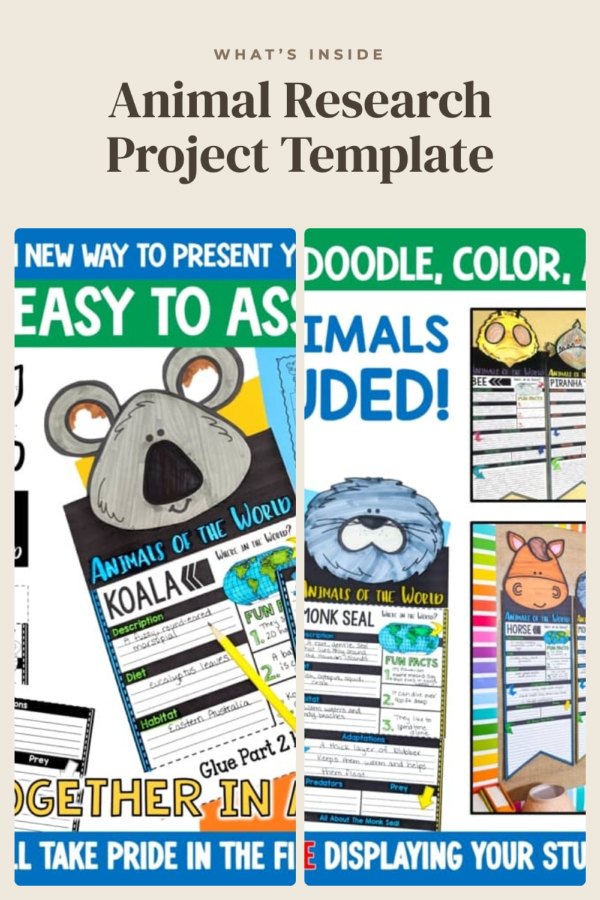
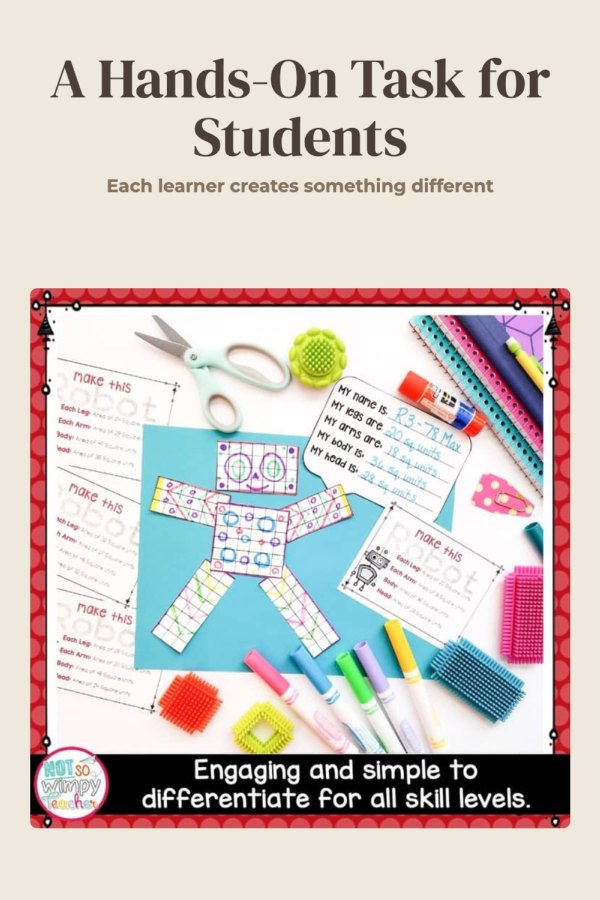
Create education Pinterest pins from a resource URL, keyword, prompt, or classro...
Create DIY and craft Pinterest pins from a tutorial URL, keyword, prompt, or pro...
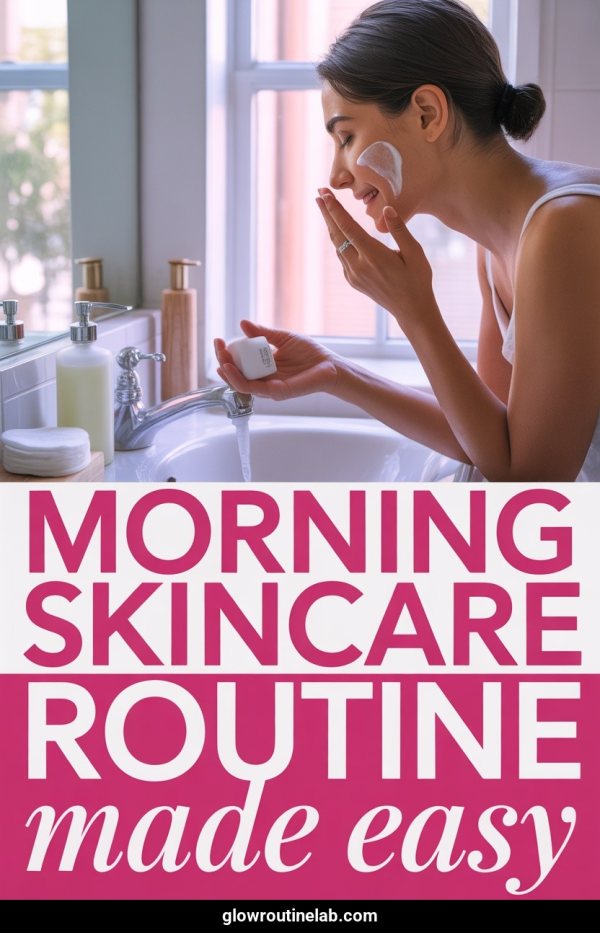
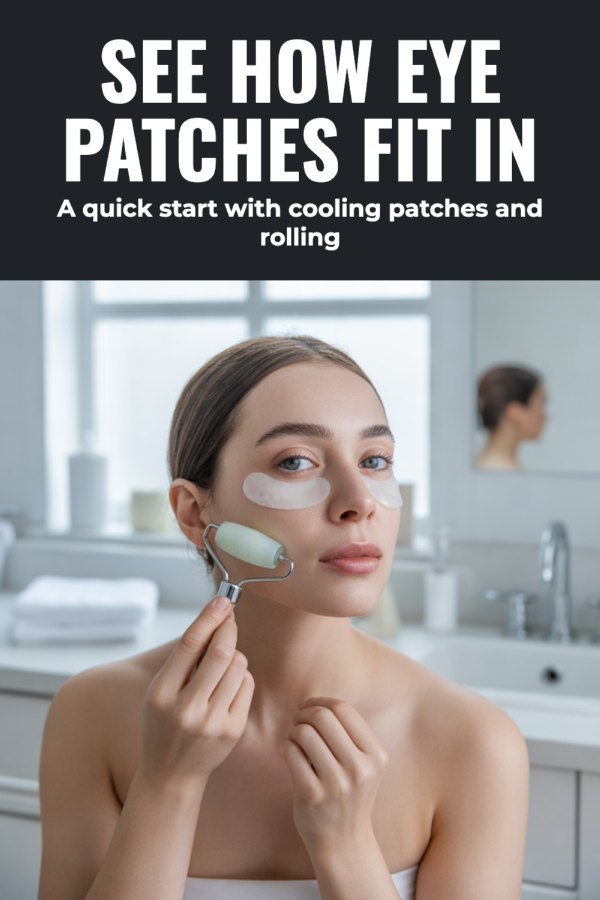
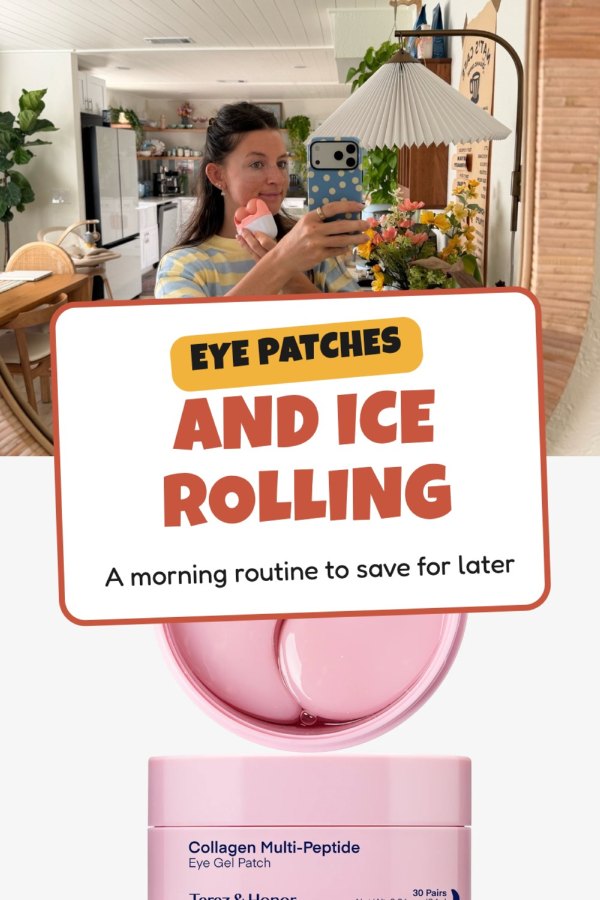
Create beauty and skincare Pinterest pins from a URL, keyword, prompt, or your o...
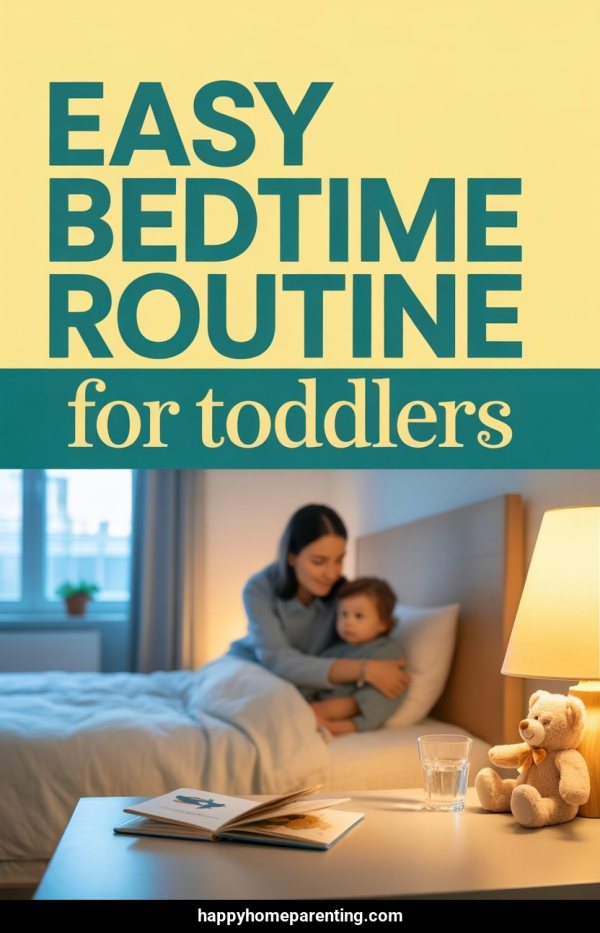
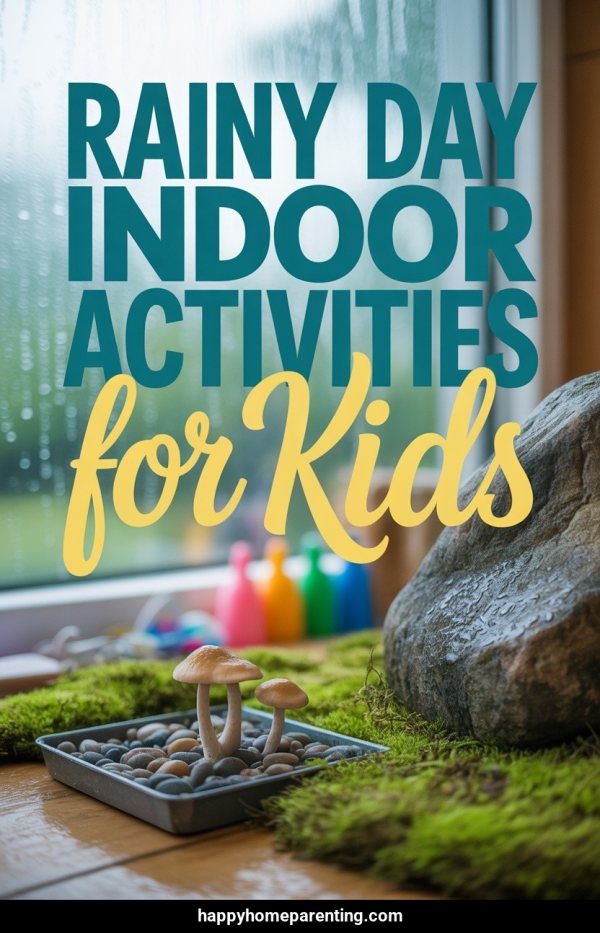
Create parenting Pinterest pins from a post URL, keyword, prompt, or family-frie...
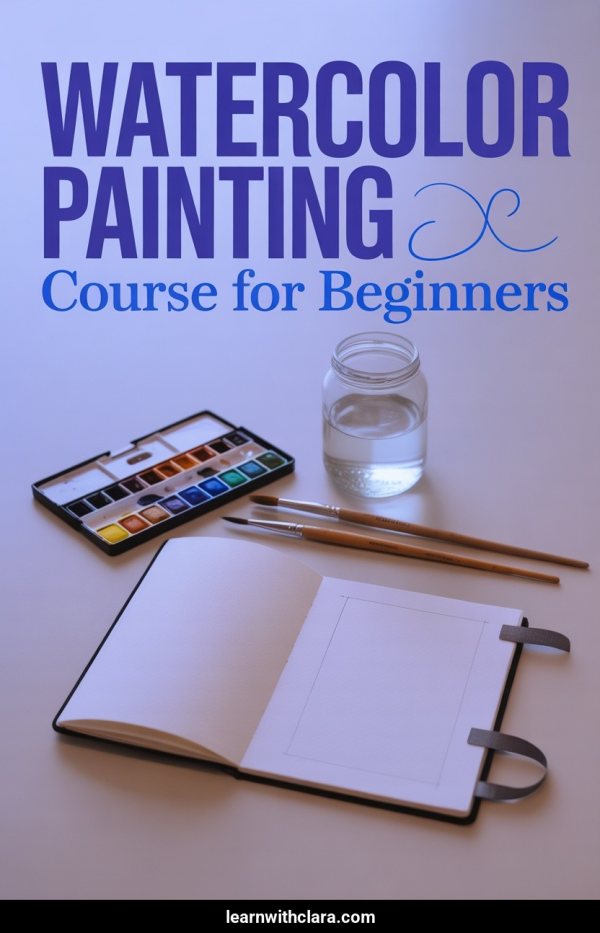
Create course Pinterest pins from a sales page URL, keyword, prompt, or course v...
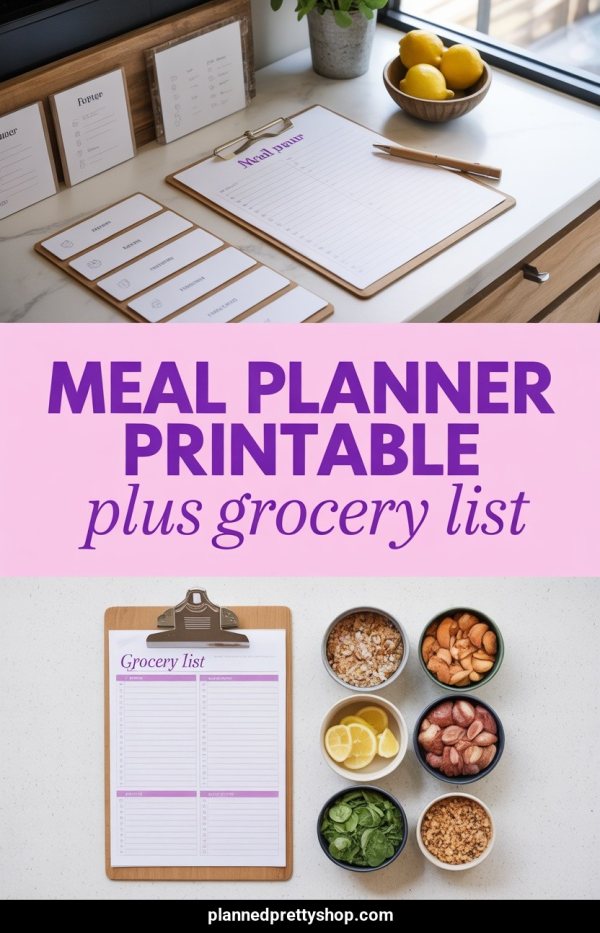
Create digital product Pinterest pins from a listing URL, keyword, prompt, or pr...
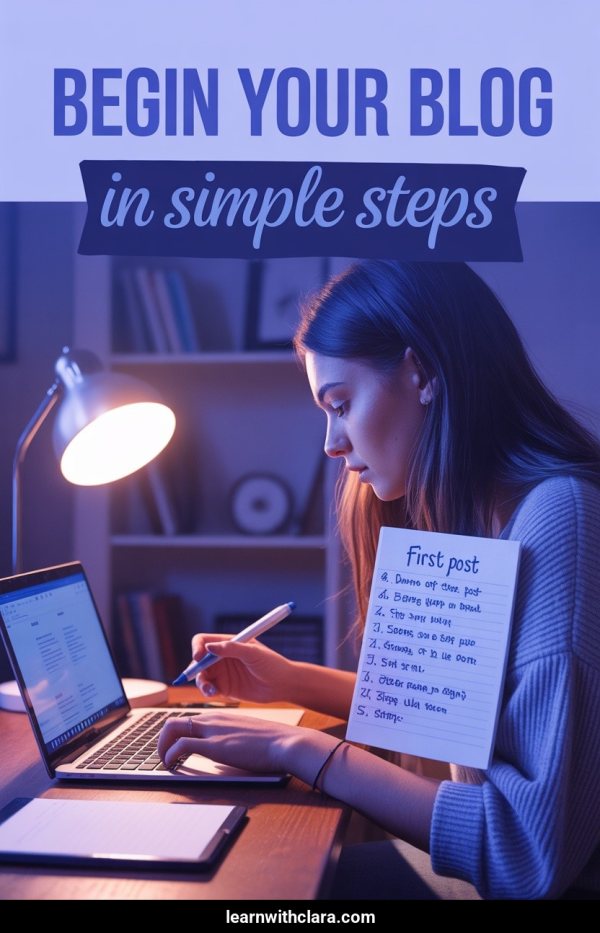
Create coaching Pinterest pins from a page URL, keyword, prompt, or brand images...
Create health and wellness Pinterest pins from a URL, keyword, prompt, or your o...
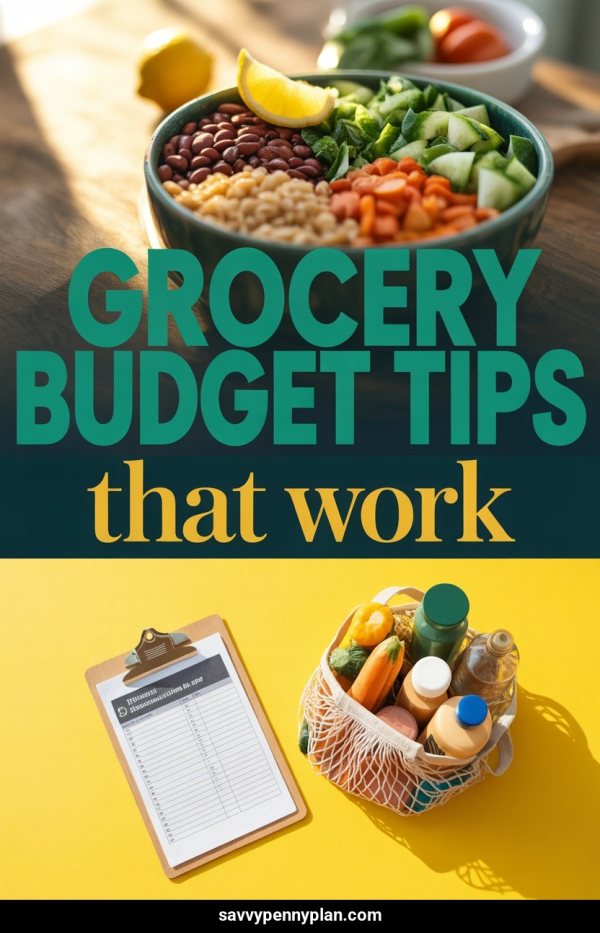
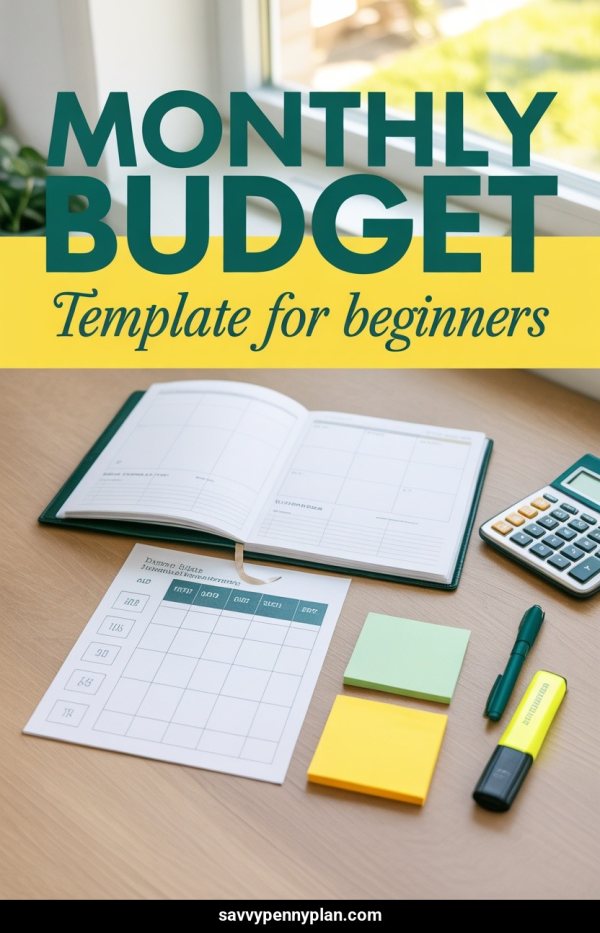
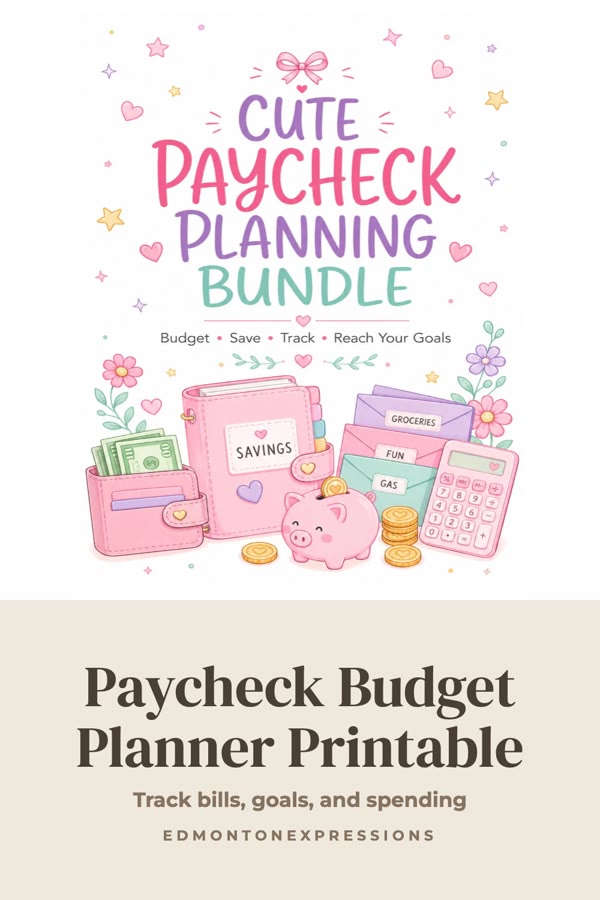
Create personal finance Pinterest pins from an article URL, keyword, prompt, or...
Turn newsletter posts into vertical pins designed to help readers discover your free or paid publication.
Selling on a platform? These guides cover platform-specific Pinterest tactics, from Etsy product pins to Shopify integration.
Use an Etsy listing URL or product photos to create pins with titles, descriptions, and alt text.
Create Pinterest content for Amazon affiliate or seller pages, with links and disclosures kept in context.
Turn Shopify product URLs or catalog images into pin designs and publishing metadata.
Create branded pin concepts for AliExpress affiliate or dropshipping content from a URL or your own images.
Create branded pin concepts for Temu affiliate or storefront content from a URL or your own images.
Create Pinterest pins for Gumroad products from a URL or your own images, then publish or schedule them to Pinterest.
Turn Payhip product pages and images into pins that can link people back to your store.
Built your site on WordPress, Squarespace, or Wix? Start with a page URL, keyword, prompt, or your own images, then review the generated designs and metadata before publishing.
Use a WordPress post URL as context for multiple pin designs, titles, descriptions, and alt text.
Use a Squarespace blog post or product URL as context for a reviewable batch of pins.
Use a Wix page URL as context for multiple pin designs, then review and publish or schedule them.
Use the free tools for a single pin or individual copy tasks. With an account, start from a URL, keyword, prompt, or your own images; get designs with titles, descriptions, and alt text; review everything; then publish or schedule to Pinterest.
Browse All Free Pinterest Tools