Clicky

Free Tool — No Signup Required
|
Paul By Paul, founder of LowFruits & Made to Spark

Last updated: March 18, 2026

Your Course Deserves Students Who Are Searching

You built a course that transforms lives. On social media, your launch post gets 48 hours of attention. On Pinterest, your course content gets discovered by people actively searching for what you teach — for months. Pinterest users are planners and learners. They save resources, bookmark how-to content, and click through to enroll when they're ready.

Create Your First Course Pin Free

No account needed. No design skills. Just your course content.

What is Pinterest Marketing for Course Creators?

Pinterest marketing for course creators is the strategy of turning your course topics, lesson previews, and educational content into visually optimized pins that reach Pinterest's audience of active learners and self-improvers — driving traffic to your course sales page, webinar sign-ups, and lead magnets where visitors become paying students.

TL;DR

Pinterest users are planners and learners — they save content they intend to act on. Education, self-improvement, and how-to content are top Pinterest categories. Made to Spark lets course creators turn course topics into Pinterest-optimized pins (1000×1500 px) in under 60 seconds, for free. No Canva, no design skills, no signup required.

Pinterest & Course Creators: The Numbers

450M+

monthly active users searching for ideas and learning

Pinterest Newsroom, 2024

85%

of Pinners say they use Pinterest to start new projects

Pinterest Internal Data, 2024

89%

of Pinners use Pinterest for purchase inspiration

Pinterest Shopping Report, 2024

2.5x

longer content lifespan than any other social platform

HubSpot Social Media Report, 2024

How It Works

1

Upload your course visuals

Drag and drop up to 4 images — course mockups, lesson previews, worksheets, or screenshots from your content. JPG, PNG, or WebP.

2

Add your course name & URL

Text overlay with your course title, a compelling hook, and your website domain. Every pin drives potential students to your sales page.

3

Pick a professional layout

Choose from 10+ Pinterest-optimized templates designed for educational content. Clean, authority-building designs — all 1000×1500 px.

4

Download and pin

Your pin is ready. Upload to Pinterest with a link to your course page, webinar, or lead magnet. Watch it drive enrollments for months.

Ready to turn your content into Pinterest traffic?

Made to Spark's free pin generator creates professional pins from your images — no Canva, no templates, no wasted hours. Start in seconds.

Create Pins Free

Why Course Creators Love Pinterest

Sell While You Sleep

Pinterest pins drive traffic for months — not hours. A single pin about your course topic can bring new students to your sales page long after you've moved on. It's the closest thing to passive enrollment marketing.

Reach Learners, Not Scrollers

Pinterest users are planners. They search "how to start a business" and "learn photography basics" — high-intent queries from people ready to invest in education. Your ideal students are already searching.

Your Brand on Every Resource

Add your course name, teaching brand, and website to every pin. When someone saves your "5 Steps to..." pin, your brand reaches everyone who sees their board.

Launch and Evergreen, Together

Use pins for course launches and evergreen funnels simultaneously. Launch pins create urgency; topic-based pins drive steady enrollment between launches. Both work on Pinterest.

AI-Generated Course Graphics

Need professional visuals for every module and topic? Describe your course theme and let AI generate branded pin graphics — no designer needed.

100% Free, Zero Friction

No account required. No watermarks. Start creating course pins instantly. Sign up free for AI-powered features and bulk generation.

How to Use Pinterest for Online Courses — 5 Strategies

1. Pin the transformation, not the curriculum

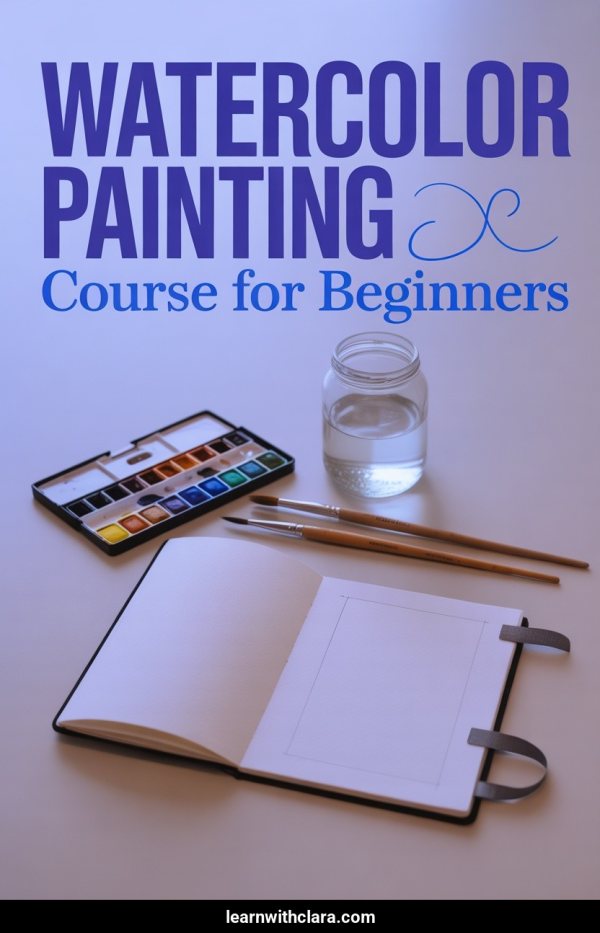
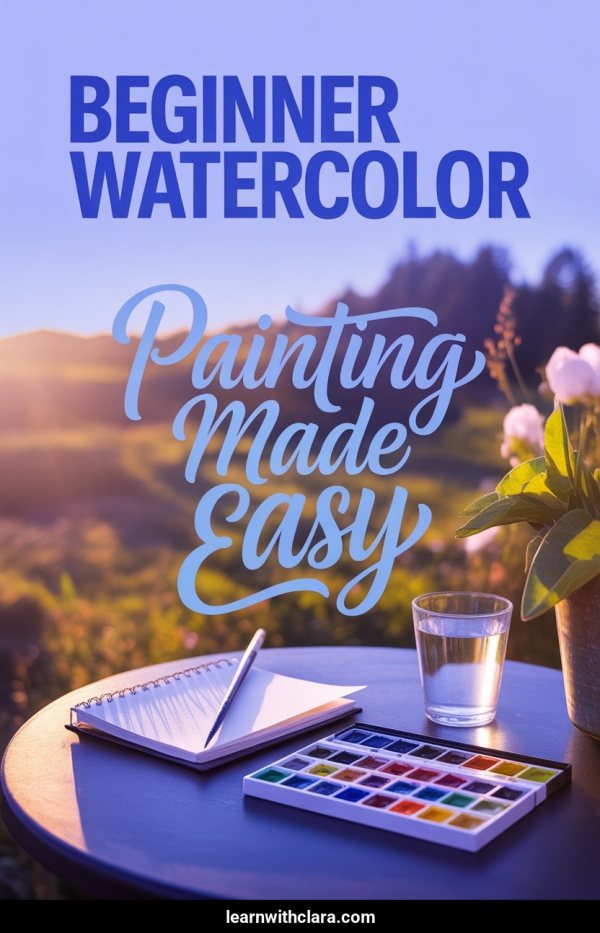
Nobody searches Pinterest for "Module 3: Advanced Concepts." They search "how to start freelancing" or "learn watercolor painting for beginners." Pin the outcome your course delivers, not the syllabus. "From Side Hustle to $5K/Month Freelancing" gets saved; "Introduction to Freelance Business" doesn't.

2. Create free-value pins that lead to your funnel

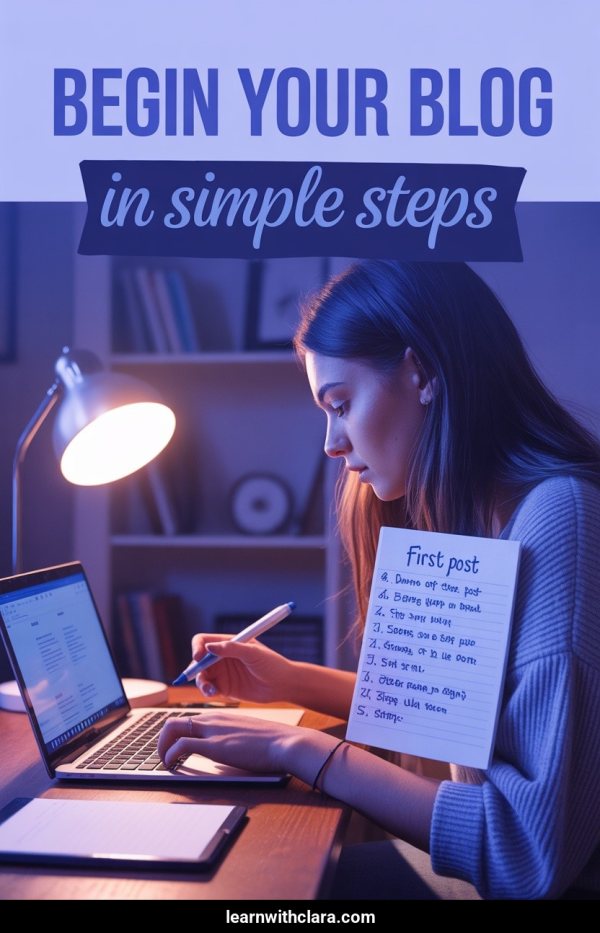
Share your best tips as standalone pins: "5 Mistakes New Photographers Make." The pin provides value immediately. The click-through leads to a blog post with a lead magnet (free mini-course, checklist, webinar). The email sequence sells the full course. Pinterest feeds the top of this funnel for free.

3. Pin every lesson topic as its own keyword

Each module and lesson in your course maps to search queries. A photography course has pins for "aperture explained simply," "best camera settings for portraits," and "how to edit photos in Lightroom." Each pin targets a different search and drives a different learner to your course page.

4. Use seasonal content to spike enrollment

Course enrollment spikes in January (new year goals), September (back to learning), and around industry events. Pin relevant content 45 days early. "Start Your Online Business in 2025" pinned in November ranks by January when motivation peaks.

5. Build boards that mirror your student's learning journey

Create boards for each stage: "Getting Started with [Topic]," "Intermediate [Topic] Tips," "Advanced [Topic] Strategies." This mirrors how learners search and positions your profile as the go-to resource. Each board funnels to a different part of your course ecosystem.

Pinterest vs Instagram for Course Creators

Criteria Pinterest Instagram
Content lifespan Course pins drive enrollment for months Posts get attention for 24-48 hours
User intent Searching "how to learn X" — ready to invest Scrolling feed, low purchase intent
Search behavior Topic-based search like Google Hashtag and Explore page discovery
Best content How-to tips, transformation pins, checklists Reels, carousels, Stories
Funnel fit Top-of-funnel: awareness to lead magnet to course Engagement-focused, slower conversion path
Effort per lead Create once, drive traffic for months Constant posting required to maintain reach

Pinterest Board Ideas for Course Creators

Online Course Tips

Tips and strategies for building and selling online courses. Your authority-building board.

[Your Topic] for Beginners

Beginner-friendly content that attracts people at the start of their learning journey — your largest audience.

Free Resources & Guides

Lead magnets, checklists, and free mini-courses. Top-of-funnel content that feeds your email list.

[Your Topic] Tools & Software

Tool recommendations and tutorials. Practical content with high save rates.

Student Success Stories

Transformation stories and testimonials as visual pins. Social proof that converts browsers into enrollees.

Productivity & Study Tips

General learning and productivity content that attracts your target audience beyond your specific topic.

[Your Topic] Career Tips

Career-focused content for learners who want professional outcomes from your course topic.

Webinar & Workshop Replays

Promote past and upcoming live events. Webinars are the highest-converting course sales tool.

Pin Title Ideas for Course Creators

5 Mistakes Beginner Photographers Make (And How to Fix Them)

How I Went from Zero to $10K/Month Teaching Online

Free Checklist: Everything You Need to Launch Your First Course

Learn Graphic Design — Where to Start (Complete Beginner Guide)

The #1 Skill Freelancers Need in 2025 (It's Not What You Think)

Frequently Asked Questions

Why is Pinterest good for selling online courses?

Pinterest users are actively searching for solutions, learning resources, and how-to content — the exact mindset of someone ready to buy a course. Unlike Instagram where people scroll passively, Pinterest users type in queries like "how to learn photography" or "start a freelance business." That's buyer intent. Your pins meet them at the moment they're looking for what you teach.

What types of course pins get the most saves?

Actionable tip pins, transformation-focused content, and free resource previews get the most saves. "5 Steps to..." and "Beginner Guide to..." formats consistently outperform. Checklist-style pins and infographics that teach one concept from your course also perform well — they prove your teaching ability before someone enrolls.

How do I use Pinterest for course launches?

Start pinning topic-related content 60-90 days before your launch. Build an audience of people interested in your subject. Then create launch-specific pins (webinar invites, early-bird pricing, bonuses) that link to your sales page. The warm audience from your evergreen pins converts at much higher rates than cold traffic.

Should I give away course content for free on Pinterest?

Yes — share your best standalone tips freely. A pin teaching "3 Lighting Tips for Better Photos" proves your expertise and builds trust. People who find value in free content are the most likely to pay for your structured, comprehensive course. Free Pinterest content is your best salesperson.

How many pins should I create per course topic?

Create 3-5 pin designs per blog post or topic, each with a different angle and title. "Beginner Photography Tips" and "Camera Settings for Stunning Portraits" might link to the same post but attract different searchers. Aim for 10-15 pins per week across your course topics, lead magnets, and educational content.

Can Pinterest replace paid ads for course sales?

Pinterest won't fully replace paid ads for big launches, but it can dramatically reduce your ad spend. Evergreen pins create a steady stream of free organic traffic to your funnel — leads you'd otherwise pay for. Many course creators use Pinterest as their primary top-of-funnel traffic source and only run ads during live launches.

Related Free Tools

More Pinterest tools to grow your presence