Start from a resource URL, your classroom images, or a topic like “first day of school activities”. Made to Spark designs the pins, writes the title, description and alt text, and publishes or schedules them to Pinterest when you are happy.
No credit card required to create your account. Plans start at $12 a month.
By Paul, founder of Made to Spark · Last updated Sep 16, 2026
Real pins made with Made to Spark. Tap any pin to see it up close.
Your own photos, title, brand colors and website in Canva-style layouts. Template pins don't use AI credits.
Made with this brand's color (#1D4ED8). Your pins use your own.
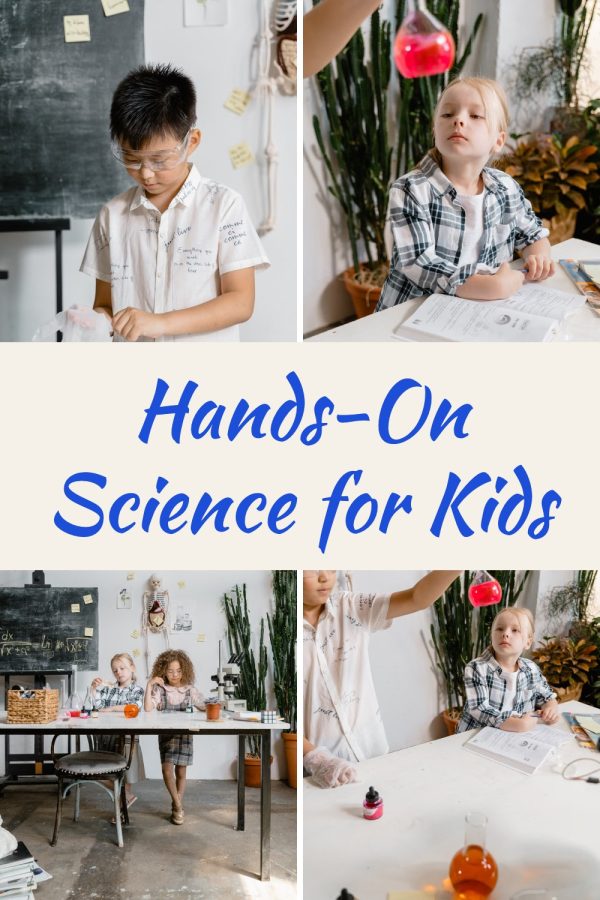
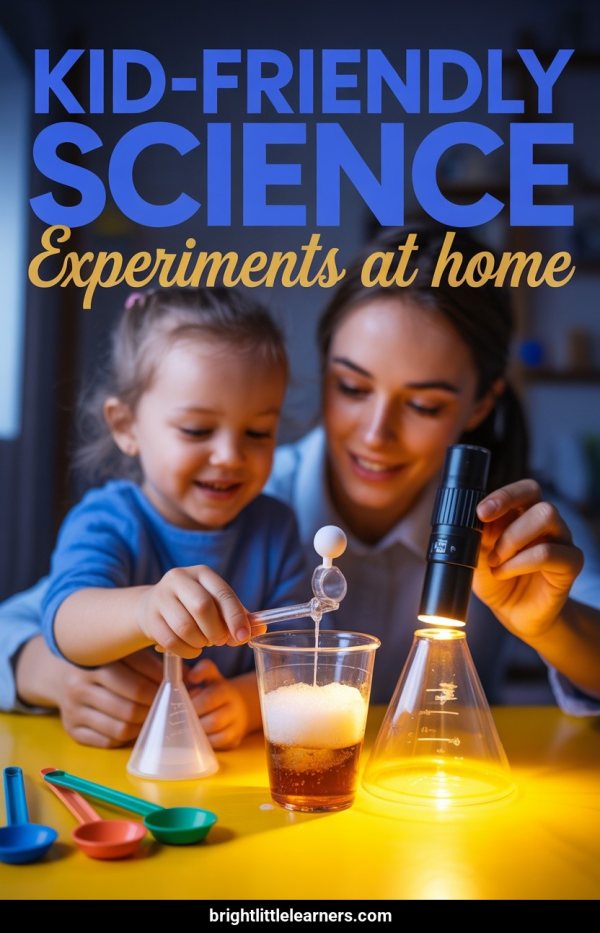
Hands-On Science for Kids
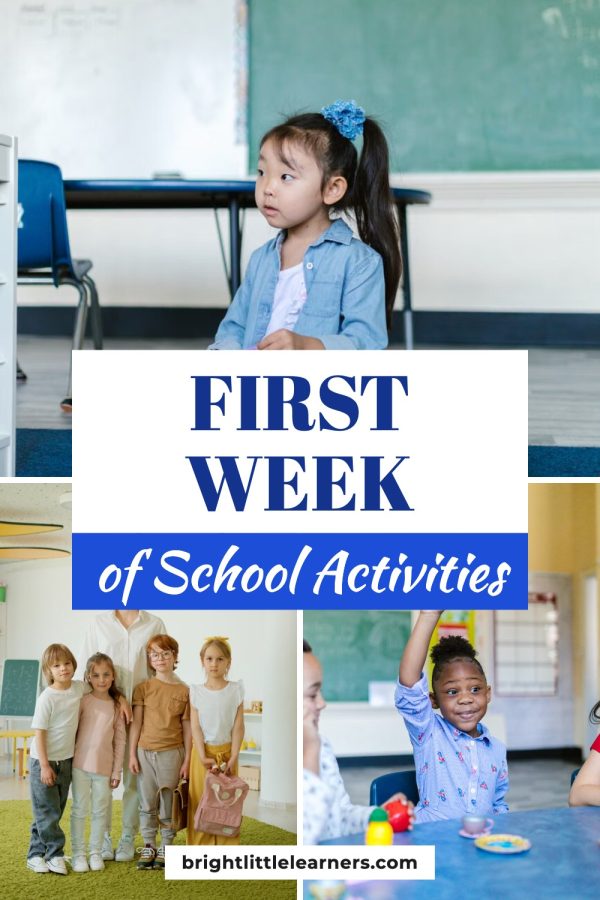
First Week of School Activities
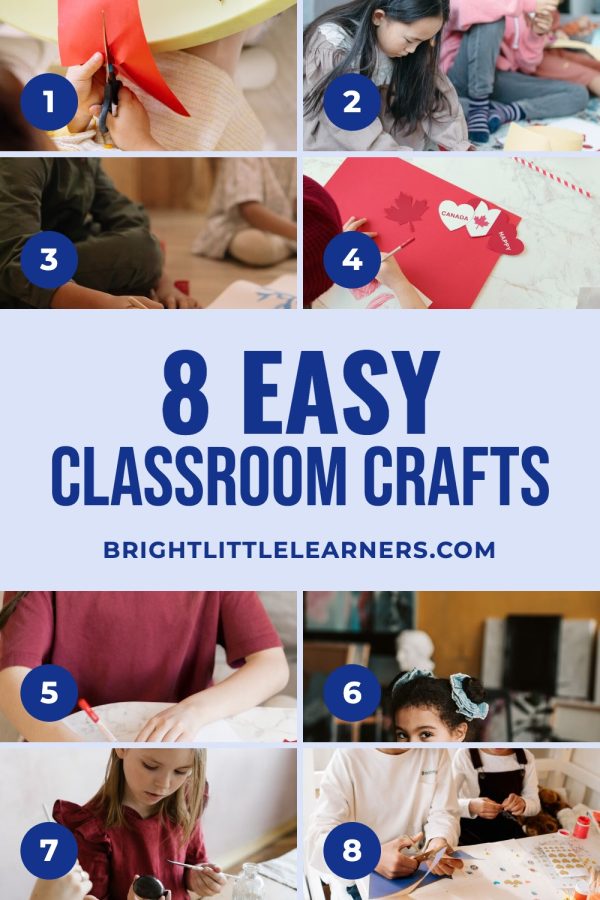
8 Easy Classroom Crafts
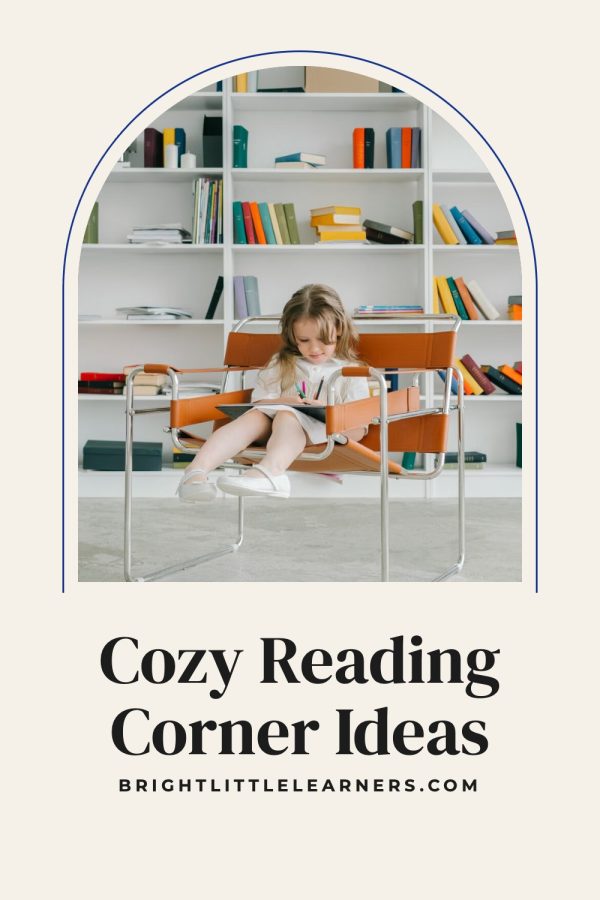
Cozy Reading Corner Ideas
No photo needed. Type a topic or paste a page and get a brand-new image with your headline on it.
Made with this brand's colors (#1D4ED8, #FACC15). Your pins use your own.
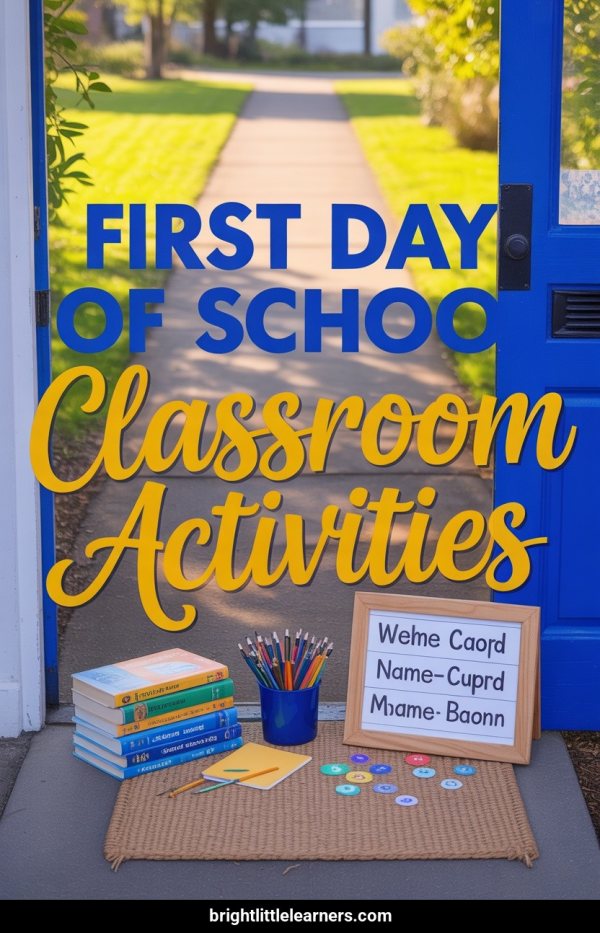
First Day Of School Classroom Activities
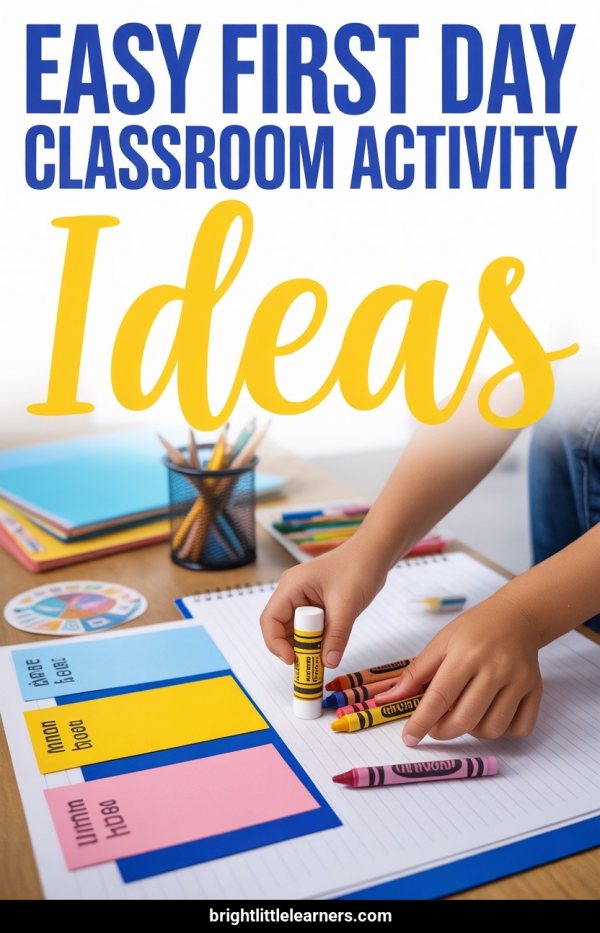
Easy First Day Classroom Activity Ideas
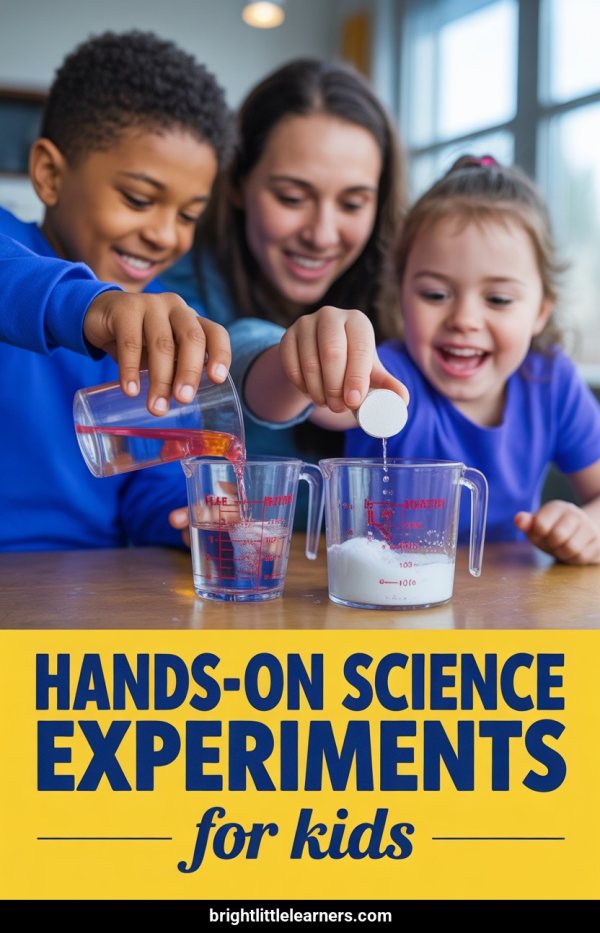
Hands-On Science Experiments For Kids
Kid-Friendly Science Experiments At Home
Paste a link, upload photos or type a topic. You get finished pins with the copy written, ready to publish or schedule.
Create your accountNo credit card required to create your account.
For teachers and educators, Pinterest marketing means turning lesson ideas, printables, and classroom resources into vertical pins that people find in Pinterest search and save to their boards, with each pin linking to the page it describes. Made to Spark handles the design and the pin copy, so the part left to you is choosing what to pin.
No photo yet? Type a classroom topic and get a new image with your headline on it.
Put your classroom images into Canva-style layouts: collages, bold title bands and magazine-style covers.
Set your colors and website once and every design uses them.
Each pin comes with a title, description and alt text based on your page, ready to edit.
Make a few different pins for the same classroom page, so you have fresh designs to rotate.
Send approved pins to your connected Pinterest account now, or place them on the scheduler.

Paste a resource URL, upload your classroom images, or type a topic.
Choose a brand-new AI image or a designer template. Your brand colors and website go on every pin.
Edit the title, description, alt text and link, then publish now or add the pins to your schedule.
Keep each pin focused on a specific worksheet, activity, or guide, then link to that resource page.
Help teachers recognize the fit quickly with clear grade, subject, or skill language.
Use visuals that represent the linked page and confirm the destination URL before publishing.
Try different images, layouts, or angles for the same classroom page while keeping every version accurate.
Use your Pinterest analytics to decide which topics and creative approaches to test next.
Boards group your pins by topic, so people can follow the ones they care about.
Grade-level math resources, manipulatives, and practice sheets. Math is one of the most-searched teacher categories on Pinterest.
Comprehension activities, phonics games, reading response journals. ELA content has massive Pinterest search volume.
Storage solutions, desk arrangements, supply management. Teachers save organization pins year after year.
Seasonal displays, interactive boards, door decorations. Visual classroom content that gets high save and share rates.
Hands-on experiments, engineering challenges, STEM activities. Growing search category with highly engaged teacher audience.
First week activities, classroom setup, getting-to-know-you games. Massive seasonal search spike from June through August.
Color schemes, themed decorations, printable displays. Teachers redecorate every year — recurring annual traffic.
Mindfulness activities, conflict resolution, feelings charts. SEL content is growing rapidly in teacher Pinterest searches.
Halloween crafts, Thanksgiving activities, winter projects. Seasonal classroom content follows a predictable annual cycle.
Ready-to-go substitute teacher plans, no-prep printables. Practical content that every teacher saves "just in case."
3rd Grade Fraction Worksheets — Free Printable Pack
Classroom Library Organization Ideas That Actually Work
Back-to-School Bulletin Board Ideas for Elementary Teachers
Fun Science Experiments for Kids — No Special Supplies Needed
2nd Grade Sight Word Activities — Hands-On & Engaging
| Criteria | ||
|---|---|---|
| Discovery | Pins can appear in search, related content, and home feeds. | Posts can appear in feeds, profiles, search, and recommendations. |
| Organization | Boards group pins by topic or audience. | Profiles, highlights, and collections organize content differently. |
| Destination links | Standard pins can link to a relevant external page. | Link placement depends on the post format and account features. |
| Creative format | Vertical images are a common pin format. | Square, portrait, story, and reel formats are available. |
Yes. Type a keyword or topic for an AI pin, or upload your own images and pick a template. Review the design and copy before publishing.
Yes. Paste a public URL and Made to Spark uses the page text and images to build the pins. Results depend on what the page shows and whether it allows access.
No. Template pins use photos you already have, so they are included in your plan. AI pins create a brand-new image and use one credit each.
Yes. Upload images you own or have permission to use, and they fill the template you choose.
Yes. Edit the title, description, alt text and destination URL before publishing or scheduling.
Yes. Connect your Pinterest account to publish approved pins right away or schedule them.
Plans start at $12 a month, or about $9 a month billed yearly. Every plan includes pin creation, pin copy and Pinterest scheduling. Larger plans add more AI credits, more pins per day and bulk pin creation.
Turn your classroom resources into on-brand Pinterest pins, then publish or schedule them from one place.
Make classroom pinsNo credit card required to create your account. See pricing
Turn your classroom images into one branded Pinterest pin.
Open toolFind the right keywords for your educational pin descriptions.
Open toolWrite keyword-rich descriptions for your subject and grade-level boards.
Open toolPinterest guides for other niches
Selling on a platform?