Clicky

Create Pinterest Pins for Photographers

Start with a portfolio URL, a keyword or prompt, or your own photos. Made to Spark creates pin designs with titles, descriptions, and alt text for you to review.

Free Single-Pin Tool
|
Paul By Paul, founder of Made to Spark · Updated Sep 11, 2026
Create Your First Photography Pin Free

The free tool creates one pin from your images. The full account workflow supports batches, review, publishing, and scheduling.

What is Pinterest Marketing for Photographers?

For photographers, Pinterest marketing means creating useful pins around portfolio work, session styles, and booking pages, then linking each one to the most relevant page. Made to Spark creates the designs and publishing copy so you can review before you publish or schedule.

Build Pins from the Context You Have

URL

use a relevant page as source context

Ideas

start from a keyword or prompt when no page is ready

Metadata

get titles, descriptions, and alt text with each design

Review

approve your pins before publishing or scheduling

How It Works

1

Choose your source

Start with a portfolio URL, a keyword or prompt, or your own photos.

2

Generate designs and copy

Create Pinterest-ready designs with suggested titles, descriptions, and alt text.

3

Review and refine

Check the images, destination links, and publishing metadata, then keep or adjust what fits your brand.

4

Publish or schedule

Use the account workflow to publish approved pins now or add them to your schedule.

Ready to turn your content into Pinterest-ready pins?

Try the free single-pin tool with your own images. For the full workflow, use an account to start from a URL, keyword, prompt, or images; generate designs with titles, descriptions, and alt text; review them; then publish or schedule to Pinterest.

Create Pins Free

What Made to Spark Handles for Photographers

Start With What You Have

Use a portfolio URL, a keyword or prompt, or your own photos as the source for each pin.

No Pin Design Skills Required

Generate vertical designs without building every layout from scratch.

Design and Copy Together

Get suggested titles, descriptions, and alt text with the pin designs.

Keep Your Destination Relevant

Review the destination URL and make sure it matches what the pin promises.

Review Before Publishing

Check the creative and metadata, refine anything that needs work, and approve only the pins you want to use.

Publish or Schedule

Send approved pins to a connected Pinterest account now or place them on the scheduler.

Pinterest tips for photographers

1. Pin one session style or portfolio theme

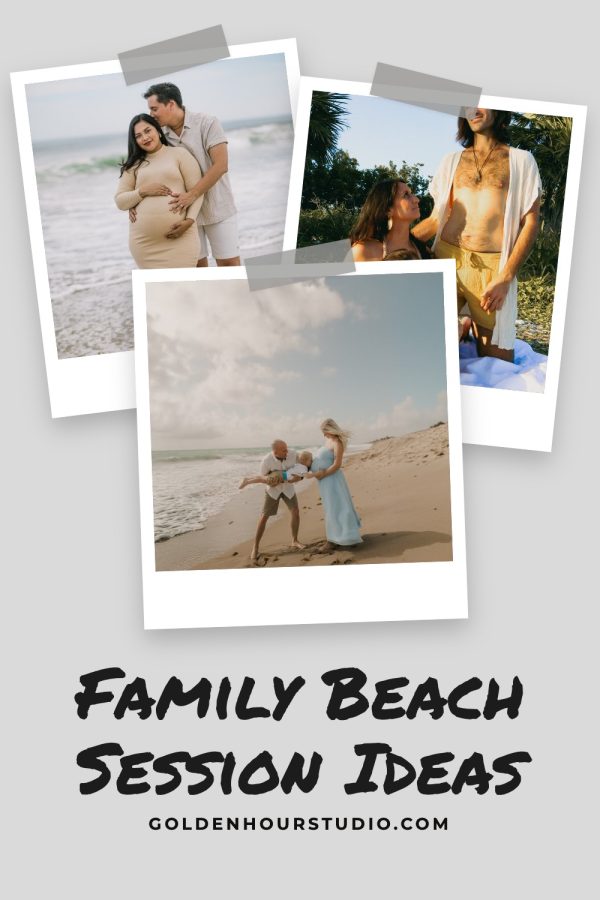
Keep each pin focused on a clear style of work — family, wedding, brand, or editorial — then link to the matching gallery or inquiry page.

2. Say who and where the work is for

Use titles that include the type of session and location so the right clients understand the offer quickly.

3. Match the image and destination

Use visuals that represent the linked page and confirm the destination URL before publishing.

4. Create useful variations

Try different images, layouts, or angles for the same portfolio page while keeping every version accurate.

5. Review what Pinterest reports

Use your Pinterest analytics to decide which topics and creative approaches to test next.

Pinterest vs Instagram for photographers

Criteria Pinterest Instagram
Discovery Pins can appear in search, related content, and home feeds. Posts can appear in feeds, profiles, search, and recommendations.
Organization Boards group pins by topic or audience. Profiles, highlights, and collections organize content differently.
Destination links Standard pins can link to a relevant external page. Link placement depends on the post format and account features.
Creative format Vertical images are a common pin format. Square, portrait, story, and reel formats are available.

Pinterest Board Ideas for Photographers

Wedding Photography Portfolio

Ceremony moments, couple portraits, reception details. Wedding boards capture brides planning 6-12 months ahead.

Portrait Photography Ideas

Individual, couple, and family portraits. Showcases your range and attracts diverse client inquiries.

Landscape & Nature Photography

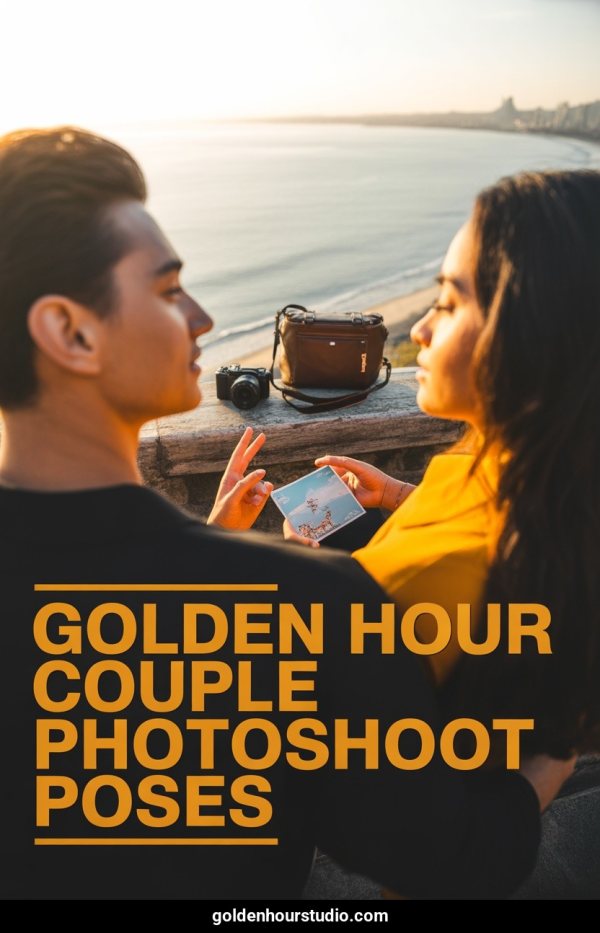
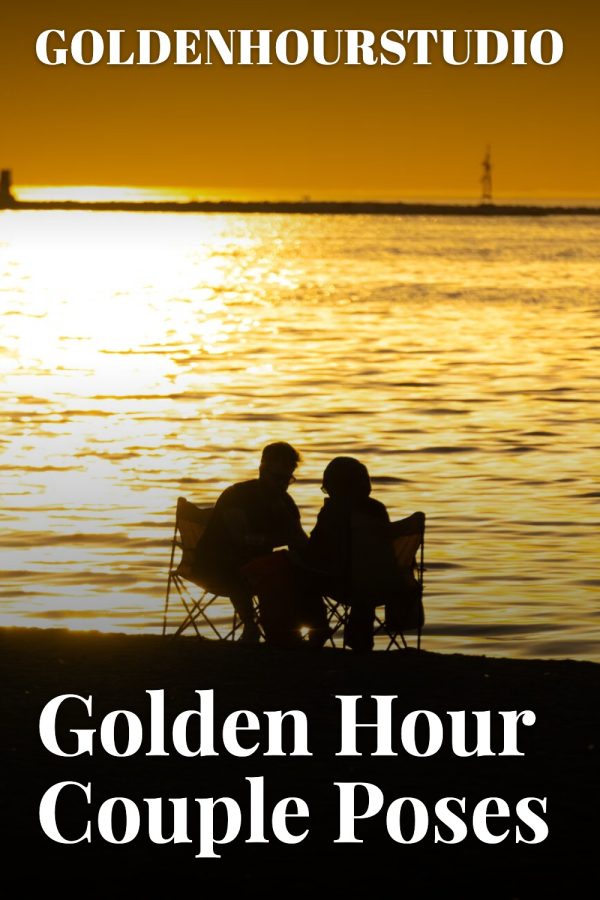
Golden hour vistas, dramatic weather, serene waterscapes. Attracts print buyers and art collectors.

Newborn & Baby Photography

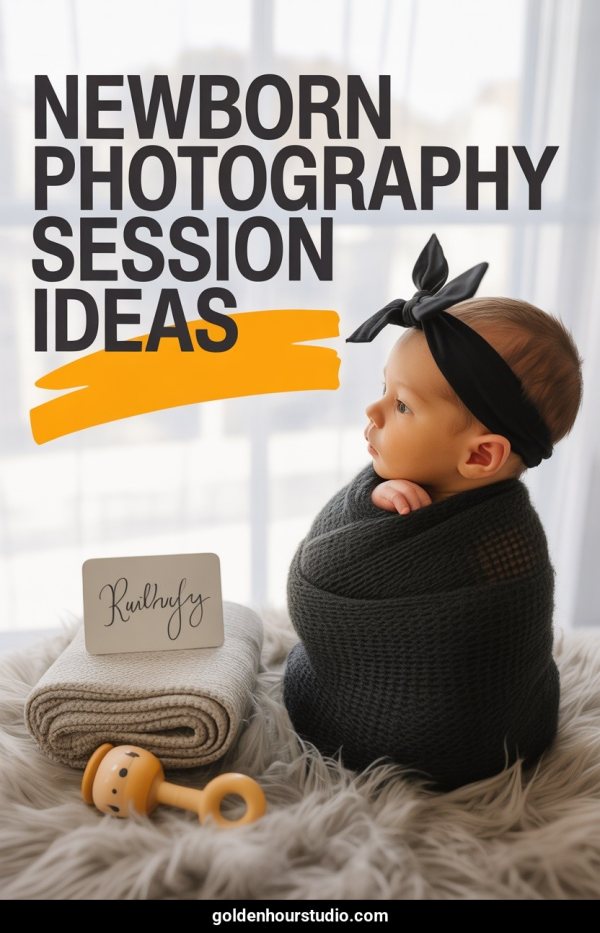
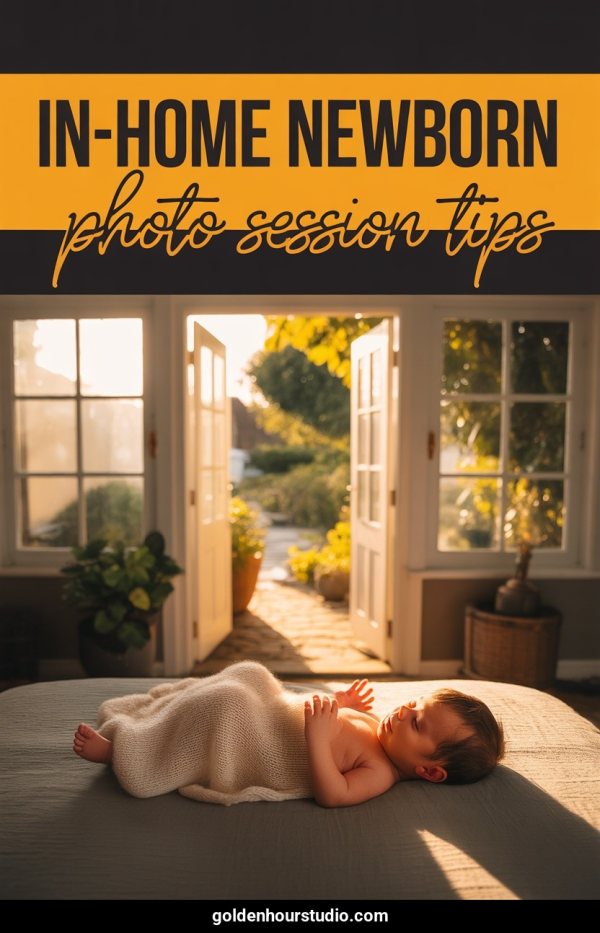
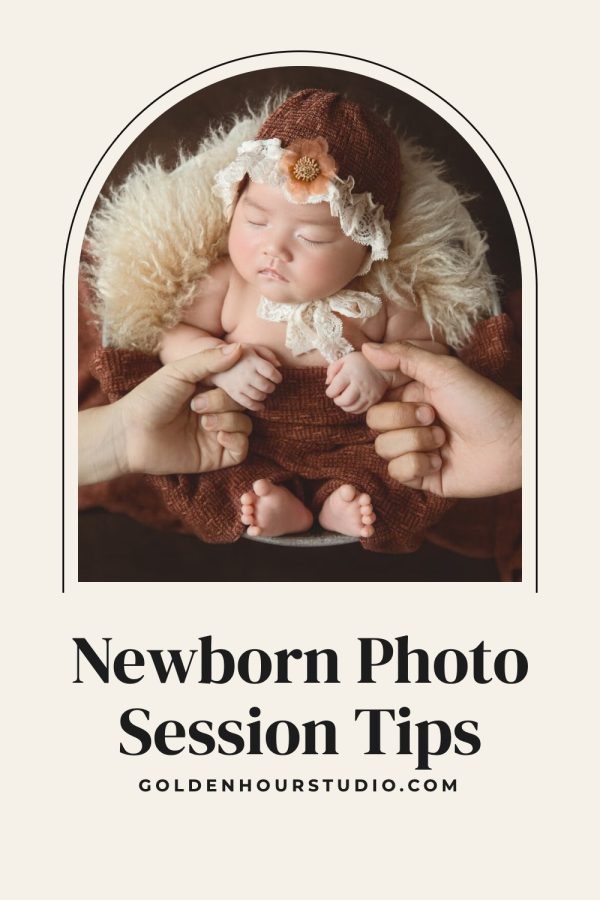
Posed newborn sessions, milestone photos, nursery setups. Parents search for photographers months before due dates.

Photography Editing Tips

Lightroom presets, before-and-after edits, color grading tutorials. Attracts aspiring photographers and builds authority.

Photo Session Outfit Ideas

What to wear guides for engagement, family, and senior sessions. Clients save these before booking — a natural funnel.

Photography Gear Reviews

Camera bodies, lenses, lighting equipment. Gear content has a dedicated Pinterest audience and high engagement.

Senior Portrait Inspiration

High school senior sessions, outdoor locations, creative poses. Seasonal demand peaks in spring and summer.

Photo Location Guides

Best spots for shoots by city and setting. Location content captures geographic search traffic.

Mini Session Ideas

Seasonal mini sessions, holiday setups, studio concepts. Promotes your offerings while inspiring potential clients.

Pin Title Ideas for Photographers

Golden Hour Engagement Photos — Hill Country, Texas

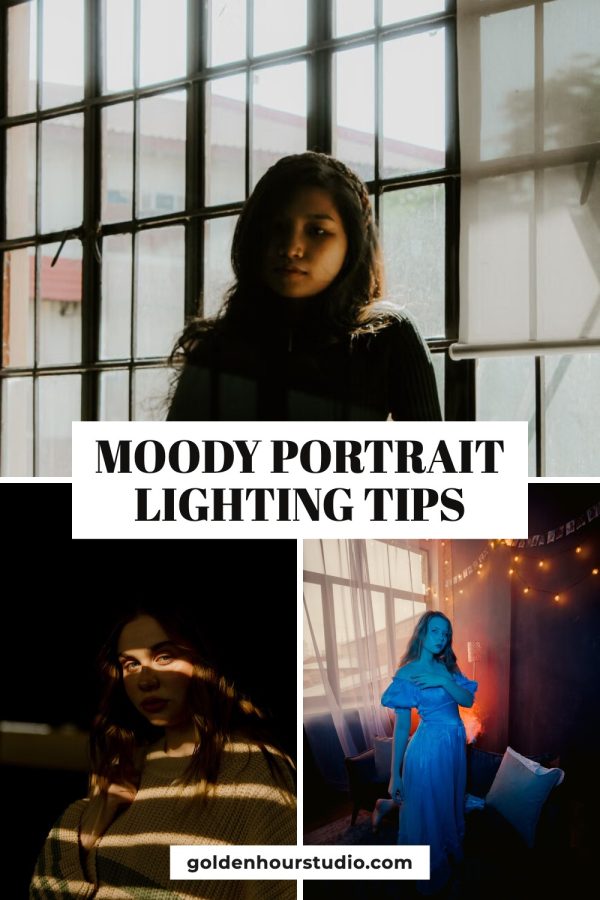
Moody Studio Portrait Session — Dark & Dramatic Editing

Newborn Photography Session — Soft Natural Light Setup

What to Wear for Your Family Photo Session (Style Guide)

Dreamy Outdoor Senior Portraits — Class of 2026 Ideas

Frequently Asked Questions

Can I create portfolio pins without a URL?

Yes. Start from a keyword or prompt, or provide your own images. Review the generated design and metadata before publishing.

Can I create pins from an existing portfolio page?

Yes. Paste a public URL and Made to Spark can use the available page text and images as source context. Results depend on what the page exposes and whether it allows access.

Can I use my own images?

Yes. You can provide images you own or have permission to use. The free tool creates one pin from images without an account.

Can I edit the generated pin copy?

Yes. Review and edit the title, description, alt text, and destination URL before publishing or scheduling.

Can Made to Spark publish directly to Pinterest?

Yes. A registered account with a connected Pinterest account can publish approved pins immediately or schedule them.

Related Free Tools

Use the free tools for individual tasks, or the account-based workflow to create, review, publish, and schedule pins.