Clicky

Generated infographics

Pinterest Infographic Templates

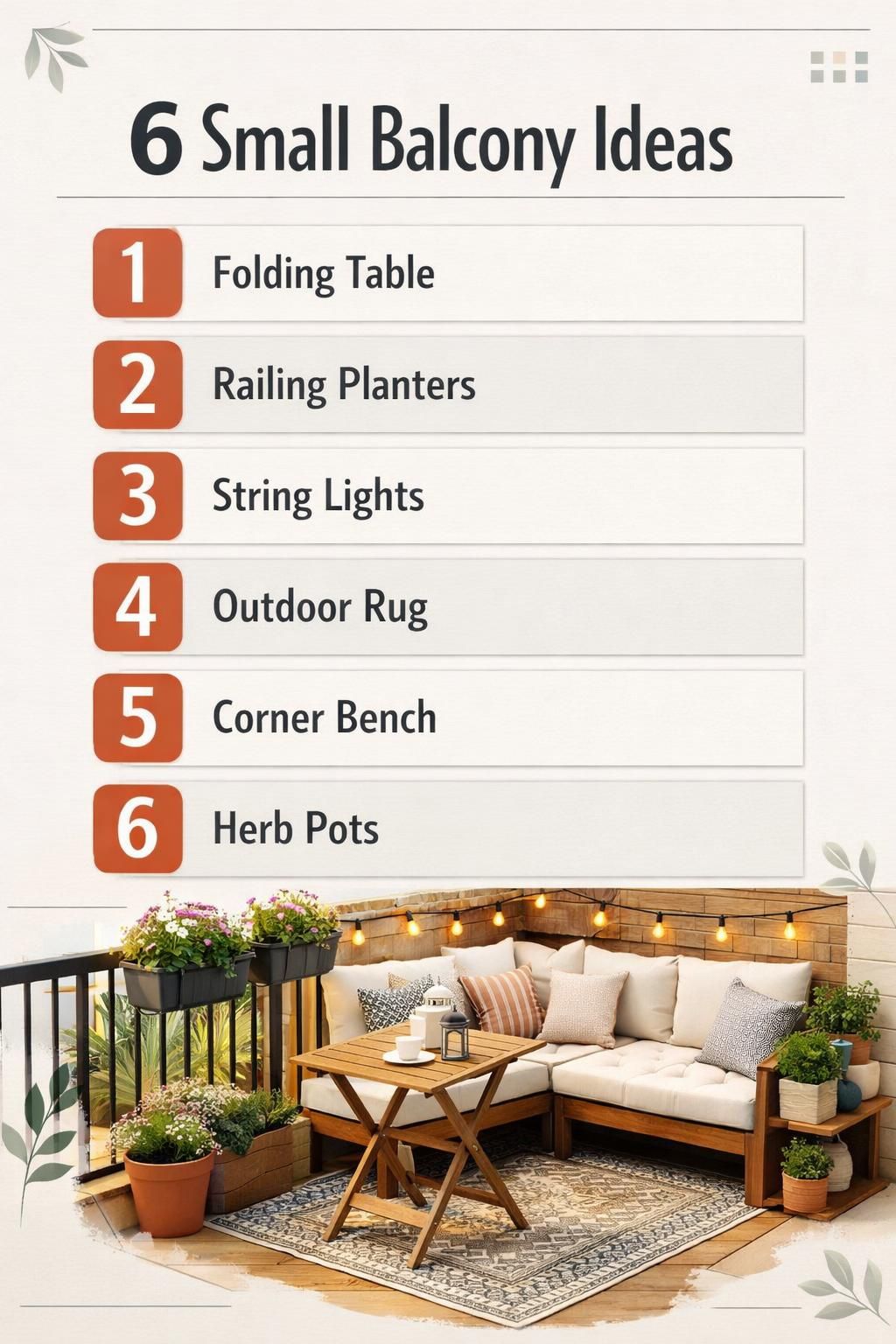
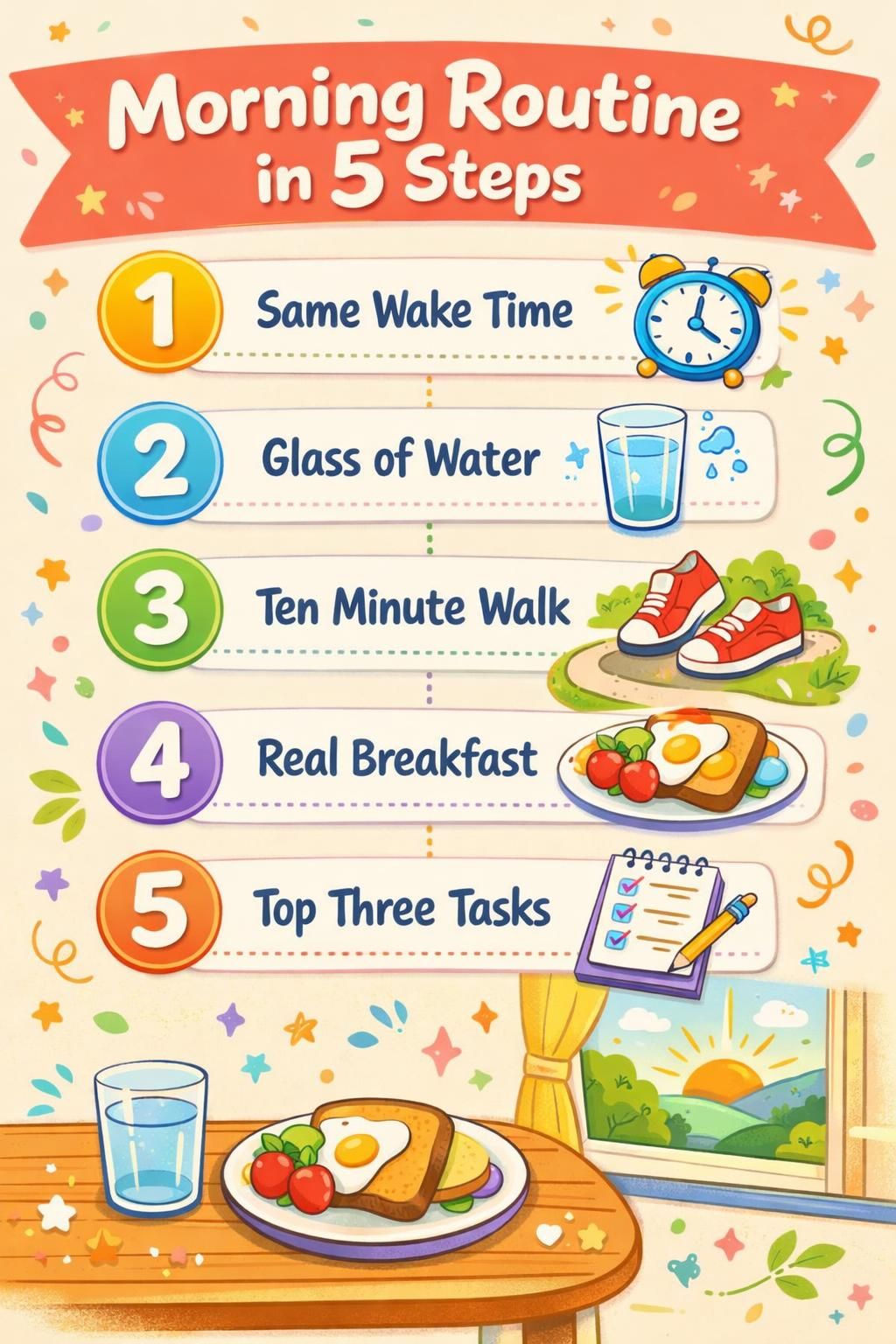
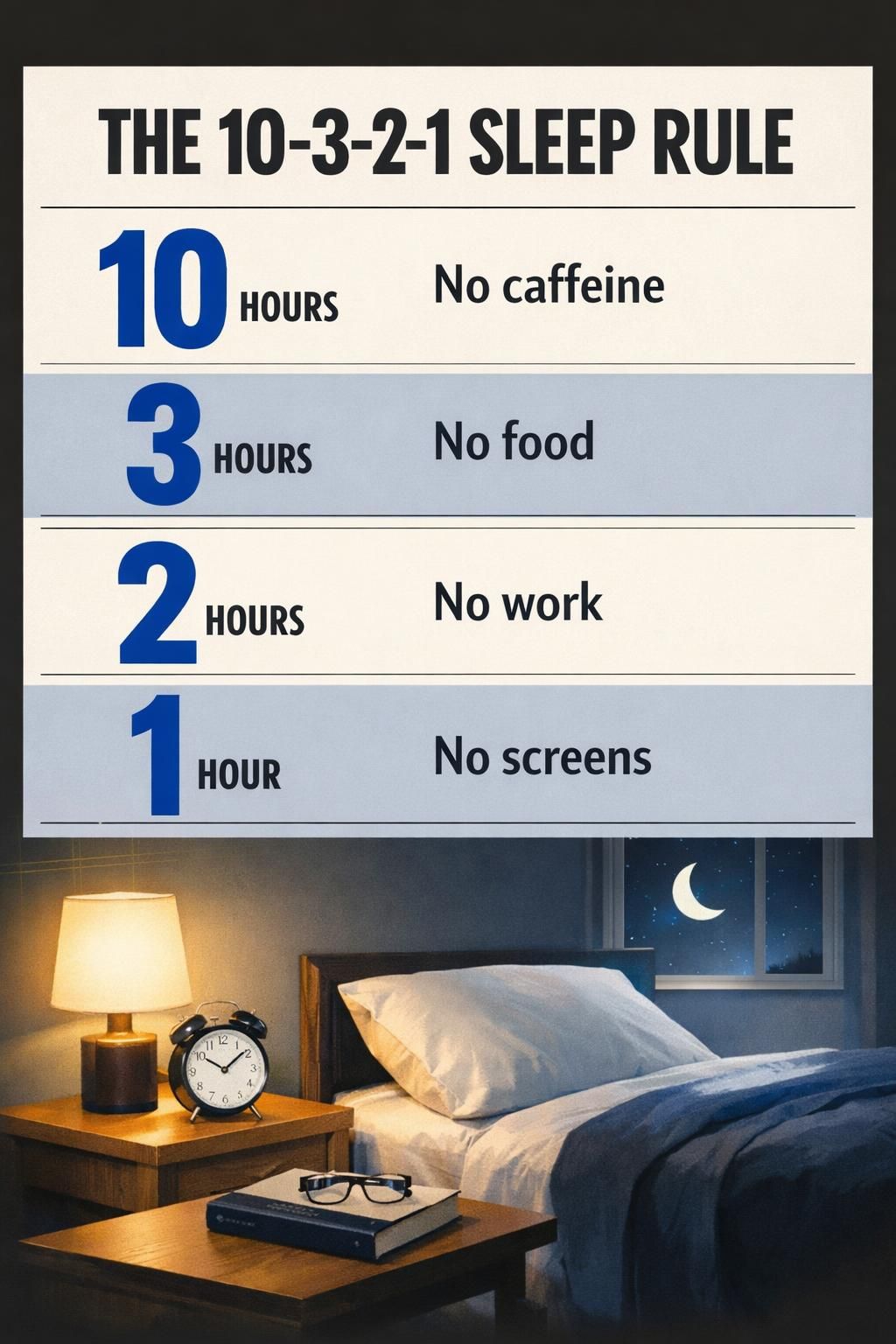
Every pin on this page was generated from one line of text. You type the topic, pick one of four styles, and Made to Spark designs the whole infographic: the numbered list, the timeline, the checklist columns, the labels. No stock photos, no Canva file, no dragging boxes around.

No credit card required to create your account.

AI-generated Pinterest infographic titled "6 Small Balcony Ideas", in the modern style AI-generated Pinterest infographic titled "Morning Routine in 5 Steps", in the playful style AI-generated Pinterest infographic titled "The 10-3-2-1 Sleep Rule", in the modern style

11 generated infographics · 1000×1500 · four styles

Numbered list infographics

A number, then a short label per row. The most reliable shape to ask for, and the most saved on Pinterest.

Use these designs

Step-by-step infographics

A numbered timeline for a process, with one short label per step.

Use these designs

Checklist infographics

Grouped columns of check marks for packing, shopping and preparing.

Use these designs

Rule and explainer infographics

One rule or method, broken into the few numbers that make it memorable.

Use these designs

Describe your infographic. Get the pin.

One line about the topic, one of four styles, and the layout is designed for you at Pinterest size.

Create your account

No credit card required to create your account.

How to describe an infographic that comes out right

The generator writes and lays out the text itself, so the topic you type decides how readable the result is. What works, from making the examples on this page:

1. Say how many rows you want

Four to six rows is the sweet spot. Ask for seven or more and labels start to crowd and blur together.

2. Give short labels, not sentences

Two or three words per row ("Folding Table", "Feed Daily") read cleanly at thumbnail size and come out crisper than a full sentence would.

3. Spell out every label

List the exact words you want on the pin. Anything you leave to the model is a word it can render wrong.

4. Avoid proportional charts

Number-and-label rows are reliable. A pie or a set of bands sized by percentage is the one shape that tends to come back with a share missing.

How to make a Pinterest infographic

1

Type the topic

One line: the title, and the rows or steps you want on the pin.

2

Pick a style

Modern, bold, playful or elegant. The style sets the type, the colours and the decoration.

3

Publish or schedule

You get a 1000×1500 infographic with a title and description written, ready to schedule to Pinterest.

More Pinterest template collections

Pinterest infographic FAQ

Do I need my own photos?

No. Every pin on this page was made from a line of text with no photo supplied. If you would rather use your own photos, the template collections do that instead: your images drop into a ready-made layout.

Can it plot my data?

No. It designs list, step, checklist and explainer pins from the words you give it. It does not read a spreadsheet, and charts sized by percentage are the shape it handles worst.

What are the four styles?

Modern is clean and typographic, bold is high-contrast with heavy type, playful adds hand-drawn decoration, and elegant uses serif type and softer colours. The examples above are labelled with the style each one used.

What if the text comes out wrong?

It happens, the same as with any AI image model. Regenerate with shorter labels and fewer rows, and spell out each label in the topic. Every example on this page was checked before it was published.

What size are the pins?

Every infographic is a vertical 1000×1500 pin, the 2:3 size Pinterest recommends.

Do infographics use credits?

Yes. Each infographic creates a new image, so it uses one credit, the same as an AI pin. Template pins, which use your own photos, don't use credits.

Turn a topic into a pin worth saving

Describe the list, the steps or the rule, and let Made to Spark design the infographic.

Sign up and start pinning

No credit card required to create your account. See pricing

Every infographic on this page was generated with Made to Spark and checked for spelling before publishing.

11 Pinterest infographics, generated from a topic Get started