The Best Pinterest Templates for Bloggers and Sellers (2026)
 Paul
Paul
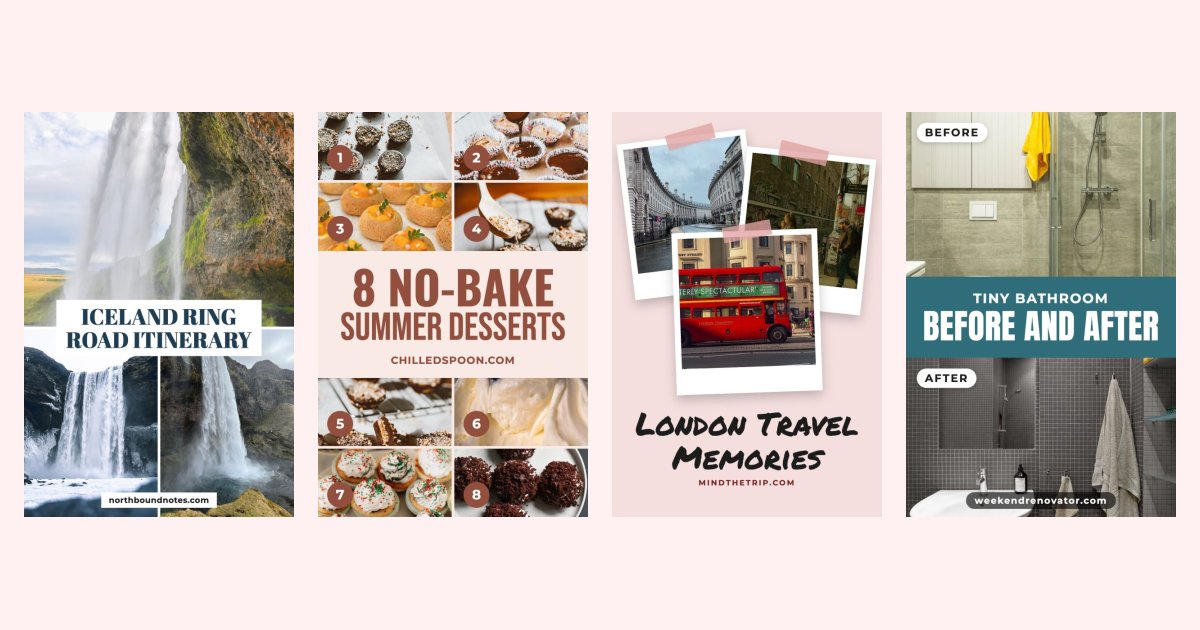
The best Pinterest template isn't the prettiest one. It's the one that fits what you're pinning and stays readable on a phone. A recipe, an Etsy listing and a travel guide each need a different layout.
Below are the Pinterest template styles that work best for bloggers and sellers, with an example of each and when to use it.
What makes a Pinterest template good
- 1000×1500 pixels (2:3). The size Pinterest recommends.
- A readable title. Bold type on a solid band or box, not thin text over a busy photo.
- The photo does the selling. The layout frames it instead of covering it.
- Your brand on it. Consistent colors and your website or shop name.
- Fast to reuse. A template you'll never refill because it takes 20 minutes isn't a good template.
1. Best for recipes: a single hero photo with a bold band
Food pins get saved when the dish looks good enough to make tonight. Keep one close-up of the finished recipe large, with the recipe name on a solid band. Add a script accent word like "Easy" or "Cozy" for personality.
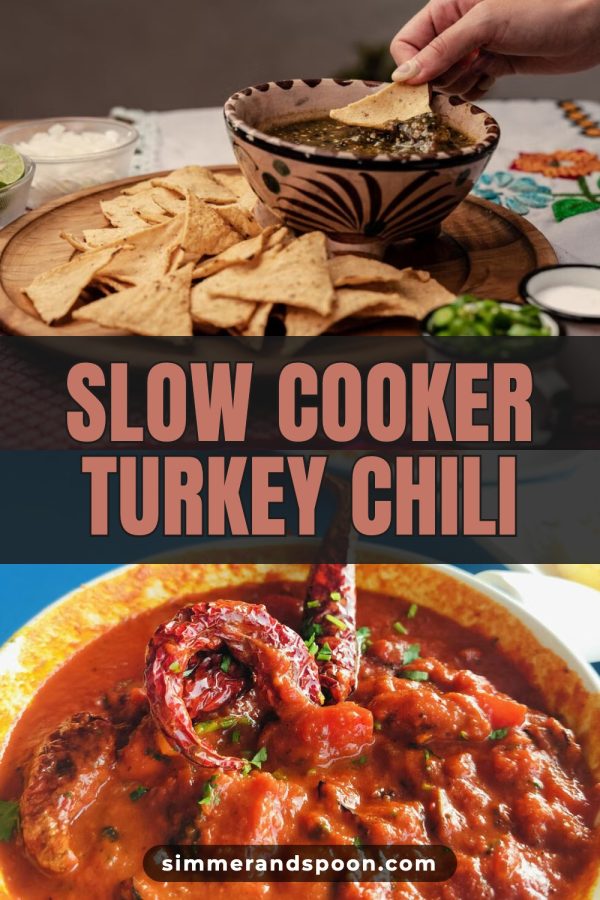
Examples: Pinterest templates for food bloggers.
2. Best for roundups: a numbered photo grid
"8 Easy Party Appetizers" is more convincing when pinners can see eight appetizers. Numbered grids show the variety inside the post and make the number in the title believable.
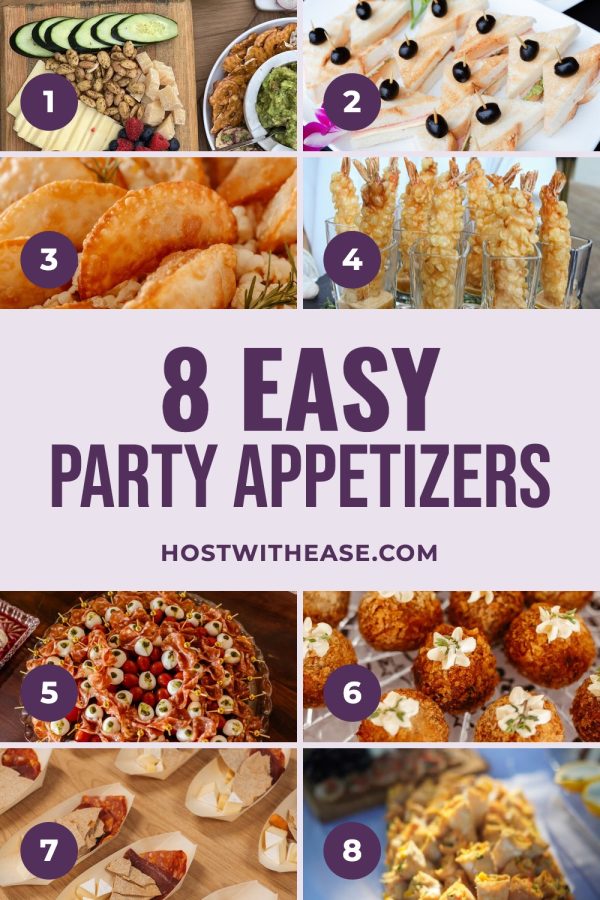
Examples: Pinterest collage templates.
3. Best for Etsy and store products: a clean product frame
Product pins should look like a styled shop photo, not a flyer. Arches, soft cards and simple title boxes keep the product the hero. For small items like jewelry, use a few angles side by side.
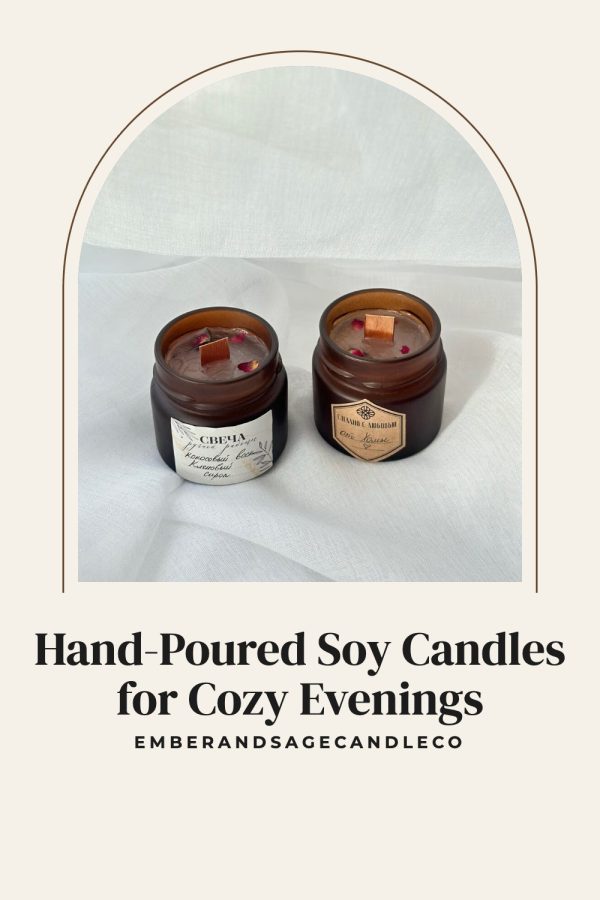
Examples: Etsy Pinterest templates.
4. Best for travel guides: a three or four photo collage
A travel pin should promise the whole trip. A tall photo plus two smaller ones, or a 2×2 grid, shows several places at once with the destination in the title.

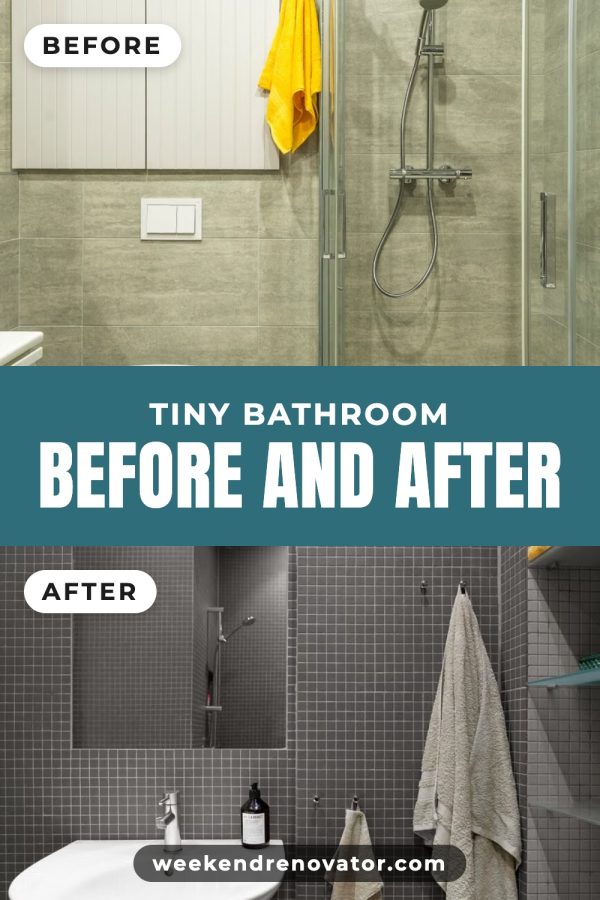
5. Best for makeovers and DIY: before and after
Home makeovers, organisation projects and crafts sell on the transformation. A two-photo split with the title between the photos makes the change obvious in a second.
6. Best for lifestyle, wellness and quotes: soft aesthetic layouts
Routines, self-care and quote pins do well with calm, minimal designs: plenty of space, neutral tones and a script accent. Match the look to the board so your profile feels consistent.
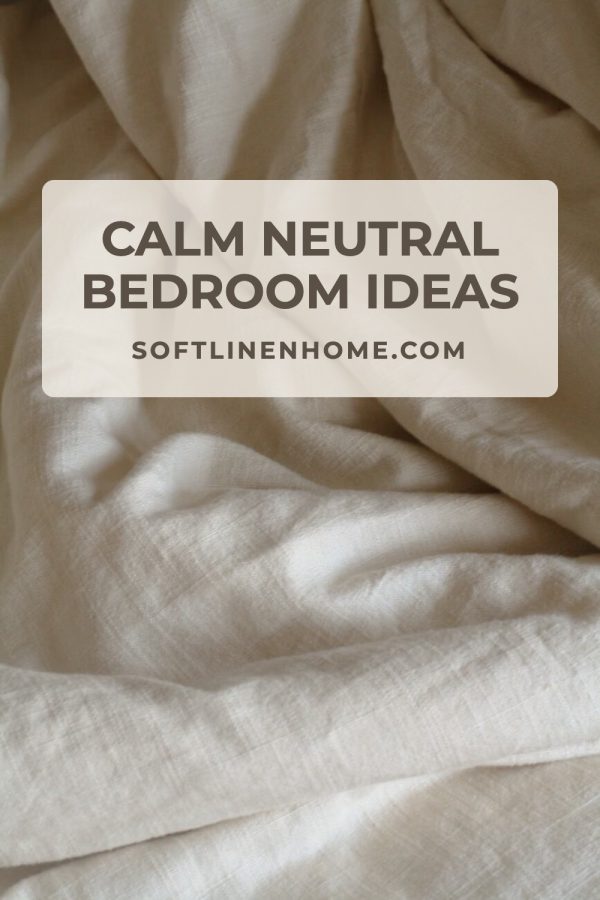
Examples: aesthetic Pinterest templates.
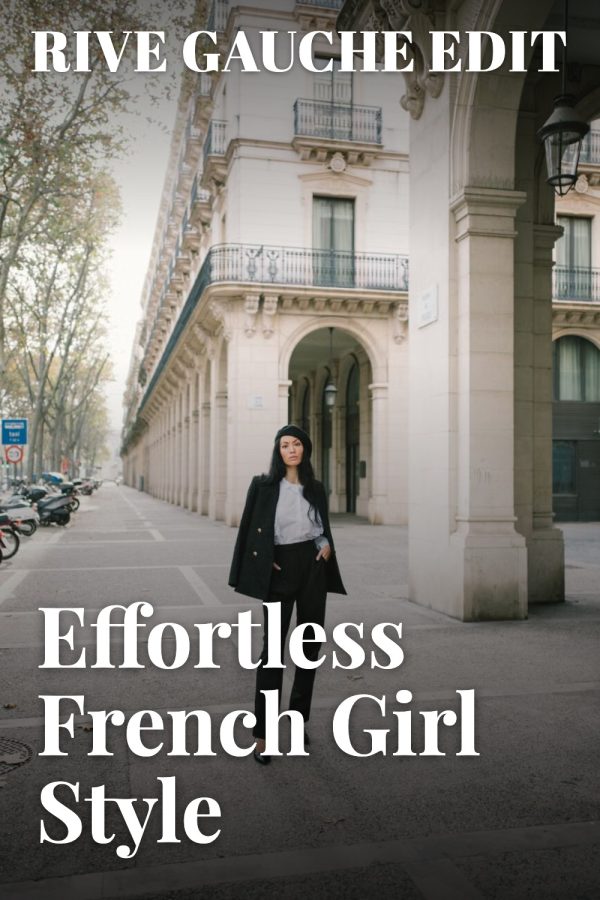
7. Best for fashion and beauty: magazine cover
A full-bleed photo with a serif masthead and cover lines feels editorial and stands out among plain photo pins. It works well for outfit guides, product edits and seasonal trends.
Where to get Pinterest templates
You have three main options:
- Canva's template library. A huge selection to edit by hand. Great if you enjoy designing each pin, slow if you need many pins.
- Template packs sold on marketplaces. A consistent set of designs, but popular packs are used by thousands of accounts, and you still edit every pin.
- A pin generator with built-in templates. You paste a post or product URL and the template is filled with your photos, title, colors and link. This is how Made to Spark's Canva-style templates work.
Want to try before committing? Browse templates you can try without signup, or see every design on the Pinterest templates page.
How many templates should you use?
Three to five, matched to your main content types. Rotate them so each post or product gets two or three different pins over time. Pinterest favors fresh pins, and consistent templates keep your profile recognisable.