Clicky

No signup needed to try

Free Pinterest Templates

16 free Pinterest templates you can use without a Canva file. Paste a blog post, recipe or product URL into our free Pinterest pin generator, pick a template, and download a finished 1000×1500 pin. No signup needed to try.

No signup or credit card needed to try.
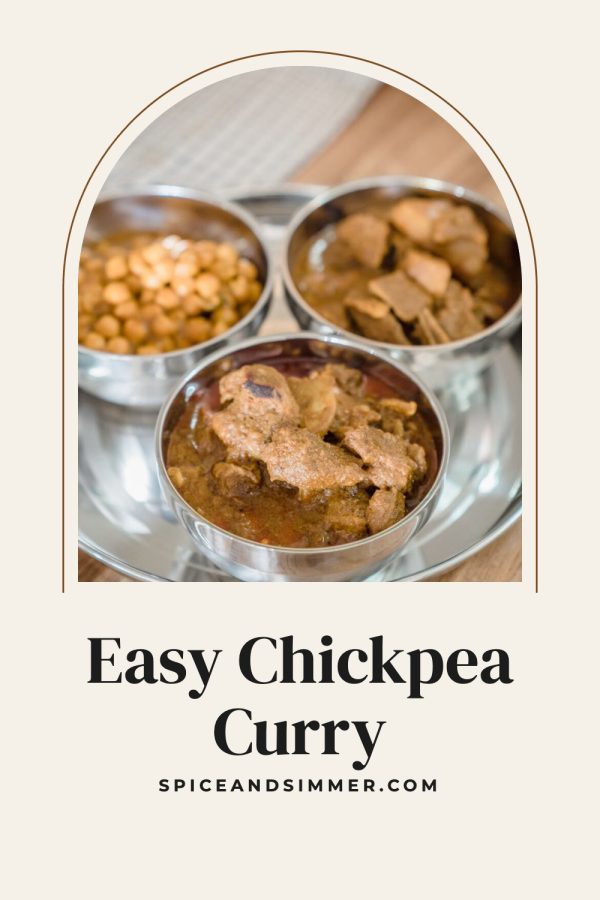
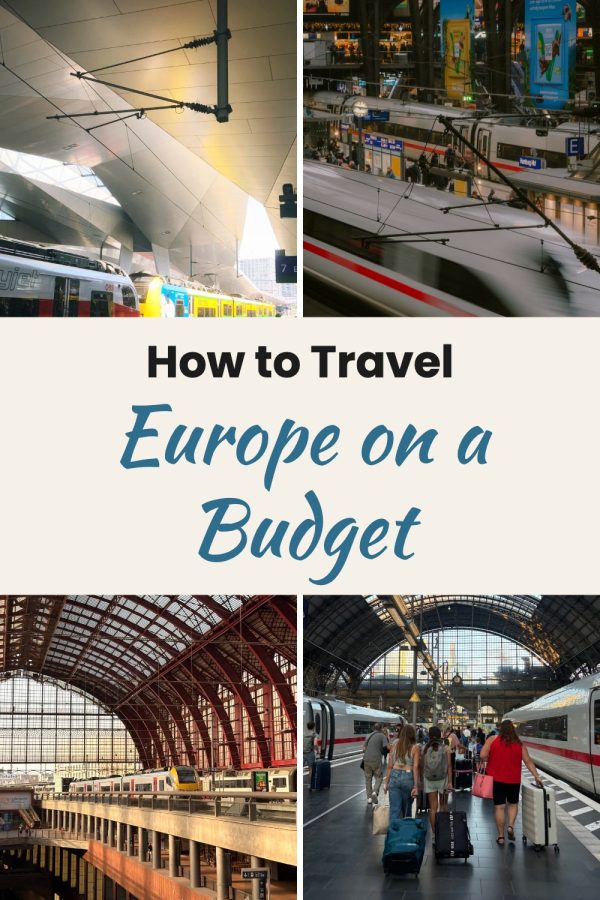
Arch Frame Free Pinterest Templates example: a recipe pin titled "Easy Chickpea Curry" Script Hero Box Free Pinterest Templates example: a travel pin titled "How to Travel Europe on a Budget" Strip Over Box Free Pinterest Templates example: a fashion pin titled "Chunky Knit Cardigans for Fall"

16 templates · 1000×1500 · no signup to try

Free blog post pin templates

Guides, lists and makeovers with bold, readable titles.

Use these designs

Free recipe pin templates

Big food photos with the recipe name on a clean band.

Use these designs

Free product pin templates

Hero shots and multi-angle grids for shops and affiliate picks.

Use these designs

Free lifestyle and seasonal pin templates

Routines, fitness, holidays and gift guides.

Use these designs

Try a template on your own link

Paste a URL into the free Pinterest pin generator and download a finished pin in about a minute. No signup needed.

Make a free pin

No signup or credit card needed to try.
Try a free AI pin too

The free pin generator also makes AI pins: a new styled image for your post or product with the headline built in.

See AI product scenes

What you get for free, and what a plan adds

No fine print: here is exactly how the free pin generator works.

1. 2 template pins a week, free

Paste any URL or upload photos, pick a template and download the pin. No account and no credit card needed.

2. 1 AI pin a week, free

Try an AI pin that creates a new styled image for your link, with the headline on it.

3. A plan makes pins in bulk

With a plan you can make several pins per link, rotate templates across hundreds of posts and schedule them to Pinterest.

4. Your brand on every pin

A plan saves your brand colors and website so every template matches your blog or shop automatically.

How to use these free Pinterest templates

1

Open the free pin generator

Paste a blog post, recipe or product URL, or upload your own photos. No signup needed.

2

Pick a template

Choose a design. We crop your photos into place and set your title on the pin.

3

Download your pin

Save the 1000×1500 pin and upload it to Pinterest, or sign up to schedule pins automatically.

More Pinterest template collections

Free Pinterest templates FAQ

Are these Pinterest templates really free?

Yes. With the free Pinterest pin generator you can make 2 template pins and 1 AI pin every 7 days without signing up. Paid plans add bulk pin creation, saved brand colors and Pinterest scheduling.

Do I need Canva to use these templates?

No. There is no Canva file to download or edit. Paste a URL or upload photos and the template is filled for you.

Can I download the pins?

Yes. Every pin made with the free pin generator can be downloaded as a 1000×1500 image, ready to upload to Pinterest.

What happens after my free pins for the week?

Your free pins reset 7 days after you made them. If you need more pins, or want to schedule them to Pinterest, a paid plan covers that.

Make your first free Pinterest pin

Paste a link, pick a template and download a finished pin. No signup needed.

Make a free pin

No signup or credit card needed to try. Need more pins? Create an account or see plans.

Brand names on the sample pins are fictional.

16 free Pinterest templates, no signup to try Get started