What this Rich Pins validator checks
The tool identifies one content type in the page HTML and checks the fields below. This is a metadata inspection, not a preview or guarantee of how Pinterest will display the pin.
| Type | Required fields | Also reported |
|---|---|---|
| Article | og:type set to article, og:title, og:description | Published date, author |
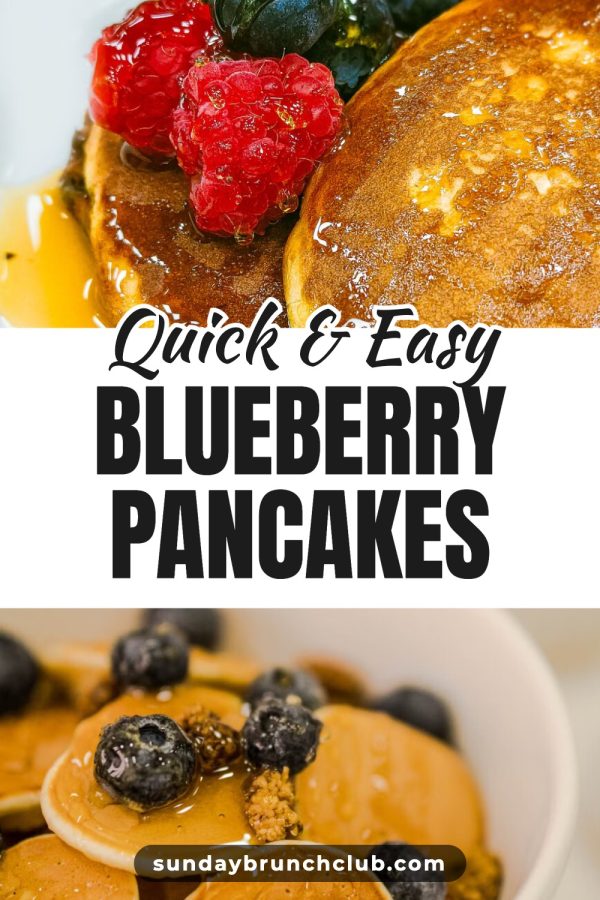
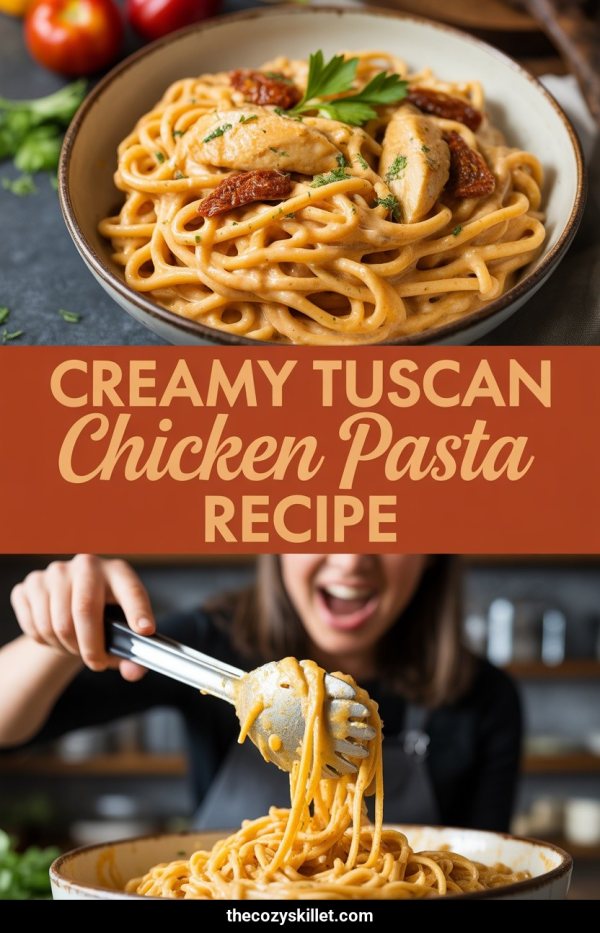
| Recipe | Recipe name and ingredients in schema.org Recipe JSON-LD | Cook or total time, servings |
| Product | Product type, title, description, price, currency | Availability |
Checking product metadata does not mean Pinterest currently supports or will display Product Rich Pins for every page. The tool does not validate every possible tag or emulate Pinterest's crawler.
Metadata is only part of pin readiness
Check that the page also has an image large and tall enough to make a good pin.
How to check your Rich Pin metadata
-
Step 1
Paste a URL
Enter the full address of any public blog post, recipe or product page on your site.
-
Step 2
Review the report
The validator fetches the page, works out whether it is marked up as an Article, Recipe or Product, and lists each field it checks as found or missing.
-
Step 3
Fix what is missing
Copy the suggested tag for each missing required field and add it through your theme, SEO plugin or page HTML. WordPress SEO plugins such as Yoast or Rank Math add most of these tags once configured.
-
Step 4
Check again
Run the URL again after your changes to confirm the fields now appear in the page HTML.
Frequently asked questions
What are Rich Pins?
Rich Pins are pins that pull extra details, such as the title, description, author or price, from metadata on the linked webpage, and update when the page changes. What Pinterest displays can vary by content type, account, region and Pinterest's current product support.
Pinterest's Rich Pin validator is gone. How do I check now?
Pinterest retired its public Rich Pins Validator. This independent tool fetches a public URL, inspects its Open Graph and schema.org metadata, and reports the Article, Recipe or Product fields it finds. It does not use Pinterest's crawler and cannot guarantee how Pinterest will render the page.
Why aren't my Rich Pins showing?
Common causes are missing metadata, a page that blocks crawlers, delayed syncing, or eligibility and rendering decisions on Pinterest's side. This tool shows the metadata it can fetch from your page so you can spot missing fields, but it cannot diagnose Pinterest's crawler or guarantee a Rich Pin will appear.
Do I need to apply for Rich Pins?
No. Pinterest's help center says pages with the correct meta tags show as Rich Pins automatically, including existing pins that link to those pages, and that it can take up to 24 hours for the content to sync. This validator checks whether the tags are on your URL. It does not change anything on Pinterest.
Which meta tags does an article Rich Pin need?
The validator treats three Open Graph tags as required for an article: og:type set to article, og:title and og:description. It also reports article:published_time and article:author when they are present. For each missing required tag it gives you a line of HTML to copy.
What does the validator check for recipes and products?
For recipes it reads the schema.org Recipe JSON-LD and requires a name and ingredients, and reports cook or total time and servings. For products it requires a title, description, price and currency from Open Graph tags or Product JSON-LD, and reports availability when present.
How many URLs can I check?
You can check 10 URLs every 24 hours, and no account is needed. Only checks that return a report count toward the limit, so a page the tool could not reach does not use one up.
Last updated by the Made to Spark team.