Etsy listings turned into Pinterest pins
AI scenes made from one real Etsy listing, and Canva-style templates filled with product photos. Tap any pin to see it up close.
AI pins
Paste a listing link and get new styled scenes built around your product, with a headline on the pin.
-
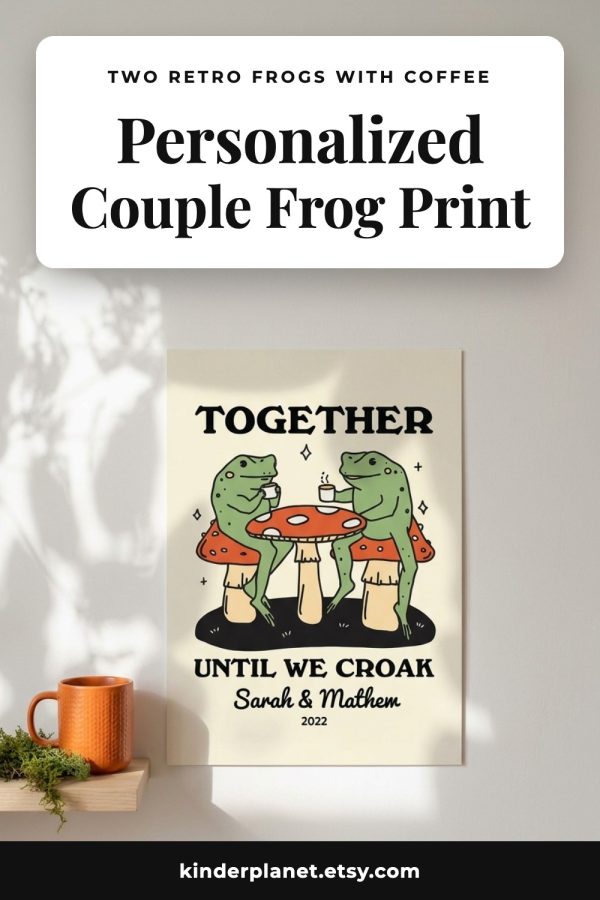
Personalized Couple Frog Print
-
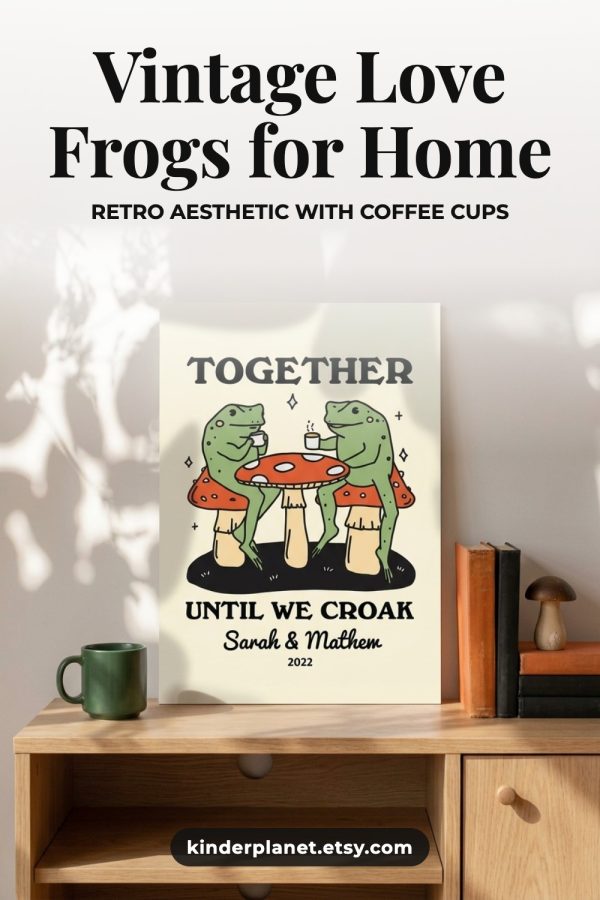
Vintage Love Frogs for Home
-
Anniversary Gift for Them
-
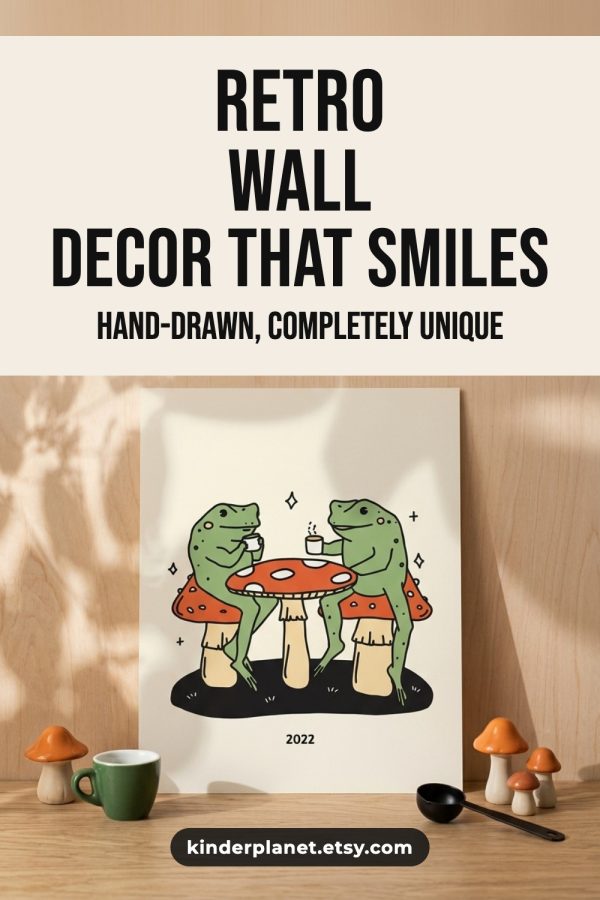
Retro Wall Decor That Smiles
Template pins
Your listing photos, title and shop name in Canva-style layouts. Template pins don't use AI credits.
-
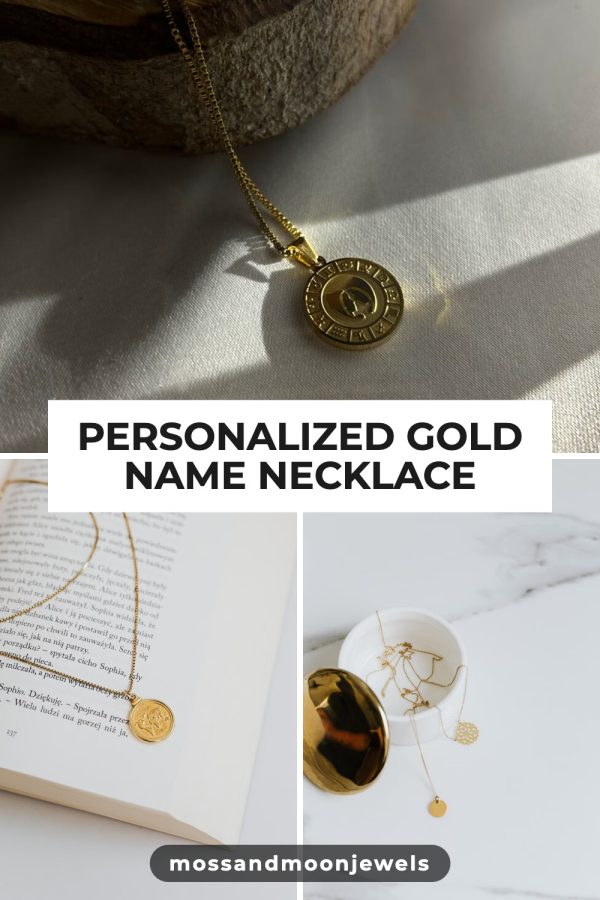
Personalized Gold Name Necklace
-
Handmade Beaded Bracelet Stacks for Summer
-
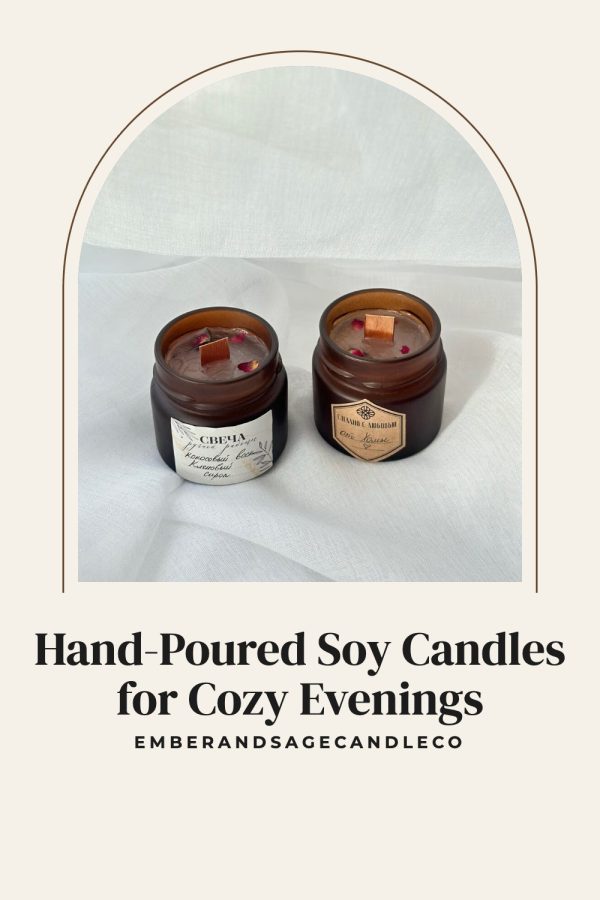
Hand-Poured Soy Candles for Cozy Evenings
-
Natural Handmade Soap Bars
-
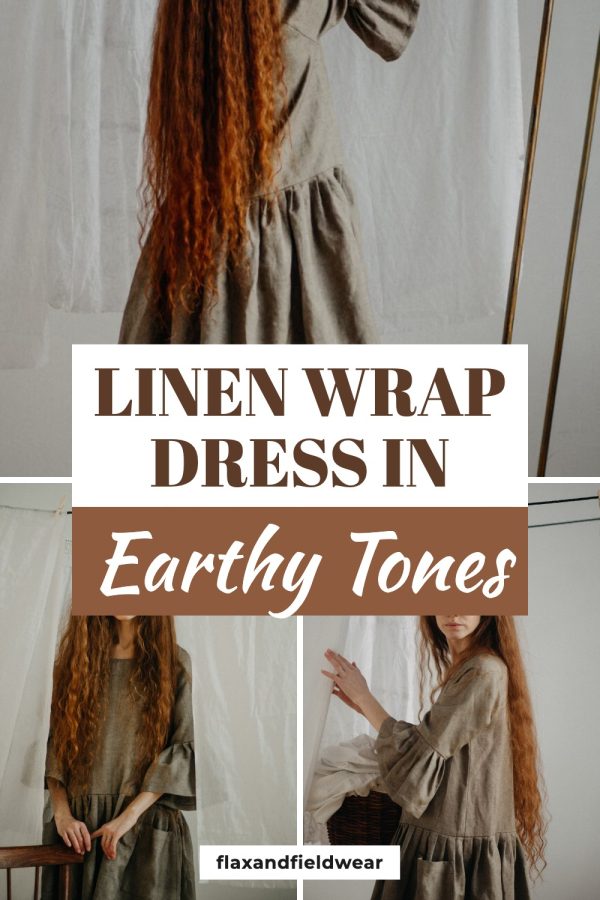
Linen Wrap Dress in Earthy Tones
-
Elegant Wedding Invitation Suite
-
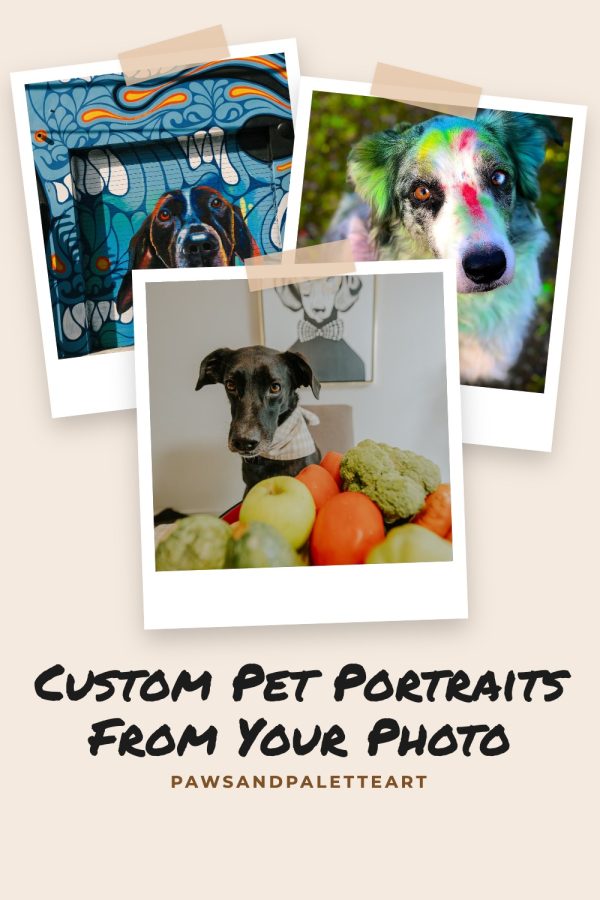
Custom Pet Portraits From Your Photo
-
8 Handmade Gift Ideas for Her
Make real pins for every listing
Paste a listing or shop link, pick a style, and get finished pins with the copy written, ready to publish or schedule.
Create your accountNo credit card required to create your account.
How to preview an Etsy listing as a pin
-
Step 1
Copy a listing link
Open the product on Etsy and copy its address. It needs to be a link to one listing, not a shop or search page.
-
Step 2
Paste it and preview
The tool pulls the listing title and up to 10 photos through Etsy's API and lays them out as a 2:3 pin.
-
Step 3
Switch styles and photos
Try the Classic, Minimal and Bold layouts, and click any thumbnail to see a different listing photo in the pin.
-
Step 4
Make the real pin
The preview is an on-screen mockup. Use the button next to it to open the pin generator with your listing link already filled in.
Frequently asked questions
How does the Etsy listing to pin preview work?
Paste the link to an Etsy listing and the tool fetches its title and up to 10 photos through Etsy's API. It then shows them as a Pinterest pin in the 2:3 shape, in three layouts called Classic, Minimal and Bold, so you can judge which photo works best before you make a pin.
Can I download the pin preview?
No. The preview is a mockup drawn in your browser, not an image file. To get a pin you can download or publish, click "Generate real pins" beside the preview. It opens the Made to Spark pin generator with your listing link already entered.
What size should a Pinterest pin for an Etsy listing be?
Pinterest recommends a 2:3 aspect ratio, and 1000 x 1500 pixels is the standard size. Etsy listing photos are usually landscape or square, so the main subject needs to sit near the middle of the photo to survive the crop to a tall pin.
Which pin style works best for Etsy products?
Classic puts the title over the bottom of a full-height photo, which suits lifestyle shots. Minimal keeps the photo clean with the title on a white bar underneath. Bold adds a colored title bar at the top, which stands out for gifts and seasonal items.
Can I preview a whole Etsy shop?
Not with this tool. It needs the link to a single product, and it will ask for one if you paste a shop or search page. Made to Spark accounts can paste a shop link and pick products from a list.
How many pins should I make for each Etsy listing?
Pinterest asks for fresh images rather than the same pin repeated, so several different pins per listing work better than one. Use a different photo, layout or headline for each, and spread them out over weeks rather than publishing them all on the same day.
How many previews can I run?
You can preview 10 listings a day without an account. Switching styles or photos on a listing you have already loaded does not count towards the limit.
Last updated by the Made to Spark team.