Image sizes for Etsy, Pinterest and Instagram
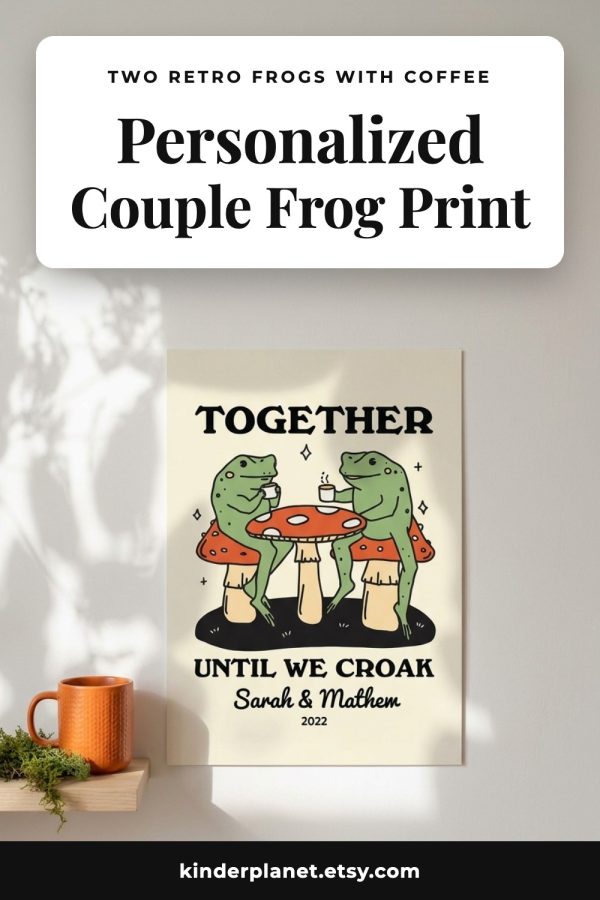
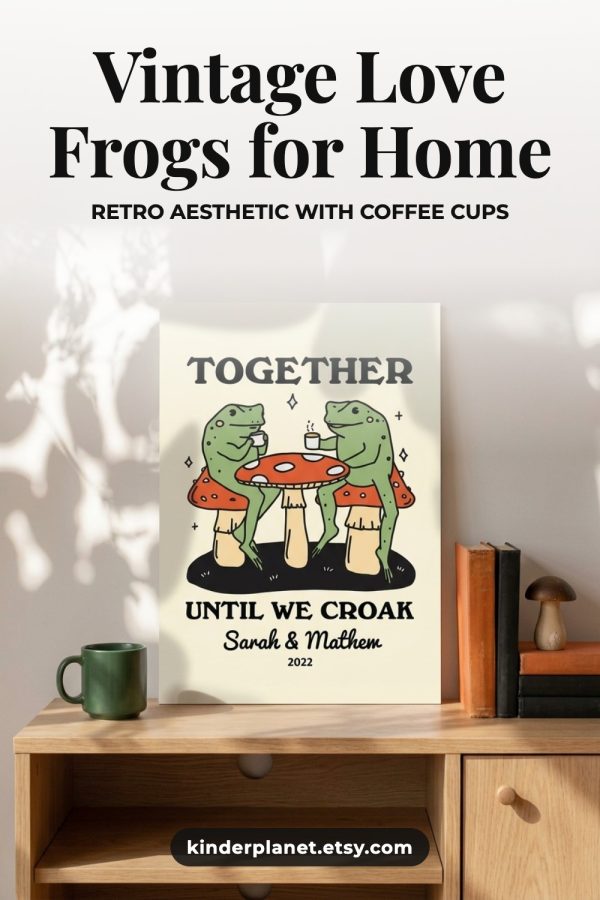
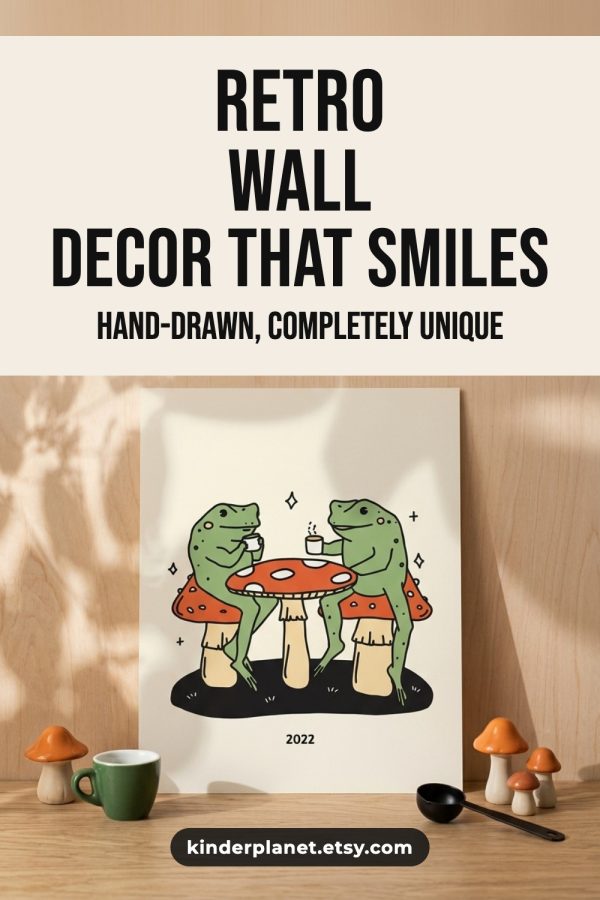
These are the five sizes the resizer makes. Etsy asks for at least 2000 pixels on the shortest side of a listing photo, and Pinterest recommends a 2:3 shape for pins.
| Preset | Size | Ratio | Use it for |
|---|---|---|---|
| Etsy listing photo (4:3) | 2700 x 2025 px | 4:3 | First listing photo and search thumbnails |
| Etsy listing photo (square) | 2000 x 2000 px | 1:1 | Extra listing photos and square crops |
| Pinterest pin | 1000 x 1500 px | 2:3 | Standard pins that link to your listing |
| Instagram post | 1080 x 1080 px | 1:1 | Square feed posts |
| Instagram story | 1080 x 1920 px | 9:16 | Stories and other full-screen vertical posts |
How to resize an Etsy photo
-
Step 1
Add a product photo
Upload a JPG, PNG or WebP up to 10 MB, or paste an Etsy listing link and pick one of up to 10 photos pulled from it.
-
Step 2
Pick a target size
Choose from five presets: Etsy square, Etsy 4:3, Pinterest pin, Instagram post or Instagram story.
-
Step 3
Choose how it fits
Crop to fill the frame from one of nine focus points, fit the whole photo on a white background, or scale it to fit with no padding.
-
Step 4
Download the JPG
Compare the original and the resized version side by side, check the new file size, then download the image as a JPG.
Frequently asked questions
What size should Etsy listing photos be?
Etsy recommends listing photos that are at least 2000 pixels on the shortest side. A 4:3 landscape photo such as 2700 x 2025 pixels fits Etsy's search thumbnails best, and a 2000 x 2000 square also works. This resizer has both as presets.
What size is a Pinterest pin?
A standard Pinterest pin is 1000 x 1500 pixels, which is a 2:3 aspect ratio. Etsy photos are usually landscape or square, so resizing one to a pin means cropping the sides. Use the crop focus point to keep the product in the frame.
What sizes can the Etsy image resizer make?
Five presets: Etsy listing square at 2000 x 2000, Etsy listing 4:3 at 2700 x 2025, Pinterest pin at 1000 x 1500, Instagram post at 1080 x 1080 and Instagram story at 1080 x 1920. Custom dimensions are not supported.
Can I resize photos straight from an Etsy listing?
Yes. Switch to the Etsy URL tab, paste the link to a product listing and click Extract. The tool pulls up to 10 photos from the listing through Etsy's API, and you pick the one to resize. Shop and search page links do not work.
What is the difference between the three resize methods?
Crop to fit fills the whole frame and trims what does not fit, starting from the focus point you choose. Fit with padding keeps the full photo and fills the rest of the frame with white. Fit entire image scales the photo down inside the frame with no padding, so the result can be smaller than the preset.
What file types does it accept and return?
You can upload JPG, PNG or WebP files up to 10 MB. The resized image always downloads as a JPG, which Etsy, Pinterest and Instagram all accept. A PNG with a transparent background will lose its transparency.
How many images can I resize?
You can resize 5 images a day without an account. Each resize makes one image at one size, so a photo you need in three sizes counts as three.
Last updated by the Made to Spark team.