Clicky

Create Pinterest Pins for Fitness Coaches

Start with a page URL, a keyword or prompt, or your workout images. Made to Spark creates pin designs with titles, descriptions, and alt text for you to review.

Free Single-Pin Tool
|
Paul By Paul, founder of Made to Spark · Updated Sep 11, 2026
Create Your First Fitness Pin Free

The free tool creates one pin from your images. The full account workflow supports batches, review, publishing, and scheduling.

What is Pinterest Marketing for Fitness Coaches?

For fitness coaches, Pinterest marketing means creating useful pins around workouts, routines, and coaching offers, then linking each one to the most relevant page. Made to Spark creates the designs and publishing copy so you can review before you publish or schedule.

Build Pins from the Context You Have

URL

use a relevant page as source context

Ideas

start from a keyword or prompt when no page is ready

Metadata

get titles, descriptions, and alt text with each design

Review

approve your pins before publishing or scheduling

How It Works

1

Choose your source

Start with a page URL, a keyword or prompt, or your workout images.

2

Generate designs and copy

Create Pinterest-ready designs with suggested titles, descriptions, and alt text.

3

Review and refine

Check the images, destination links, and publishing metadata, then keep or adjust what fits your brand.

4

Publish or schedule

Use the account workflow to publish approved pins now or add them to your schedule.

Ready to turn your content into Pinterest-ready pins?

Try the free single-pin tool with your own images. For the full workflow, use an account to start from a URL, keyword, prompt, or images; generate designs with titles, descriptions, and alt text; review them; then publish or schedule to Pinterest.

Create Pins Free

What Made to Spark Handles for Fitness Coaches

Start With What You Have

Use a page URL, a keyword or prompt, or your workout images as the source for each pin.

No Pin Design Skills Required

Generate vertical designs without building every layout from scratch.

Design and Copy Together

Get suggested titles, descriptions, and alt text with the pin designs.

Keep Your Destination Relevant

Review the destination URL and make sure it matches what the pin promises.

Review Before Publishing

Check the creative and metadata, refine anything that needs work, and approve only the pins you want to use.

Publish or Schedule

Send approved pins to a connected Pinterest account now or place them on the scheduler.

Pinterest tips for fitness coaches

1. Pin one workout or coaching offer

Keep each pin focused on a specific routine, tip, or program page, then link there directly.

2. Name the goal or audience in the title

Use titles that say who the workout is for or what result it supports, not vague fitness phrases.

3. Match the image and destination

Use visuals that represent the linked page and confirm the destination URL before publishing.

4. Create useful variations

Try different images, layouts, or angles for the same workout page while keeping every version accurate.

5. Review what Pinterest reports

Use your Pinterest analytics to decide which topics and creative approaches to test next.

Pinterest vs Instagram for fitness coaches

Criteria Pinterest Instagram
Discovery Pins can appear in search, related content, and home feeds. Posts can appear in feeds, profiles, search, and recommendations.
Organization Boards group pins by topic or audience. Profiles, highlights, and collections organize content differently.
Destination links Standard pins can link to a relevant external page. Link placement depends on the post format and account features.
Creative format Vertical images are a common pin format. Square, portrait, story, and reel formats are available.

Pinterest Board Ideas for Fitness Coaches

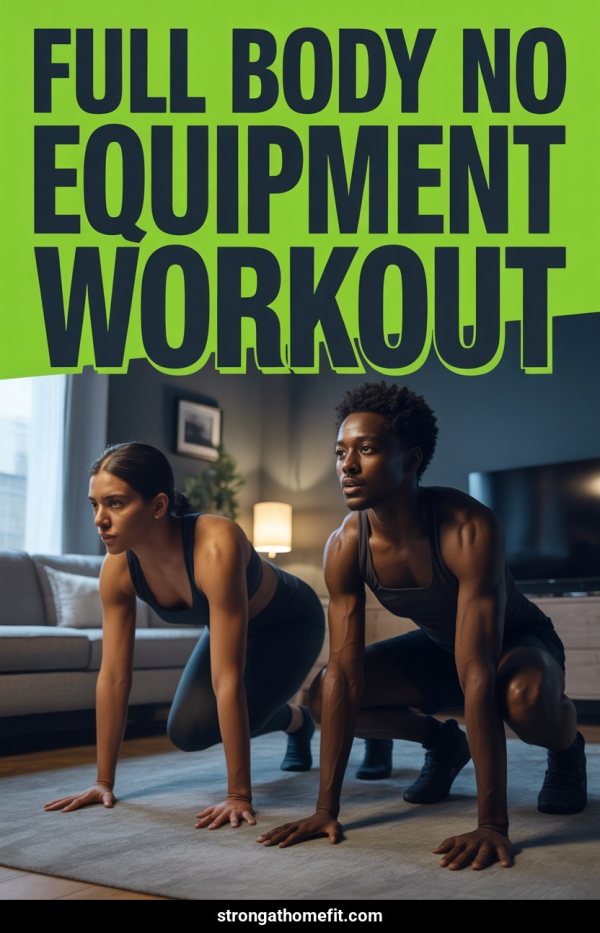
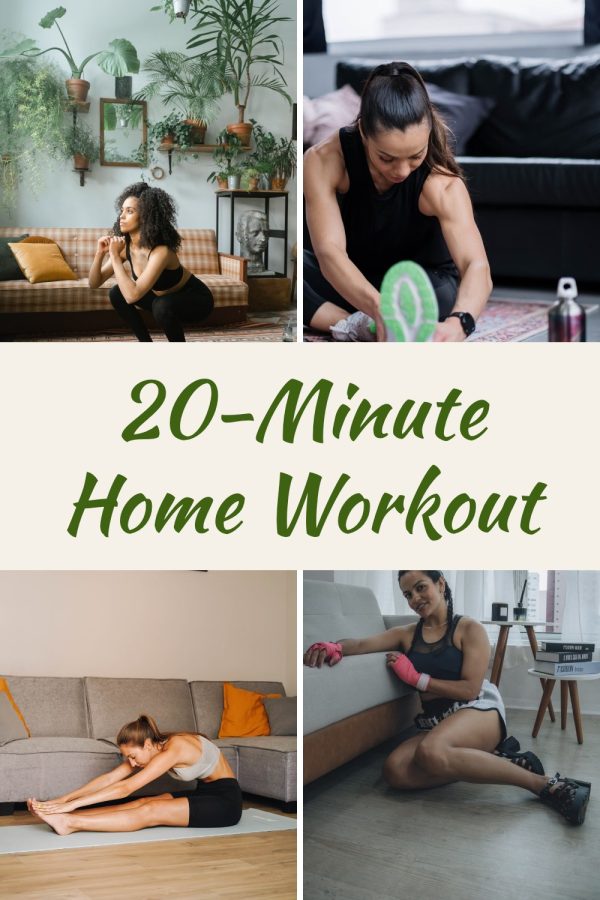
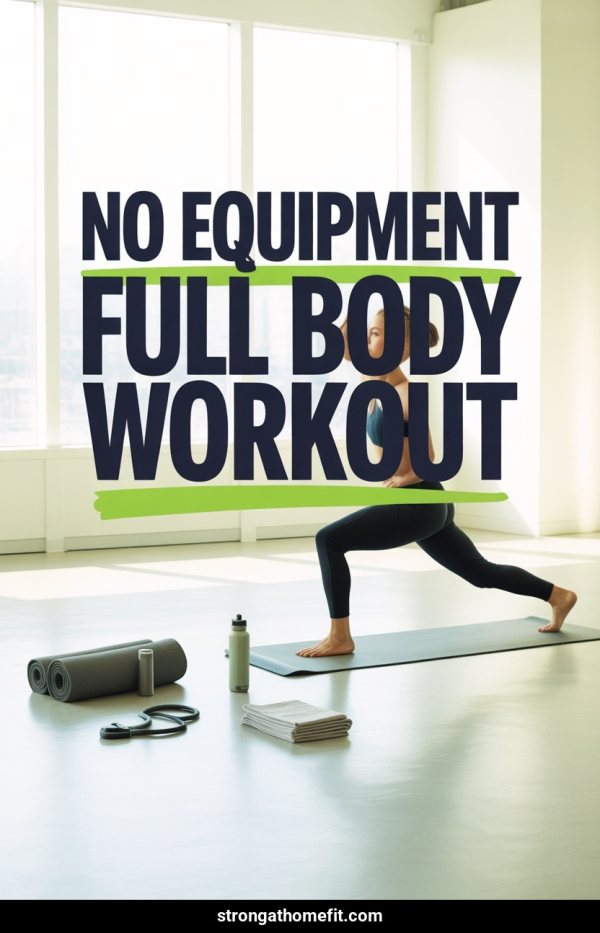
Home Workouts — No Equipment

Bodyweight routines for every level. The most-searched fitness format on Pinterest since 2020.

HIIT & Cardio Workouts

High-intensity interval training, fat-burning circuits, tabata routines. High save rates from action-oriented Pinners.

Meal Prep for Fitness

High-protein recipes, macro-friendly meals, weekly prep guides. Fitness and food content cross-pollinates on Pinterest.

Strength Training for Women

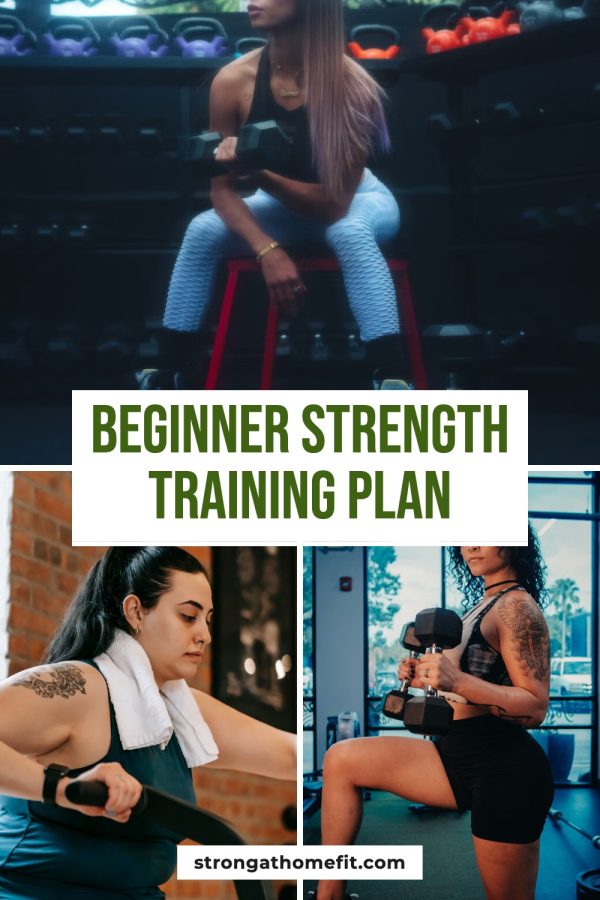
Dumbbell routines, gym splits, progressive overload guides. Growing rapidly as a Pinterest search category.

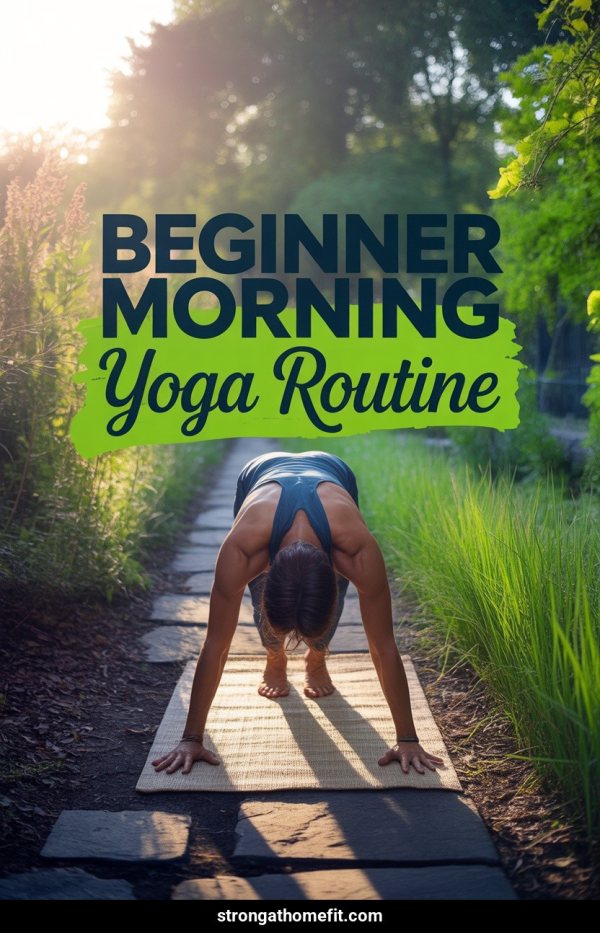
Yoga & Flexibility

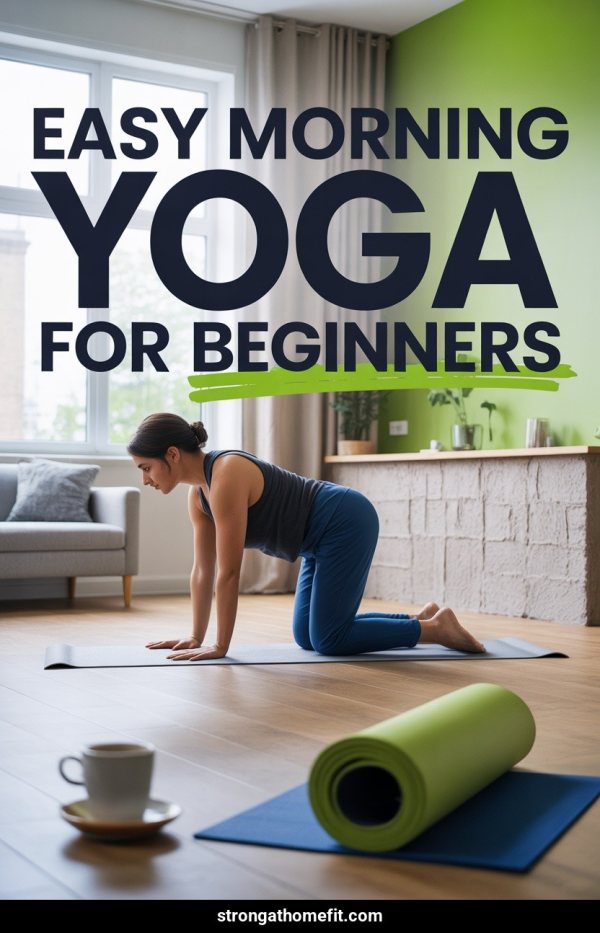
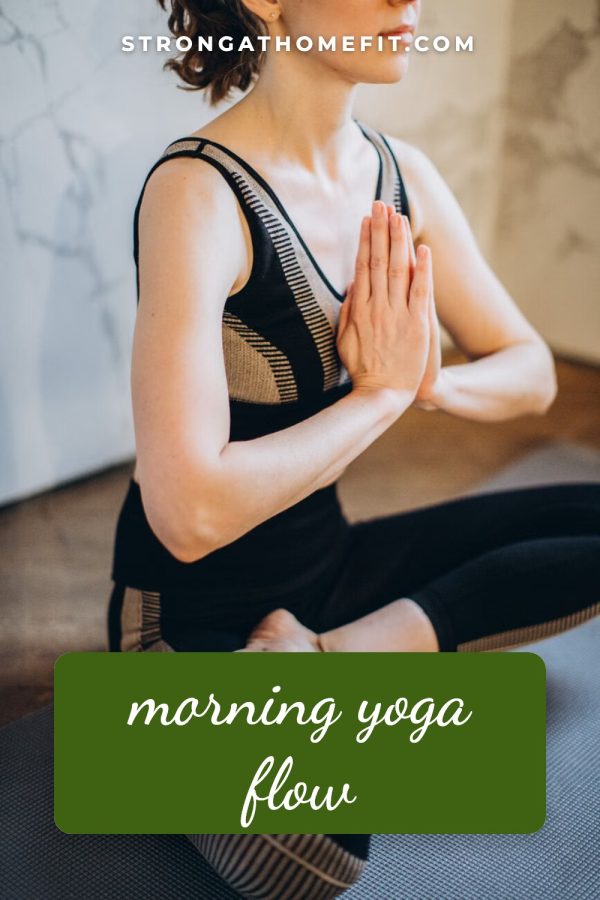
Flow sequences, stretching routines, morning yoga. Wellness-focused content with broad Pinterest appeal.

Home Gym Setup Ideas

Equipment recommendations, garage gym builds, small space solutions. Combines fitness and home improvement audiences.

30-Day Fitness Challenges

Structured programs that Pinners save, start, and share. Challenge content drives exceptionally high engagement.

Running & Outdoor Fitness

Training plans, gear reviews, 5K-to-marathon progression. Seasonal outdoor content surges in spring and fall.

Post-Workout Recovery

Stretching routines, foam rolling guides, recovery nutrition. Niche content with dedicated search volume.

Fitness Motivation & Tips

Mindset content, workout scheduling advice, habit-building guides. Inspirational content that gets shared widely.

Pin Title Ideas for Fitness Coaches

15-Minute Ab Workout — No Equipment Needed (Save This!)

Beginner Full Body Workout at Home — Week 1 of 4

High-Protein Meal Prep — 5 Lunches in 1 Hour

30-Day Squat Challenge — Printable Calendar Inside

Best Dumbbell Exercises for Toned Arms — Gym or Home

Frequently Asked Questions

Can I create workout pins without a URL?

Yes. Start from a keyword or prompt, or provide your own images. Review the generated design and metadata before publishing.

Can I create pins from an existing workout page?

Yes. Paste a public URL and Made to Spark can use the available page text and images as source context. Results depend on what the page exposes and whether it allows access.

Can I use my own images?

Yes. You can provide images you own or have permission to use. The free tool creates one pin from images without an account.

Can I edit the generated pin copy?

Yes. Review and edit the title, description, alt text, and destination URL before publishing or scheduling.

Can Made to Spark publish directly to Pinterest?

Yes. A registered account with a connected Pinterest account can publish approved pins immediately or schedule them.

Related Free Tools

Use the free tools for individual tasks, or the account-based workflow to create, review, publish, and schedule pins.