Clicky

Pinterest for Life & Business Coaches

Share your ideas on Pinterest without designing every pin

Start from a page URL, your brand images, or a topic like “morning routine for focus”. Made to Spark designs the pins, writes the title, description and alt text, and publishes or schedules them to Pinterest when you are happy.

No credit card required to create your account. Plans start at $12 a month.

Paul By Paul, founder of Made to Spark · Last updated Sep 16, 2026
AI Pinterest pin example: Morning Routine For Clear Focus Pinterest template pin example: Small Steps Still Count AI Pinterest pin example: Morning Clarity Routine That Works

Pin examples for life & business coaches

Real pins made with Made to Spark. Tap any pin to see it up close.

From your photos

Template pins

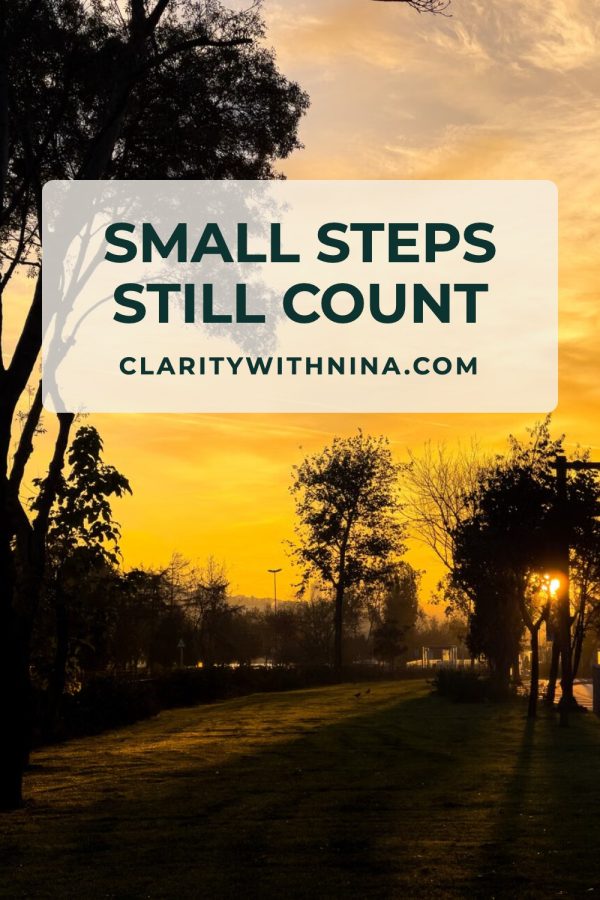
Your own photos, title, brand colors and website in Canva-style layouts. Template pins don't use AI credits.

Made with this brand's color (#134E4A). Your pins use your own.

See all templates
  • Small Steps Still Count

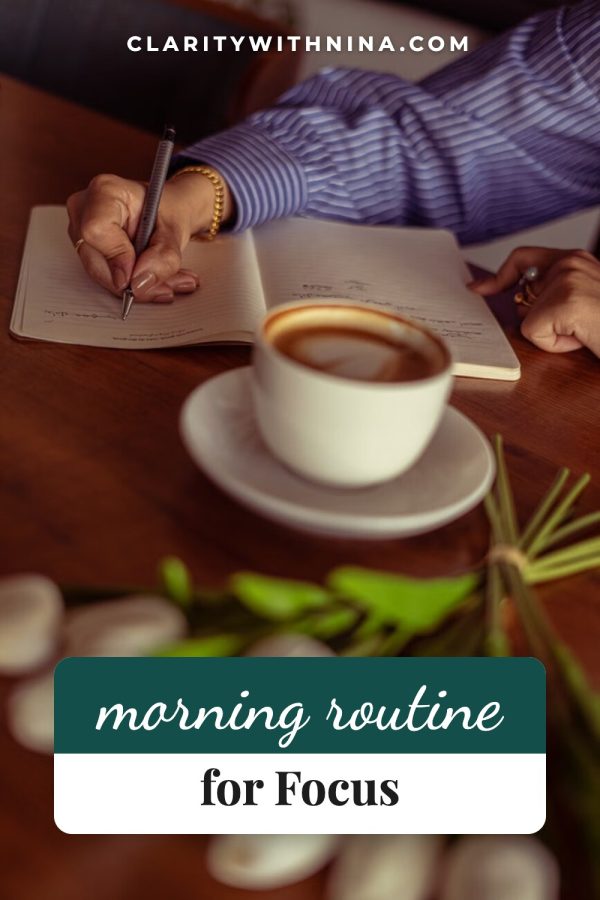
  • Morning Routine for Focus

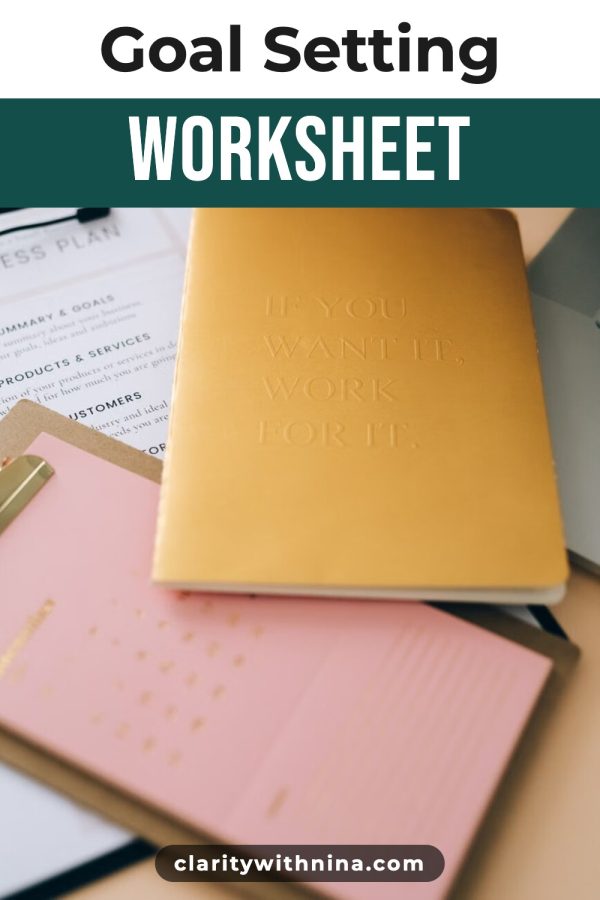
  • Goal Setting Worksheet

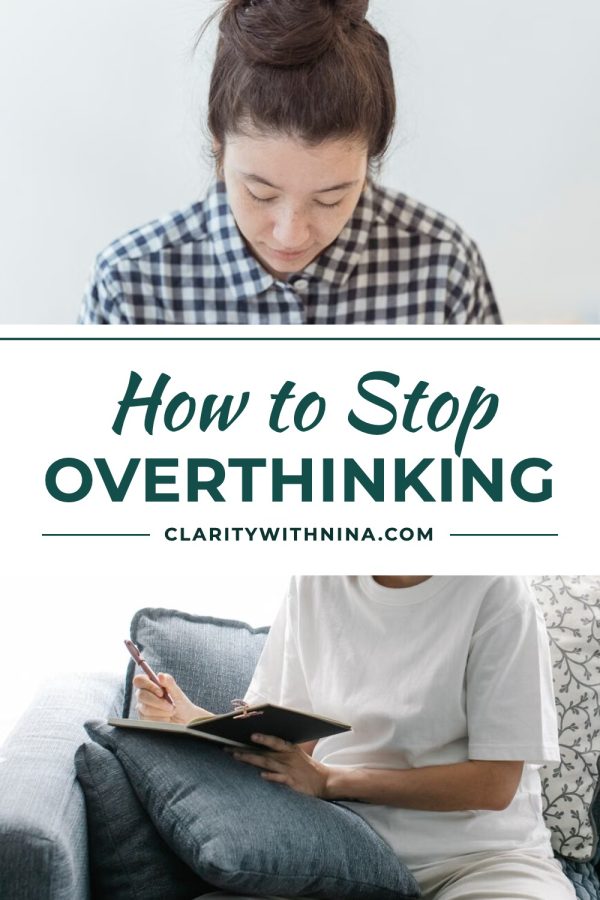
  • How to Stop Overthinking

From a keyword or URL

AI pins

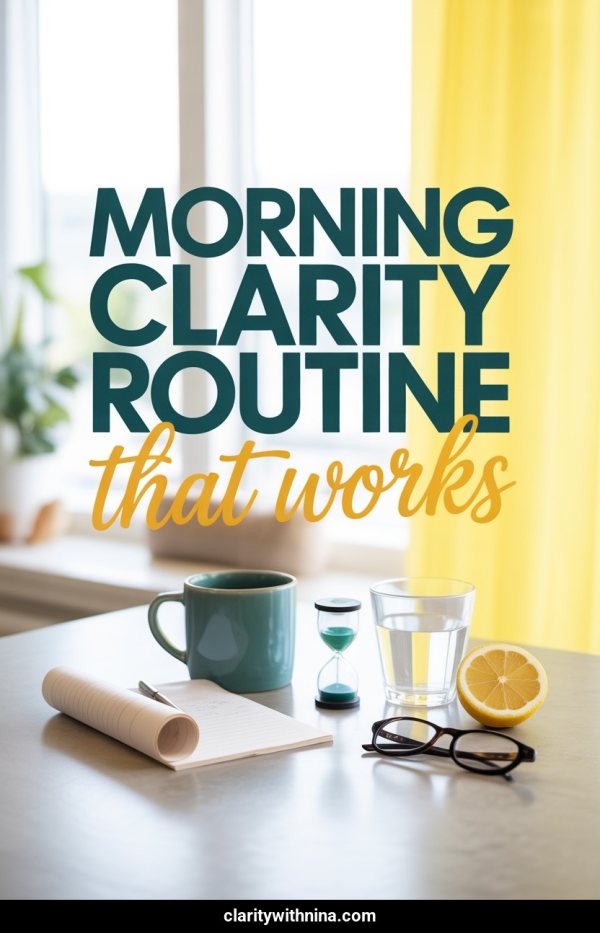
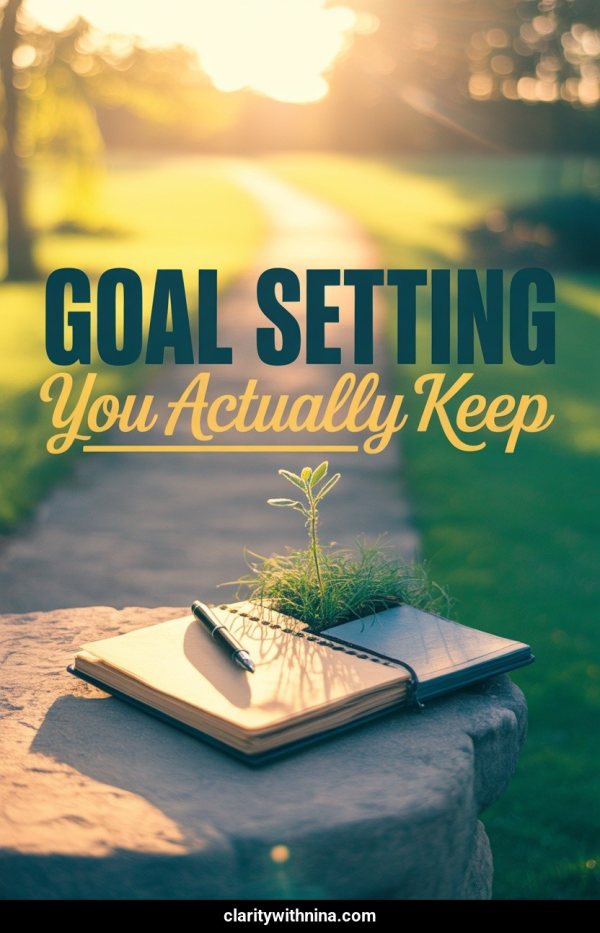
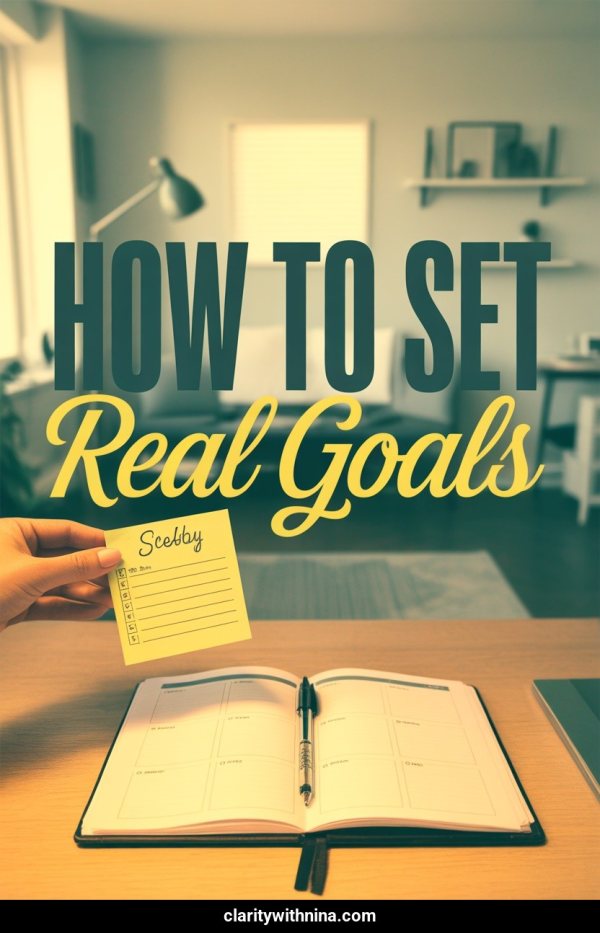
No photo needed. Type a topic or paste a page and get a brand-new image with your headline on it.

Made with this brand's colors (#134E4A, #FDE68A). Your pins use your own.

More pin examples
  • Morning Routine For Clear Focus

  • Morning Clarity Routine That Works

  • Goal Setting You Actually Keep

  • How To Set Real Goals

Make pins like these for your coaching offers

Paste a link, upload photos or type a topic. You get finished pins with the copy written, ready to publish or schedule.

Create your account

No credit card required to create your account.

What is Pinterest Marketing for Life & Business Coaches?

For coaches, Pinterest marketing means turning tips, frameworks, and coaching offers into vertical pins that people find in Pinterest search and save to their boards, with each pin linking to the page it describes. Made to Spark handles the design and the pin copy, so the part left to you is choosing what to pin.

AI pins from a topic

No photo yet? Type a coaching topic and get a new image with your headline on it.

Designer templates

Put your brand images into Canva-style layouts: collages, bold title bands and magazine-style covers.

Your brand on every pin

Set your colors and website once and every design uses them.

Pin copy written for you

Each pin comes with a title, description and alt text based on your page, ready to edit.

Several designs per page

Make a few different pins for the same coaching page, so you have fresh designs to rotate.

Publish or Schedule

Send approved pins to your connected Pinterest account now, or place them on the scheduler.

How it works

  1. 1

    Add your source

    Paste a page URL, upload your brand images, or type a topic.

  2. 2

    Pick a look

    Choose a brand-new AI image or a designer template. Your brand colors and website go on every pin.

  3. 3

    Review, then publish

    Edit the title, description, alt text and link, then publish now or add the pins to your schedule.

Pinterest tips for coaches

1. Pin one tip or offer at a time

Keep each pin focused on a clear idea, free resource, or coaching page, then link there directly.

2. Name the problem you help with

Use titles that describe the challenge or outcome, so the right people recognize themselves.

3. Match the image and destination

Use visuals that represent the linked page and confirm the destination URL before publishing.

4. Create useful variations

Try different images, layouts, or angles for the same coaching page while keeping every version accurate.

5. Review what Pinterest reports

Use your Pinterest analytics to decide which topics and creative approaches to test next.

Pinterest Board Ideas for Life & Business Coaches

Boards group your pins by topic, so people can follow the ones they care about.

More board name ideas

Pin Title Ideas for Life & Business Coaches

Pinterest vs Instagram for coaches

Criteria Pinterest Instagram
Discovery Pins can appear in search, related content, and home feeds. Posts can appear in feeds, profiles, search, and recommendations.
Organization Boards group pins by topic or audience. Profiles, highlights, and collections organize content differently.
Destination links Standard pins can link to a relevant external page. Link placement depends on the post format and account features.
Creative format Vertical images are a common pin format. Square, portrait, story, and reel formats are available.

Frequently Asked Questions

Can I create coaching pins without a URL?

Yes. Type a keyword or topic for an AI pin, or upload your own images and pick a template. Review the design and copy before publishing.

Can I create pins from an existing coaching page?

Yes. Paste a public URL and Made to Spark uses the page text and images to build the pins. Results depend on what the page shows and whether it allows access.

Do template pins use credits?

No. Template pins use photos you already have, so they are included in your plan. AI pins create a brand-new image and use one credit each.

Can I use my own images?

Yes. Upload images you own or have permission to use, and they fill the template you choose.

Can I edit the generated pin copy?

Yes. Edit the title, description, alt text and destination URL before publishing or scheduling.

Can Made to Spark publish directly to Pinterest?

Yes. Connect your Pinterest account to publish approved pins right away or schedule them.

How much does Made to Spark cost?

Plans start at $12 a month, or about $9 a month billed yearly. Every plan includes pin creation, pin copy and Pinterest scheduling. Larger plans add more AI credits, more pins per day and bulk pin creation.

Pin more of what you already make

Turn your coaching offers into on-brand Pinterest pins, then publish or schedule them from one place.

Make coaching pins

No credit card required to create your account. See pricing

Related tools

Pinterest pins for life & business coaches Get started