Clicky

Create Pinterest Pins for Digital Product Sellers

Start with a listing URL, a keyword or prompt, or your product images. Made to Spark creates pin designs with titles, descriptions, and alt text for you to review.

Free Single-Pin Tool
|
Paul By Paul, founder of Made to Spark · Updated Sep 11, 2026
Create Your First Product Pin Free

The free tool creates one pin from your images. The full account workflow supports batches, review, publishing, and scheduling.

What is Pinterest Marketing for Digital Product Sellers?

For digital product sellers, Pinterest marketing means creating useful pins around printables, templates, and digital downloads, then linking each one to the most relevant page. Made to Spark creates the designs and publishing copy so you can review before you publish or schedule.

Build Pins from the Context You Have

URL

use a relevant page as source context

Ideas

start from a keyword or prompt when no page is ready

Metadata

get titles, descriptions, and alt text with each design

Review

approve your pins before publishing or scheduling

How It Works

1

Choose your source

Start with a listing URL, a keyword or prompt, or your product images.

2

Generate designs and copy

Create Pinterest-ready designs with suggested titles, descriptions, and alt text.

3

Review and refine

Check the images, destination links, and publishing metadata, then keep or adjust what fits your brand.

4

Publish or schedule

Use the account workflow to publish approved pins now or add them to your schedule.

Ready to turn your content into Pinterest-ready pins?

Try the free single-pin tool with your own images. For the full workflow, use an account to start from a URL, keyword, prompt, or images; generate designs with titles, descriptions, and alt text; review them; then publish or schedule to Pinterest.

Create Pins Free

What Made to Spark Handles for Digital Product Sellers

Start With What You Have

Use a listing URL, a keyword or prompt, or your product images as the source for each pin.

No Pin Design Skills Required

Generate vertical designs without building every layout from scratch.

Design and Copy Together

Get suggested titles, descriptions, and alt text with the pin designs.

Keep Your Destination Relevant

Review the destination URL and make sure it matches what the pin promises.

Review Before Publishing

Check the creative and metadata, refine anything that needs work, and approve only the pins you want to use.

Publish or Schedule

Send approved pins to a connected Pinterest account now or place them on the scheduler.

Pinterest tips for digital product sellers

1. Pin one product at a time

Keep each pin focused on a single printable, template, or download, then link to that listing.

2. Show the use case in the title

Say what the product helps someone do, plan, or organize so the listing feels clear before the click.

3. Match the image and destination

Use visuals that represent the linked page and confirm the destination URL before publishing.

4. Create useful variations

Try different images, layouts, or angles for the same product page while keeping every version accurate.

5. Review what Pinterest reports

Use your Pinterest analytics to decide which topics and creative approaches to test next.

Pinterest vs Instagram for digital product sellers

Criteria Pinterest Instagram
Discovery Pins can appear in search, related content, and home feeds. Posts can appear in feeds, profiles, search, and recommendations.
Organization Boards group pins by topic or audience. Profiles, highlights, and collections organize content differently.
Destination links Standard pins can link to a relevant external page. Link placement depends on the post format and account features.
Creative format Vertical images are a common pin format. Square, portrait, story, and reel formats are available.

Pinterest Board Ideas for Digital Product Sellers

Printable Planners & Organizers

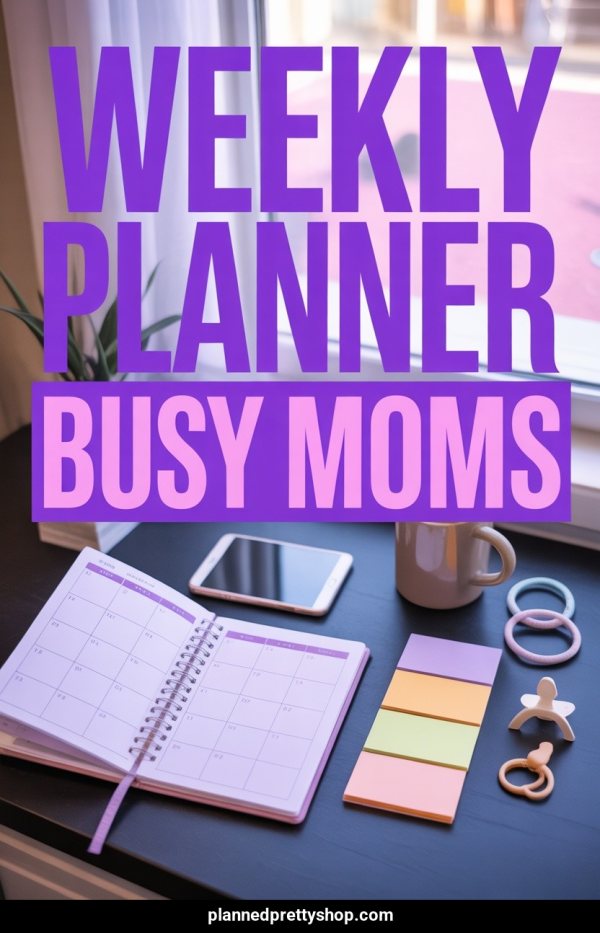
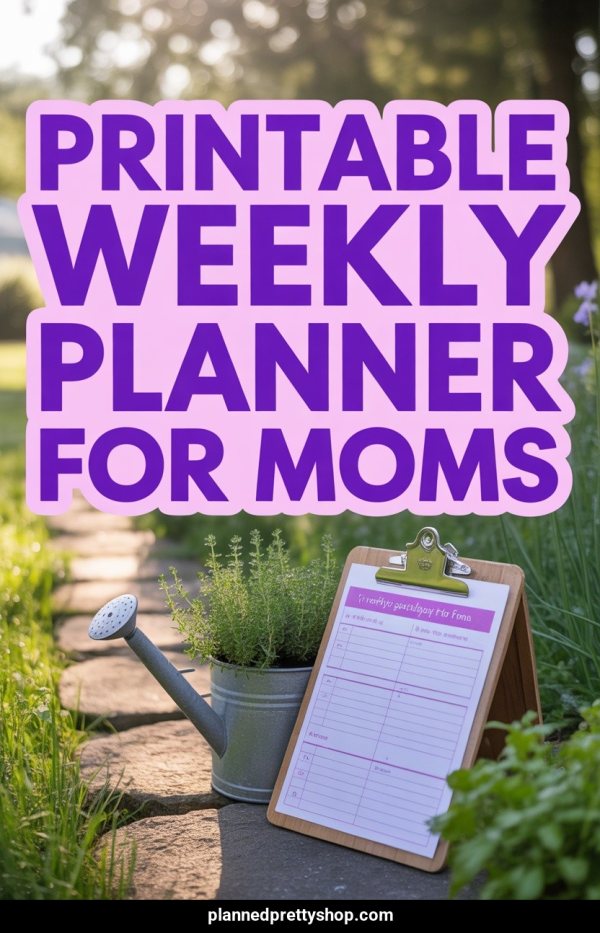
Weekly planners, daily schedules, goal trackers. The highest-demand digital product category on Pinterest.

Budget & Finance Templates

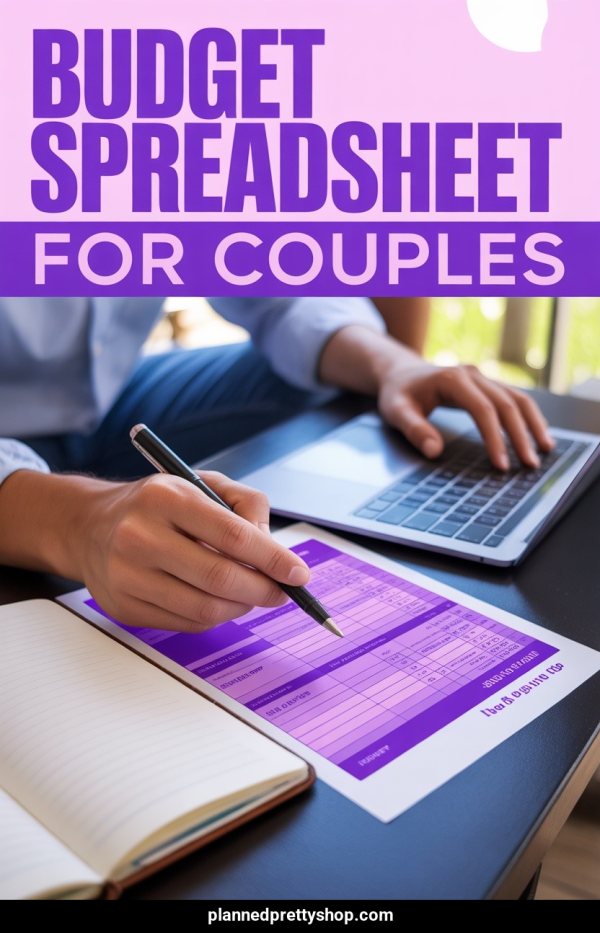
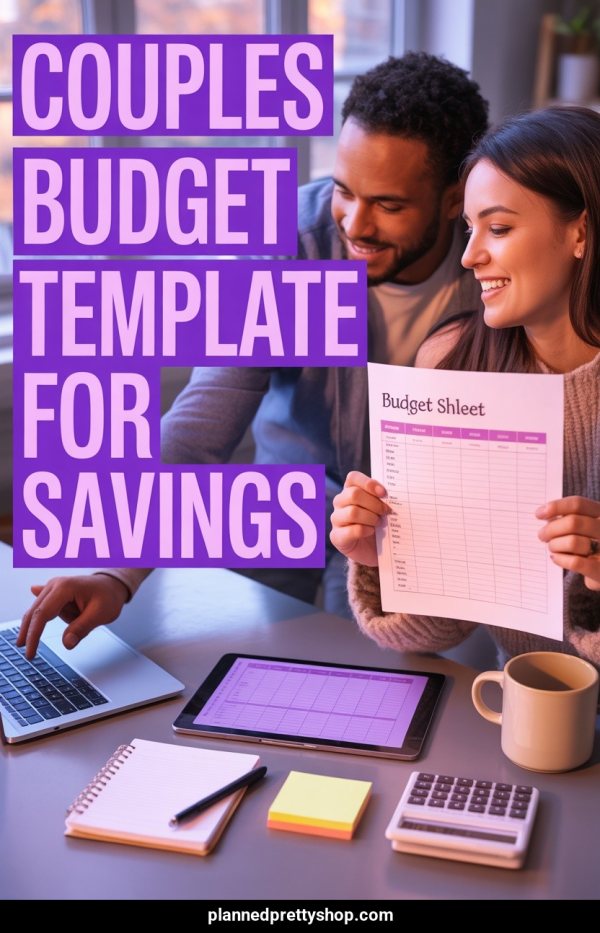
Budget trackers, savings challenges, debt payoff printables. Finance content has massive Pinterest search volume.

Wedding Planning Resources

Checklists, timelines, budget spreadsheets. Wedding planning is a top Pinterest category year-round.

Social Media Templates

Instagram templates, content calendars, Canva presets. Popular with entrepreneurs and small business owners on Pinterest.

Notion Templates & Digital Tools

Notion dashboards, digital planners, productivity systems. Growing rapidly as a Pinterest search category.

Educational Printables

Worksheets, flashcards, learning activities. Parents and teachers are Pinterest's core demographic.

Small Business Resources

Invoice templates, business planners, branding kits. Attracts entrepreneurs who buy digital tools.

Self-Care & Wellness Printables

Journals, habit trackers, gratitude logs, meditation guides. Wellness content has broad Pinterest appeal.

Pin Title Ideas for Digital Product Sellers

Free Monthly Budget Planner — Printable PDF (Download Now)

Wedding Planning Checklist — 12-Month Timeline Template

Notion Dashboard for Students — Free Template Inside

Social Media Content Calendar 2025 — Editable Canva Template

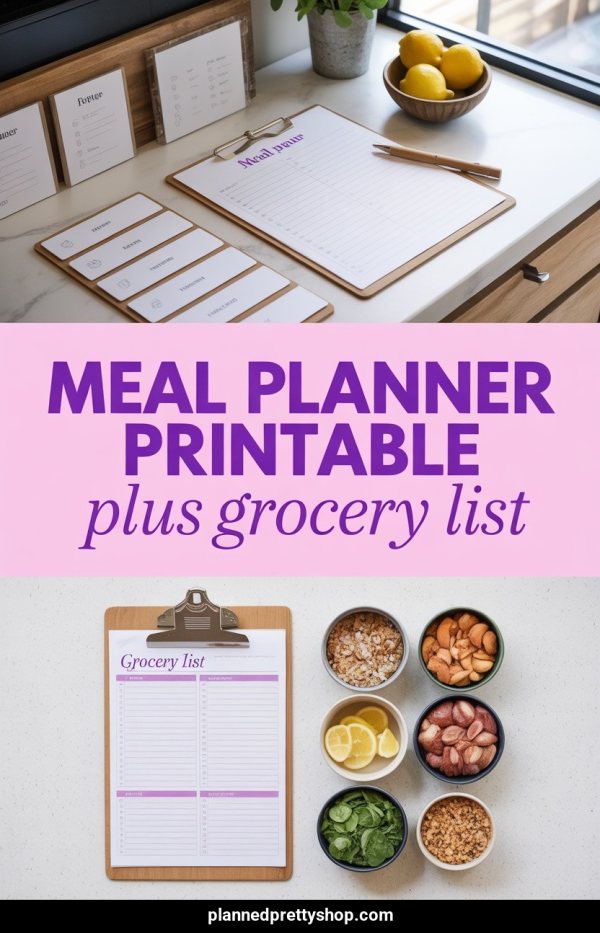
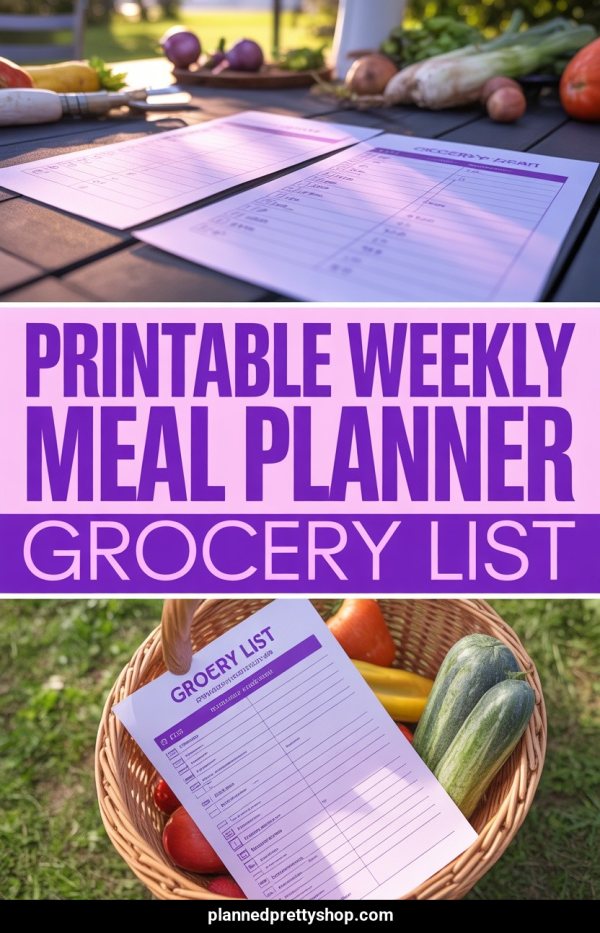
Meal Planning Printable — Weekly Grocery List Included

Frequently Asked Questions

Can I create product pins without a URL?

Yes. Start from a keyword or prompt, or provide your own images. Review the generated design and metadata before publishing.

Can I create pins from an existing product page?

Yes. Paste a public URL and Made to Spark can use the available page text and images as source context. Results depend on what the page exposes and whether it allows access.

Can I use my own images?

Yes. You can provide images you own or have permission to use. The free tool creates one pin from images without an account.

Can I edit the generated pin copy?

Yes. Review and edit the title, description, alt text, and destination URL before publishing or scheduling.

Can Made to Spark publish directly to Pinterest?

Yes. A registered account with a connected Pinterest account can publish approved pins immediately or schedule them.

Related Free Tools

Use the free tools for individual tasks, or the account-based workflow to create, review, publish, and schedule pins.