Start with an article URL, a keyword or prompt, or your own graphics. Made to Spark creates pin designs with titles, descriptions, and alt text for you to review.
By Paul, founder of Made to Spark · Updated Sep 11, 2026
The free tool creates one pin from your images. The full account workflow supports batches, review, publishing, and scheduling.
For personal finance creators, Pinterest marketing means creating useful pins around budgeting tips, money guides, and finance resources, then linking each one to the most relevant page. Made to Spark creates the designs and publishing copy so you can review before you publish or schedule.
use a relevant page as source context
start from a keyword or prompt when no page is ready
get titles, descriptions, and alt text with each design
approve your pins before publishing or scheduling
Start with an article URL, a keyword or prompt, or your own graphics.
Create Pinterest-ready designs with suggested titles, descriptions, and alt text.
Check the images, destination links, and publishing metadata, then keep or adjust what fits your brand.
Use the account workflow to publish approved pins now or add them to your schedule.
Try the free single-pin tool with your own images. For the full workflow, use an account to start from a URL, keyword, prompt, or images; generate designs with titles, descriptions, and alt text; review them; then publish or schedule to Pinterest.
Create Pins FreeUse an article URL, a keyword or prompt, or your own graphics as the source for each pin.
Generate vertical designs without building every layout from scratch.
Get suggested titles, descriptions, and alt text with the pin designs.
Review the destination URL and make sure it matches what the pin promises.
Check the creative and metadata, refine anything that needs work, and approve only the pins you want to use.
Send approved pins to a connected Pinterest account now or place them on the scheduler.
Keep each pin focused on a specific budgeting, saving, or investing topic, then link to that article.
Use titles that say what someone will learn or fix — budget, debt, savings, investing — before they click.
Use visuals that represent the linked page and confirm the destination URL before publishing.
Try different images, layouts, or angles for the same finance page while keeping every version accurate.
Use your Pinterest analytics to decide which topics and creative approaches to test next.
| Criteria | ||
|---|---|---|
| Discovery | Pins can appear in search, related content, and home feeds. | Posts can appear in feeds, profiles, search, and recommendations. |
| Organization | Boards group pins by topic or audience. | Profiles, highlights, and collections organize content differently. |
| Destination links | Standard pins can link to a relevant external page. | Link placement depends on the post format and account features. |
| Creative format | Vertical images are a common pin format. | Square, portrait, story, and reel formats are available. |
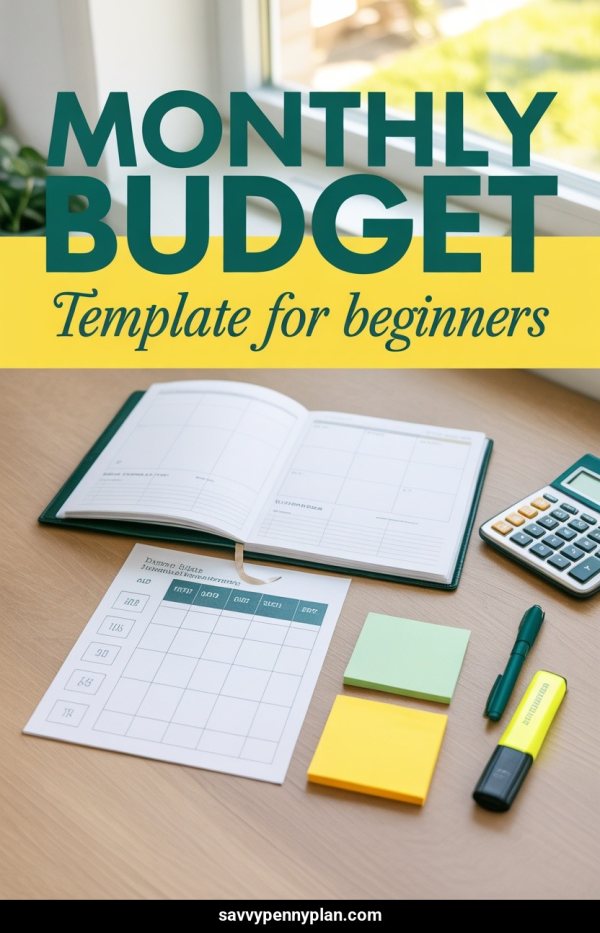
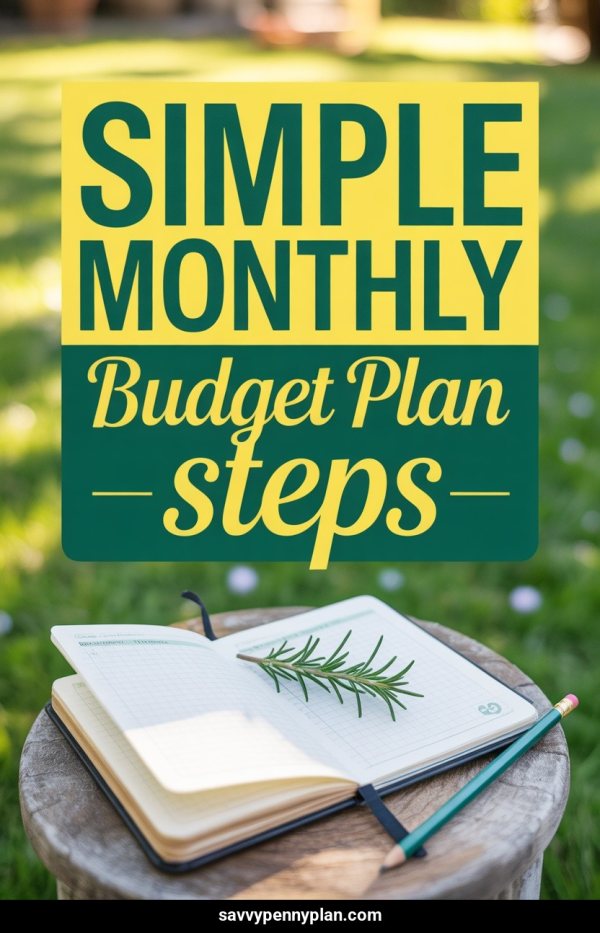
Budget methods, templates, and tips. The #1 finance topic on Pinterest with massive search volume.
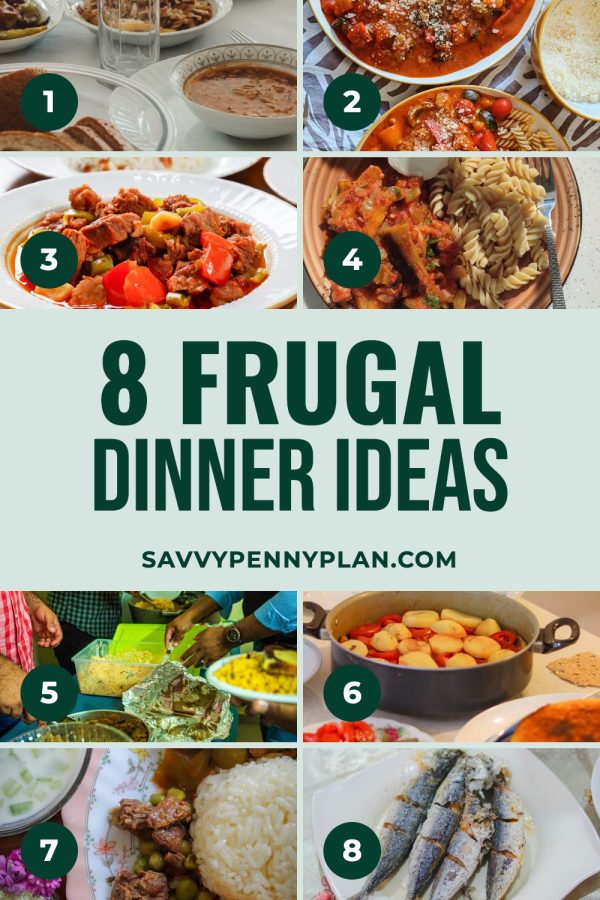
Savings challenges, frugal living, money-saving hacks. Highly shareable content with broad appeal.
Debt snowball, avalanche method, payoff trackers. High-intent audience actively working to become debt-free.
Stock market basics, index funds, retirement accounts. Growing Pinterest category attracting new investors.
Side hustle ideas, passive income, freelancing tips. Cross-pollinates finance and entrepreneurship audiences.
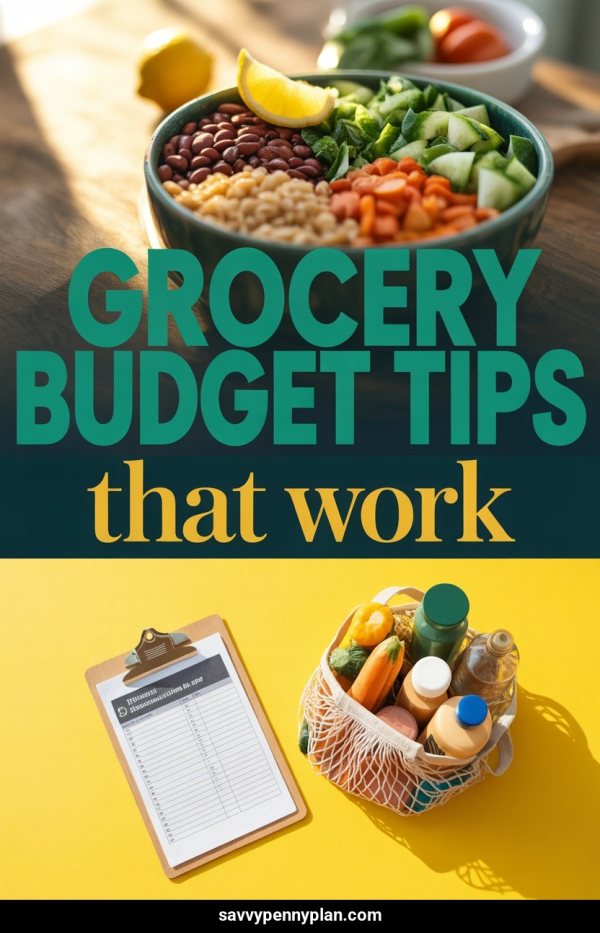
Saving on groceries, meal planning on a budget, DIY alternatives. Evergreen content with consistent search volume.
First job, buying a house, having kids, retirement. Life-stage content captures targeted audiences.
Improving credit, best credit cards, rewards optimization. High affiliate revenue potential.
Tax deductions, filing tips, tax planning. Highly seasonal with predictable annual spikes.
Early retirement, financial freedom, net worth tracking. Passionate niche audience with high engagement.
How to Save $10,000 in One Year — Free Savings Tracker
The 50/30/20 Budget Rule Explained (With Printable Template)
Pay Off Debt Fast — Snowball vs Avalanche Method Compared
Investing for Beginners — Start With Just $100
15 Simple Ways to Save Money on Groceries Every Week
Yes. Start from a keyword or prompt, or provide your own images. Review the generated design and metadata before publishing.
Yes. Paste a public URL and Made to Spark can use the available page text and images as source context. Results depend on what the page exposes and whether it allows access.
Yes. You can provide images you own or have permission to use. The free tool creates one pin from images without an account.
Yes. Review and edit the title, description, alt text, and destination URL before publishing or scheduling.
Yes. A registered account with a connected Pinterest account can publish approved pins immediately or schedule them.
Use the free tools for individual tasks, or the account-based workflow to create, review, publish, and schedule pins.
Create one branded Pinterest pin from your own images with the free single-pin tool.
A focused tool for planning money tips on Pinterest.
Pinterest guides for other niches:
Also selling on other platforms?