Example: pins made with Made to Spark from a link or topic.
Paste one of your LTK links. Made to Spark reads your post photo, the products in it and your caption, and makes finished pins with the headline, description and alt text written. Every pin links to the LTK link you pasted, so the sale is still tracked to you. Publish now or schedule them to your boards.
7-day trial · No credit card required. Plans start at $12 a month.

By Paul, founder of Made to Spark · Last updated Oct 22, 2026
Paste an LTK link: a liketk.it link, a shopltk.com post or an on.ltk.com product link. Made to Spark reads the post's photos and caption, or the store's product page, and makes pins with the headline, description and alt text written. Each pin links to the LTK link you pasted, so the sale is still tracked to you. Add your disclosure, then publish or schedule.
Every pin below was made by pasting an LTK link into Made to Spark. Tap any pin to see it up close.
Your post photo and the product photos in ready-made layouts, with your brand colors. Template pins are included in every plan.
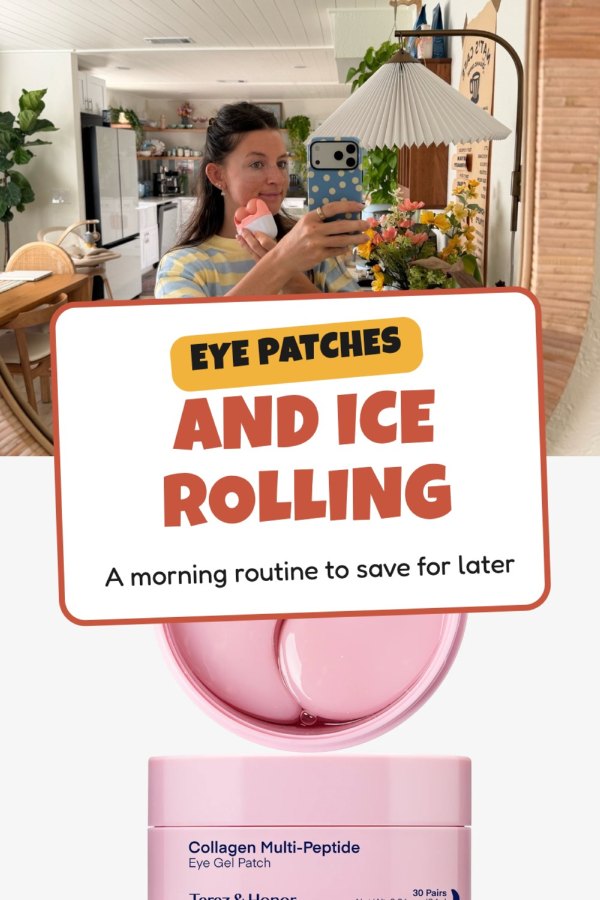
Eye Patches and Ice Rolling
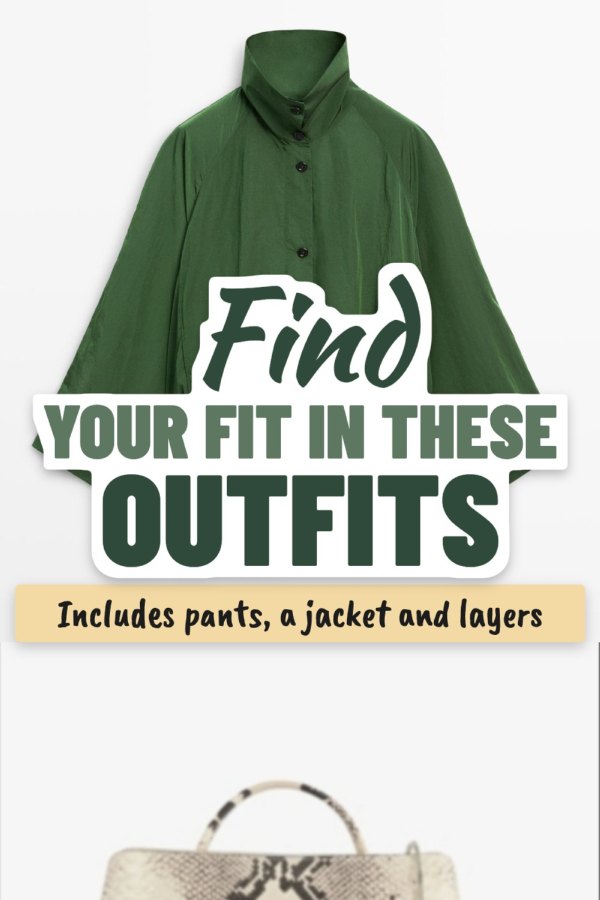
Find Your Fit in These Outfits
Wondering What Walmart Has?
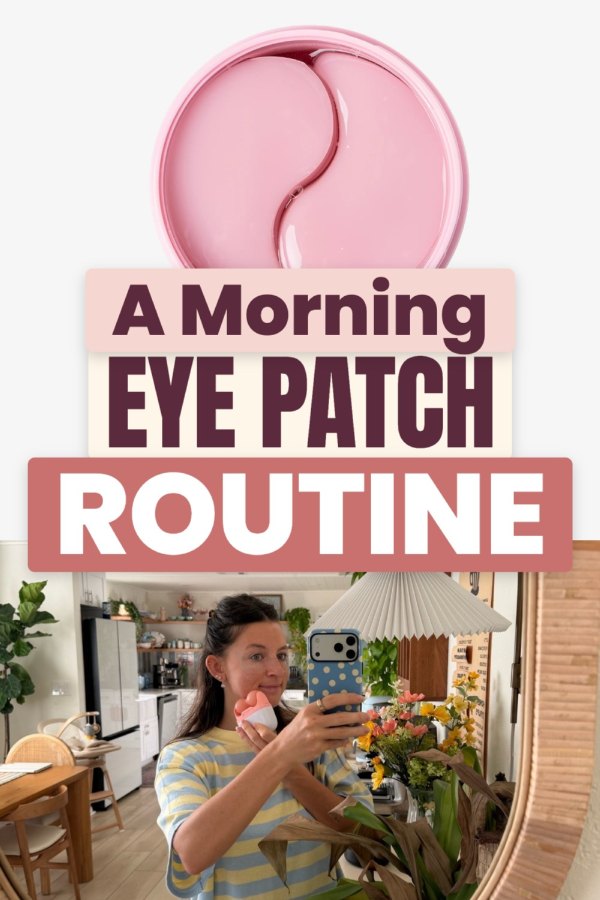
A Morning Eye Patch Routine
Fresh Finds from Walmart
The Eye Patch and Ice Roller Pairing
Start Your Morning with Ice Rolling
Walmart Finds for Your List
A new photo drawn from your post, with a headline written from your caption.
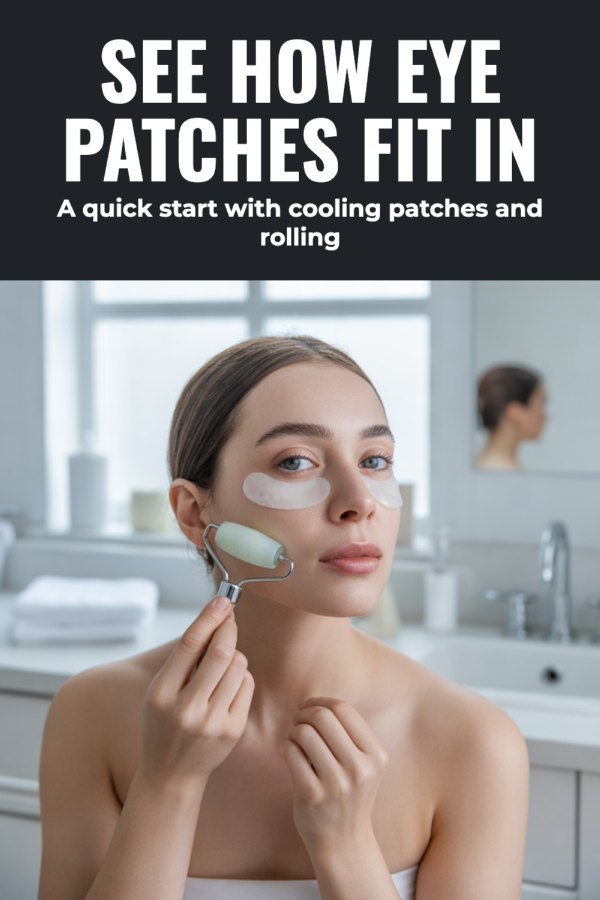
See How Eye Patches Fit In
Paste a post or product link. You get finished pins with the copy written and your LTK link on every one. Add your disclosure, then publish or schedule.
Create your account7-day trial · No credit card required.
In LTK, share one of your posts or products and copy the link (liketk.it, shopltk.com or on.ltk.com).
Made to Spark reads your post photo, product photos and caption, or the store's product page.
Templates use your post's photos. An AI photo draws a new one. Each pin gets its own headline.
Each pin links to your LTK link. Add your disclosure and post now, or schedule to your boards.
One link at a time is fine to start. When you have weeks of posts to share, paste them all.
Paste up to 100 LTK links, one per line. Made to Spark reads each post or product and makes its pins, every one keeping its own LTK link. Review the batch, then schedule it. On the Solo and Growth plans.
How Bulk Pins worksPaste your LTK links into Auto Pin and it keeps making fresh pins for them on your schedule. Review each pin before it posts, or let them post on their own. On the Solo and Growth plans.
We tested beauty and fashion posts, a Walmart haul and product links. Here is what to expect.
| You paste | What happens |
|---|---|
| A short link (liketk.it/…) | Made to Spark follows it to your post and reads your post photo, product photos and caption. |
| A post (shopltk.com/explore/…/posts/…) | Read the same way: your post photo, the products in it and your caption. |
| A product link (on.ltk.com/…) | Made to Spark follows it to the store and reads the product photos, name and price. |
| Your profile (shopltk.com/explore/your-name) | Not read. Open one post or product and paste that link. |
| A store that turns readers away | You're told so. Add your own photos under My photos and paste your LTK link as the pin's link. |
The pin links to the exact LTK link you pasted. That link is how LTK knows the sale came from you, so Made to Spark never replaces it with the store's address.
The FTC asks for a clear disclosure on affiliate links. Add “#ad” or “I may earn a commission from this link” to the pin description.
Made to Spark puts your LTK link on the pin itself. Post one pin and click it before you schedule a month of them, to check it opens your post or product as you expect.
Your post photo is yours. Product photos belong to the brands. If a brand asks you to use your own content, pick your post photo or upload your own, and keep your LTK link on the pin.
Yes. Every pin links to the LTK link you pasted, exactly as you pasted it. Made to Spark only follows the link to read the post or product; it never swaps your link for the store's address.
Three kinds: a liketk.it link, a post on shopltk.com (shopltk.com/explore/your-name/posts/…) and an on.ltk.com product link. Your profile page (shopltk.com/explore/your-name) is drawn by your browser, so there is nothing for Made to Spark to read. Open one post or product and paste that link instead.
Your post photo, the product photos in the post and your caption. The pin headlines and descriptions are written from your caption, so a caption that says what the post is about gives better pins.
An on.ltk.com product link opens the store's product page, so Made to Spark reads the product photos, name and price from the store. Your pin still links to your on.ltk.com link.
Pinterest allows affiliate links. Made to Spark puts your LTK link on the pin itself. Post one pin and click it before you schedule a month of them, to check it opens where you expect.
Yes. The FTC asks for a clear disclosure on affiliate links. Add something like "#ad" or "I may earn a commission from this link" to the pin description.
No. Each pin links straight to your LTK link, so you can pin your posts without a website. If you do have a blog, you can point a pin at your own post instead.
Yes. Bulk Pins takes up to 100 LTK links in one paste and makes pins for each, every pin keeping its own link. Paste one link per line; profile pages are skipped with a note.
Yes. Connect your Pinterest account, pick a board and a date, and Made to Spark posts the pins for you. You can also download them and upload them yourself.
Plans start at $12 a month, or about $9 a month billed yearly. Every plan includes pin creation, pin copy and Pinterest scheduling. Larger plans add more AI credits, more pins per day and bulk pin creation.
The numbers and rules on this page, with where they come from. Checked October 22, 2026.
Made to Spark makes the pins and writes the copy. You add the disclosure, then publish or schedule from one place.
Make pins from my LTK links7-day trial · No credit card required. See pricing
Paste an affiliate link and get a pin plus the link to put on it.
Open toolGet clear Pinterest pin title ideas for the products you share.
Open toolPlan your pins across boards and dates, and let them post on their own.
Open toolRecommending products from other programs too?