Start from a blog post URL, the photos from your post, or a topic like “cozy fall living room ideas”. Made to Spark designs the pins, writes the title, description and alt text, and publishes or schedules them to Pinterest when you are happy.
7-day trial · No credit card required. Plans start at $12 a month.
By Paul, founder of Made to Spark · Last updated Oct 22, 2026
Real pins made with Made to Spark. Tap any pin to see it up close.
Your own photos, title, brand colors and website in Canva-style layouts. Template pins don't use AI credits.
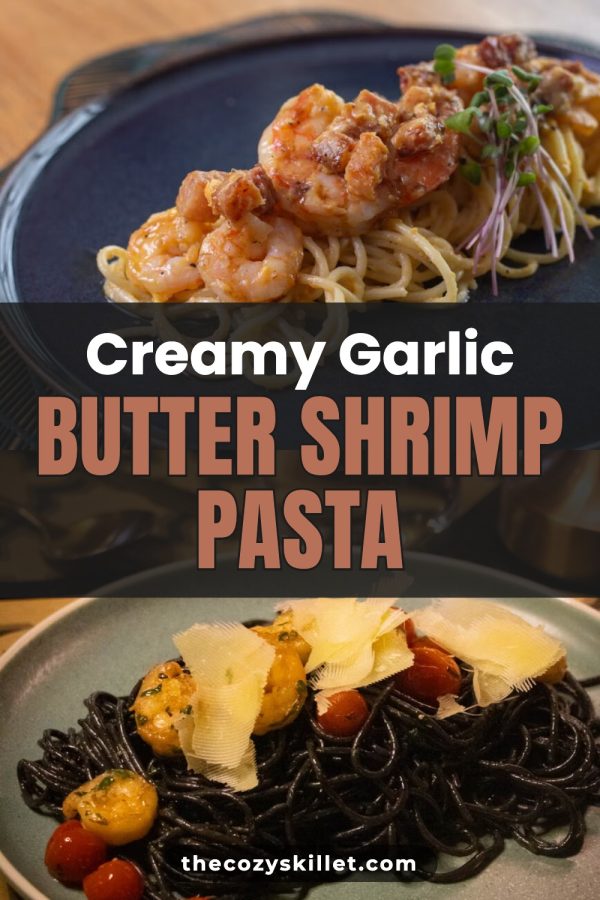
Creamy Garlic Butter Shrimp Pasta
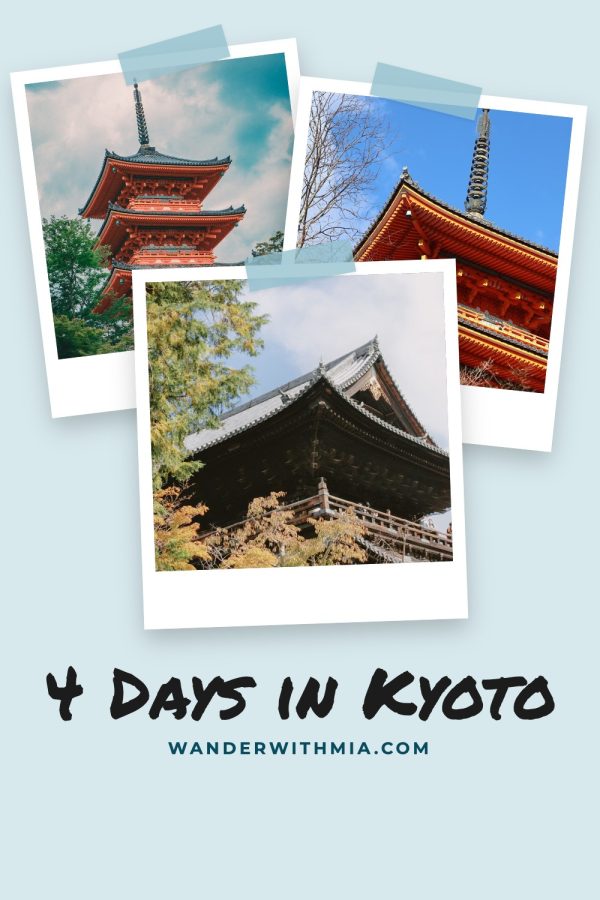
4 Days in Kyoto
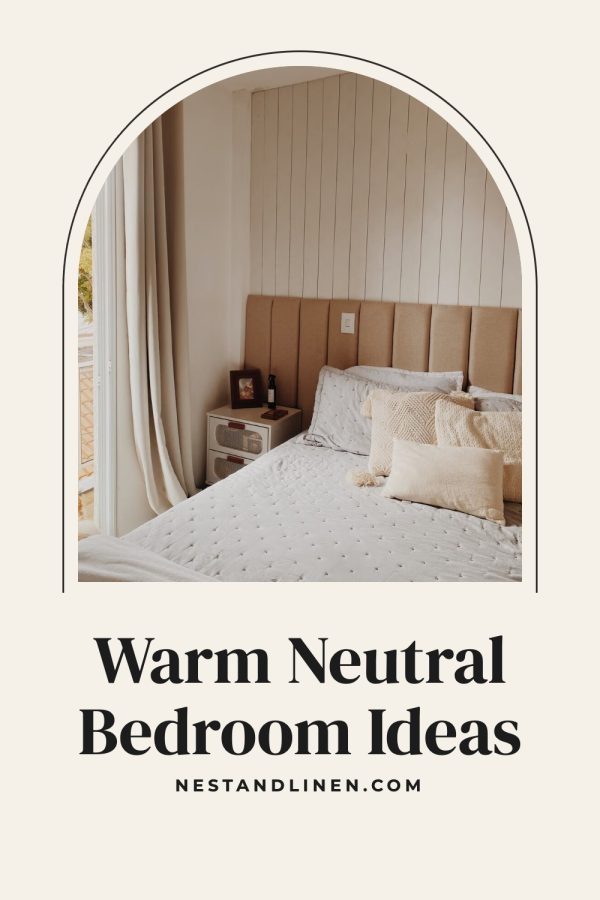
Warm Neutral Bedroom Ideas
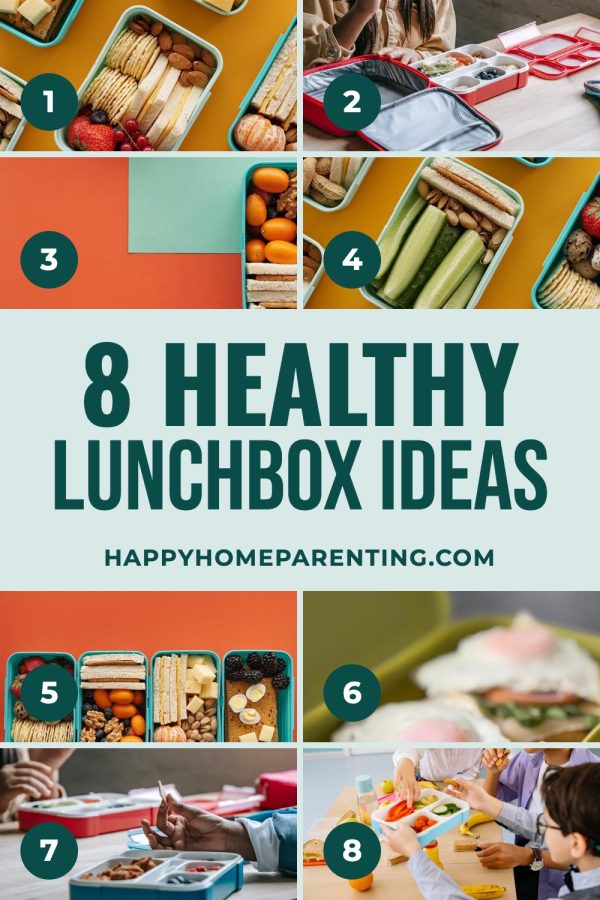
8 Healthy Lunchbox Ideas
No photo needed. Type a topic or paste a page and get a brand-new image with your headline on it.
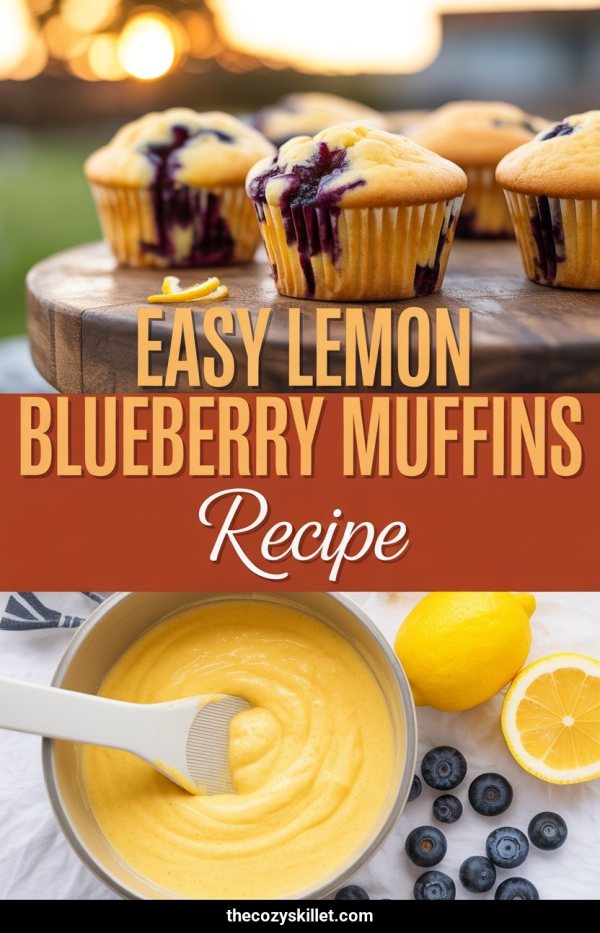
Easy Lemon Blueberry Muffins Recipe
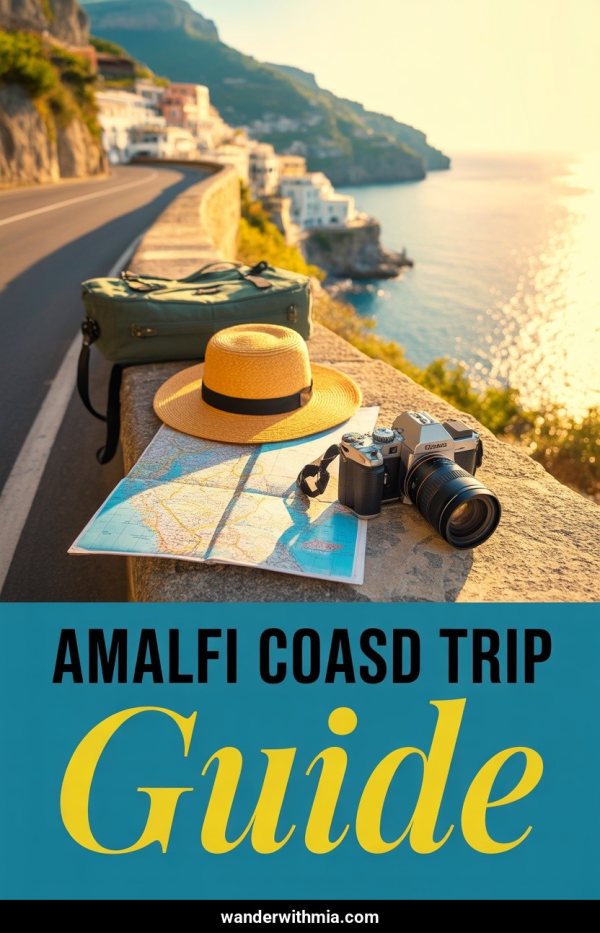
Amalfi Coast Road Trip Guide
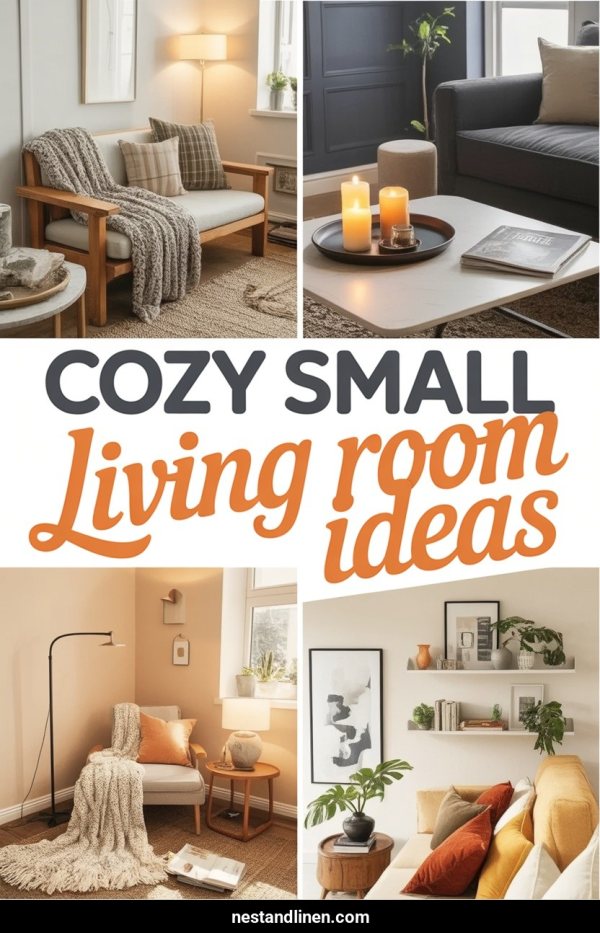
Cozy Small Living Room Ideas
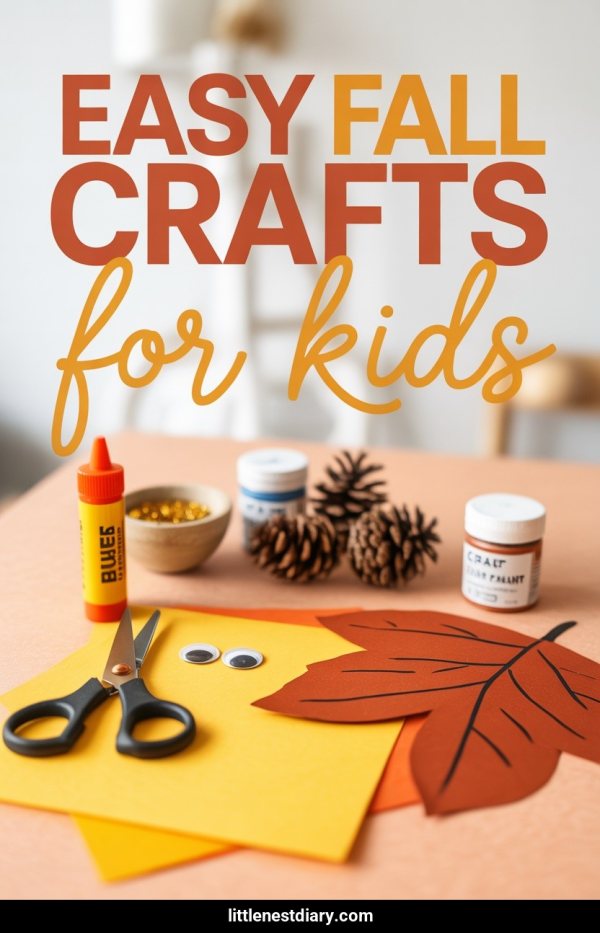
Easy Fall Crafts For Kids
Paste a link, upload photos or type a topic. You get finished pins with the copy written, ready to publish or schedule.
Create your account7-day trial · No credit card required.
For bloggers, Pinterest marketing means turning blog posts, how-to guides, and roundups into vertical pins that people find in Pinterest search and save to their boards, with each pin linking to the page it describes. Made to Spark handles the design and the pin copy, so the part left to you is choosing what to pin.
No photo yet? Type a blog post topic and get a new image with your headline on it.
Put the photos from your post into Canva-style layouts: collages, bold title bands and magazine-style covers.
Set your colors and website once and every design uses them.
Each pin comes with a title, description and alt text based on your page, ready to edit.
Make a few different pins for the same blog post page, so you have fresh designs to rotate.
Send approved pins to your connected Pinterest account now, or place them on the scheduler.

Paste a blog post URL, upload the photos from your post, or type a topic.
Choose a brand-new AI image or a designer template. Your brand colors and website go on every pin.
Edit the title, description, alt text and link, then publish now or add the pins to your schedule.
One post, three to five different pins: a different photo, a different headline angle, a list version. Each pin is another way into the same post, and fresh designs keep an older post in the feed.
Your older posts already have proof: they rank in Google, they get comments, they earn. Pin your top 20 by traffic first, then work back through the archive a few posts a week.
Name the topic and the reason to click: "Cozy Fall Living Room Ideas on a Budget", not "Fall vibes". Put the same words on the pin image, in the title and in the description.
A pin about a lemon chicken recipe should open the lemon chicken recipe, not your homepage or a category page. Every extra click loses readers.
People plan holidays, back to school and summer trips ahead. Start pinning seasonal posts a couple of months before the date, so they are already in search when readers start looking.
Boards group your pins by topic, so people can follow the ones they care about.
One board per main category of your blog, named the way readers search it, such as "Easy Weeknight Dinners" or "Small Space Decorating".
Your most useful posts in one place, so a new follower sees your strongest work first.
Holiday, back-to-school and summer posts, pinned a couple of months before the season starts.
Step-by-step posts that people save to come back to later.
Your "15 ideas" style posts, which suit numbered list pins.
Checklists, planners and guides you offer in exchange for an email address.
Gift posts with affiliate links, pinned well before each holiday.
Tools and tips you use to run your blog, for readers who blog too.
15 Easy Weeknight Dinners Your Family Will Ask For Again
How to Start a Vegetable Garden in a Small Backyard
Cozy Fall Living Room Ideas on a Budget
3 Days in Lisbon: A First-Timer's Itinerary
The Simple Weekly Cleaning Schedule That Sticks
| What you are pinning | Pin design | Example title |
|---|---|---|
| A single how-to or recipe | One large photo with a bold title band | Easy One-Pan Lemon Chicken Dinner |
| A list or roundup | Numbered photo grid that shows the variety | 15 Easy Weeknight Dinners |
| A step-by-step guide | Step layout with numbered stages | How to Start a Vegetable Garden in 5 Steps |
| A comparison post | This vs That split | Air Fryer vs Oven: Which Is Better for Fries? |
| A text-heavy guide with no photos | Infographic with the key points | The Weekly Cleaning Schedule, Day by Day |
Yes, for topics people plan and save: recipes, home, travel, DIY, parenting, personal finance, crafts and style. Pinterest is a visual search engine, so a good pin keeps sending readers to a post for months, not hours.
Three to five different designs per post is a good target. Spread them over a few weeks instead of posting them all on one day, and add new designs for your best posts every few months.
Yes. It costs nothing, gives you analytics, and lets you claim your website and turn on Rich Pins so your pins show your blog's details.
No. Template pins use photos you already have, so they are included in your plan. AI pins create a brand-new image and use one credit each.
Yes. Connect your Pinterest account to publish approved pins right away or schedule them.
Plans start at $12 a month, or about $9 a month billed yearly. Every plan includes pin creation, pin copy and Pinterest scheduling. Larger plans add more AI credits, more pins per day and bulk pin creation.
The numbers and rules on this page, with where they come from. Checked October 22, 2026.
Turn your blog posts into on-brand Pinterest pins, then publish or schedule them from one place.
Make blog post pins7-day trial · No credit card required. See pricing
Turn the photos from your post into one branded Pinterest pin.
Open toolWrite pin titles from your post topic, the way people search.
Open toolCheck that your posts carry the metadata Pinterest needs to show Rich Pins.
Open toolPinterest guides for other niches
Selling on a platform?