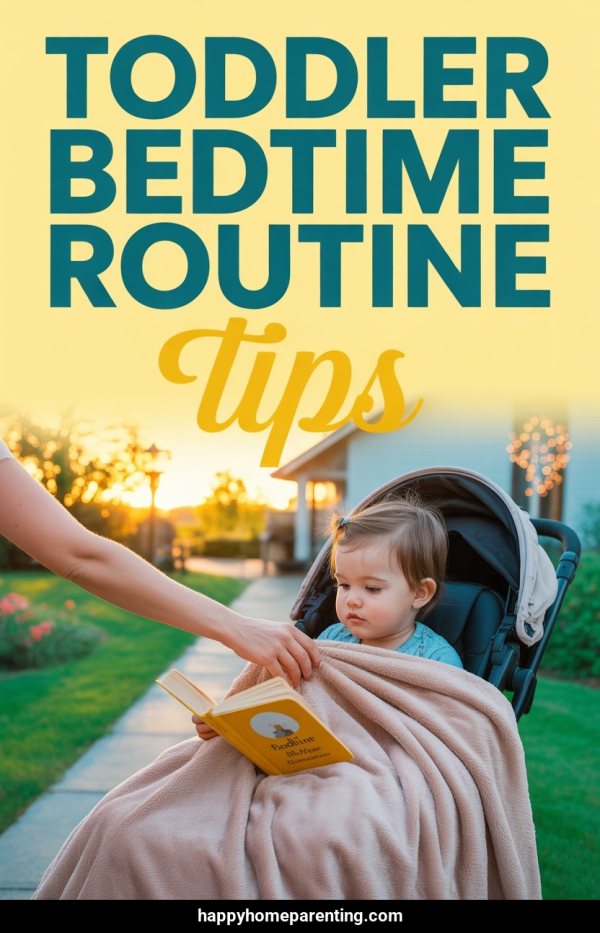
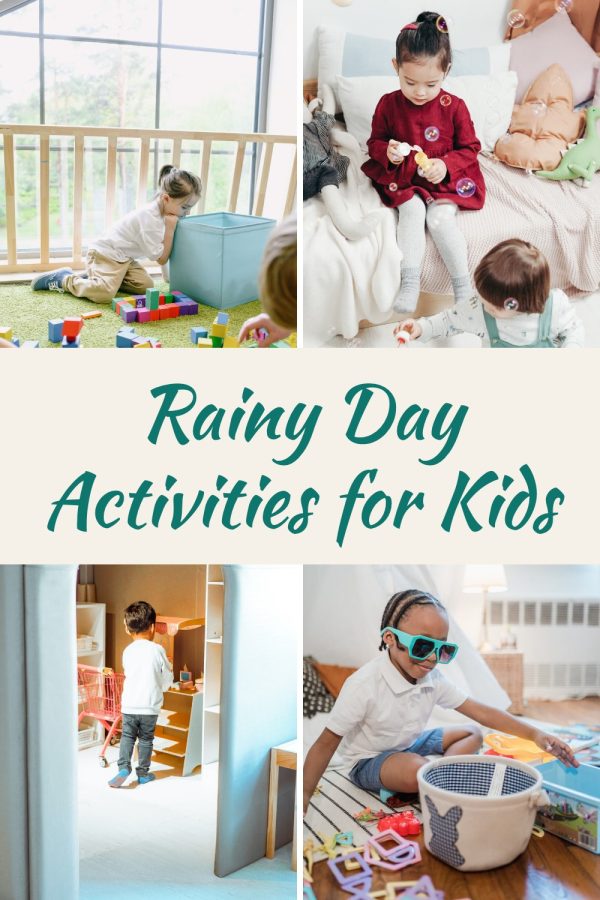
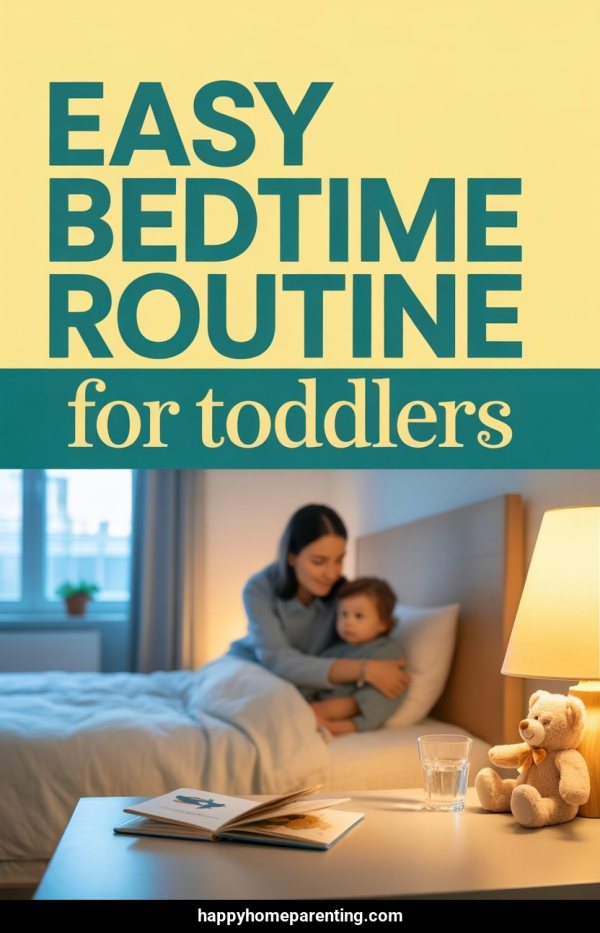
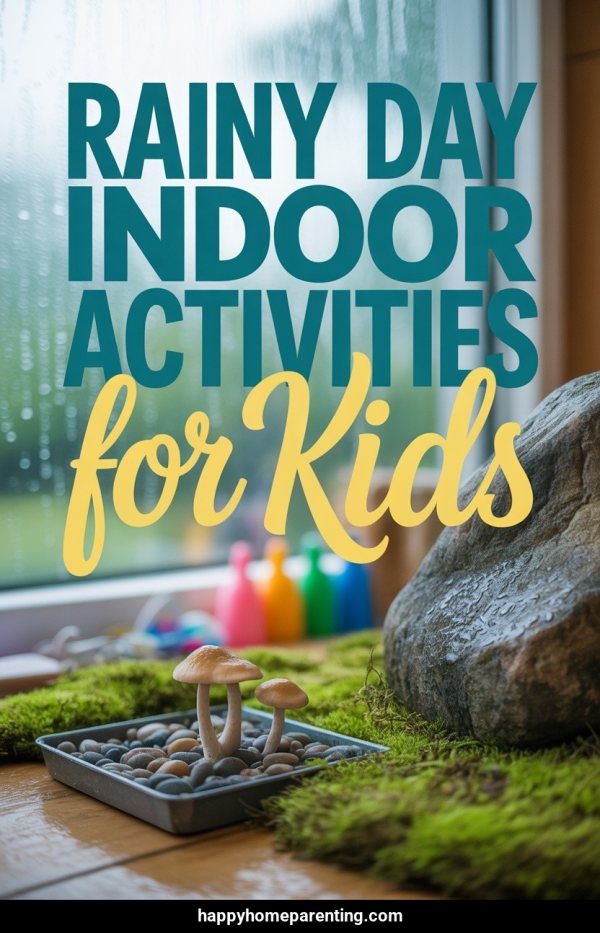
Start with a post URL, a keyword or prompt, or your family-friendly images. Made to Spark creates pin designs with titles, descriptions, and alt text for you to review.
By Paul, founder of Made to Spark · Updated Sep 11, 2026
The free tool creates one pin from your images. The full account workflow supports batches, review, publishing, and scheduling.
For parenting bloggers, Pinterest marketing means creating useful pins around activities, tips, and family resources, then linking each one to the most relevant page. Made to Spark creates the designs and publishing copy so you can review before you publish or schedule.
use a relevant page as source context
start from a keyword or prompt when no page is ready
get titles, descriptions, and alt text with each design
approve your pins before publishing or scheduling
Start with a post URL, a keyword or prompt, or your family-friendly images.
Create Pinterest-ready designs with suggested titles, descriptions, and alt text.
Check the images, destination links, and publishing metadata, then keep or adjust what fits your brand.
Use the account workflow to publish approved pins now or add them to your schedule.
Try the free single-pin tool with your own images. For the full workflow, use an account to start from a URL, keyword, prompt, or images; generate designs with titles, descriptions, and alt text; review them; then publish or schedule to Pinterest.
Create Pins FreeUse a post URL, a keyword or prompt, or your family-friendly images as the source for each pin.
Generate vertical designs without building every layout from scratch.
Get suggested titles, descriptions, and alt text with the pin designs.
Review the destination URL and make sure it matches what the pin promises.
Check the creative and metadata, refine anything that needs work, and approve only the pins you want to use.
Send approved pins to a connected Pinterest account now or place them on the scheduler.
Keep each pin focused on a single parenting idea or resource, then link to that post.
Use titles that mention age range, occasion, or problem so parents can tell if it fits.
Use visuals that represent the linked page and confirm the destination URL before publishing.
Try different images, layouts, or angles for the same parenting page while keeping every version accurate.
Use your Pinterest analytics to decide which topics and creative approaches to test next.
| Criteria | ||
|---|---|---|
| Discovery | Pins can appear in search, related content, and home feeds. | Posts can appear in feeds, profiles, search, and recommendations. |
| Organization | Boards group pins by topic or audience. | Profiles, highlights, and collections organize content differently. |
| Destination links | Standard pins can link to a relevant external page. | Link placement depends on the post format and account features. |
| Creative format | Vertical images are a common pin format. | Square, portrait, story, and reel formats are available. |
Age-appropriate play ideas, sensory bins, fine motor activities. Parents of toddlers are among the most active Pinterest searchers.
Kid-friendly meals the whole family will eat. Meal content crosses over with food Pinterest traffic for double exposure.
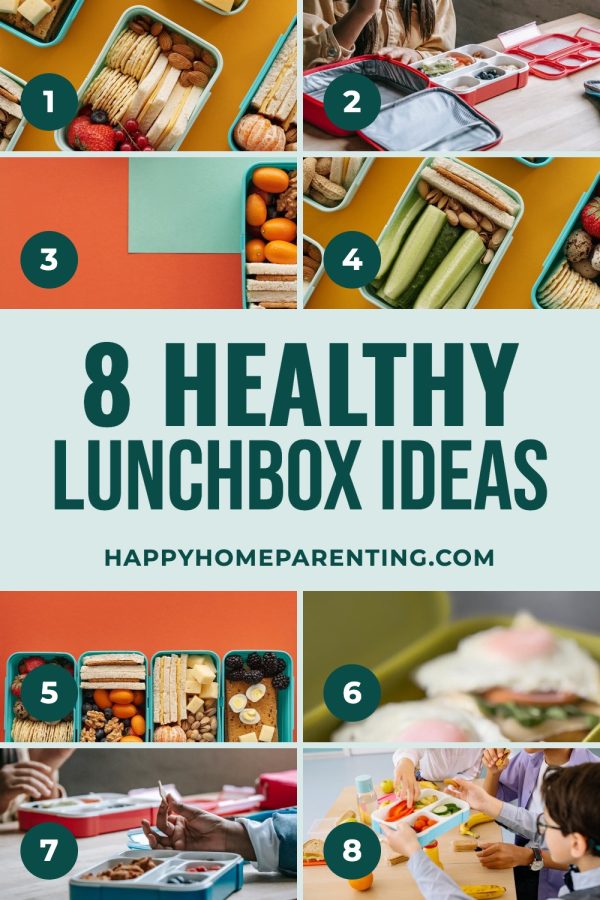
Bento boxes, no-heat lunches, allergy-friendly options. Searched weekly by parents during the school year — consistent recurring traffic.
Design themes, organization hacks, registry must-haves. New parents plan nurseries months in advance on Pinterest.
Themes, decorations, cake ideas, party activities by age. Birthday searches spike year-round as parents plan celebrations.
Morning routines, homework stations, school supply lists. Massive seasonal spike from June through September.
Indoor and outdoor play ideas, boredom busters, creative projects. Evergreen content that parents save and reference all year.
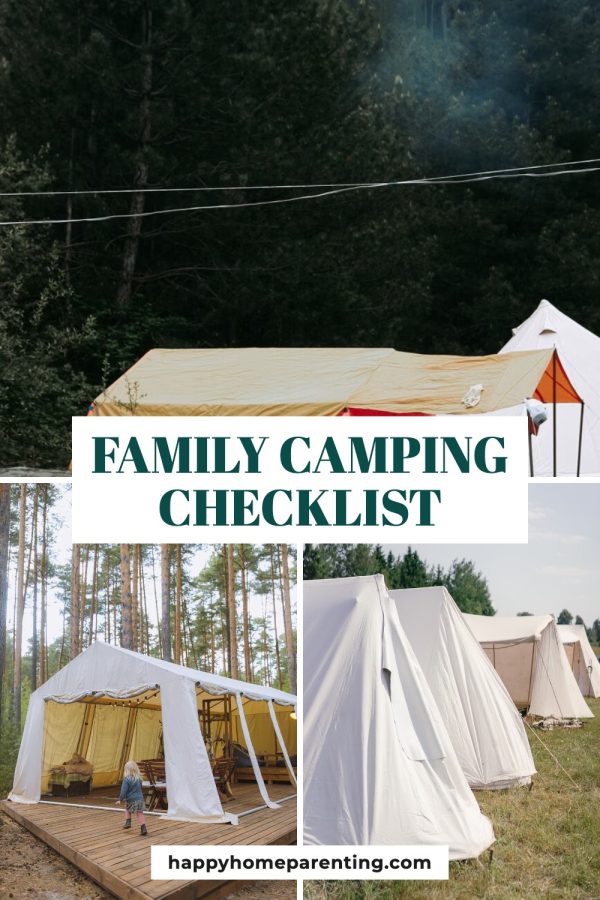
Road trip activities, packing lists, kid-friendly destinations. Combines parenting and travel audiences for broader reach.
Sleep training, discipline strategies, positive parenting approaches. Problem-solving content that gets saved and shared between parents.
First foods, baby-led weaning, picky eater strategies. New parents search Pinterest constantly for feeding guidance.
20 Screen-Free Activities for Toddlers — No Prep Needed
Easy School Lunch Ideas Kids Will Actually Eat (Save This!)
Nursery Organization Ideas — Small Space Hacks for Baby's Room
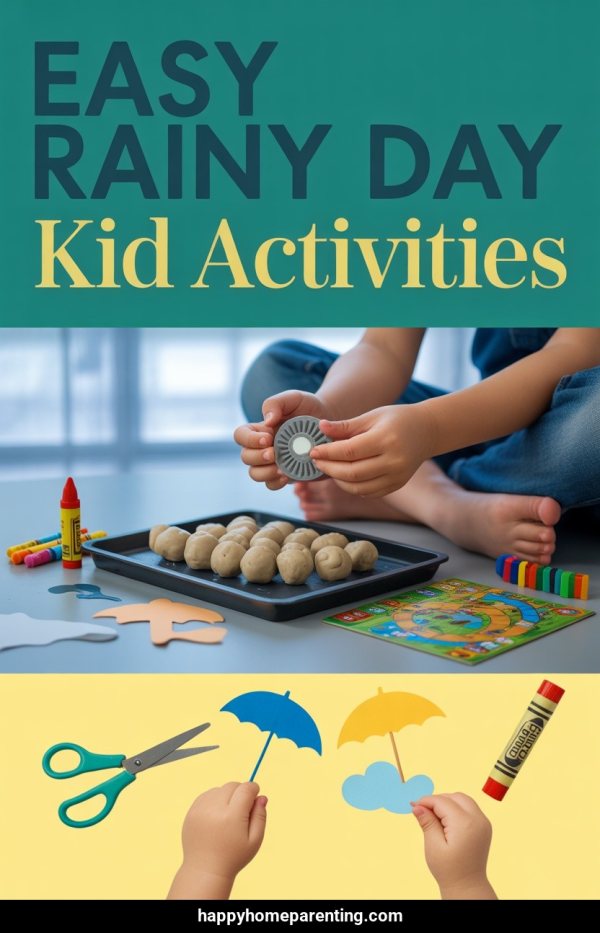
Rainy Day Activities for Preschoolers — Indoor Fun They'll Love
Weekly Family Meal Plan — 5 Kid-Friendly Dinners in 30 Minutes
Yes. Start from a keyword or prompt, or provide your own images. Review the generated design and metadata before publishing.
Yes. Paste a public URL and Made to Spark can use the available page text and images as source context. Results depend on what the page exposes and whether it allows access.
Yes. You can provide images you own or have permission to use. The free tool creates one pin from images without an account.
Yes. Review and edit the title, description, alt text, and destination URL before publishing or scheduling.
Yes. A registered account with a connected Pinterest account can publish approved pins immediately or schedule them.
Use the free tools for individual tasks, or the account-based workflow to create, review, publish, and schedule pins.
Create one branded Pinterest pin from your own images with the free single-pin tool.
A focused tool for planning parenting posts on Pinterest.
Pinterest guides for other niches:
Also selling on other platforms?