Clicky

Pinterest for printable sellers

Pinterest pins for your printables

Example: pins made with Made to Spark from a link or topic.
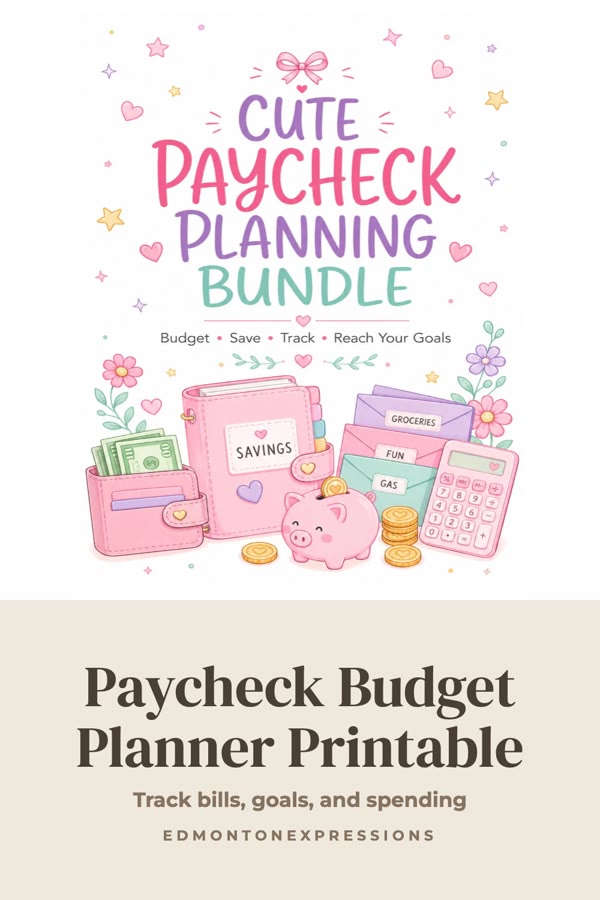
Pinterest template pin example: Paycheck Budget Planner Printable
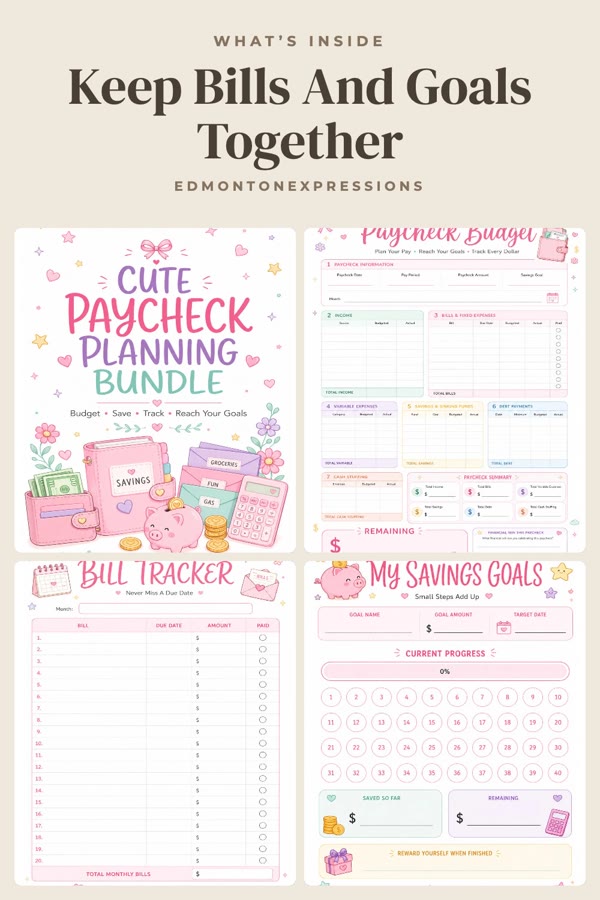
Pinterest template pin example: Keep Bills And Goals Together
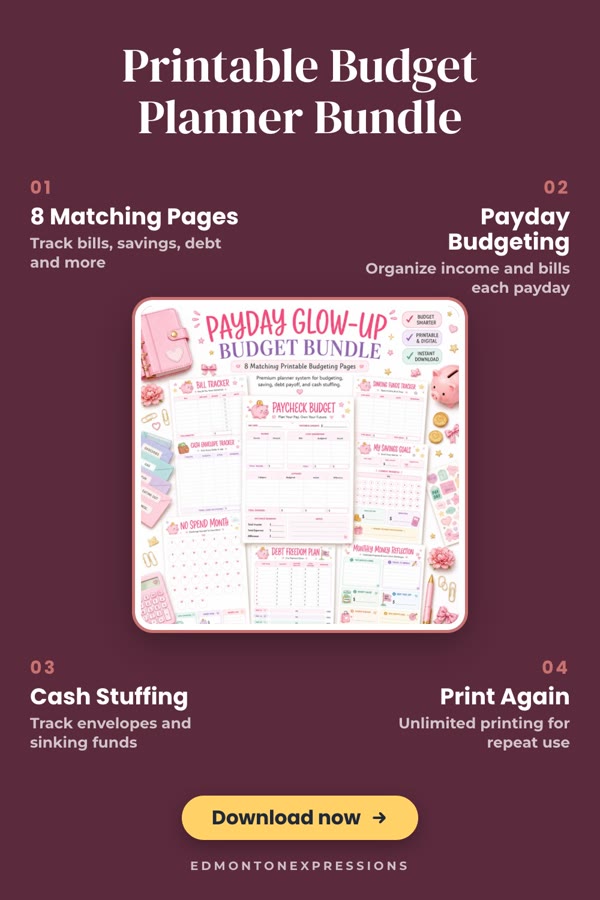
Pinterest template pin example: Printable Budget Planner Bundle

Paste the link to a planner, worksheet, wall art or clipart you sell. Made to Spark reads your cover and preview pages and makes pins that keep your cover whole, show what’s inside and list what buyers get. Every pin links to your listing, ready to publish now or schedule.

7-day trial · No credit card required. Plans start at $12 a month.

No signup needed. You pick the pins you like and download them.

Paul By Paul, founder of Made to Spark · Last updated Oct 28, 2026

How do you make Pinterest pins for printables?

Paste the link to one printable you sell: an Etsy digital download, a Shopify download, a Teachers Pay Teachers resource, or a Gumroad or Payhip product. Made to Spark reads your cover, preview pages, title and description, and makes pins that keep your cover whole, show the pages inside, or list what buyers get with a Download now button. Each pin links to your listing, ready to publish or schedule.

Pin link
Your printable's listing page
Pin kinds
Cover, What's inside, Feature pins, design on products, wall art designs
Pin size
1000×1500 px, the 2:3 vertical ratio Pinterest recommends
Publishing
Publish now or schedule to your boards through the official Pinterest API

4 kinds of pins from one printable

Every pin below was made by pasting a real printable listing into Made to Spark. Each kind does a different job, so make a few for every printable. Tap any pin to see it up close.

Best for clicks and saves

Headline pins: your cover, kept whole

Your own cover or preview pages with a short headline, on a paper background. Busy covers stay readable, and What’s inside shows the pages people get.

Included in your plan
  • Your cover

    Paycheck Budget Planner Printable

  • What’s inside

    Keep Bills And Goals Together

  • Title on top

    Pretty Pink Budget Binder

  • Your cover

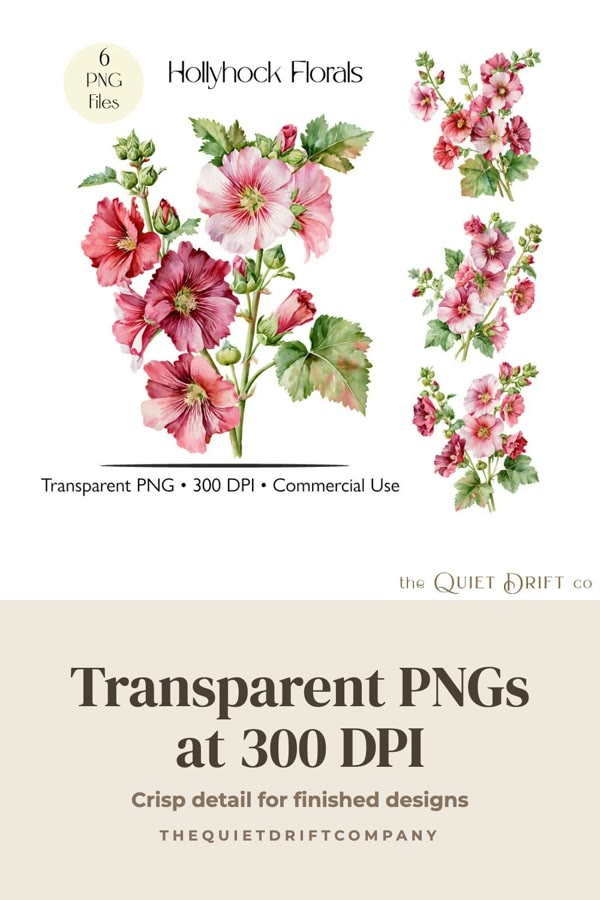
    Transparent PNGs at 300 DPI

Best for sales

Feature pins: what buyers get

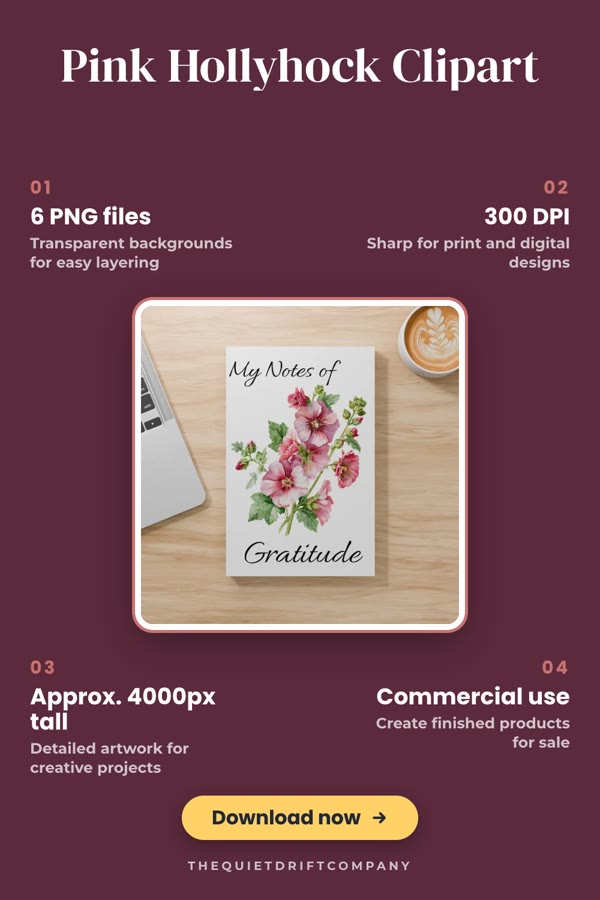
Your listing photo with the points buyers check before they pay, like page count, file type and print sizes, and a Download now button. The points are written from your listing and you can change them.

Included in your plan
  • Callouts

    Printable Budget Planner Bundle

  • Feature panel

    Printable Budget Planner Bundle

  • Receipt

    Printable Budget Planner Bundle

  • Callouts

    Pink Hollyhock Clipart

Best for clipart and design sales

On products: your design in real life

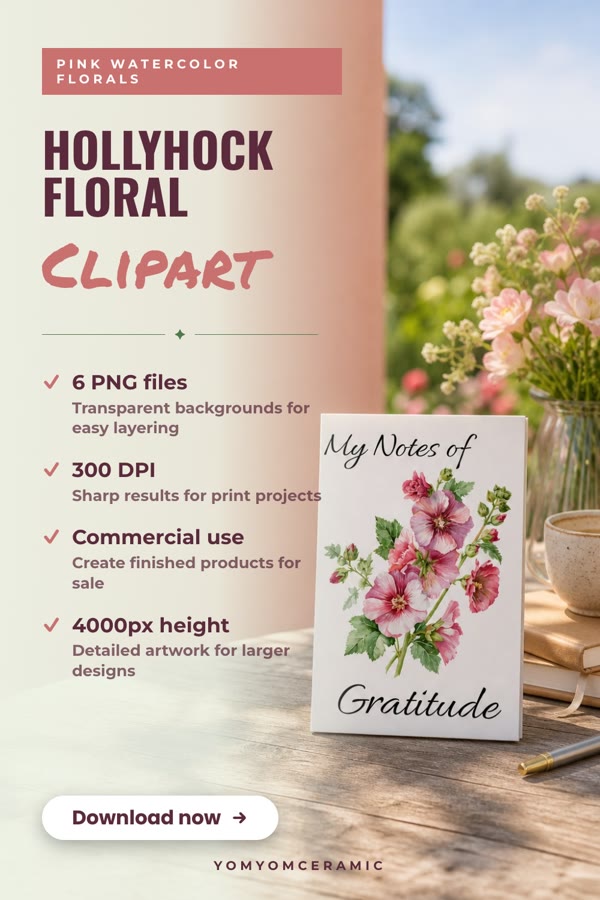
A new AI photo with your design printed on objects you pick, like a mug, tote bag, card or notebook, next to your selling points. Great for clipart and designs people buy to make things.

1 credit per pin
  • On products

    Hollyhock Floral Clipart

  • On products

    Printable Budget Planner Bundle

Best for wall art sales

Wall art: your print, big and whole

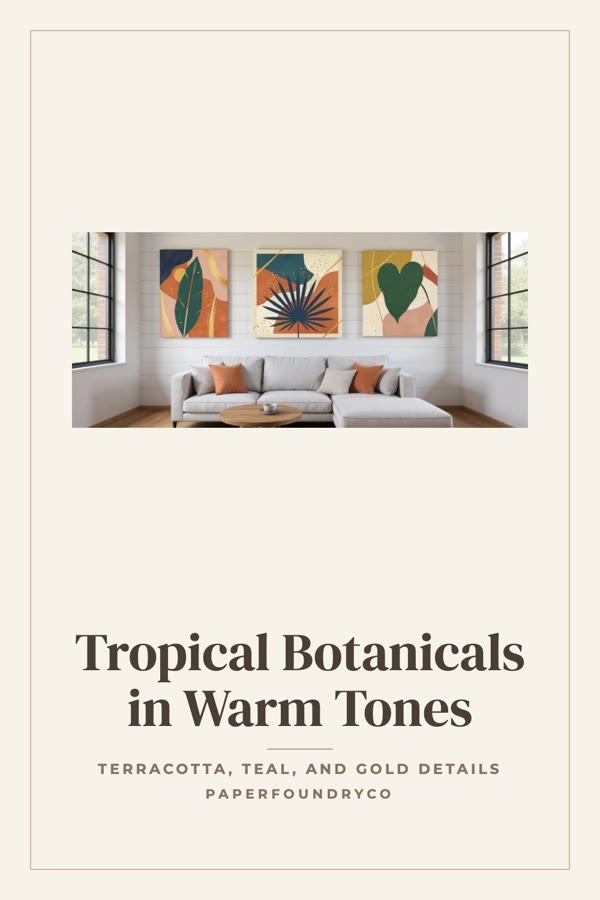
Printable wall art leads with designs that show the artwork large: in a room, side by side as a set, or matted like a framed print.

Included in your plan
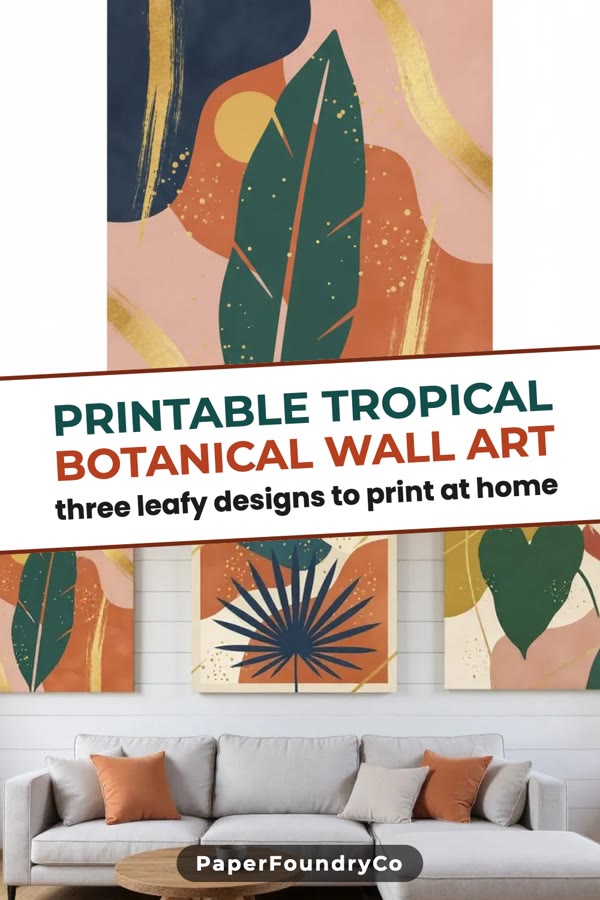
  • Tilted Band

    Printable Tropical Botanical Wall Art

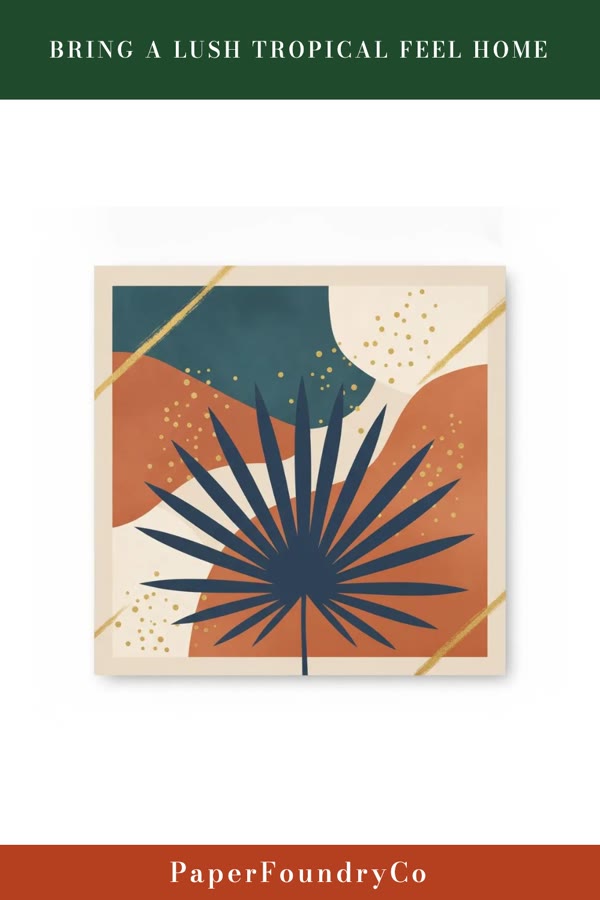
  • Poster Strips

    Bring a Lush Tropical Feel Home

  • Matted print

    Tropical Botanicals in Warm Tones

Which pin to make for what you want

Not sure where to start? Make one of each for your best printable. Then make more of the kind that brings you what you need.

The full routine, click by click: How to make Pinterest pins for your printables.

How it works

1

Copy your listing link

Open one printable in your shop and copy its link: Etsy, Shopify, Teachers Pay Teachers, Gumroad, Payhip or your own site.

2

Paste it

Made to Spark reads your cover, preview pages, title and description, and sees that it is a download.

3

Pick your pins

Tap the Headline pins and Feature pins you want. The selling points are written from your listing, and you can change them.

4

Publish or schedule

Every pin links to your printable. Post now, or let Made to Spark spread them out over the weeks ahead.

Which printable links work

Paste the link to one printable. Here is what Made to Spark does with each kind of shop.

Pin your whole shop

Start with your best seller. When you want pins for every printable, paste them all.

Bulk Pins

Many printables in one batch

Paste up to 100 listing links, one per line. Made to Spark reads each printable and makes its pins, every one linking to its own listing. Review the batch, then schedule it. On the Solo and Growth plans.

How Bulk Pins works
Auto Pin

Fresh pins for your printables, week after week

Connect your Etsy or Shopify shop and Auto Pin keeps making new pins for your printables on your schedule. Review each pin before it posts, or let them post on their own. On the Solo and Growth plans.

Pinterest tips for printable sellers

Make 3 to 5 pins per printable

A cover pin, a What’s inside pin and a Feature pin reach different people. Each gets its own headline, so Pinterest sees fresh pins, not copies.

Spread them out

Pins for the same printable go out a week apart when you schedule them spread out. Steady pinning beats a burst on one day.

Pin ahead of the season

People plan early. Schedule back-to-school, holiday and new-year planners weeks before the date they are for.

Say what it is in the title

People search for “printable meal planner” or “kindergarten worksheets”. Your pin title and description are written from your listing title, so a clear title gives clearer pins.

Frequently Asked Questions

How do you sell printables on Pinterest?

Make 3 to 5 pins for each printable, each linking straight to its listing: one that shows the cover with a clear headline, one that shows the pages inside, and one that lists what buyers get. Name the printable the way people search for it, like "printable meal planner", put the pins on boards with matching names, and spread them out over the weeks ahead. Pin seasonal printables well before the season.

Which kinds of printables work?

Planners, journals, worksheets, wall art, clipart, party printables, budget sheets, templates: anything you sell as a download with a listing page. Made to Spark reads the listing photos, title and description, and the pins are made from your own images.

How does Made to Spark know my listing is a printable?

An Etsy listing marked as a digital download, a Shopify product that needs no shipping, a Teachers Pay Teachers resource or a Gumroad or Payhip product all count. Other product pages count when their title or description says printable, instant download, digital download or PDF.

My cover has a lot of words on it. Will it get cut off?

No. The printable designs keep your cover whole: on a paper background, under a title, or matted like a framed print. Most pin templates crop a busy cover; these were made for it.

What are Feature pins?

A pin that lists what the buyer gets, like "12 pages", "A4 and US Letter" or "Instant download", next to your own listing photo, with a Download now button drawn on it. Made to Spark writes the points from your listing, and you can change any of them before the pin is made.

I sell clipart or designs for other products. What pins fit?

The On products pin shows your design printed on real objects, like a mug, a tote bag or a card, in a new AI photo. Buyers see what they could make with it. It uses 1 credit per pin.

Where do the pins link to?

To the listing you pasted. Someone who taps the pin lands on your printable, ready to buy or download.

Can I make pins for all my printables at once?

Yes. Bulk Pins takes up to 100 listing links in one paste and makes pins for each, every pin keeping its own link. Printables get the printable designs there too.

Can I schedule the pins?

Yes. Connect your Pinterest account, pick a board, and Made to Spark spreads the pins out and posts them for you. You can also download the pins and upload them yourself.

How much does Made to Spark cost for printable sellers?

Plans start at $12 a month, or about $9 a month billed yearly. Every plan includes pin creation, pin copy and Pinterest scheduling. Larger plans add more AI credits, more pins per day and bulk pin creation.

Pinterest facts and sources

The numbers and rules on this page, with where they come from. Checked October 22, 2026.

640M
people use Pinterest every month Source: Pinterest Business
96%
of top Pinterest searches are unbranded: people search for ideas, not brand names Source: Pinterest Business
80%
of weekly Pinners say they feel inspired by shopping on Pinterest Source: Pinterest Business
2:3
the pin shape Pinterest recommends (1000 × 1500 px), the size every pin is made at Source: Pinterest Help Center

Sources

  1. Pinterest Business, Pinterest audience: 640 million monthly active users; 96% of top searches are unbranded; 80% of weekly Pinners feel inspired by shopping on Pinterest.
  2. Pinterest Help Center, Pinterest product specs: Pinterest recommends a 2:3 aspect ratio, or 1000 x 1500 pixels.
  3. Pinterest Policy, Community Guidelines: spam and links: Pinners should be able to anticipate where a link takes them; excessive or deceptive redirects can be blocked.
  4. Pinterest Policy, Merchant Guidelines: What shops must follow to promote products on Pinterest.

Paste a printable. Get pins that send buyers to it.

Made to Spark makes the pins and writes the copy. You publish now or schedule them from one place.

Make pins for my printables

7-day trial · No credit card required. See pricing

Related tools

Pinterest pins for your printables Get started