Clicky

AI Pinterest Pin Generator

Turn any link or keyword into ready-to-post Pinterest pins

Paste a blog post or product link, or type a keyword. Made to Spark makes several branded pins at once, writes the title, description and alt text for each, and schedules them to your boards.

7-day trial · No credit card required.

Just need one pin without an account? Try the Single Pin Maker →

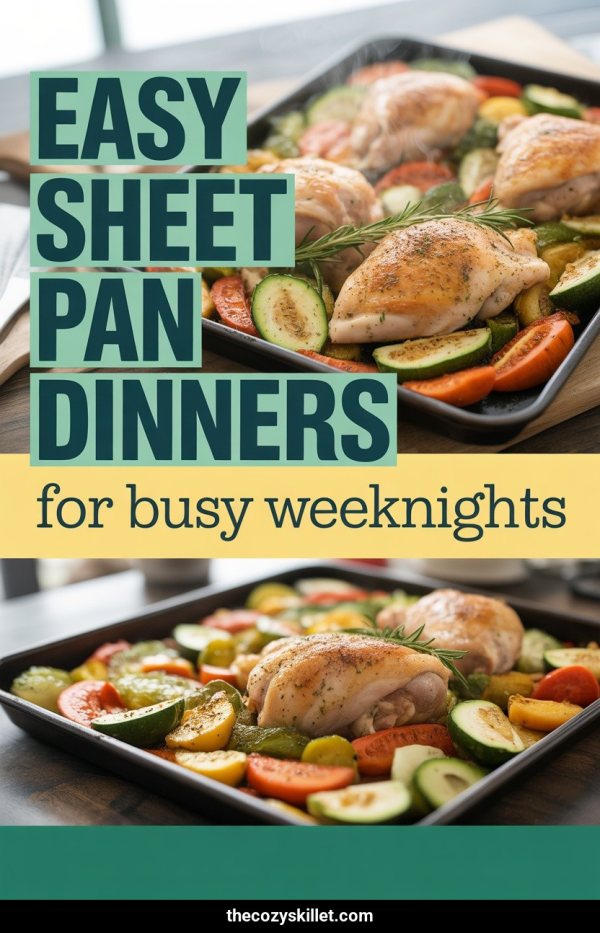
AI Pinterest pin example: Cozy Small Living Room Ideas AI Pinterest pin example: Easy Sheet Pan Dinners AI Pinterest pin example: Save Money On Groceries Fast

What does the Made to Spark Pinterest pin generator do?

It turns a blog post link, a product link or a keyword into several branded Pinterest pins at once, each with its title, description and alt text written. Use your page's own photos in designer templates or get new AI images, then publish the pins or schedule them to your boards.

Start from
A blog post URL, a product URL or a keyword
Pin size
1000×1500 px, the 2:3 vertical ratio Pinterest recommends
Credits
Template pins are included in subscription plans. An AI pin uses 1 credit, copy included
Publishing
Publish now or schedule to your boards through the official Pinterest API

Start from what you already have

Three ways in, and each one ends with finished pins that link where you want.

A blog post

Uses the post's photos and content, and links the pins back to the post.

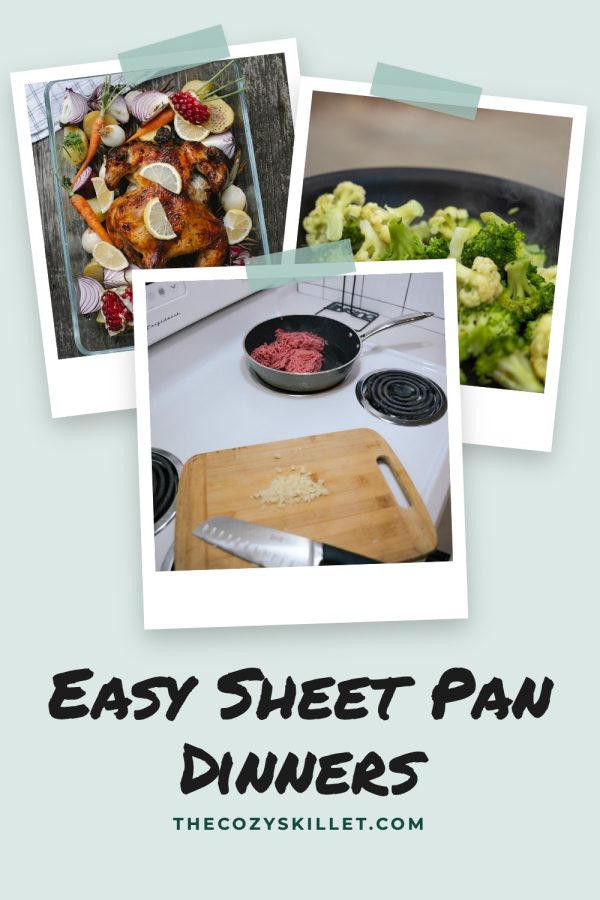
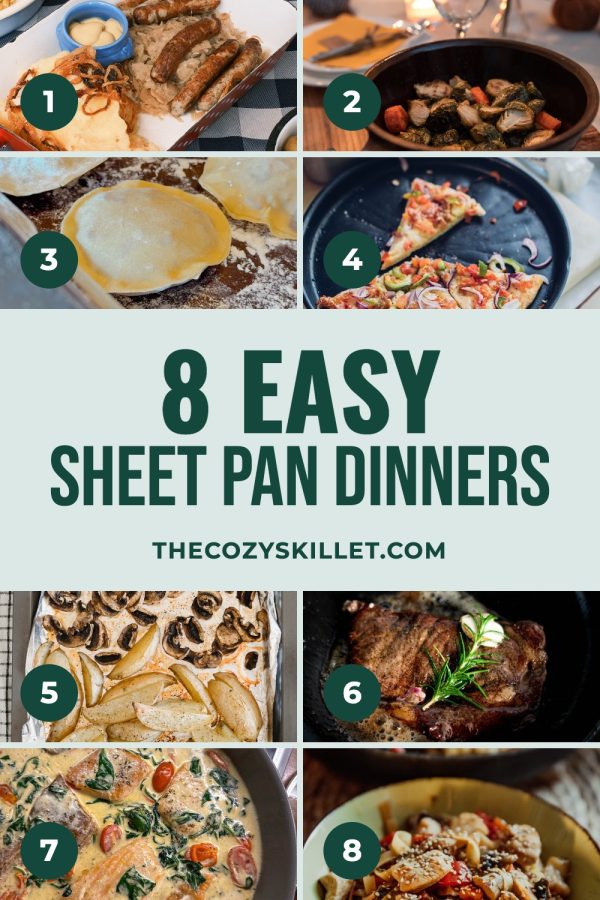
thecozyskillet.com/sheet-pan-dinners
Pinterest template pin example: Easy Sheet Pan Dinners

A product page

Works with Shopify, Etsy and other store pages. Pins link straight to the product.

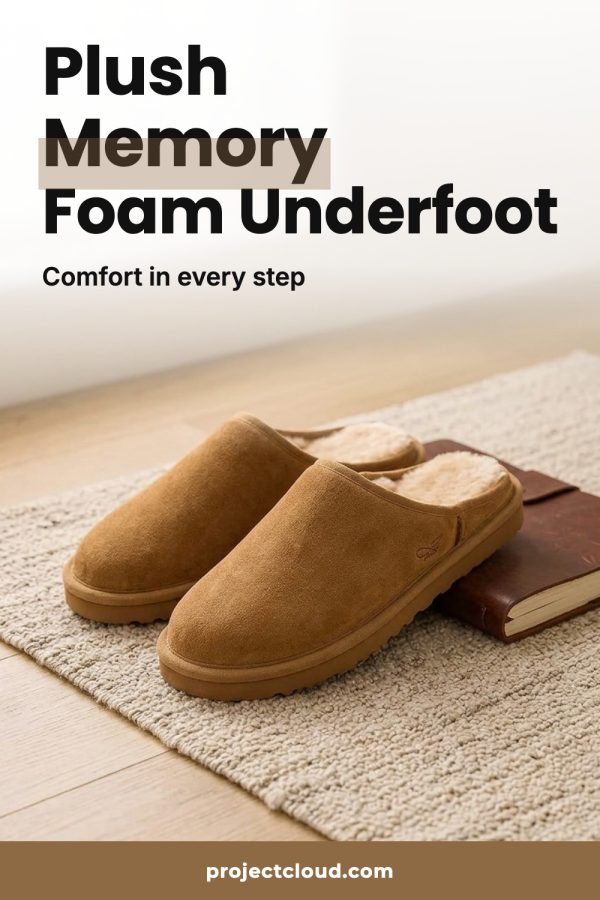
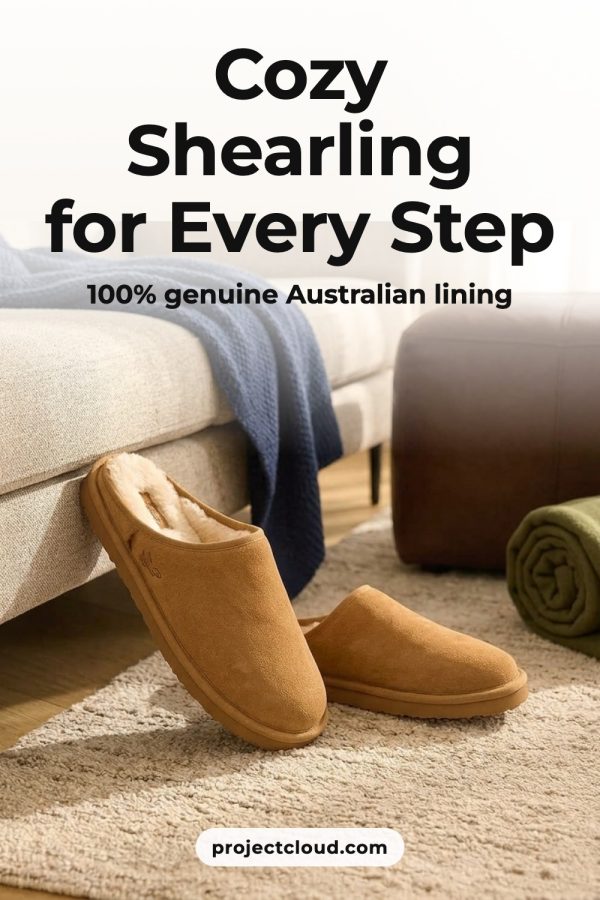
yourstore.com/products/memory-foam-slippers
AI Pinterest pin for a store product: suede slippers with memory foam insoles on a bedroom rug

A keyword

No page yet? Type a topic and get AI pins you can point at any link.

save money on groceries
AI Pinterest pin example: Save Money On Groceries Fast

Every pin comes with its copy

You don't need a separate tab to write pin text. Each pin arrives ready to post.

  • A title and description written from your page or keyword.
  • Alt text that describes the image.
  • Your brand colors and website on the design.
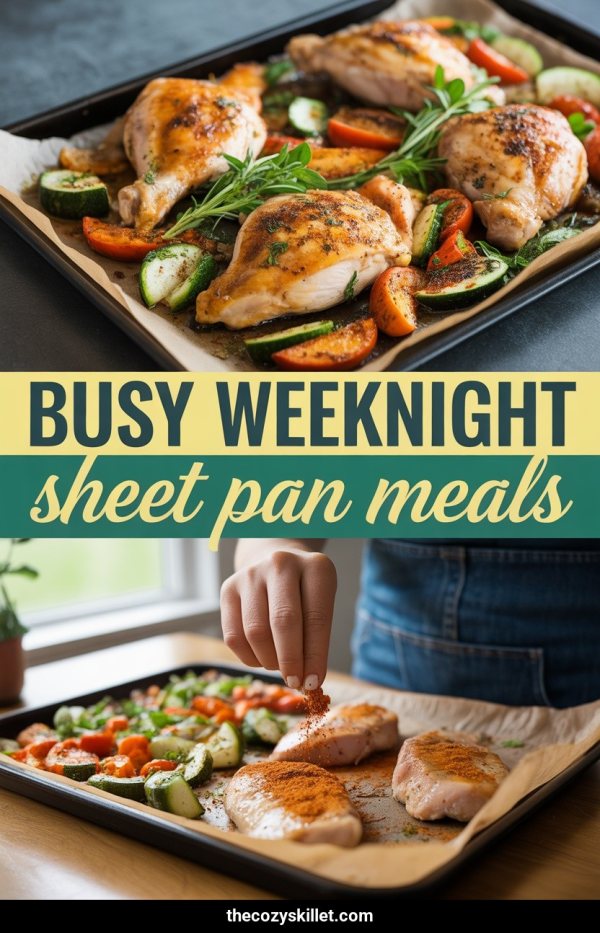
AI Pinterest pin example: Busy Weeknight Sheet Pan Meals
Title
Busy Weeknight Sheet Pan Meals
Description
One pan and very little cleanup. These sheet pan dinners pair chicken with roasted vegetables for easy weeknight meals.
Alt text
Roasted chicken thighs with zucchini and peppers on a sheet pan
Link
thecozyskillet.com/sheet-pan-dinners
Board
Easy Weeknight Dinners

Pins made with Made to Spark

Template pins use your own photos. AI pins create new images for your content.

Template pins

Your own photos in ready-made layouts

Magazine Cover Pinterest template example: a fashion pin titled "Fall Capsule Wardrobe: 15 Pieces, 30 Outfits"
Sticker Script Band Pinterest template example: a breakfast recipe pin titled "Quick & Easy Blueberry Pancakes"
Number Badge Card Pinterest template example: a travel pin titled "7 Must-Visit European Summer Getaways"
Arch Frame Pinterest template example: a home decor pin titled "Cozy Boho Bedroom Ideas: Warm Neutral Style"

AI pins

New images designed for your content

AI Pinterest pin example: Creamy Tuscan Chicken Pasta
AI Pinterest pin example: Best Things To Do In Kyoto
AI Pinterest pin example: Cozy Small Living Room Ideas
AI Pinterest pin example: Save Money On Groceries Fast

See more pin examples

How it works

  1. 1

    Paste a link or keyword

    Add a blog post, a product page or a topic. Choose how many pins you want.

  2. 2

    Pick your favorites

    Get template and AI pins with the copy written. Edit the text or try another design.

  3. 3

    Publish or schedule

    Choose a board and a time. The pin goes out on its own, no exporting or uploading.

Keep pins going out every week

Schedule pins to your boards up to 45 days ahead on paid plans. Have a whole site to pin? Bulk Pins makes pins for many pages and spreads them across the month.

See Bulk Pins
Your next 4 weeks 13 pins scheduled
  1. 1 AI Pinterest pin example: Easy Sheet Pan Dinners
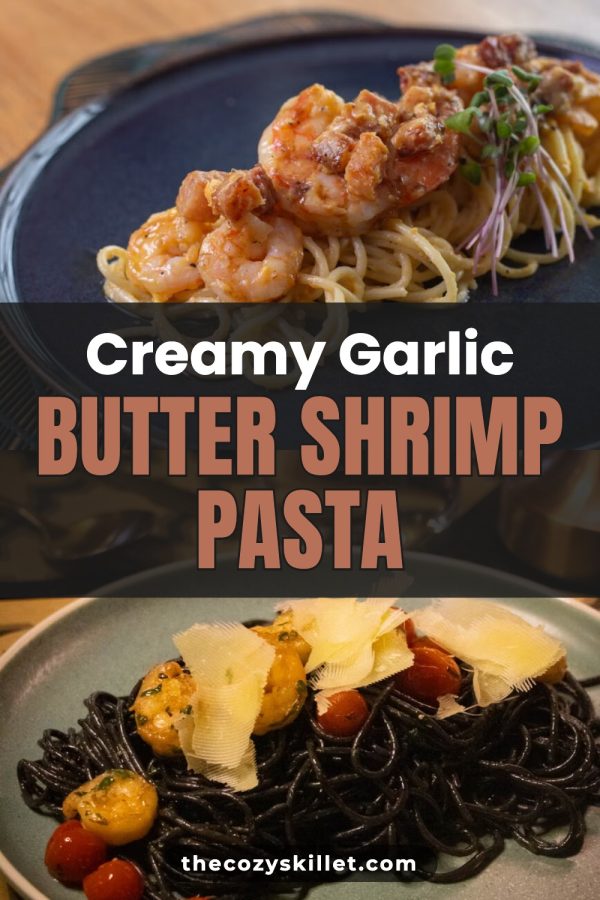
  2. 2 Pinterest template pin example: Creamy Garlic Butter Shrimp Pasta
  3. 3
  4. 4 AI Pinterest pin example: Creamy Tuscan Chicken Pasta
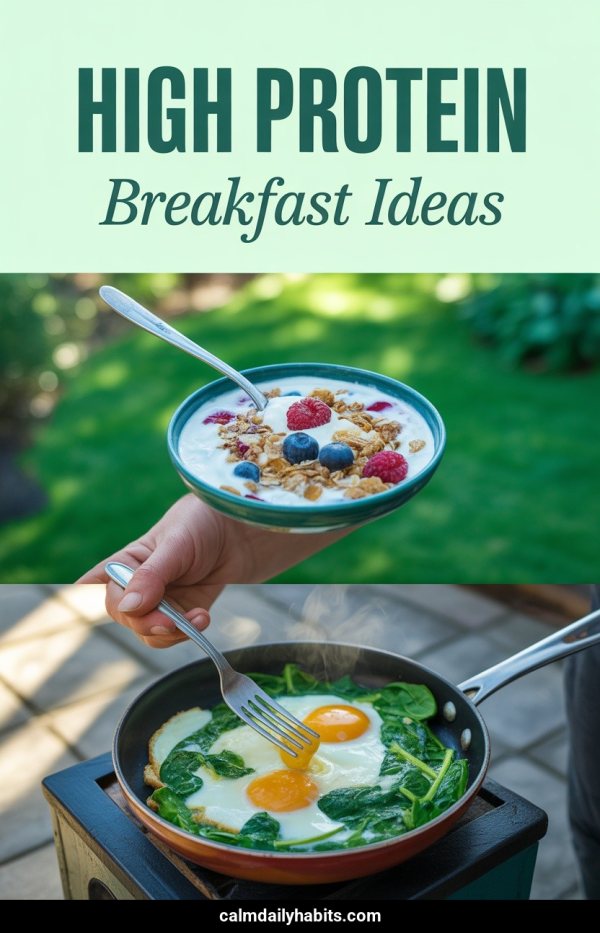
  5. 5 AI Pinterest pin example: High Protein Breakfast Ideas
  6. 6
  7. 7
  8. 8 Pinterest template pin example: Easy Sheet Pan Dinners
  9. 9
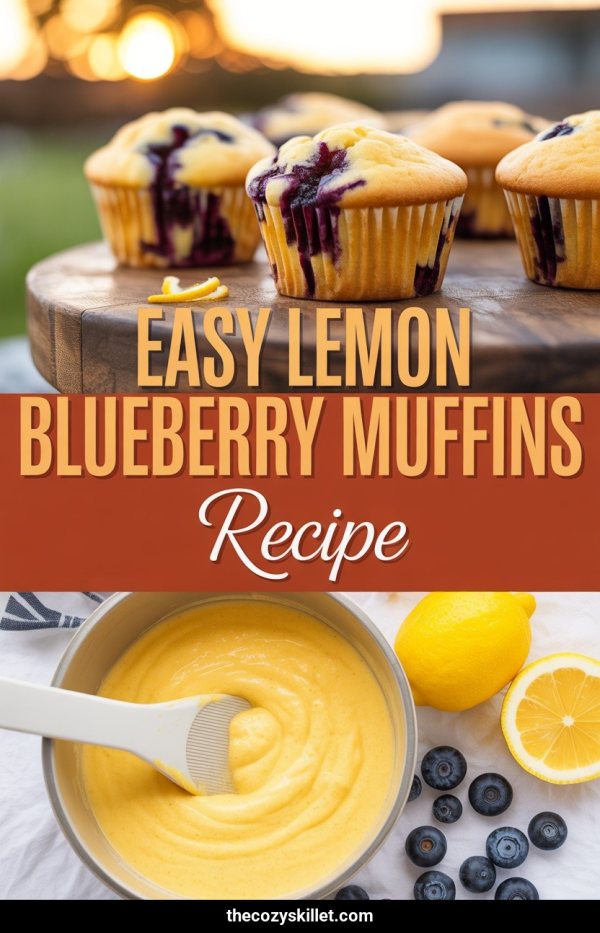
  10. 10 AI Pinterest pin example: Easy Lemon Blueberry Muffins Recipe
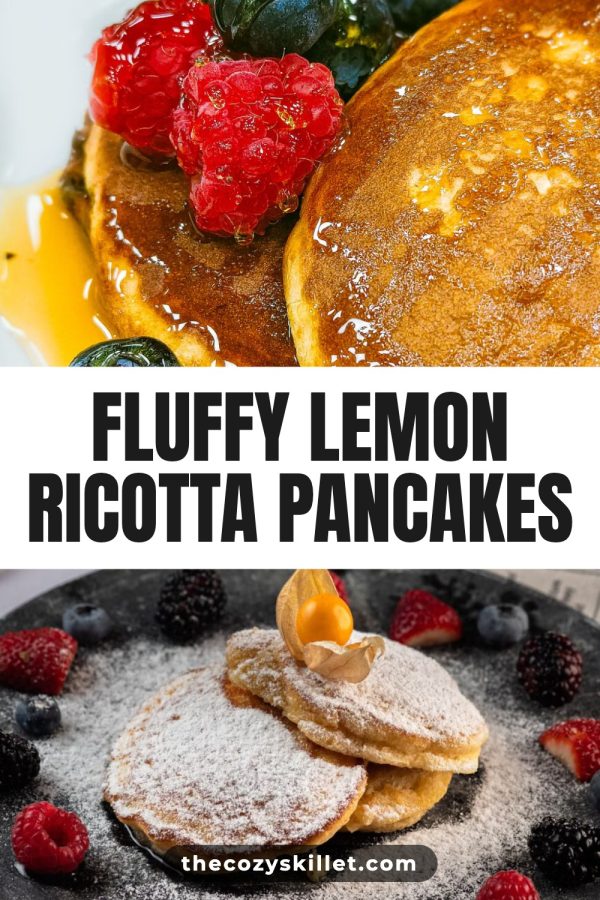
  11. 11 Pinterest template pin example: Fluffy Lemon Ricotta Pancakes
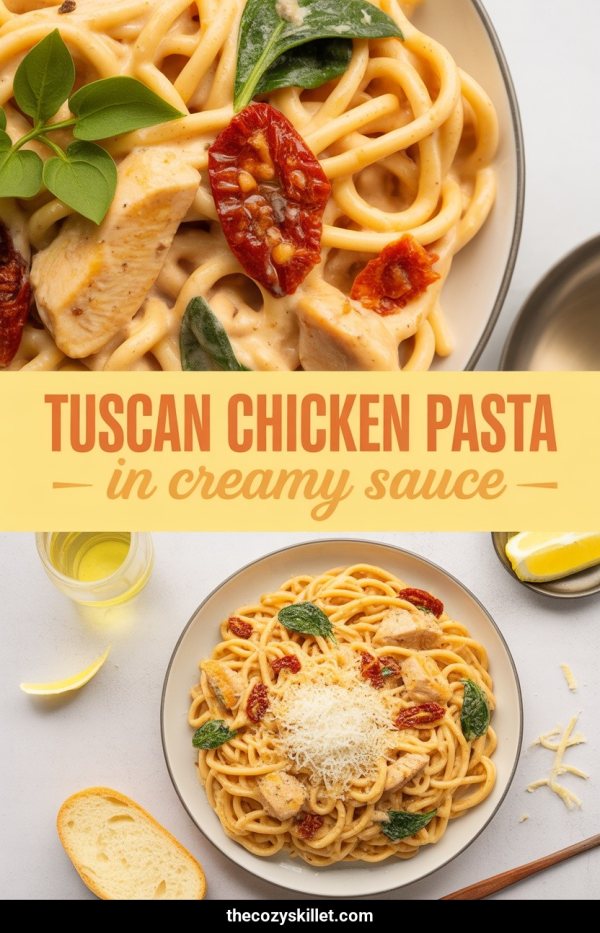
  12. 12 AI Pinterest pin example: Tuscan Chicken Pasta In Creamy Sauce
  13. 13
  14. 14
  15. 15 AI Pinterest pin example: Busy Weeknight Sheet Pan Meals
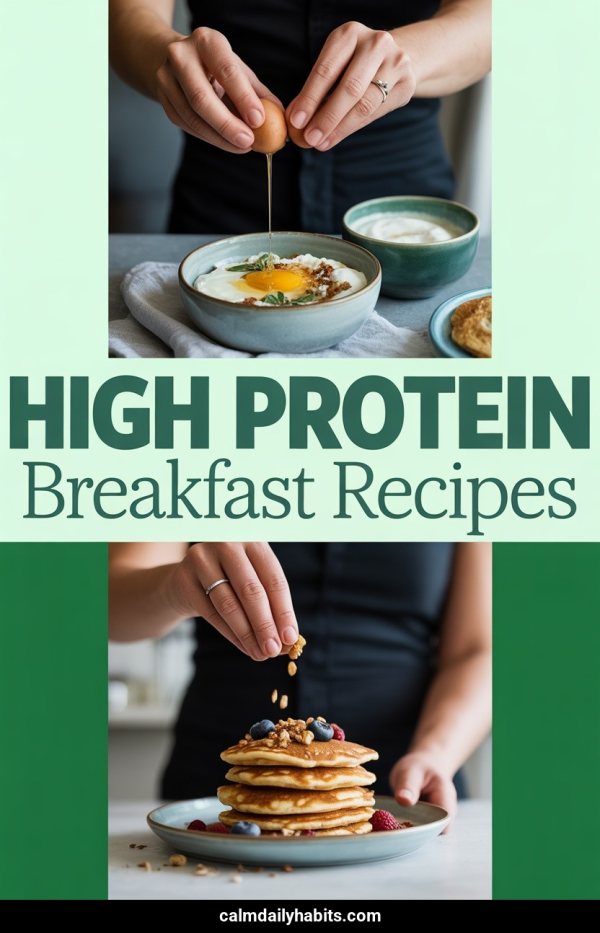
  16. 16 AI Pinterest pin example: High Protein Breakfast Recipes
  17. 17
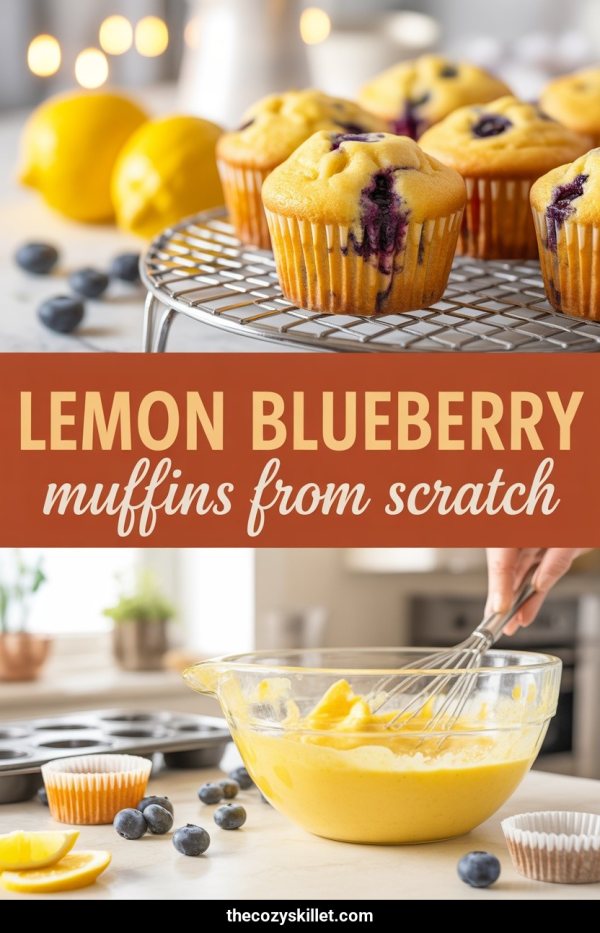
  18. 18 AI Pinterest pin example: Lemon Blueberry Muffins From Scratch
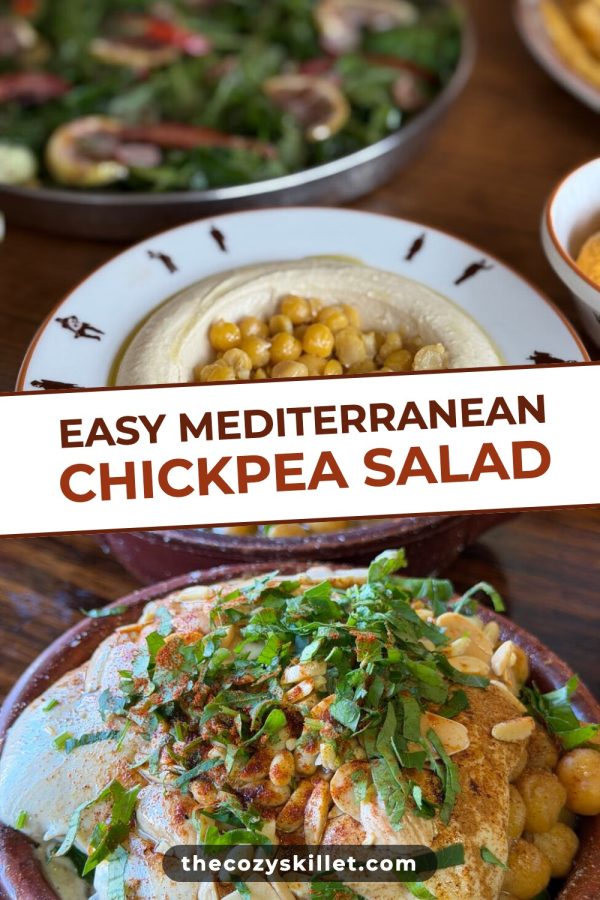
  19. 19 Pinterest template pin example: Easy Mediterranean Chickpea Salad
  20. 20
  21. 21
  22. 22 Pinterest template pin example: 8 Easy Sheet Pan Dinners
  23. 23
  24. 24
  25. 25
  26. 26
  27. 27
  28. 28

Who uses Made to Spark

"I’m working on a fashion blog and was using multiple tools to create pins that didn’t really match the standards I had in mind. Made to Spark came at just the right moment. I had tried a ton of tools to create pins but none match the quality of pins made by Made to Spark. One very impressive thing when using this tool is how quick Paul helps when I need help with an extra feature or get stuck using the tools. His support when using this tool is second to none."
Daisy K Daisy K Fashion blogger

Questions about the pin generator

How does the AI Pinterest pin generator work?

Paste a link to a blog post or product page, or type a keyword. Made to Spark makes several pins at once, each with a title, description and alt text, using your brand colors and website. Edit anything you like, then publish or schedule the pins to your boards.

Can I make pins from a keyword or a URL?

Both. A link uses the page's photos and content and sets the page as the pin's destination. A keyword creates AI pins for a topic, even before you've written the post. Paste an Etsy shop link to pick listings from the shop.

What is the difference between template pins and AI pins?

Template pins place your page's photos in Canva-style layouts and don't use AI credits. AI pins create brand-new images, which helps when a page doesn't have strong photos.

Can I schedule pins directly to Pinterest?

Yes. Connect your Pinterest account, choose a board and a time, and the pin publishes on its own. Paid plans can schedule up to 45 days ahead. To pin many pages at once, use Bulk Pins.

How much does it cost?

Plans include monthly AI credits, template pins and the Pin Scheduler. You can also buy credit packs without a subscription. Current prices are on the pricing page.

How is this different from Canva?

Canva is a general design tool: you pick a template, add photos and write the text yourself, then write the pin description somewhere else. Made to Spark starts from your page or keyword and gives you finished pins with the copy written, ready to schedule.

Which niches does it work for?

Any niche where people look for ideas on Pinterest, like food, home decor, travel, fashion, beauty, fitness, parenting, personal finance, crafts and online stores. Our Pinterest guides show example pins for each.

Can I use it for affiliate posts?

Yes. Paste your roundup or review post, or type a keyword like "best travel gadgets". The pins link to your post, so readers land on your content first.

Make your next pins in one go

Paste a link or type a keyword and get branded pins with the copy written, ready to publish or schedule.

Make my first pins

7-day trial · No credit card required. See pricing