Pinterest strategy · 6 steps · about 6 minutes to read
Pinterest affiliate marketing: a simple step-by-step guide
Affiliate marketing means you share a product with your own link, and you earn a small part of the sale when someone buys. Pinterest is a good place for it: people come there to find things to buy.
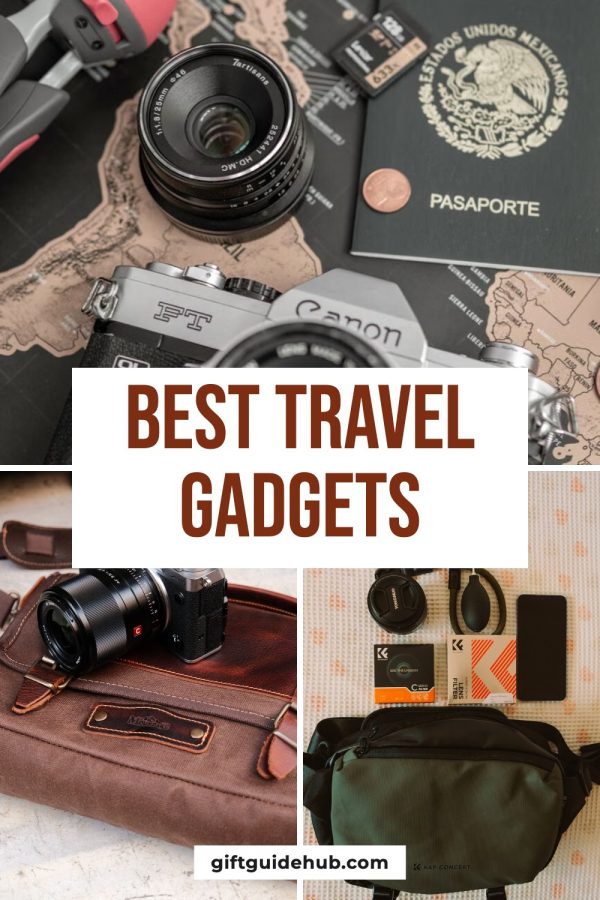
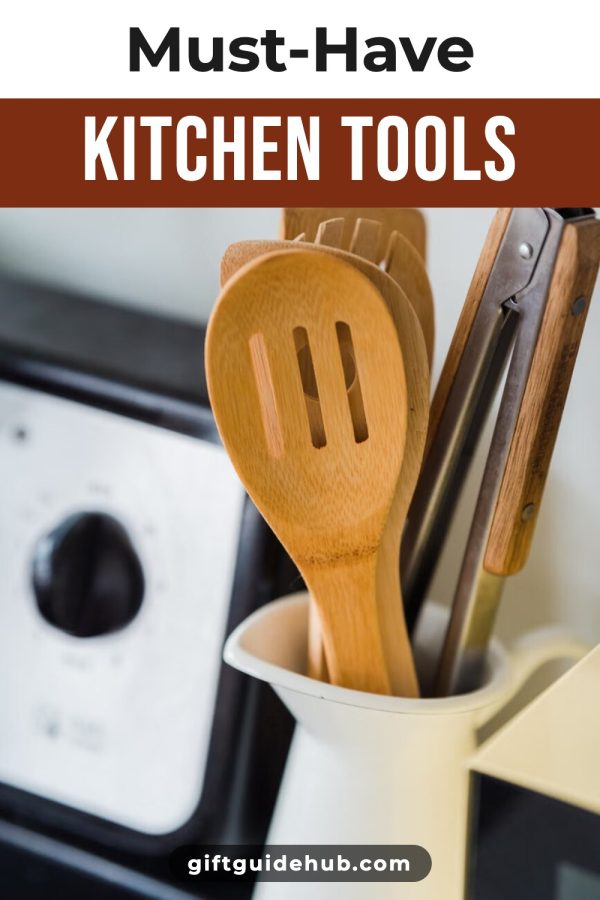
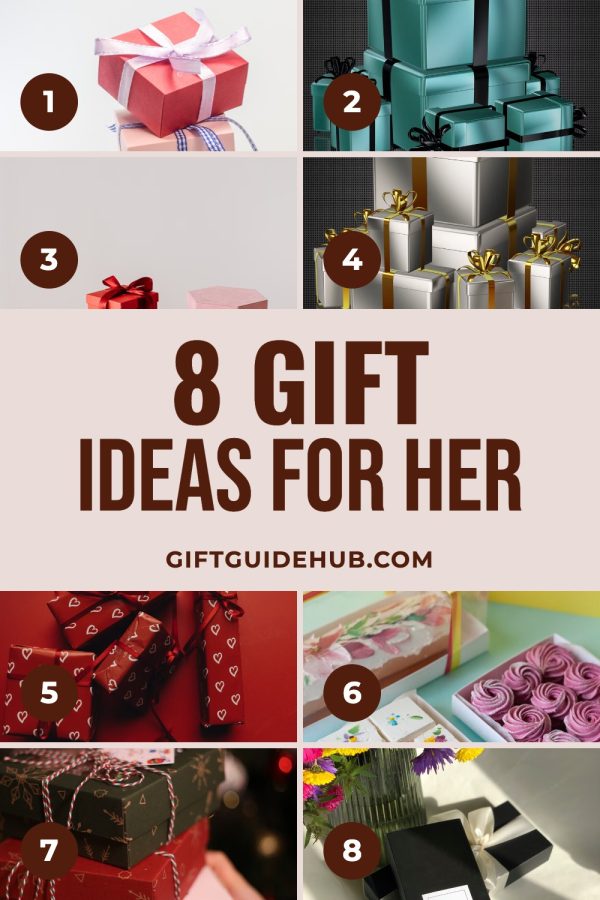
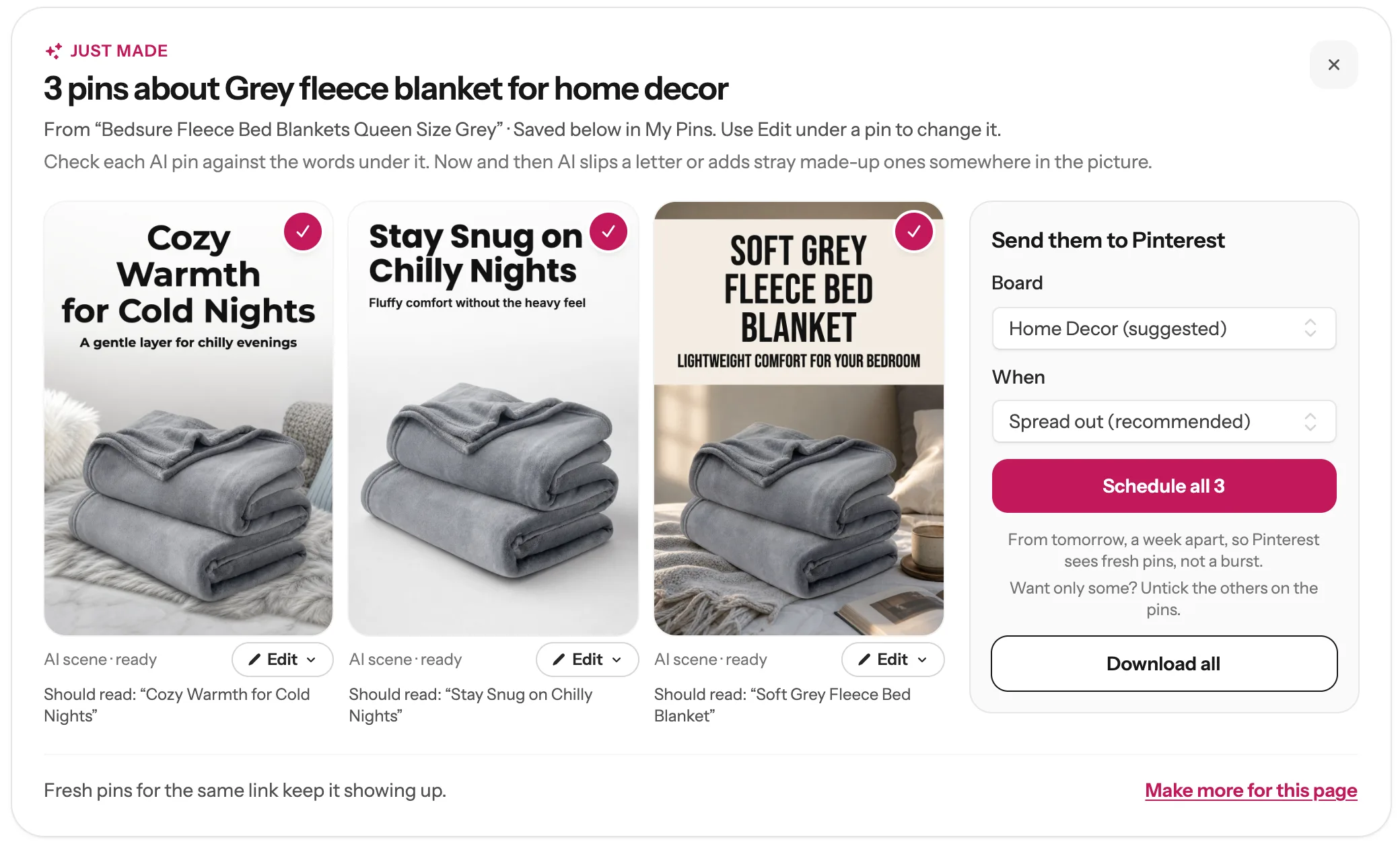
By the end of this guide you’ll have your first affiliate pins on your calendar, made like these:
Allowed?
Yes. Pinterest allows affiliate links. Mark them with #ad.
Need a website?
Not for Pinterest. Some programs, like Amazon.com, want one.
When do sales come?
Saves come first. Clicks usually pick up in months 2 and 3.
Before you start
A Pinterest account. A business account is best: it shows which pins get clicks.
A Made to Spark account to make the pins. To schedule them, a plan or the 7-day trial, and Pinterest connected once.
1
Pick a niche people shop for on Pinterest
People come to Pinterest to plan: a new kitchen, a wedding, a gift. That’s why things you can see sell best. Pick one topic you like, so all your pins and boards are about the same thing. Pinterest then knows who to show them to.
Tip: One test: would someone search Pinterest for it before buying? “Cozy fall candles”, yes. “Phone charger cable”, no. The first kind sells here.
Home decor
Kitchen & recipes
Fashion
Beauty
Baby & kids
Gifts
Weddings
Crafts & DIY
Garden
Travel gear
Fitness
Printables & planners
2
Join an affiliate program that allows Pinterest
Pinterest doesn’t pay you for sales itself. You join a store’s affiliate program, get your own links, and earn a small share of each sale. These programs work well on Pinterest:
Amazon Associates
Almost anything
Amazon.com wants your own website. Pins link to a post on it.
Pin tips →
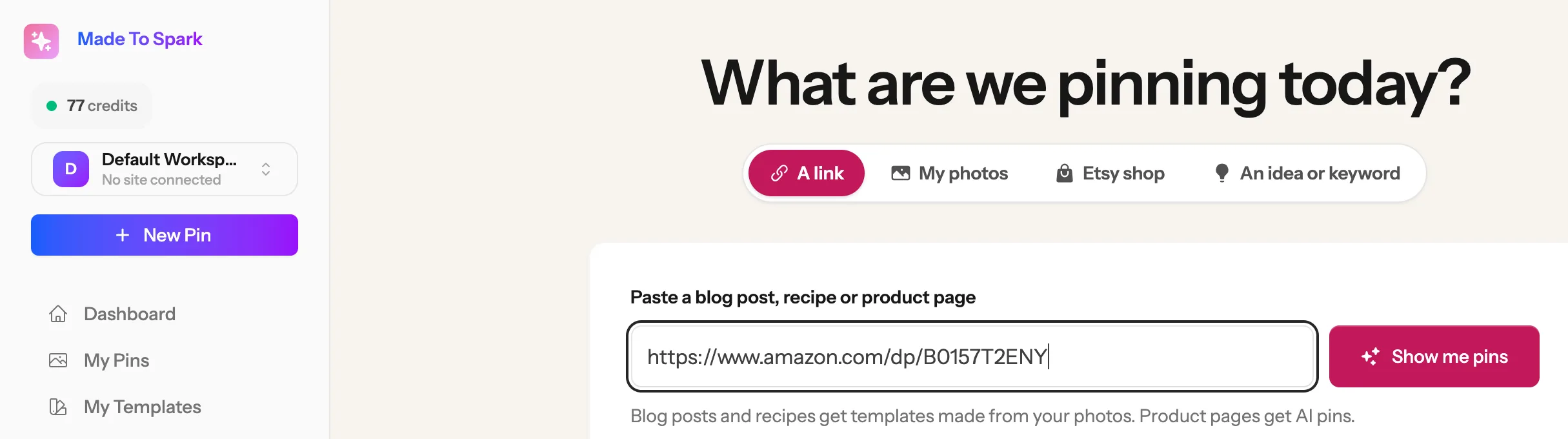
From here on we follow one product all the way through: a grey fleece blanket from Amazon. In Made to Spark, paste the product link and get finished pins with the headline, title and description written for you.
1Click New Pin on the left.
2Paste the product link, or the link to your blog post, and click Show me pins.
3Pick the designs you like and click Make. Your pins are ready in about a minute.
122
One Amazon link, three different pins
Tip: Amazon link? The first time, Made to Spark asks for your affiliate ID (it looks like yourname-20). Save it once and every Amazon pin links with it, even when you paste a plain Amazon link.
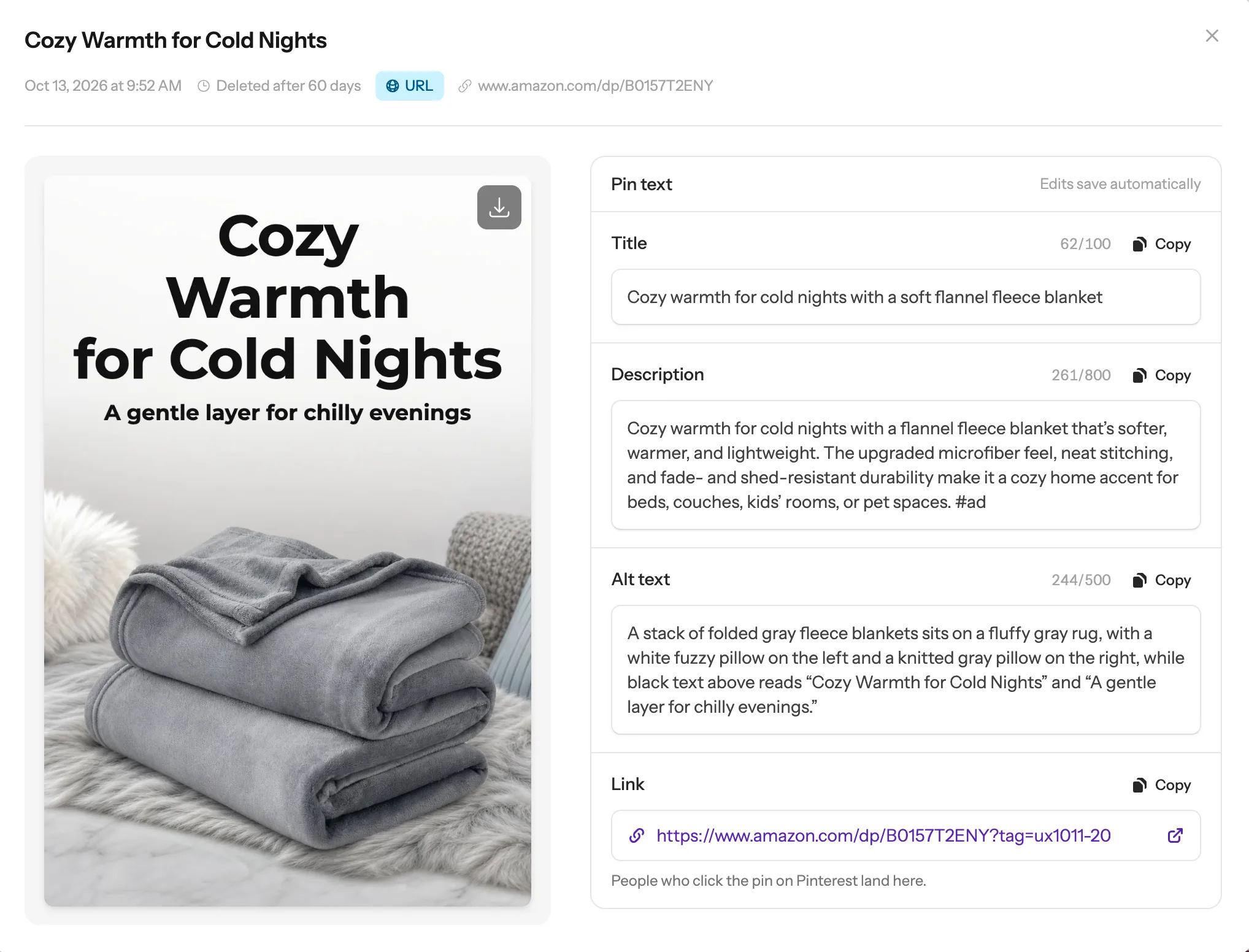
People must be able to see that a link earns you money. On Pinterest, “#ad” in the description is enough. When a pin links to Amazon with your ID, Made to Spark adds the #ad for you. For other links, add it yourself. It takes 10 seconds to check a pin:
1Open My Pins and click the pin.
2Look for #ad in the Description (1). Not there? Click in the box and type it. Edits save by themselves.
3Check the Link (2). It should go straight to the product or your post, with your ID in it.
12
Tip: Use the link your program gives you. Link shorteners like bit.ly hide where a link goes, and Pinterest can remove those pins.
What a good description looks like
From the blanket pin above. New pins put #ad first, like here: then what it is, who it’s for and one reason to want it.
#ad Cozy warmth for cold nights with a flannel fleece blanket that’s softer, warmer, and lightweight. The upgraded microfiber feel, neat stitching, and fade- and shed-resistant durability make it a cozy home accent for beds, couches, kids’ rooms, or pet spaces.
Writing your own? Use the same shape: #ad + what it is + who it’s for + one true reason. No prices: they change, and Amazon doesn’t allow them on pins.
6
Pin a few every day, then do more of what sells
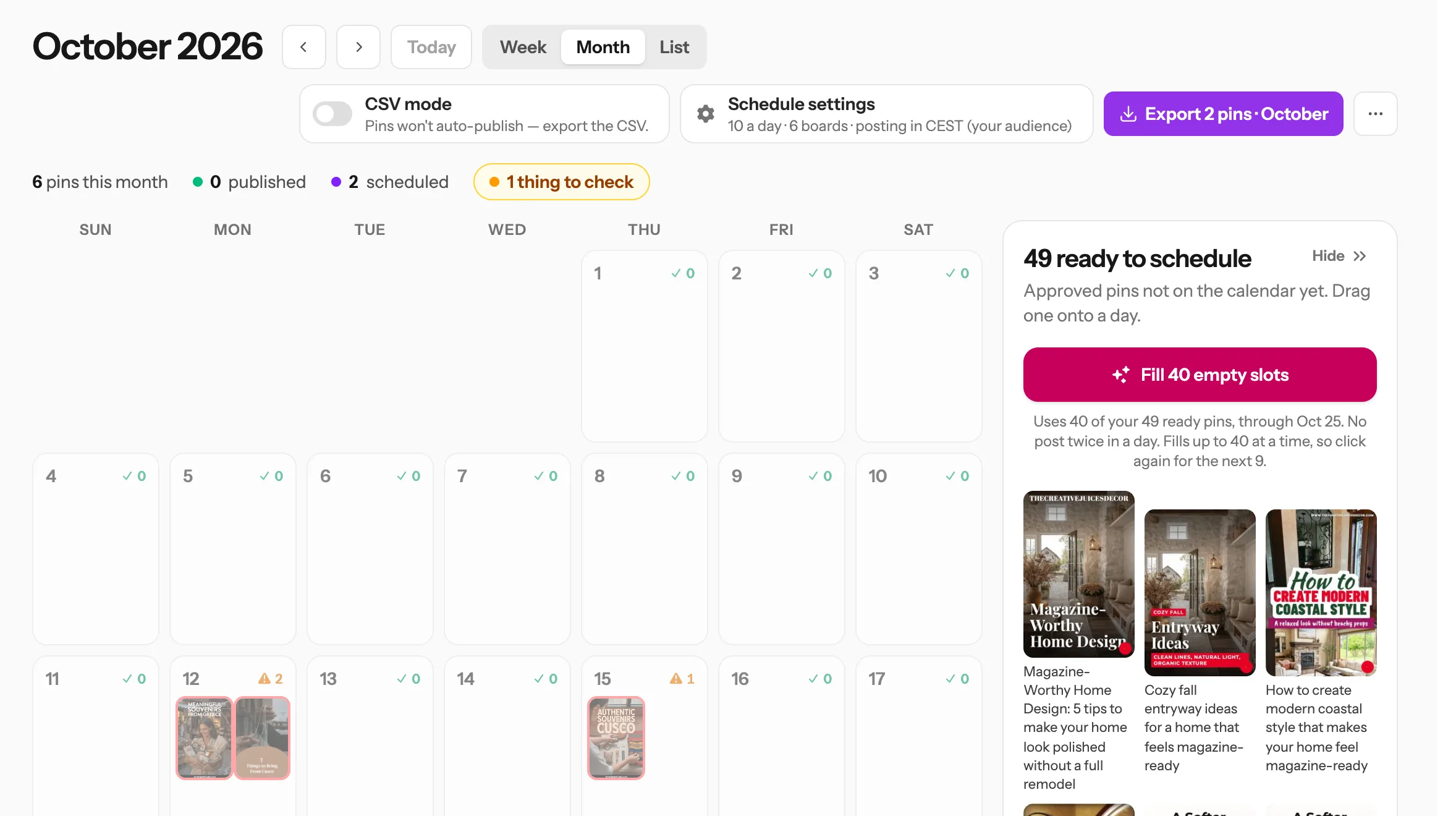
Pinterest rewards showing up every day more than posting a lot at once. Start with 1–2 pins a day and build up to 5. Make 3–4 different pins for each product, a week apart. The Pin Scheduler spaces them out for you.
Puts ready pins on empty days
Tip: After a month, check which products your program says got clicks and sales. Make fresh pins for those first.
Day 1Switch your Pinterest account to a business account. Make 3 boards about your niche, like Cozy bedroom, Gift ideas, Fall home.
Day 2Join your program and pick 5 products you’d tell a friend about.
Day 3Make 3 pins for each product in Made to Spark. That’s 15 pins.
Days 4–7Schedule them, 1–2 a day. Every pin has #ad and the right link. Then leave them alone: pins take weeks to get going.
Skip these
Pins with no #ad.
Link shorteners and redirect pages that hide where a link goes.
Prices on the pin. They change, and Amazon doesn’t allow them.
The same picture pinned again and again. Make a new design instead.
Giving up before month 3.
This is general guidance, not legal advice. Each program has its own rules, so read yours before you pin.
Questions
Does Pinterest allow affiliate links?
Yes. Pinterest allows affiliate links on pins. Add #ad to the description, link straight to the product or your post, and don’t hide the link behind a shortener.
Does Pinterest have an affiliate program?
No. Pinterest doesn’t pay you for sales. You join a store’s affiliate program, like Amazon Associates, LTK or ShopMy, then share its links on your pins.
Can I do Pinterest affiliate marketing without a website or blog?
Yes, with programs that let you share links on social media, like LTK or ShopMy. Your pin links straight to the product. Amazon.com is different: it wants your own website, so your pins link to a post on it.
Can I put Amazon affiliate links on Pinterest?
Pinterest allows them, but Amazon.com wants your links to appear on a site you listed in your Associates account, and it doesn’t accept a Pinterest profile as that site. The safe way: pin to a post on your website that has your Amazon links inside. Our Pinterest for Amazon affiliates page shows how to set up your account.
Do I need a Pinterest business account?
It’s not required, but it helps. A business account shows your pin stats, so you can see what gets clicks. Switching takes a minute in your Pinterest settings, and you keep your pins and followers.
Do I need lots of followers?
No. Most people find pins by searching, like on Google. A new account with good pins can get clicks without many followers.
How long does it take to make money?
Usually a few months. Views and saves come in month 1, clicks pick up in months 2 and 3, and sales follow the clicks. A pin can keep sending people for months after you post it.
How much can you make?
It depends on clicks, how many people buy, and your commission. A made-up example: 1,000 clicks a month, 3 in every 100 people buy a $40 item, and you get 4%. That’s about $48. More pins and better products raise all three numbers.
What are the best niches for Pinterest affiliate marketing?
Things people plan and shop for with pictures: home decor, kitchen, fashion, beauty, baby and kids, gifts, weddings, crafts, garden and travel gear. Pick one you like and stick to it.
Stuck on a step? Just reply to any email from us, or use the chat button at the bottom right.