Step-by-step guide · 6 steps · about 3 minutes
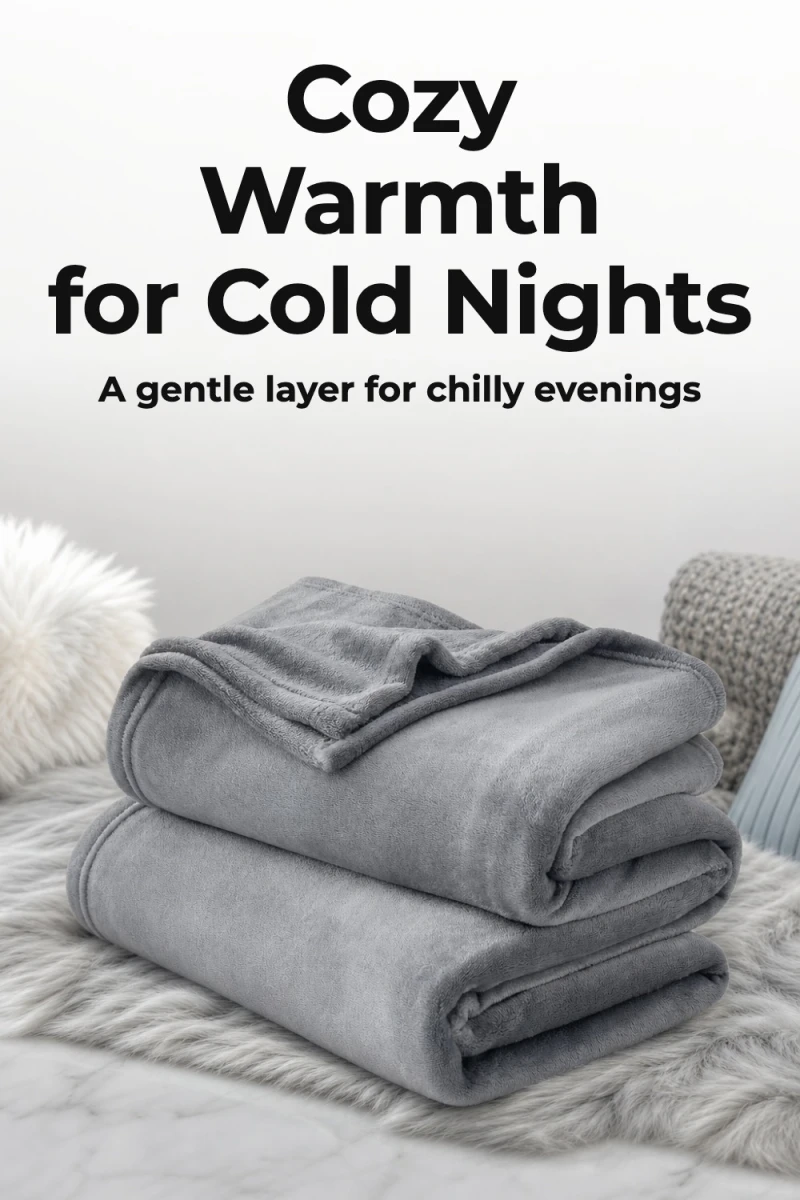
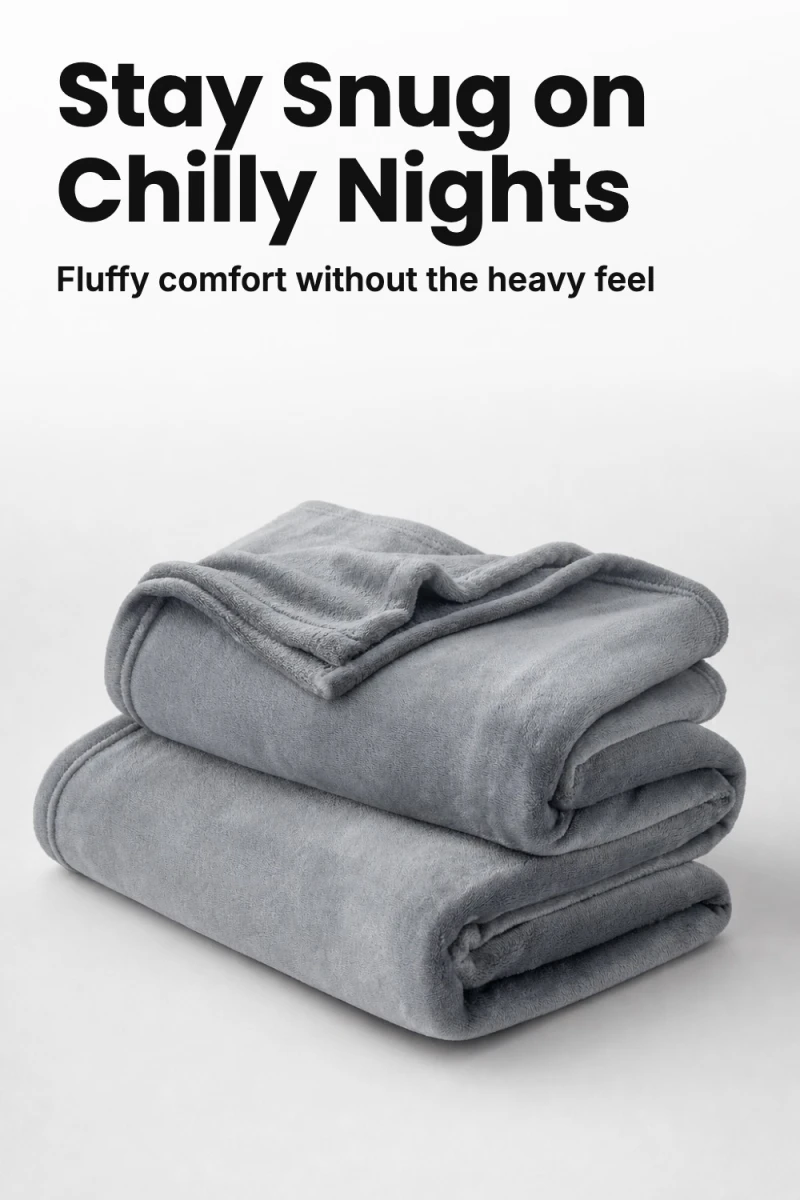
Paste one Amazon link. Get finished Pinterest pins that show your product in fresh new photos, with your affiliate tag on them. Here's the whole thing, click by click, with a real blanket from Amazon.
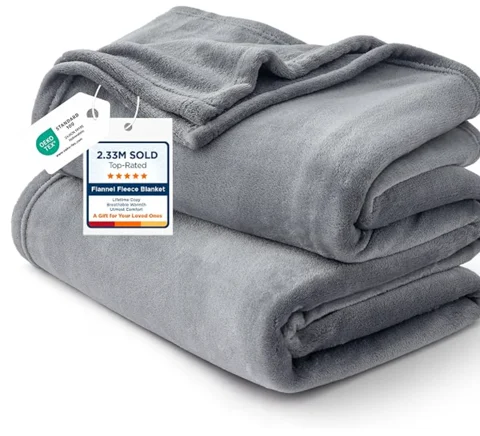
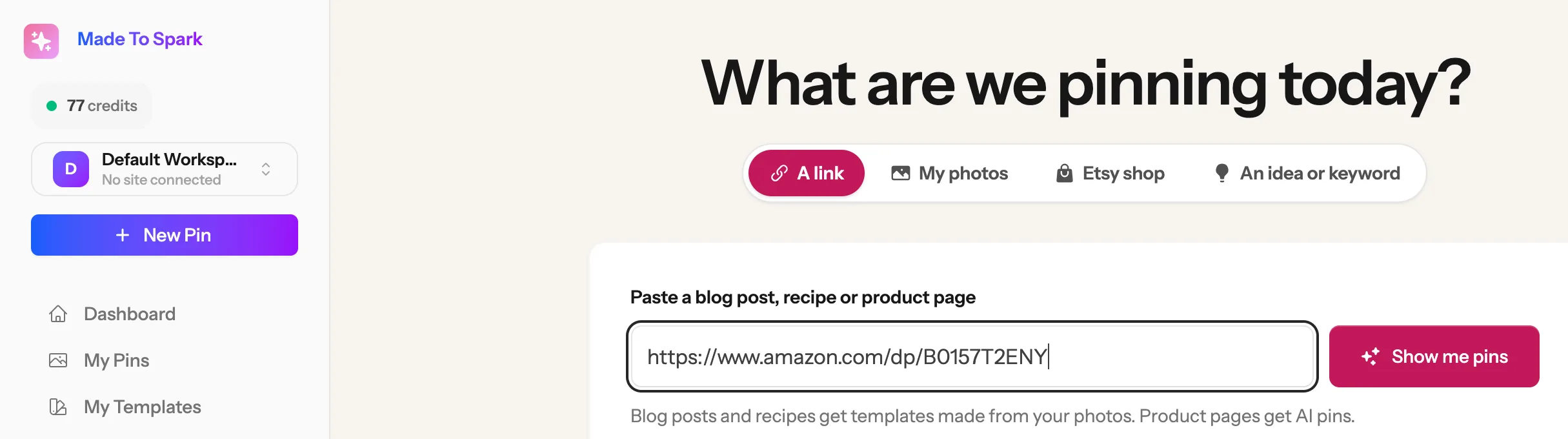
Open the product on Amazon and copy the link from the top of your browser. Short links (amzn.to) and SiteStripe links work too.
Once you are signed in to Made to Spark:
1
2
3
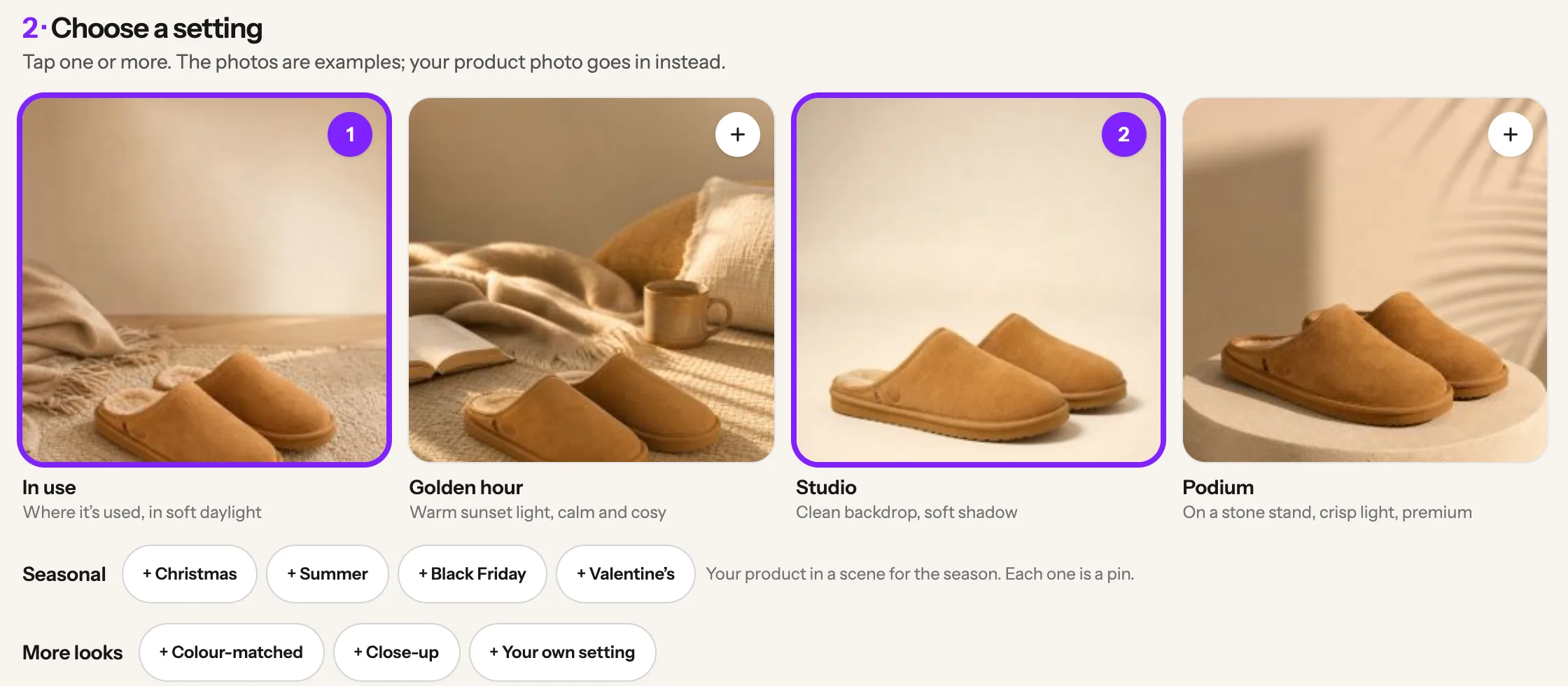
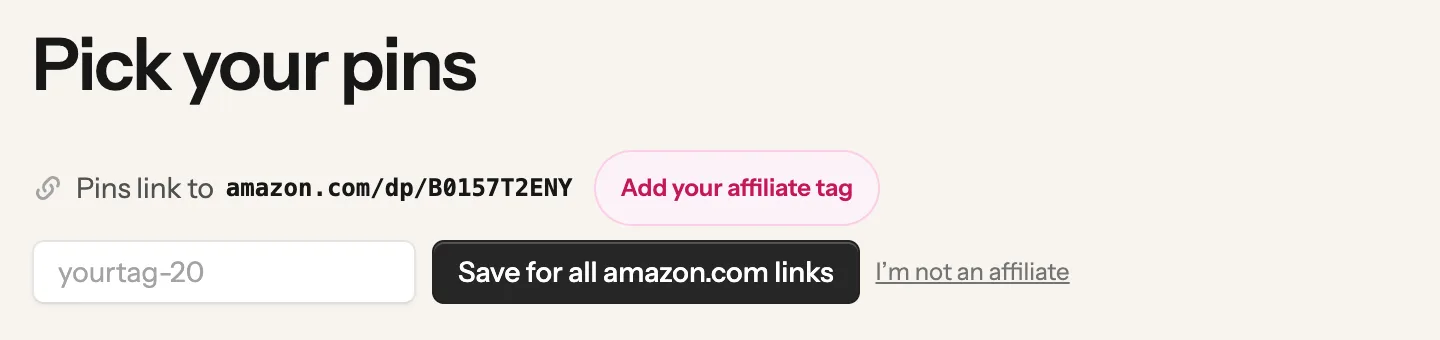
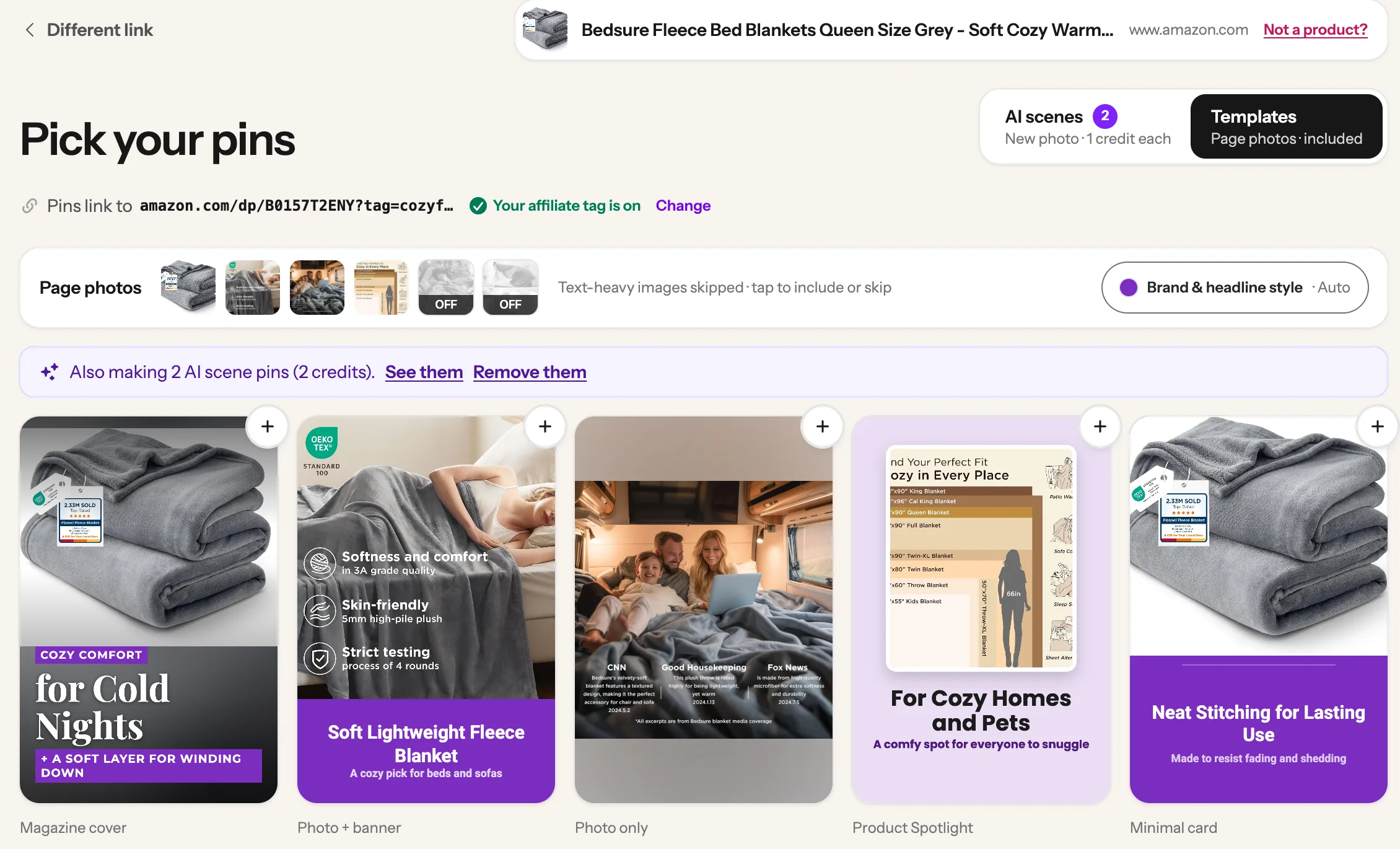
Amazon affiliate? Add your tag first: see the tip at the end of this step. Then, under 1 · Choose your product photo, Made to Spark has already picked the clearest photo. To use a different one, tap another photo.
Tap + to add
1
2
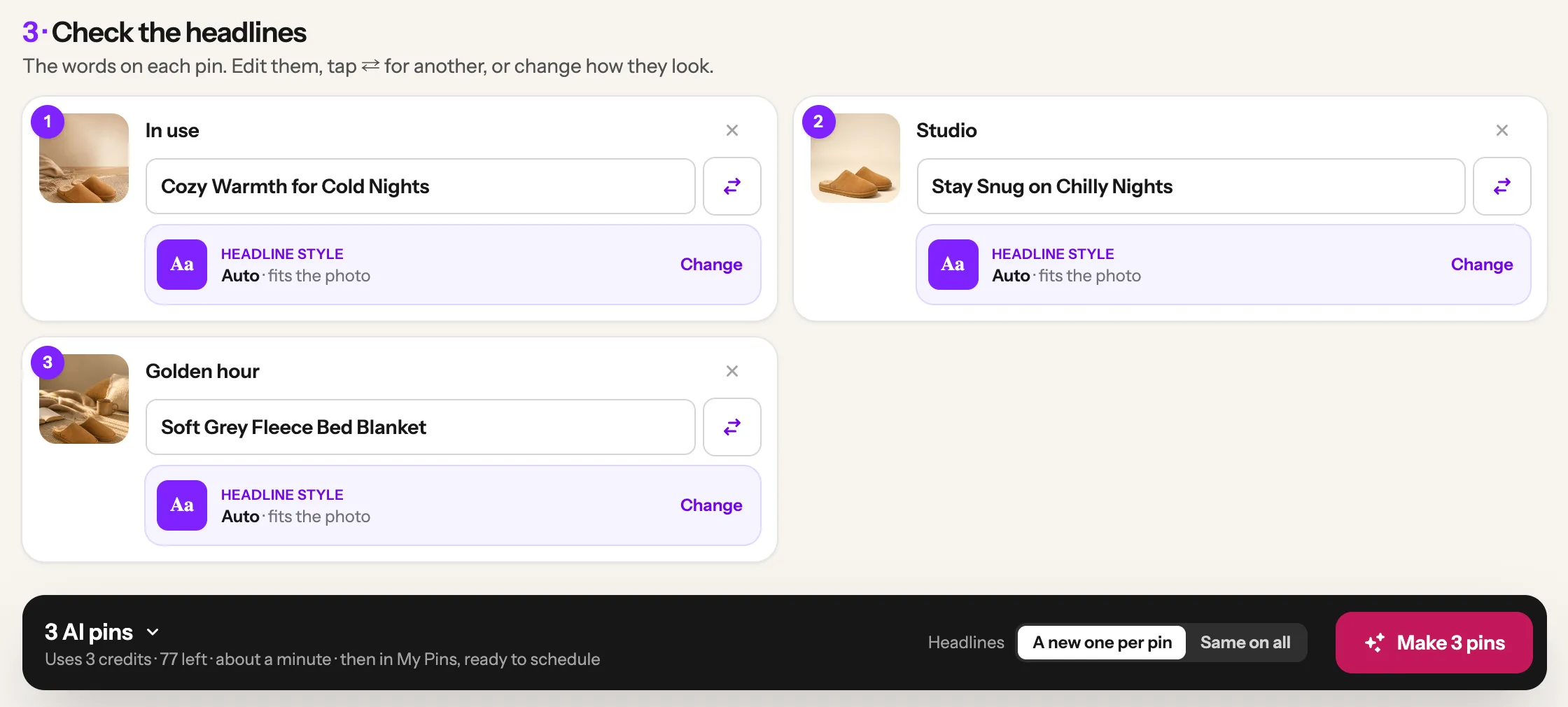
Each pin gets a short headline. Click one to change the words, or tap the ⇄ button next to it for a new one. Or leave them as they are. The small pictures next to each headline are the example settings, not your pin. Then click the Make button at the bottom. It shows how many pins you picked, like Make 3 pins, and what it uses: one credit per pin, so 3 pins use 3 credits.
Change words (optional)
Click Make
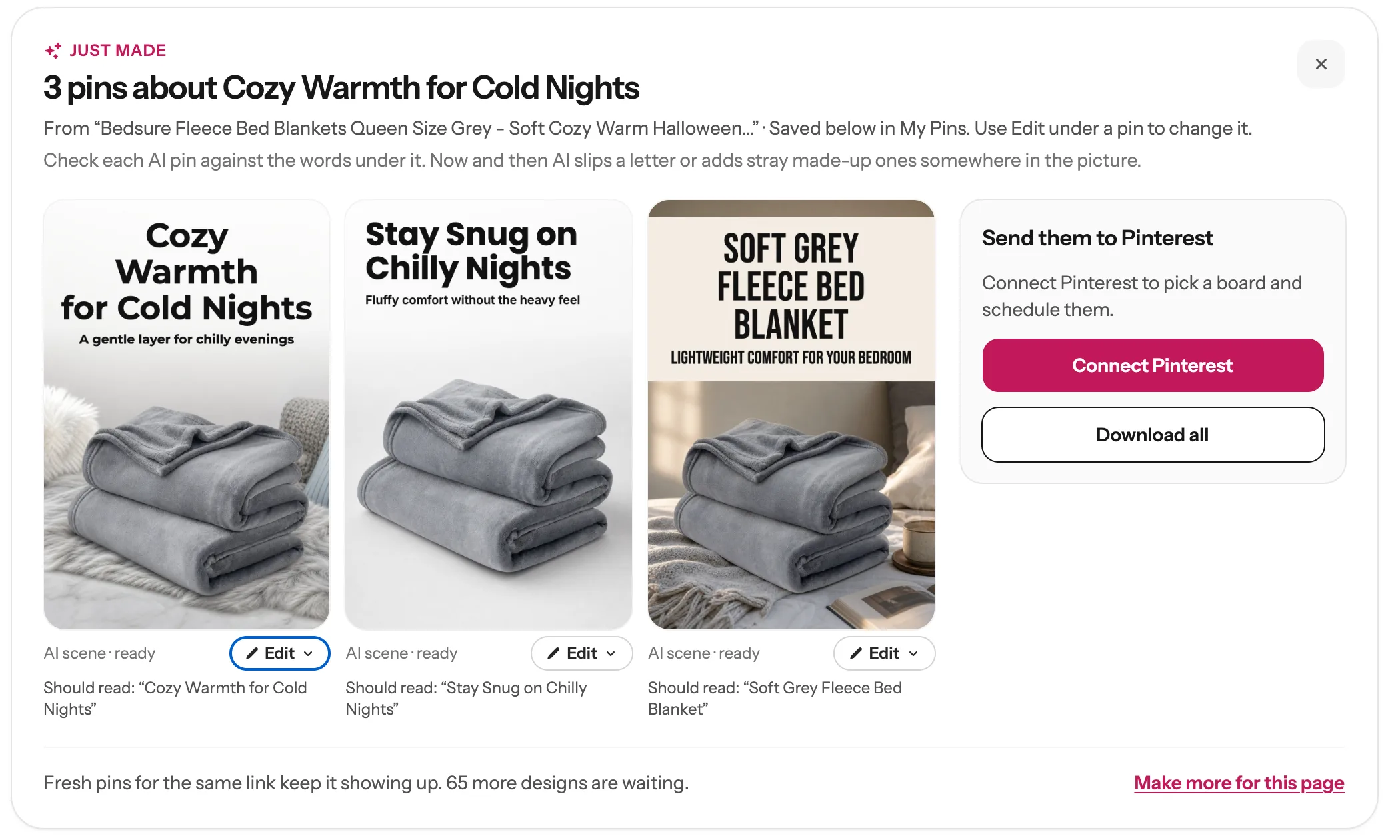
You land on My Pins and watch them being drawn. You can leave the page; they keep going. Give each pin a quick look. If a word looks wrong, click Edit under that pin, then Edit headline (no credit).
✎
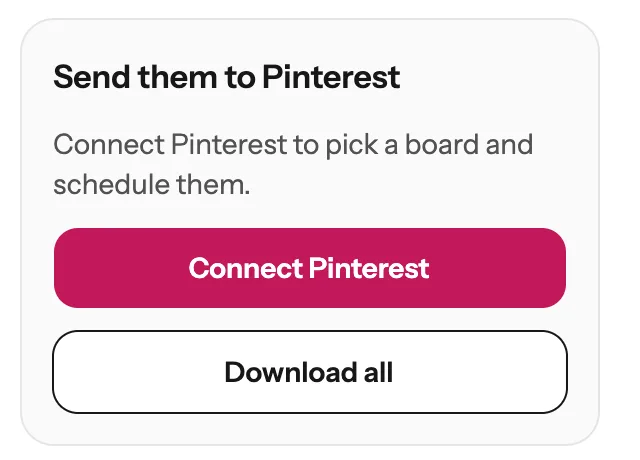
On the right of your new pins:
1
2
3
4
5
One Amazon link, three settings, three pins ready for Pinterest.
At the top of the pick screen, click the Templates tab. You get ready-made pin designs that use the photos from the Amazon page, with no new picture drawn. The tab shows what each one costs on your plan. AI settings you already picked still get made, and a note says so. Only want templates? Click Remove them in that note.
Templates tab
Only want templates?
Next guide
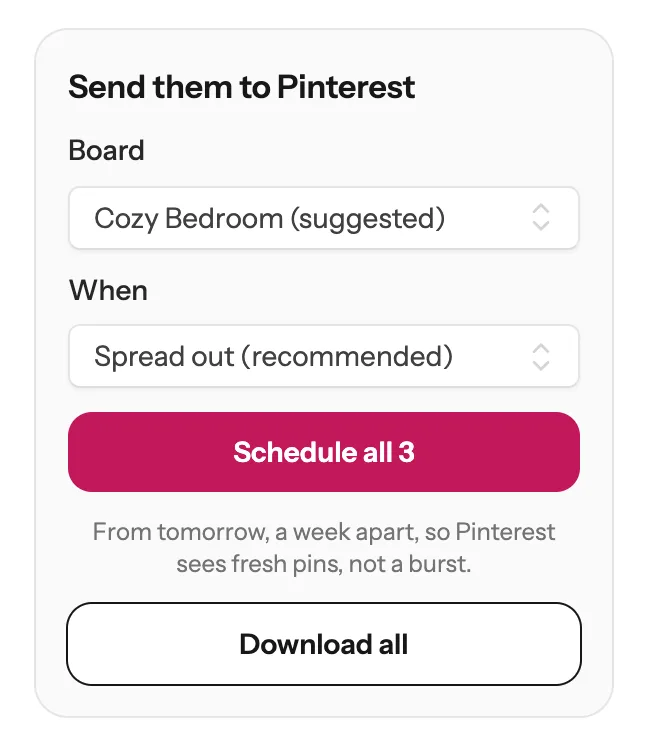
Schedule your pins, and post them to more than one board
From My Pins, or fill your whole Pinterest calendar in one click.
Each AI scene pin uses 1 credit, so 3 settings use 3 credits. The page shows the total next to the Make button before you click it. Fixing a word with Edit headline does not use a credit.
Yes. Once you save your tag, every pin made from an amazon.com link carries it. Each Amazon store has its own tag, so save one for every store you promote. If you paste a link that already has your tag in it, that tag is kept.
Yes. Paste the short link and Made to Spark follows it to the product page, reads the product and keeps your tag on the pin.
If a pin does not work, its spot says what happened, and nothing is charged for it. Often you see a Try again button: click it once. If you pick more pins than you have credits for, the Make button changes into a button to get more credits, so nothing starts half done.
They are saved in My Pins, where you can schedule, download or edit them for 60 days.
Stuck on a step? Just reply to any email from us, or use the chat button at the bottom right.