Before you start
- A Pinterest business account, so you can see your analytics. You can switch in your Pinterest settings.
- A few weeks of pins to look at. Brand new? Start with the 3-month plan, then come back.
-
1
Know your 3 numbers: views, saves and clicks
Pinterest shows you lots of numbers. Only three matter here, and each one means something different.
Views
On Pinterest: “Impressions”
Your pin showed up on someone’s screen. They may have scrolled right past.
Saves
On Pinterest: “Saves”
Someone kept your pin on a board. Pinterest takes that as “this is good” and shows it to more people.
Clicks
On Pinterest: “Outbound clicks”
Someone left Pinterest to visit your site or shop. This is the one that brings readers and sales.
Careful: “Pin clicks” on Pinterest only means someone opened your pin bigger. They didn’t visit you. Look at Outbound clicks. -
2
See what each kind of pin brings
Here are 9 kinds of pins on one Pinterest account, with what each one usually brings. The easy rule: if the pin shows everything, people save it. If it shows part and promises the rest, people click.
CCosy Corner
An example Pinterest account · 9 pins

Just a photo
Gets saved- Saves
- Lots
- Clicks
- Few
Pretty, so people keep it. But nothing on it says there’s more to see, so few people visit.
Based on: what Pinterest marketers often report
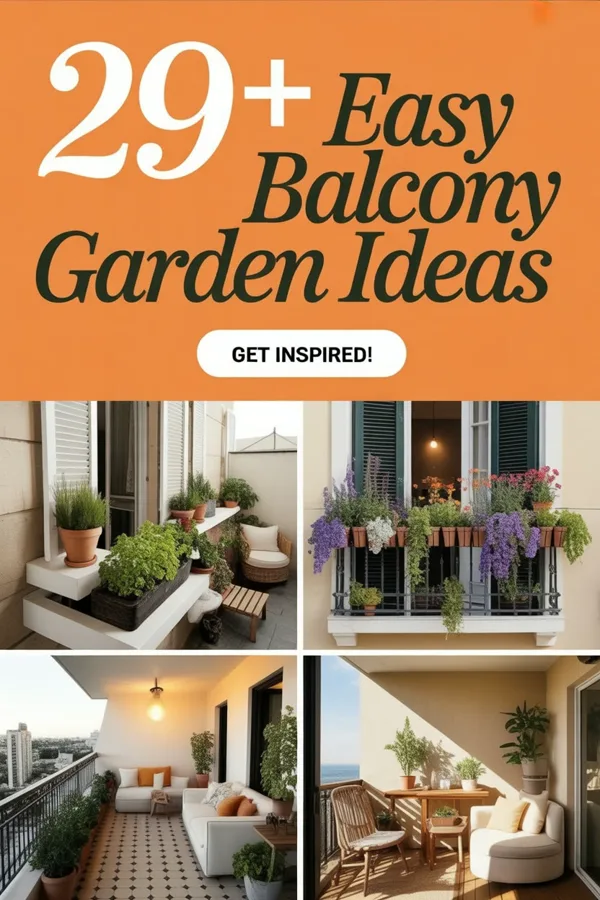
A number list
Gets clicks- Saves
- Some
- Clicks
- Lots
It shows 4 of 29 ideas. People save it, and click to see the other 25.
Based on: what Pinterest marketers often report
Make it: New Pin, Templates tab, pick a numbered or photo grid design
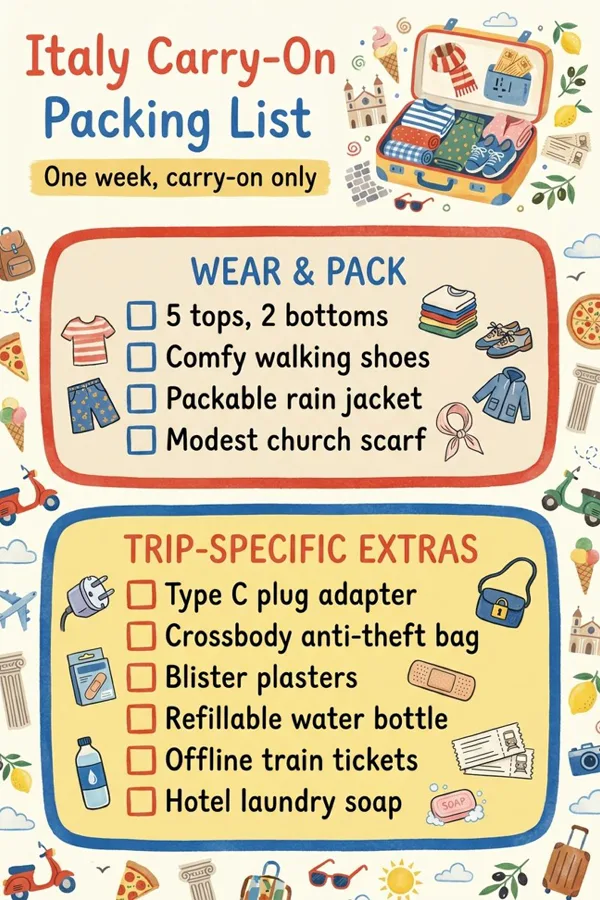
A checklist infographic
Gets saved- Saves
- Lots
- Clicks
- Few
The whole list is on the pin. People save it to use later, and never need your site.
Clicks based on: one blogger’s own numbers
Make it: New Pin, Infographic tab, Checklist

Photo + headline
Gets clicks- Saves
- Some
- Clicks
- Lots
The photo shows the result, the words name it. The recipe itself is on your site.
Clicks based on: one blogger’s own numbers
Make it: New Pin, Templates tab, any design with a headline
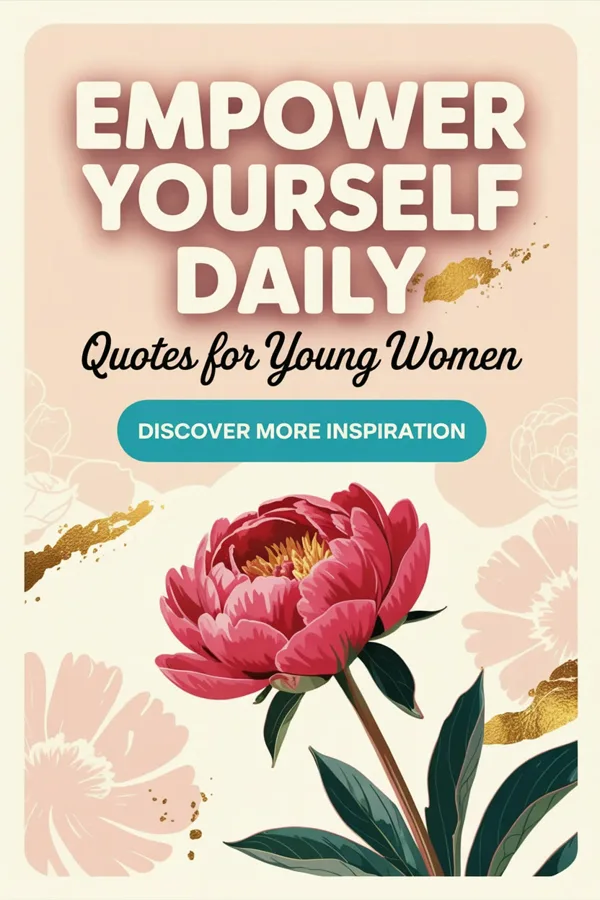
A quote
Gets saved- Saves
- Lots
- Clicks
- Few
Saved for the feeling. The quote is the whole point, so there’s nothing left to click for.
Based on: our view, not tested yet
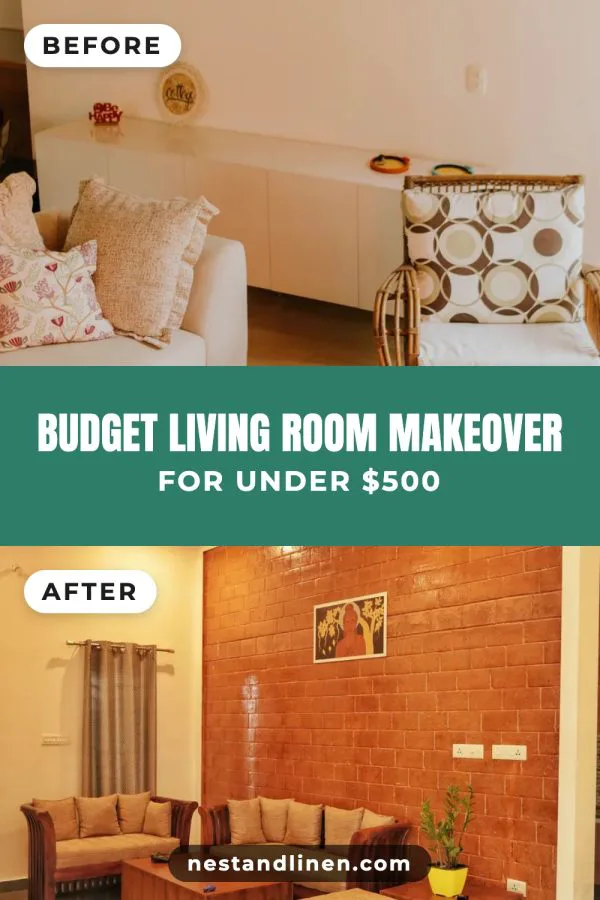
Before and after
Saves + clicks- Saves
- Some
- Clicks
- Some
“How did they do that?” The answer is on your site, so it gets saves and clicks.
Based on: what Pinterest marketers often report
Make it: New Pin, Templates tab, the Before & After design
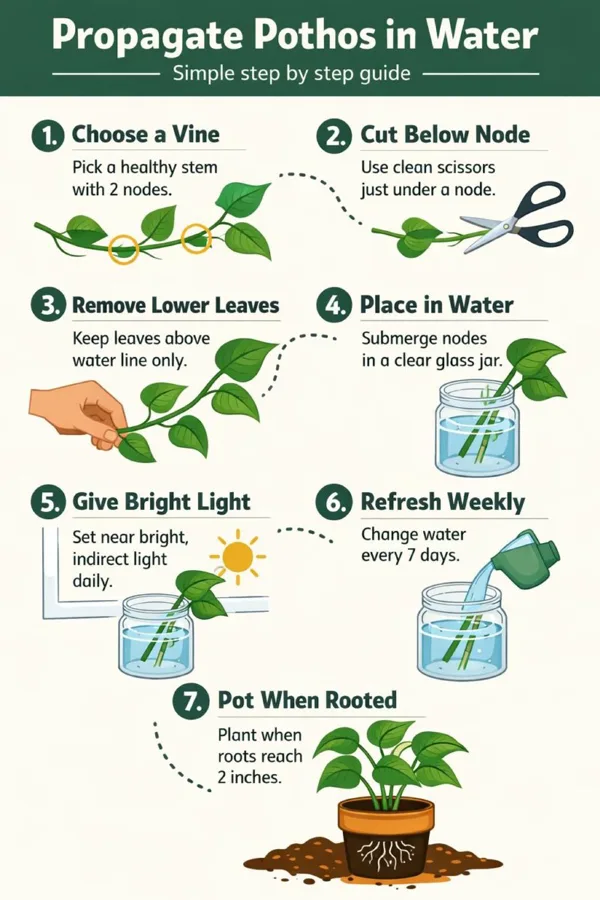
A step-by-step how-to
Gets saved- Saves
- Lots
- Clicks
- Few
Like a checklist: every step is right there. Great for saves, weak for visits.
Clicks based on: one blogger’s own numbers
Make it: New Pin, Infographic tab, Steps
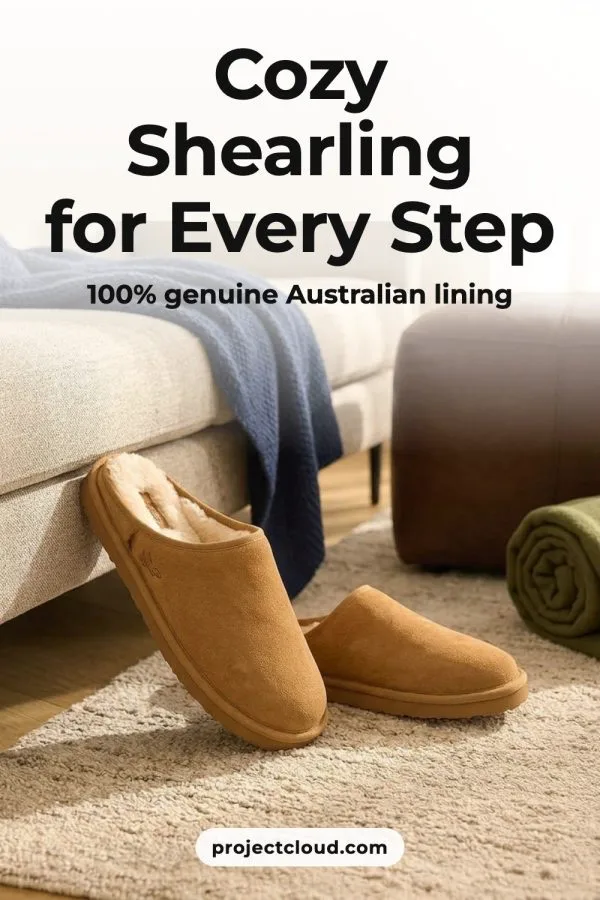
Product in a real home
Gets clicks- Saves
- Some
- Clicks
- Lots
Fewer saves, but the people who click want to buy. Best with a “Shop now” button.
Based on: what Pinterest marketers often report
Make it: New Pin, AI scenes tab, with Call to action on
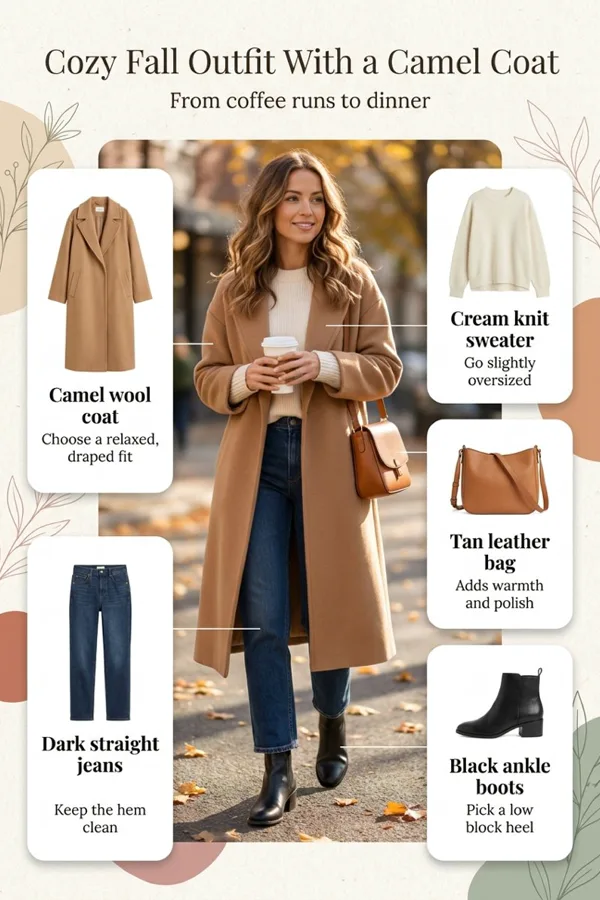
Shop the look
Saves + clicks- Saves
- Lots
- Clicks
- Some
Saved as outfit ideas. Shoppers click to buy one of the pieces.
Based on: our view, not tested yet
Make it: New Pin, Infographic tab, Shop the look
These are rough guides, not exact numbers: no one has measured every kind of pin side by side. Each pin says what its bars are based on. Your own pins may do better or worse, so check your own stats (step 5).
Same blog post, two pins
Out of 100 people who opened each pin, how many went on to the site?
Infographic pin 8 of 100Photo + headline pin 33 of 100The infographic got lots of saves, but the photo + headline pin sent about 4 times as many of its viewers to the blog. From one blogger’s own stats, on Blogging Explorer.
-
3
Find your problem in your stats
Open your Pinterest analytics, look at your last 30 days, and find the line that sounds like you.
You see
Few views
It means
Pinterest doesn’t know who to show your pins to yet.
Do this
Put the words people search for in your pin title and description, and pin a few times every day.
You see
Lots of views, few saves
It means
People see your pin and scroll past.
Do this
Use a bigger, brighter photo and a headline you can read on a phone.
You see
Lots of saves, few clicks
It means
Your pins give everything away, so there’s no reason to visit.
Do this
Swap some for number lists or photo + headline pins. Show part, keep the rest on your site. Add a “Read more” or “Shop now” button.
You see
Clicks, but people leave your site fast
It means
The pin promised something the page doesn’t show straight away.
Do this
Make the pin match the page: the same photo, the same promise, near the top.
-
4
Mix click pins and save pins for every page
You need both. Save pins bring the crowd: every save tells Pinterest to show your pins to more people. Click pins bring that crowd to your site. For each post or product, make 3–4 pins:
- 1 Make 2–3 click pins: a photo + headline, a number list, a before and after, or a product with a Shop now button.
- 2 Add 1 save pin: a checklist, a step-by-step or a shop the look.
- 3 Turn on Call to action on pins once, so every pin ends with a nudge to visit.
Tip: In New Pin, tap 3–4 designs at once, from the Templates tab and the Infographic tab. You get one pin for each, each with its own headline.4 pins for one blog post
3 click pins bring visits 1 save pin brings reach
-
5
After 30 days, make more of what gets clicks
Pins keep finding people for months, so give each one about 30 days. Then:
- 1 In your Pinterest analytics, look at your top pins and sort them by Outbound clicks.
- 2 Write down which kind of pin wins most often: number list, photo + headline, product…
- 3 Make more of that kind for your other pages.
Tip: Don’t worry if the numbers look small. One Pinterest marketer puts the average at 2–5 clicks for every 1,000 views, and calls 10–15 good.
The one rule to remember
- Shows everything → people save it.
- Shows part, promises the rest → people click.
- Every promise on a pin must be answered on your page. A pin that tricks people loses their trust, and Pinterest notices.
Questions
Why do my pins get views but no clicks?
Most often the pin answers the question by itself: a full checklist, a whole recipe card, a quote. People save it and move on. Pins that show part of the answer and promise the rest, like a number list or a photo with a headline, give people a reason to visit.
Are saves useless, then?
No. Saves tell Pinterest your pin is worth showing, so it reaches more people, including people who click. Saves bring the crowd, clicks bring the visitors. You want both.
Should I stop making infographics?
No, keep about 1 in 4 of your pins as infographics. To get more clicks from them, show part of the list and keep the rest on your page, and let the pin end with a “Read more” button.
What’s the difference between Pin clicks and Outbound clicks?
A Pin click means someone tapped your pin to see it bigger, but stayed on Pinterest. An Outbound click means they left Pinterest to visit your site. Check Outbound clicks.
Do video pins get more clicks?
Video pins are often shown to lots of people, but many accounts get fewer clicks from them than from image pins. Made to Spark makes image pins.
How many pins does each page need?
3–4 different pins per post or product is a good start, each with its own headline and look. Different pins reach different people searching.
Questions about your own pins? Just reply to any email from us, or use the chat button at the bottom right.
Next guide
Your first 3 months on Pinterest: how many pins, and when
How many pins a day, month by month, and the 2 settings that do it for you.