Clicky

Made to Spark vs SocialBee

SocialBee schedules everywhere. Made to Spark creates the pins.

SocialBee is a strong multi-network scheduler with content categories, evergreen reposting and Canva built in, but you still put each pin together yourself. Made to Spark turns a link into up to five finished pin designs with titles and descriptions, then schedules them to your Pinterest boards. Keep SocialBee for your other networks if you need them.

No credit card required to create your account. Plans start at $12 a month.

Paul Preibisch By Paul, founder of Made to Spark · Last updated Oct 2, 2026
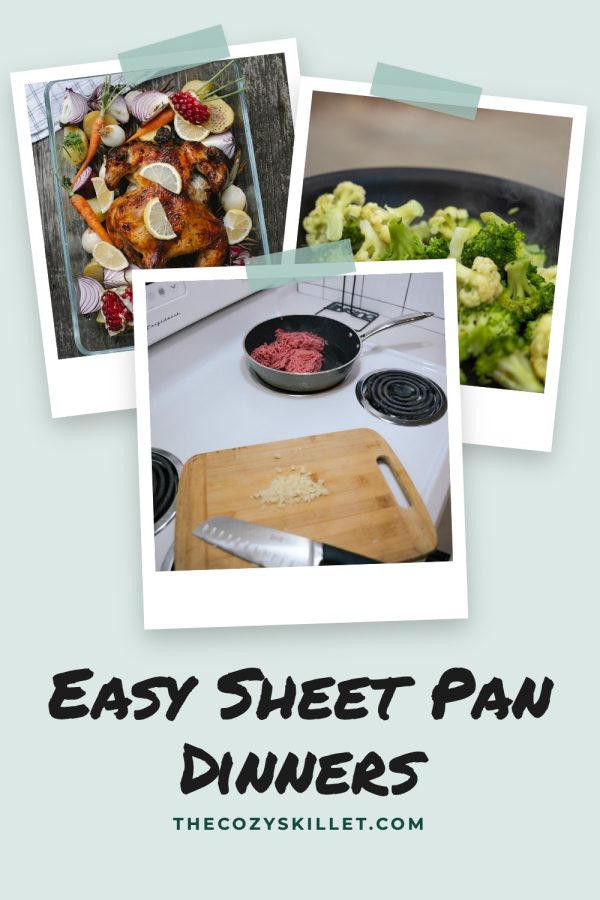
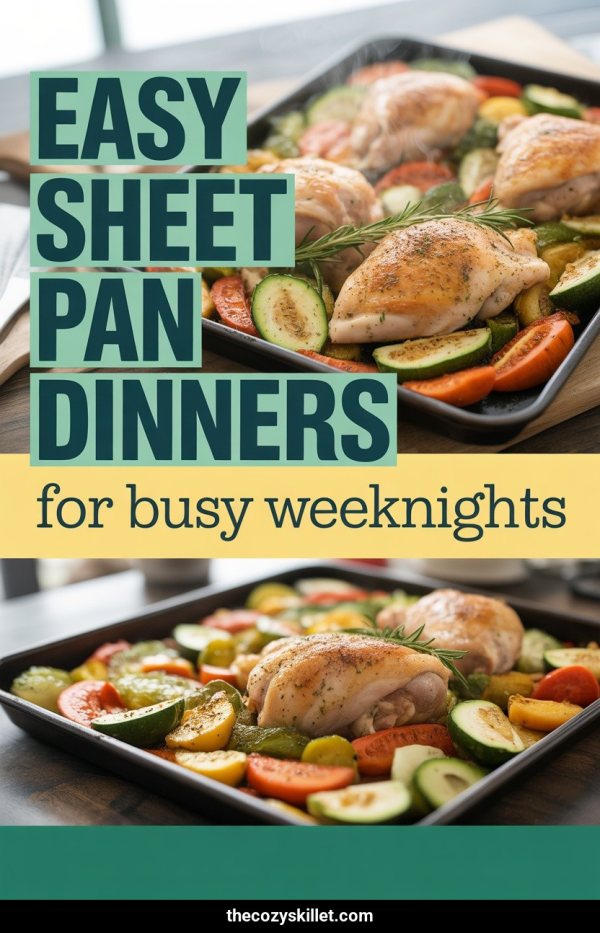
AI Pinterest pin example: Tuscan Chicken Pasta In Creamy Sauce AI Pinterest pin example: Amalfi Coast Road Trip Guide Pinterest template pin example: Easy Sheet Pan Dinners

Made to Spark vs SocialBee: the short answer

If you post to many social networks and want one queue that keeps reposting your best content, SocialBee covers that well. If Pinterest is a main traffic channel and making the pins is the slow part, Made to Spark makes them from your posts, products or links and puts them on a Pinterest calendar.

S SocialBee is a good fit if…

  • You schedule to Instagram, Facebook, LinkedIn, TikTok, X and more from one place
  • You organize posts into content categories and repost evergreen content automatically
  • You want analytics and PDF reports across your social channels
  • You are happy making each visual yourself, in Canva or with its AI

Made to Spark is a better fit if…

  • You need a tool that makes the pins, not only schedules them
  • You want several pin designs for each post or product
  • You want pins for a whole site in one batch on the Solo and Growth plans
  • Pinterest is your main channel and you want pin copy written for it

Made to Spark vs SocialBee

Keep SocialBee for Instagram, Facebook and LinkedIn. Use Made to Spark when you need Pinterest pin designs and a Pinterest schedule.

Feature SocialBee Made to Spark
Price Billed monthly Bootstrap: $29/month for 5 social profiles and 1 workspace; Accelerate $49/month and Pro $99/month above it Solo: $21.90/month with 5 workspaces
Pinterest pin design Making the graphic You build each pin: upload an image, import a Canva design or generate an AI image AI and template pins made from your link or photos
Pins per link Designs in one run One post per visual you create Up to 5 pins per URL
Pin titles and descriptions Pinterest copy SocialBee AI writes descriptions and suggests hashtags Written from your page, editable before publishing
Pinterest scheduling Queue to boards Image, video and carousel pins to your boards, in content categories with evergreen reposting Visual calendar with your boards (plan daily limits)
Other social networks Instagram, Facebook, LinkedIn, TikTok Yes, this is where SocialBee shines Pinterest-focused
Analytics Performance reports Reach, impressions and follower growth, with PDF reports Not the focus: keep SocialBee for this
Pins for a whole site Many pages in one batch Schedules the posts you prepare, no pin designs made from your site New pin designs for a sitemap or list of links on Solo and Growth

SocialBee details are based on its public website as of October 2026. Features change, so check SocialBee’s site for the latest.

Source: socialbee.com/pricing, checked October 2026.

From link to scheduled pin

No design session before scheduling. The pins, copy and calendar live in one place.

  1. 1

    Paste a link or upload photos

    Use a blog post, a product page, an Etsy shop link or your own images.

  2. 2

    Pick from up to five designs

    Each pin comes with a title, description and alt text you can edit.

  3. 3

    Schedule to your boards

    Choose a board and a day on the calendar, or drag a pin to another day later.

Your next 4 weeks 13 pins scheduled
  1. 1 AI Pinterest pin example: Easy Sheet Pan Dinners
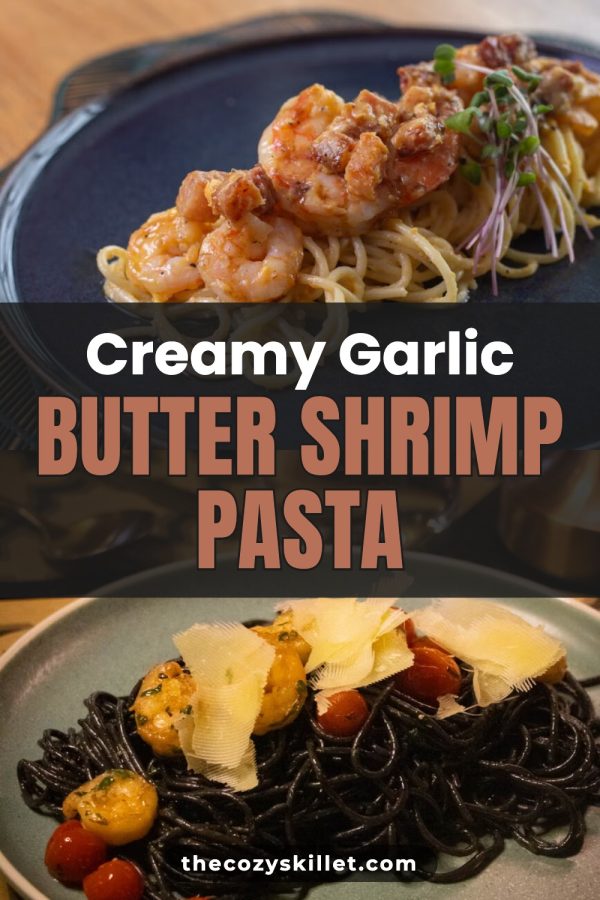
  2. 2 Pinterest template pin example: Creamy Garlic Butter Shrimp Pasta
  3. 3
  4. 4 AI Pinterest pin example: Creamy Tuscan Chicken Pasta
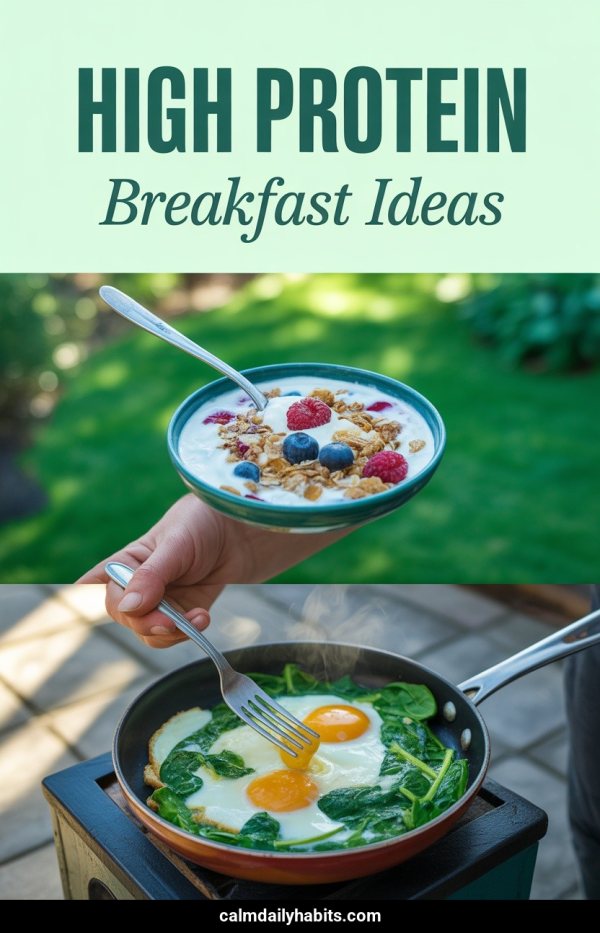
  5. 5 AI Pinterest pin example: High Protein Breakfast Ideas
  6. 6
  7. 7
  8. 8 Pinterest template pin example: Easy Sheet Pan Dinners
  9. 9
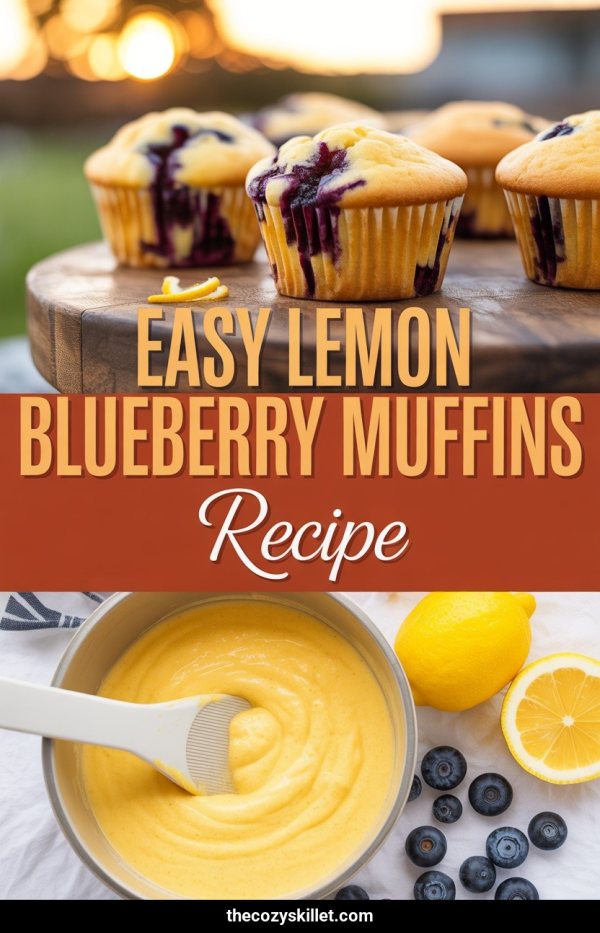
  10. 10 AI Pinterest pin example: Easy Lemon Blueberry Muffins Recipe
  11. 11 Pinterest template pin example: Fluffy Lemon Ricotta Pancakes
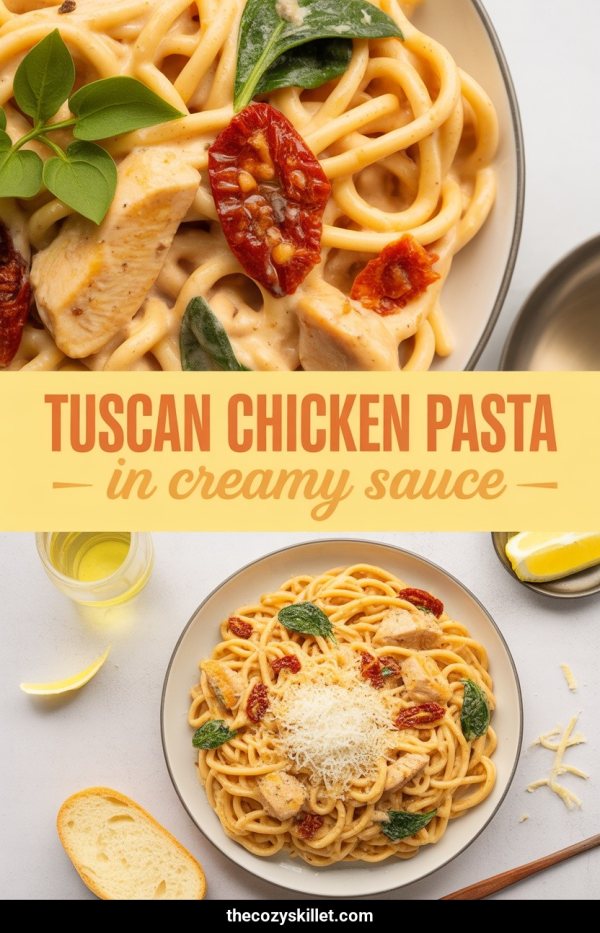
  12. 12 AI Pinterest pin example: Tuscan Chicken Pasta In Creamy Sauce
  13. 13
  14. 14
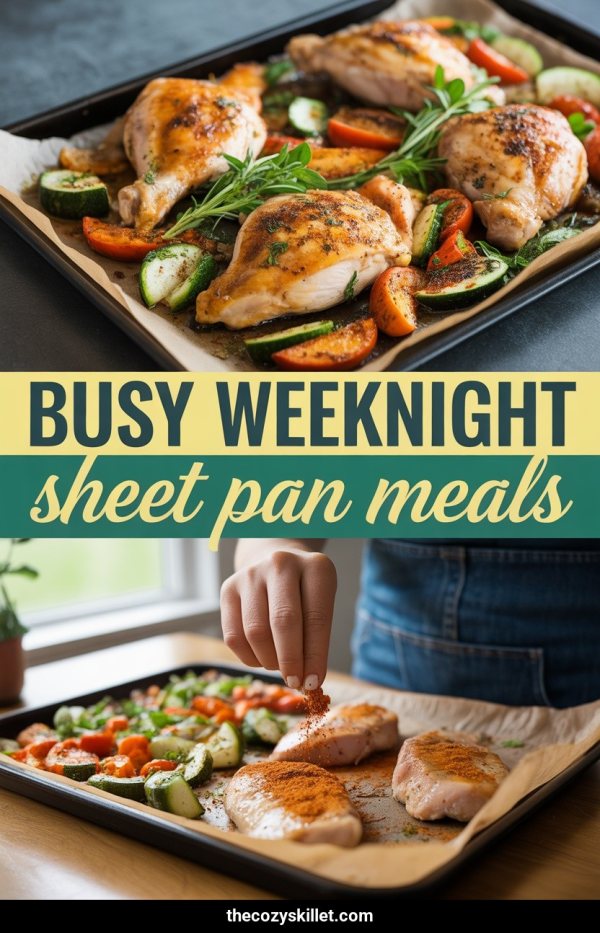
  15. 15 AI Pinterest pin example: Busy Weeknight Sheet Pan Meals
  16. 16 AI Pinterest pin example: High Protein Breakfast Recipes
  17. 17
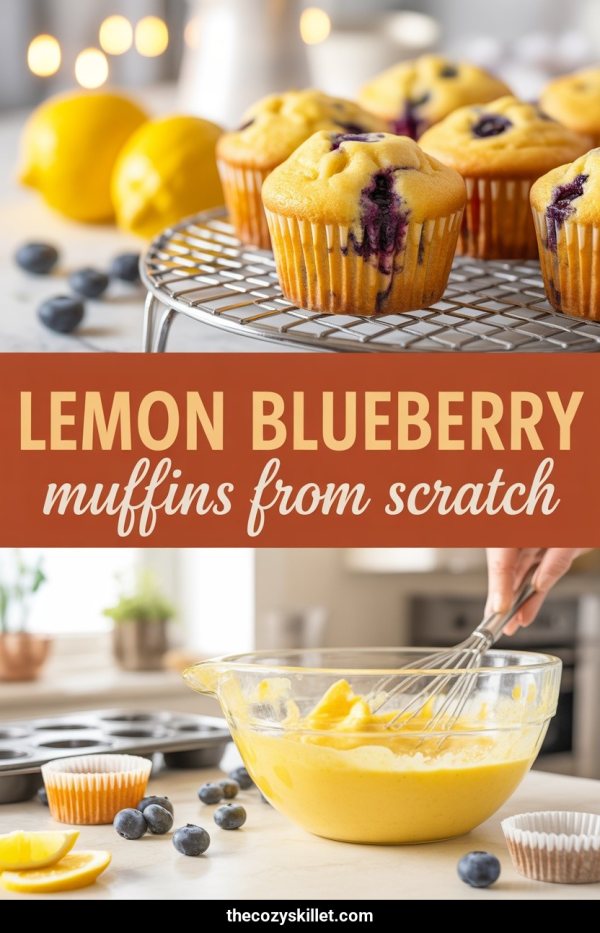
  18. 18 AI Pinterest pin example: Lemon Blueberry Muffins From Scratch
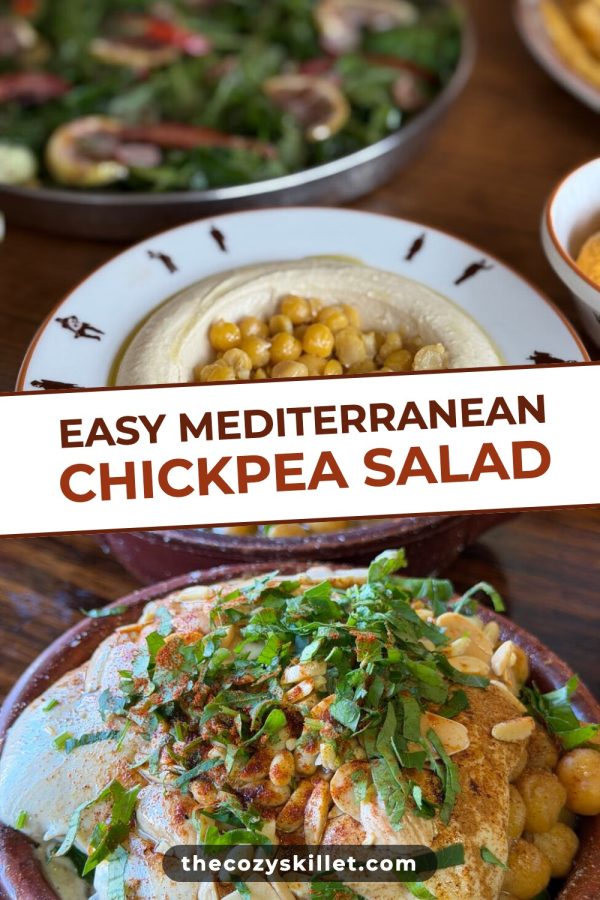
  19. 19 Pinterest template pin example: Easy Mediterranean Chickpea Salad
  20. 20
  21. 21
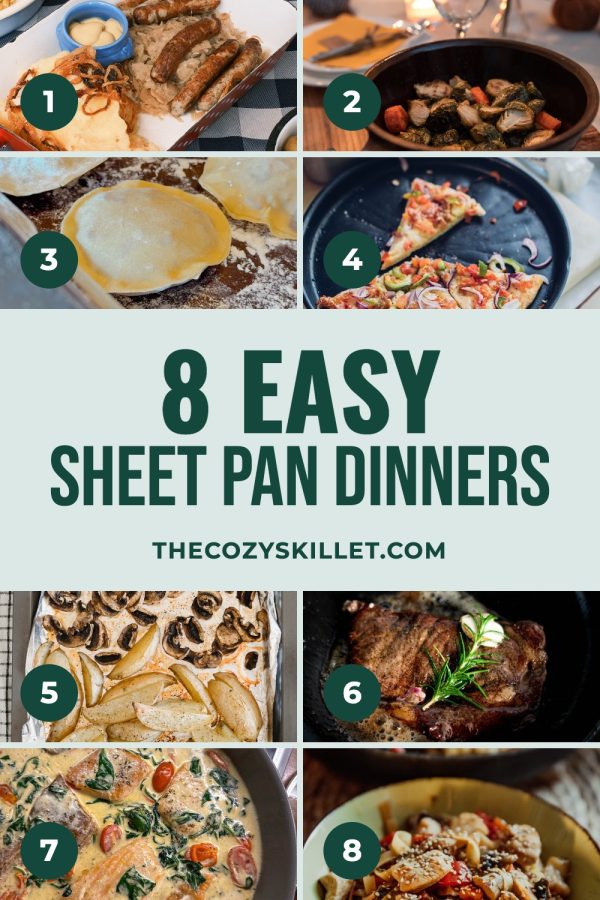
  22. 22 Pinterest template pin example: 8 Easy Sheet Pan Dinners
  23. 23
  24. 24
  25. 25
  26. 26
  27. 27
  28. 28

Plan pins on one calendar, then publish through the official Pinterest API. About the scheduler

Pins made with Made to Spark

AI pins and template pins, each made from a real page with its title and description written.

Template pins

Your own photos in ready-made layouts

Magazine Cover Pinterest template example: a fashion pin titled "Fall Capsule Wardrobe: 15 Pieces, 30 Outfits"
Sticker Script Band Pinterest template example: a breakfast recipe pin titled "Quick & Easy Blueberry Pancakes"
Number Badge Card Pinterest template example: a travel pin titled "7 Must-Visit European Summer Getaways"
Arch Frame Pinterest template example: a home decor pin titled "Cozy Boho Bedroom Ideas: Warm Neutral Style"
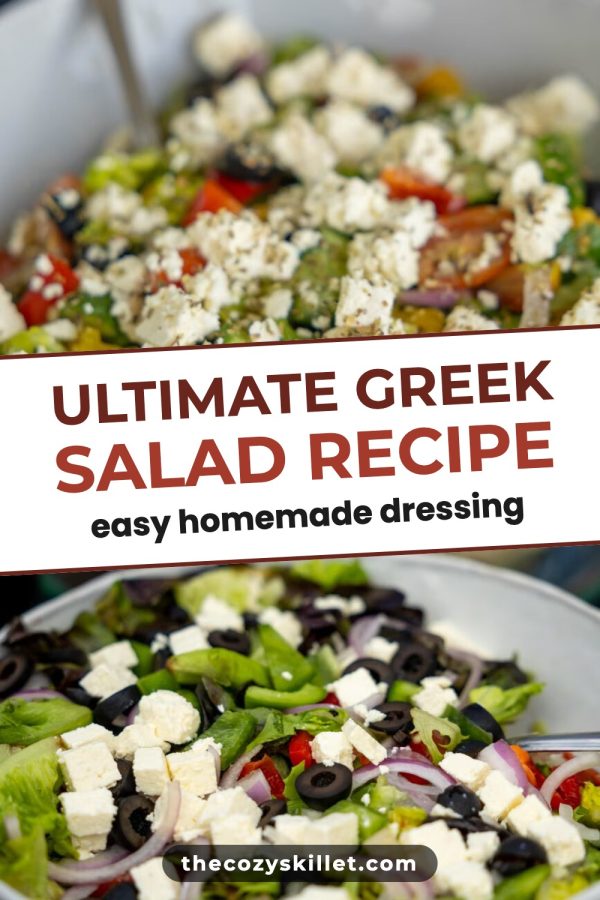
Tilted Band Pinterest template example: a recipe pin titled "Ultimate Greek Salad Recipe (Easy Homemade Dressing)"
Script Hero Box Pinterest template example: a travel pin titled "Best Things to Do in Lisbon, Portugal"
Torn Paper Badge Pinterest template example: a home decor pin titled "29 Textured Bathroom Rug Ideas: Comfort Underfoot for Small Baths"
Ruled Top Band + Tab Pinterest template example: a wedding pin titled "Elegant Fall Wedding Table Ideas"

AI pins

New images designed for your content

AI Pinterest pin example: Creamy Tuscan Chicken Pasta
AI Pinterest pin example: Best Things To Do In Kyoto
AI Pinterest pin example: Cozy Small Living Room Ideas
AI Pinterest pin example: Save Money On Groceries Fast
AI Pinterest pin example: Full Body No Equipment Workout
AI Pinterest pin example: Easy Fall Crafts For Kids
AI Pinterest pin example: Simple Morning Skincare Routine
AI Pinterest pin example: Easy Sheet Pan Dinners

How the pin generator works

What customers say

“I’m working on a fashion blog and was using multiple tools to create pins that didn’t really match the standards I had in mind. Made to Spark came at just the right moment. I had tried a ton of tools to create pins but none match the quality of pins made by Made to Spark. One very impressive thing when using this tool is how quick Paul helps when I need help with an extra feature or get stuck using the tools. His support when using this tool is second to none.”
Daisy K Daisy K Fashion Blogger
“Hi my name is Linda and I am an Amazon Associate posting pins to Pinterest. Madetospark is an awesome product. Very intuitive to use, and trust me I am not the smartest cookie in the bunch. However, Paul has been an amazing help. If you are in doubt, I would definitely recommend Madetospark to anyone who is generating pins.”
Linda T Amazon Associate

Questions about Made to Spark and SocialBee

How is Made to Spark different from SocialBee?

SocialBee is a social media scheduler for many networks, built around content categories and evergreen reposting. Made to Spark focuses on Pinterest: it makes the pin designs from your pages or photos, writes the titles and descriptions, and schedules the pins to your boards.

Is Made to Spark a SocialBee alternative for Pinterest?

For Pinterest, yes: it makes the pins and schedules them to your boards. It does not replace SocialBee for Instagram, Facebook, LinkedIn, TikTok or X, so keep SocialBee if you post there too.

Can SocialBee schedule pins to Pinterest?

Yes. SocialBee publishes image, video and carousel pins to your boards and can repost evergreen content. You supply each visual yourself, from an upload, a Canva design or its AI. Made to Spark makes finished pin designs and their copy from your page, ready to schedule.

Does Made to Spark recycle evergreen posts like SocialBee?

No. Made to Spark does not repost the same pin on a loop. It makes several different pin designs for each page, so you have new pins to schedule for the same link.

Can I use SocialBee and Made to Spark together?

Yes. Some people keep SocialBee for Instagram, Facebook or LinkedIn and use Made to Spark for Pinterest pins and Pinterest scheduling.

Can Made to Spark make pins from my existing content?

Yes. Paste one link to get up to five pins. On the Solo and Growth plans, Bulk Pins turns a sitemap or a list of links into pins for many pages at once.

How much does Made to Spark cost?

Plans start at $12 a month, or about $9 a month billed yearly. Every plan includes pin creation, pin copy and Pinterest scheduling. Larger plans add more AI credits, more pins per day and bulk pin creation.

Can I try Made to Spark before subscribing?

Yes. Create an account and test pin creation, AI images and Pinterest scheduling before choosing a plan. No credit card is required to create your account.

Make the pins SocialBee would schedule

Paste a link, pick your favorite designs, and put them on your Pinterest calendar.

Create your first pins

No credit card required to create your account. See pricing