Clicky

Made to Spark vs Pin Ready Pro

A Pin Ready Pro alternative that makes the pin, not only the words.

Pin Ready Pro is free to use, with no signup and no credit card. Paste a link and it writes pin titles, descriptions, keywords, text overlay hooks and board names. Then you design the pin image yourself, and you copy the text, add your link and publish it on Pinterest. Made to Spark writes the copy too, then makes the pin images from your page and schedules them to your boards.

7-day trial · No credit card required.

Paul P By Paul, founder of Made to Spark · Last updated Oct 29, 2026

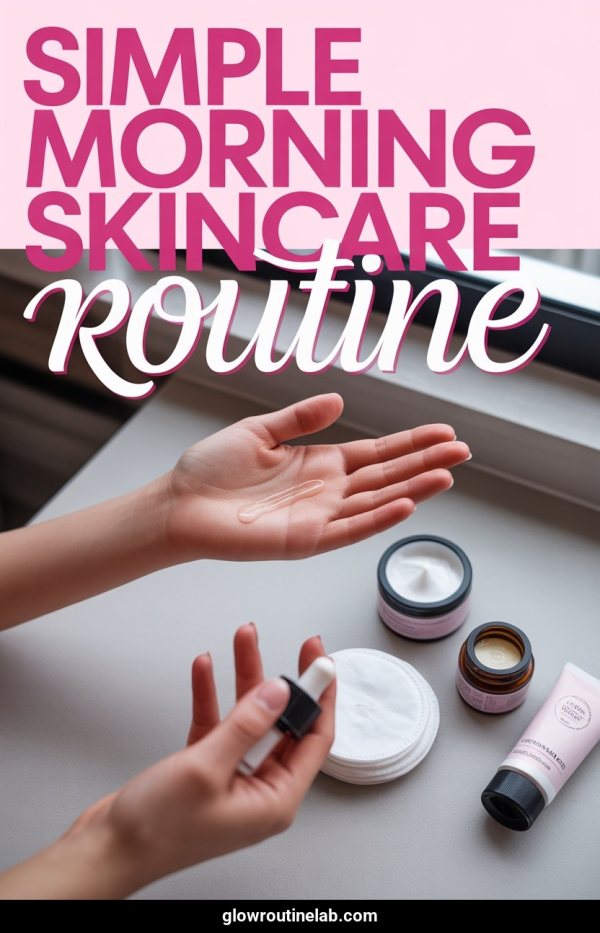
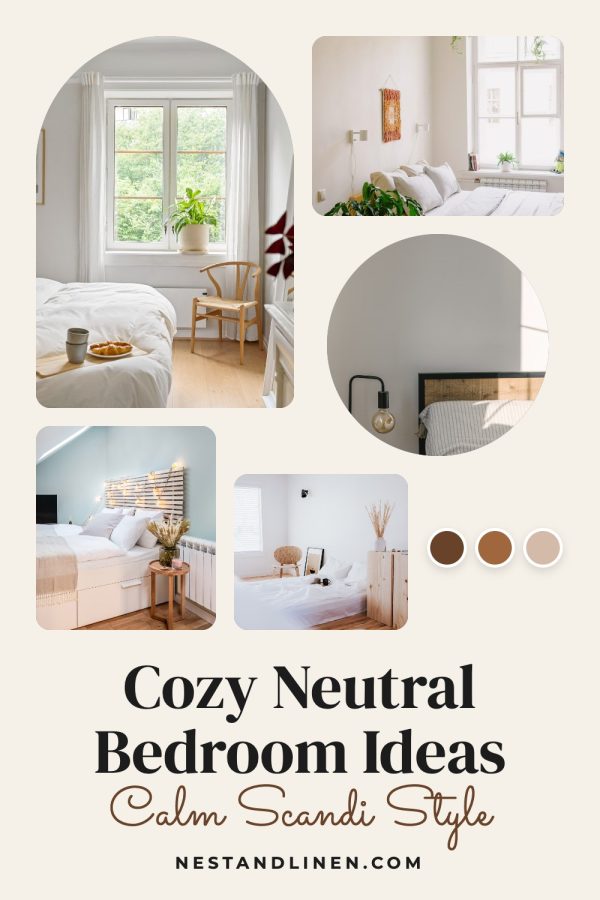
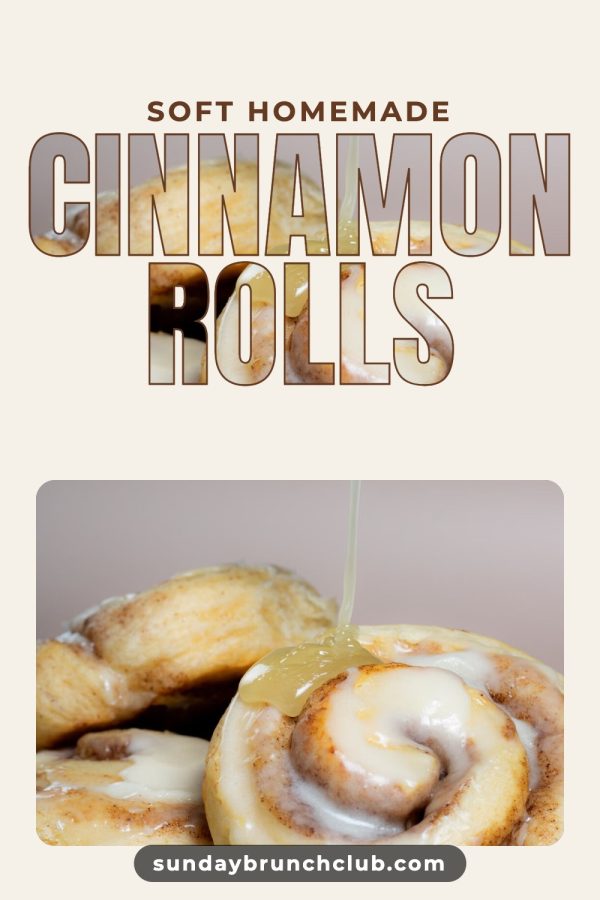
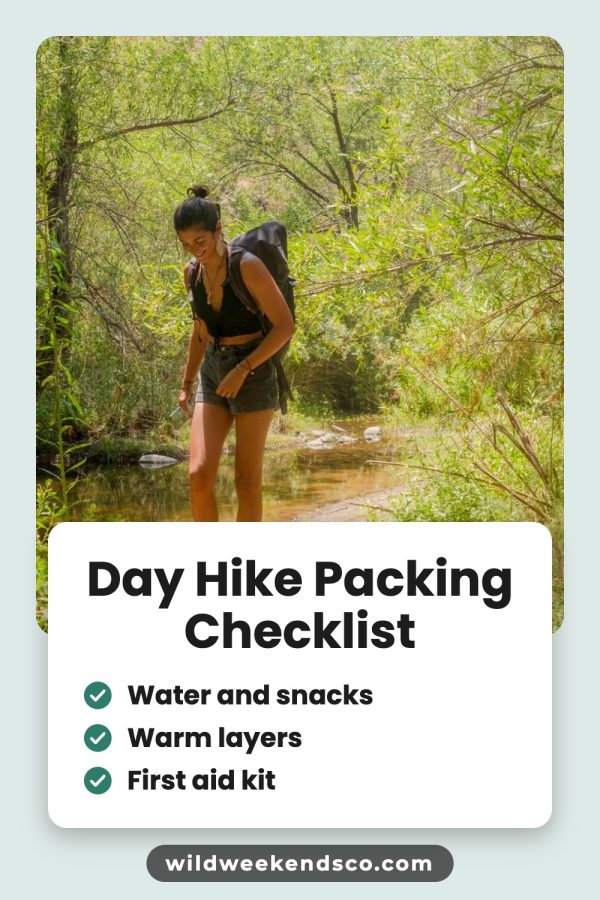
AI Pinterest pin example: Cozy Front Porch Decor Ideas Pinterest template pin example: Warm Neutral Bedroom Ideas AI Pinterest pin example: Simple Morning Skincare Routine

Made to Spark vs Pin Ready Pro: the short answer

If you only need words for pins you design yourself, Pin Ready Pro gives you those at no cost. If you want finished pin images and a Pinterest schedule too, Made to Spark makes the pins from your post or product and puts them on your calendar. Made to Spark is a paid tool with a 7-day trial, and no credit card is needed to start.

P Pin Ready Pro is a good fit if…

  • You only need pin titles, descriptions and text overlay ideas
  • You already design your pins in Canva or another tool
  • You want a tool with no signup and no cost
  • You also want bio, username and board name ideas

Made to Spark is a better fit if…

  • You want the pin images made for you, not only the words
  • You want up to five pin designs from one link
  • You want to schedule pins to your boards from the same place
  • You want 500 template pins a month on Solo
  • You want every pin in your brand colours

Made to Spark vs Pin Ready Pro

Pin Ready Pro writes the words for a pin. Made to Spark makes the whole pin and schedules it.

Feature Pin Ready Pro Made to Spark
From one link What you get back Text: pin titles, descriptions, keywords, text overlay hooks and board names Up to 5 finished pins, each with a title, description and alt text
Pin image The graphic itself You design it yourself AI and template pins made from your page photos or uploads
Posting Getting it on Pinterest You copy the text, add your link and publish Scheduled to your boards through Pinterest's official API
Designs Ready-made pin looks None, it writes text only 79 Canva-style designs, filled in from your post
Brand colours Colours on every pin Not part of a text tool Your saved brand colours, or one of 22 ready-made palettes
Price What it costs No cost, no signup See the Made to Spark pricing page
Extra tools Beyond pins 8 generators for titles, descriptions, keywords, hooks, bios, board names, usernames and profile text Pinterest keyword tool and pin checkers

Pin Ready Pro details come from pinreadypro.com as of October 2026. Made to Spark prices and limits come from our current plans. Check both sites for the latest.

Source: pinreadypro.com, checked October 2026.

Pins that look designed in Canva

Pin Ready Pro leaves the design to you. Made to Spark has 79 Canva-style designs: mood boards, film strips, checklists, photo-filled letters and more. Your photos, title and brand colour go in automatically.

Your colours, on every design

Save your brand colours once and every design uses them: the main colour on the big parts, your other colours on the ribbons, strips and tabs. Or pick one of 22 ready-made palettes for a single pin. Here is the same design in three of them.

From link to scheduled pin in three steps

No copying text into a design tool. The pins, copy and calendar live in one place.

  1. 1

    Paste a link or upload photos

    Use a blog post, a product page, an Etsy shop link or your own images.

  2. 2

    Get up to five designs

    AI and template designs in one run, each with a title and description to edit.

  3. 3

    Publish now or schedule

    Publish a pin right away or place it on the calendar for a later day.

Your next 4 weeks 13 pins scheduled
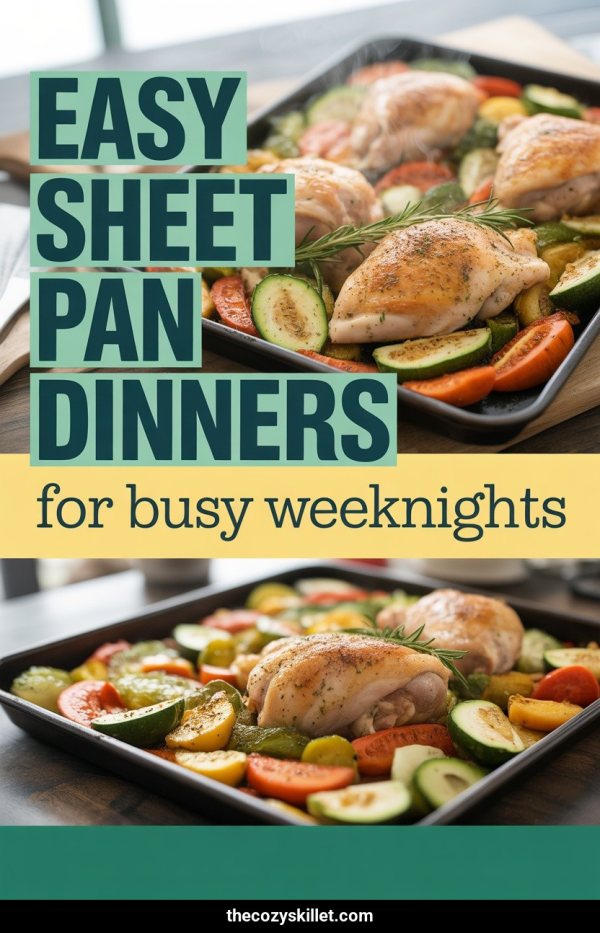
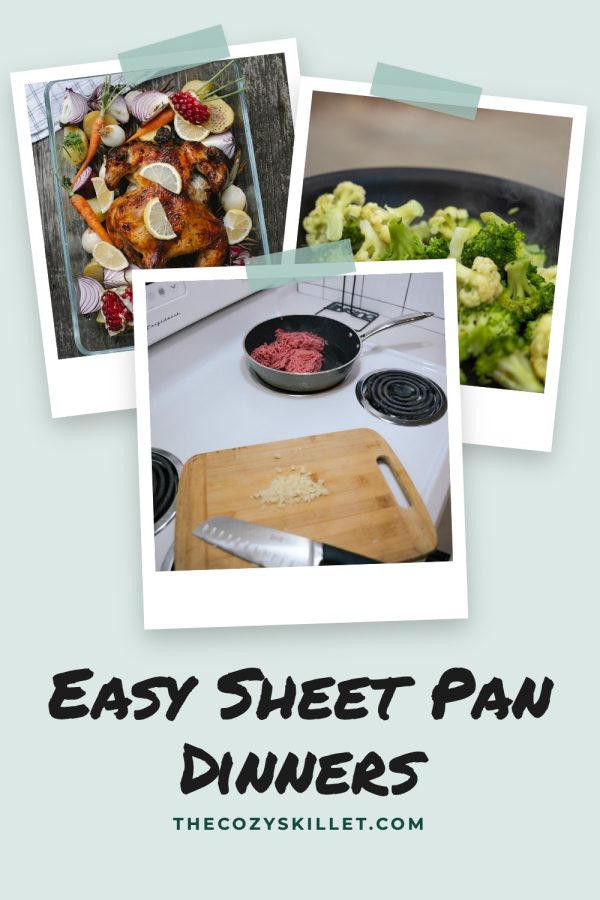
  1. 1 AI Pinterest pin example: Easy Sheet Pan Dinners
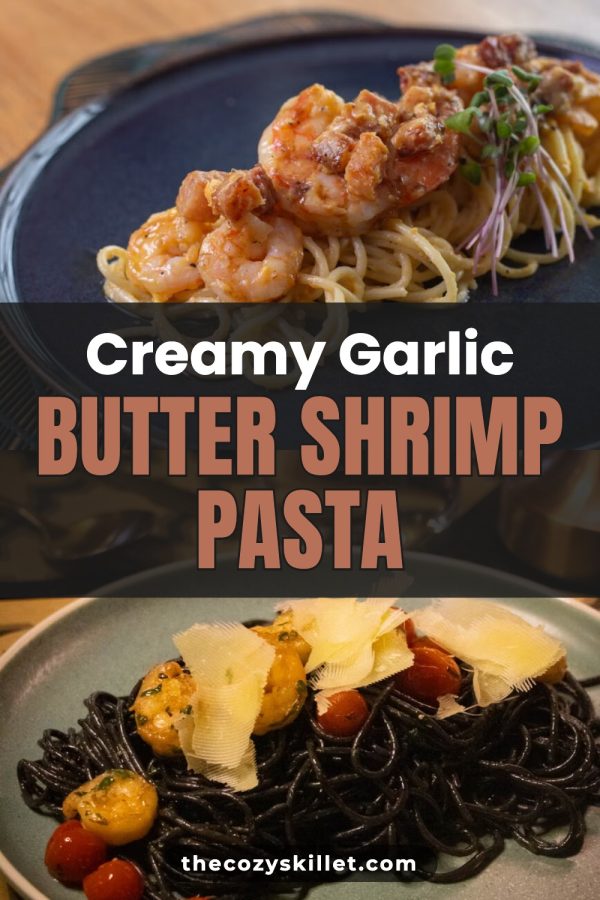
  2. 2 Pinterest template pin example: Creamy Garlic Butter Shrimp Pasta
  3. 3
  4. 4 AI Pinterest pin example: Creamy Tuscan Chicken Pasta
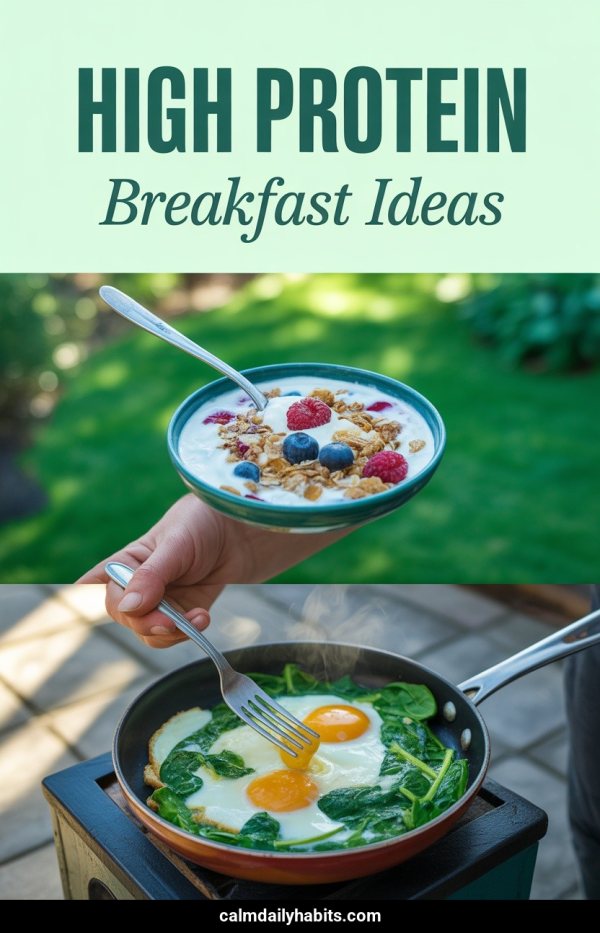
  5. 5 AI Pinterest pin example: High Protein Breakfast Ideas
  6. 6
  7. 7
  8. 8 Pinterest template pin example: Easy Sheet Pan Dinners
  9. 9
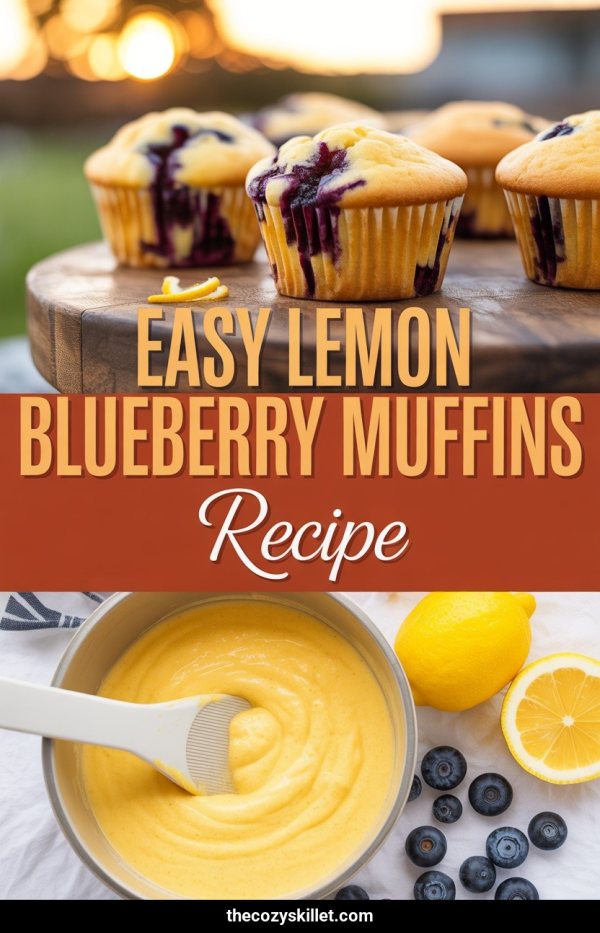
  10. 10 AI Pinterest pin example: Easy Lemon Blueberry Muffins Recipe
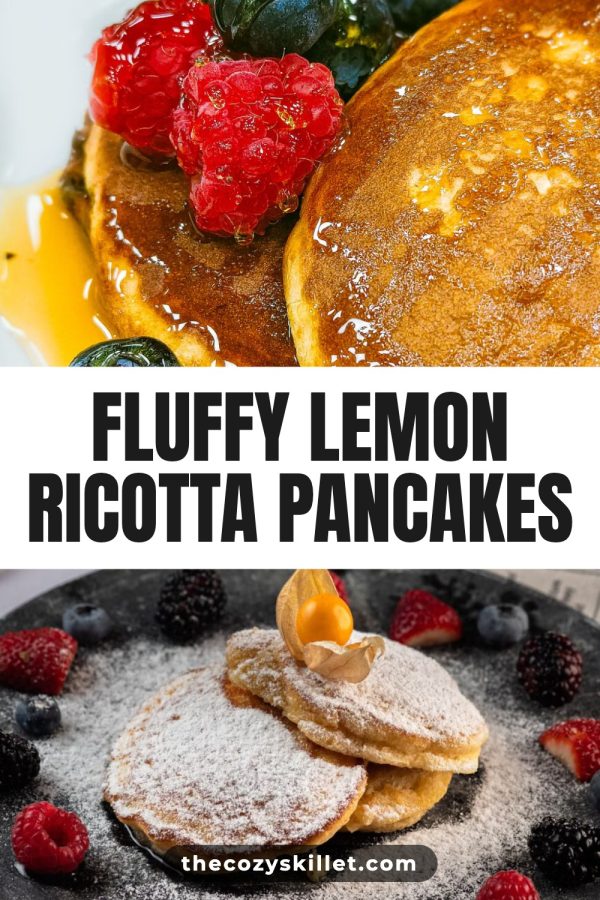
  11. 11 Pinterest template pin example: Fluffy Lemon Ricotta Pancakes
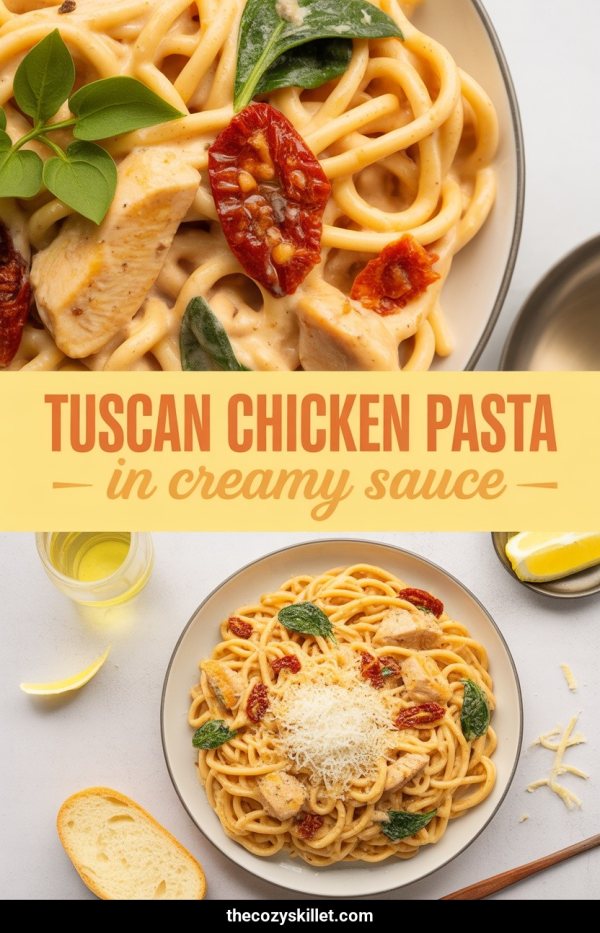
  12. 12 AI Pinterest pin example: Tuscan Chicken Pasta In Creamy Sauce
  13. 13
  14. 14
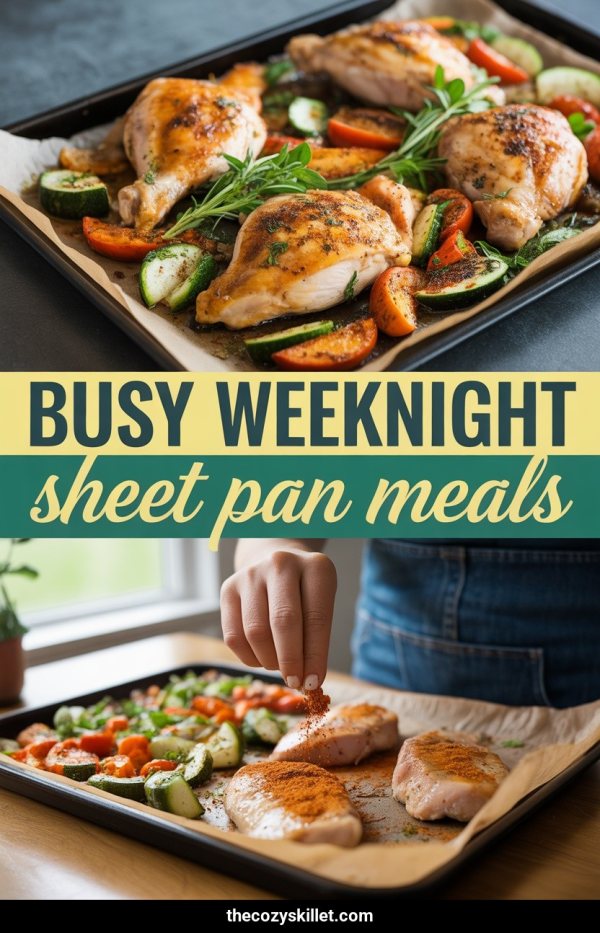
  15. 15 AI Pinterest pin example: Busy Weeknight Sheet Pan Meals
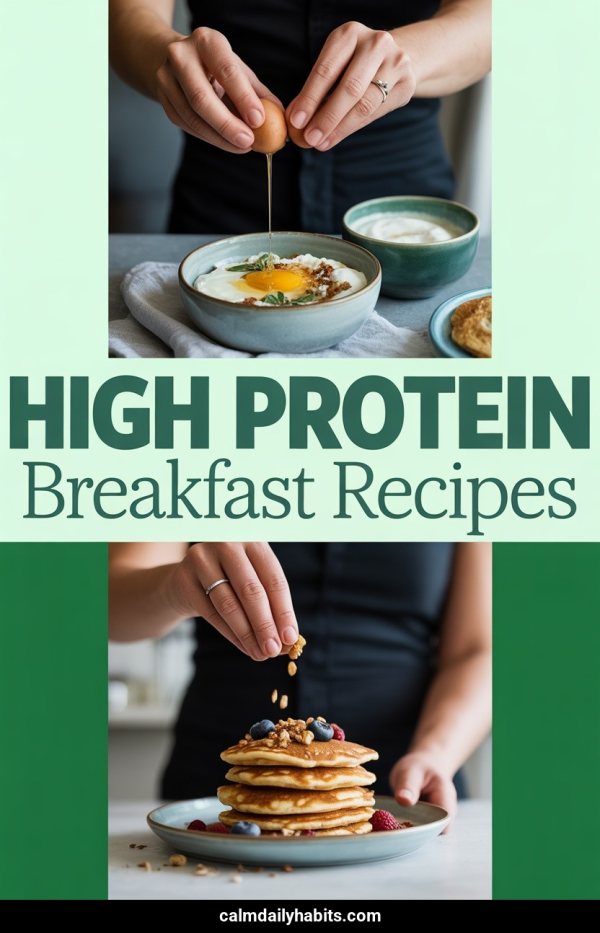
  16. 16 AI Pinterest pin example: High Protein Breakfast Recipes
  17. 17
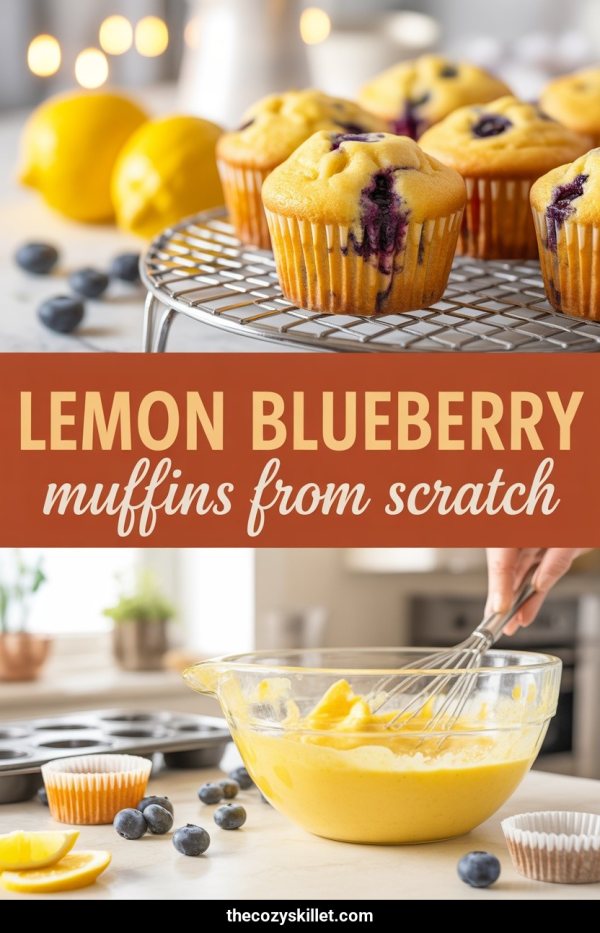
  18. 18 AI Pinterest pin example: Lemon Blueberry Muffins From Scratch
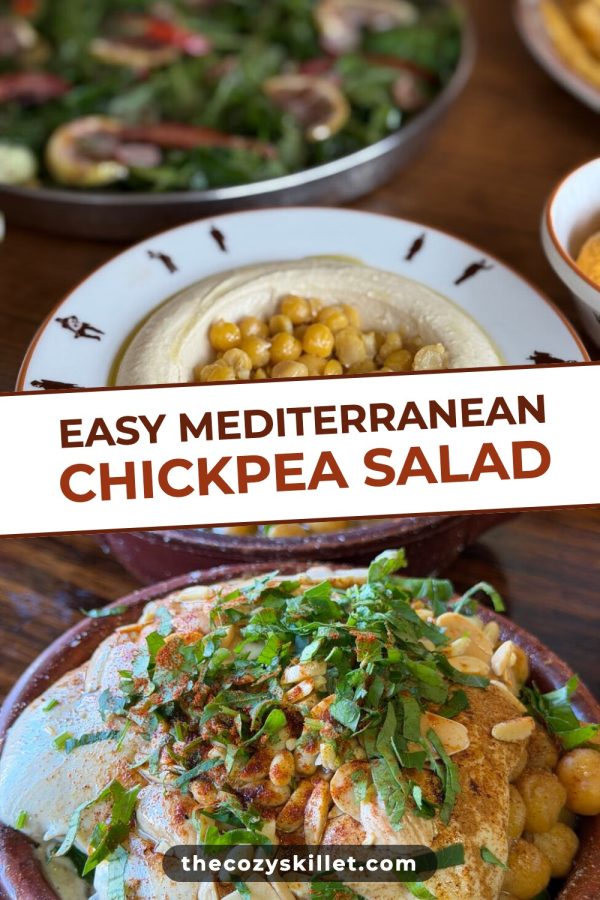
  19. 19 Pinterest template pin example: Easy Mediterranean Chickpea Salad
  20. 20
  21. 21
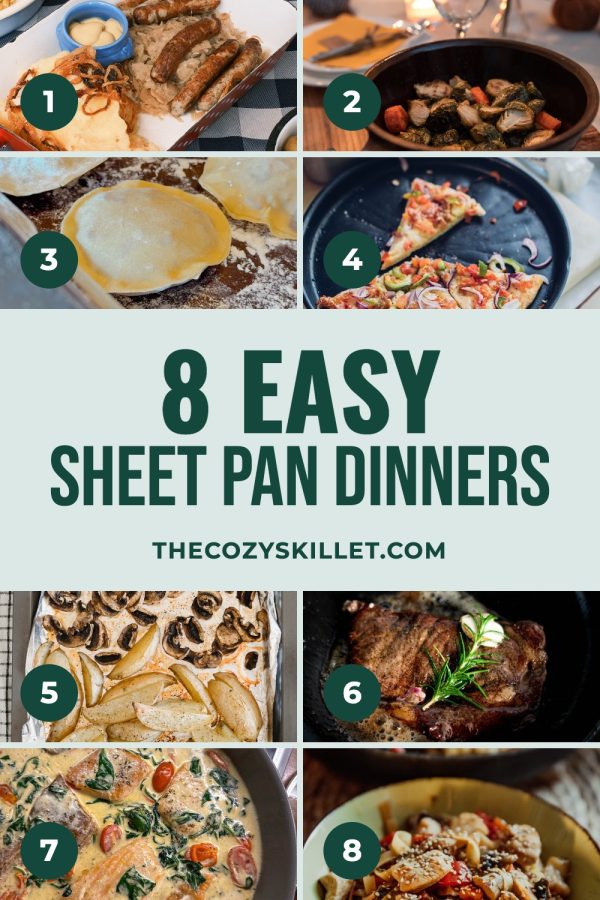
  22. 22 Pinterest template pin example: 8 Easy Sheet Pan Dinners
  23. 23
  24. 24
  25. 25
  26. 26

  27. 27
  28. 28

Plan pins on one calendar, then publish through the official Pinterest API. About the scheduler

Pins made with Made to Spark

AI pins and template pins, each made from a real page with its title and description written.

Template pins

Your own photos in ready-made layouts

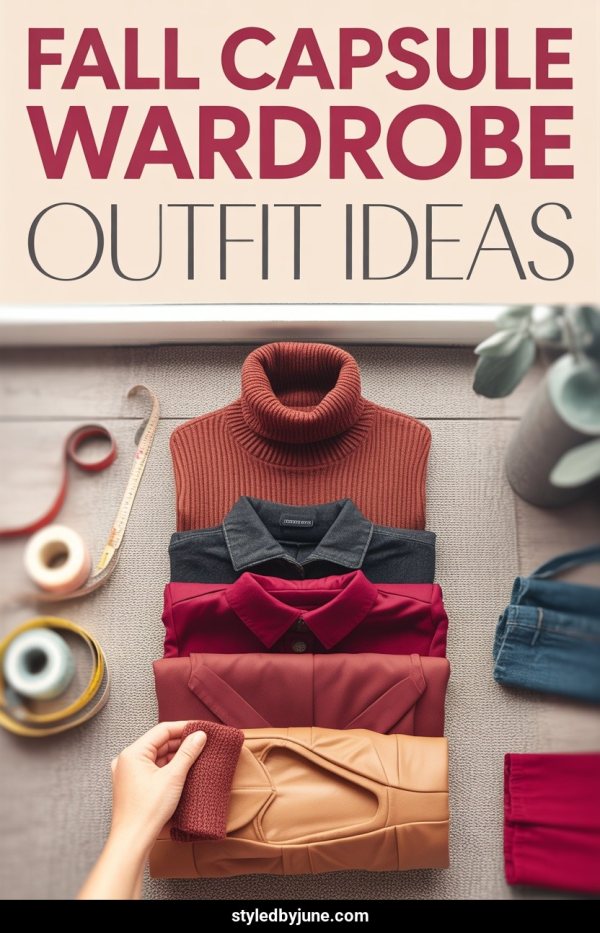
Magazine Cover Pinterest template example: a fashion pin titled "Fall Capsule Wardrobe: 15 Pieces, 30 Outfits"
Sticker Script Band Pinterest template example: a breakfast recipe pin titled "Quick & Easy Blueberry Pancakes"
Number Badge Card Pinterest template example: a travel pin titled "7 Must-Visit European Summer Getaways"
Arch Frame Pinterest template example: a home decor pin titled "Cozy Boho Bedroom Ideas: Warm Neutral Style"
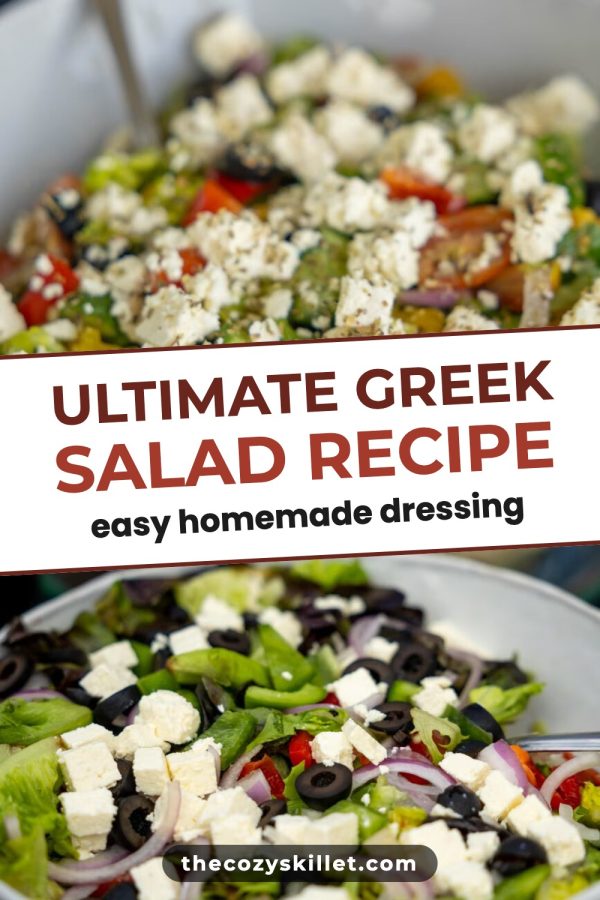
Tilted Band Pinterest template example: a recipe pin titled "Ultimate Greek Salad Recipe (Easy Homemade Dressing)"
Script Hero Box Pinterest template example: a travel pin titled "Best Things to Do in Lisbon, Portugal"
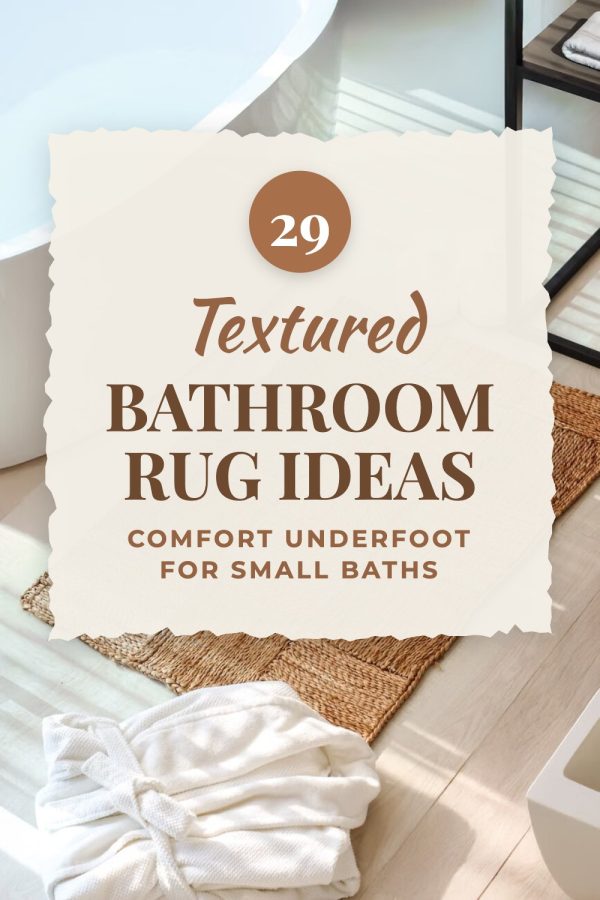
Torn Paper Badge Pinterest template example: a home decor pin titled "29 Textured Bathroom Rug Ideas: Comfort Underfoot for Small Baths"
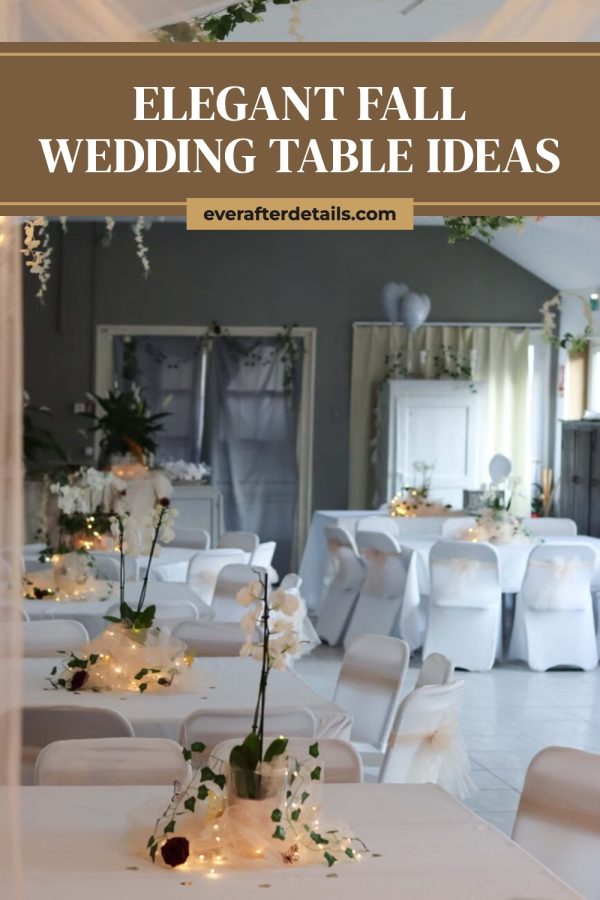
Ruled Top Band + Tab Pinterest template example: a wedding pin titled "Elegant Fall Wedding Table Ideas"

AI pins

New images designed for your content

AI Pinterest pin example: Creamy Tuscan Chicken Pasta
AI Pinterest pin example: Best Things To Do In Kyoto
AI Pinterest pin example: Cozy Small Living Room Ideas
AI Pinterest pin example: Save Money On Groceries Fast
AI Pinterest pin example: Full Body No Equipment Workout
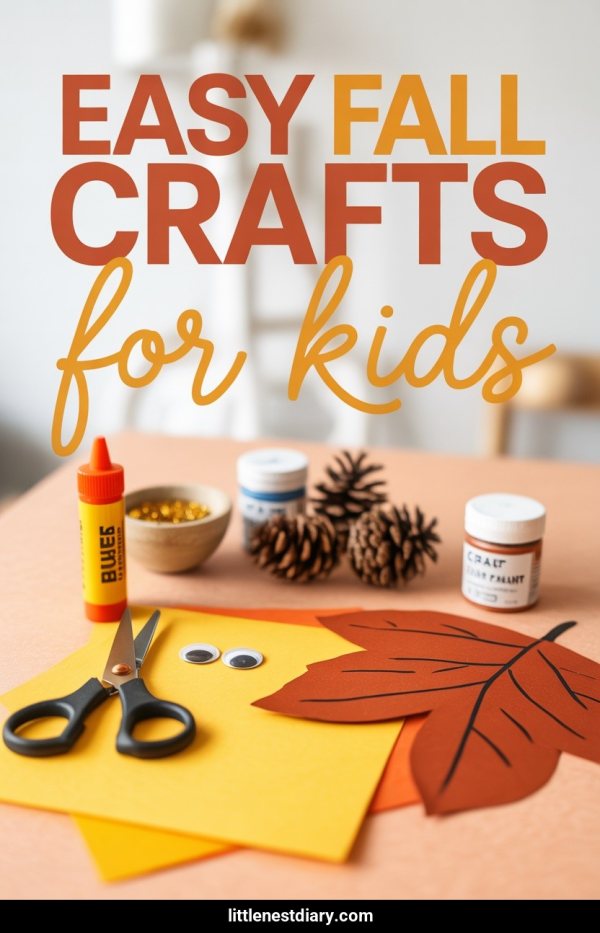
AI Pinterest pin example: Easy Fall Crafts For Kids
AI Pinterest pin example: Simple Morning Skincare Routine
AI Pinterest pin example: Easy Sheet Pan Dinners

How the pin generator works

What customers say

“I’m working on a fashion blog and was using multiple tools to create pins that didn’t really match the standards I had in mind. Made to Spark came at just the right moment. I had tried a ton of tools to create pins but none match the quality of pins made by Made to Spark. One very impressive thing when using this tool is how quick Paul helps when I need help with an extra feature or get stuck using the tools. His support when using this tool is second to none.”
Daisy K Daisy K Fashion Blogger
“Hi my name is Linda and I am an Amazon Associate posting pins to Pinterest. Madetospark is an awesome product. Very intuitive to use, and trust me I am not the smartest cookie in the bunch. However, Paul has been an amazing help. If you are in doubt, I would definitely recommend Madetospark to anyone who is generating pins.”
Linda T Amazon Associate

Questions about Made to Spark and Pin Ready Pro

Is Pin Ready Pro free?

Yes. Its site says it is free to use, with no signup and no credit card. An optional dashboard that saves your results needs a Google sign-in. It writes the text for a pin. It does not make the pin image or post it for you. Checked on pinreadypro.com in October 2026.

What does Pin Ready Pro do?

You paste a product link, blog post, Etsy listing or Shopify product, and it writes pin titles, descriptions, keywords, text overlay hooks and board names. It also has 8 single-purpose generators, for titles, descriptions, keywords, hooks, bios, board names, usernames and profile descriptions.

Does Pin Ready Pro make pin images?

No. Its own guide says to copy a title, a description and a text overlay, then design a vertical pin yourself. Made to Spark makes the pin images from your page, with the title on the pin and the description written.

Can Pin Ready Pro schedule pins to Pinterest?

Its site says to copy your content, add your link and publish. Made to Spark schedules pins to your boards through Pinterest's official API, and nothing posts until you approve it.

What is the difference between Made to Spark and Pin Ready Pro?

Pin Ready Pro writes pin text at no cost. Made to Spark is a paid tool that writes the text, makes the pin images and schedules them. An AI pin uses 1 credit, and template pins use no credits, up to 500 a month on Solo.

Can I use Pin Ready Pro and Made to Spark together?

Yes. Some people use Pin Ready Pro for bio or username ideas. Made to Spark already writes a title, description and alt text for every pin, so you do not need to paste copy in.

Can I try Made to Spark before subscribing?

Yes. Every account starts with a 7-day trial: make template pins from your posts or products with the titles and descriptions written, and schedule them to Pinterest. No credit card is required. Every plan also comes with a 7-day refund if you have used fewer than 20 credits.

Get the whole pin, not only the words

Paste a link, pick your favorite designs, and put them on your Pinterest calendar.

Create your first pins

7-day trial · No credit card required. See pricing