
Turn Pinterest into blog readers.
We turn your posts and products into pins made to rank in Pinterest search and stop the scroll. Then we post them for you every day.
No signup. Your first pins in about 20 seconds.
7-day trial · no card needed

900+ bloggers and shops pin with us
4,700+
pins made
6
pin languages
Official
Pinterest API for posting
7 days
to try it, no card
What other pin makers skip
Most pin makers fill a template. We optimize every pin.
Three things we tune on every pin, that other tools leave to you:
- Optimized to rank Each pin targets a keyword people search on Pinterest, on the right board.
- Optimized to stop the scroll A headline with a hook that makes people want to know more.
- Optimized for your photos Cropped around what matters, with product photos kept whole.


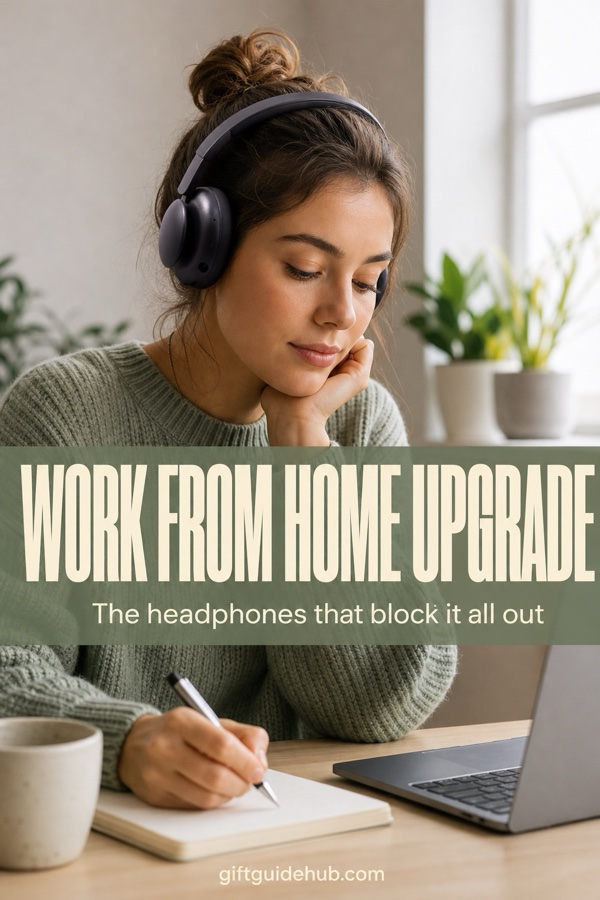
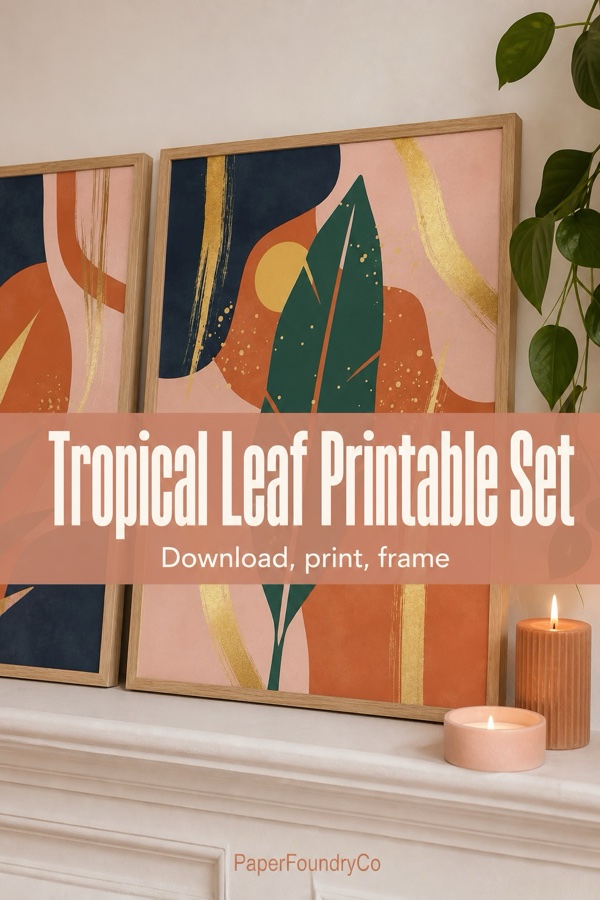
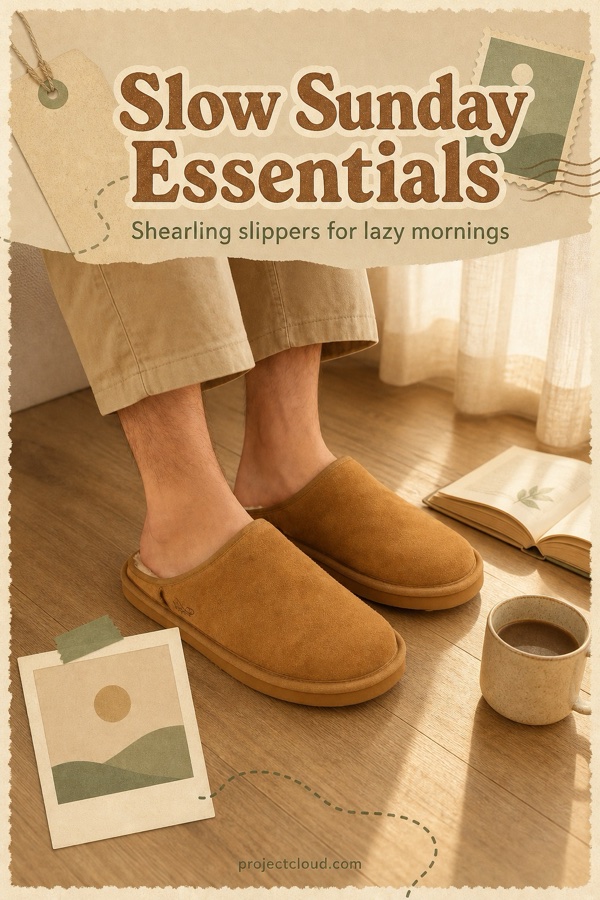
Design
Dozens of designs, all in your brand
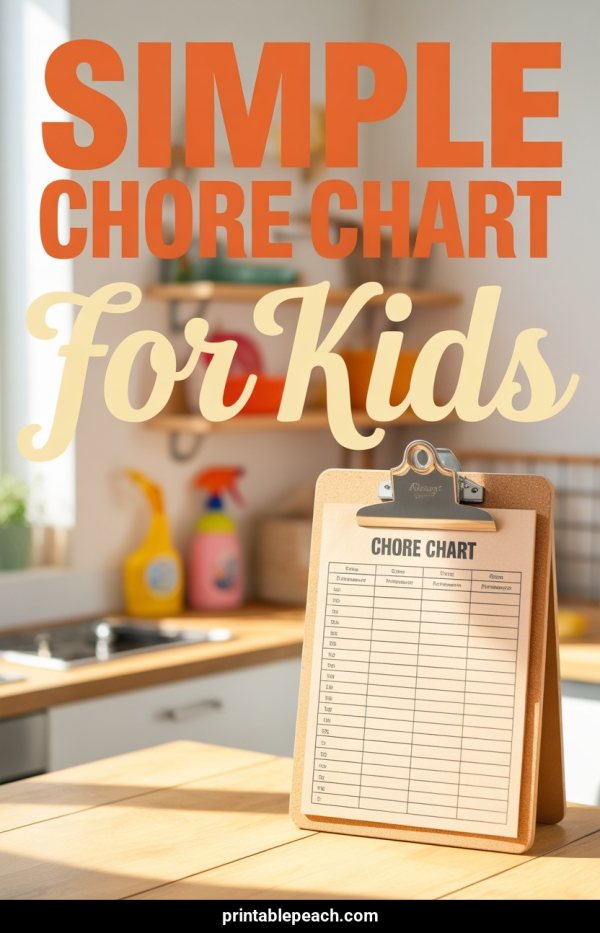
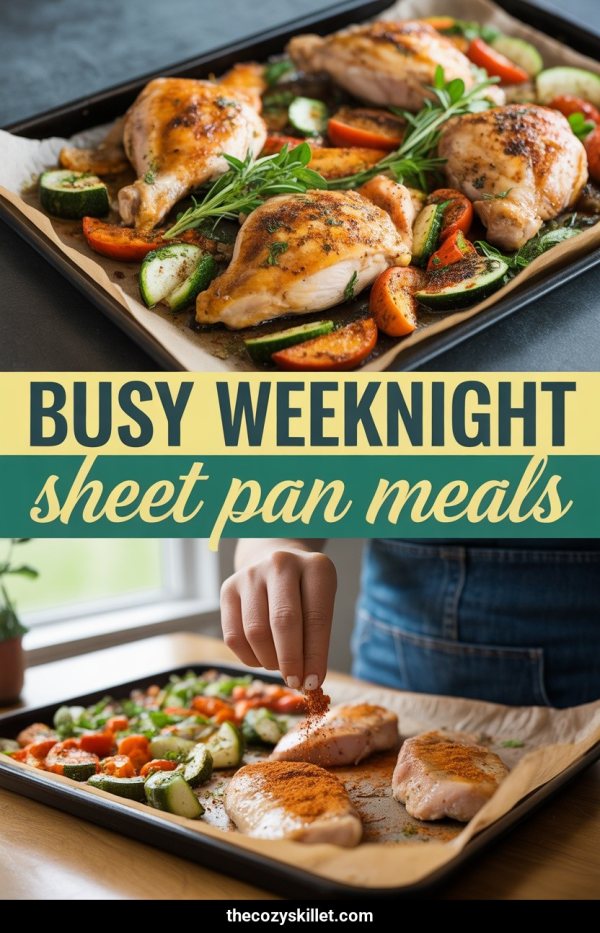
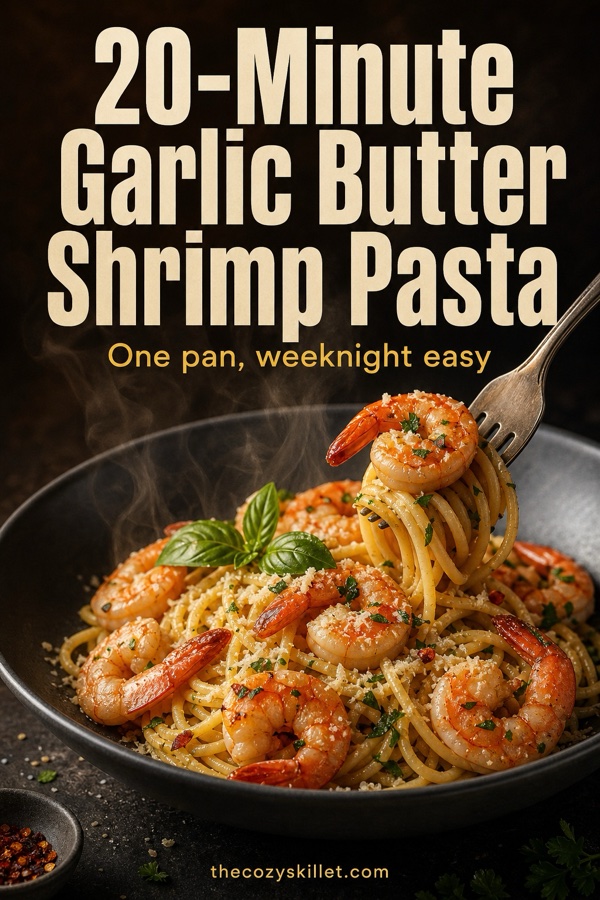
Canva-style designs filled with your photos and colours. Every pin looks different, so your boards never look like one template.
- Bold bands, collages, mood boards and more
- Your logo, brand colours and fonts on every pin
- Edit the words, colours and layout in our editor
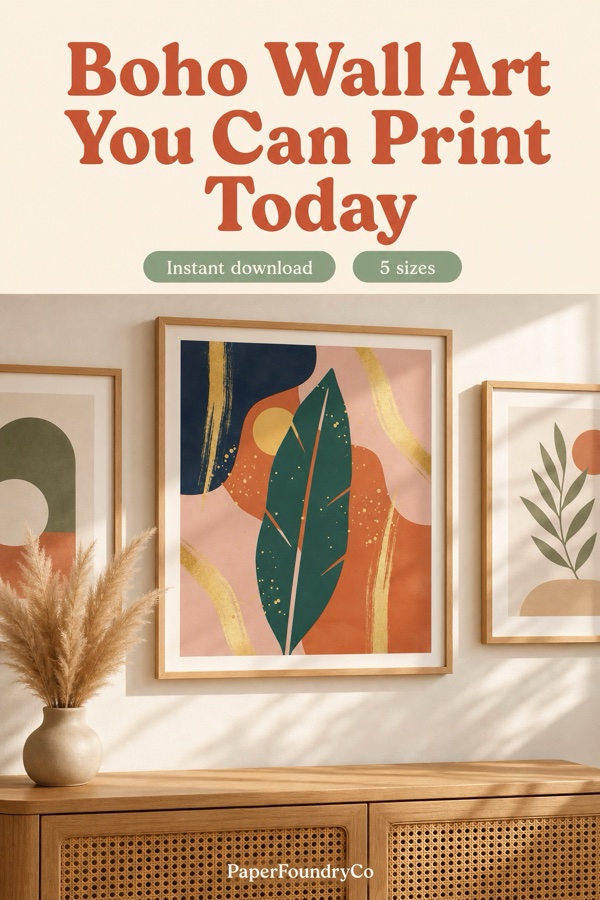
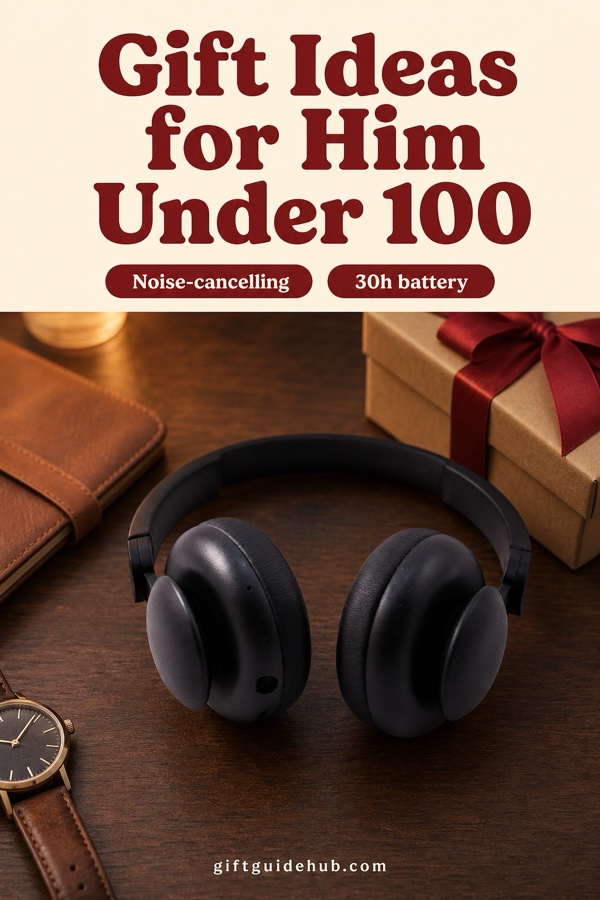
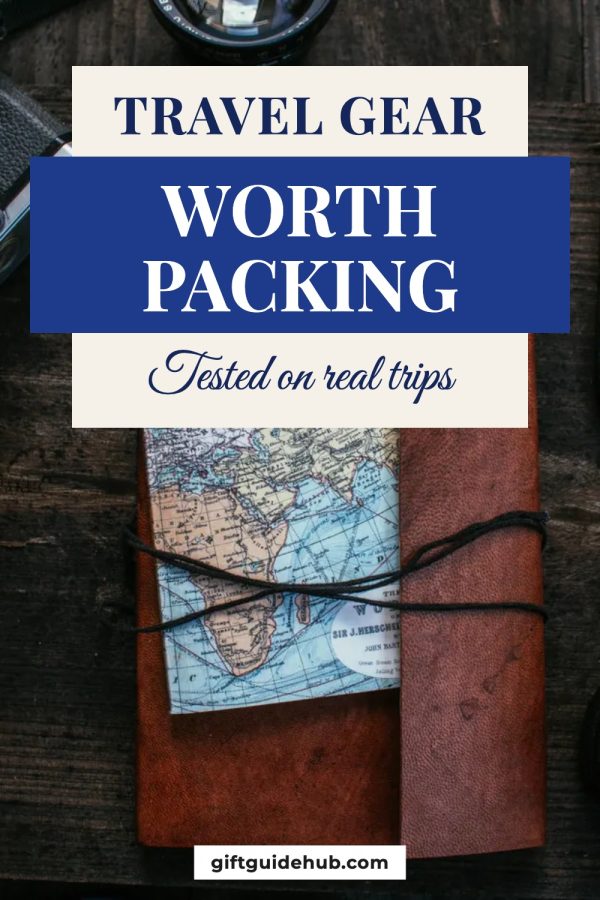
Pin types
Not just photo pins
Each post or product gets the kind of pin that suits it, so your boards stay varied and people stop to read.
-
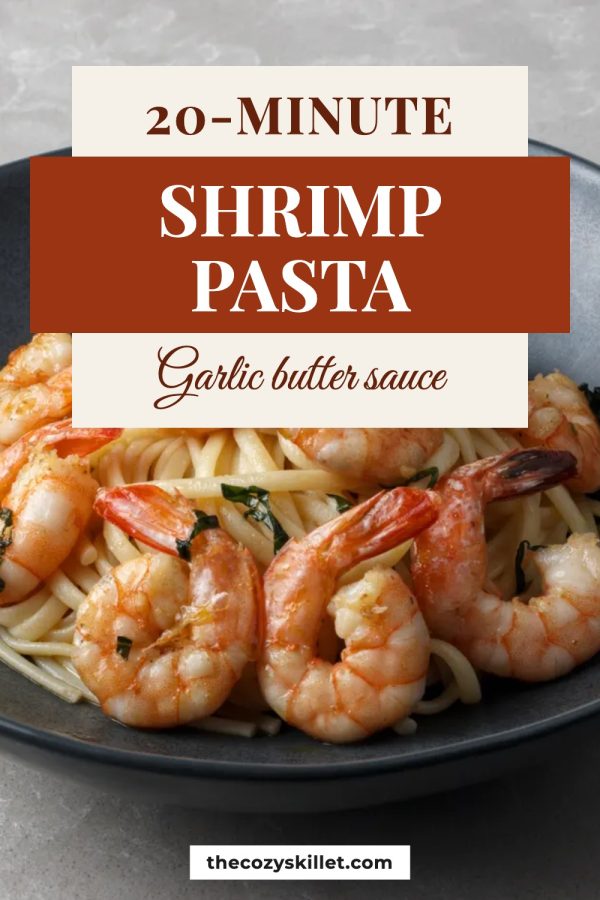
Photo pins
Your best photo with a bold headline.
-
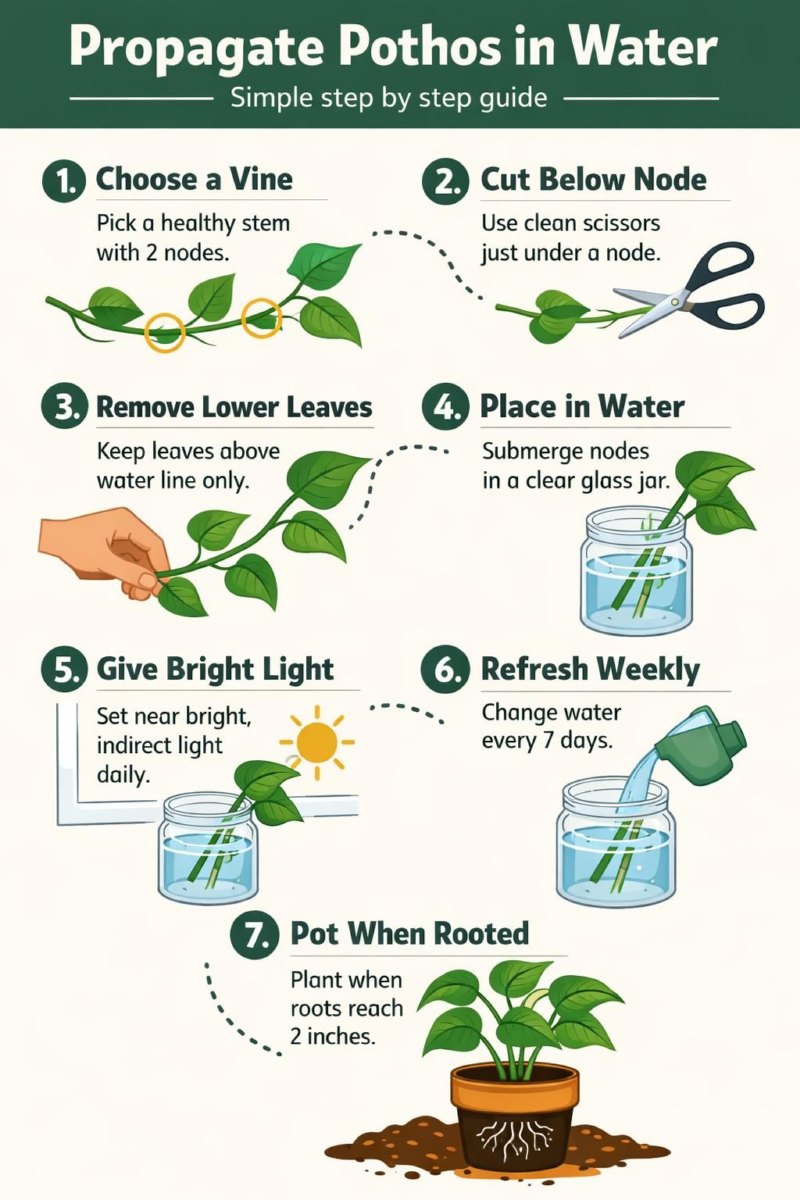
Infographics
Steps, checklists and tips taken from your post.
-
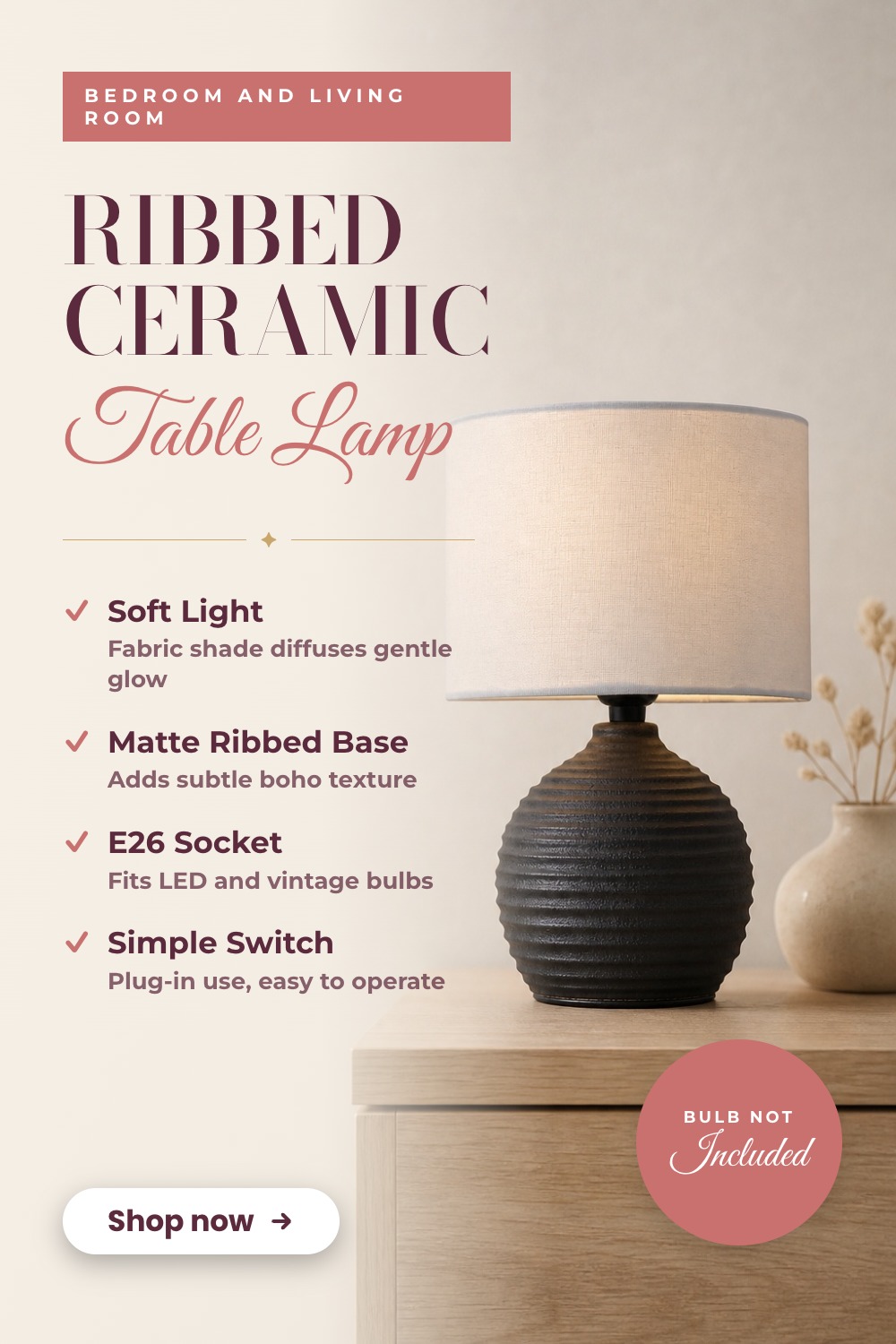
Product features
Your product with its best points beside it.
-
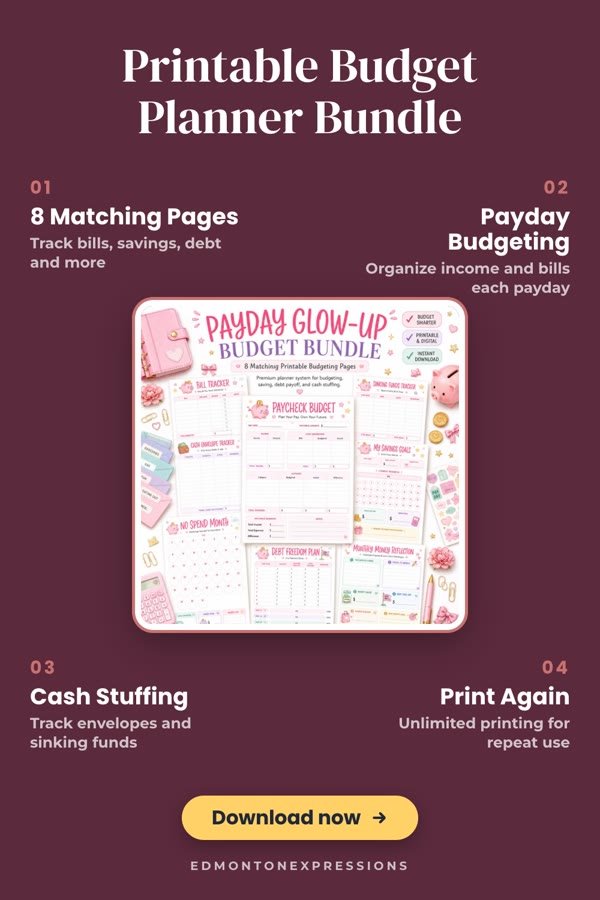
Callouts
Numbered notes around your product.
-
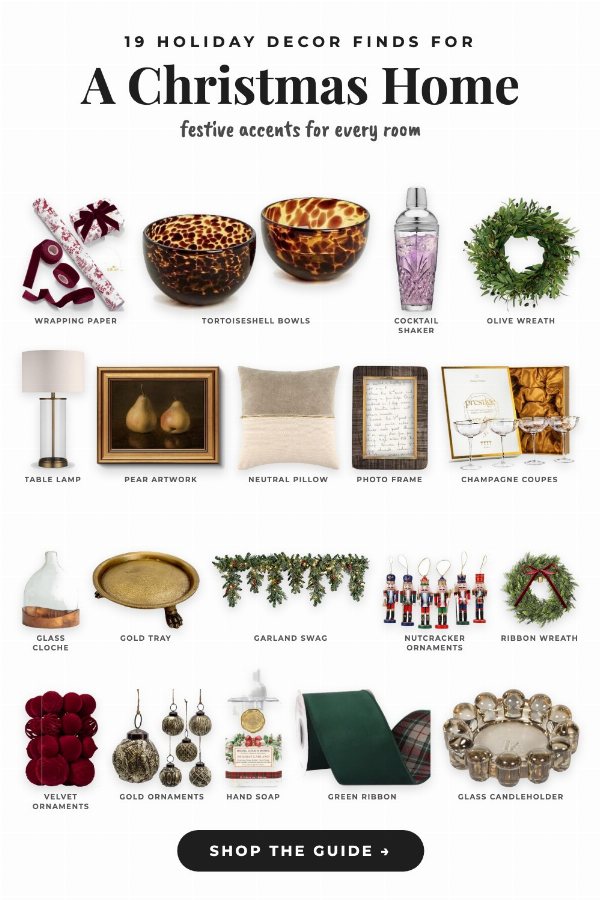
Gift guides
Many products in one pin, each one named.
-
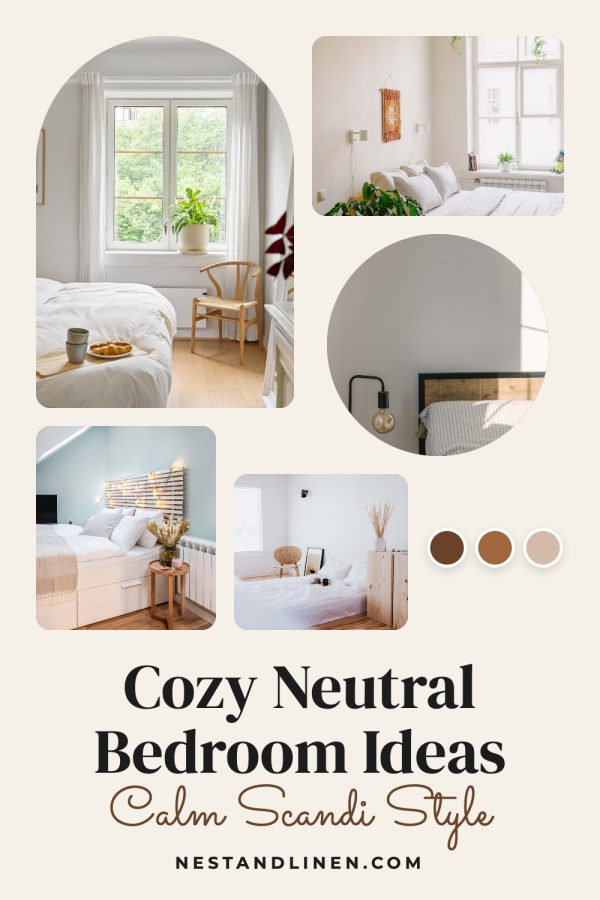
Mood boards
A few photos and a colour palette in one look.
Why it takes months
Pinterest rewards accounts that keep pinning for months.
Clicks stay small at first while Pinterest gets to know your account. That’s when most people stop. We keep fresh pins going out every day, so you’re still pinning when it starts to pay off.
-
Month 1
Warm up
A few pins a day while Pinterest learns what your account is about.
-
Months 2–3
Pin every day
New pins from your posts and products go out daily, on the right boards.
-
Month 4 on
Keep it going
Older pins keep bringing clicks, and your best posts get fresh pins every few weeks.
How it works
From your site to daily pins in three steps
-
1
Add your site, shop or links.
We find your posts and products, from your sitemap, your shop or the links you paste.
-
2
Get a month of pins.
Designed from your photos, in your colours.
-
3
They go out every day.
A few a day, spread over the month.
Posted through Pinterest's official API.




Who it’s for
Made for blogs, shops and affiliate links
Bloggers
- You add:
- Your blog or sitemap
- You get:
- More readers on your posts
New and old posts get pins that send readers back to the post.
Pinterest for bloggers →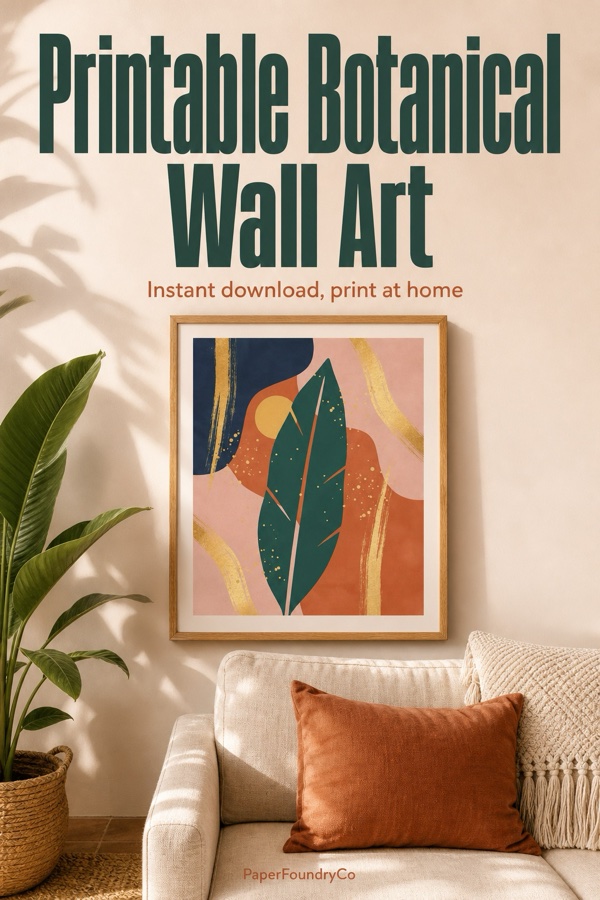
Etsy sellers
- You add:
- Your Etsy shop
- You get:
- More shoppers on your listings
Pins from your own listing photos, linking straight to each listing.
Pinterest for Etsy →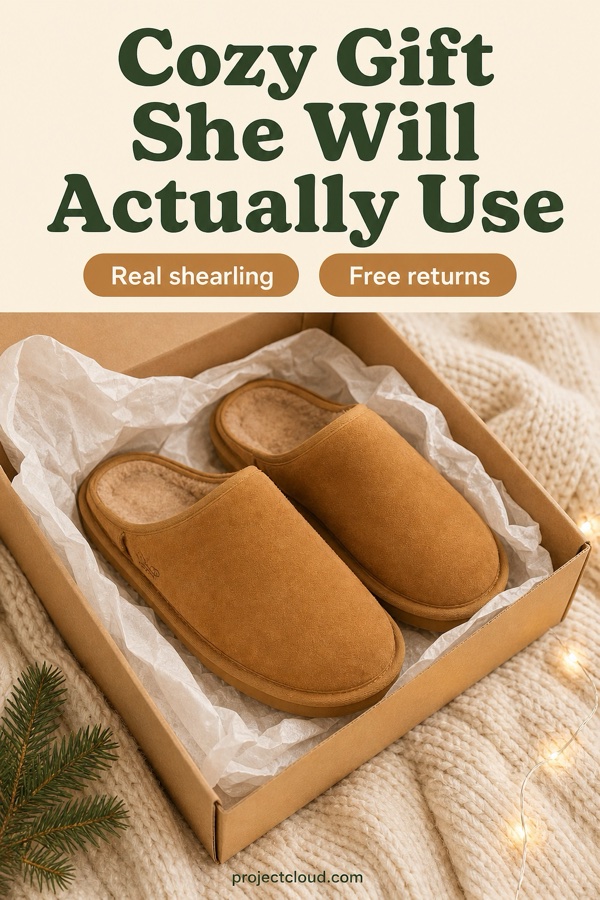
Shopify stores
- You add:
- Your store
- You get:
- More shoppers on your products
Every product gets pins that link straight to its page.
Pinterest for Shopify →
Affiliates
- You add:
- Product links, from Amazon or any shop
- You get:
- More clicks on your links
Pins from the product's own photos, linking to the product with your affiliate ID, or to your own review page.
Pinterest for Amazon affiliates →New · For AI assistants and agents
Ask for pins in ChatGPT or Claude
Connect Made to Spark to the AI assistant you already use. Paste a link in the chat, get finished pins in your brand, then schedule them just by asking.
- “Make 3 pins from this post”: the pins appear right in the chat, made from your page’s own photos.
- “Schedule them on my Recipes board”: they post from Made to Spark, even after you close the chat.
- AI agents can use it too: Claude Code, Cursor or your own, through MCP.
Works in ChatGPT, Claude, Claude Code and Cursor.
 Made to Spark
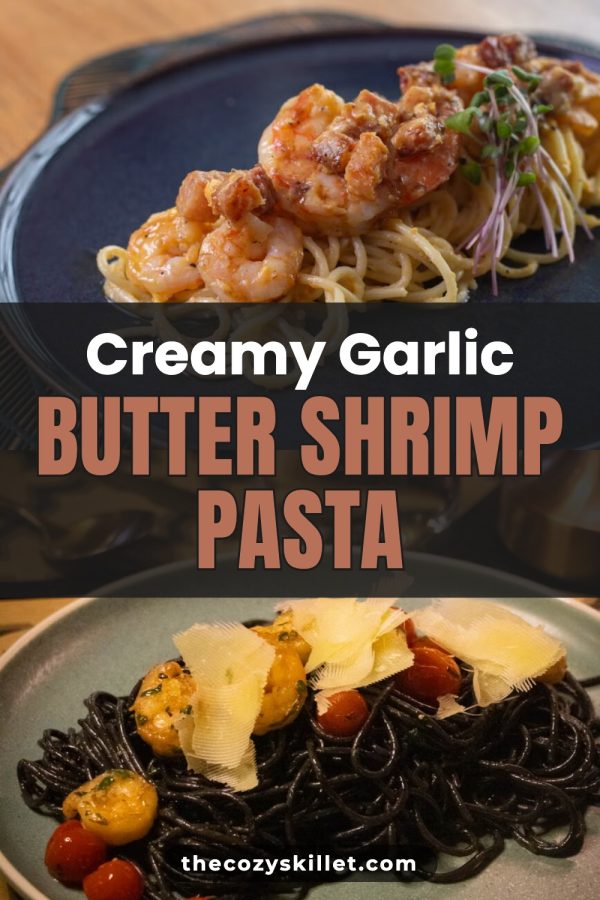
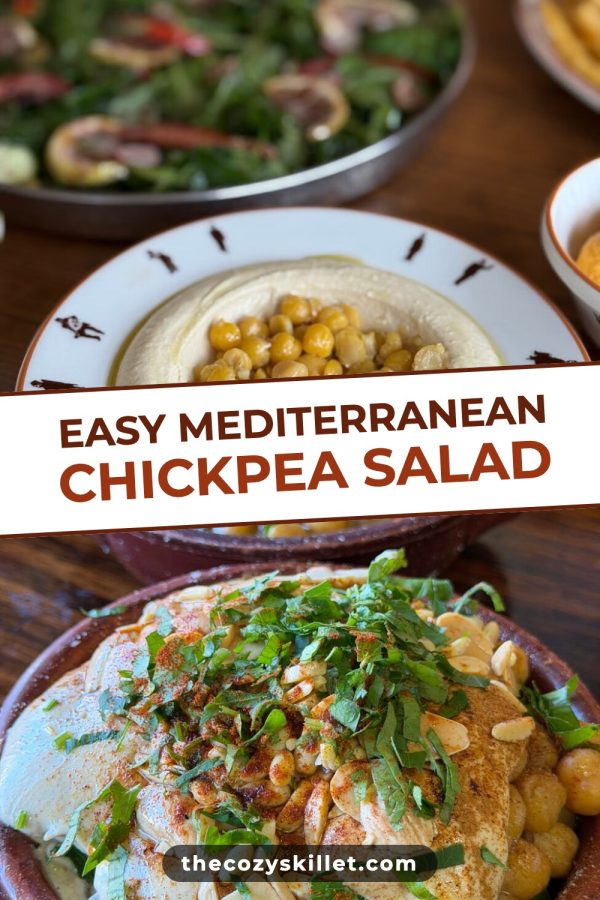
Make a pin from each of these 3 recipe links
Done: 3 pins in your brand colours. They’re waiting in My Pins as drafts.

What it costs
Three bills, or one.
Most people make pins with Canva, write the words in ChatGPT and post with Tailwind. Made to Spark does all three jobs in one place.
The usual way
- Canva Pro Pin design $18$12/mo
- Tailwind Scheduling, 300 pins a month $29.99$17.99/mo
- ChatGPT Plus Titles, descriptions and alt text $20$20/mo
Three logins, three bills, and copy-pasting between them for every pin.
Made to Spark Pro
$21.90$12/mo
$144 billed once a year
- Pins designed for you, in your brand colours
- Titles, descriptions and alt text written with every pin
- Up to 30 pins a day scheduled to your boards
You keep $553 a yearYou keep $456 a year
68% less than the three tools together76% less than the three tools together
US prices from each tool's pricing page, checked October 2026. ChatGPT Plus has no yearly price. Sources: canva.com/pricing, tailwindapp.com/pricing, chatgpt.com/pricing
For Pinterest managers and VAs
One login for every brand you manage.
Each brand gets its own workspace with its own Pinterest account, colours, designs, boards and settings. Switch between them in one click.
- A separate Pinterest account for every workspace
- Brand colours and pin designs set per site
- Pins from each brand's own pages, never mass-posted
Customers
What customers say
Less time making pins. Fewer tools. Pins they are proud to post.
I had tried a ton of tools to create pins but none match the quality of pins made by Made to Spark. One very impressive thing when using this tool is how quick Paul helps when I need help with an extra feature or get stuck using the tools. His support when using this tool is second to none.

Hi my name is Linda and I am an Amazon Associate posting pins to Pinterest. Madetospark is an awesome product. Very intuitive to use, and trust me I am not the smartest cookie in the bunch. However, Paul has been an amazing help. If you are in doubt, I would definitely recommend Madetospark to anyone who is generating pins.
It turns what is usually a time-consuming, fragmented process into a smooth and efficient system. It empowers me to focus on strategy and creativity instead of execution…

Pins posted every day, at one simple price
Every plan makes pins from your own photos and posts them to Pinterest for you. Pro & Growth also make pins for your whole blog or shop in one go.
Not sure yet? Try it for 7 days first, no card needed. Start my trial
Hobbyist
Trying Pinterest on the side? Make pins one at a time.
Billed annually: $108/year
or ~$9/mo billed yearly
Start Hobbyist Billed yearly Start Hobbyist Billed monthlyCancel anytime · 7-day refund policy
- One link at a time (no Bulk Pins)
- Schedule up to 5 pins a day
- 300 pins made from your own photos per 30 days
- 30 credits for pins drawn fully by AI
- 1 workspace
Pro
Pins for your whole blog or shop in one go.
Billed annually: $144/year
or ~$12/mo billed yearly
Start Pro Billed yearly Start Pro Billed monthlyCancel anytime · 7-day refund policy
- Pins for your whole site: 300 a month
- Schedule up to 30 pins a day
- 500 pins made from your own photos per 30 days
- 100 credits for pins drawn fully by AI
- 5 workspaces
Growth
Several brands, or pinning for clients.
Billed annually: $499/year
or ~$42/mo billed yearly
Start Growth Billed yearly Start Growth Billed monthlyCancel anytime · 7-day refund policy
- Pins for your whole site: 750 a month
- Schedule up to 50 pins a day
- 1,200 pins made from your own photos per 30 days
- 500 credits for pins drawn fully by AI
- 15 workspaces
Every plan: your brand colours and logo, pins in 6 languages, cancel anytime.
Template pins use the photos on your pages and come with every plan. AI pins, where AI creates the whole image, use 1 credit each.
3-Month Launch Plan
Made for new Pinterest accounts, and works on any account. Pinterest rewards accounts that pin every day for months, so this pays for 3 months in one go.
- Everything in Pro for 1 site only
- Bulk Pins: 300 pins a month
- 500 template pins per 30 days
- 100 credits in total for AI pins, to use over the 3 months (not each month)
7-day trial · No credit card required · Cancel anytime · 7-day refund policy · Secure payments via Stripe.
FAQ
Questions before you start
Yes — we offer a 7-day money-back guarantee on subscriptions and credit packs:
- Subscriptions: full refund of the latest charge within 7 days if fewer than 20 credits were used.
- Credit packs: refundable within 7 days if less than 20% of credits were used.
One refund per account. See the full refund policy →
See your first pins in about 20 seconds.
Paste a post or product link. No signup needed.
No signup. Your first pins in about 20 seconds.
7-day trial · no card needed