Turn Pinterest into readers for your blog.
Pinterest rewards accounts that pin regularly, for months. We make that easy: pins from your posts and products, posted for you every day.
No signup. Your first pins in about 20 seconds. or start free →
Used by 900+ bloggers and shop owners
“…none match the quality of pins made by Made to Spark.” · Daisy K, Fashion Blogger
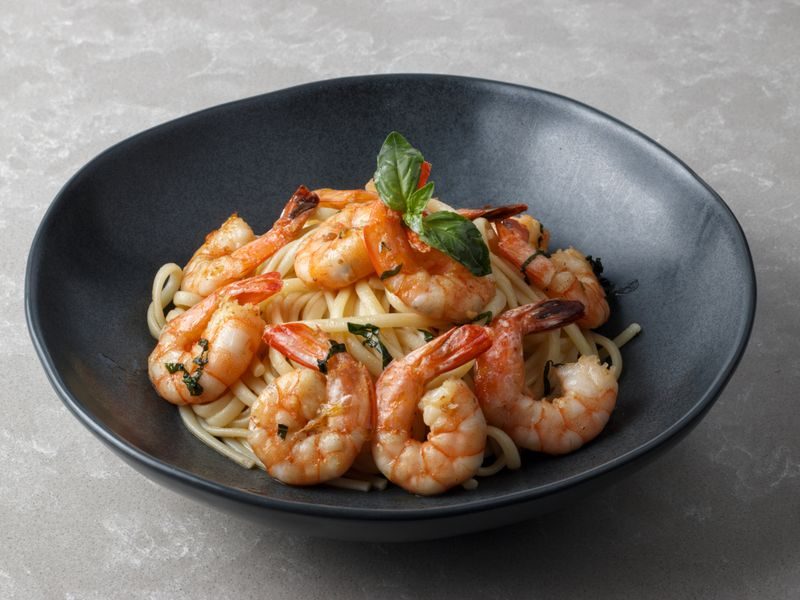
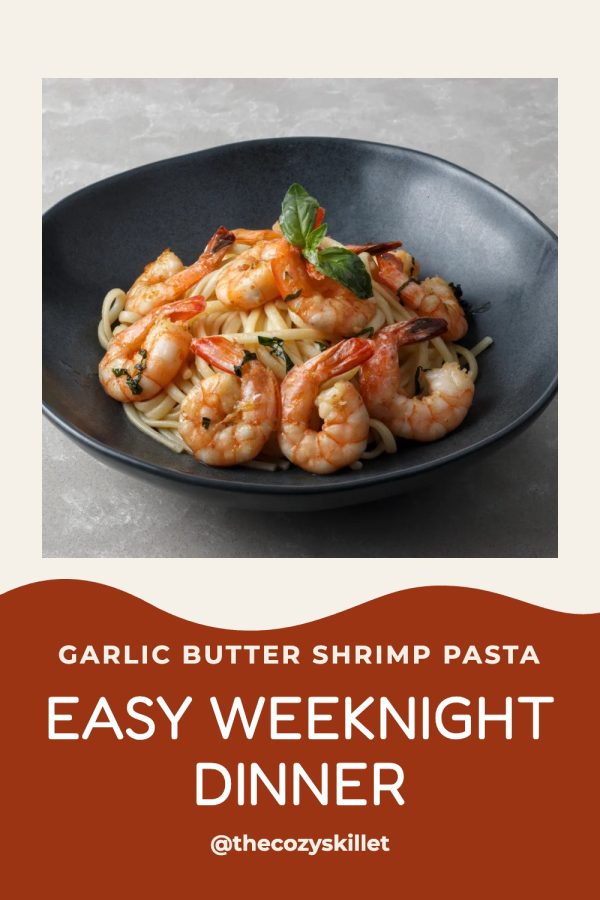
Blog post
Creamy garlic butter shrimp pasta

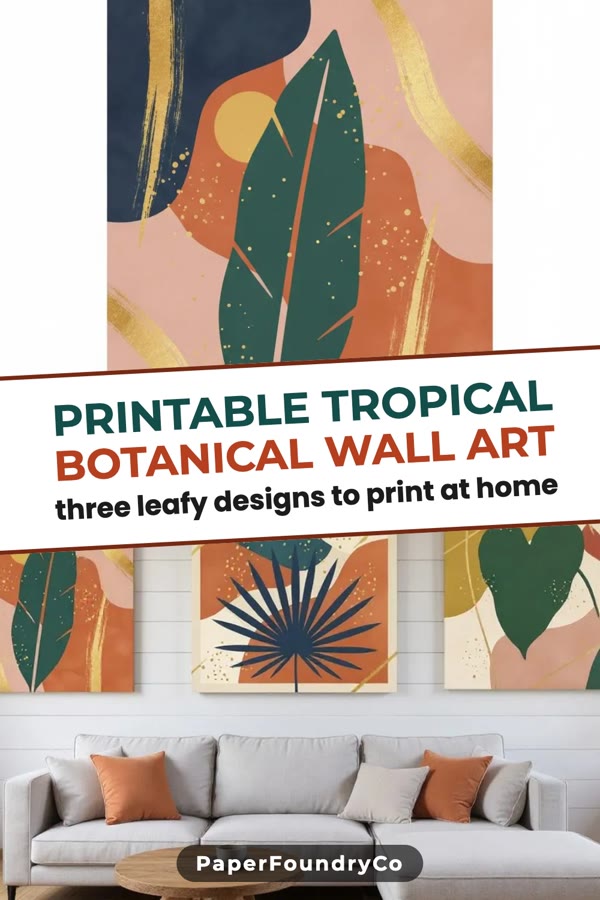
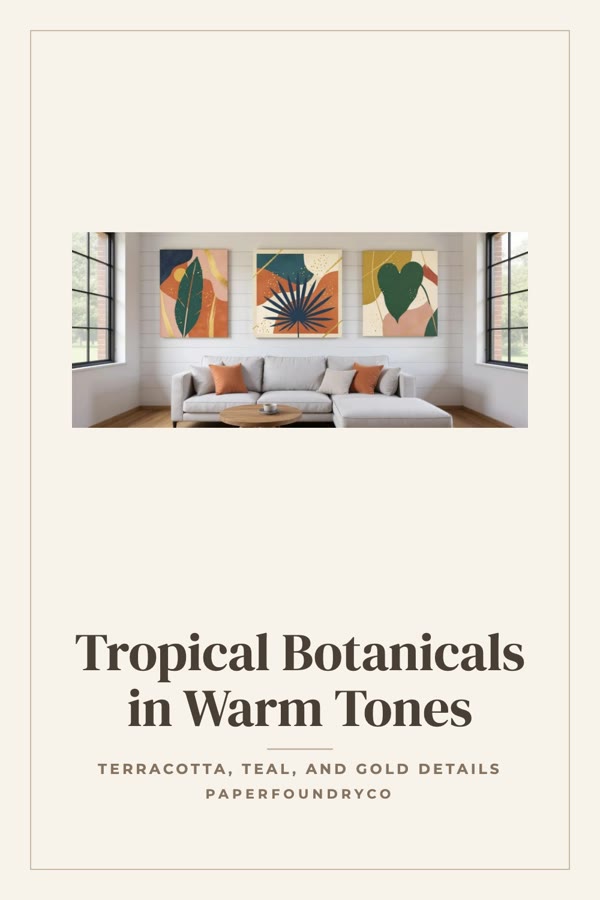
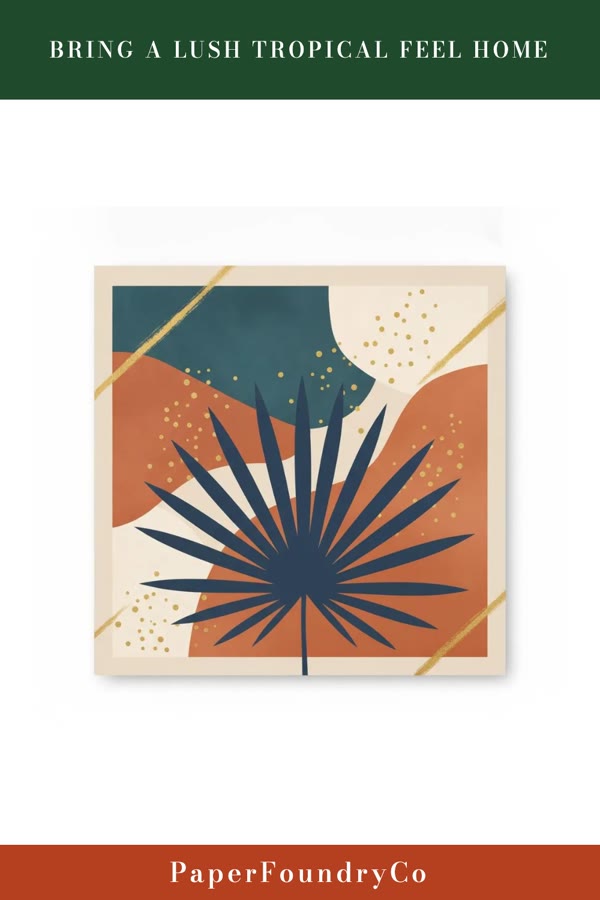
Etsy listing
Tropical botanical wall art print
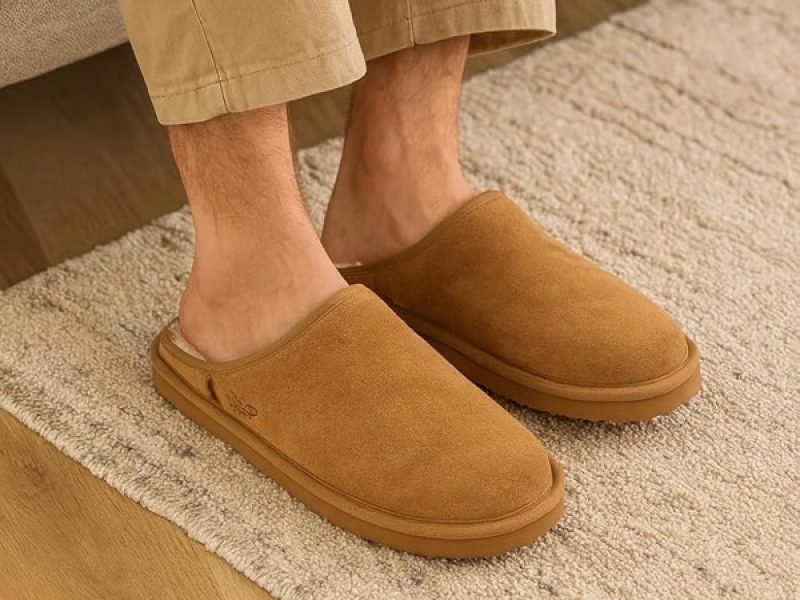
Product page
Genuine shearling slippers

Amazon product
Wireless noise-cancelling headphones
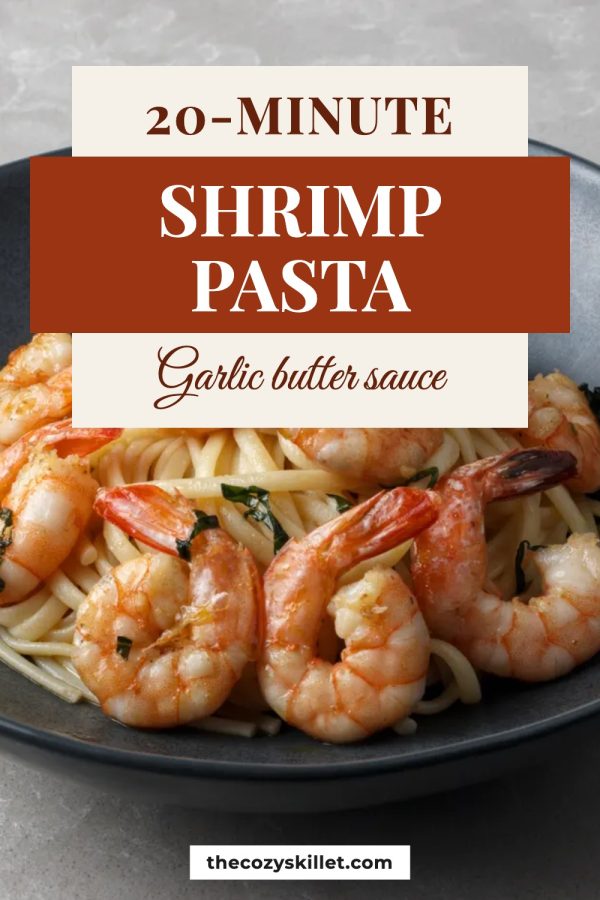
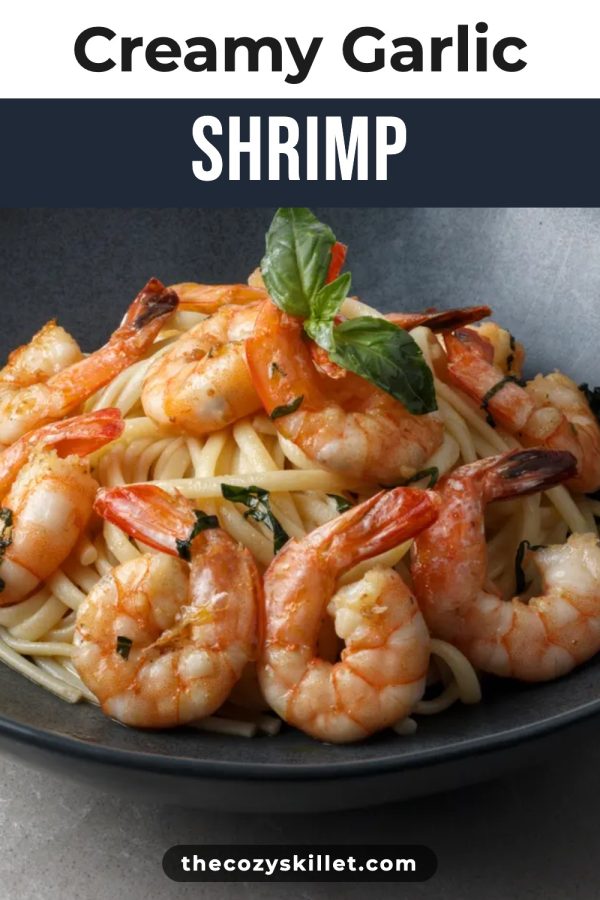
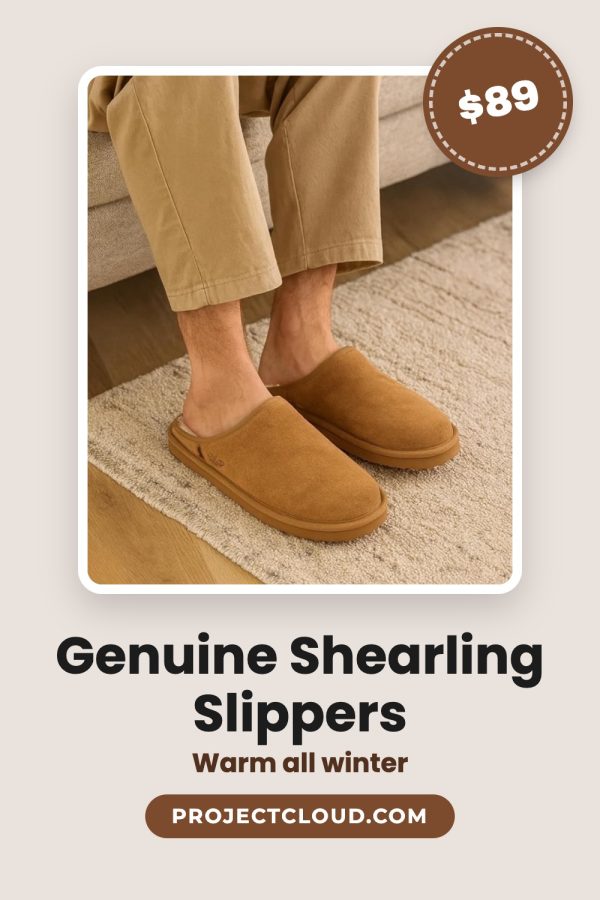
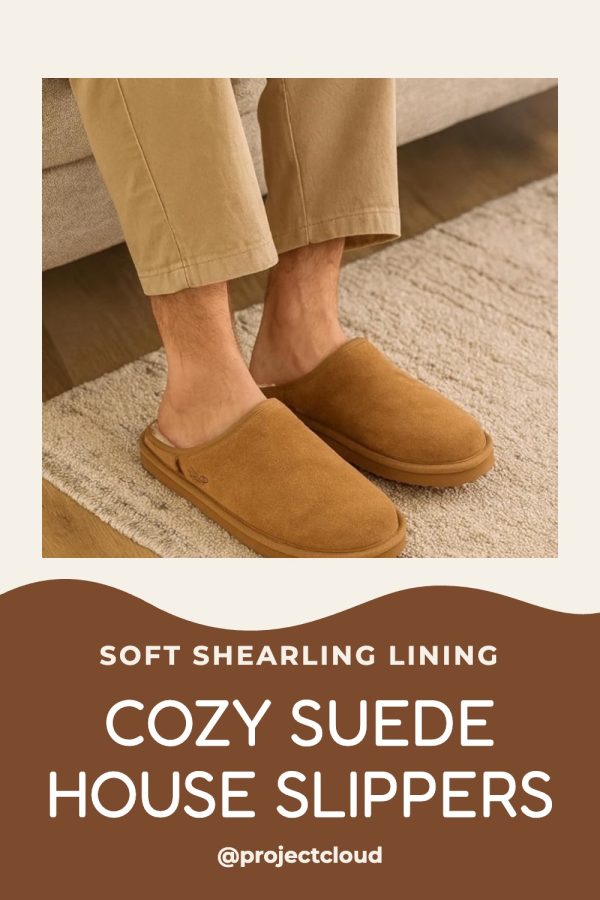
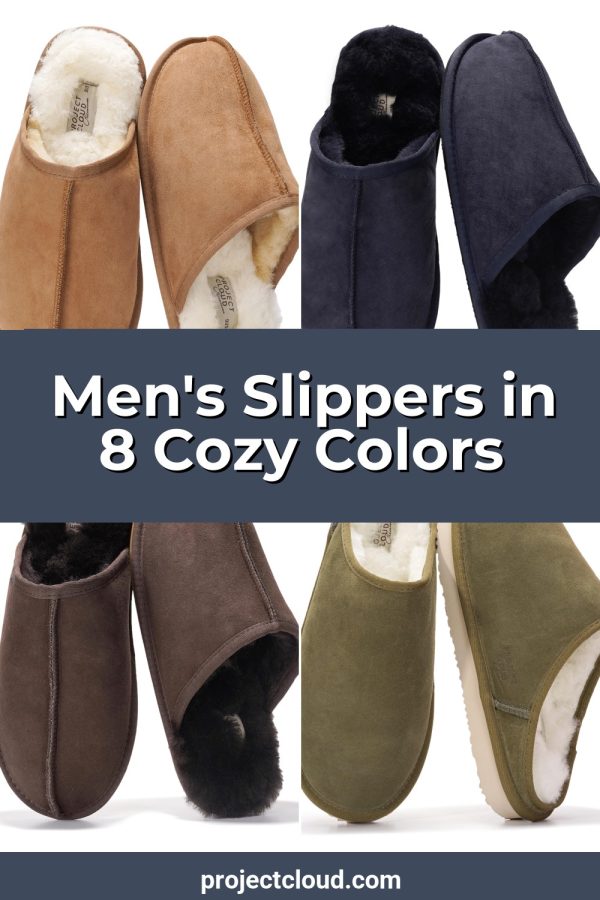
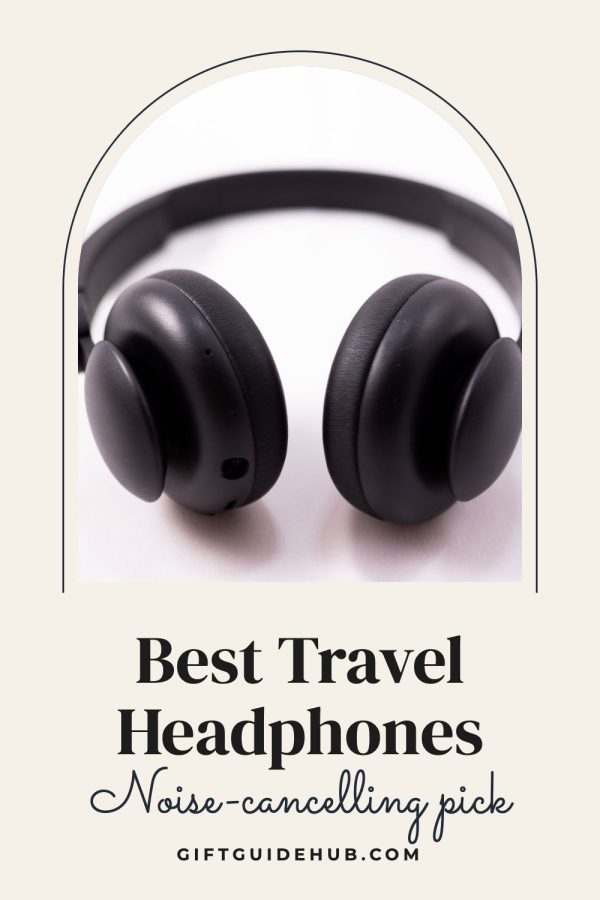


Scheduled on Pinterest
Clicks to your site
Example: an account that pinned every day for 3 months.
How it works
From your site to daily pins in three steps
-
1
Paste your site.
We find your posts and products, from your sitemap or shop.
Works with WordPress, Shopify, Etsy and any site with a sitemap.
-
2
Get a month of pins.
Designed from your photos, in your colours. Keep the ones you like.
-
3
They go out every day.
A few a day, spread over the month.
Posted through Pinterest's official API.
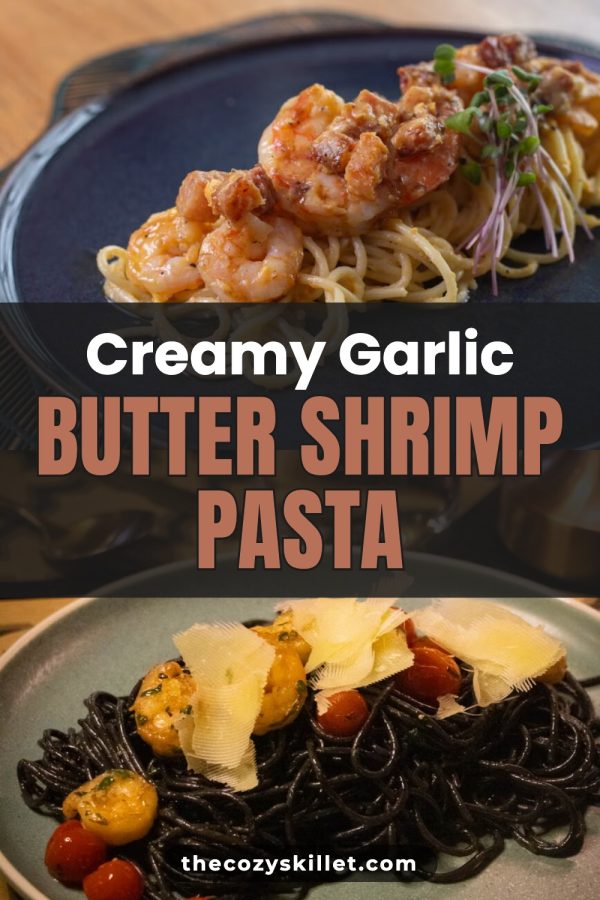


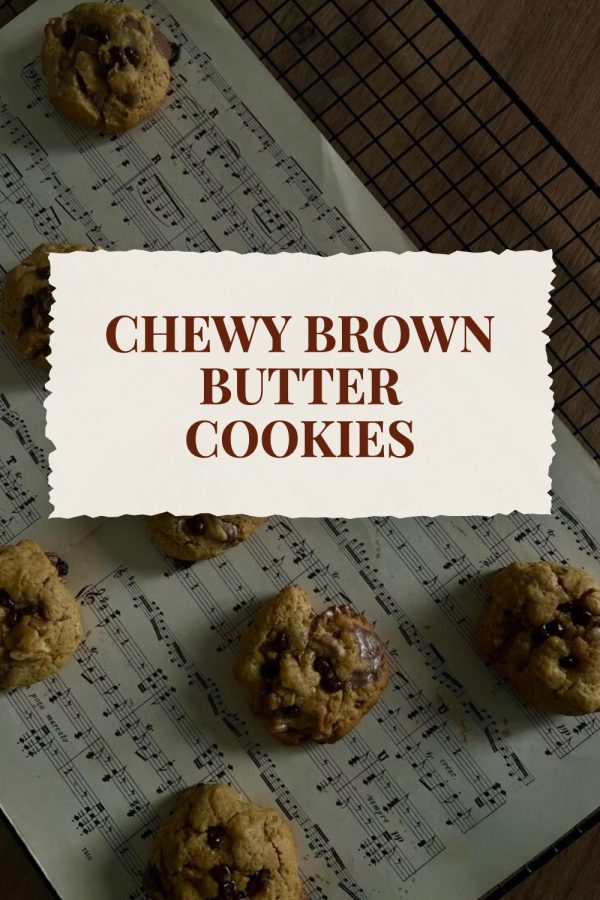
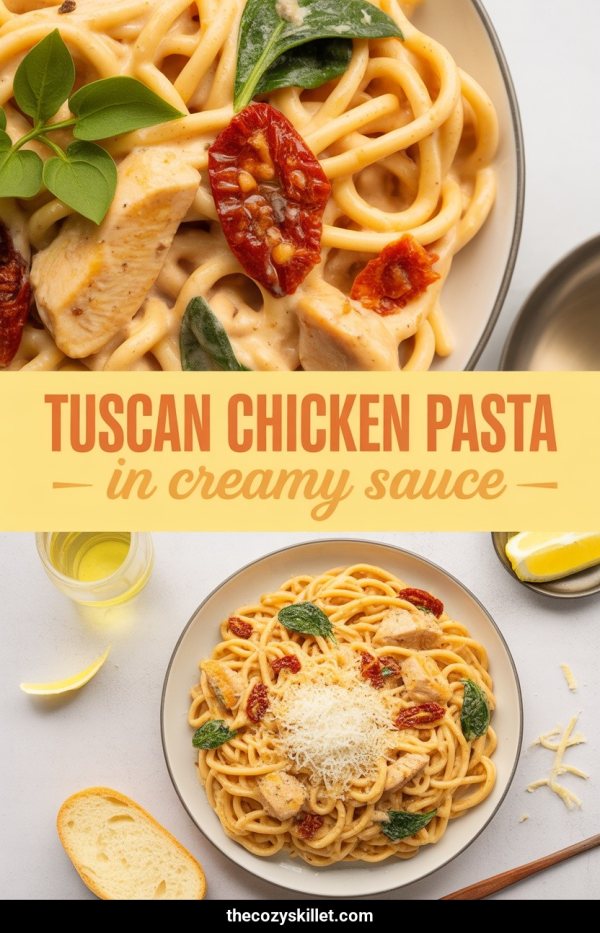
Design
Pins that look hand-designed
Designer templates filled with your photos and colours. Not one template stretched over everything.
- Dozens of layouts, picked for each post
- Your brand colours and fonts
- A new headline for every pin
- Or design your own pins, no Canva needed

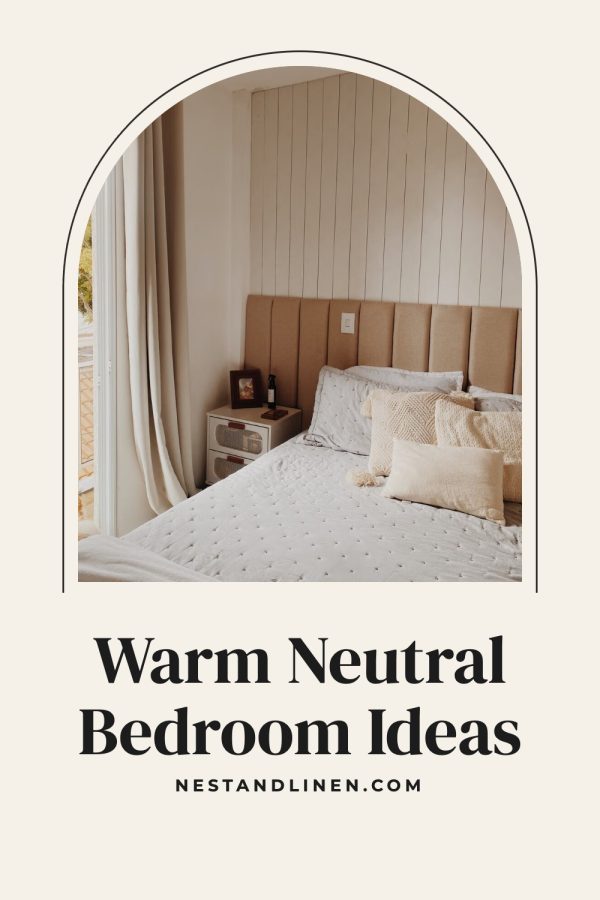
Bulk Pins
Every post and product becomes pins
Bulk Pins turns your whole site into pins in one go: recipes, products, guides, old posts too.
- Several pins per page, all different
- From your sitemap, your shop or a list of links
- Check every pin before it goes out
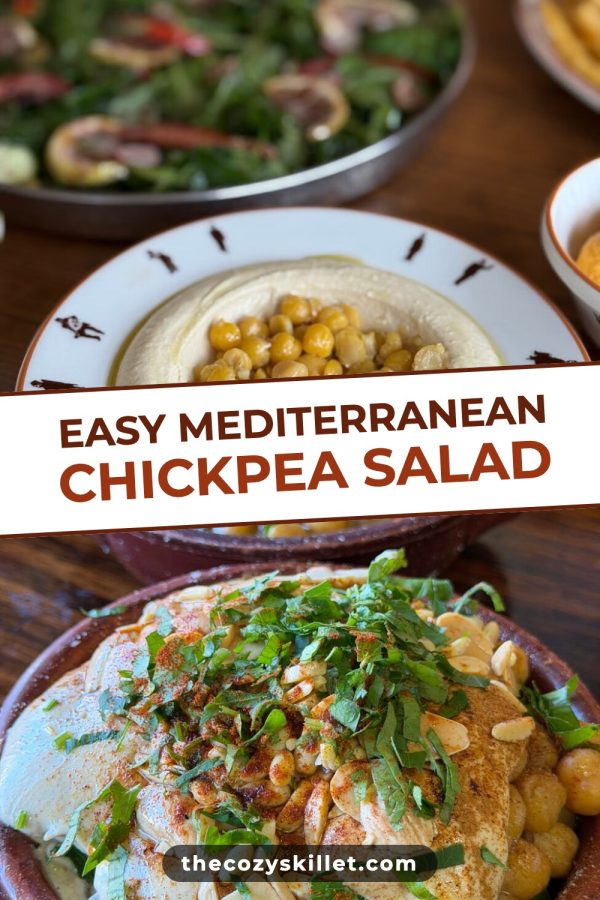
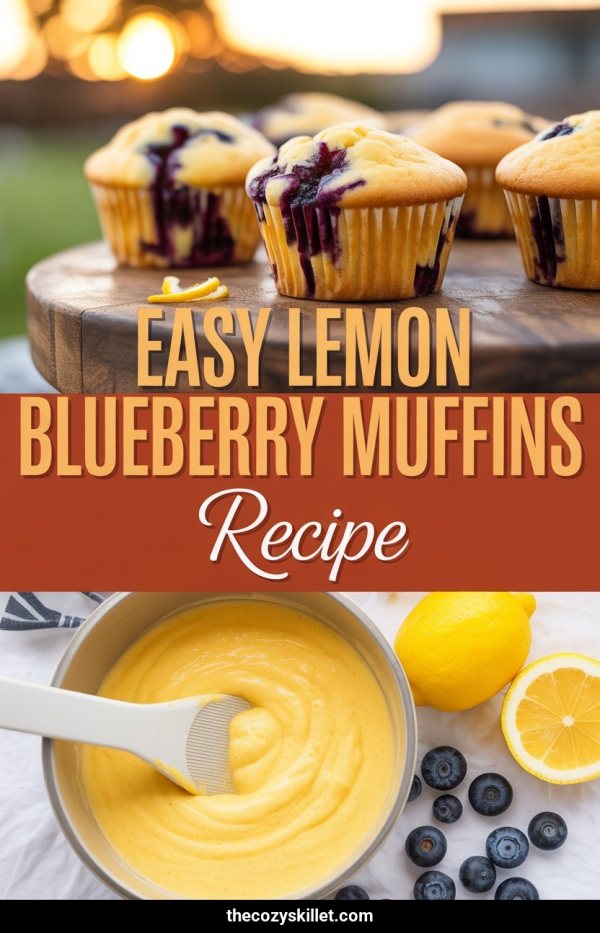
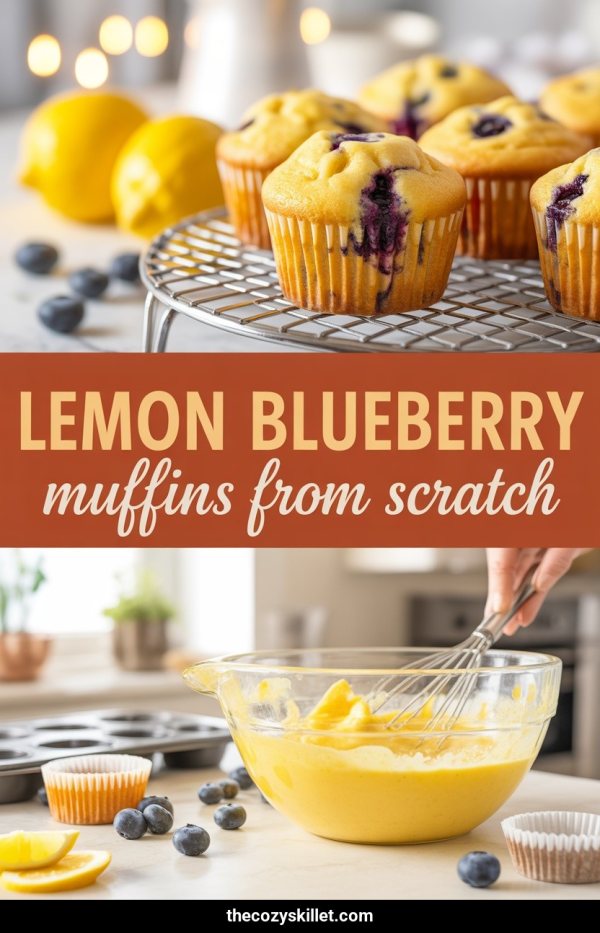
Automations
Daily pinning, without thinking about it
Publish as usual. Your workflow spots each new post or product and makes its pins, keeps your best posts getting new ones, and spreads them over the month, a few each day.
- New posts get pinned on their own
- New pins for your best posts, every few weeks
- No pin posted twice
What it costs
Three bills, or one.
Most people make pins with Canva, write the words in ChatGPT and post with Tailwind. Made to Spark does all three jobs in one place.
The usual way
- Canva Pro Pin design $18$12/mo
- Tailwind Scheduling, 300 pins a month $29.99$17.99/mo
- ChatGPT Plus Titles, descriptions and alt text $20$20/mo
Three logins, three bills, and copy-pasting between them for every pin.
Made to Spark Solo
$21.90$12/mo
$144 billed once a year
- Pins designed for you, in your brand colours
- Titles, descriptions and alt text written with every pin
- Up to 30 pins a day scheduled to your boards
You keep $553 a yearYou keep $456 a year
68% less than the three tools together76% less than the three tools together
US prices from each tool's pricing page, checked October 2026. ChatGPT Plus has no yearly price. Sources: canva.com/pricing, tailwindapp.com/pricing, chatgpt.com/pricing
Who it’s for
Made for blogs, shops and affiliate links
Etsy sellers
Pins from your own listing photos, so shoppers see the real thing.
Pinterest for Etsy →
Affiliates
Paste the links you promote, from Amazon or any product page.
Pinterest for Amazon affiliates →Checked by us, approved by you
Every pin is checked, then waits for your yes.
We look over every pin before you see it. Then nothing reaches Pinterest without your click, and you can change anything first.
- Right board Each pin goes to the board that fits, or to the default board you chose.
- A last look We look for cut-off faces, hard-to-read headlines and broken photos, and redraw the pin with other photos.
- Edit any pin Change the words or the board, or delete it.
- Your designs Templates, colours and website text, per site.

New · For AI assistants and agents
Ask for pins in ChatGPT or Claude
Connect Made to Spark to the AI assistant you already use. Paste a link in the chat, get finished pins in your brand, then schedule them just by asking.
- “Make 3 pins from this post”: the pins appear right in the chat, made from your page’s own photos.
- “Schedule them on my Recipes board”: they post from Made to Spark, even after you close the chat.
- AI agents can use it too: Claude Code, Cursor or your own, through MCP.
Works in ChatGPT, Claude, Claude Code and Cursor.
 Made to Spark
Make a pin from each of these 3 recipe links
Done: 3 pins in your brand colours. They’re waiting in My Pins as drafts.
For Pinterest managers and VAs
One login for every brand you manage.
Each brand gets its own workspace with its own Pinterest account, colours, designs, boards and settings. Switch between them in one click.
- A separate Pinterest account for every workspace
- Brand colours and pin designs set per site
- Built for real brands: pins come only from each brand's own pages, spaced out and checked, never mass-posted
Customers
In their own words
Less time making pins. Fewer tools. Pins they are proud to post.
“I had tried a ton of tools to create pins but none match the quality of pins made by Made to Spark. One very impressive thing when using this tool is how quick Paul helps when I need help with an extra feature or get stuck using the tools. His support when using this tool is second to none.”

“Hi my name is Linda and I am an Amazon Associate posting pins to Pinterest. Madetospark is an awesome product. Very intuitive to use, and trust me I am not the smartest cookie in the bunch. However, Paul has been an amazing help. If you are in doubt, I would definitely recommend Madetospark to anyone who is generating pins.”
“It turns what is usually a time-consuming, fragmented process into a smooth and efficient system. It empowers me to focus on strategy and creativity instead of execution…”

Plans that grow with you
Template pins and scheduling come with every plan, Bulk Pins and Automations with Solo & Growth. Credits are only for AI pins.
Lite
Make pins yourself, for one site.
Billed annually: $108/year
or ~$9/mo billed yearly
Start Lite Billed yearly Start Lite Billed monthly- No Bulk Pins or Automations
- Schedule up to 5 pins a day
- 300 template pins per 30 days
- 30 credits for AI pins
- 1 workspace
Solo
Bulk Pins and Automations for your blog or shop.
Billed annually: $144/year
or ~$12/mo billed yearly
Start Solo Billed yearly Start Solo Billed monthly- Bulk Pins + Automations: 300 pins a month
- Schedule up to 30 pins a day
- 500 template pins per 30 days
- 100 credits for AI pins
- 5 workspaces
Growth
More brands and more pins.
Billed annually: $499/year
or ~$42/mo billed yearly
Start Growth Billed yearly Start Growth Billed monthly- Bulk Pins + Automations: 750 pins a month
- Schedule up to 50 pins a day
- 1,200 template pins per 30 days
- 500 credits for AI pins
- 15 workspaces
Every plan: your brand colours and logo, pins in 6 languages, cancel anytime.
Template pins use the photos on your pages and come with every plan. AI pins, where AI creates the whole image, use 1 credit each.
Credit Packs
- Most pins cost 1 credit, templates too
- Valid for 3 months
- No Pin Scheduler
- No bulk creation
-
100 Credits
$0.15 per credit
$15.00Buy Credits -
500 Credits
$0.13 per credit
$65.00Buy Credits
7-day trial · No credit card required · Cancel anytime · 7-day refund policy · Secure payments via Stripe.
FAQ
Questions
Yes — we offer a 7-day money-back guarantee on subscriptions and credit packs:
- Subscriptions: full refund of the latest charge within 7 days if fewer than 20 credits were used.
- Credit packs: refundable within 7 days if less than 20% of credits were used.
One refund per account. See the full refund policy →
See your first pins in about 20 seconds.
Paste a post or product link. No signup needed.