Pinterest automation for blogs and shops
Pinterest, handled.
For every site you run.
Connect a blog or shop once. Auto Pin makes pins for every new post, keeps your best posts getting new ones, and checks every pin. You approve them in about a minute a week, and they go out on schedule.
Cancel anytime · 7-day refund policy
Used by 800+ creators
Loved by bloggers, shop owners and Pinterest managers
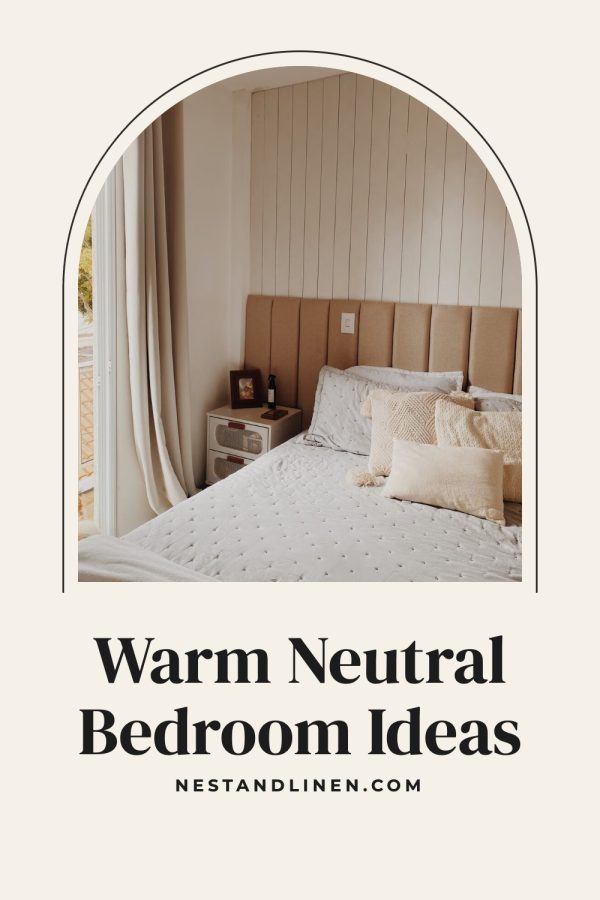

Pins designed and checked
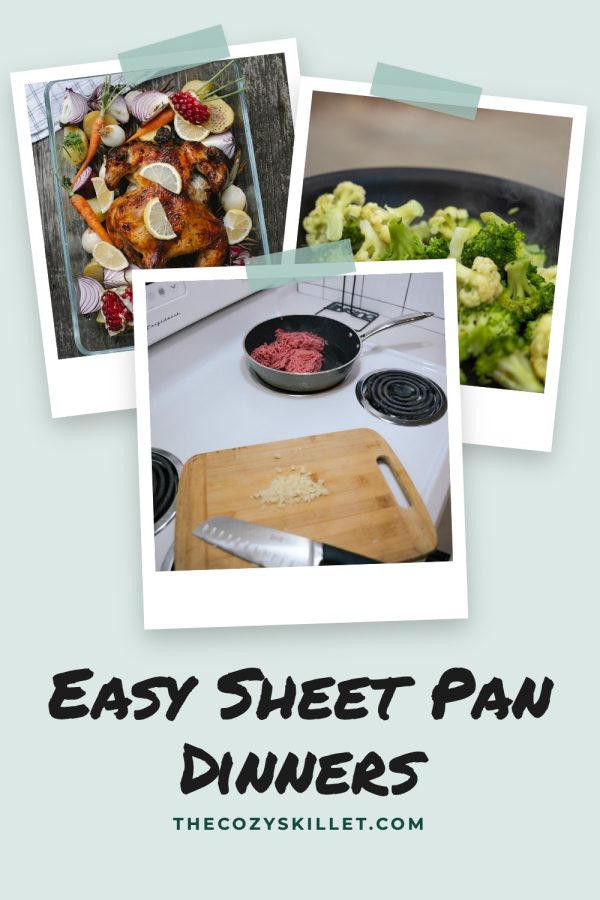 Approved
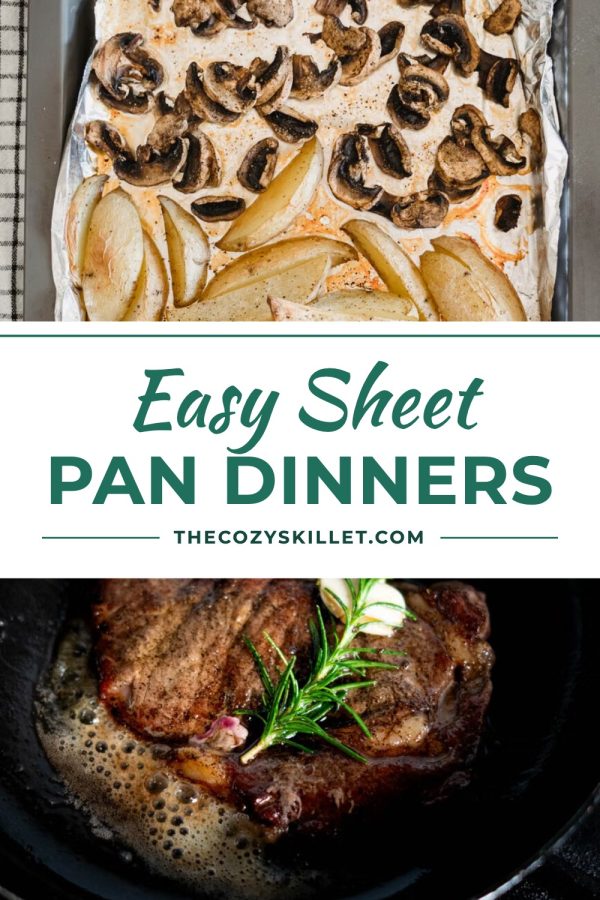 Headline hard to read · redrawing
Approved
Headline hard to read · redrawing
Approved
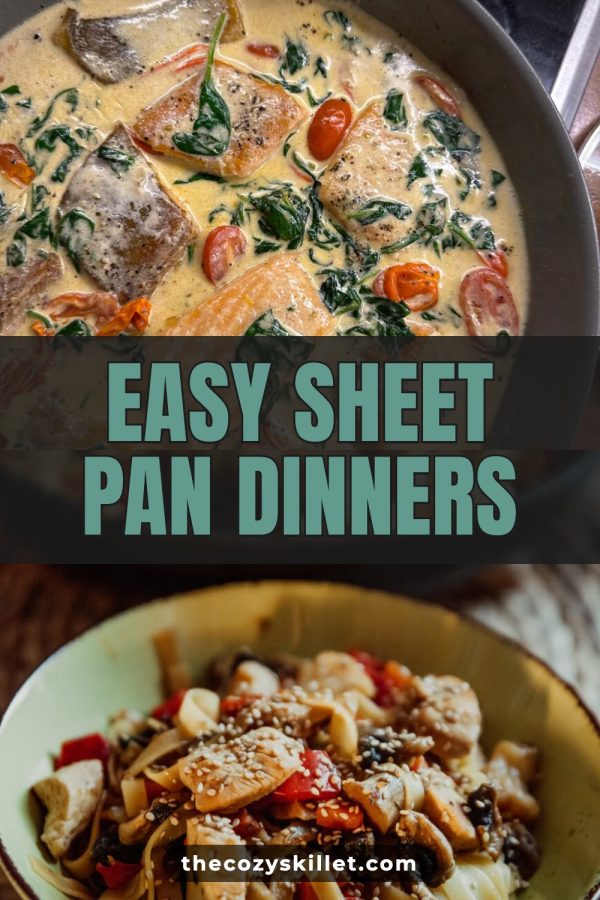
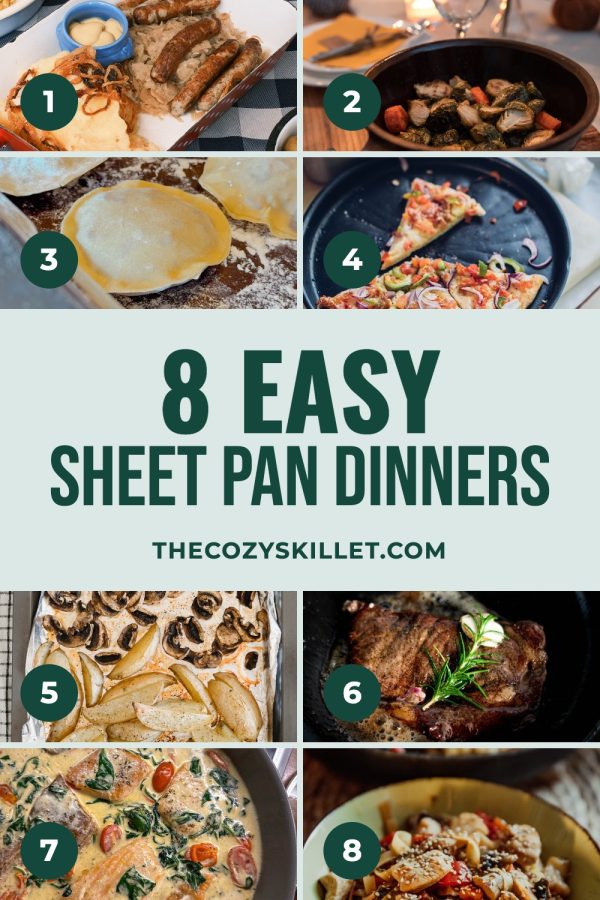 Approved
Pins designed and checked
 Approved
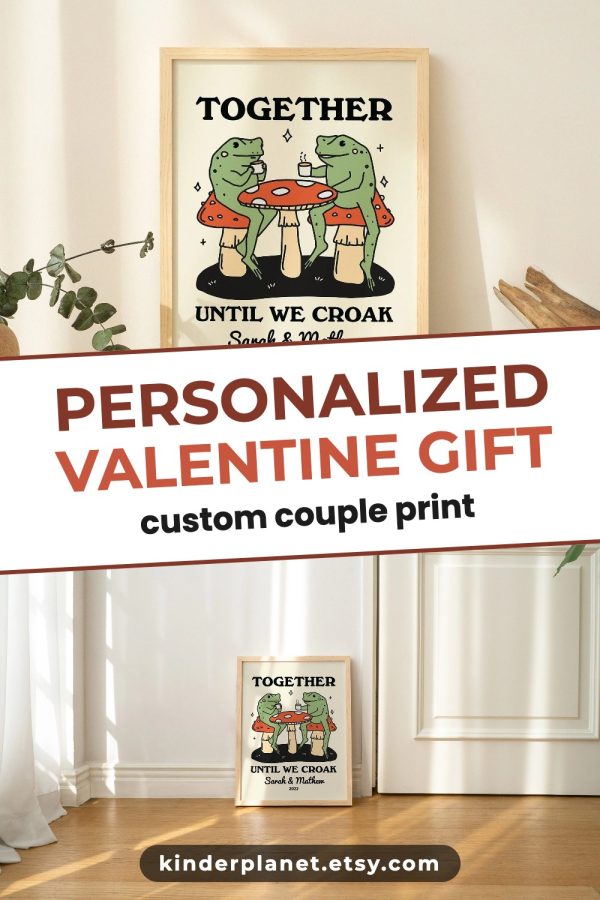 Headline hard to read · redrawing
Approved
Headline hard to read · redrawing
Approved
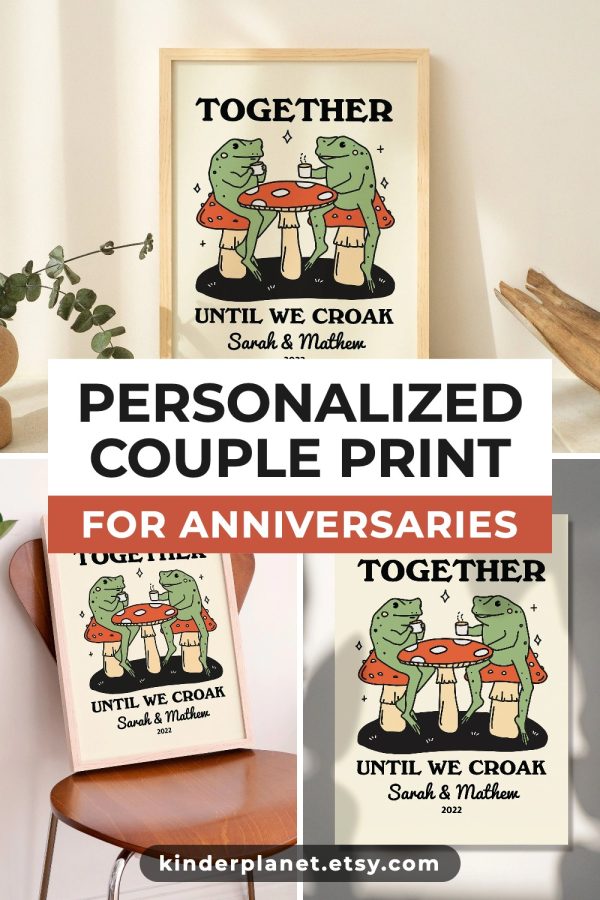 Approved
Pins designed and checked
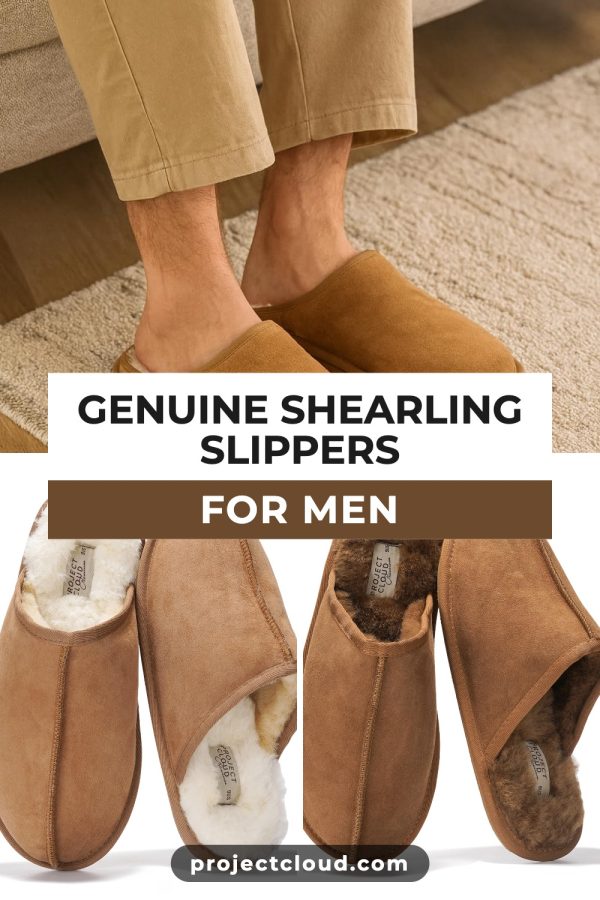 Approved
 Headline hard to read · redrawing
Approved
Headline hard to read · redrawing
Approved

 Approved
You approve, we space them out
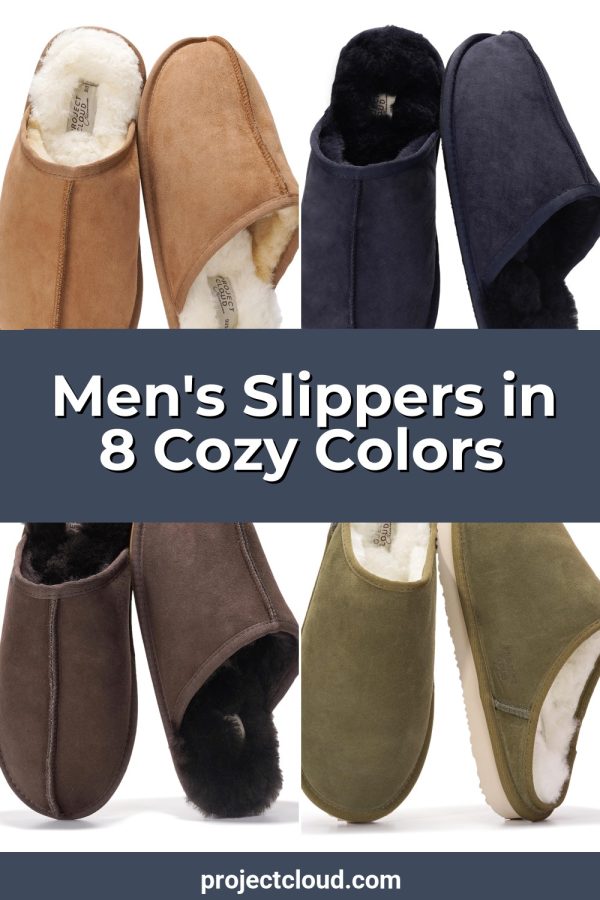
9 pins going outPins that look hand-designed
Designer templates filled with your photos and colours, not one template for everything.
No credit meter
Auto Pin and scheduling never use credits. The pins come with your plan.
Checked, never re-posted
Every pin gets a last look before it goes out, and old pins are never posted again.
You approve every pin
Auto Pin does the work. You give each pin a quick yes on your review day, the way Pinterest asks.
Pinterest rewards new pins every week. Few people can keep that up.
New pins for new posts, new pins for old posts, every week, on every account. By hand that means Canva, titles, boards and a scheduler. Then a busy month comes and the account goes quiet.
Made by hand
Great pins, until you have 40 posts, three sites and a week off. Every pin is another design session.
Pin generators
Faster, but the pins often look like they came off the same template, and you still go back every week to start the next batch.

Made to Spark
Connect once. Auto Pin keeps making pins that look designed for your new and best posts. You approve them in a minute, and they go out on a steady schedule.
Three choices. Then it keeps going.
Answer three questions once. Made to Spark takes it from there, every day.
-
01
Connect your site
Paste your blog or shop address. Nothing to install.
-
02
Choose what gets pinned
New posts, posts you pick, or both.
-
03
Pick your review day
Approve the week's pins in about a minute.
New posts get pinned. Old posts keep earning.
Auto Pin does the work for the two jobs Pinterest rewards. You just approve.
New posts
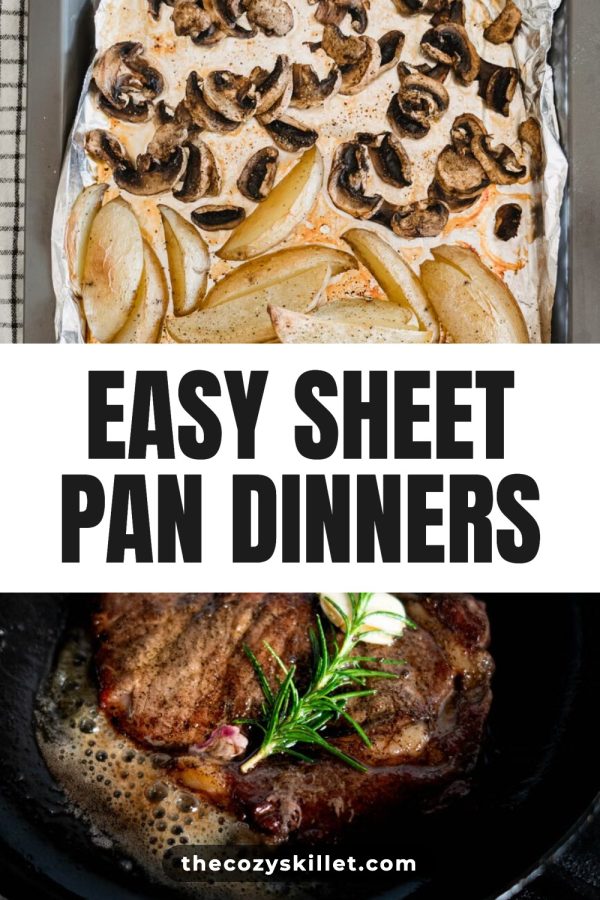
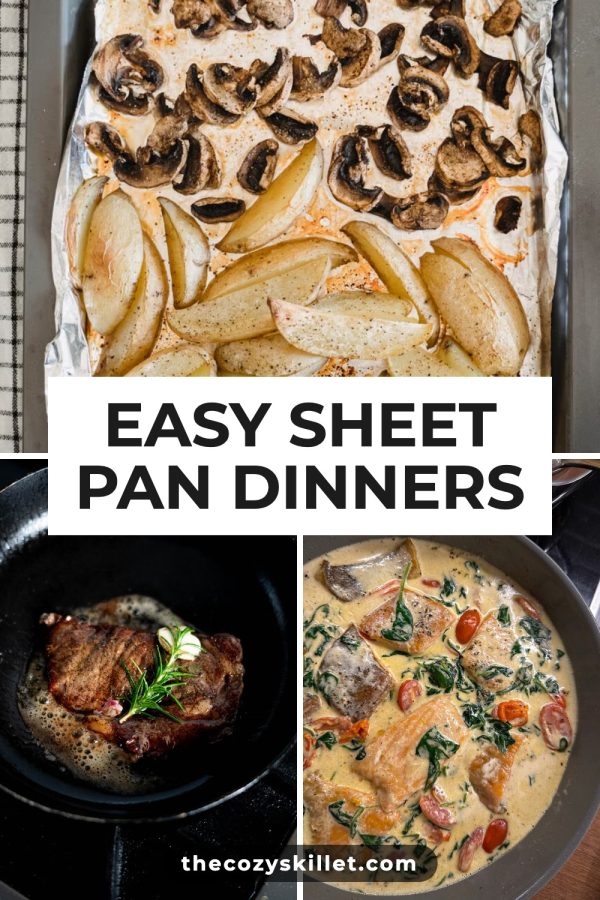
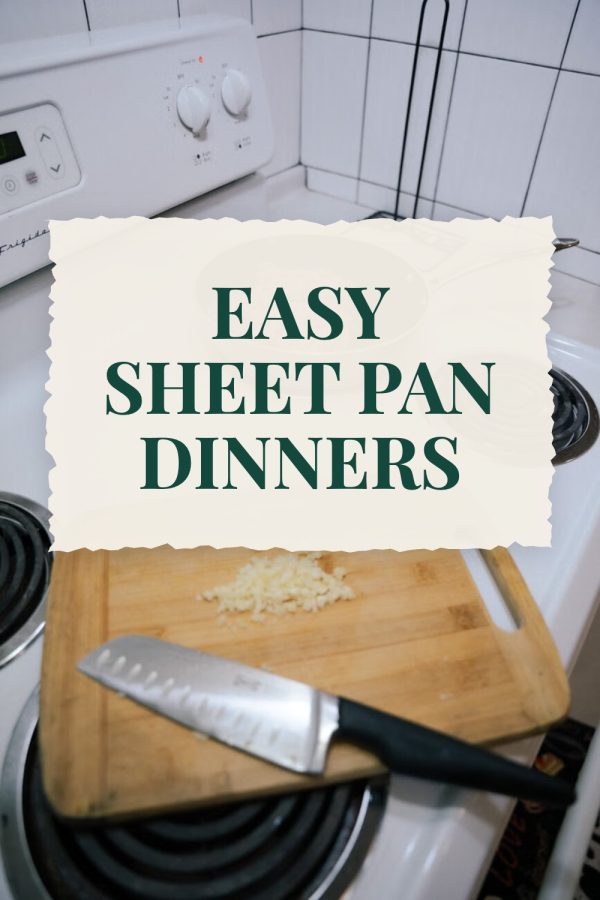
Publish as usual. By the next daily check, the post has designed pins ready to go.
- Up to 4 designs
- Title, description, alt text
- Board picked

Posts you pick
Pick your evergreen posts or best sellers. Each one gets a new pin at your pace, never the same pin twice.
- New headline every time
- New layout every time
- Posts with clicks ticked first
Anniversary
Valentine's Day
Couple print
 Gift idea
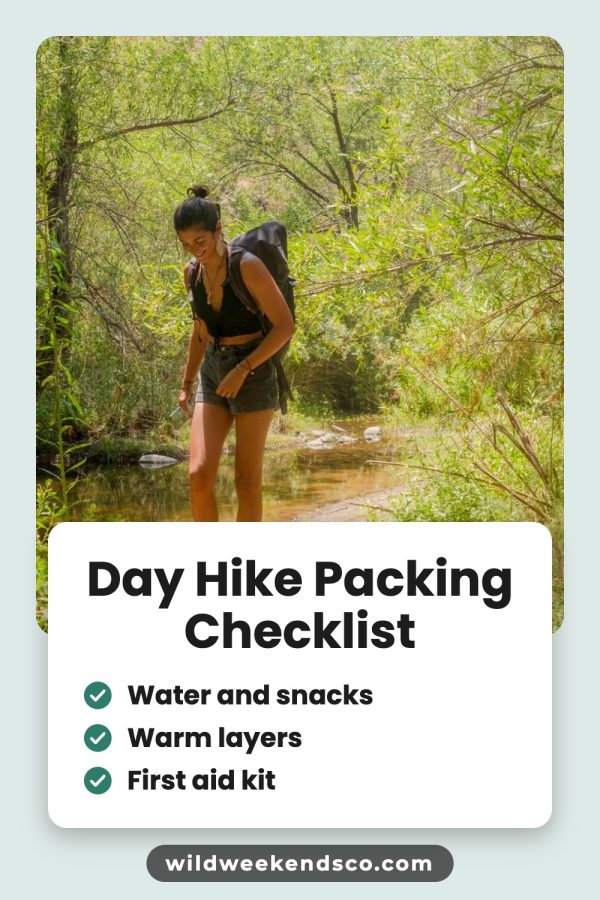
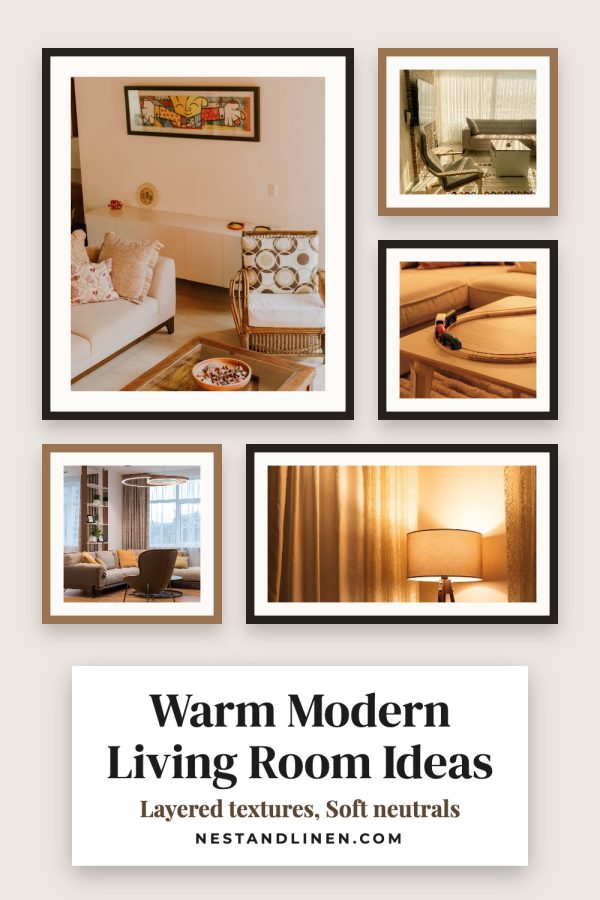
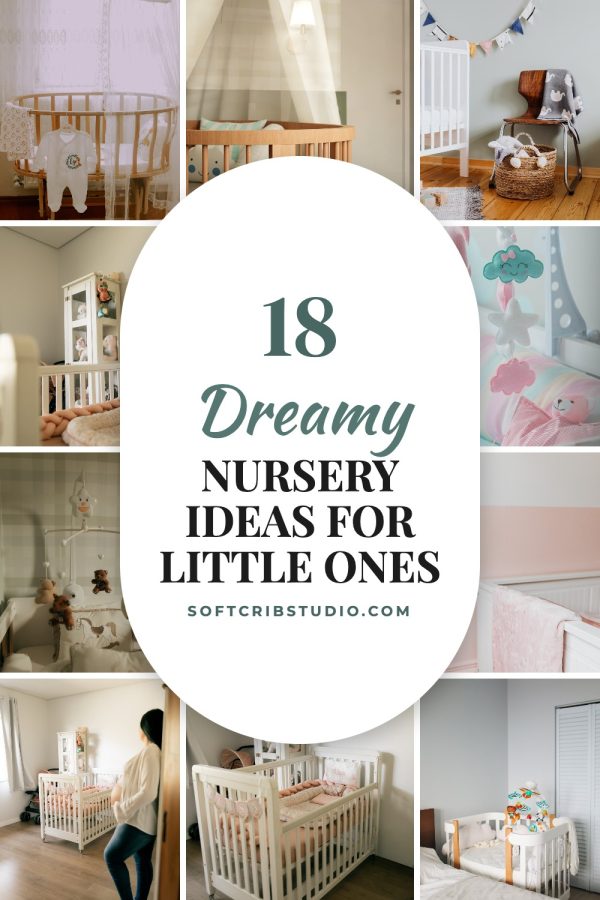
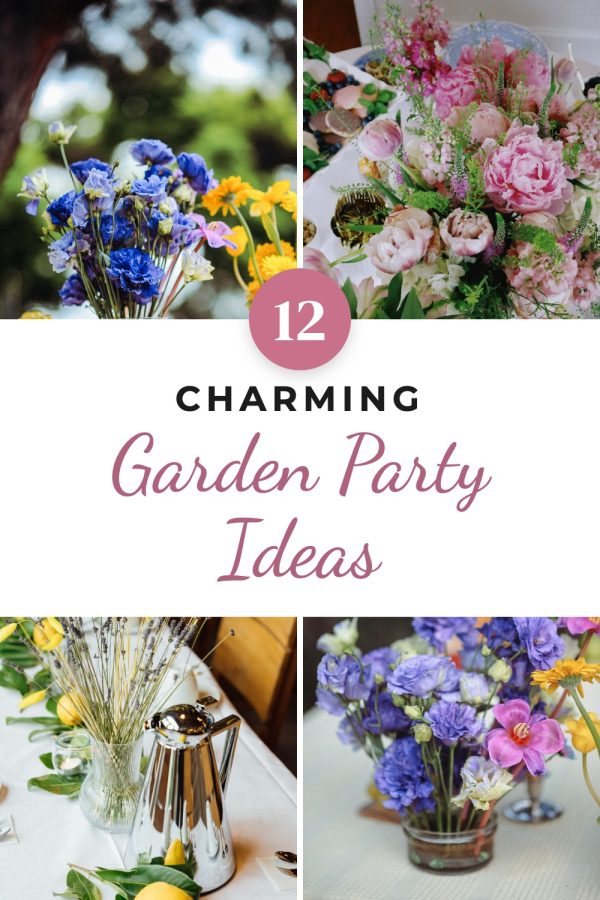
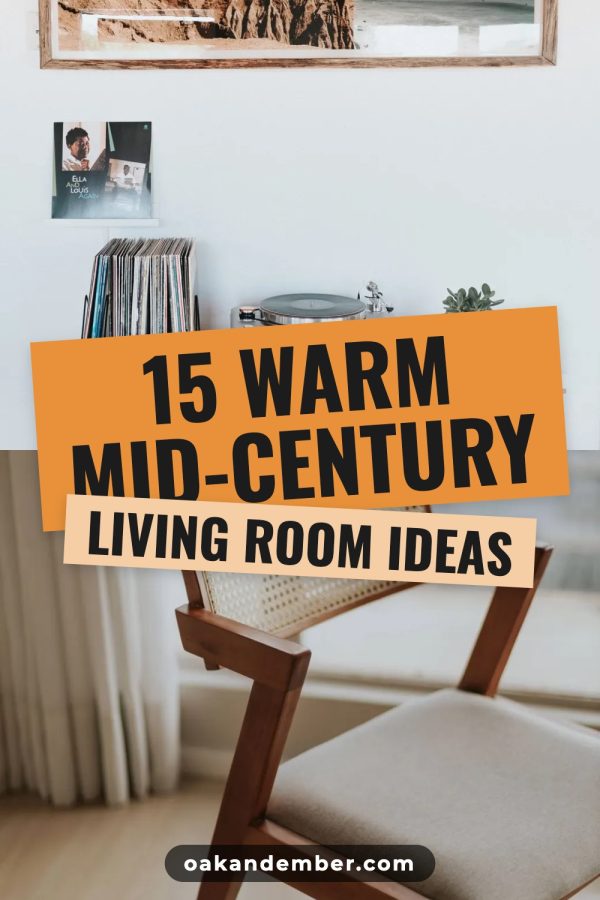
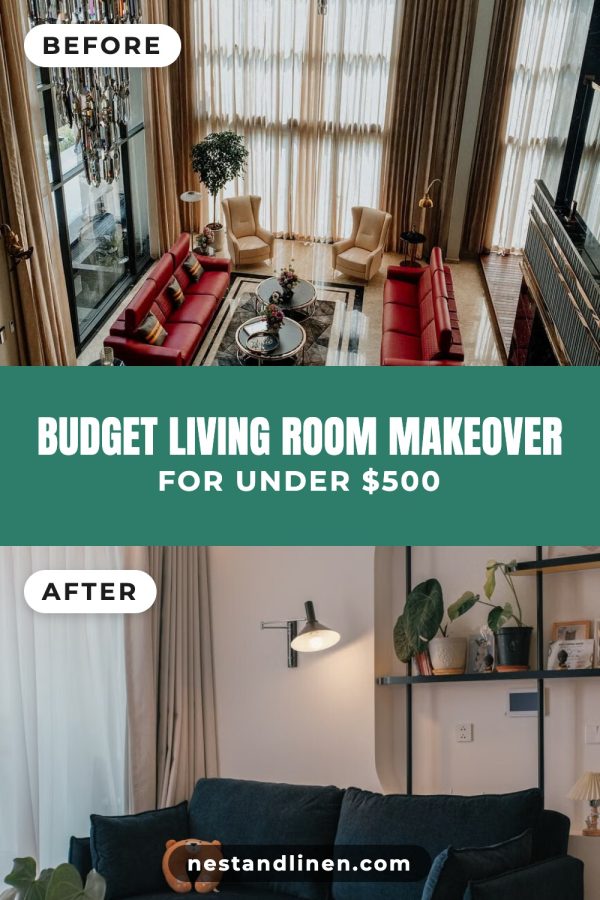
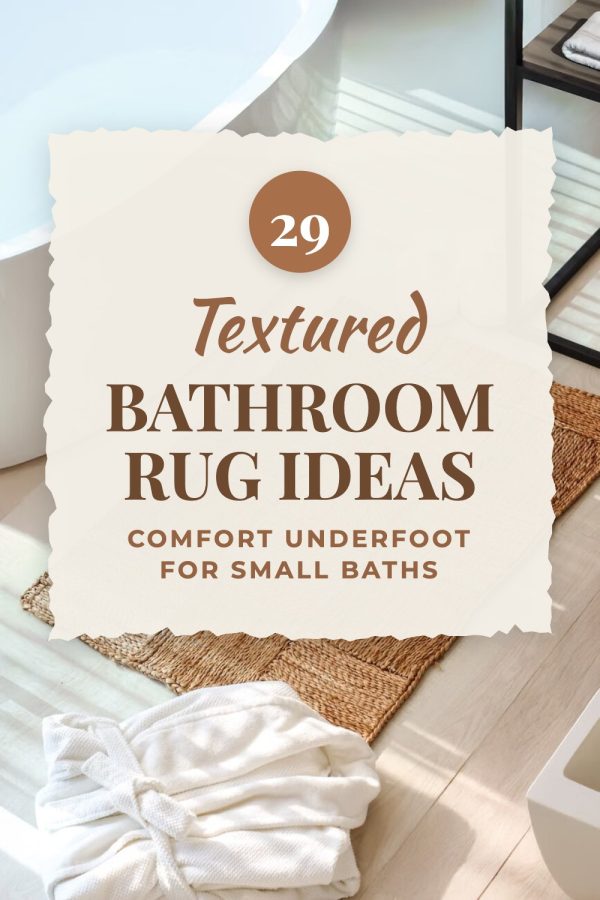
Automated pins that don't look automated.
Stacked headlines, script accents, photo collages and colour strips: the looks top pinners build by hand in Canva. We fill them with your photos, your headline and your website, in your site's colours.








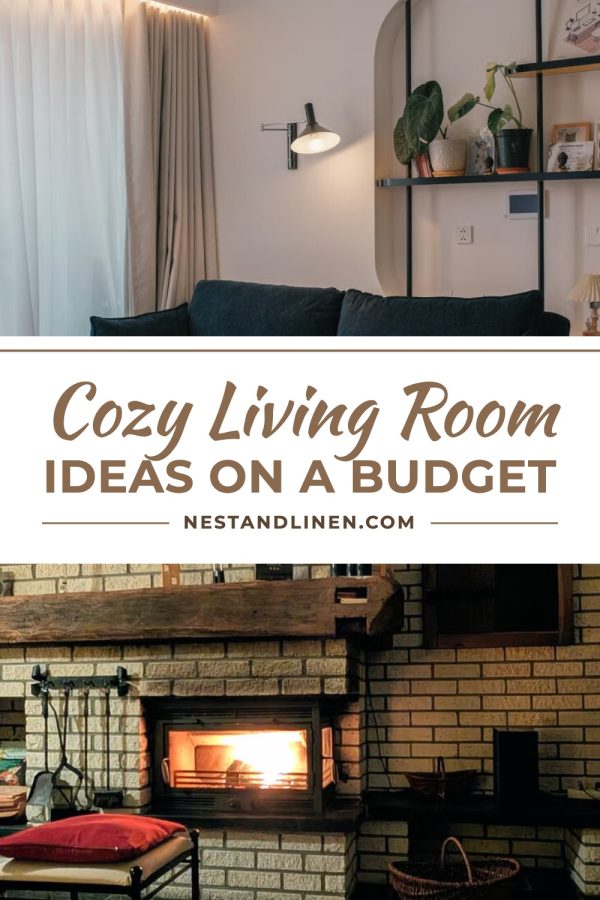


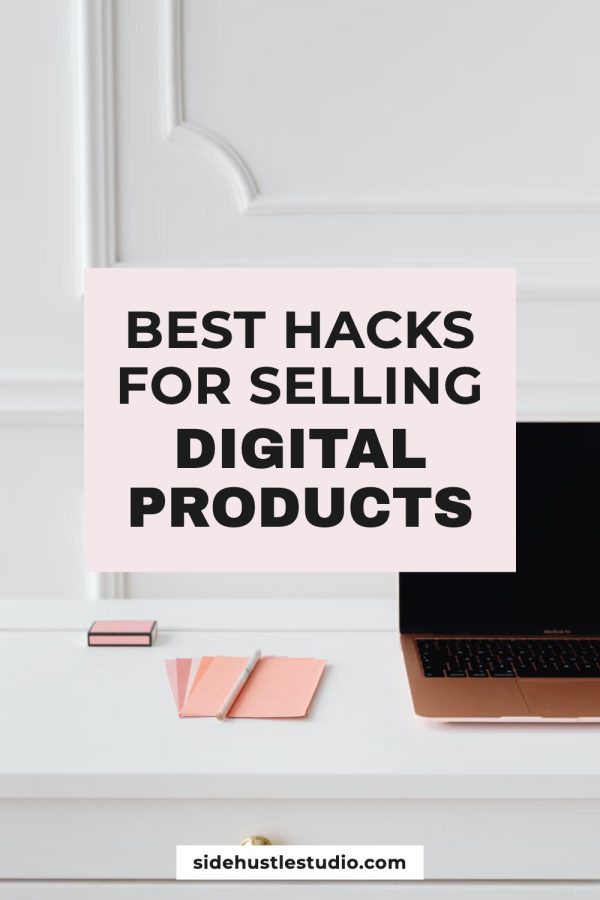
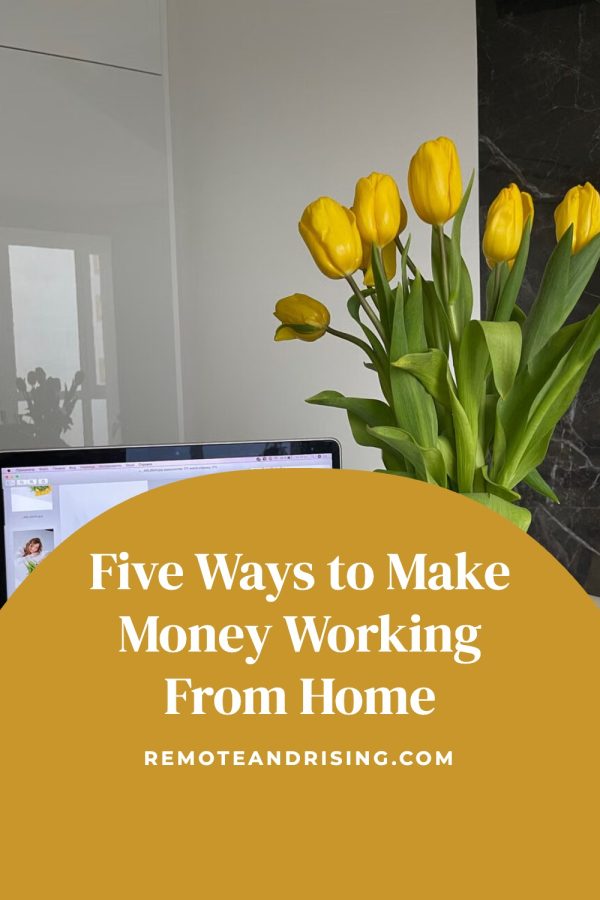
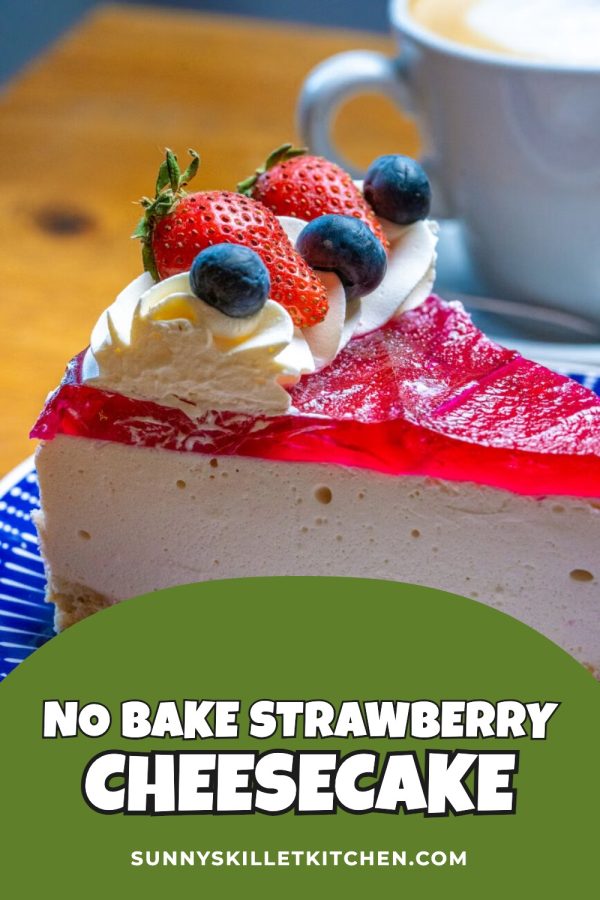
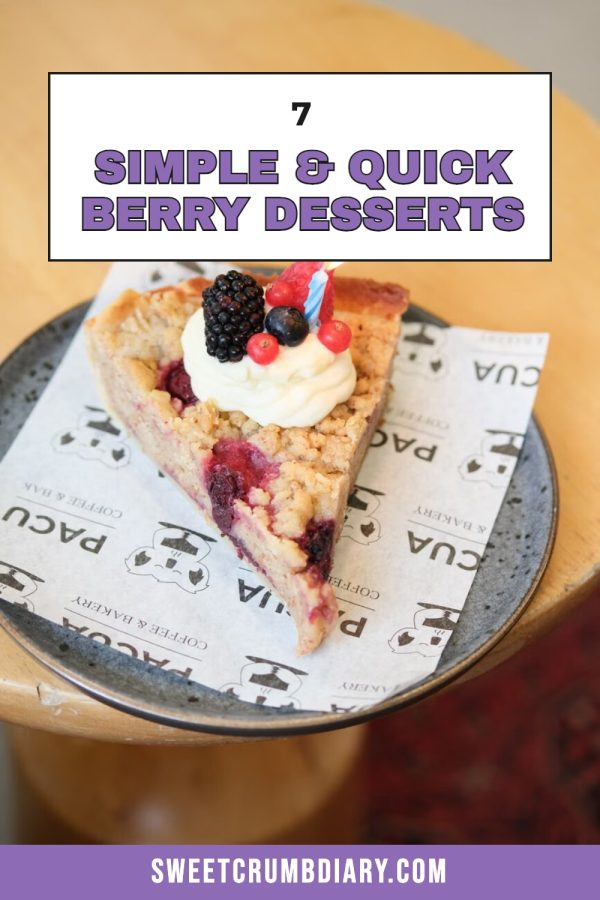
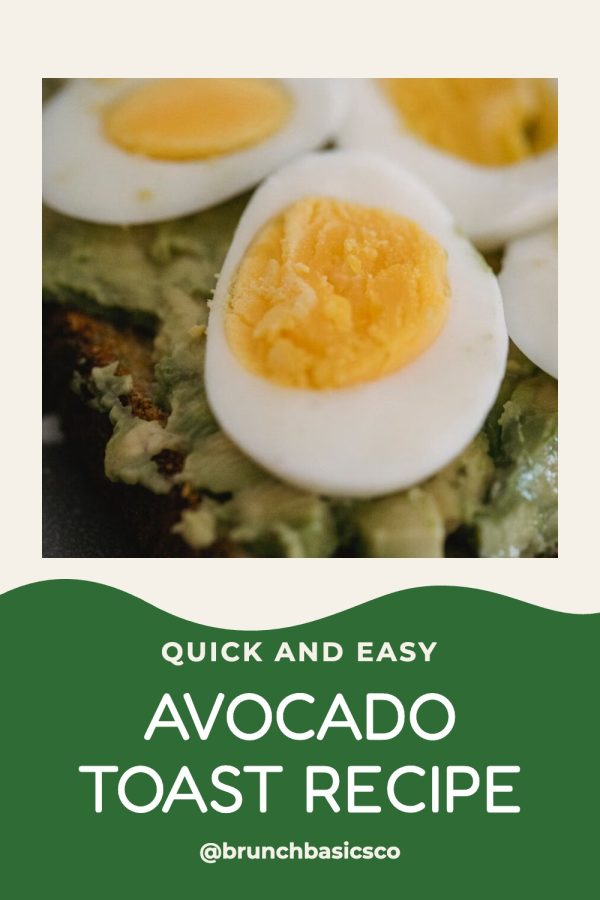
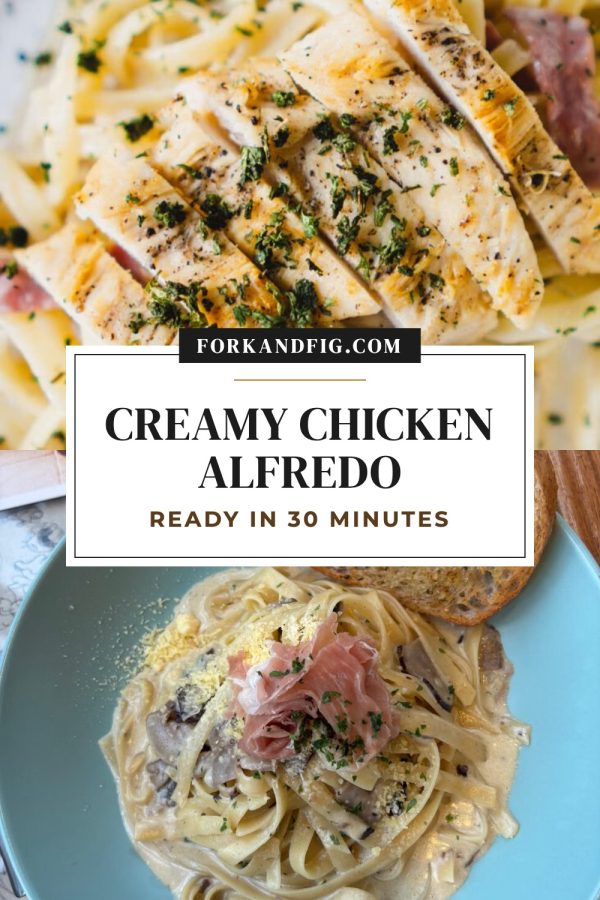

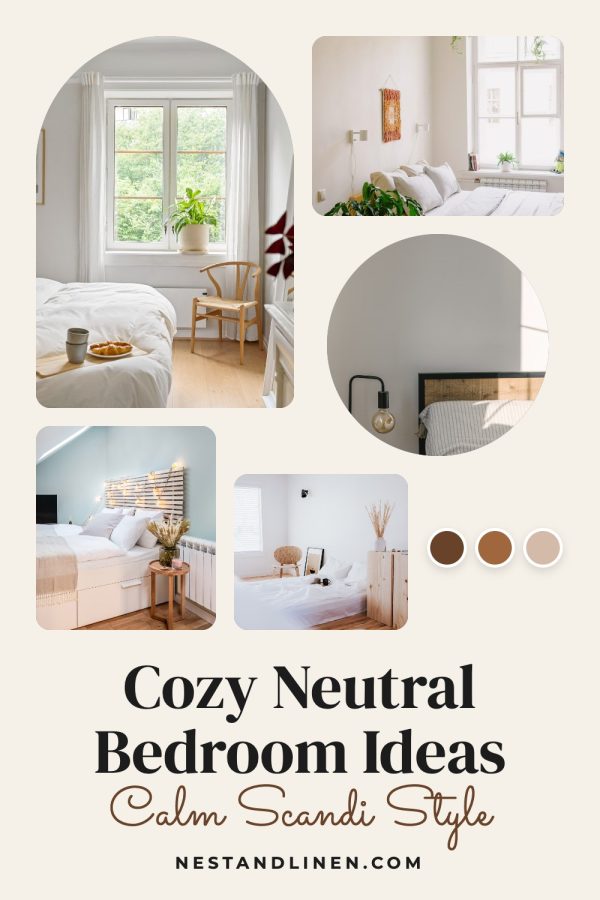



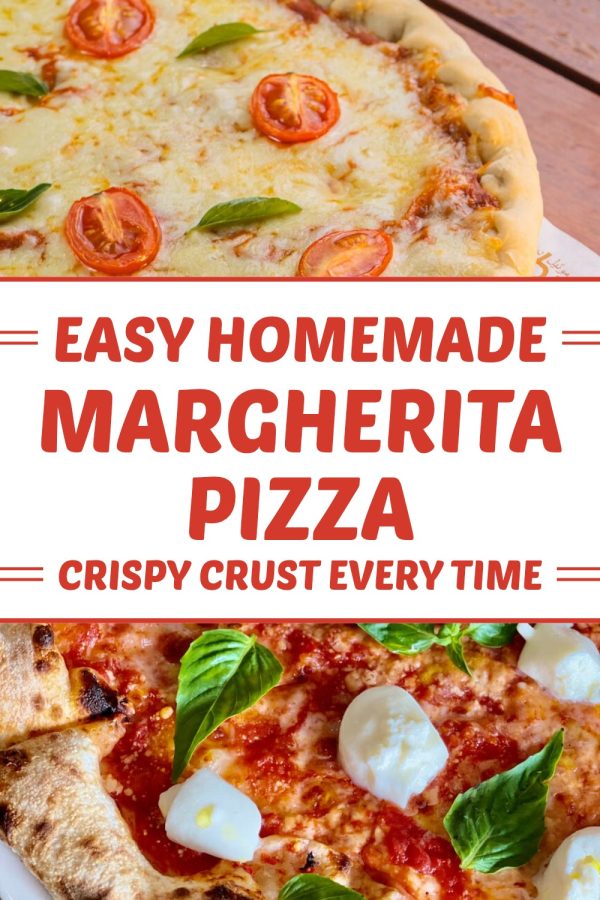

Every pin is checked before you see it
Right board
Each pin goes to the board that fits, or to the default board you chose.
New headline
A new pin for a picked post is written to avoid the headlines it already used.
New look each time
Designs and photos rotate, so pins for the same post don't look alike.
A last look
We look for cut-off faces, hard-to-read headlines and broken photos, and redraw the pin with other photos.
Then you approve each pin. Nothing reaches Pinterest without your click.
Browse all templatesAuto Pin does the work. You say yes.
Pinterest asks that a person chooses every pin that gets published. Auto Pin gets everything ready, so that takes about a minute a week.
-
A review day
An email on the day you pick, every week or every 4 weeks.
-
Edit any pin
Change the words or the board, or delete it.
-
Skip a post
One click takes a post out. Bring it back any time.
-
Pause a site
Resume whenever you like. Nothing is lost.
-
Pace and stop dates
How often a picked post gets a new pin, and when to stop.
-
Your designs
Templates, colours and website text, per site.
One login for every brand you manage.
Each brand gets its own workspace with its own Pinterest account, colours, designs, boards and Auto Pin settings. Switch between them in one click.
- A separate Pinterest account for every workspace
- Brand colours and pin designs set per site
- New site with a big back catalogue? Bulk Pins makes pins for hundreds of pages in one batch, ready for your review
- Built for real brands: pins come only from each brand's own pages, spaced out and checked, never mass-posted
Blogs, shops and the links you promote
Pins come from the photos and words on your own pages, so every pin matches what people find when they click.


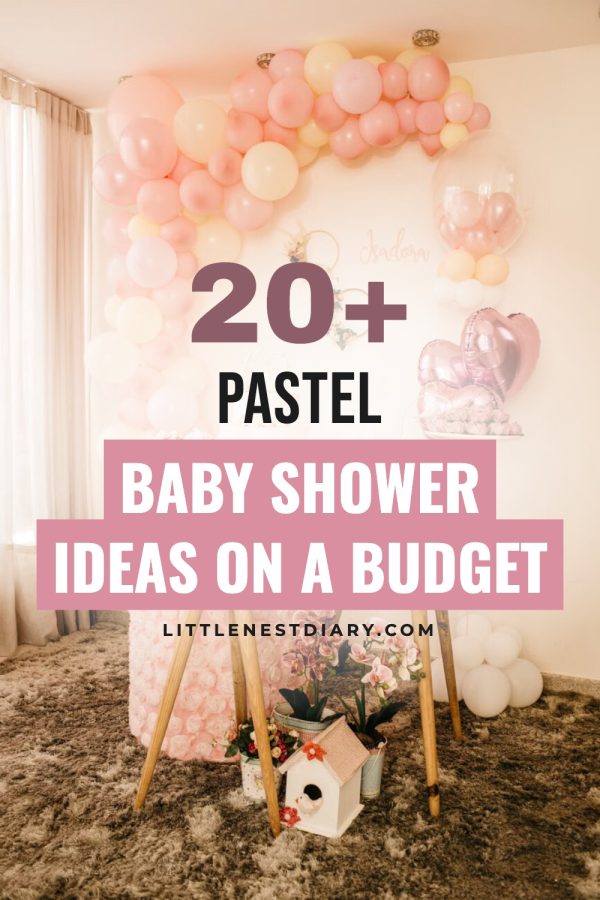

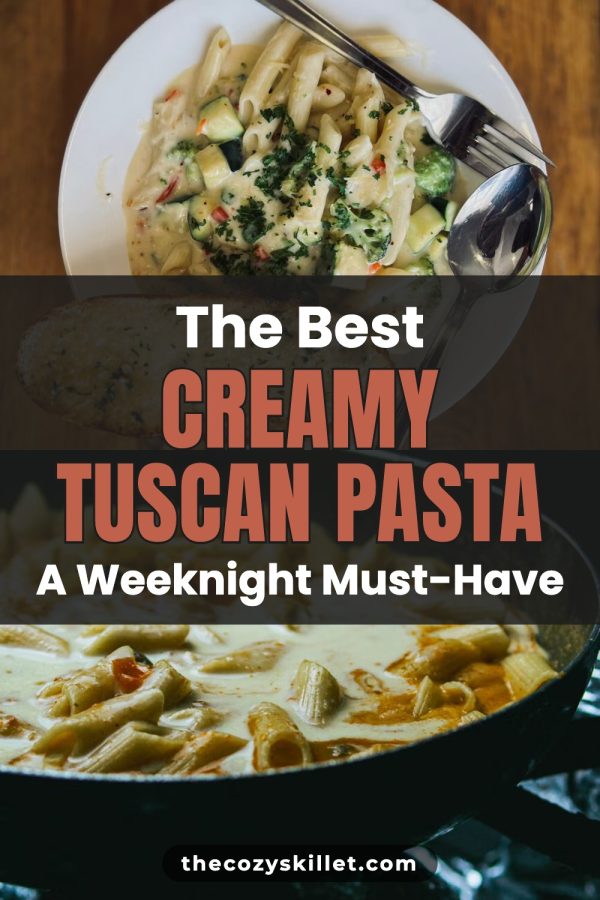
Bloggers
Connect WordPress or any blog with a sitemap. New posts get pinned, and your evergreen posts keep getting new pins.





Shops
Connect Shopify or paste your Etsy shop. Pins use your own product photos, so buyers see the real thing.

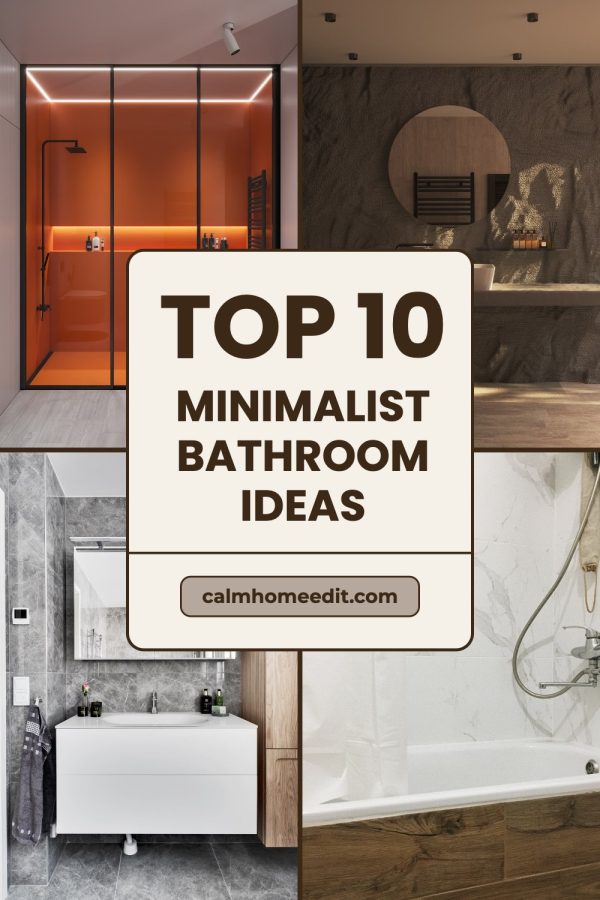
Affiliates
Paste the links you promote, from Amazon or any product page, and pick the ones that should keep getting new pins.
Only need a few pins? Paste any link and get up to five pins in a minute. Make pins from one link
In their own words
Less time making pins. Fewer tools. Pins they are proud to post.
“I’m working on a fashion blog and was using multiple tools to create pins that didn’t really match the standards I had in mind. Made to Spark came at just the right moment. I had tried a ton of tools to create pins but none match the quality of pins made by Made to Spark. One very impressive thing when using this tool is how quick Paul helps when I need help with an extra feature or get stuck using the tools. His support when using this tool is second to none.”

“Hi my name is Linda and I am an Amazon Associate posting pins to Pinterest. Madetospark is an awesome product. Very intuitive to use, and trust me I am not the smartest cookie in the bunch. However, Paul has been an amazing help. If you are in doubt, I would definitely recommend Madetospark to anyone who is generating pins.”
“It turns what is usually a time-consuming, fragmented process into a smooth and efficient system. It empowers me to focus on strategy and creativity instead of execution…”

Plans that grow with you
Auto Pin, scheduling and template pins come with Solo & Growth. Credits are only for AI pins.
Lite
Make pins yourself, for one site.
Billed annually: $108/year
or ~$9/mo billed yearly
Start Lite Billed yearly Start Lite Billed monthly- No Auto Pin or Bulk Pins
- Schedule up to 5 pins a day
- 300 template pins a month
- 30 credits for AI pins
- 1 workspace
Solo
Auto Pin for your blog or shop.
Billed annually: $144/year
or ~$12/mo billed yearly
Start Solo Billed yearly Start Solo Billed monthly- Auto Pin + Bulk Pins: 300 pins a month
- Schedule up to 30 pins a day
- Template pins included
- 100 credits for AI pins
- 5 workspaces
Growth
Auto Pin for more brands and more pins.
Billed annually: $499/year
or ~$42/mo billed yearly
Start Growth Billed yearly Start Growth Billed monthly- Auto Pin + Bulk Pins: 750 pins a month
- Schedule up to 50 pins a day
- Template pins included
- 500 credits for AI pins
- 15 workspaces
Every plan: your brand colours and logo, pins in 6 languages, cancel anytime.
Template pins use the photos on your pages and come with every plan. AI pins, where AI creates the whole image, use 1 credit each.
Credit Packs
- Every pin costs 1 credit
- Valid for 3 months
- No Pin Scheduler
- No bulk creation
-
20 Credits One-time
$0.15 per credit
$3.00Buy Credits -
100 Credits
$0.15 per credit
$15.00Buy Credits -
500 Credits
$0.13 per credit
$65.00Buy Credits
Cancel anytime · 7-day refund policy · Secure payments via Stripe.
Questions about Auto Pin
Yes — we offer a 7-day money-back guarantee on subscriptions and credit packs:
- Subscriptions: full refund of the latest charge within 7 days if fewer than 20 credits were used.
- Credit packs: refundable within 7 days if less than 20% of credits were used.
- Starter trial: the $3 trial is a one-time promotional offer and is not refundable.
One refund per account. See the full refund policy →
Connect your first site today.
Next month's pins are handled.
Choose what gets pinned and your review day. Add more sites whenever you're ready.